Language schools have one of the hardest marketing jobs in education. You are selling something invisible: the ability to speak, read, or understand a language that your students don't yet know. That gap between "I want to learn" and "I'm signing up" is where most schools lose people, and it almost always comes down to the quality of the materials they put in front of prospective students. If your course catalog is a flat PDF that nobody reads past page two, or your welcome packet is a stack of printed pages handed out on day one, you are leaving enrollment on the table. Flipbooks AI changes that equation entirely.
Why Static Materials Are Costing You Students
The Problem With Flat PDFs
A PDF is a finished document. It sits still, it doesn't respond to a screen size, and when someone opens it on their phone, it immediately becomes a frustrating pinch-and-zoom experience. Research consistently shows that mobile users abandon static documents within seconds when the layout breaks. For a language school, that means a prospective student who found your school on Instagram, clicked through to your course catalog, saw a tiny PDF, and left, never to return.
There's also the sharing problem. A PDF attached to an email doesn't get forwarded. It doesn't get shared on WhatsApp. It doesn't show up in a group chat between friends deciding which school to attend together. Interactive digital content does.
What Today's Students Actually Expect
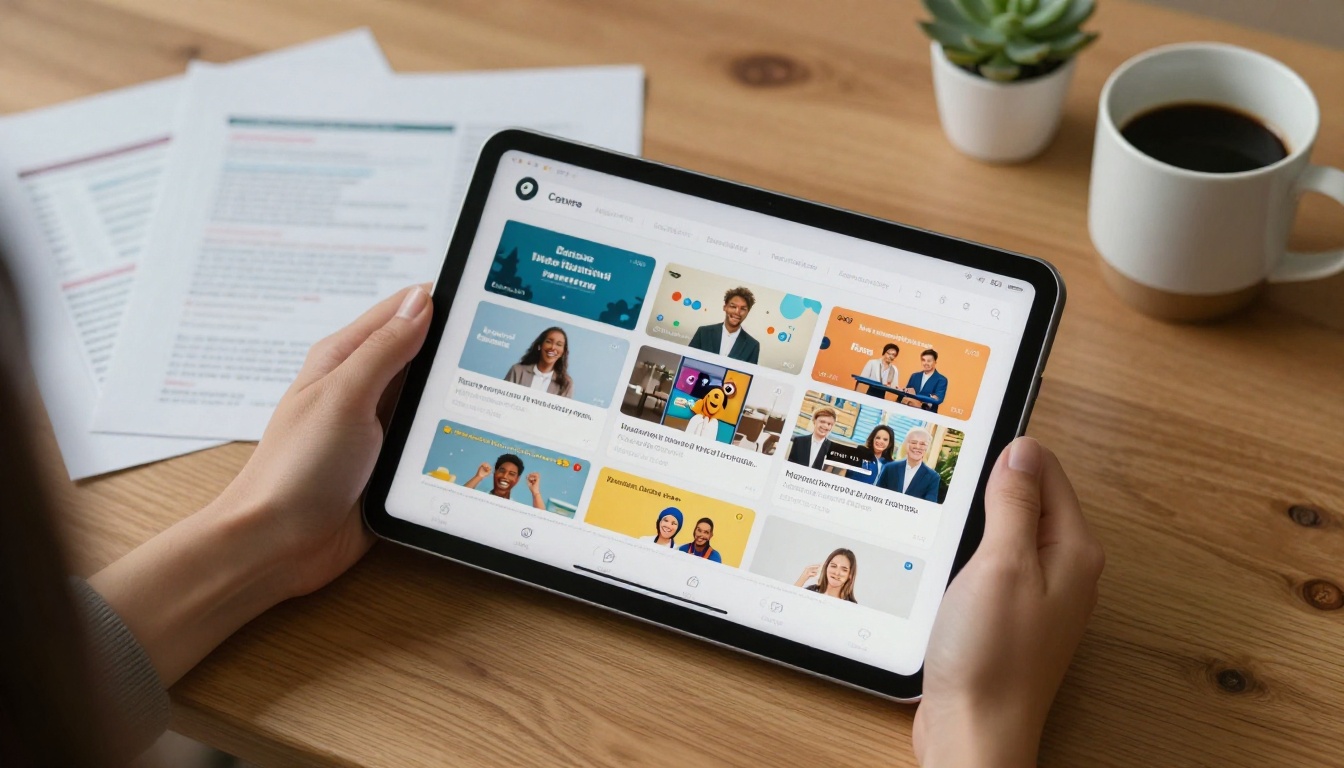
Students comparing language schools in 2027 are doing it on their phones, often in a second language, often while commuting. They expect:
- Visual clarity at any screen size
- Fast loading with no downloads required
- Easy sharing with a single link
- Professional presentation that signals the school is modern
A language school that hands over a thoughtfully designed digital flipbook immediately signals that it runs a professional operation. That first impression carries significant weight.
The Right Materials for a Language School Flipbook
Not every document your school produces deserves the flipbook treatment, but several absolutely do. Here's how to think about which materials to convert first.
Course Catalogs That Close Enrollments
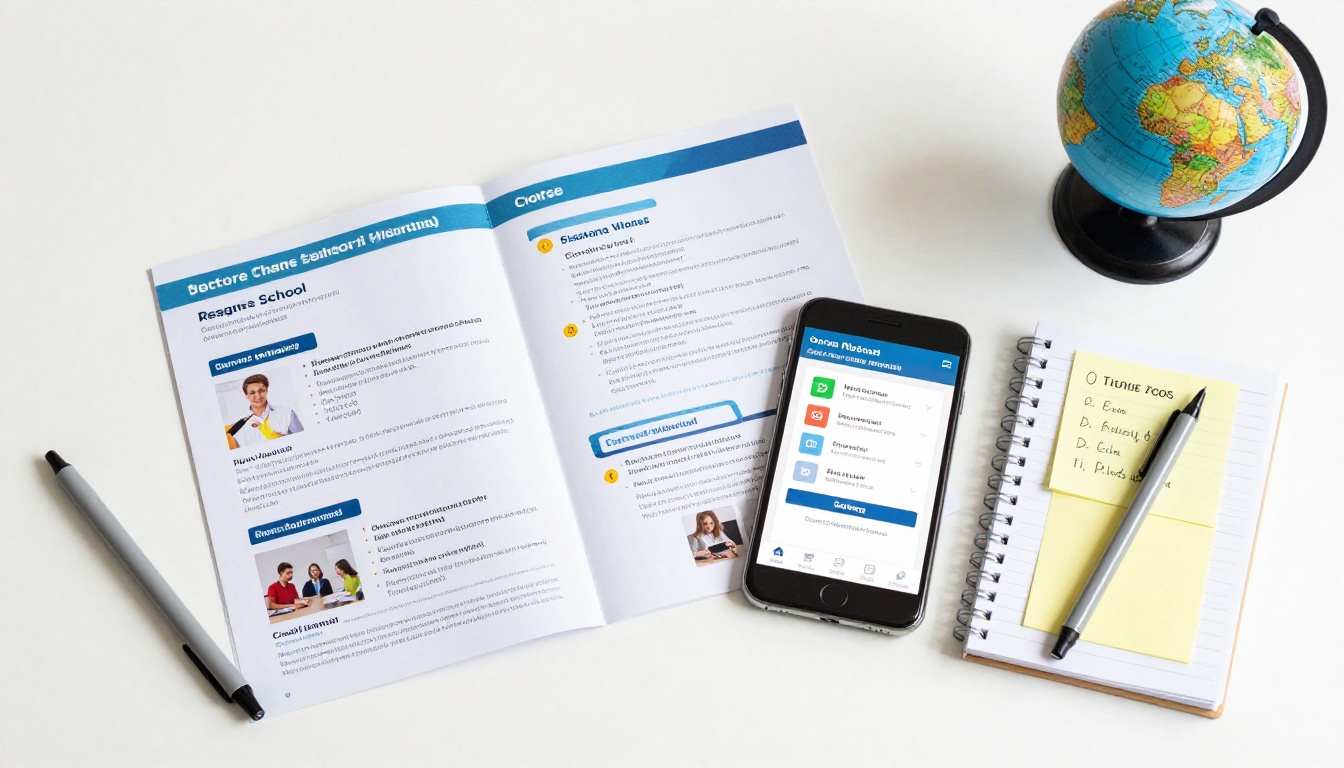
Your course catalog is the most important marketing document you produce. It is the place where a prospective student decides whether your school is worth their money and time. A well-designed interactive course catalog, built with something like the Course Material Publisher, lets you:
- Display each course with a visual layout that makes the content feel alive
- Include embedded audio clips demonstrating pronunciation or instructor style
- Let students flip through levels, from beginner to advanced, in a natural page-turn flow
- Update pricing or schedules without reprinting anything
💡 Pro tip: Structure your catalog so that beginner courses appear first, with a clear visual progression to advanced levels. Students want to see the journey, not just the destination.
Student Handbooks and Welcome Packets
First impressions matter. When a new student receives their welcome materials, the quality of those materials tells them everything about the school they chose. A digital student handbook sent as a shareable link is far more impressive than a stapled packet handed out in class.
The handbook can include:
- School policies and schedules in a clean, readable format
- Teacher profiles with photos and language specializations
- Campus maps and facility information
- Contact information and emergency procedures
Enrollment Brochures for Parents and Sponsors
Many language students, especially younger ones or those on company-sponsored programs, need to present a case to parents or employers before enrolling. A polished enrollment brochure that they can share via a single link, view on any device, and forward without attachment limits is a genuine competitive advantage.

What to Put in Your Language School Flipbook
The content inside your flipbook matters as much as the format. Here's a breakdown of what works for different document types.
| Document Type | Must-Have Sections | Optional Extras |
|---|
| Course Catalog | Course levels, schedule, pricing, teacher bios | Audio samples, video intro, testimonials |
| Student Handbook | Policies, calendar, contacts, maps | FAQ, student tips, cultural notes |
| Enrollment Brochure | School overview, program highlights, fees, how to enroll | Accreditation info, success stories, partner logos |
| Newsletter | School news, student spotlights, upcoming events | Photo galleries, language tips, community updates |
| Event Program | Schedule, speakers, activities | Sponsor acknowledgments, maps, dress code |
Pages That Actually Convert
The pages that convince people to enroll are not the ones that list features. They are the ones that answer the questions every prospective student has but doesn't ask out loud:
- "Will I fit in here?"
- "Are the teachers actually good?"
- "Is this worth the money?"
Answer those with student testimonials, teacher introduction pages, and a transparent pricing section. Put these early in your flipbook, not buried at the back.

How to Create a Language School Flipbook on Flipbooks AI
This is the step-by-step process for turning your existing course materials into a professional interactive flipbook. Start by visiting Flipbooks AI and creating your account at flipbooksai.com/account.
Step 1: Prepare Your PDF
Before uploading, make sure your PDF is production-ready:
- Set page size to A4 or US Letter for best rendering
- Embed all fonts to prevent substitution issues
- Compress images to keep the file under 50MB
- Number your pages and add a table of contents if the document is longer than 10 pages
- Double-check that all text is readable at standard screen sizes
⚠️ Warning: PDFs with password protection or editing restrictions will fail to convert. Remove restrictions before uploading.
Step 2: Upload and Convert

The upload process on Flipbooks AI is straightforward:
- Log in to your account dashboard
- Click "New Flipbook" and drag your PDF into the upload zone
- Wait for the conversion to complete (typically under 60 seconds for most school documents)
- Preview the result page by page before publishing
The PDF to Flipbook Converter handles the technical side automatically, preserving your layout, fonts, and image quality while adding the interactive page-turn animation.
Step 3: Brand Your Flipbook
This is where your school's identity takes over. In the customization panel, you can:
- Set your primary and secondary brand colors to match your school's visual identity
- Upload your school logo for the header and toolbar
- Choose a background style (clean white, subtle texture, or dark mode for premium feel)
- Add a custom thumbnail for social sharing previews
- Select page-turn animation style (realistic paper flip or smooth slide)
✅ Best practice: Use the same color palette you use on your school's website. Consistency across touchpoints builds trust with prospective students who research across multiple channels before deciding.
Step 4: Add Multimedia
One of the most underused features for language schools: embedding audio and video directly into flipbook pages. Consider adding:
- A 60-second welcome message from your director on the opening page
- Audio pronunciation examples on course description pages
- A short virtual tour video on your campus facilities page
- Student testimonial clips embedded in your success stories section
This turns a static course catalog into an experience that no printed brochure can replicate.
Step 5: Share It Everywhere
Once published, your flipbook is instantly shareable. Options include:
- Direct link: Share via email, WhatsApp, social media, or any messaging platform
- Embed code: Use the Embed Flipbook on Website tool to place it directly on your enrollment or courses page
- Password protection: For internal materials like staff handbooks, restrict access with a password
- QR code: Print a QR code on physical posters or business cards that opens the digital flipbook directly
Comparing Plans for Language Schools
Different school sizes have different needs. Here's how the Flipbooks AI pricing plans map to common language school use cases.
| Feature | Free | Standard | Professional |
|---|
| Flipbooks per month | Limited | Unlimited | Unlimited |
| Watermarks | Yes | No | No |
| Custom branding | No | Yes | Yes |
| Password protection | No | Yes | Yes |
| Embed on website | No | Yes | Yes |
| Analytics | No | No | Yes |
| Lead generation forms | No | No | Yes |
| Offline downloads | No | No | Yes |
| Audio/video embedding | No | Yes | Yes |
💡 For most language schools, the Standard plan hits the sweet spot: no watermarks, unlimited flipbooks, custom branding, and embed capability for the daily operational needs without overpaying for analytics you may not need yet.
Real Situations Where Flipbooks Work
The Open Day Scenario
Your school hosts an open day for prospective students. Instead of handing out printed brochures that get left on tables or stuffed in bags and forgotten, you display a QR code at the reception desk. Visitors scan it, open your course catalog flipbook on their phone, and browse it during the event and after they get home. Your materials stay with them.
The B2B Corporate Language Training Pitch
Your school offers corporate language training for businesses. When you send a proposal to an HR department, instead of attaching a 4MB PDF that may never open correctly, you send a single link to a beautifully branded flipbook. The HR manager can share it with their director in one click. It looks professional on any device. You get notified when it's opened (on the Professional plan).
The International Student Application Pack
Students applying from abroad need to show their families and sometimes sponsors exactly what they are enrolling in. A shareable, multilingual-friendly flipbook that works on any device, in any country, without requiring a download, removes every friction point from that process.
Flipbooks AI has specific tools that align naturally with what language schools produce day to day:
| Tool | Best For | Link |
|---|
| Course Material Publisher | Course syllabi, lesson plans, curriculum docs | View Tool |
| Training Manual Flipbook | Staff training, teaching methodology guides | View Tool |
| School Newsletter Creator | Monthly student newsletters, parent communications | View Tool |
| Yearbook Flipbook Maker | Annual student yearbooks, graduation commemorations | View Tool |
| Event Program Maker | Ceremony programs, workshop schedules | View Tool |
| Brochure Flipbook Maker | School overview brochures, program highlights | View Tool |

The Printed vs. Digital Reality
Language schools often ask whether they should abandon print entirely. The honest answer is no, but the balance has shifted dramatically.
Printed materials still have a role: a well-designed card handed to someone at a conference, a poster in a community center, a certificate of completion. But for multi-page documents that need to be distributed at scale, updated regularly, accessed on mobile devices, and shared across networks, digital flipbooks win on every metric.
The cost comparison alone makes the case. Printing 500 copies of a 20-page course catalog, including design, print, and distribution, typically runs between $800 and $2,500 depending on quality. A digital flipbook costs nothing to distribute, can be updated instantly when your schedule changes, and reaches an unlimited audience without additional cost.
Making Your Materials Work Harder
The schools that get the most from digital flipbooks are the ones that treat them as living documents rather than one-time publications. Set a reminder to update your course catalog each term. Add new student testimonials to your enrollment brochure quarterly. Create a new edition of your school newsletter each month and share the link across every channel you use.
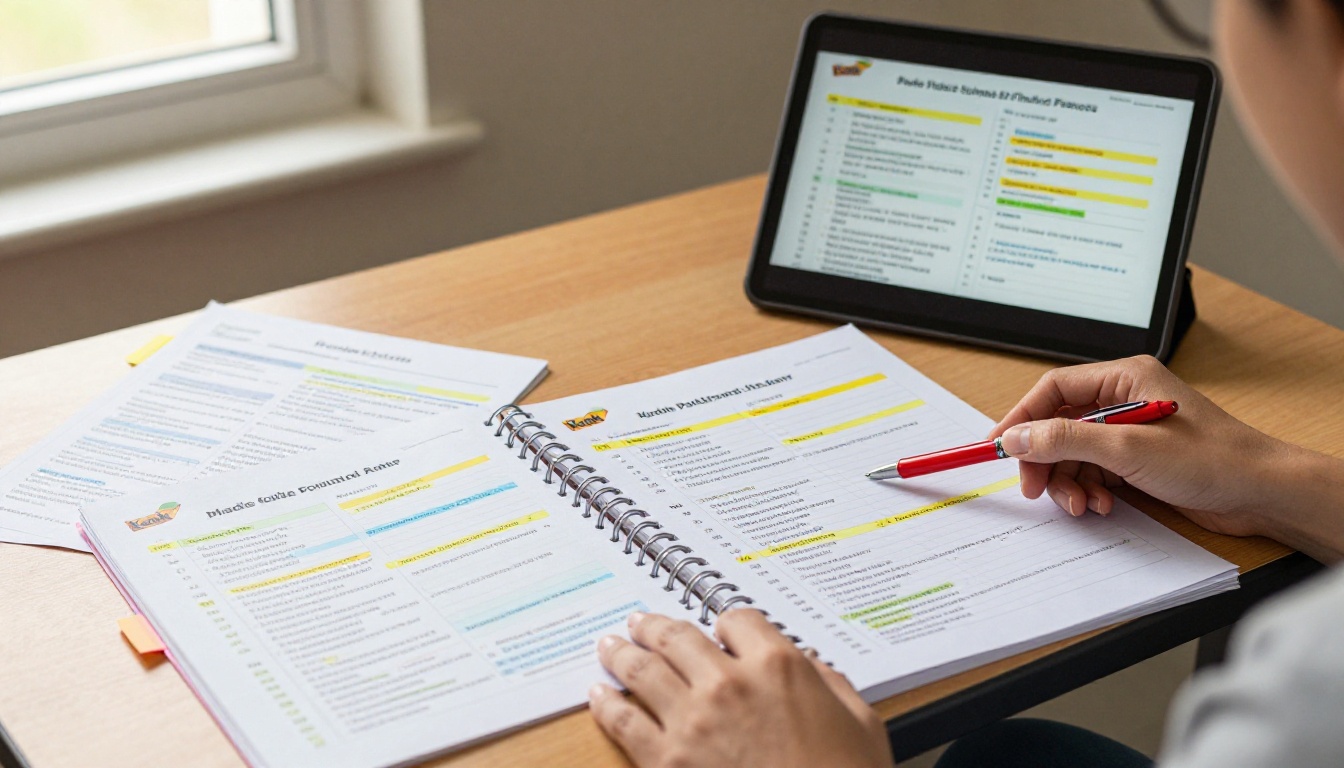
On the Professional plan, the analytics features show you exactly which pages people spend the most time on, where they drop off, and how they found your flipbook. For a language school, that data is gold: it tells you whether prospective students are reading your pricing page, whether they are getting to your teacher bios, and whether your call to action at the end is actually being seen.
✅ Best practice: Use your flipbook analytics to improve your content. If most readers never reach page 8, your most important information should be on pages 1 through 4.
If you are ready to stop losing prospective students to flat PDFs and start giving your school the professional digital presence it deserves, get started for free on Flipbooks AI today. Browse all available tools and templates built for education, and check pricing plans to find the option that fits your school's size and budget.



