Your life coaching program is only as powerful as the materials you put in your clients' hands. A beautiful, interactive flipbook changes everything: it signals professionalism, builds trust before a single session starts, and makes your methodology feel tangible and premium. Flipbooks AI gives coaches a fast, elegant way to convert PDF documents into polished digital publications with real page-turning animations that clients actually want to open.

Why Flat PDFs Are Killing Your Client Experience
Most coaches send the same thing: a flat PDF attached to an email. Clients download it, open it once, and it disappears into a folder. The document loses all context, all personality, and all of the care that went into creating it. Worse, a static PDF makes even the most carefully crafted coaching workbook look like a government form.
The problem is not the content. The problem is the format.
The Hidden Cost of PDF Fatigue
Clients today consume content through interactive, scrollable, visually stimulating interfaces. When they receive a PDF, they experience a format mismatch: the expectations of a digital-first consumer colliding with a 1990s file type. That friction reduces participation and, ultimately, your perceived value as a coach.
What High-Value Clients Actually Expect
A client paying for a premium life coaching program expects premium materials. That means:
- Branded, consistent visuals that reflect your coaching identity
- Interactive elements that invite participation
- Easy access from any device, including mobile
- Materials that feel curated, not thrown together
A flipbook delivers all of these without requiring design skills or expensive software.

What a Flipbook Does for Your Program
A flipbook is a digital publication with a realistic page-turn animation. When you upload a PDF to Flipbooks AI, the platform converts it into an interactive document that clients can read online, share via link, or embed directly on your website. It looks and behaves like a real book.
For life coaches, that distinction matters enormously.
Credibility That Prints Money
First impressions in coaching are formed before the first call. When a prospective client clicks a link and opens a beautifully branded, interactive coaching flipbook instead of downloading a PDF, the psychological signal is immediate: this coach takes their work seriously.
That visual credibility translates directly into:
- Higher perceived value of your program
- Increased willingness to pay premium rates
- Stronger word-of-mouth recommendations
- More confident client referrals
Retention and Completion Rates
Research consistently shows that clients who actively engage with structured program materials finish their coaching programs at higher rates. A well-designed flipbook creates a ritual: clients open it before each session, follow along with exercises, and feel the program is a real, structured journey rather than a loose collection of conversations.
💡 Pro tip: Password-protect individual flipbooks for each program tier. Clients who have purchased your premium package access different materials than those on your entry-level program.

Types of Flipbooks Life Coaches Create
Before building, it helps to know exactly what you are creating. Most coaches need several types of flipbooks, each serving a different purpose in the client journey.
Client Welcome Packets
The welcome packet is the first branded touchpoint after a client signs. It should include your philosophy, the structure of your program, what to expect from each session, and any housekeeping details. As a flipbook, this becomes a proper onboarding experience rather than a dry email.
Session Workbooks and Exercises
These are the most used materials in any coaching program. They contain reflection prompts, journaling exercises, values inventories, goal-setting frameworks, and weekly check-in templates. As a flipbook, clients can access these from any device, including their phone between sessions.
Program Overviews and Roadmaps
A visual roadmap showing clients exactly where they are in your program builds confidence and reduces drop-off. Think of it as the chapter structure of a book: clients can see the whole arc and understand how each session builds toward their goal.
Progress Trackers and Accountability Sheets
Printable progress trackers can be embedded in a flipbook or linked from one. Coaches who offer ongoing accountability programs use these to create a sense of forward momentum and measurable wins.
✅ Best practice: Create a separate flipbook for each phase of your program rather than one massive document. Phase-based materials feel more intentional and create natural milestone celebrations.

Before committing to a format, it helps to see them side by side. Here is how the most common options compare across factors that matter to coaches:
| Feature | Static PDF | Printed Booklet | Digital Flipbook |
|---|
| Professional appearance | Medium | High | High |
| Cost to produce | Low | High | Low |
| Easy to update | Yes | No | Yes |
| Mobile-friendly | Partially | No | Yes |
| Shareable via link | Yes | No | Yes |
| Password protection | No | No | Yes |
| Analytics on reads | No | No | Yes |
| Embeddable on website | No | No | Yes |
| Custom branding | Partially | Yes | Yes |
| Page-turn experience | No | Yes | Yes |
The flipbook format wins on almost every dimension that matters for a modern coaching business.
How to Build Your Coaching Flipbook with Flipbooks AI
Flipbooks AI is built for exactly this use case: turning professional PDF documents into stunning interactive publications without a development team or design agency.

Step 1 - Create Your Account
Go to Flipbooks AI and sign up. The free tier lets you test the platform before committing to a plan. For full access to custom branding, analytics, and password protection, check the available pricing plans.
Step 2 - Prepare Your PDF
Before uploading, make sure your PDF is:
- Designed with your brand colors: fonts, logos, color palette
- Organized by section: use clear page breaks between chapters or modules
- Optimized for screen reading: use high-contrast text, readable font sizes (minimum 14pt), and ample white space
If you do not have a designer, tools like Canva or Adobe Express export professional PDFs quickly. The Course Material Publisher is also worth checking for educational and coaching content specifically.
Step 3 - Upload and Convert
- From your dashboard, click New Flipbook
- Select your PDF file (drag and drop or browse)
- Wait for the conversion (typically under 60 seconds for a standard coaching workbook)
- Preview the result in the built-in viewer before publishing
The platform automatically creates the page-turn animation and optimizes the document for both desktop and mobile viewing.
Step 4 - Brand It Your Way
This is where the professional magic happens:
- Add your logo to the flipbook header
- Set brand colors for the toolbar and navigation elements
- Customize the thumbnail for a polished first impression
- Add background music or embed audio for guided meditation exercises
- Embed short video introductions at the start of each chapter
💡 Pro tip: Add a short welcome video on the first page. Clients hearing your voice before their first session dramatically increases warmth and connection.
Step 5 - Share with Clients
Once published, you have multiple sharing options:
- Direct link: copy and send in your welcome email
- Embed code: paste directly into your coaching website or member portal
- Password protection: restrict access to paying clients only
- QR code: print and include in physical welcome materials
The Embed Flipbook on Website tool makes the embed process straightforward for coaches without technical backgrounds.

Flipbooks AI Plans: Which One Fits Your Coaching Business?
Choosing the right plan depends on the size of your client base and the features you need. Here is a direct comparison:
| Feature | Free | Standard | Professional |
|---|
| Number of flipbooks | Limited | Unlimited | Unlimited |
| Watermark | Yes | No | No |
| Custom branding | No | Yes | Yes |
| Password protection | No | Yes | Yes |
| Analytics | No | No | Yes |
| Lead generation forms | No | No | Yes |
| Offline downloads | No | No | Yes |
| Embed on website | Limited | Yes | Yes |
| Priority support | No | No | Yes |
⚠️ Important: If you are running a group coaching program with more than 10 clients, the Professional plan's analytics show you which clients are actually opening and reading their materials, which is critical data for follow-up and re-engagement.
Solo coaches just starting out can use the Standard plan to get no-watermark flipbooks with custom branding. Coaches running structured group programs or courses will benefit from the Professional plan's lead generation and analytics features.
Browse all options on the pricing page to find the right fit.

Real-World Use Cases for Life Coaches
Knowing the theory is one thing. Seeing how other coaches actually use flipbooks is what makes the decision easy.
Group Coaching Programs
A coach running a 12-week group program creates one flipbook per module. Each flipbook contains that week's teaching content, reflection exercises, and a journaling prompt. Participants access their flipbook via a password-protected link shared in the group community. Analytics show the coach exactly who has opened the material before each group call, allowing targeted check-ins.
One-on-One Client Packages
A solo coach working with high-ticket clients creates a personalized welcome flipbook for each new client, embedding the client's name and specific goals into the first few pages. This level of personalization signals deep care and justifies premium pricing.
Online Course Materials
Coaches transitioning their live programs into self-paced online courses use the Course Material Publisher to convert their workbooks into professional digital publications. Each course module has its own branded flipbook embedded directly into the course platform.
Signature Methodology Booklets
Many coaches have a proprietary framework: a specific model, a set of principles, or a unique coaching approach. Turning this into a beautifully designed flipbook creates a shareable asset that functions as both a marketing tool and a client resource. Prospects who receive your methodology booklet before a discovery call arrive already aligned with your approach.

Flipbook Ideas by Coaching Niche
Not all life coaching programs are the same. Here is a breakdown of flipbook content ideas by coaching niche:
| Coaching Niche | Flipbook Type | Content to Include |
|---|
| Career coaching | Career roadmap flipbook | Skills audit, job target list, interview prep scripts |
| Relationship coaching | Couples workbook | Communication exercises, values alignment worksheets |
| Health and wellness coaching | Wellness program flipbook | Habit trackers, meal planning templates, movement logs |
| Business coaching | Business blueprint flipbook | Revenue goals, quarterly planning, KPI dashboards |
| Mindset coaching | Mindset reset workbook | Limiting belief exercises, affirmation sheets, visualization scripts |
| Financial coaching | Money mindset workbook | Budget worksheets, savings trackers, financial goal maps |
| Spiritual coaching | Spiritual practice workbook | Daily rituals, journaling prompts, gratitude exercises |
Each of these can be created as a PDF in your design tool of choice and converted in minutes using the PDF to Flipbook Converter.
Building a Consistent Brand Identity
Your flipbooks are an extension of your personal brand as a coach. Consistency across all materials builds recognition and trust over time. A few principles to keep in mind:
Color palette: Choose 2-3 primary colors and use them consistently across all your flipbooks, section headers, and callout boxes.
Typography: Stick to 2 fonts maximum. One for headings, one for body text. Elegant serif fonts work well for life coaching brands that want to convey wisdom and depth. Clean sans-serifs communicate clarity and modernity.
Photography: Use a consistent photography style across all materials. If you use warm, natural light photography on your website, carry that aesthetic into your flipbook image choices.
Tone of voice: Your writing style within the flipbook should match your coaching voice. If you are warm and conversational in sessions, your workbook prompts should feel the same.
✅ Best practice: Create a brand style reference as a one-page PDF before designing any new flipbook. This dramatically speeds up future materials creation.
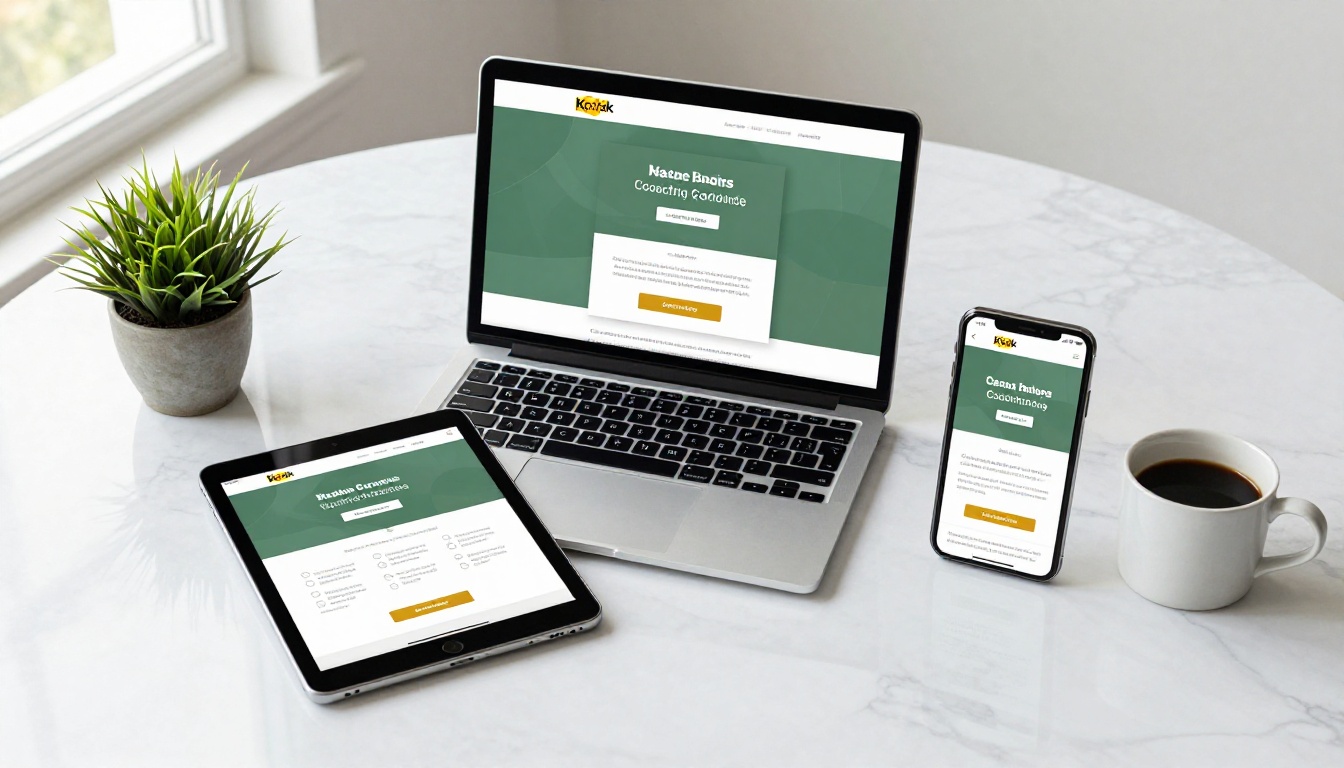
Take Your Coaching Materials to the Next Level
The difference between a coaching program that clients recommend and one they quietly forget often comes down to the quality of the experience. A beautifully crafted flipbook signals investment, professionalism, and care. It makes your methodology feel real and your program feel premium.
Flipbooks AI removes every technical barrier between your great content and a beautiful client experience. No designers, no developers, no complex software. Upload your PDF, apply your brand, and share a link.
Ready to build your first coaching flipbook? Get started for free and see the difference in under five minutes.
Browse all available tools and templates to find the right format for your program. When you are ready to scale, compare pricing plans and choose the tier that fits your client volume.
Your coaching program deserves materials that match its value.



