Moving companies live and die by first impressions. When a potential client calls and asks for a quote, the difference between winning or losing that job often comes down to one thing: how professional your materials look. A printed tri-fold brochure stuffed in an envelope doesn't cut it anymore. Clients expect digital, shareable, interactive content. That's exactly what a flipbook delivers, and with Flipbooks AI, making one for your moving company takes minutes, not days.
Why Moving Companies Need Digital Flipbooks
The moving industry is intensely competitive. In most metro areas, a homeowner searching for a mover gets dozens of results, multiple quotes, and a barrage of follow-up emails. What sets you apart isn't just price. It's presentation. A digital flipbook acts as your 24/7 sales representative, one that potential clients can open on their phone, scroll through at midnight before their move date, and forward to a spouse without downloading a single file.
The Problem with Static PDFs
Most moving companies send clients a flat PDF. PDFs are hard to navigate on mobile devices, impossible to share elegantly, and carry zero visual impact when opened. They don't page-turn. They don't animate. They look like a tax form, not a professional service business.
Beyond aesthetics, static PDFs have a functional problem: you can't track them. You have no idea whether a potential client opened your quote, read the services page, or forwarded it to a partner. That information gap costs you follow-up opportunities every single day.
What a Flipbook Does Better
A digital moving company flipbook solves every one of those problems. The page-turning experience works exactly like a physical brochure but lives online. Clients can flip through your services, check your pricing packages, read testimonials, and view your team photos all within a single interactive document. And because it lives on a shareable link, they can text it to a friend, embed it on their website, or bookmark it for later.

| Format | Mobile Friendly | Shareable Link | Analytics | Page-Turn Effect | Custom Branding |
|---|
| Printed Brochure | No | No | No | Physical only | Yes |
| Static PDF | Poor | Clunky | No | No | Yes |
| Digital Flipbook | Yes | Yes | Yes | Yes | Yes |
| Plain Website Page | Yes | Yes | Basic only | No | Yes |
What to Put in Your Moving Company Flipbook
A moving company flipbook isn't just a digitized version of your old brochure. It's an opportunity to tell your story, showcase your professionalism, and answer every question a client might have before they even pick up the phone.
Services Overview Pages
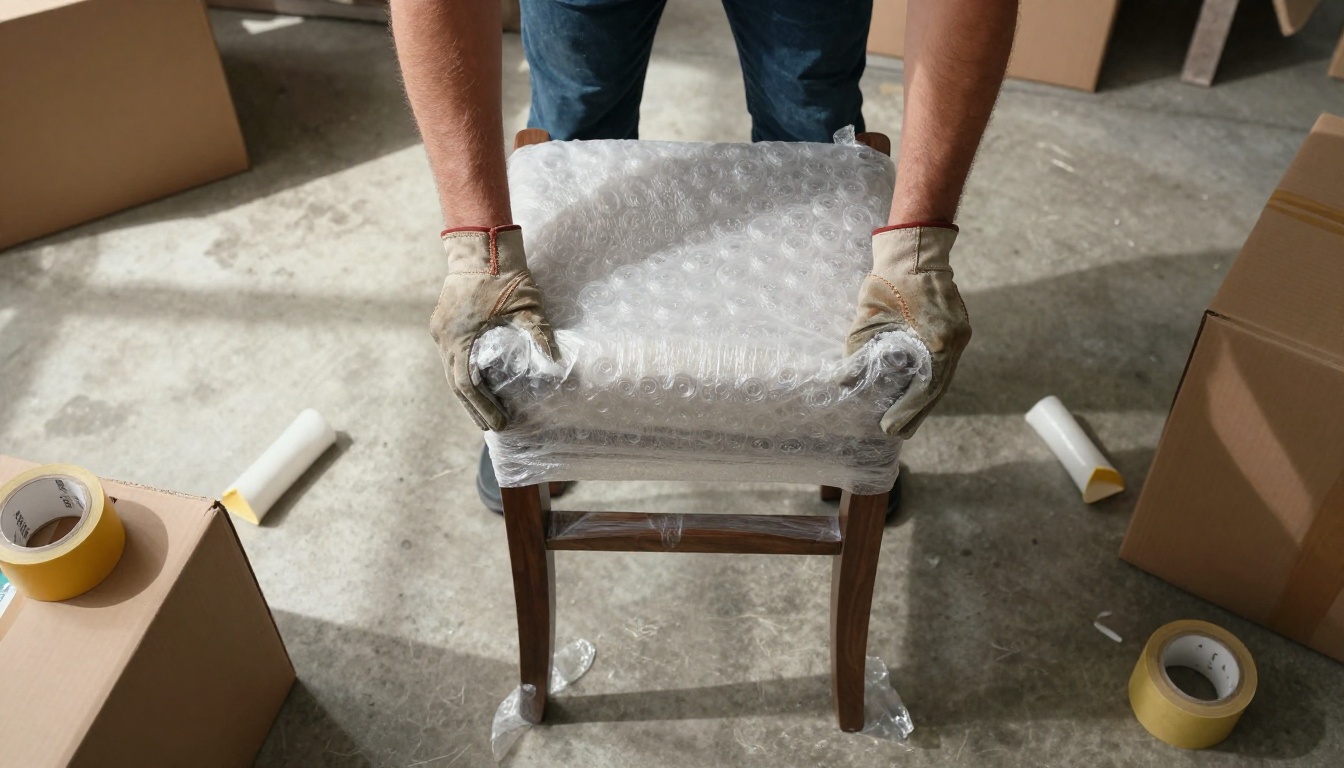
Your flipbook should open strong. Lead with a services overview that clearly lists everything you offer: local moves, long-distance relocation, commercial office moves, specialty item handling (pianos, safes, fine art), packing and unpacking services, and storage options. Each service type gets its own spread. Use bullet points, icons, and short descriptions. Clients should know within 30 seconds whether you can handle their specific move.
💡 Pro tip: Name your service tiers clearly. "Studio Move Package," "3-Bedroom Move Package," and "Full-Service Relocation Package" are far more scannable than numbered lists with no context.
Pricing and Package Pages
Pricing transparency builds trust faster than any marketing copy can. Moving companies that hide their rates lose clients to competitors who publish them. Include a pricing section in your flipbook that shows at least a starting range for each service tier, an hourly rate structure, and any add-on fees (long carry, elevator fees, stair charges, fuel surcharges). Be honest about what affects the final price.
If you offer custom quotes, your flipbook can include a QR code or a link that takes clients directly to your online estimate form. The Digital Price List Generator is a handy tool for creating a standalone pricing flipbook if you prefer to keep it separate from your main services brochure.
A Moving Checklist Section
One of the most effective pages you can add to a moving company flipbook is a free moving checklist. A step-by-step checklist that walks clients through the 8 weeks before their move, 4 weeks out, 2 weeks out, and moving day itself builds massive goodwill. Clients who receive useful information from you before booking are far more likely to choose you when it's time to sign the contract.

Testimonials and Before/After Photos
Social proof is the most powerful conversion tool available to a moving company. Your flipbook should include a dedicated testimonials section with real quotes from past clients, ideally with names and neighborhoods. If you have before-and-after photos of particularly complex moves (large piano relocated, 5-bedroom home packed in a single day), those belong here too. Seeing is believing.
✅ Best practice: Rotate your testimonials seasonally. A flipbook updated quarterly with fresh reviews signals to clients that you're actively busy and well-regarded.
How to Create Your Moving Flipbook Step by Step
Flipbooks AI makes the entire process straightforward. You don't need a designer, a developer, or an expensive software subscription. Here's exactly how to do it.
Step 1: Build Your PDF First
Start in whatever design tool you prefer. Canva, Adobe InDesign, Microsoft Publisher, even PowerPoint all export as PDF. Design your moving company brochure with your brand colors, your logo, service descriptions, pricing, team photos, and testimonials. Standard A4 or letter-size landscape format works best for the flipbook page-turn effect.
⚠️ Important: Use high-resolution images in your PDF. Low-quality photos will look blurry in the flipbook viewer. Aim for at least 150 DPI for all embedded images.
Step 2: Sign Up and Create Your Account
Go to Flipbooks AI and sign up. The Standard plan is the right starting point for most moving companies. It gives you unlimited flipbooks, no watermarks, custom branding, and password protection for sensitive quote documents, all at an affordable monthly rate.
Step 3: Upload and Convert
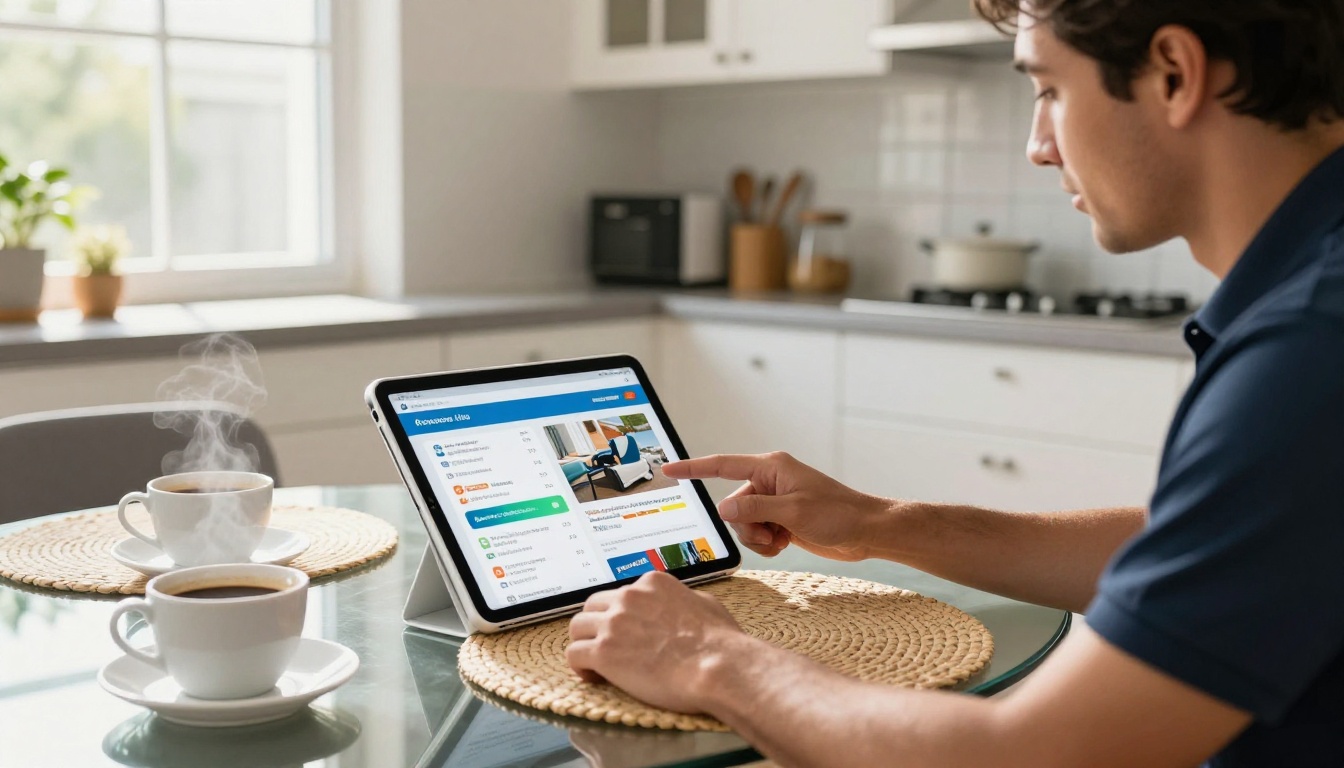
Click "New Flipbook" and upload your PDF. The PDF to Flipbook Converter processes your file in seconds, transforming each page into a beautifully rendered interactive spread with a realistic page-curl animation.
Step 4: Customize Your Branding
This is where your moving company's identity comes through. Inside the Flipbooks AI editor, you can:
- Set your brand colors for the flipbook viewer background and toolbar
- Add your company logo to the viewer header
- Customize the page-turning style and sound effects
- Add background music for premium client presentations
- Insert your company website URL as a clickable link on every page
Step 5: Configure Sharing Options
Once your flipbook is live, you have several distribution options:
- Direct link: A clean URL you can paste into emails, text messages, and social media posts
- Embed code: Drop the flipbook directly onto your company website's "Services" or "About" page using the Embed Flipbook on Website tool
- Password protection: For custom quotes with pricing details you don't want public, set a password that you share only with the specific client
- QR code: Print the QR code on business cards, yard signs, or truck magnets so people can pull up your flipbook instantly
Step 6: Track Performance With Analytics
If you're on the Professional plan, you get access to analytics that show you exactly who opened your flipbook, which pages they spent the most time on, and whether they clicked any links. For moving companies sending custom quotes, this is invaluable. You'll know when a client has reviewed their estimate, which lets you time your follow-up call perfectly.

Design Tips That Convert
A technically correct flipbook that looks bad still won't win clients. These design principles are specific to moving company marketing and will make your flipbook significantly more effective.
Colors and Branding
Moving company branding typically gravitates toward blues, reds, and greens because they signal trust, energy, and reliability. Whatever your brand colors are, use them consistently throughout every page of your flipbook. Your logo should appear on the cover, the back page, and ideally in the corner of every interior spread as a subtle watermark.
Keep your font choices to two maximum: one for headlines and one for body text. Sans-serif fonts like Montserrat, Roboto, or Open Sans are easiest to read on screen and scale well at every zoom level.
Photos That Sell the Move
The photos in your flipbook do more selling than the copy. Moving is an inherently emotional experience. Clients aren't just hiring you to move boxes; they're trusting you with everything they own. Photos of your team treating items with care, smiling at clients, working efficiently in organized spaces, and the end result of a perfectly arranged new home will do more for conversion than any feature list.
💡 Pro tip: If you don't have professional photos yet, high-quality smartphone photos in good natural light beat stock photos every time. Clients want to see YOUR team, not generic models.
Sharing Your Flipbook With Clients
Generating a great flipbook is only half the equation. The other half is getting it in front of the right people at the right moment.
Embed on Your Website
Your moving company website likely has a "Services" page and an "About" page. Both are perfect places to embed your flipbook. A prospective client who lands on your website and immediately sees an interactive, professional flipbook will spend dramatically more time on your site than one who reads a wall of text. The page-turn animation alone stops scroll behavior and invites interaction.
Send Direct Links in Quotes
When you follow up a consultation with a quote, attach the link to your services flipbook alongside the PDF estimate. Your email might read: "Please find your custom estimate attached. You can also browse our full services and team information here: [link to flipbook]." This gives clients something engaging to share with partners and family members who will ultimately influence the hiring decision.
Password-Protected Quote Documents
For large commercial contracts or long-distance moves with detailed custom pricing, use Flipbooks AI's password protection feature. Create a specific flipbook version that includes the client's custom quote details, set a unique password, and share both in your proposal email. This signals professionalism and keeps your pricing from being forwarded to competitors.
Plans and What You Get
Choosing the right plan depends on how many flipbooks you plan to create and which features matter most to your sales process.
| Feature | Free Plan | Standard Plan | Professional Plan |
|---|
| Flipbooks | 1 | Unlimited | Unlimited |
| Watermark | Yes | No | No |
| Custom Branding | No | Yes | Yes |
| Password Protection | No | Yes | Yes |
| Analytics | No | No | Yes |
| Lead Generation Forms | No | No | Yes |
| Offline Downloads | No | No | Yes |
| Embed on Website | Limited | Yes | Yes |
| Custom Domain | No | No | Yes |
✅ For most moving companies: The Standard plan covers everything you need from day one. Unlimited flipbooks, no watermark, and full custom branding at an affordable monthly rate. Upgrade to Professional when you want analytics to sharpen your sales follow-up timing.
See the full breakdown at flipbooksai.com/pricing.
Real Results for Moving Companies
Let's look at three specific scenarios where a moving company flipbook makes a direct impact on revenue.
Residential Moving Pitch
A residential moving company creates a 12-page flipbook: cover with a team photo, services overview, a 3-tier pricing table, a moving day checklist, a testimonials page from clients in the local area, an FAQ page, and a final contact page with a booking link. They include the flipbook link in every email quote they send.
Within 30 days, clients are referencing specific pages during follow-up calls ("I saw on page 4 that you offer piano moving..."), which means people are actually reading it. Referral rates increase because clients forward the flipbook link to friends who are also planning a move.
Commercial Office Relocation Pitch
A commercial moving company creates a separate flipbook specifically for corporate clients. This version includes: an overview of their office move project management process, a timeline template for a typical 50-desk office relocation, case studies from past commercial projects, and a breakdown of after-hours and weekend availability. This corporate flipbook is embedded on the "Commercial Services" page of their website and sent to every business development contact.
The Sales Presentation Flipbook tool is particularly well-suited for this use case, giving the document the polished visual structure that corporate procurement teams expect.
Long-Distance Relocation Service
A long-distance mover creates route-specific flipbooks for each major corridor they serve: Chicago to Phoenix, New York to Miami, and so on. Each flipbook includes a route-specific checklist, local utility setup information for the destination city, climate-appropriate packing advice, and storage options for staged moves. These route-specific flipbooks attract organic website traffic for long-tail search terms and position the company as a specialist rather than a generalist.
While your primary flipbook will be a brochure-style format, Flipbooks AI offers several other tools worth using for specific documents in the moving industry.
Using the right tool for each use case means you're not cramming everything into one document. Your public services brochure lives separately from your staff training manual, and your corporate pitch deck stays distinct from your residential pricing sheet. Browse all available formats in the Flipbooks AI tools directory.
Start Building Your Moving Company Flipbook
A moving company that communicates professionally at every client touchpoint wins more business. Your competition is still sending flat PDFs and printing tri-fold brochures. A polished interactive flipbook isn't just a marketing asset. It's a signal that tells clients you operate a modern, detail-oriented business that will take the same care with their belongings that you take with your own brand.
The setup takes under an hour. Start with your existing PDF brochure, or build a new one from scratch in Canva or InDesign. Upload it to Flipbooks AI, set your branding, and have a shareable link ready to paste into your next quote email before the end of today.
Create your moving company flipbook for free and see the difference a professional digital presentation makes in your close rate.
Browse all available tools and templates to find the right format for every document your business produces.
See pricing plans and choose the one that fits where your business is right now.



