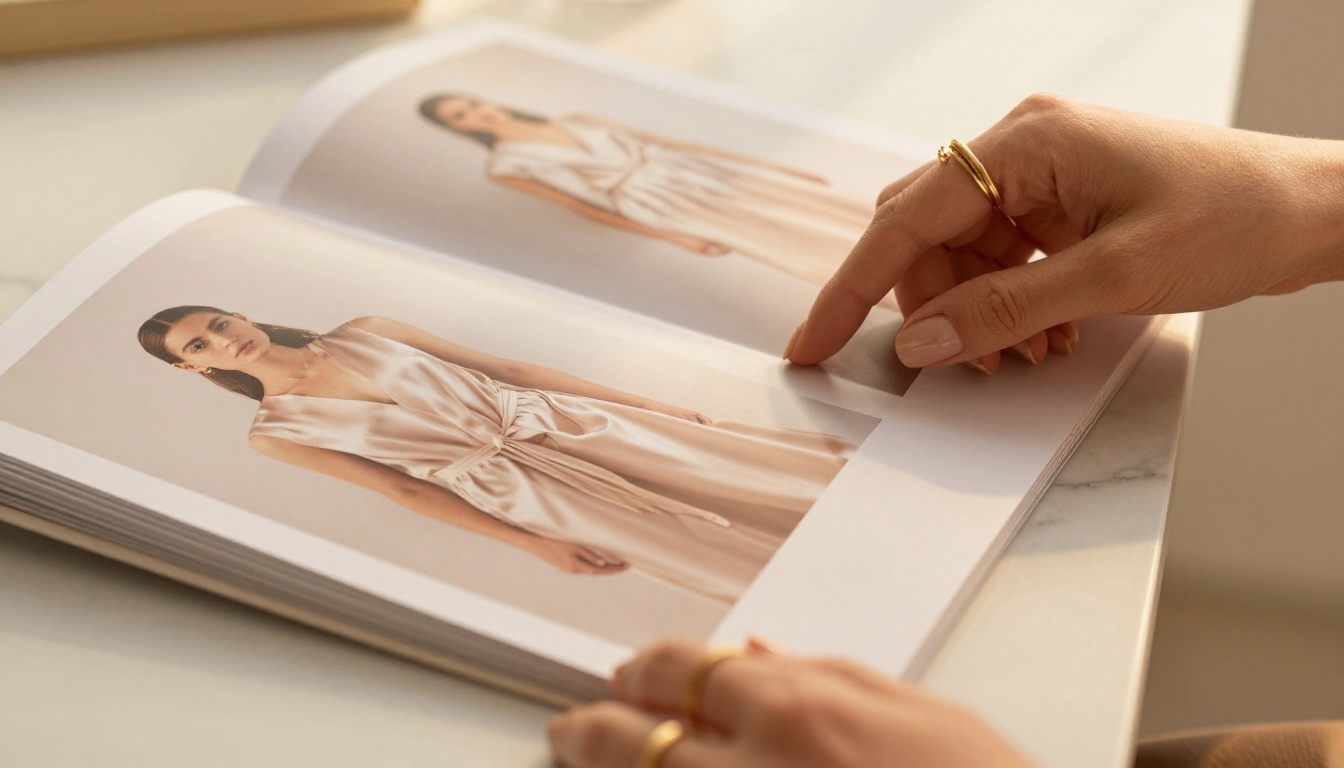
Your online boutique has a visual story to tell, and right now, a static PDF is telling it wrong. Shoppers skim, click away, and forget. But the moment you hand them a flipbook, something shifts. Pages turn with a satisfying animation. Products appear in context. The whole experience feels like flipping through a magazine, not downloading a file. That's the difference between a catalog people browse and one they actually buy from. Flipbooks AI makes that shift possible in minutes, without a design team or a developer.
Why Your Boutique Deserves More Than a PDF
The fashion industry runs on emotion. A blush silk dress doesn't sell because of its thread count. It sells because the customer imagined herself wearing it. Static files break that imagination the moment she has to pinch and zoom on her phone. An interactive flipbook keeps it alive, page after beautiful page.
Static Files Are Costing You Sales
When someone downloads your PDF catalog and has to zoom in to read product details on mobile, you've already lost them. PDFs were built for printing, not for shopping. They don't track views, they don't embed clickable links to your store, and they look frustrating on mobile screens.
More than 60% of online shopping now happens on mobile devices. A flipbook built for mobile-first browsing puts your products in front of people the way they actually shop: on the couch, during their lunch break, in bed at midnight. Every page turn is frictionless. Every product is one tap away from checkout.
What Shoppers Actually Want
Today's boutique customer has high expectations. They want:
- A visual, editorial experience that feels like a fashion magazine, not a spreadsheet
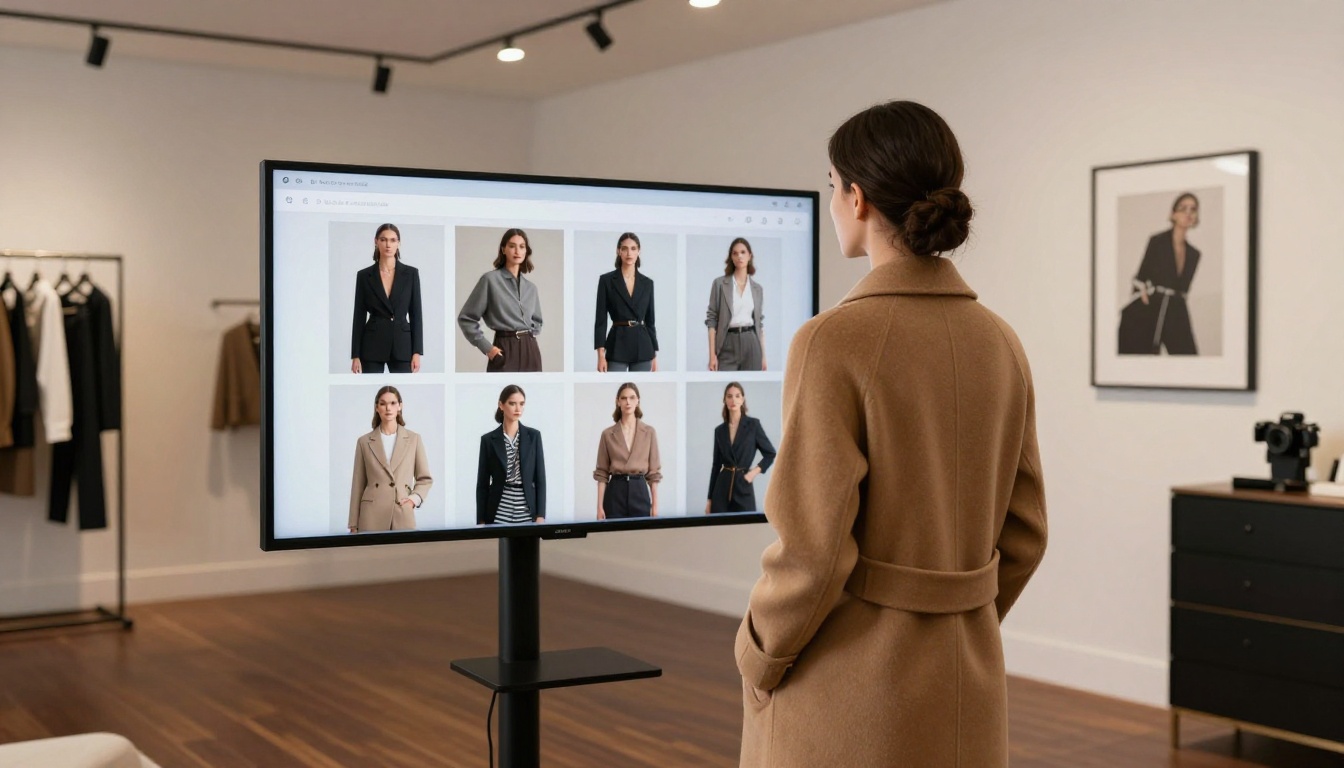
- Products shown in context with real styling ideas, not just isolated shots on white backgrounds
- The ability to click through to buy without closing the catalog and hunting for the product elsewhere
- Something shareable that they can forward to a friend with "this is the one I was telling you about"
A flipbook delivers all of this. A static PDF delivers none of it.
What to Put in Your Boutique Flipbook
Before you build, think about what goes inside. The best boutique flipbooks aren't just product dumps with prices attached. They're curated experiences with a clear visual flow from first page to last.
Product Pages That Convert
Each product page should do three things: show the item beautifully, give the essential details (fabric, sizing, price range), and make it dead simple to buy. The strongest product pages include:
- Hero shot: a clean, high-quality image on a simple or complementary background
- Lifestyle shot: the item worn or styled in a real-world setting that your customer recognizes
- Price and sizing information: visible without squinting, formatted clearly
- Clickable link button: taking shoppers straight to your product page or checkout
Seasonal Collections and New Arrivals
Organize your flipbook around themes or seasons rather than just dumping every SKU in order. A "Spring Drop" flipbook hits differently than a generic "view all products" page. Give it a name. Give it a mood. Give it an opening editorial image that sets the tone for everything that follows.
💡 Pro tip: Create a separate flipbook for each collection or major season. This keeps content fresh and gives you a compelling reason to reach out to your audience with every new drop, rather than sending the same catalog link repeatedly.
Styling Looks and Editorial Spreads
The pages that perform best in boutique flipbooks aren't the individual product sheets. They're the editorial spreads: a full-page image of a complete, styled outfit with individual items labeled and linked to product pages. Think of it as your own mini fashion shoot, presented in a format your audience actually wants to sit with.
Add a "how to style it" page for your bestsellers. Show three ways to wear the same piece. Include a "complete the look" section. These pages keep shoppers in the flipbook longer and introduce them to products they didn't come looking for.
| Content Type | Purpose | Conversion Power |
|---|
| Editorial spread (full outfit styled) | Emotional connection, aspiration | ⭐⭐⭐⭐⭐ |
| Product page (clean shot with price) | Direct purchase decision | ⭐⭐⭐⭐ |
| New arrivals highlight page | Urgency and freshness | ⭐⭐⭐⭐ |
| "How to style it" page | Product depth, cross-sell | ⭐⭐⭐⭐ |
| Size guide page | Reduces returns and hesitation | ⭐⭐⭐ |
| Brand story or "About" page | Trust building | ⭐⭐⭐ |
| Plain text-only price list | Weak as standalone page | ⭐⭐ |
How to Make a Flipbook for Your Online Boutique
This is the part that surprises most boutique owners: it's genuinely fast. No coding, no expensive software, no graphic design degree required.
Step 1: Build Your PDF Catalog
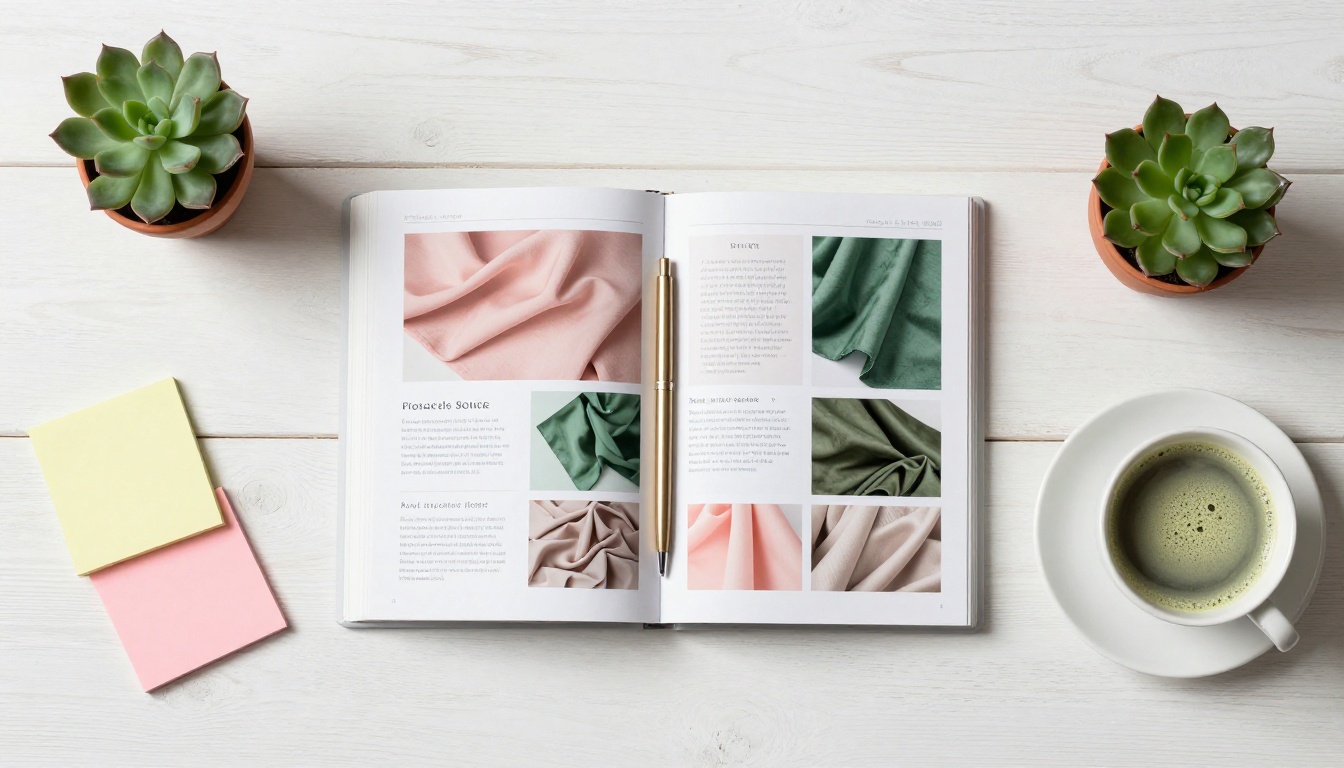
Start in Canva, Adobe InDesign, or even Google Slides. Design your pages exactly as you would for a printed lookbook. Use your brand colors, fonts, and high-quality photography throughout. When you're done, export it as a PDF.
Recommended page dimensions: A4 portrait works best for editorial catalogs with multiple product pages. A 16:9 landscape ratio suits seasonal lookbooks with large editorial images. Both convert cleanly.
⚠️ Before you export: Make sure all images are high resolution (300 DPI minimum). Low-resolution images look acceptable in a static PDF but blur noticeably when rendered in flipbook animation. Your products deserve better than blurry.
Step 2: Upload to Flipbooks AI
Head to Flipbooks AI and create your account. The process from there takes under two minutes:
- Click "New Flipbook" from your dashboard
- Upload your PDF file directly from your computer
- Wait 30 to 90 seconds while the automatic conversion runs
- Your flipbook is live with a shareable link, ready to send
The PDF to Flipbook Converter handles files of any length. Whether your catalog is 6 pages or 80, the conversion is automatic and the output is consistent.
Step 3: Brand It to Match Your Store
Once your flipbook is live, open the customization panel to make it unmistakably yours:
- Upload your logo: it appears on the flipbook cover and in the browser tab
- Set your brand accent colors for the navigation bar, buttons, and highlights
- Choose a background style: solid color, subtle texture, or soft gradient behind the pages
- Add a custom domain if you want the shareable URL to reflect your boutique name instead of a generic link
- Toggle page-turn sound effects on or off (the satisfying paper sound shoppers consistently love)
✅ Best practice: Match your flipbook colors exactly to your website's color palette. This creates a seamless brand experience when customers click from your homepage or email to your catalog. Inconsistency breaks trust.

Step 4: Share It Where Your Customers Are
A flipbook is only as powerful as its distribution. The shareable link goes anywhere:
- Instagram bio: Replace your static link or Linktree with your current seasonal flipbook link during launch week
- Email campaigns: Embed a preview thumbnail that links to the flipbook instead of attaching a PDF. Click-through rates improve dramatically
- Your website: Drop the flipbook directly onto your "New Arrivals" or "Catalog" page using the embed code from the Embed Flipbook on Website tool
- WhatsApp and DMs: Send the direct link to your VIP clients and wholesale buyers. No app required for them to open it
- Pinterest: Pin individual pages as images with the flipbook link in the description, driving catalog traffic from search
Features That Make Boutique Flipbooks Work
Not all flipbook tools are equal. Here's what actually matters for boutique owners running a real business.
Mobile-First Shopping
Flipbooks AI renders every flipbook with a fully responsive layout. On desktop, shoppers get the classic double-page spread with satisfying page-turn animation. On mobile, pages stack vertically for natural thumb-scrolling. No pinching, no zooming, no frustrated customers who close the tab before they find what they came for.
Password Protection for VIP Clients
Running a wholesale operation alongside your retail boutique? Or rewarding your best customers with early access to a new drop before it goes public? Password protection lets you send a catalog that only your intended audience can open.
Set a password directly in your flipbook settings. Share the link and the password separately. Your VIP client feels recognized. Your exclusive content stays exclusive. No clunky file-sharing platforms needed.
Analytics to See What Shoppers Browse
On the Professional plan, you get page-by-page analytics showing exactly:
- Which pages shoppers spend the most time on
- Where they drop off and close the catalog
- Total view counts and session duration
- Lead capture forms embedded directly into pages, so interested shoppers can leave their email without leaving the flipbook
This data tells you which products are getting real attention and which pages need better photography, stronger copy, or a simpler layout. No more guessing about what your audience responds to.
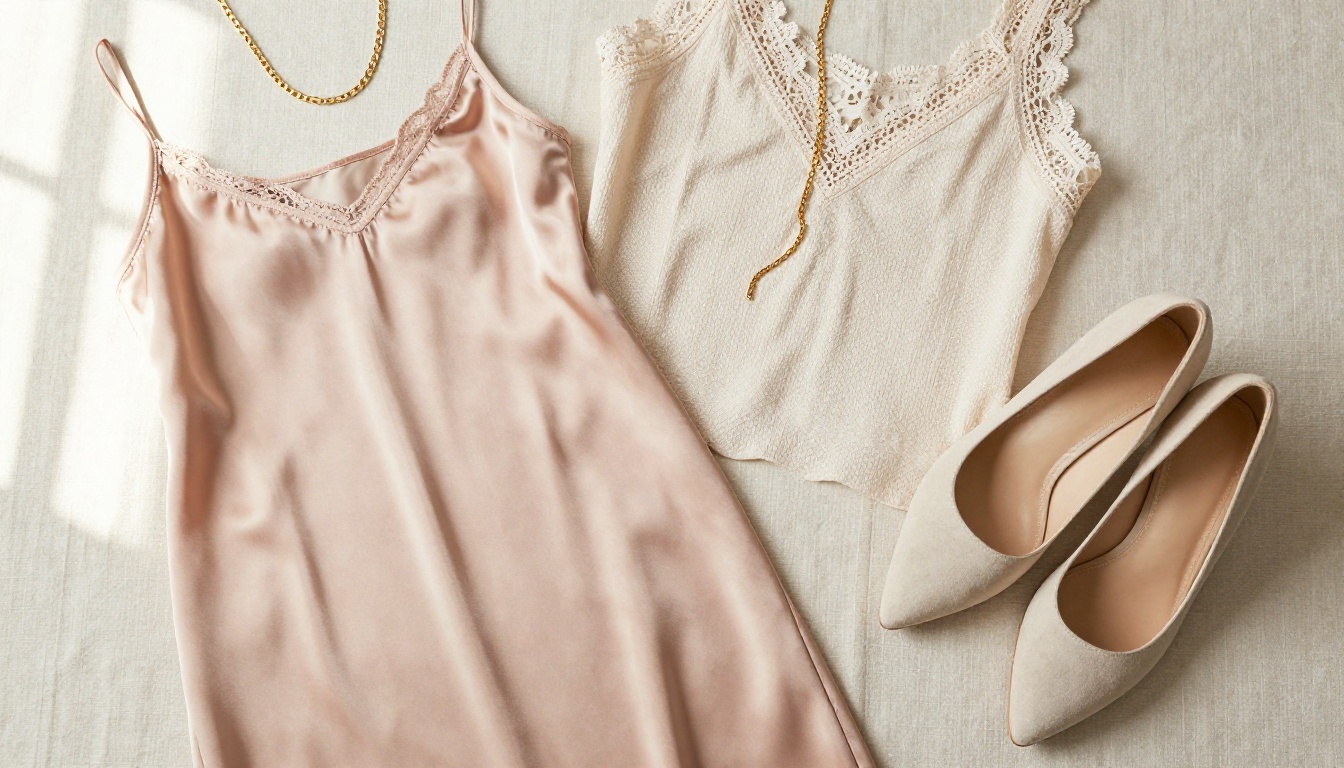
Flipbook vs. Static Catalog: The Real Difference
| Feature | Flipbook | Static PDF | Photo Grid |
|---|
| Mobile-friendly layout | ✅ Fully responsive | ❌ Requires zooming | ✅ Yes |
| Page animation | ✅ Realistic page turns | ❌ None | ❌ None |
| Clickable product links | ✅ Embedded throughout | ❌ Not interactive | ✅ Limited |
| Page-level analytics | ✅ Detailed data | ❌ None | ⚠️ Basic only |
| Website embeddable | ✅ One-click embed code | ❌ Link or download only | ✅ Yes |
| Password protection | ✅ Per-flipbook control | ❌ No | ❌ No |
| Full brand customization | ✅ Logo, colors, domain | ⚠️ Header only | ❌ No |
| Shareable direct link | ✅ Instant, no download | ⚠️ Via file host | ❌ No |
| No watermarks | ✅ Zero (Standard plan+) | N/A | N/A |
| Offline download option | ✅ Yes (Standard plan+) | ✅ Yes | ❌ No |
Pricing Plans at a Glance
Flipbooks AI pricing is straightforward. Here's what matters for boutique owners choosing a plan:
| Feature | Free | Standard | Professional |
|---|
| Flipbooks | 1 | Unlimited | Unlimited |
| Watermark-free | ❌ | ✅ | ✅ |
| Custom branding and logo | ❌ | ✅ | ✅ |
| Password protection | ❌ | ✅ | ✅ |
| Offline downloads | ❌ | ✅ | ✅ |
| Embed video and audio | ❌ | ✅ | ✅ |
| Page-level analytics | ❌ | ❌ | ✅ |
| Lead generation forms | ❌ | ❌ | ✅ |
| Custom domain | ❌ | ✅ | ✅ |
💡 Most boutiques find the Standard plan covers everything they need: unlimited flipbooks, full branding, password protection, and embedding tools. The Professional plan is worth it once your catalog strategy matures and you want data to inform your next collection decisions.

Real Boutique Scenarios That Work
Theory is fine. Here's how boutique owners actually use flipbooks in the real world.
The Seasonal Lookbook Drop
A small womenswear boutique designs a 12-page Spring/Summer lookbook in Canva. It has six editorial spreads with complete outfit styling, a "New In" section for recent arrivals, and a back page with the sizing chart and returns policy. They upload it to Flipbooks AI, brand it with their signature sage green palette, and drop the link across Instagram, their email list, and their WhatsApp broadcast group on a Tuesday morning. By Thursday, they have 400 views and a measurable spike in their bestselling dress.
The VIP Client Preview
A boutique owner has 30 wholesale buyers and 50 loyal retail clients who always want first look at new stock. She creates a password-protected flipbook two weeks before the public launch, featuring items not yet visible on the website. She sends the link and password by email with a subject line that makes the recipient feel seen. Open rates hit 60%. Orders start arriving before the collection officially goes live.
The Flash Sale Announcement
Nothing converts an audience like urgency. A boutique creates a 4-page flipbook showing 15 sale items with original prices clearly visible alongside current sale prices in bold red. Each page includes a direct link to the product. The flipbook goes out via email on a Friday morning. Using the Interactive Lookbook Designer, they've added clickable "Shop Now" buttons directly onto each page, so customers go from browsing to checkout in two taps. The sale clears in 48 hours.
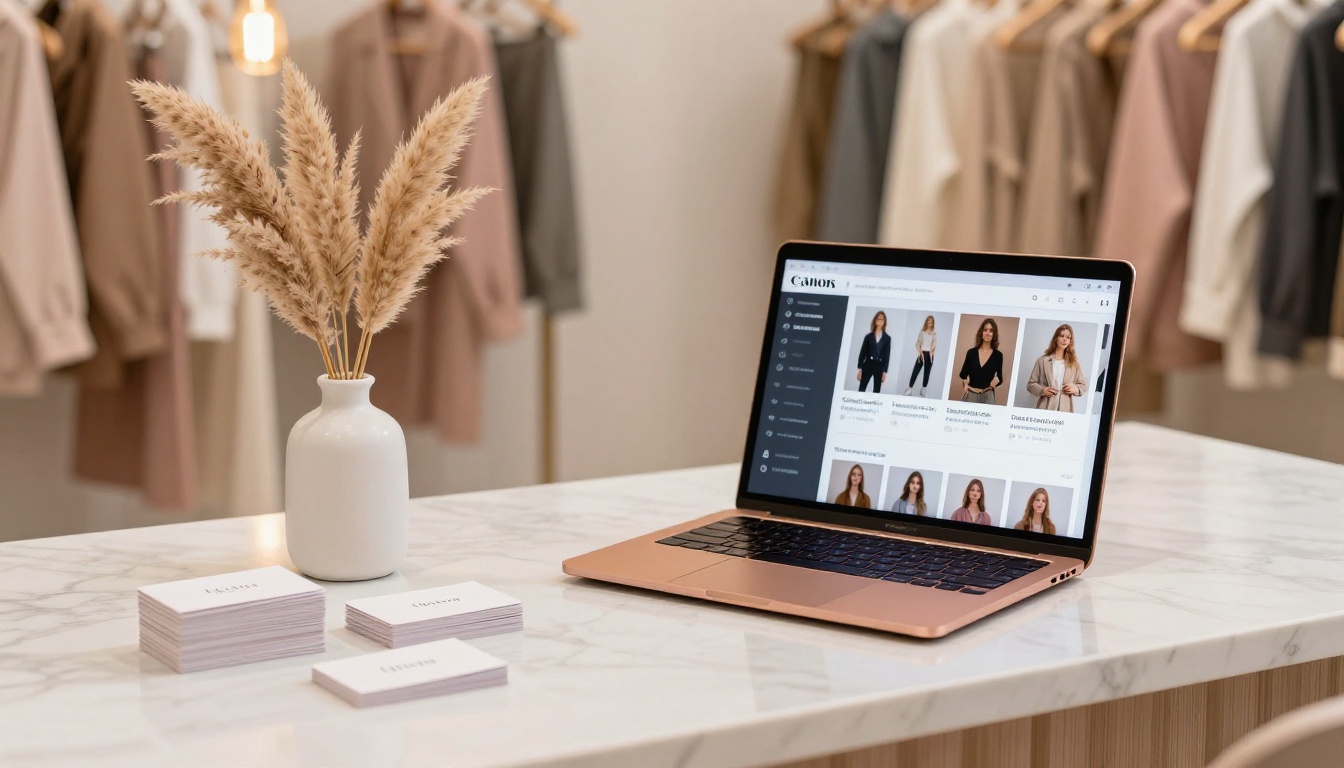
Beyond the core PDF converter, several specialized tools from Flipbooks AI are built specifically for fashion and retail boutiques:
Each tool starts with your existing PDF and layers interactive features on top. If you already have your catalog designed, you're already most of the way there.

Build Your Boutique Flipbook Today
Your boutique's visual identity deserves a presentation that actually matches it. A flipbook takes the catalog you already have and turns it into something shoppers want to spend time with, share with friends, and return to before making a purchase decision.
The entire process, from PDF upload to live shareable flipbook, takes under ten minutes on Flipbooks AI. No subscriptions required to test it out. No design team needed. Just your catalog, your brand colors, and a few clicks.
Ready to see what your collection looks like as an interactive flipbook? Create your first one free and have it live before the end of the day.
Check pricing plans to find the right fit for where your boutique is right now, or browse all available flipbook tools to see what else is possible for your brand this season.



