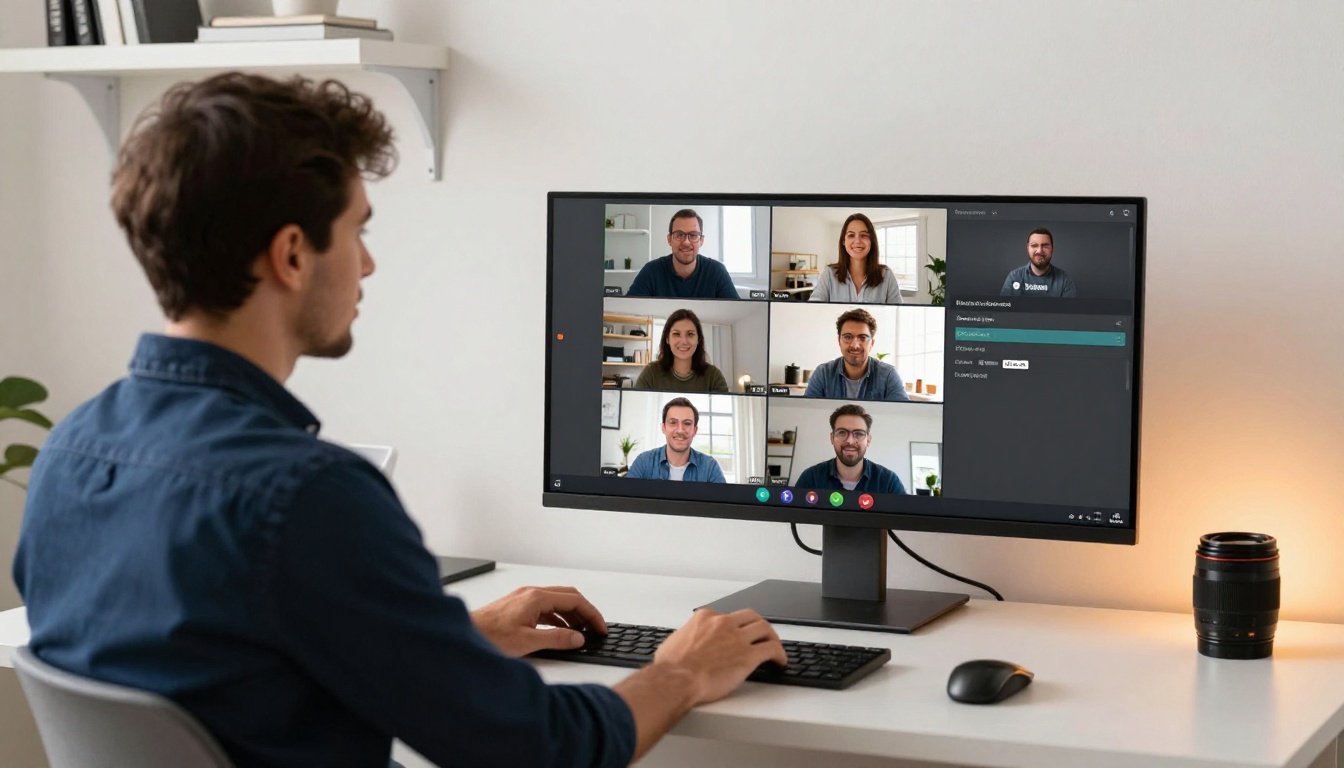
Running an online workshop means fighting for attention on every screen your participants have open. Static PDFs are not cutting it anymore. Participants download them, never open them, or forget where they saved them the moment your session ends. If you want your workshop materials to actually work, it is time to make a flipbook for your online workshop instead.
Flipbooks AI turns any PDF into a page-turning, interactive digital publication that participants can access on any device without downloading anything. No design background needed. No technical setup. Just upload your PDF, customize it, and share a link.
This is what a difference the format makes, and exactly how to do it.
Why Your PDF Handouts Are Not Working
Most workshop hosts put real effort into creating their materials. The problem is the format, not the content. PDFs are built for print. Online workshops are not a print environment.
What Participants Do With PDFs
The reality is blunt. When you drop a PDF link in the chat, here is what typically happens:
- About 30-40% of participants never click the link during the session
- Those who do download it often cannot find the file afterward
- Mobile users face a frustrating experience trying to open and navigate PDF files in a browser
- Almost nobody goes back and re-reads a flat, static PDF for reference
The materials you spent hours creating get opened once, maybe, and then forgotten in a downloads folder they will never sort through.
The Attention Problem Nobody Talks About
Online workshop participants are already juggling your video call, their own notes, their inbox, and the distractions of their home environment. Adding a clunky PDF download to that mix is friction they will skip. The format has to earn attention rather than demand it.
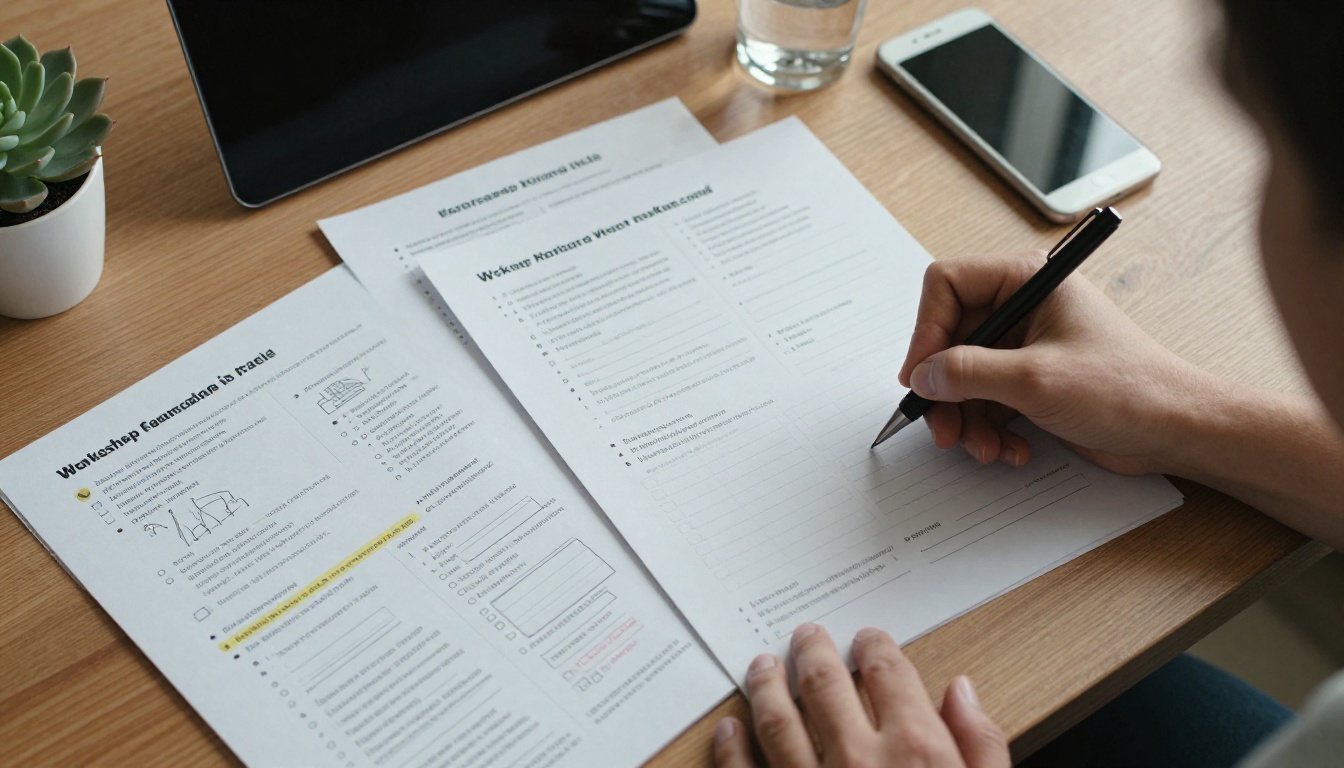
💡 Pro tip: The easier your materials are to access and navigate, the higher the chance participants actually use them. A direct link that opens instantly in a browser beats a download every time.
What a Flipbook Actually Does
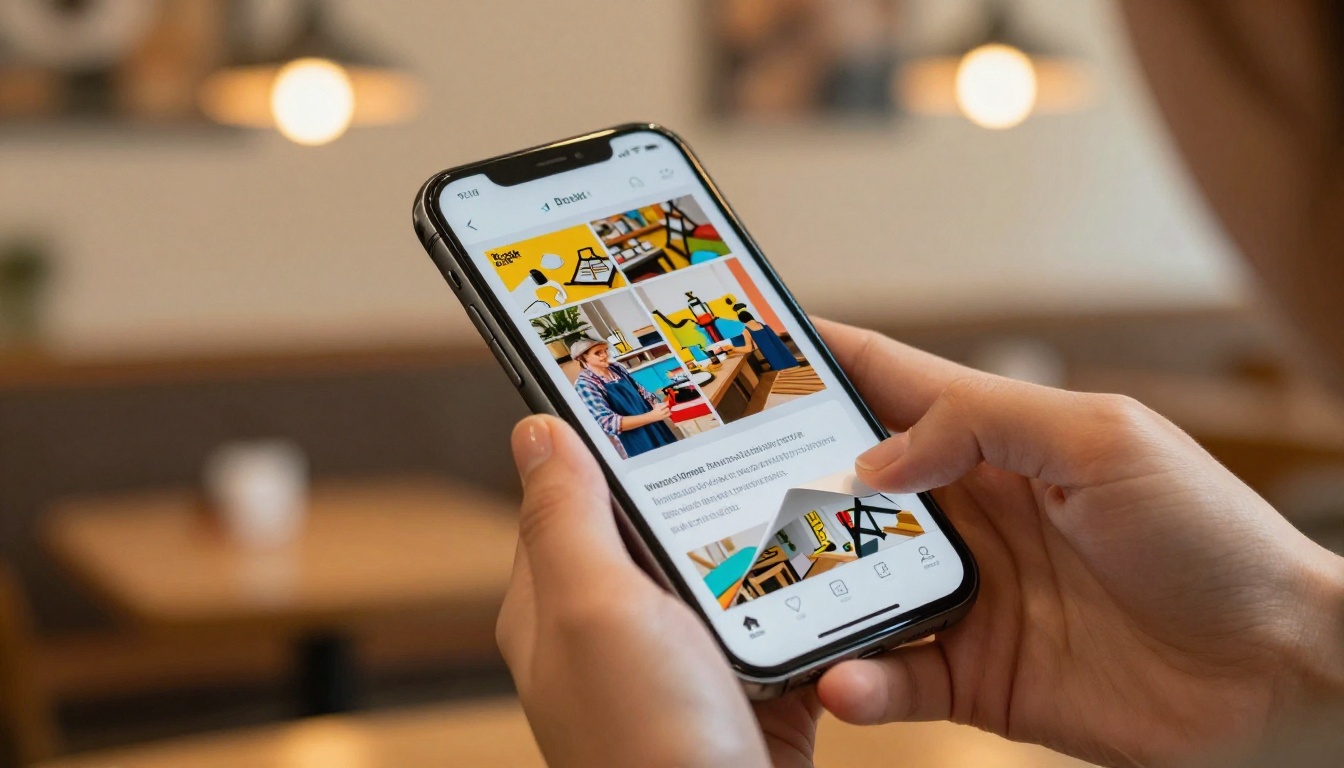
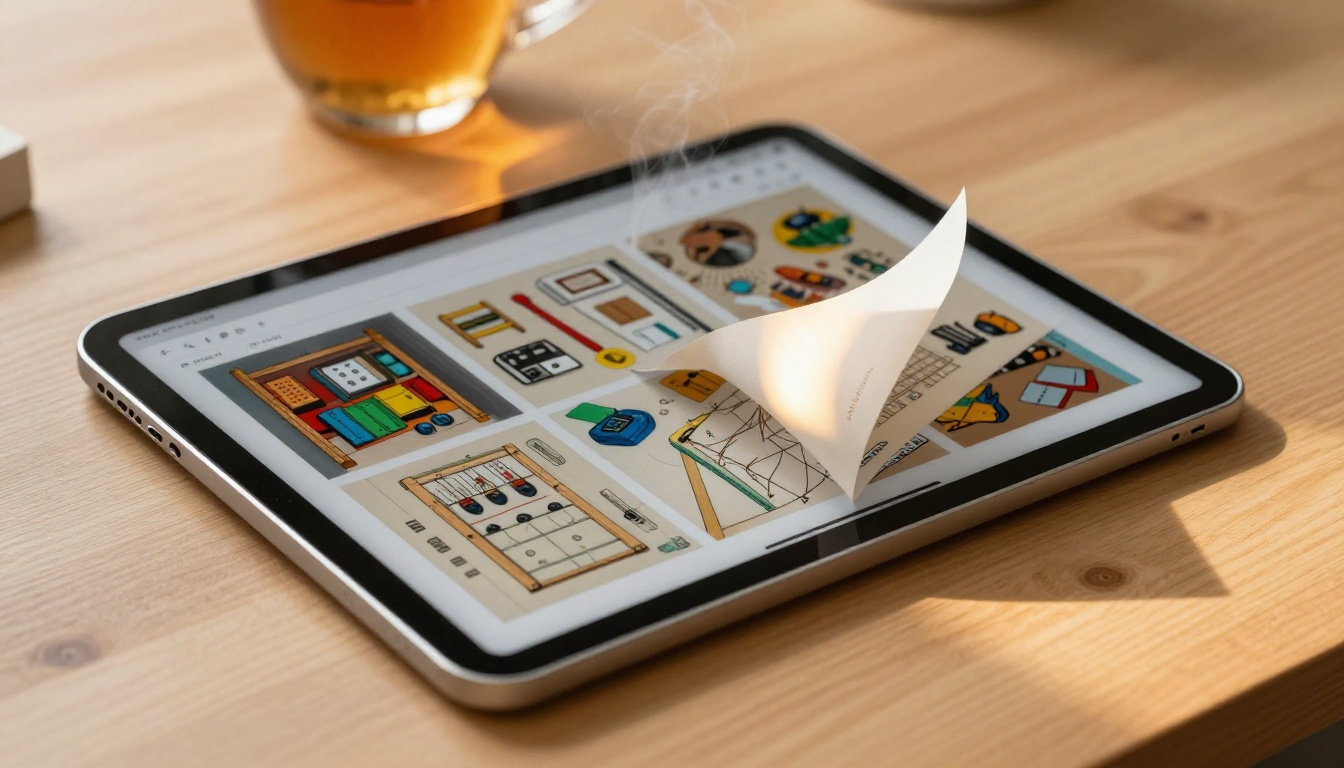
A digital flipbook is a web-based publication with a realistic page-turning animation. It looks and feels like reading a real book, but it lives in a browser tab. Participants click a link and they are reading immediately, with no app download and no account required on their end.
Page-Turn Psychology
There is a reason physical books hold attention better than email attachments. The page-turn format creates a sense of sequence and progression. Readers naturally want to see what comes next. That same psychology works in your favor during a workshop because participants stay oriented, they know where they are in the material, and they feel like they are moving through something valuable rather than scrolling through an endless document.
Mobile-First by Default
Every flipbook created with Flipbooks AI is fully mobile-responsive. Participants on smartphones or tablets get the same clean reading experience as someone on a desktop. Given that a significant portion of online learners access course content on mobile devices, this is not a nice-to-have. It is essential.
How to Make a Flipbook for Your Online Workshop
The process is straightforward. If you already have a PDF of your workshop materials, you are most of the way there.
Step 1: Build Your Workshop PDF
Before uploading, make sure your PDF is in the best shape it can be:
- Use clear section headings so participants can navigate by page
- Keep font sizes readable at 12pt or above for body text
- Include interactive elements like fill-in boxes, reflection prompts, and checklists
- Add your branding (logo, colors, fonts) so the material feels cohesive with your workshop identity
The Course Material Publisher and Training Manual Flipbook tools are built specifically for this type of content and give you ready-to-use templates if you are starting from scratch.
Step 2: Upload and Convert
Head to Flipbooks AI and create your free account. The upload process takes about 60 seconds:
- Click New Flipbook in your dashboard
- Select your PDF file from your computer
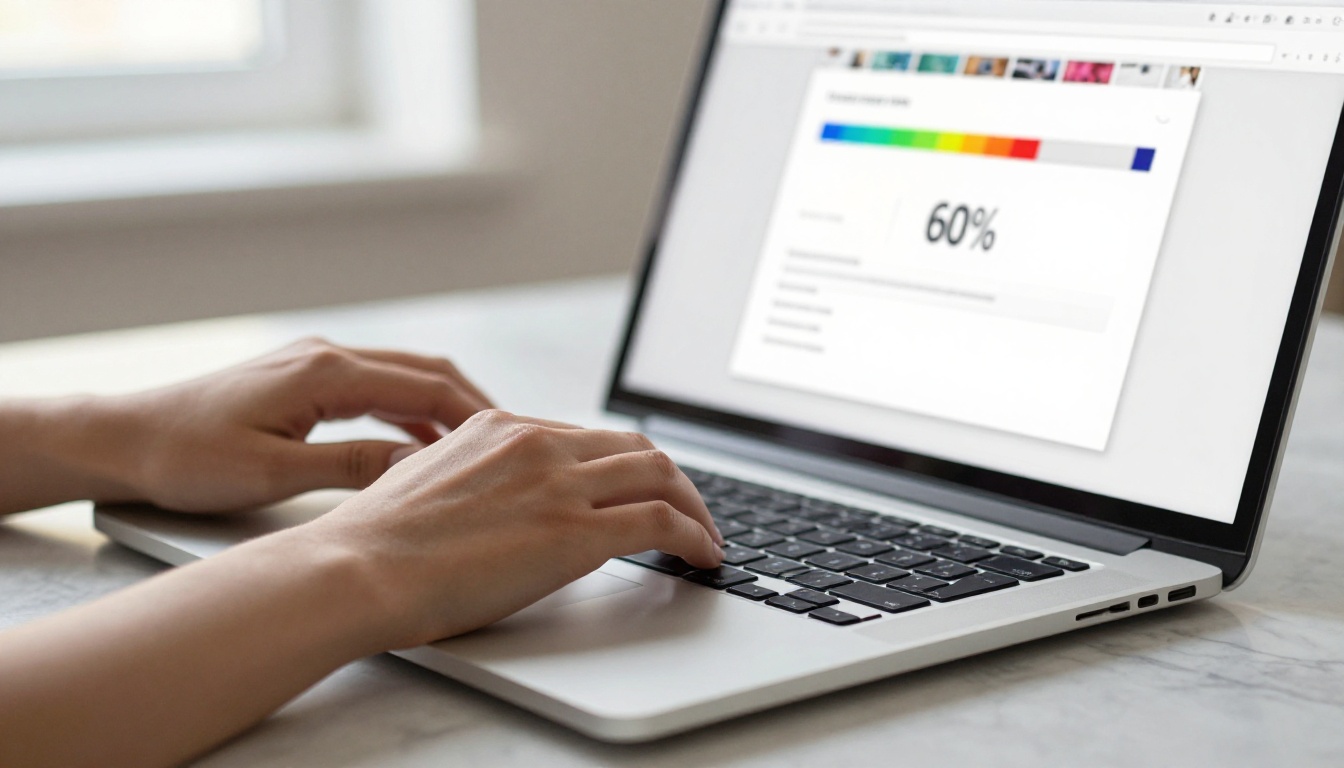
- Wait for automatic conversion, typically under 30 seconds for most workshop PDFs
- Preview your flipbook in the live viewer before publishing
✅ Best practice: Upload your final version of the PDF. Making edits after conversion requires re-uploading the file, so finish the document before converting.
Step 3: Add Your Branding
This is where your flipbook stops looking generic and starts looking like your workshop. In the customization panel you can:
- Upload your logo for the header or opening page area
- Set your brand colors for the toolbar and page background accent
- Choose an opening page style, either pulled from your PDF's first page or a custom uploaded image
- Add a custom title and description visible in the flipbook library view
Participants see your name and brand from the moment they open the link, reinforcing your credibility before they read a single word.
Step 4: Add Interactive Elements
Standard plan and above lets you embed videos directly into flipbook pages. For workshops, this opens up a range of possibilities:
- Embed a short video introduction to each module right on the relevant page
- Add a recap video at the end of each section with follow-up exercises
- Include audio commentary explaining complex diagrams or frameworks in more depth
The Interactive E-Book Publisher gives you a full suite of multimedia options if your materials go beyond text and static images.
Step 5: Share With Participants
Sharing is where flipbooks outperform PDFs entirely. You have three clean options:
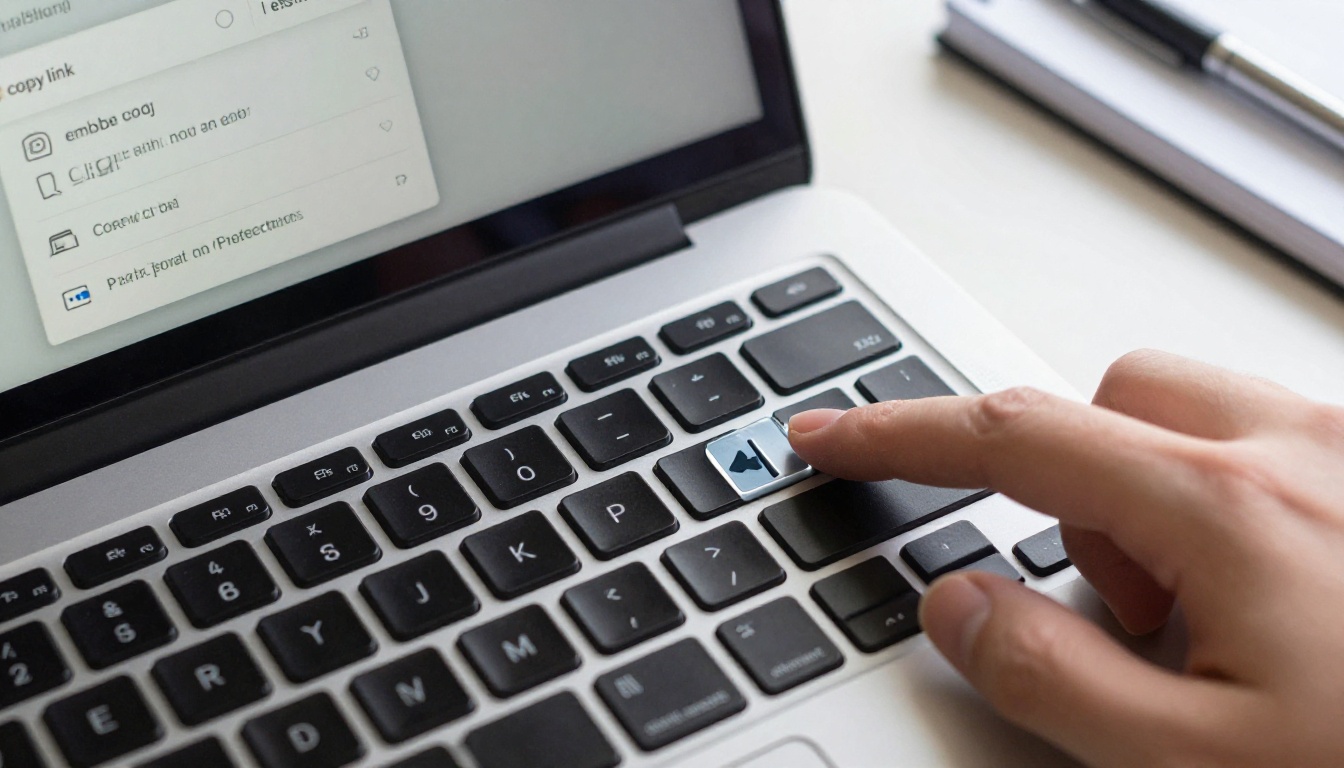
- Direct link: Copy and paste into your workshop chat, email, or community platform
- Embed code: Place the flipbook directly inside your course platform or website with the Embed Flipbook on Website tool
- Password protection: Restrict access to paid or exclusive materials with a single password
⚠️ Important: If your workshop is a paid offering, enable password protection before sharing the link anywhere. Unprotected links can circulate well beyond your paying participants.
Workshop Materials Worth Converting
Not every document benefits equally from flipbook conversion. These are the material types that see the biggest jump in participant use:
Workbooks and Exercise Sheets
Workbooks are the highest-value materials in any workshop. In flipbook format, participants can access them on any device during the live session without switching apps, and they can return to them later without hunting through their downloads folder. The page-turn navigation makes jumping between exercises intuitive rather than frustrating.
Slide Decks and Reference Handouts
Slide decks converted to flipbooks become reference documents participants actually revisit. Instead of a flat export, they get a scannable publication they can share with colleagues or review at their own pace after the session ends. This is particularly useful for workshops that produce actionable frameworks, process maps, or step-by-step checklists.
Resource Libraries and Bonus Materials
If your workshop includes a bonus resource pack, curated link list, or recommended reading collection, a flipbook makes it feel like a premium deliverable rather than a dumped folder of files. The Digital Portfolio Creator format works well here for presenting multiple resources in one polished publication.
Flipbook vs. PDF: The Real Difference
The comparison is not just about aesthetics. It is about outcomes for your participants.
| Feature | Static PDF | Flipbook |
|---|
| Opens instantly in browser | No | Yes |
| Mobile-friendly experience | Rarely | Always |
| Page-turn navigation | No | Yes |
| Embed videos and audio | No | Yes |
| Analytics and page tracking | No | Yes (Professional) |
| Password protection | No | Yes |
| Custom branding | No | Yes |
| Offline download option | Yes | Yes (Professional) |
| Share via direct link | Yes | Yes |
| Works without app download | No | Yes |
PDFs win on exactly one point (offline access by default), and flipbooks offer that too on the Professional plan.
Plans Worth Knowing About
Flipbooks AI pricing is structured around three tiers. Here is how they map to workshop use cases:
| Plan | Best For | Flipbooks | Analytics | Password Protection | Offline Download |
|---|
| Free | Testing, single events | 1 flipbook | No | No | No |
| Standard | Regular workshop hosts | Unlimited | No | Yes | No |
| Professional | Course creators, coaches | Unlimited | Yes | Yes | Yes |
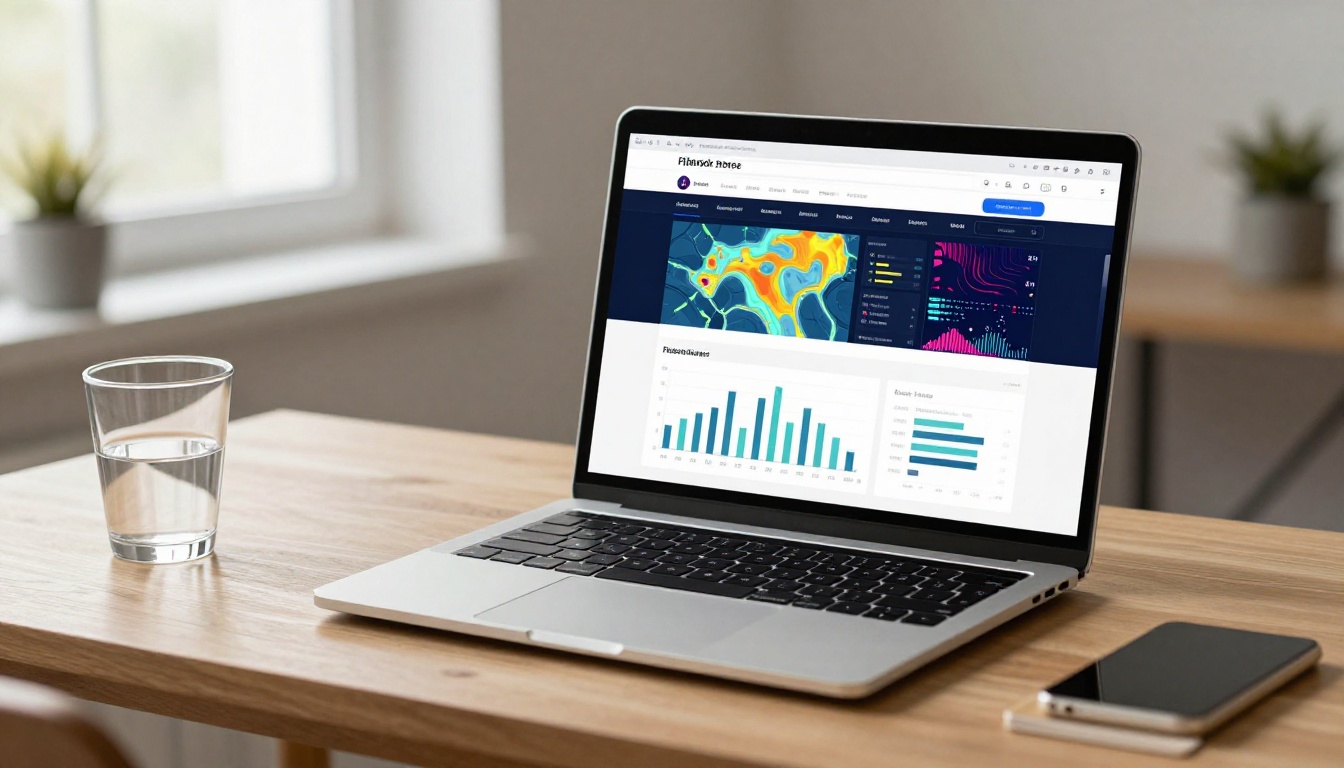
💡 For ongoing workshops: Standard covers most needs with unlimited flipbooks and password protection. Professional adds analytics showing which pages participants actually read, plus lead generation to build your email list directly from your materials.
For anyone running paid workshops or recurring courses, the Professional plan's analytics alone justifies the investment. Knowing which sections participants spend time on and which ones they skip informs every future workshop design decision you make.
Who Benefits Most
Flipbooks work across a wide range of online workshop formats. These are the scenarios where the format makes the biggest impact:
Business and productivity coaches running group workshops can package their signature frameworks into branded flipbooks that participants reference between sessions. This raises the perceived value of the program considerably without adding any extra content creation work.
Online course creators using platforms like Teachable, Kajabi, or Podia can embed flipbooks directly into lesson pages using the embed code, replacing PDF downloads with a fully integrated reading experience inside their existing platform.
Corporate trainers running onboarding, compliance, or skills development workshops get measurable participant data through the analytics available on the Professional plan. This informs future training design based on actual behavior rather than guesswork.
Educators and tutors can convert lesson plans, study guides, and course syllabi into Course Material Publisher flipbooks that students find far more accessible than flat PDFs, especially on mobile devices during commutes or study sessions.
Event and summit hosts can create program flipbooks, speaker bios, and sponsor materials in a single polished publication using the Event Program Maker, adding a professional layer to the participant experience from day one.
4 Common Workshop Flipbook Mistakes
Getting the format right matters as much as having great content. These are the mistakes that consistently undermine otherwise good workshop materials:
Too many pages without visual breaks: Workshop participants lose their place in long, text-heavy flipbooks. Break content into chapters of 8-12 pages maximum with strong visual divider pages between sections so readers always feel oriented.
No mobile preview before sharing: Always open your flipbook on your phone before the session begins. What looks balanced on a wide desktop monitor can feel cramped and unreadable on a 6-inch phone screen. This takes two minutes and catches problems before they reach participants.
Sharing the link too late: Drop your flipbook link in the workshop chat before you start, not as an afterthought at the end. Participants who have it open from the beginning are more engaged throughout because they can follow along in real time rather than waiting to review afterward.
Skipping password protection on paid content: If your workshop is a paid offering, unprotected materials circulate beyond your paying participants. Setting a password takes 30 seconds and protects the value of what you have built.
What the Best Workshop Flipbooks Have in Common
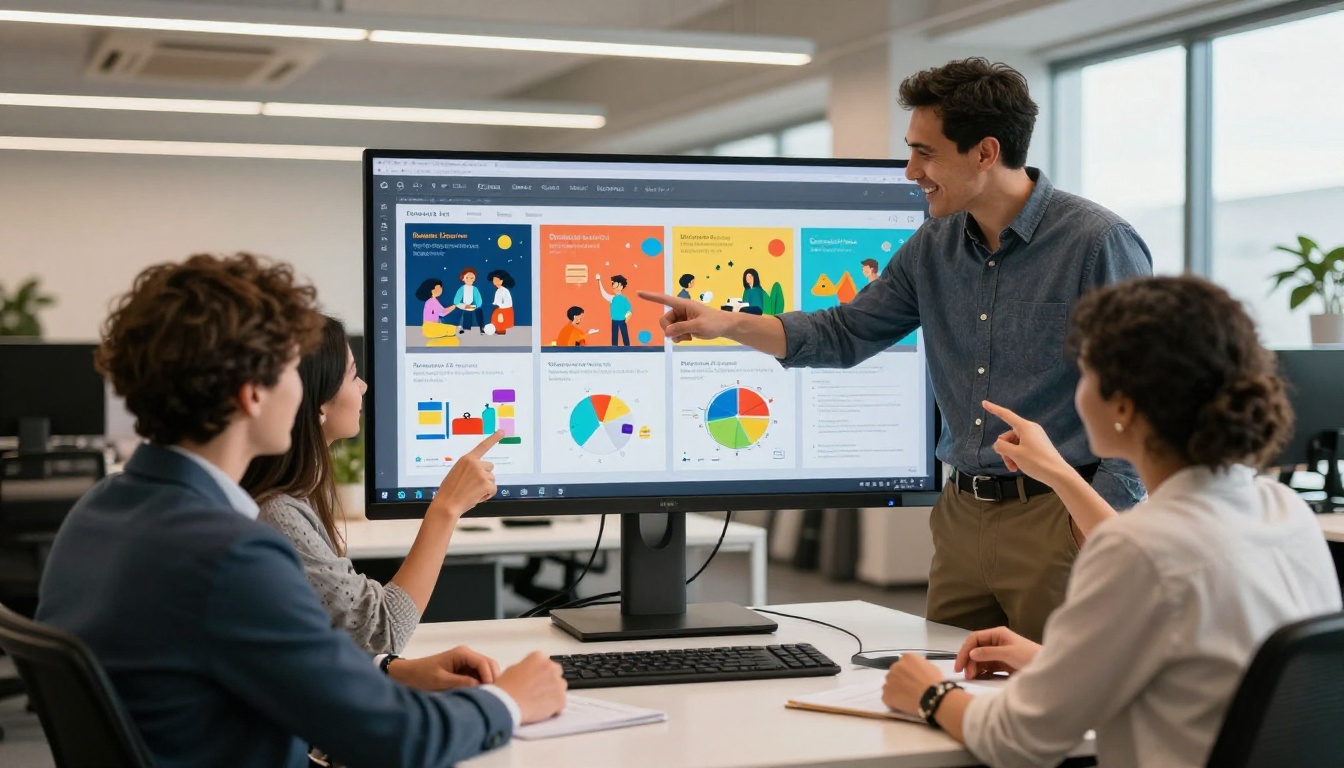
After seeing what works and what does not across different workshop formats, a clear pattern emerges. The flipbooks participants return to most often share these characteristics:
- A strong opening page that clearly shows the workshop title, date, and your name or brand so it is easy to identify in a browser history weeks later
- A table of contents page near the front with page numbers, so participants can jump to exactly what they need without hunting
- Generous white space in the layout, so pages do not feel overwhelming to scan during a live session with limited screen real estate
- At least one visual or diagram per section, giving the reader's eye somewhere to land rather than walls of text
- A "What's Next" page at the end with clear follow-up steps, resources, or a direct call to action pointing somewhere useful
The final page is worth treating the same way you treat the closing minutes of your live session. It is the last impression participants carry with them. Make it point somewhere meaningful rather than simply ending.

Before Your Next Session
You do not need a perfect PDF to start. A solid draft converted to a flipbook is already more useful than a polished PDF buried in someone's downloads folder. The format does a significant amount of work for you by simply being accessible, navigable, and mobile-ready.
Create your account on Flipbooks AI and convert your first workshop PDF in under five minutes. If you are weighing your options, the pricing page breaks down exactly what each plan includes so you can start with what fits your current volume and scale up as your workshop business grows.
For specialized workshop formats, browse the full list of flipbook tools to find the one built for your specific content type. Whether you are running a business training, an educational course, or a creative workshop, there is a format purpose-built for it.
Your participants are worth more than a PDF. Give them something they will actually open, read, and reference.
Get started free on Flipbooks AI and publish your first workshop flipbook today.



