Open houses used to end with a stack of paper flyers on a folding table. Buyers grabbed one on the way out, lost it in their car, and forgot which listing it was for by the time they got home. That system was never good, and it's worse now. Today's buyers expect more, and the agents who win listings are the ones delivering it. A well-made digital flipbook, created with Flipbooks AI, gives every visitor at your open house a polished, shareable, memorable property presentation they can revisit on any device.
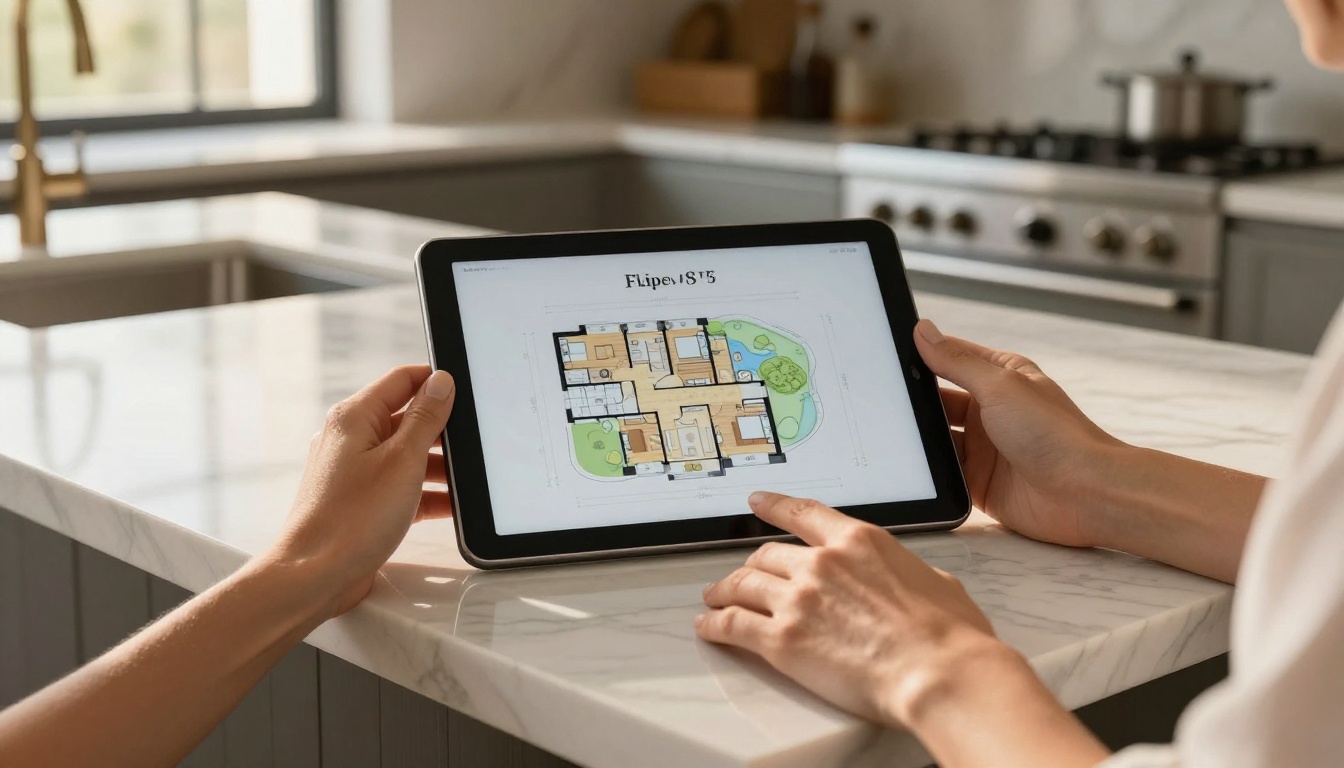
Why Print Flyers Are Costing You Deals
Most open house flyers get thrown away within 24 hours. Buyers visit three, four, sometimes seven homes in a single weekend. By Sunday evening, the paper stack on their kitchen table is a blur. Your listing, your branding, your contact info: gone.
The average buyer today is on their phone within minutes of walking into a property. They're texting photos to family, checking comps on Zillow, and sharing the listing link with their spouse. If you're not meeting them in that digital moment, you're invisible.
Three Problems with Print Materials
Print flyers share three consistent problems every realtor knows but rarely talks about:
- They're static. You can't update a price reduction or add new photos after printing.
- They're expensive. Quality glossy flyers for a single open house can run $80-$200 per print run.
- They disappear. Paper doesn't get saved to a phone or forwarded in an email thread.
A digital flipbook solves all three. It's updatable, free to share, and stays in a buyer's inbox until they're ready to make a decision.
What Buyers Actually Want
Research from the National Association of Realtors consistently shows that buyers want detailed property information quickly. They want floor plans, neighborhood data, school ratings, and photos they can zoom in on. A flipbook delivers all of that in one shareable link, no app download required.
What a Flipbook Does for an Open House
A digital flipbook is an interactive PDF that flips like a real book in a browser. Buyers click through pages, zoom into room details, and share the link from their phone in seconds. It's the difference between handing someone a business card and giving them a full portfolio.
When you make a flipbook for your realtor open house, you're giving buyers:
- A permanent digital record of the property they can revisit any time
- A branded experience that positions you as a professional agent
- A shareable asset they'll forward to family and co-buyers
- An interactive format that holds attention longer than a static PDF
First Impressions That Actually Stick
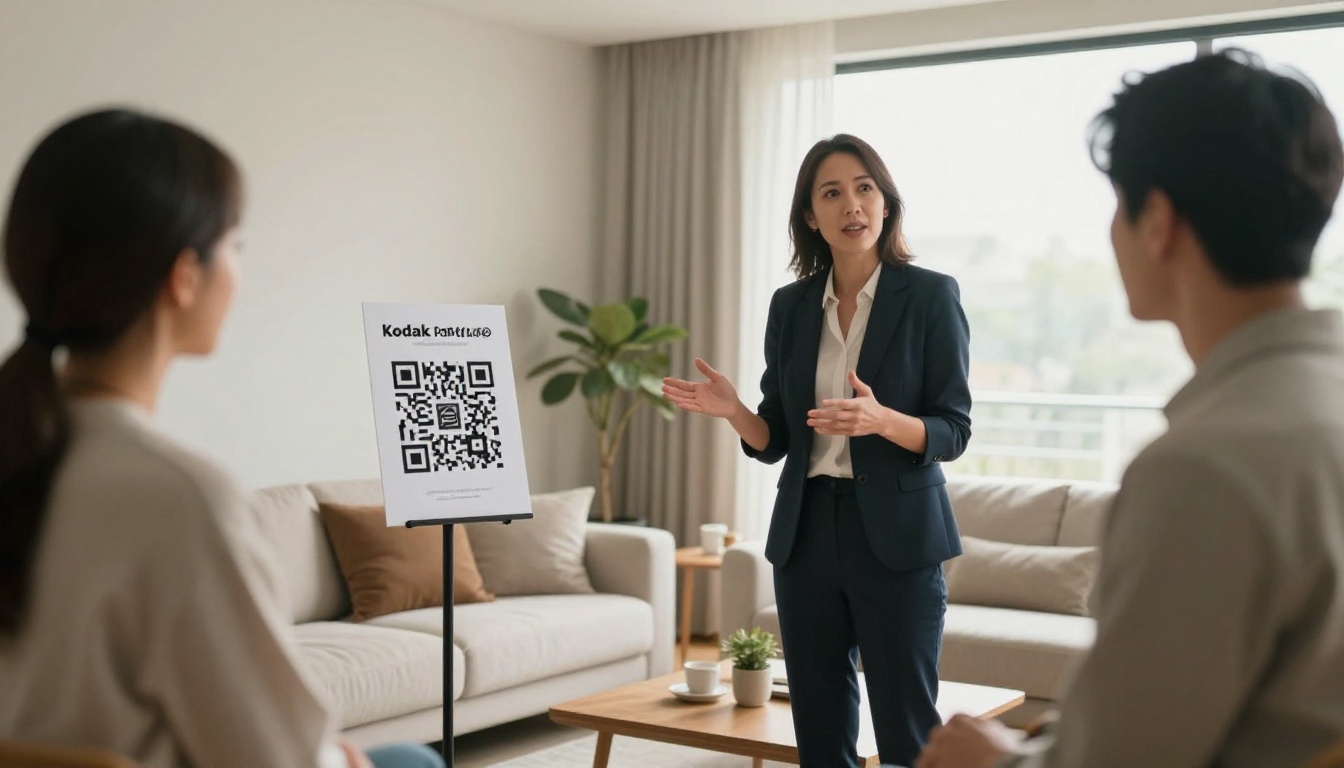
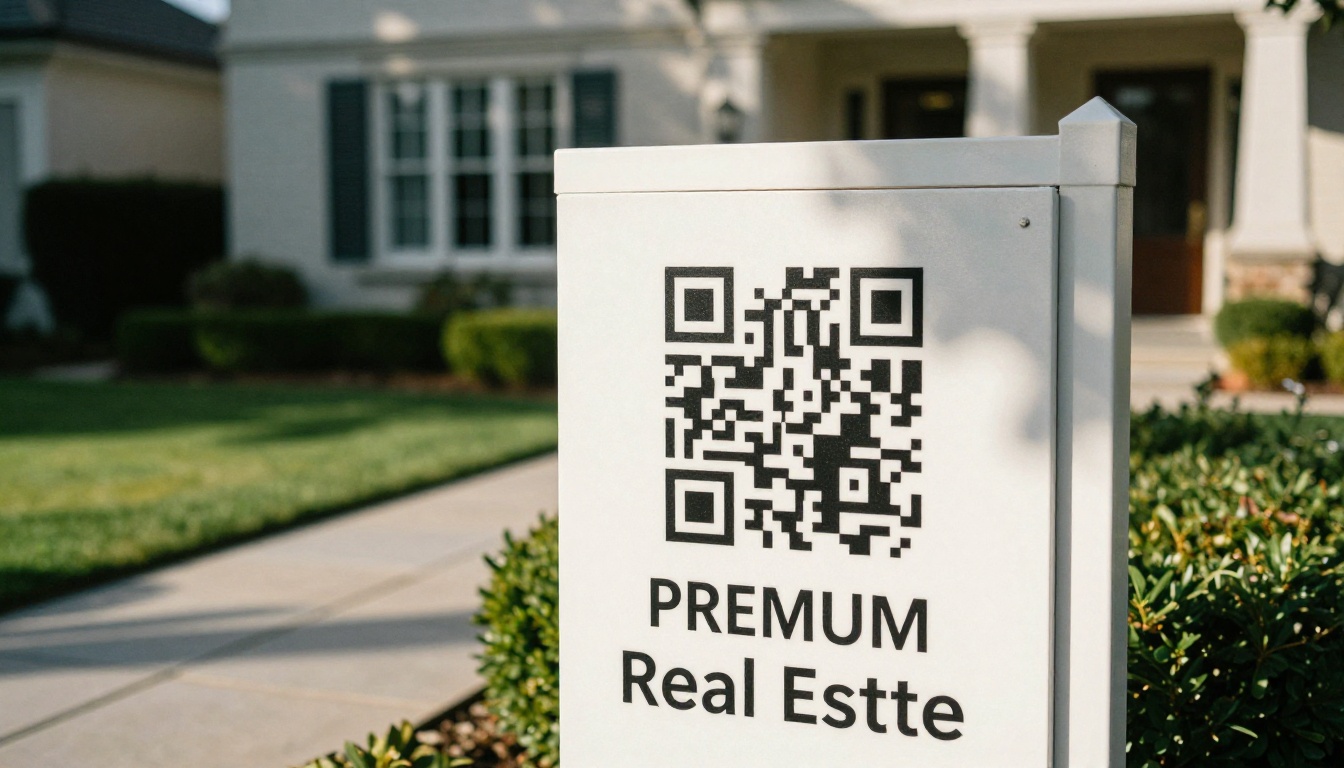
A buyer walks in, scans a QR code at the front door, and your flipbook opens on their phone. Within 30 seconds they're flipping through high-resolution interior photos, reading room dimensions, and browsing a neighborhood overview. That's a first impression worth having.
💡 Pro Tip: Place a QR code display stand at the entrance, in the kitchen, and near the property info sheet. Multiple touchpoints mean more scans.
One Document for Every Detail
The best open house flipbooks replace the entire folder of documents agents used to hand out. Inside a single flipbook you can include:
- Professional listing photos, all of them, not just the 8 that fit on a flyer
- Full floor plan with room dimensions
- HOA information and monthly fees
- Utility cost averages
- Neighborhood walkability and school ratings
- Recent comparable sales
- Your bio and contact details
How to Make a Flipbook for Your Realtor Open House
Creating a professional open house flipbook takes less time than designing a print flyer, and Flipbooks AI makes the process straightforward. Here's the full process from start to finish.
Step 1: Build Your PDF in a Design Tool
Before you upload anything, you need a polished PDF. Use Canva, Adobe InDesign, or Google Slides to create a multi-page document with:
- A title page featuring the property address and hero photo
- An interior photo gallery (dedicate 1-2 pages per room)
- A floor plan page with labeled dimensions
- A neighborhood and lifestyle overview page
- A property details page (specs, lot size, year built, taxes)
- Your agent bio and contact page
Keep your design consistent with your brand colors and logo. Use the property address as the document title for SEO benefit when shared online.
✅ Best Practice: Export at 150-300 DPI. High enough for crisp photos on screen, small enough to load quickly on a mobile connection.
Step 2: Upload to Flipbooks AI
Head to Flipbooks AI and log into your account. If you don't have one yet, creating an account takes under two minutes.
- Click New Flipbook on your dashboard
- Select Upload PDF and choose your open house document
- Wait for the conversion, typically 30-60 seconds for a 10-15 page document
- Your flipbook preview will load automatically
The PDF to Flipbook Converter handles all file sizes and maintains your original layout, fonts, and image quality throughout the conversion.
Step 3: Customize Your Flipbook
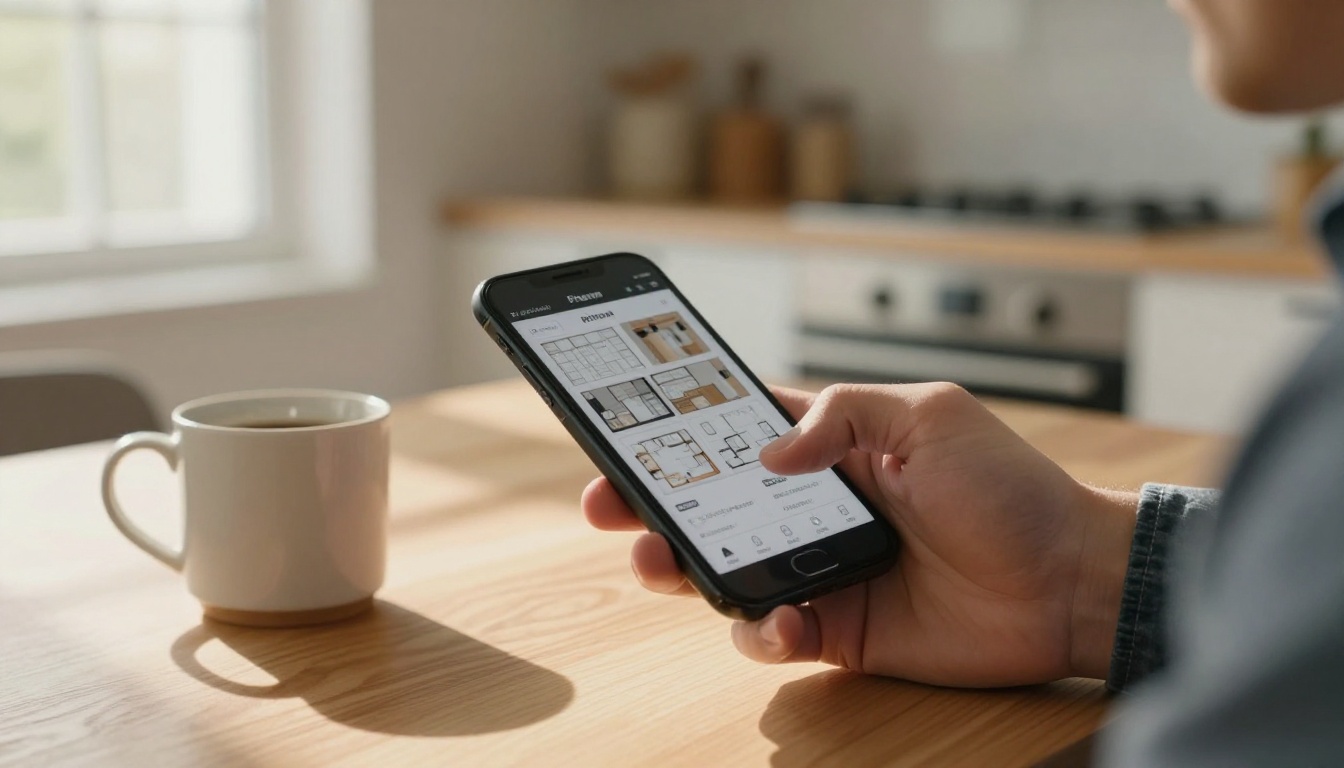
Once converted, use the flipbook editor to add finishing touches:
- Add your logo to the viewer bar for consistent branding
- Set a custom color theme matching your agency's palette
- Enable page turn sounds for a tactile reading experience
- Add a password if you want to limit access to registered visitors only
- Set a custom domain URL so the link matches your professional brand
💡 Pro Tip: Use the Real Estate Brochure Creator template to speed up your design in Canva, then convert the result directly on Flipbooks AI.
Step 4: Share Before, During, and After
This is where digital beats print entirely. With one click, you get:
- A direct link to copy into email campaigns
- An embed code to place on your listing's MLS page or personal website using the Embed Flipbook on Website tool
- A QR code downloadable as PNG for print signage
- Social share buttons for Facebook, WhatsApp, and email
Send the flipbook link in your pre-open house email blast so buyers arrive already familiar with the property. Bring printed QR code stands for display inside the home. Follow up within 24 hours with the same link in a personal email.
What to Include in Your Open House Flipbook
The content inside your flipbook is as important as the format. Here's a section-by-section breakdown of what performs best.
Property Highlights Section
Lead with impact. The first two pages after your title page should answer the buyer's first question: what makes this home worth my time?
Include:
- 4-6 of the best professional photos (exterior, living area, kitchen, primary suite)
- A 3-sentence property description that focuses on lifestyle benefits, not just specs
- The asking price, beds, baths, and square footage in a clean info box
Neighborhood and Lifestyle Data
Buyers don't just buy a home, they buy a neighborhood. Give them reasons to love the location:
- School ratings from GreatSchools or Niche
- Walkability score from Walk Score
- Nearby amenities: grocery stores, gyms, parks, restaurants within 1 mile
- Commute times to 2-3 major local employment hubs
Floor Plans and Room Specs
This is the most-viewed section in any real estate document. Buyers return to floor plans constantly. Include:
- A clean, labeled floor plan (hire a service like BoxBrownie if needed)
- Room dimensions for every bedroom and living area
- Ceiling heights if above standard
- Storage and garage dimensions
⚠️ Warning: Inaccurate floor plan dimensions are a liability. Always verify measurements before publishing.
Digital vs. Print: The Real Comparison
Here's a direct comparison of what you're choosing between when you decide on your open house materials:
| Feature | Print Flyer | Digital Flipbook |
|---|
| Cost per open house | $80-$200 | $0 after subscription |
| Updateable after print | No | Yes, instantly |
| Shareable by buyers | No | Yes, any device |
| Photo limit | 4-8 images | Unlimited |
| Floor plan included | Rarely | Standard |
| Analytics on views | No | Yes (Professional plan) |
| Works on mobile | Awkward | Optimized |
| QR code access | Not applicable | Built-in |
| Buyer follow-up | Manual | Link in email |
| Environmental impact | Paper waste | Zero |
The cost comparison alone is compelling. At 3-4 open houses per month, print flyers run $240-$800 monthly. A Flipbooks AI Standard plan covers unlimited flipbooks for a fraction of that.
Sharing Strategies That Get Results
Creating the flipbook is half the work. How you share it determines whether buyers actually read it.
QR Codes at the Front Door
Print your QR code on 5x7 card stock display stands and position them at eye level at the front entrance. Add a second stand in the kitchen where people naturally pause. A third in the primary bedroom. Every scan is a buyer who now has your listing on their phone.
💡 Pro Tip: Flipbooks AI generates a QR code automatically with every published flipbook. Download it as a PNG and drop it into your print sign template in under a minute.
Pre-Event Email Campaigns
Send the flipbook link to your buyer database 3-5 days before the open house. Subject lines that perform well:
- "First look: [Address] opens this Sunday"
- "See inside before everyone else this weekend"
- "Floor plans and photos: [Address] open house"
Buyers who receive the flipbook before the event arrive warmer, more prepared, and more likely to engage seriously.
Post-Event Follow-Up
Within 24 hours of closing the open house, send a follow-up email to every visitor who signed in. Include:
- The flipbook link again with a message like "in case you want to revisit the details"
- Your direct phone number
- Any new disclosures or updates added to the document
- A one-sentence invitation to schedule a private showing
Flipbooks AI Plans for Realtors
Not all realtors need the same features. Here's how the Flipbooks AI pricing tiers stack up for real estate use cases:
| Feature | Free | Standard | Professional |
|---|
| Flipbooks per month | 1 | Unlimited | Unlimited |
| Custom branding | No | Yes | Yes |
| Password protection | No | Yes | Yes |
| Analytics dashboard | No | No | Yes |
| Lead generation forms | No | No | Yes |
| Offline downloads | No | Yes | Yes |
| Custom domain | No | Yes | Yes |
| Embed on website | Yes | Yes | Yes |
| Best for | Testing | Active agents | Top producers |
For agents running 2 or more open houses per month, the Standard plan pays for itself after one saved print run. The Professional plan adds analytics so you can see exactly who viewed your flipbook, how long they spent on each page, and which sections captured the most attention.
✅ Best Practice: Use lead generation forms on the Professional plan to capture buyer emails directly inside the flipbook. Add a "Schedule a Showing" form on the final page.
A Real-World Open House Workflow
Here's what a full open house flipbook workflow looks like in practice, from listing day to offer:
Week 1 (Listing Day)
- Shoot professional photos and measure all rooms
- Design PDF in Canva using listing photos and floor plan
- Upload to Flipbooks AI and customize branding
- Embed flipbook on MLS listing page
Week 2 (Pre-Open House)
- Send flipbook link to buyer database with a "first look" email
- Print QR code stands for 3 locations inside the home
- Share flipbook link on social media with the top property highlights
Open House Day
- QR code stands at entrance, kitchen, and primary suite
- Offer verbal prompt: "Scan the code at the door for the full photo set and floor plan"
- Collect visitor sign-ins with email addresses
Within 24 Hours
- Send follow-up email to all sign-ins with the flipbook link
- Check analytics (Professional plan) to see who engaged most
- Prioritize follow-up calls with high-engagement visitors
Mistakes Agents Make With Open House Materials
Too Many Pages, Not Enough Substance
A 30-page flipbook sounds impressive. In practice, buyers stop reading at page 8 if the content doesn't reward them. Keep your flipbook focused: 12-16 pages is the sweet spot. Every page should either show something beautiful, tell the buyer something useful, or move them toward a decision.
Forgetting the Call to Action
Every flipbook needs a final page that tells the buyer exactly what to do next. "Call me to schedule a private showing" with your direct number. "Submit your offer by Sunday at 6pm." Don't leave it open-ended.
Using Low-Resolution Photos
A flipbook with blurry photos looks worse than no flipbook at all. Use professional MLS-quality photos at minimum. The interactive format only works when images reward buyers who zoom in.
Not Testing the Mobile Experience
Over 70% of buyers will open your flipbook on a phone. Before your open house, send the link to your own phone and flip through every page. Confirm that text is readable, photos are crisp, and the QR code on your stands opens correctly.
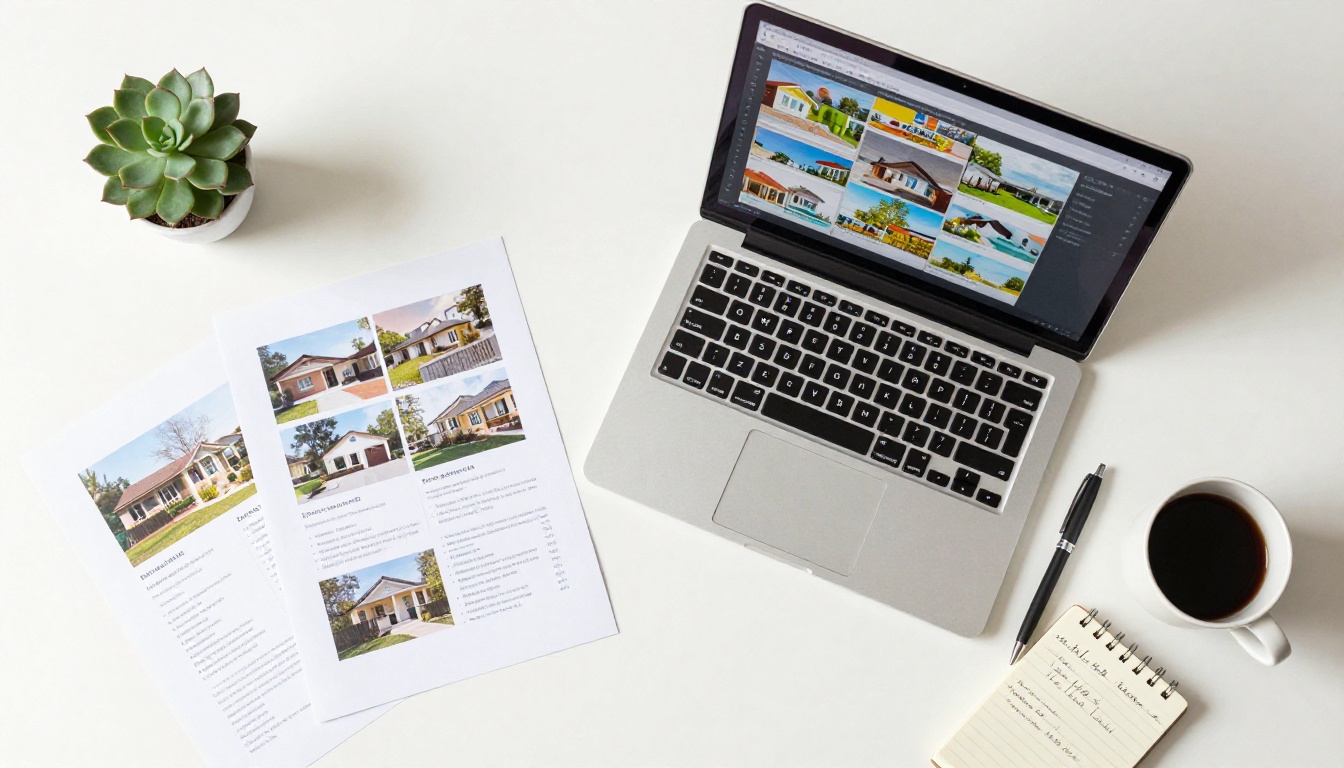
Beyond the core PDF upload workflow, Flipbooks AI offers purpose-built tools that save time for real estate professionals:
| Tool | Best For | Link |
|---|
| Real Estate Brochure Creator | Property-specific brochure templates | View Tool |
| Online Brochure Designer | Custom multi-listing brochures | View Tool |
| Sales Presentation Flipbook | Buyer and seller consultations | View Tool |
| Digital Portfolio Creator | Agent portfolio and bio flipbooks | View Tool |
| Event Program Maker | Open house event programs | View Tool |
| Embed Flipbook on Website | MLS and personal site integration | View Tool |
Each tool is built to produce a polished, branded flipbook in minutes, not hours. Whether you're preparing for a single listing or managing a full portfolio of properties, there's a purpose-built option ready for your workflow.
Ready to Stop Handing Out Flyers?
The agents closing the most deals aren't necessarily the ones with the biggest marketing budgets. They're the ones who show up to every open house with the sharpest, most professional materials on the block. A digital flipbook built on Flipbooks AI takes under an hour to create, costs nothing to distribute, and keeps working for your listing long after the open house ends.
Create your first open house flipbook free and see the difference a polished digital presentation makes. When you're ready for unlimited flipbooks, custom branding, and professional analytics, compare the pricing plans to find the right fit for your business. Browse all available real estate tools and templates to build out a full marketing strategy for every listing you take on.
Your next buyer is on their phone right now. Make sure your listing is what they're looking at.



