If you're a voice actor sending raw MP3 files to potential clients, you're leaving bookings on the table. Flipbooks AI lets you turn your audio demo into a fully interactive, visual portfolio that casting directors and producers actually want to open. This isn't about gimmicks. It's about making your first impression count before anyone presses play.
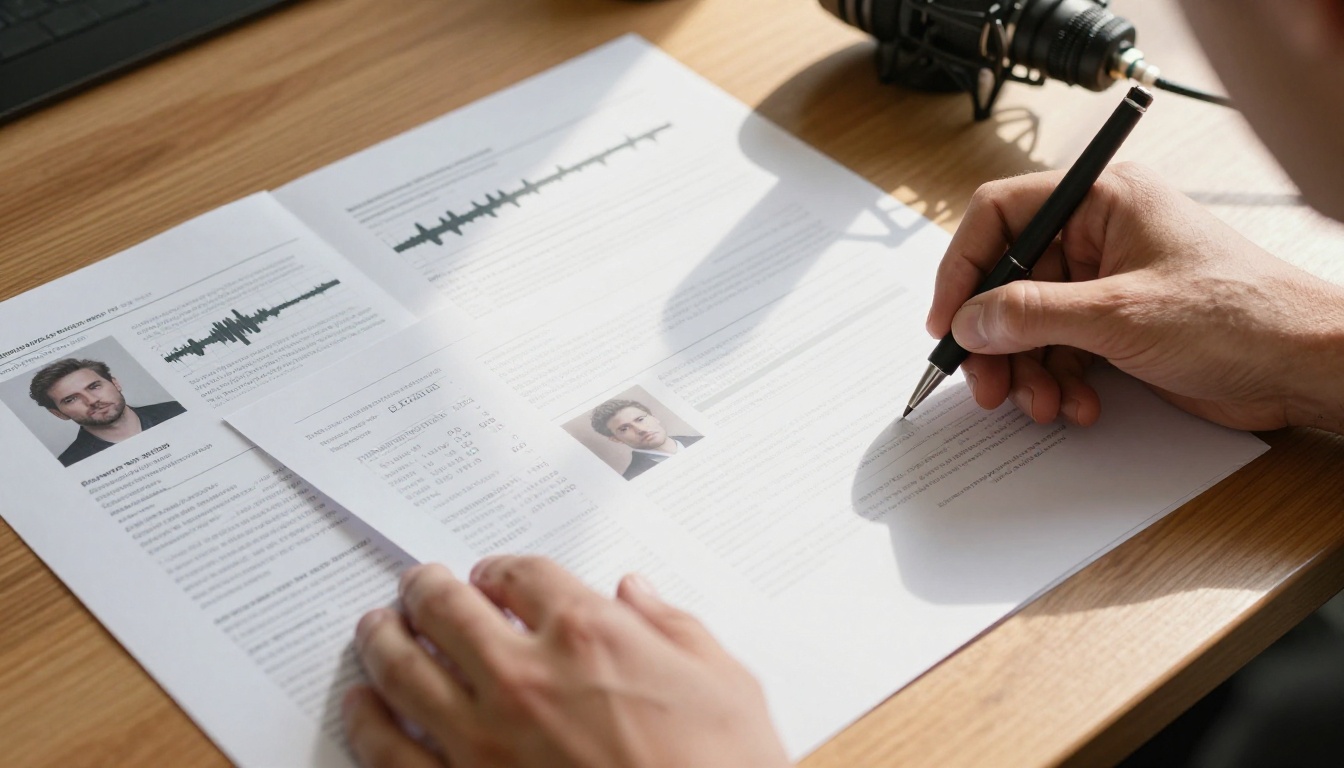
Why an Audio File Alone Won't Cut It
The voiceover industry is more competitive than it's ever been. Casting platforms are flooded with talent, and a plain MP3 attachment in an email looks exactly like the 47 others sitting in a producer's inbox. The problem isn't your voice. It's your presentation.
A voice actor portfolio used to mean a single-page website or a SoundCloud link. Now, clients expect something they can scroll through, forward to a team, and bookmark without downloading anything. The audio freelancer portfolio has evolved, and the format winning right now is the interactive digital flipbook.
💡 Casting directors spend an average of 8 seconds deciding whether to keep listening to a demo. Your visual first impression happens before they press play.
Here's how different submission formats stack up for a working voice talent:
| Submission Type | Visual Impact | Shareable | Embeddable | Trackable |
|---|
| MP3 email attachment | None | Limited | No | No |
| SoundCloud link | Minimal | Yes | Basic | Limited |
| Personal website | Moderate | Yes | Yes | With plugins |
| Voiceover demo flipbook | High | Yes | Yes | Yes (Pro plan) |
Interactive content generates twice the engagement of static formats. A flipbook brings together your headshot, credits, audio samples, client list, and contact info in one polished package that represents exactly who you are as a professional.
What Makes a Voiceover Demo Flipbook Work
Not every digital format translates well to a voiceover portfolio. A flipbook works specifically because of how it simulates reading a physical booklet, creating a sense of weight and professionalism that a flat webpage never quite achieves.
The key elements that make an audio portfolio presentation effective in flipbook format:
- Page-turn animation that feels tactile and intentional
- Embedded audio players so clients hear samples without leaving the page
- Mobile-responsive design that works on phones, tablets, and desktops
- Instant loading without downloads or plugins
- Password protection for exclusive demos sent to specific clients
- Analytics to see who opened it and how long they stayed
Flipbooks AI supports all of these natively, including the ability to embed audio and video directly into your flipbook pages, a feature most basic PDF converters simply don't offer.
The Psychology Behind the Format
When someone receives a link to a flipbook, they open it out of curiosity. The page-turn effect triggers a reading mode that feels different from scrolling a webpage. Clients slow down. They engage. They stay longer with your content, which means more time hearing your voice samples and absorbing your credits.
✅ The goal isn't to wow them with design. The goal is to slow them down long enough to hear what you can do.
Voiceover Niches That Benefit Most
The flipbook format adapts well across every voiceover specialty. Here's how it maps to specific niches:
| Voiceover Niche | Key Pages to Include | Most Important Feature |
|---|
| Commercial | Credits, brand names, audio clips by style | Embedded audio |
| Audiobooks | Sample chapters, narrator bio, genre range | Password protection |
| Corporate narration | Client logos, training samples, professional bio | Analytics (agency pitching) |
| Animation/character | Character breakdown grid, sample per character | Audio player per row |
| eLearning | Compliance samples, tone range, turnaround info | Mobile-responsive display |
| Video games | Character roster, emotional range table | Embedded clips |
Whatever your specialty, the Digital Portfolio Creator and Portfolio Flipbook Builder on Flipbooks AI include templates built for creative professionals.
What to Put in Your Flipbook
A voiceover demo flipbook isn't just an audio file in a prettier wrapper. Think of it as your complete voice talent marketing package in one document that a client can open in 2 seconds and forward to a team in one click.
Here's what a strong voiceover demo flipbook typically includes:
Page 1: The Cover
- Professional headshot (well-lit, neutral background)
- Your name in clear, large typography
- Specialty or niche ("Commercial, Corporate, Character")
- Contact email or booking link
Page 2: Your Demo Reel Overview
- Brief bio (3-4 sentences, first person, conversational)
- List of your primary voice styles with embedded audio clips per style
- Equipment notes if relevant (home studio, professional booth)
Page 3: Credits and Clients
- Notable brands, agencies, or productions you've worked with
- Sample scripts or snippets from produced work (with permission)
- Testimonials from producers or casting directors
Page 4: Range Breakdown
- A table or grid of your voice styles with audio samples per row
- Age range, accent capabilities, language options
Page 5: Contact and Booking
- Direct email, phone, or booking platform link
- Response time commitment
- Rates structure (optional but appreciated by direct clients)
| Section | What to Include | Why It Matters |
|---|
| Cover | Headshot, name, specialty | First impression |
| Demo overview | Bio and audio samples by style | Shows range quickly |
| Credits | Clients, projects, brands | Establishes credibility |
| Range breakdown | Audio per voice type in table | Helps casting filter |
| Contact | Booking info, response time | Removes friction |
💡 Keep your flipbook between 5-10 pages. Long enough to show depth, short enough that clients actually finish it.
How to Build Your Voiceover Demo Flipbook
This is where Flipbooks AI makes the process genuinely fast. You don't need a design degree or a developer. You need a PDF and about 20 minutes.
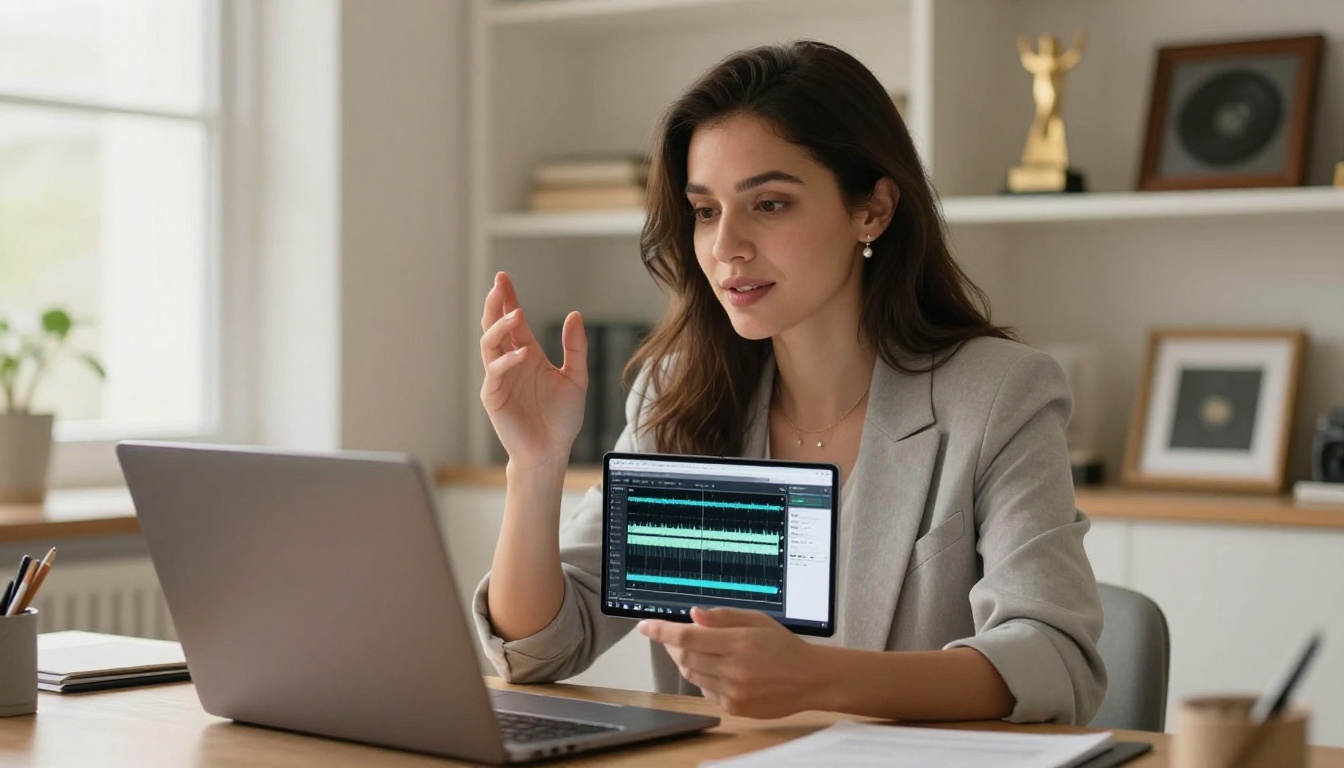
Step 1: Design Your PDF
Use Canva, Adobe InDesign, Google Slides, or PowerPoint to design your pages. Export as PDF. The key things to get right at this stage:
- 16:9 landscape format works best for digital sharing
- High-res images (minimum 300 DPI for crisp display on screen)
- Embed your fonts to prevent display issues
- Keep your color palette to 2-3 colors maximum for a clean look
Step 2: Upload to Flipbooks AI
Go to Flipbooks AI and create your account. The upload process takes under a minute:
- Click "New Flipbook"
- Drag and drop your PDF file
- Wait for the conversion (usually 10-30 seconds)
- Preview your flipbook in the editor
The PDF to Flipbook Converter handles everything automatically, preserving your fonts, images, and layout exactly as designed.
Step 3: Customize the Look
Once uploaded, you can customize:
- Background color behind the flipbook pages
- Page shadow and depth effects for a realistic book feel
- Custom thumbnail for link previews when shared
- Auto-flip speed for automatic presentation mode
Step 4: Embed Audio and Video
This is where the flipbook format pulls ahead of static PDFs. Through the editor, you can:
- Add audio players directly onto any page
- Embed video clips from Vimeo or YouTube
- Insert clickable links for booking or contact
✅ Embed your best 30-second demo clip on page 1. If a client hears you in the first 10 seconds, they're more likely to read the rest.
Step 5: Set Sharing Permissions and Go Live
Before you send, configure how your flipbook behaves:
- Public link for sharing on social media or email
- Password protection for demos you only want specific clients to access
- Embed code for adding the flipbook to your website or agency profile
- Download disable to protect your proprietary audio content
Use the Embed Flipbook on Website tool to drop your portfolio directly into your personal site in two lines of code.
Design That Makes Casting Directors Stay
Design for voiceover portfolios follows different rules than design for visual artists. Your work is audio-first, which means the design should support listening, not compete with it.
Color and Typography Rules
- White space is your friend. Busy layouts distract from audio content.
- Use one serif and one sans-serif font maximum. Mixing too many typefaces looks amateur.
- High contrast text is essential for readability on both light and dark screens.
- Dark backgrounds (navy, charcoal, deep burgundy) project professionalism in audio contexts, evoking recording studio aesthetics.
Headshot Placement
Your headshot should appear on the cover and nowhere else. Once clients know your face, they want to hear your voice. Repeating the photo wastes pages you could fill with credits or audio samples.
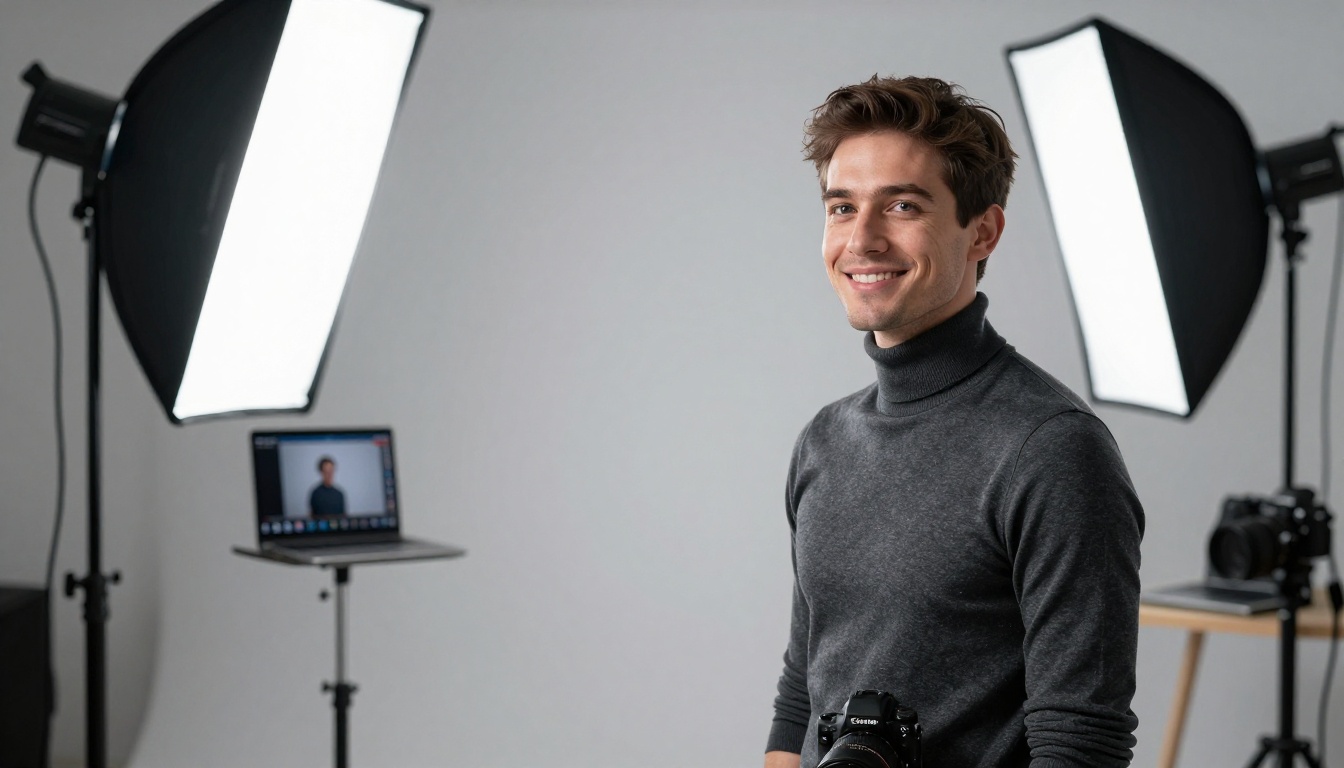
Invest in a proper professional headshot before building your flipbook. A phone selfie or an outdated photo signals you don't take your presentation seriously, which makes clients question whether you take your audio work seriously either.
⚠️ Avoid stock photography anywhere in your voiceover demo flipbook. Clients will notice. It undermines authenticity immediately.
Audio Player Styling
When embedding audio players, keep them:
- Simple and play-button-forward. Clients shouldn't have to figure out how to press play.
- Labeled clearly with the voice style ("Warm Corporate Narration, 30 sec")
- Short. Each clip should be 20-45 seconds. Nobody listens to a 3-minute demo in one sitting.
Sharing It the Right Way

A great flipbook that nobody sees is still a missed opportunity. Here's how to put your interactive voice demo in front of the right people.
Email Outreach
When cold-emailing casting directors or production companies:
- Subject line: "Voice Demo for [Project Type] - [Your Name]"
- Body: 3 sentences max. Who you are, what you specialize in, and a direct link to your flipbook.
- Never attach files. A link is always cleaner and easier to forward.
A message like this converts far better than a file dump:
"Hi [Name], I specialize in warm corporate narration and character work for animation. Here's my interactive demo: [your flipbook link]. Happy to record a custom audition if anything resonates."
Social Sharing
Share your voiceover demo flipbook on:
- LinkedIn with a brief post about what's new in your range or recent credits
- Instagram bio using a link-in-bio tool pointing directly to your flipbook
- Voice acting communities and Facebook groups for talent
- Your agency profile if represented
Agency Submissions
Many voice acting agencies now accept digital portfolio links instead of audio files. A flipbook gives an agency everything they need: your look, your credits, your range, and your sound, all in one shareable link they can forward internally without converting or uploading anything.
💡 If you're submitting to a large agency, password-protect your flipbook and include a custom cover page with the agency's name. It signals care and precision that most talent don't bother with.
Mistakes That Kill Your Demo's Impact

Even excellent voice talent can undercut their presentation with avoidable errors. These are the most common ones:
Too Much Text, Not Enough Audio
Your flipbook is not a resume. If a client has to read five paragraphs to understand what you do, they're already bored. Show range through audio. Explain with bullet points. Every word that replaces an audio clip is a missed chance to do what you actually do.
Outdated Credits
Listing credits from projects that are five or more years old signals you haven't been working. Keep your credits current. Remove anything that doesn't reflect your present quality level or niche focus.
No Mobile Preview Before Sending
Over 60% of business emails are opened on mobile devices. Before sending your flipbook link to anyone, open it on your phone and confirm:
- Pages are readable without zooming
- Audio players are accessible and tappable
- Buttons and links work correctly
Flipbooks AI generates mobile-responsive flipbooks automatically, but always preview on your own device before sending to a real client.
Sending the Same Demo to Everyone
A commercial-focused voice demo hosting page sent to an audiobook publisher misses the mark. Build two or three versions of your flipbook for different niches:
- One focused on commercial and corporate work
- One showcasing character and animation range
- One for audiobooks and long-form narration
The Portfolio Flipbook Builder makes it simple to duplicate and customize versions for different audiences without rebuilding from scratch.
Plans Worth Your Budget

Flipbooks AI offers tiered pricing designed to grow with your career. Here's what matters at each level for voice actors specifically:
| Plan | Flipbooks | Audio Embed | Analytics | Password Protection | Best For |
|---|
| Free | Limited | No | No | No | Testing the platform |
| Standard | Unlimited | Yes | No | Yes | Active freelancers |
| Professional | Unlimited | Yes | Yes | Yes | Full-time voice talent |
For most working voice actors, the Standard plan covers everything you need: unlimited flipbooks, password protection, and audio embedding with no watermarks ever. If you're pitching agencies or tracking which clients are engaging with your demo, the Professional plan adds analytics and lead generation tools that pay for themselves quickly.
💡 The analytics in the Professional plan show you which casting directors opened your portfolio and how long they spent on each page. That data helps you follow up intelligently instead of guessing who's interested.
The Professional plan also enables offline downloads, which is practical at voiceover conferences or in-person auditions where you want to hand someone a QR code that works even without reliable internet. See the full breakdown at Flipbooks AI pricing to compare what each tier includes.
Your Demo Is Your Handshake
The audio file era isn't over, but the voice actors winning consistent bookings right now are presenting themselves differently. They show up as professionals. They send links, not attachments. They give clients a complete picture before a single audition is recorded.
A voiceover demo flipbook won't replace a great voice. What it does is make sure your great voice gets heard by the right people, in the right context, in a format that respects a casting director's time and reflects your level of care.
Get started for free on Flipbooks AI and build your first voiceover demo flipbook today. Browse all portfolio tools to find what fits your style, or compare pricing plans to choose the right tier for where your career is right now.



