Wedding couples today do not book venues they cannot picture. Before they schedule a tour, before they reply to an email, they are scrolling through venue websites comparing layouts, packages, and ambiance in seconds. A static PDF attached to an email does not cut it anymore. A digital flipbook with page-turning effects, embedded images, and shareable links does. If you want to make a flipbook for your wedding venue that actually converts inquiries into deposits, this is where to start.
Flipbooks AI is the platform purpose-built for exactly this kind of presentation. In minutes, you can convert your existing venue PDF into an interactive, mobile-responsive digital brochure that couples can browse from any device. No print runs. No outdated copies floating around. Just a living, shareable document that sells your space 24 hours a day.
Why Wedding Venues Still Lose Bookings
Most venues underestimate how early couples make decisions. Research from wedding planning platforms consistently shows that couples shortlist venues within the first week of engagement. If your presentation materials are dull or difficult to share, you are not making the shortlist.
Here is what separates venues that close quickly from those that sit in the "maybe" pile:
- Interactive presentation: Couples want to flip through your venue the same way they scroll social media.
- Mobile access: Over 70% of wedding research happens on a smartphone.
- Easy sharing: Couples share venue options with parents, planners, and wedding party members. A shareable link wins over an email attachment every time.
- Up-to-date content: Pricing changes, new packages, seasonal menus. A digital flipbook updates instantly without reprinting anything.
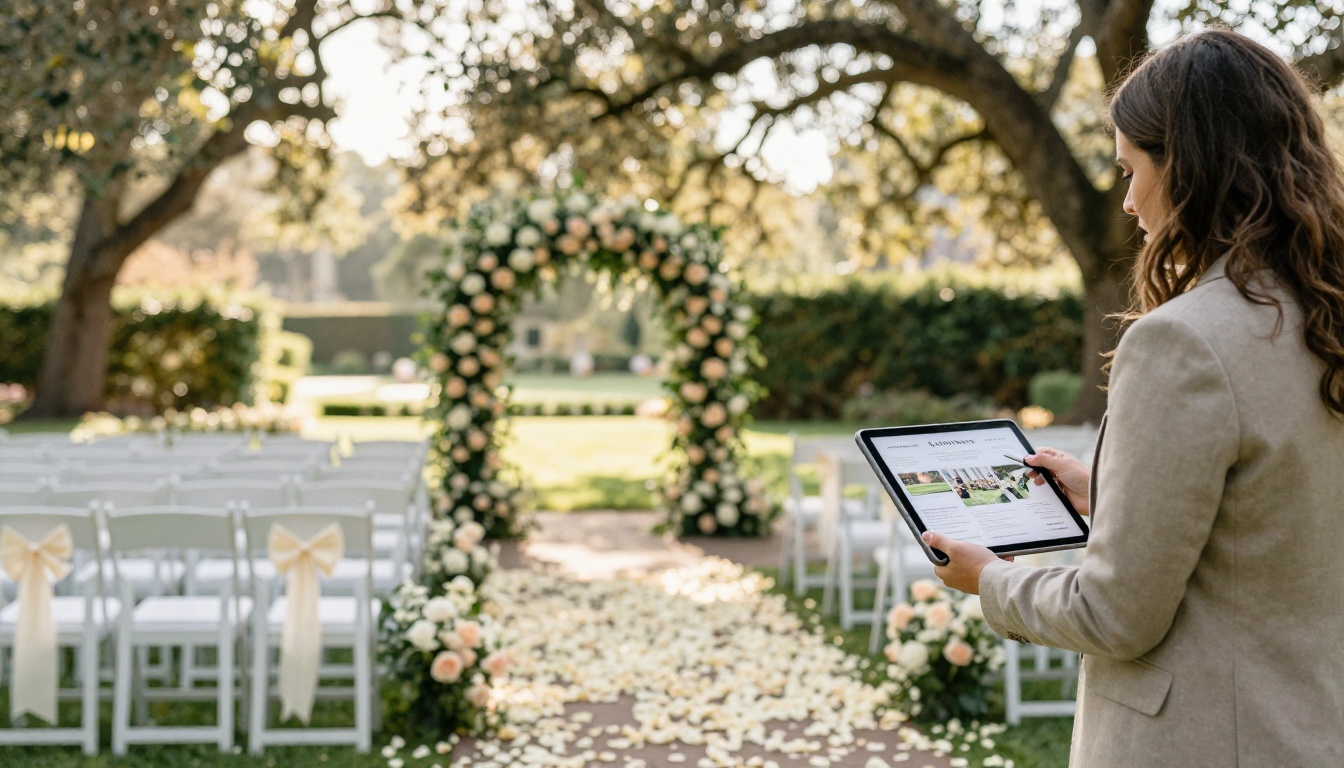
What to Put in Your Wedding Venue Flipbook
A strong wedding venue flipbook is not just pretty pictures. It is a structured sales document that walks couples through everything they need to see to say yes. Here is what every section should contain:
The Spaces Themselves
Showcase every room, garden, terrace, or pavilion your venue offers. Include:
- Wide-angle shots showing full capacity layouts
- Intimate close-up shots of architectural details such as archways, fireplaces, and ceiling features
- Floor plans with dimensions labeled clearly
- Both daytime and evening photography of the same spaces
Wedding Packages and Pricing
Couples need numbers to make decisions. Including your pricing tiers in the flipbook removes friction and pre-qualifies leads before you ever pick up the phone. Pair each package with a bulleted list of inclusions so the comparison is effortless.
Catering and Menu Options
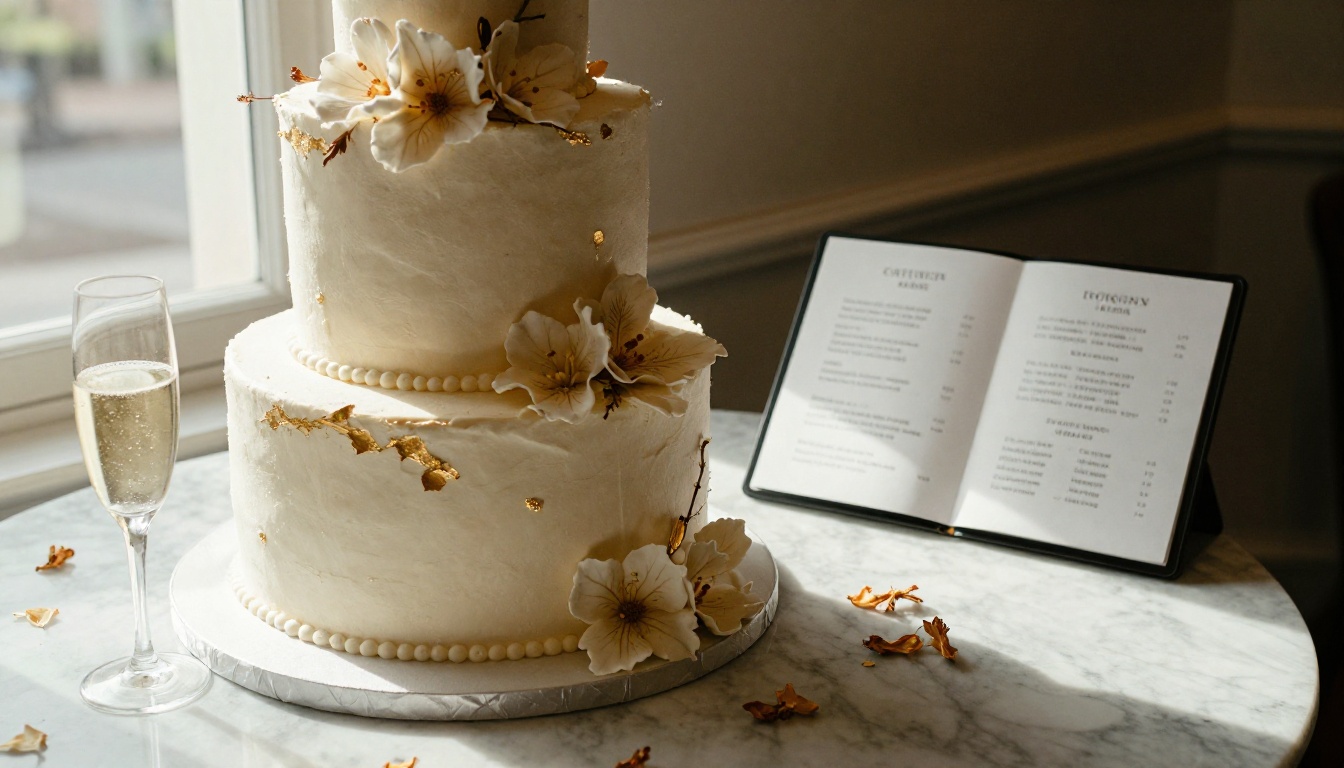
Food ranks among the top three factors couples cite when choosing a venue. Your flipbook should display your catering menus, tasting notes, and dietary accommodation policies in a clean, readable format. Use Flipbooks AI's page layout tools to present multi-course menus beautifully, similar to what the Restaurant Menu Creator tool offers for food and beverage businesses.
Vendor Lists and Add-Ons
Recommended photographers, florists, DJs, and accommodation partners round out the picture for couples planning from scratch. A venue that helps couples visualize the whole day books faster.
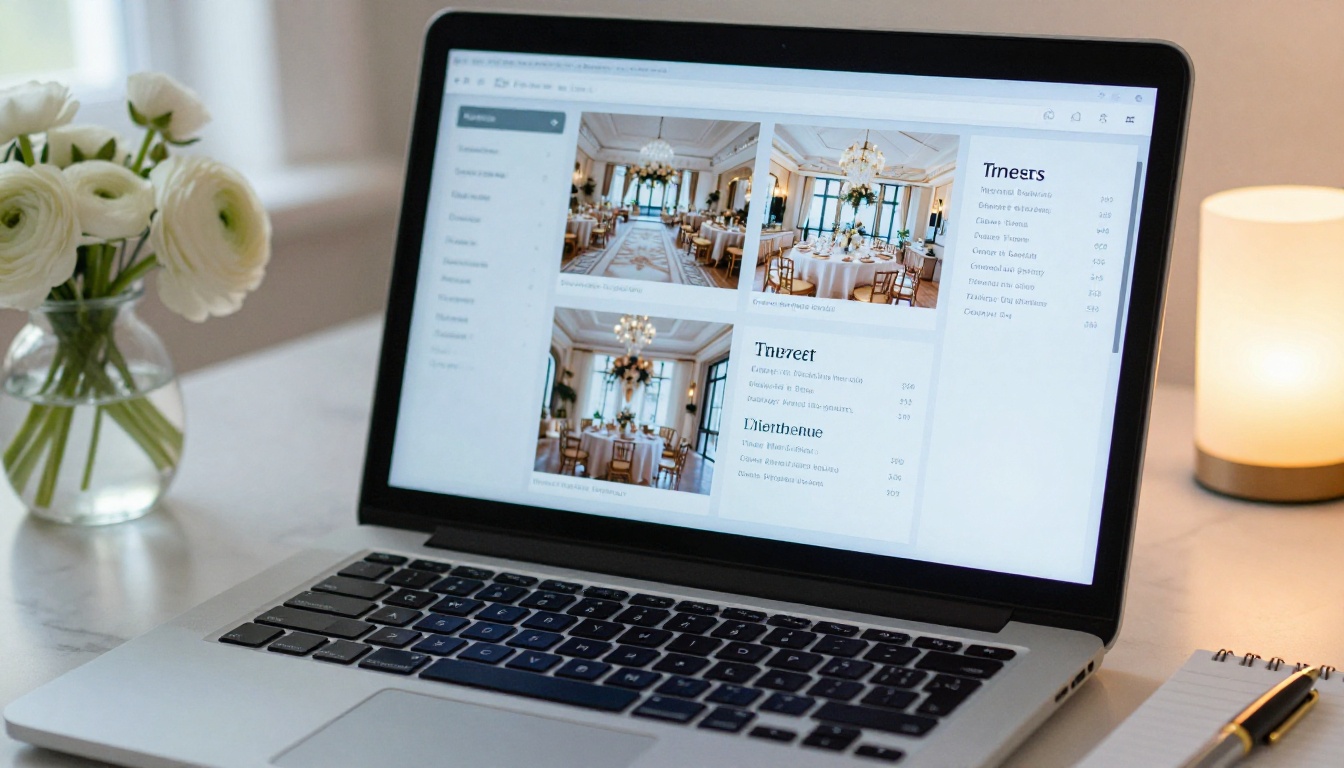
Print Brochure vs. Digital Flipbook
Before going further, it is worth seeing exactly what you gain by switching from a print brochure to a digital flipbook format.
| Feature | Print Brochure | Digital Flipbook |
|---|
| Update costs | Reprint every time | Free, instant updates |
| Shareability | Requires physical handoff | One link, shareable anywhere |
| Analytics | None | Page views, time on page, lead capture |
| Mobile-friendly | No | Yes, fully responsive |
| Multimedia | Static images only | Embed videos and audio |
| Password protection | Not possible | Available on Professional plan |
| Environmental impact | Paper waste | Zero print footprint |
| Distribution reach | Local only | Global, 24/7 |
The case for going digital is not just about convenience. It is about giving your venue a presence that works while you sleep.
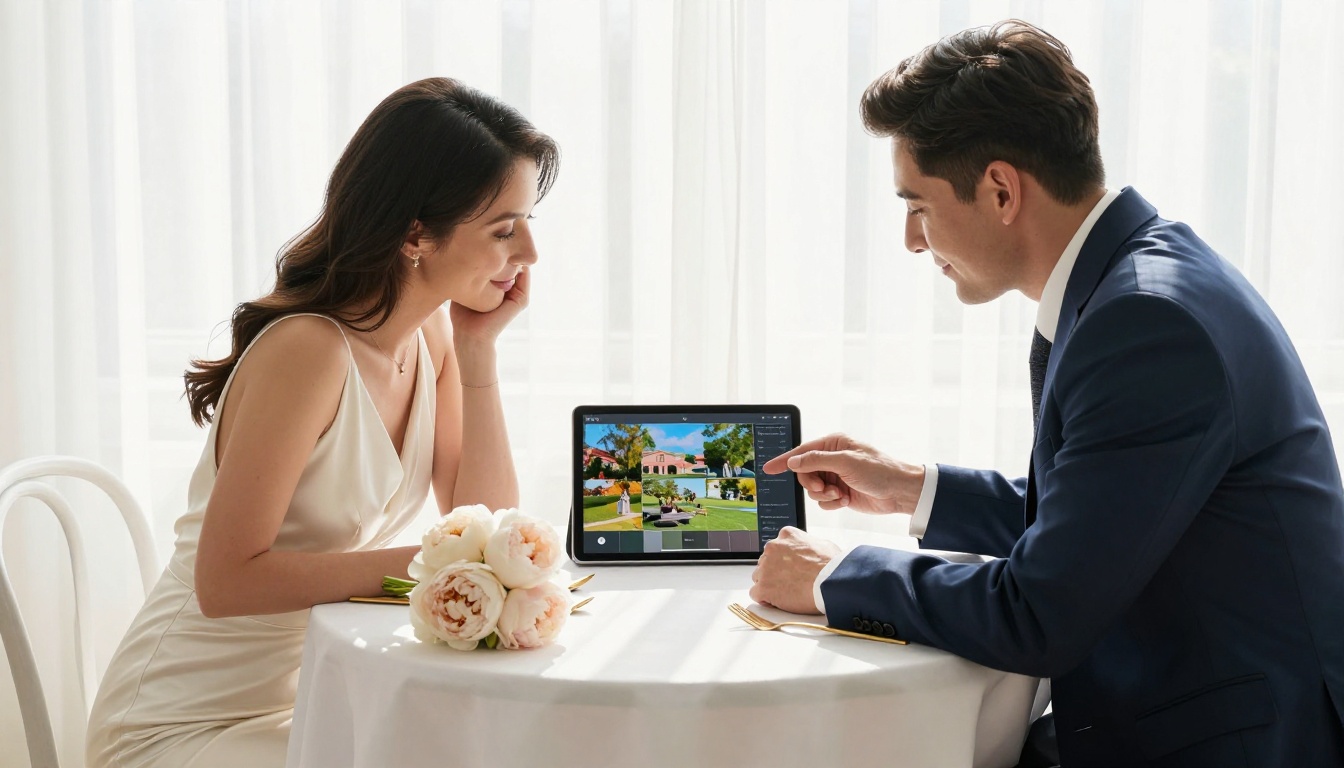
How to Make a Flipbook for Your Wedding Venue with Flipbooks AI
This is the practical part. Whether you have an existing PDF venue brochure or are starting from scratch in design software, the process on Flipbooks AI is straightforward. Here is exactly how it works:
Step 1: Create Your Account
Go to flipbooksai.com/account and sign up. The Standard plan gives you unlimited flipbooks with no watermarks, which is the minimum you want for client-facing materials. If you need analytics and lead generation forms, the Professional plan is what you are after.
Step 2: Prepare Your PDF
Your venue brochure needs to be in PDF format before uploading. If you do not have one already, use a design tool like Canva, Adobe InDesign, or Google Slides to create a polished layout. Include:
- A striking opening page with your venue name and a hero photograph
- One page per space or room, with the floor plan alongside the photography
- A dedicated package pricing spread
- A catering menu section
- A contact and booking page at the end
💡 Pro tip: Use high-resolution photography at minimum 150 DPI for digital output. Your flipbook's visual quality is only as good as the source PDF.
Step 3: Upload and Convert
Drag and drop your PDF into the PDF to Flipbook Converter. Flipbooks AI processes it automatically, applying a realistic page-turn effect that makes digital browsing feel like leafing through a premium printed piece. The conversion takes seconds for most venue brochures.
Step 4: Brand It
This is where your venue's identity takes over. In the customization panel, you can:
- Set your brand colors on the viewer chrome, the frame surrounding the pages
- Add your logo to the flipbook header
- Choose page transition effects such as classic page flip, slide, or fade
- Embed background music if you want ambiance while couples browse
- Add clickable hotspots on pages so couples can tap a room and jump to the full photo gallery for that space
✅ Best practice: Keep your brand colors consistent with your website. Couples often have your site open in another tab. Consistency builds trust.
Step 5: Set Up Sharing and Privacy
Once your flipbook looks exactly right, decide how couples access it:
- Public link: Paste into emails, embed on your website, or share via WhatsApp and Instagram DMs
- Password protection: For early-access previews shared with engaged couples before a tour
- Embed code: Place the flipbook directly on your venue's "Weddings" or "Events" page so visitors never have to leave your site
Use the Embed Flipbook on Website tool to generate the correct iframe code for your web platform, whether that is WordPress, Squarespace, Wix, or a custom build.
Step 6: Activate Lead Generation
If you are on the Professional plan, you can add a lead capture gate to your flipbook. Before a couple can view page 3 onward, where your pricing lives for example, they enter their name and email address. That lead goes directly into your CRM. It turns every flipbook view into a qualified inquiry without any extra work on your end.
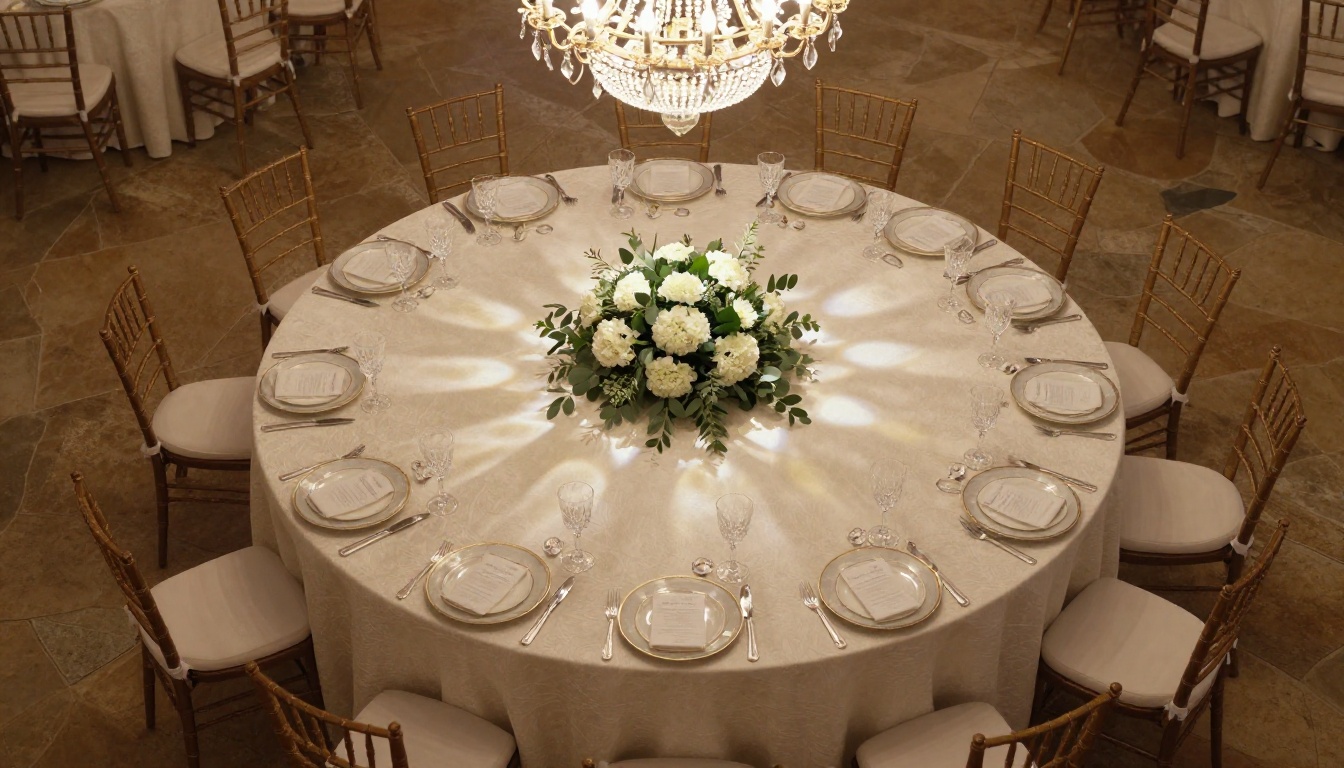
Flipbooks AI Plans: Which One Fits Your Venue?
Choosing the right plan depends on how many venues or event spaces you manage and what analytics you need.
| Plan Feature | Free | Standard | Professional |
|---|
| Number of Flipbooks | 3 | Unlimited | Unlimited |
| Watermark | Yes | No | No |
| Custom Branding | No | Yes | Yes |
| Password Protection | No | Yes | Yes |
| Analytics Dashboard | No | No | Yes |
| Lead Generation Forms | No | No | Yes |
| Offline Downloads | No | No | Yes |
| Embed on Website | Yes | Yes | Yes |
| Video and Audio Embed | No | Yes | Yes |
For most wedding venues, the Standard plan is the right starting point. If you are running multiple event properties or want to track which couples spent the most time on your pricing page, the Professional plan pays for itself in one additional booking.
Compare all pricing plans to see what fits your venue's current needs.
Smart Ways to Use Your Venue Flipbook
Creating the flipbook is step one. Putting it to work in your sales and marketing process is where the real return shows up.
Embed It on Your Website
Your venue website is the first stop for almost every couple researching options. Embedding your flipbook on the "Weddings" or "Events" page gives visitors an immersive experience before they ever reach out. Couples who browse all the way through your flipbook are significantly more likely to submit an inquiry.
Send It in Initial Response Emails
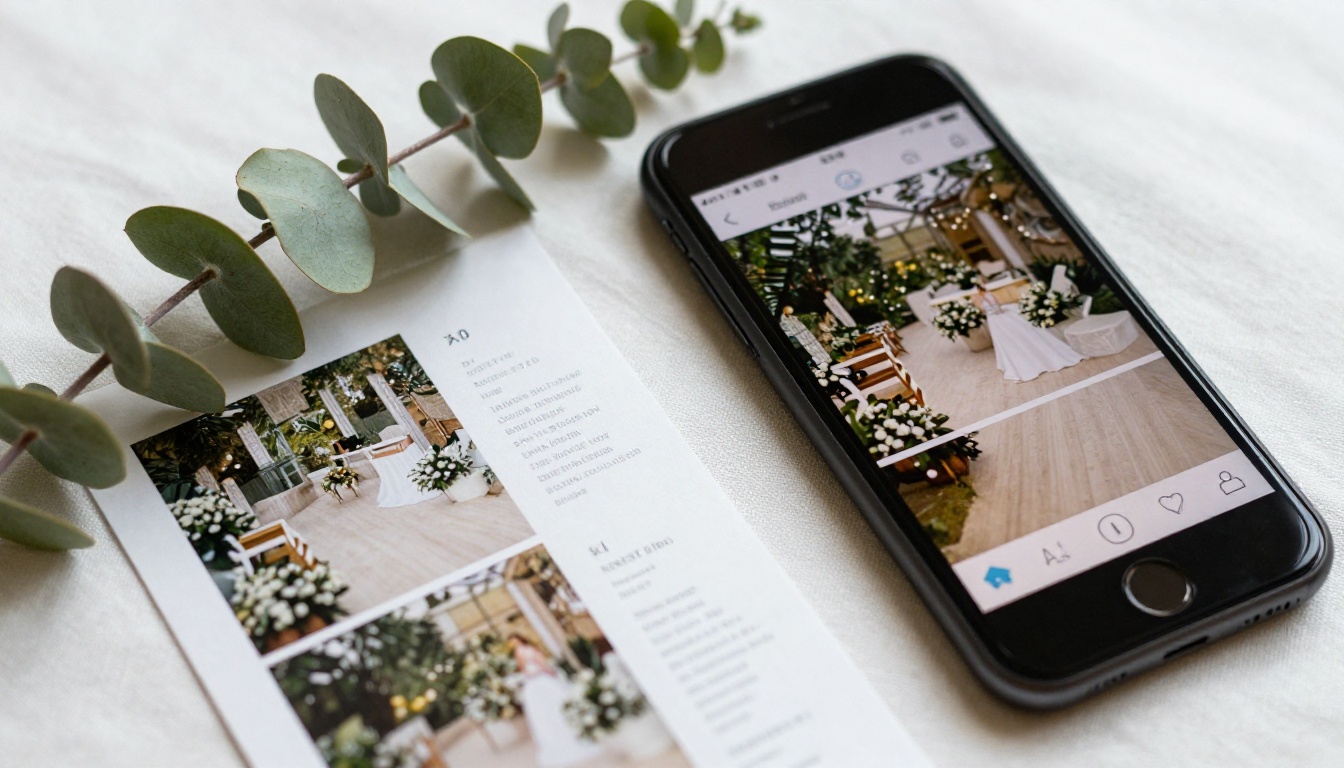
When a couple submits a contact form, your first response email sets the tone. Instead of attaching a PDF that may hit spam filters or get lost in downloads, paste in your flipbook link. It opens instantly in any browser, on any device, and tracks whether they actually opened it on the Professional plan.
Share During In-Person Tours
Even during a physical site visit, your flipbook adds value. Pull it up on a tablet to show off rooms that are booked that day, or flip to your catering menu spread while discussing food and beverage minimums. It positions your venue as organized, modern, and detail-oriented in the eyes of every couple you meet.
Use It in Social Media and Ads
The direct link to your flipbook can be placed in Instagram bio links, Facebook event descriptions, Pinterest posts, and paid ad landing pages. Unlike a static PDF, a flipbook renders beautifully as a preview and invites clicking.
Create Seasonal Versions
Spring garden wedding? Cozy winter barn aesthetic? Create a seasonal version of your flipbook with photography and packages tailored to that time of year. Flipbooks AI's unlimited flipbook allowance on Standard plan and above means there is no cost to running multiple versions simultaneously.
⚠️ Warning: Do not use a single outdated flipbook for years without refreshing it. Couples are detail-oriented. Pricing changes, new room renovations, updated menus all matter. Set a reminder to review your flipbook every quarter.
Real Venue Use Cases
The Boutique Garden Venue
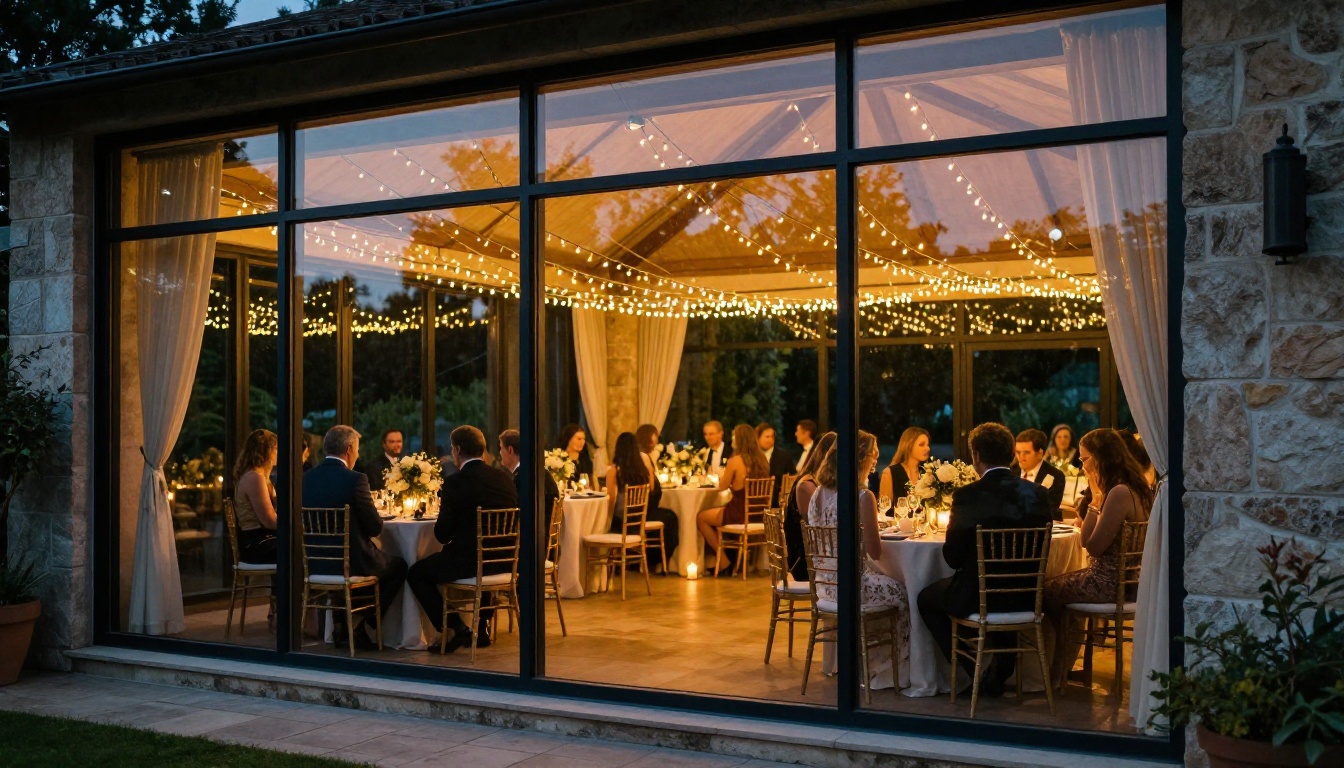
A 150-person capacity garden estate creates three separate flipbooks: one for intimate ceremonies under 50 guests, one for full-scale receptions, and one for elopement packages. Each link goes to a specific inquiry form. The venue coordinator tracks which flipbook drives the most conversions through the analytics dashboard and adjusts marketing spend accordingly.
The Historic Manor
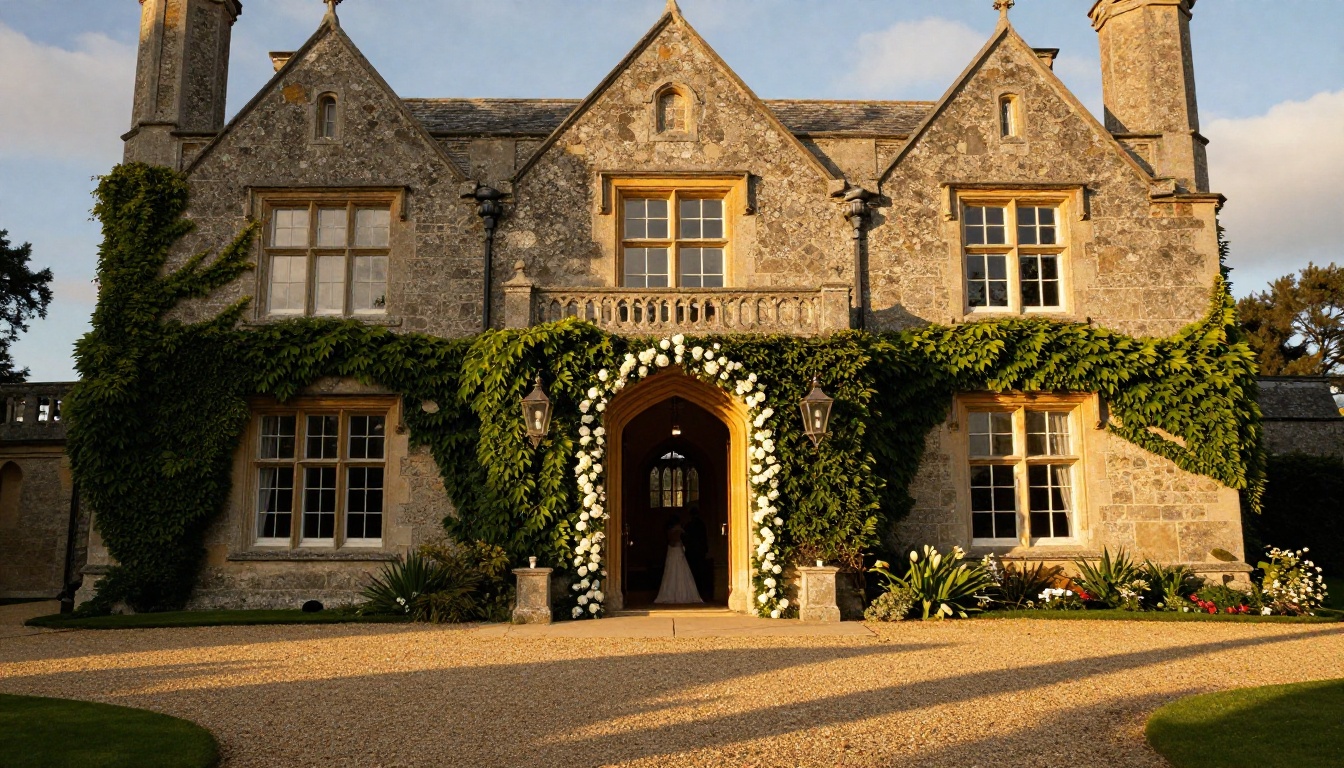
A Georgian country house venue uses password-protected flipbooks to send exclusive previews of a newly renovated east wing to high-value leads before the official reopening. The password is included only in hand-picked email outreach to wedding planners. It creates scarcity and exclusivity without printing a single piece of paper.
The City Hotel Ballroom
A five-star hotel's events team creates a Wedding Album Flipbook showcasing past weddings held at their property, then links it alongside their venue brochure flipbook in every proposal email. Couples see not just the empty room but the finished result, which closes tours faster.

What Makes a Venue Flipbook Actually Convert
Not all flipbooks perform equally. Here is a quick comparison of what separates high-converting venue flipbooks from forgettable ones:
| Element | Low Conversion | High Conversion |
|---|
| Opening page | Generic venue exterior | Atmospheric, styled shoot image |
| Photography | Mixed quality, inconsistent | Professional, consistent lighting |
| Pricing | Buried or absent | Clearly laid out with inclusions |
| Call to action | Contact page at the end only | CTA button on every spread |
| Mobile experience | Static PDF feel | True page-flip, zoom-enabled |
| Updates | Same file for 3 years | Refreshed seasonally |
| Sharing method | PDF attachment | Direct link, one click |
The single biggest difference between venues that book quickly and those that sit in the "maybe" pile is how easy it is for a couple to say yes. Every element of your flipbook should remove friction, not add it.
Start Booking More Weddings
Your venue deserves a presentation that matches its quality. A beautiful space buried in a clunky PDF is a missed opportunity on every inquiry you send out. A polished, interactive flipbook that loads instantly, shares with one link, and works perfectly on a phone is the difference between being shortlisted and being overlooked.
Ready to see what your venue looks like as a world-class digital experience? Create your account on Flipbooks AI and have your first venue flipbook live within the hour.
If you want to see all the tools available before committing, browse the full flipbook tools directory or compare pricing plans to find the tier that matches your venue's needs. Wedding season does not wait.



