Moving into a new home is one of life's most thrilling milestones, and the people you love deserve more than a generic card picked up at the last minute. A housewarming welcome flipbook is a deeply personal, visually stunning gift that transforms a collection of photos, memories, and heartfelt messages into something the new homeowners will page through for years. Whether you're surprising close friends, organizing a group contribution from the whole neighborhood, or simply want to make moving day feel genuinely special, this article walks you through every step of creating a flipbook that will leave them speechless.
Why a Flipbook Beats Any Other Housewarming Gift
The housewarming gift market is flooded with candles, wine, and generic kitchen sets. While those are perfectly nice, they don't say anything. A welcome flipbook does. It shows that someone took real time to gather photos, write personal notes, and craft something that reflects the relationship, the neighborhood, and the excitement of a brand-new chapter.
The Problem with Traditional Housewarming Gifts
Most housewarming gifts follow the same tired playbook:
- A bottle of wine that gets drunk on night one
- A scented candle that ends up forgotten in a drawer
- A gift card with no personal touch whatsoever
- A kitchen gadget they might already own three versions of
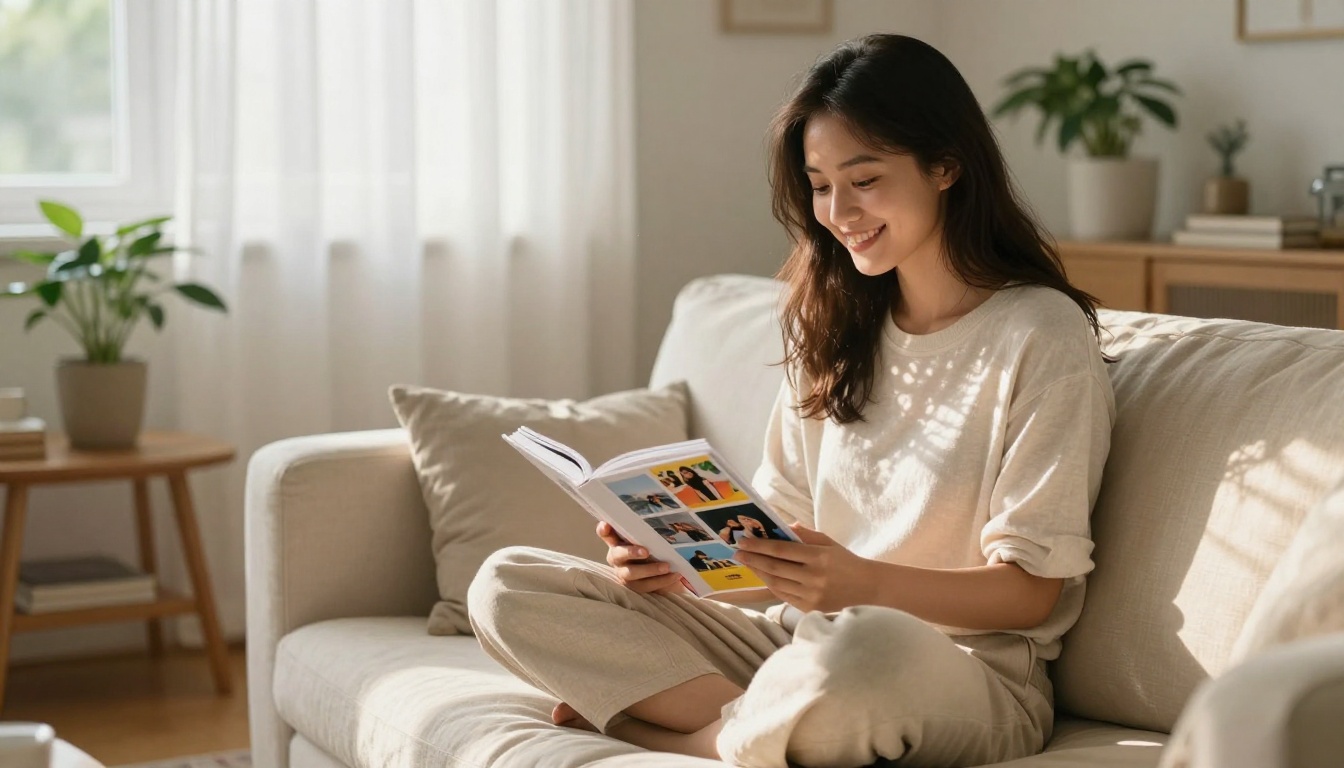
None of these create a lasting memory. The new homeowners might not even remember who gave them the spatula set six months later. A welcome flipbook, on the other hand, becomes a keepsake stored on the bookshelf, shared with visitors, and returned to on anniversaries.
What Makes a Flipbook Special
A flipbook is not just a slideshow or a PDF. It is an interactive object. The act of turning pages is tactile and deliberate, even in digital format where the page-turn animation creates a real sense of physicality. Each spread can tell a different part of the story: where the couple first lived together, photos of the old neighborhood, messages from friends who couldn't attend in person, a hand-drawn map of the best local spots.
The format rewards attention and creates an emotional arc from opening page to last. That's something no bottle of champagne can replicate.
💡 Pro tip: A digital flipbook can be shared instantly via link the moment the new homeowners pick up their house keys, making it the perfect first gift before the moving boxes are even unpacked.
What Goes Inside a Housewarming Welcome Flipbook
The content is where most people overthink it. You don't need to be a designer or a professional writer. You need good photos, a few genuine words, and a clear structure. Here's what actually works.
Photos That Tell a Story
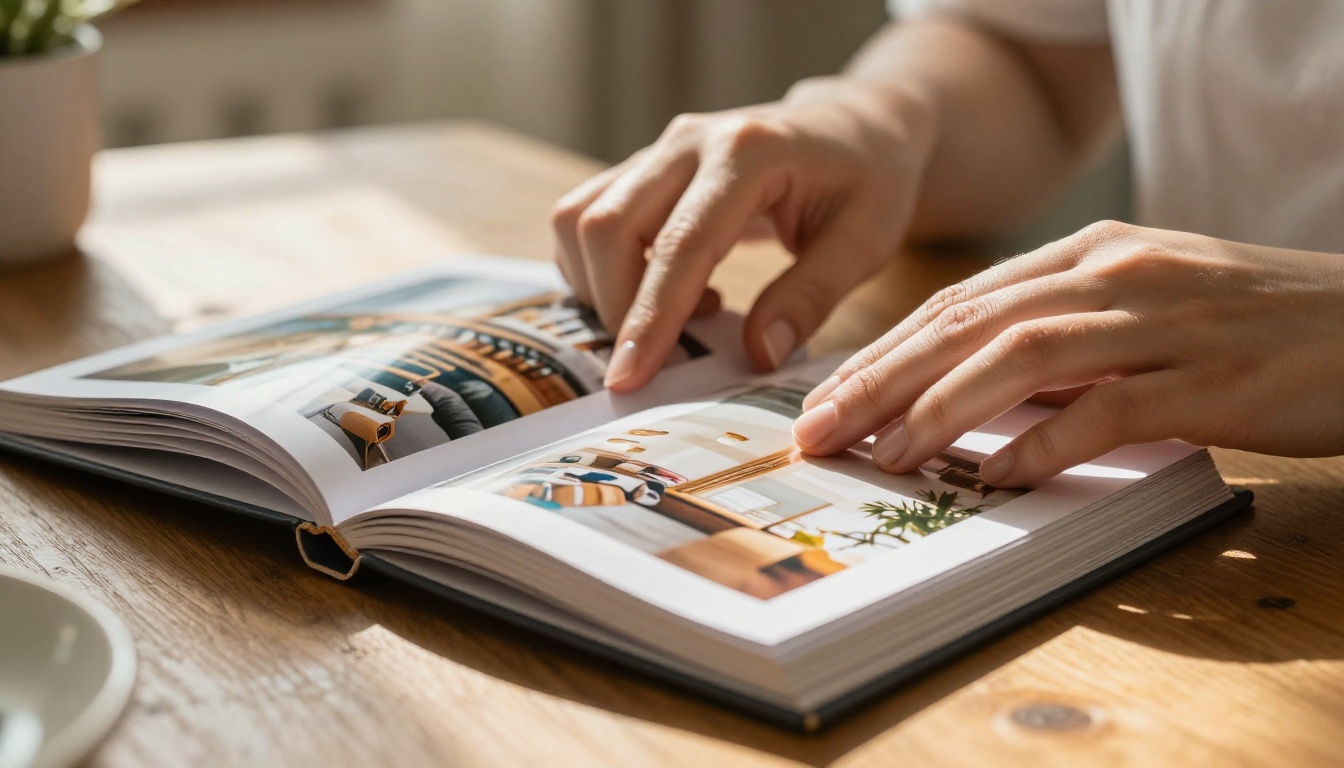
Photos are the backbone of any good welcome flipbook. The best ones aren't perfectly staged shots from years ago. They're candid, real, and recent:
- Before and After: If they renovated or customized the new space, document the visual transformation
- Moving Day Moments: Laughing while carrying boxes, the first meal in the new kitchen, the first night on the couch with takeout
- Neighborhood Landmarks: The coffee shop on the corner, the nearest park, the best sunset viewpoint from down the street
- Friends and Family: People who won't be living there but who wanted to say welcome
- Old Home Memories: A nod to where they came from makes the new chapter feel earned, not just arrived at
✅ Best practice: Aim for 15 to 25 photos across the full flipbook. Too few feels sparse. Too many dilutes the emotional impact of each individual image.
Written Messages and Quotes
Every flipbook needs words. Not paragraph after paragraph of dense text, but punchy, warm, specific messages:
- A short story about a shared memory from the old home
- A piece of advice about the neighborhood (the best time to visit the farmers market, which neighbor has the friendliest dog)
- A simple, heartfelt "we're so happy for you" with specific, personal reasons
- Inside jokes that only they will understand
⚠️ Avoid: Generic phrases like "Wishing you happiness in your new home." These feel like they could have been written for anyone. Specific always beats general.
Neighborhood Tips and Local Spots
This is the secret ingredient that elevates a flipbook from sentimental to genuinely useful. Include:
- Top three coffee shops within walking distance with notes on what to order
- The best weekend farmers market and what day it runs
- Hidden gems: the taco stand on a side street, the independent bookshop with the reading cat
- Emergency contacts: nearest urgent care, best-reviewed plumber in the area
- Community events: local festivals, neighborhood association meetings, the annual block party
A flipbook that helps new homeowners feel settled faster is one they'll return to throughout their entire first year.
Before you start building, decide whether you want a digital flipbook, a printed one, or both. Each option has real advantages depending on your situation and timeline.
Digital vs. Printed Flipbooks
| Feature | Digital Flipbook | Printed Flipbook |
|---|
| Shareability | Instant link sharing | Hand-delivered only |
| Cost | Low to free | Moderate to high |
| Interactivity | Videos, audio, clickable links | Static only |
| Durability | Permanent, cloud-backed | Can wear, tear, or fade |
| Edit after publishing | Yes, update anytime | Not possible |
| Group contributions | Easy to collect online | Requires physical assembly |
| Delivery on moving day | Instant, remote | Must be physically present |
For a housewarming purpose, digital wins on almost every axis. You can share the link the moment the house keys are handed over, collect contributions from friends across the country, and embed video messages from people who can't attend in person.
Free Tools vs. Dedicated Platforms
| Platform Type | Pros | Cons |
|---|
| Basic PDF tools | Free | No page-turn effect, no sharing features |
| Generic design apps | Templates available | No flipbook interactivity |
| Dedicated flipbook platforms | Full page-turn, sharing, password protection | Some features on paid plans |
Flipbooks AI sits firmly in the dedicated category, built specifically for this kind of use case. No watermarks on any plan, mobile-responsive design on every flipbook, and the ability to embed video or audio messages directly into the pages.
How to Create a Housewarming Welcome Flipbook with Flipbooks AI
Flipbooks AI makes the entire process straightforward, even if you've never created a flipbook before. Here's exactly how to do it from start to finish.
Step 1: Create Your Account
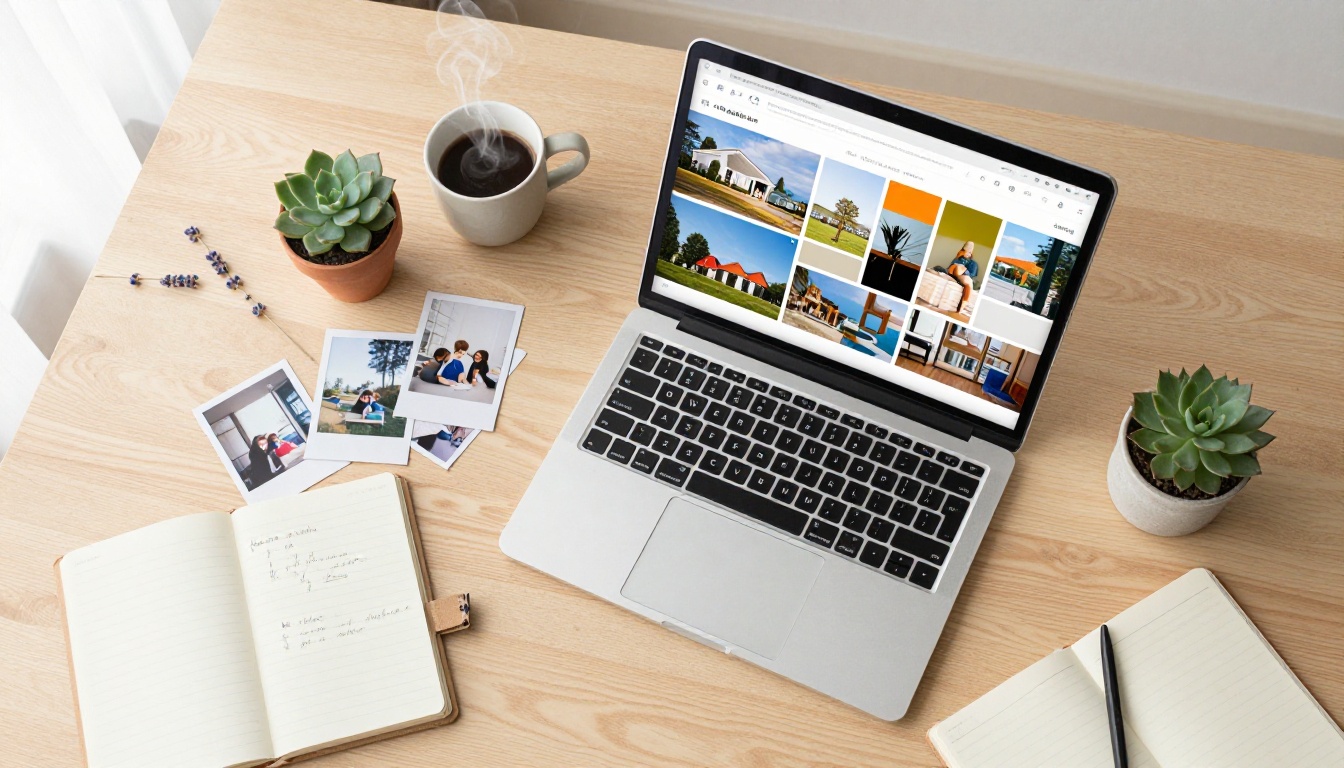
Head to flipbooksai.com/account and sign up. The Standard plan gives you unlimited flipbooks with no watermarks, which is everything you need for a personal housewarming project. Setup takes under two minutes.
Step 2: Design Your PDF
The cleanest workflow is to design your flipbook as a PDF first, using any tool you're already comfortable with: Canva, Google Slides, Adobe InDesign, or even PowerPoint. Structure it with a clear progression:
- Opening page: A beautiful photo of the new home with the family's name and move-in date
- Welcome spread: A full-bleed group photo with a short, warm welcome message
- Memory pages: Two to three photos per spread with short captions below
- Neighborhood section: A designed map or illustrated list of local highlights
- Message pages: One page per contributor, with their photo and personal note
- Closing spread: A warm final message and contact details for close friends and family
💡 Pro tip: Design at 16:9 ratio for optimal screen display. If you also want a print-quality download, work at 300 DPI resolution from the very start.
Step 3: Upload and Convert
Once your PDF is finalized, use the PDF to Flipbook Converter on Flipbooks AI. The conversion is near-instant and immediately applies the realistic page-turn animation. You can preview it on both mobile and desktop before publishing.
Step 4: Customize the Look
This is where Flipbooks AI differentiates itself from basic conversion tools:
- Custom branding: Change background colors, add the family's initials or a personal logo
- Page effects: Choose from different page-turn animations and transition styles
- Multimedia: Embed a video message from someone who can't be there in person
- Background music: Add a soft ambient track that plays automatically when the flipbook opens
- Password protection: Lock it so only the new homeowners can access it before the official reveal moment
Step 5: Share and Deliver
Flipbooks AI gives you multiple routes for getting the flipbook into the recipients' hands:
- Direct link: Copy and paste into a WhatsApp message, text, or email
- Embed code: Place it on a personal website or a digital invitation page
- QR code: Print and attach to a physical card so they scan and it opens immediately
- Password-protected reveal: Hold the link until a ceremonial moment at the party
✅ Best practice: Pair the digital flipbook with a printed QR code card in a small frame. It bridges the physical gift experience with the digital content beautifully.
Photo Selection and Layout Tips
The difference between a flipbook that feels polished and one that feels thrown together is almost entirely in how photos are selected and arranged across the pages.

The 10-Photo Formula
If you're working with limited time or a limited photo library, this selection framework produces a well-rounded flipbook consistently:
| Slot | Photo Type | Purpose |
|---|
| 1 | New home exterior | Sets the scene |
| 2 | The couple or family at the front door | Central subjects |
| 3 | Best room in the new house | Showing the prize |
| 4 | Moving day candid | Humor and warmth |
| 5 | Old home or neighborhood farewell | Emotional anchor |
| 6 | Friends gathering or celebrating | Community feeling |
| 7 | Local neighborhood highlight | Practical welcome |
| 8 | A shared memory from the past | Personal depth |
| 9 | Group celebration shot | Joy and togetherness |
| 10 | Quiet intimate moment | Emotional close |
Layout Patterns That Work
- Full bleed with caption: One large photo per page, short text at the bottom. Clean and impactful.
- Two-up grid: Two equal photos side by side on a spread. Ideal for before-and-after pairs.
- Photo with pull quote: Photo on the left, a large meaningful quote on the right.
- Collage spread: Five to six small photos on one page. Works well for group contributions.
- Text-only page: A full page of a meaningful letter or message with no photos. Surprisingly powerful.
Rotating through these layouts prevents visual monotony and gives each section its own identity and pace.
Personal Message Ideas That Actually Land
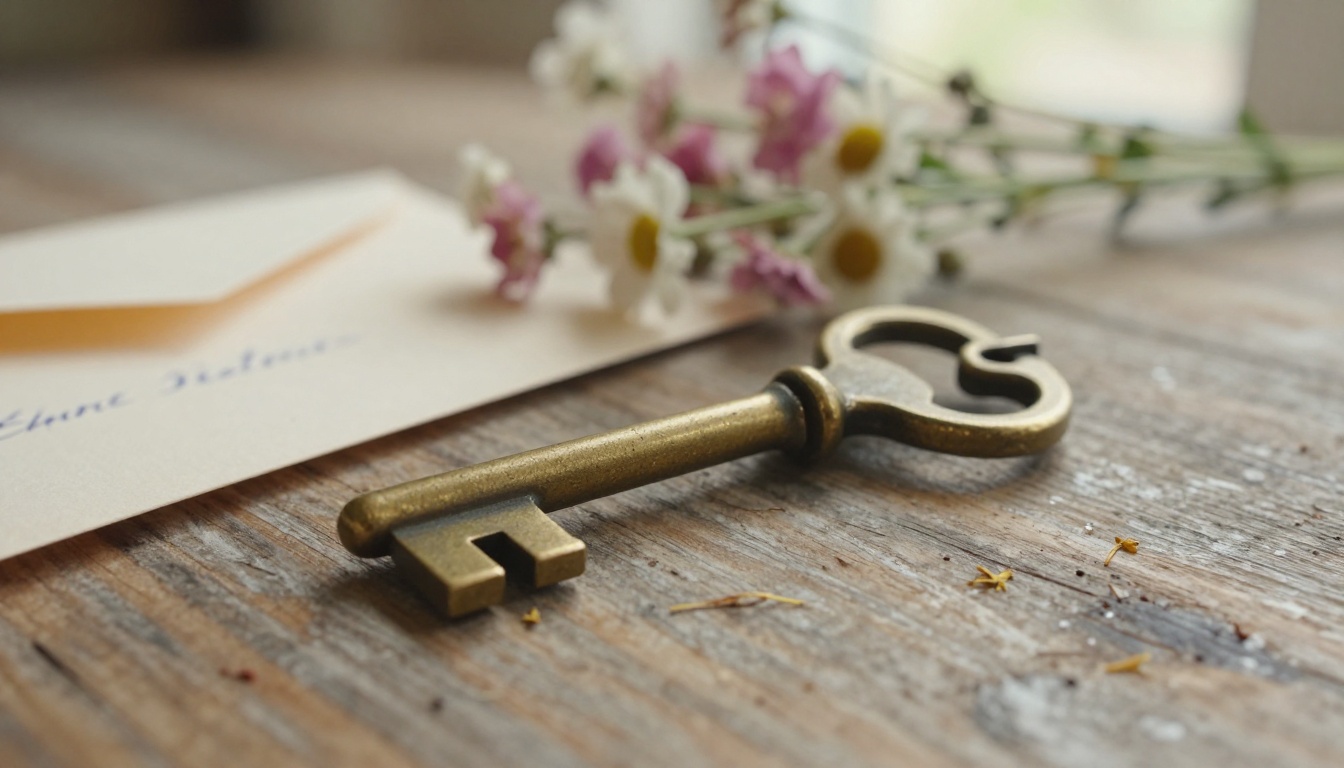
Writing a message for someone's new home can feel intimidating. These templates give you a solid starting point you can personalize in minutes:
Short and sweet (one to two lines):
- "You built a beautiful life together. Now you have a beautiful place to live it."
- "This house already got lucky. You're the best people it could have chosen."
- "Every great story needs a setting. Yours just got an upgrade."
Medium length (three to five lines):
"We've watched you work for this moment for years. The late nights, the long commutes, the 'almost' moments that turned into this. We couldn't be prouder. Welcome home."
From a group:
"From everyone who has eaten at your table, crashed on your couch, and filled your old living room with noise: we followed you here. New address, same love. Welcome home."
From a neighbor welcoming a new family:
"The neighborhood just got better. We're the ones with the blue door three houses down. Come knock anytime. The oven's usually on."
💡 Pro tip: Ask each contributor to write their message by hand, photograph the paper, and include that image in the flipbook. Handwritten messages on a digital page carry unexpected emotional weight that typed text simply cannot replicate.
Sharing and Delivering Your Flipbook
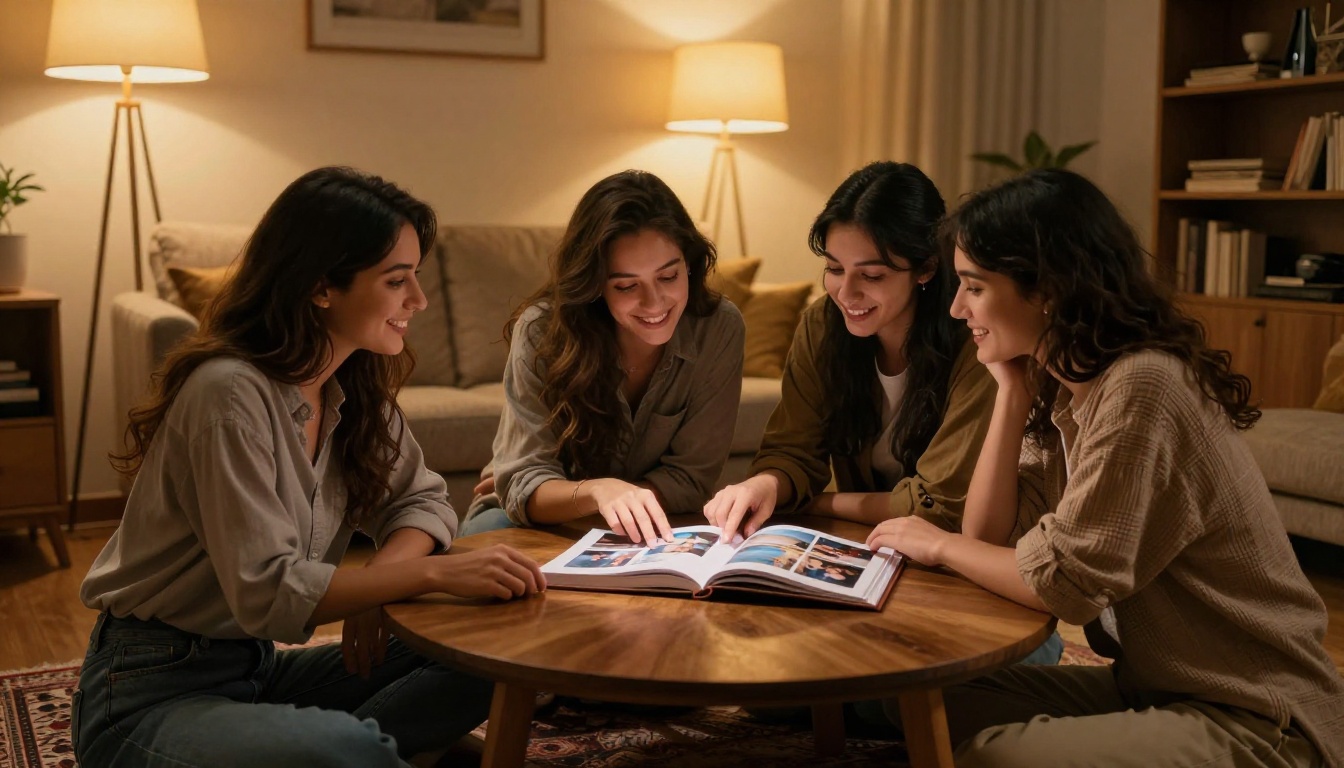
The Three Best Delivery Moments
On moving day: Send the link the moment the moving truck pulls up. It costs nothing and sets a beautiful emotional tone for the whole day. Pair it with a simple text: "We made you something. Open this when you're ready."
At the housewarming party: If there's an in-person gathering, display the flipbook on a large screen or a tablet as a centerpiece feature. Let it cycle through in presentation mode while people eat and talk. It becomes a natural, emotion-filled conversation starter throughout the evening.
One week after moving: The week after moving is exhausting and often surprisingly lonely as the initial excitement fades into unpacking fatigue. Sending the flipbook then, with a note like "Wanted to make sure you have this to look back on," lands with remarkable emotional impact precisely because the timing is unexpected.
Offline Access and Downloads
The Professional plan on Flipbooks AI includes offline download capability. This means you can give the new homeowners a permanent, downloadable version that doesn't depend on an internet connection, a true keepsake they'll want to revisit years from now when they're flipping through memories of their first home.
Making It a Group Gift
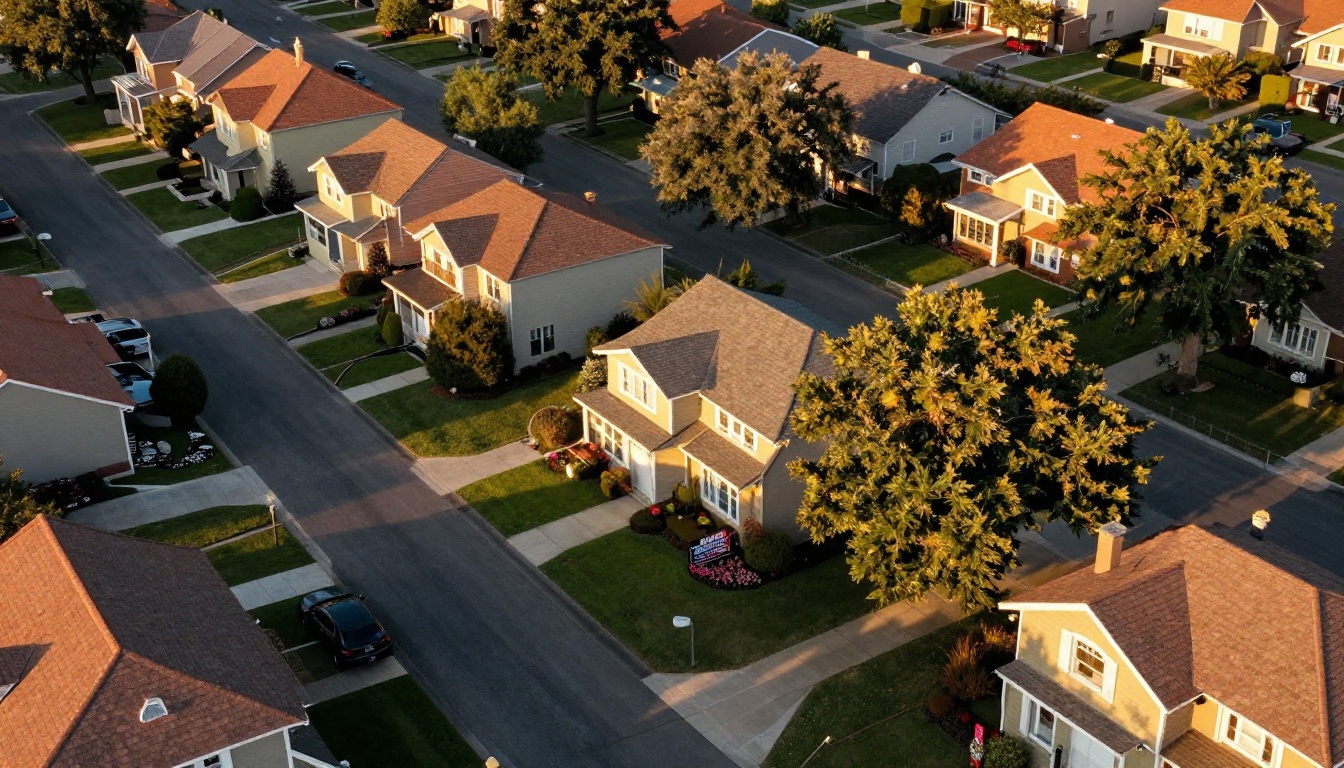
A welcome flipbook becomes exponentially more powerful when multiple people contribute. Here's how to coordinate it without the logistics becoming a headache.
Collecting Photos and Messages from Friends
The simplest workflow that reliably gets done on time:
- Create a shared folder on Google Drive or Dropbox and send the link to all contributors
- Give clear instructions: "Drop 1 to 3 photos of you with [Name] and a short message, 3 to 5 sentences, by [Date]"
- Set a firm deadline: Two full days before you need to start designing
- Send one reminder: A simple nudge the day before, "12 hours left, send yours over!"
- One person designs: Assign a single designer. Group design by committee rarely produces a cohesive result.
What to Tell Contributors
Make it effortless for people who aren't sure what to include:
- "Any photo from any time you've spent together works, no matter how old"
- "Two or three sincere sentences beat a long polished paragraph every time"
- "If you'd rather record a short video message, that works great too and we can embed it directly in the flipbook"
⚠️ Watch out for: Compressed photo quality. Ask everyone to send original photos directly from their camera roll, not screenshots or images forwarded through social media. Photo quality makes a significant difference in the final output.
More Ways to Use Flipbooks AI for Life's Big Moments
Once you've made your first housewarming flipbook, you'll reach for the format again and again. Flipbooks AI has dedicated tools for the full range of life's celebrations and professional needs:
- Weddings: The Wedding Album Flipbook tool turns your wedding photography into a shareable, interactive album guests can page through forever
- Events: The Event Program Maker creates polished digital programs for any type of celebration
- Creative portfolios: The Digital Portfolio Creator presents your work in a premium interactive format
- Travel journals: The Travel Guide Flipbook tool lets you build and share travel memories with real visual style
Browse all available tools and templates to find the right fit for whatever occasion you're planning next.
Flipbooks AI Plan Comparison
| Feature | Free | Standard | Professional |
|---|
| Flipbooks | Limited | Unlimited | Unlimited |
| Watermarks | None | None | None |
| Password protection | No | Yes | Yes |
| Custom branding | No | Yes | Yes |
| Video and audio embed | No | Yes | Yes |
| Analytics | No | No | Yes |
| Offline downloads | No | No | Yes |
| Lead generation tools | No | No | Yes |
Review the full pricing plans to pick the right tier for your project. For a personal housewarming flipbook, the Standard plan covers everything you need at a low monthly cost.
Ready to Make Someone's Moving Day Unforgettable?
A housewarming welcome flipbook is one of the most thoughtful gifts you can give, and it costs far more in creativity than in money. With the right photos, genuine words from the people who matter most, and a platform that handles the technical side cleanly, you can build something beautiful in a single afternoon.
Create your account on Flipbooks AI and start building the housewarming flipbook that new homeowners will treasure long after the last moving box is unpacked. Want to see everything available first? Browse all tools and templates or compare pricing plans to choose what works for you.



