Beach house listings live and die by first impressions. When a potential guest or buyer lands on your property listing, they form an opinion in seconds, and that opinion is shaped almost entirely by how you present the space. A scrollable gallery of flat JPEGs rarely does justice to a property with salt-air views, a private pool, and four bedrooms worth of coastal charm. That's exactly why more savvy property owners are choosing to make a flipbook for their beach house listing, turning a standard PDF or photo collection into an interactive, page-turning digital brochure that buyers and renters actually want to spend time with.
Flipbooks AI makes this process straightforward. Upload your PDF, customize the branding, and share a link that works on any device. No design software, no developer, no waiting. What you get is a professional-grade digital presentation that stands apart from every other listing in your market.
Why Static Listings Lose Bookings
There's nothing technically wrong with a standard rental listing. Photos, a description, a price, and a booking button. It works well enough. But "well enough" is not a competitive advantage. In markets like the Florida Panhandle, the Outer Banks, or the Jersey Shore, dozens of similar properties compete for the same summer weekends. The difference between a calendar that fills in January and one that still has gaps in June often comes down to presentation quality.
The Problem with Flat Photos and PDFs
Most rental platforms give you a photo gallery and a text box. That's it. A flat PDF is slightly better, but it still asks renters to read a document the same way they'd read a utility bill. There's no sense of movement, no context between rooms, no story.
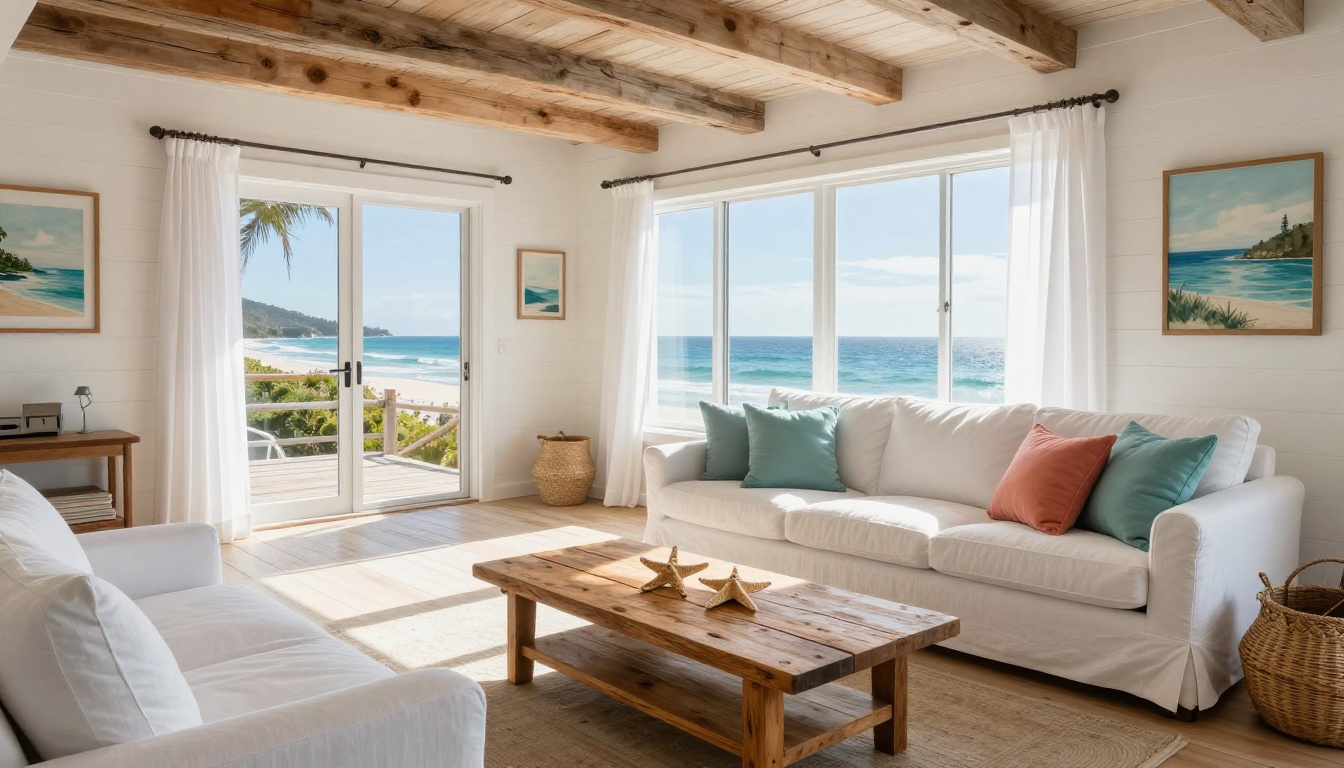
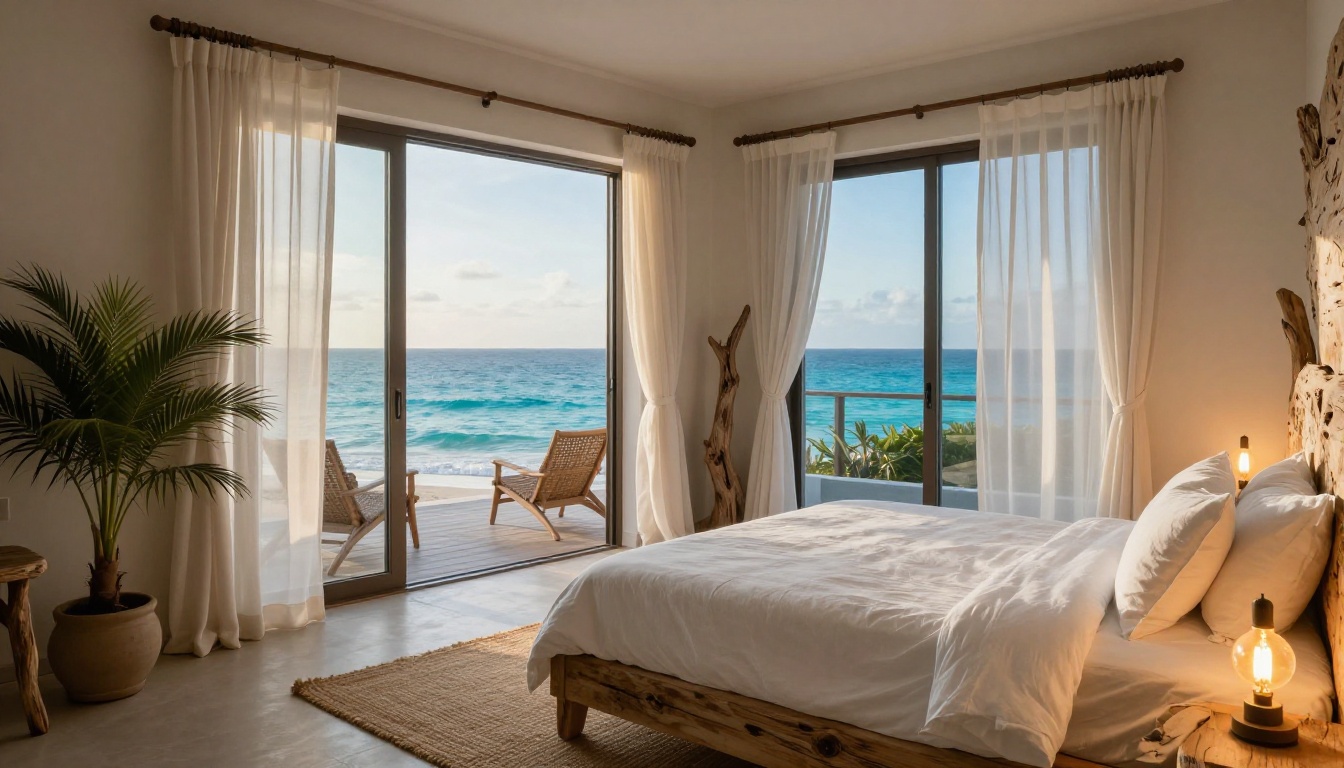
What people actually want when browsing a beach house is the feeling of walking through the property. They want to flip from the kitchen to the deck, from the deck to the beach access path, and back to the master bedroom with its ocean-view balcony. A static gallery forces them to click through one image at a time with no spatial logic. An interactive flipbook preserves that narrative flow.
What Buyers and Renters Actually Want
Research from vacation rental platforms consistently shows that listings with richer media, more detailed descriptions, and better-organized presentations receive more inquiries and convert at higher rates. Guests want to know exactly what they're getting. Buyers want to imagine living there. Both groups benefit from a presentation that feels polished and intentional.
| Presentation Format | First Impressions | Mobile-Friendly | Shareable Link | Embeddable | Section Navigation |
|---|
| Photo Gallery | Medium | Yes | No | No | Basic |
| Static PDF | Low | Poor | Limited | No | None |
| Interactive Flipbook | High | Yes | Yes | Yes | Full |
| Video Tour | High | Yes | Yes | Limited | N/A |
💡 A flipbook combines the best of a photo gallery and a printed brochure, with the shareability of a URL and the polish of a professionally produced property presentation.
What a Flipbook Does for Your Property
A flipbook is not just a reformatted PDF. When built well, it becomes a marketing asset that works across every channel where you promote the property: your own website, rental platform descriptions, email campaigns to past guests, Instagram bio links, and direct inquiry responses.
From a Flat File to an Experience
When you use the Real Estate Brochure Creator on Flipbooks AI, you upload a PDF and the tool converts it into a fully interactive flipbook with realistic page-turning animations. The result loads in any browser, works on mobile and desktop, and feels like handling a luxury property brochure without the printing costs or minimum order quantities.
The real difference from a regular PDF link is the experience layer. Readers flip through pages rather than scroll. They can zoom in on floor plans. They can jump to a specific section using thumbnail navigation. And because the flipbook lives on a fast CDN-backed URL, it loads almost instantly even on mobile data connections.
Why Agents and Property Managers Use Them
For individual owners, a flipbook signals professionalism that sets the listing apart. For property managers handling multiple vacation rentals, the real payoff is in the workflow. Create one well-designed flipbook template and duplicate it for each property, swapping in property-specific photos and details. Share a single link instead of attaching a 25MB PDF to every inquiry email. Update the flipbook when you add a hot tub or repaint the deck, and the change goes live instantly for everyone who has the link.
What to Put Inside Your Beach House Flipbook
Before you upload anything, the content inside your flipbook matters as much as the format. A beautifully animated brochure with weak photos or vague descriptions still won't convert. Here's how to structure it.
Photos That Actually Sell
Every room needs at least one dedicated photo, and the best-performing listings use two to three angles per space. For a beach house, prioritize:
- Exterior front and aerial view: Show the property footprint and its relationship to the water
- Living room: Wide angle capturing the full space and any ocean-facing windows or sliders
- Kitchen: Counter-level shot showing appliances and workspace
- Master bedroom: Include the view from the bed toward any balcony or window
- All bathrooms: Even a small bathroom benefits from a clean, well-lit shot
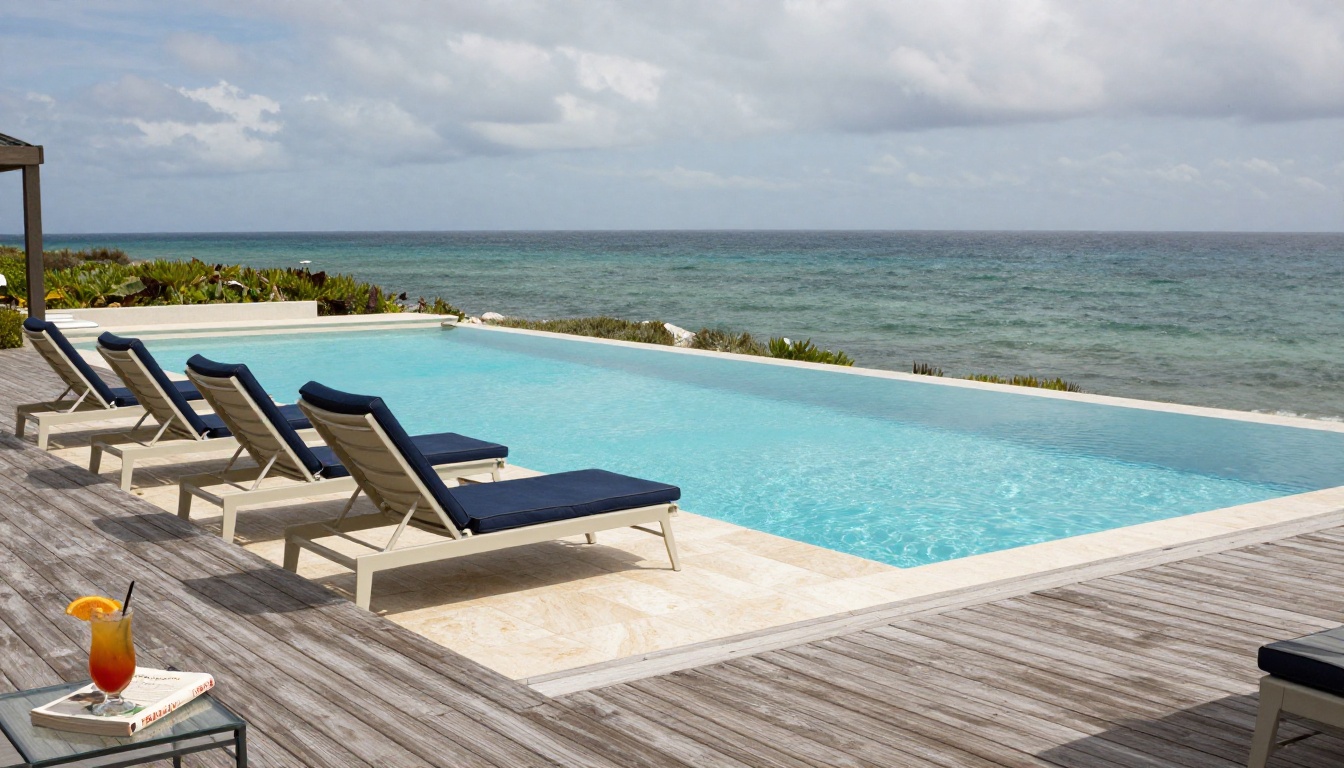
- Outdoor spaces: Deck, pool, hot tub, outdoor shower, and any beach access path
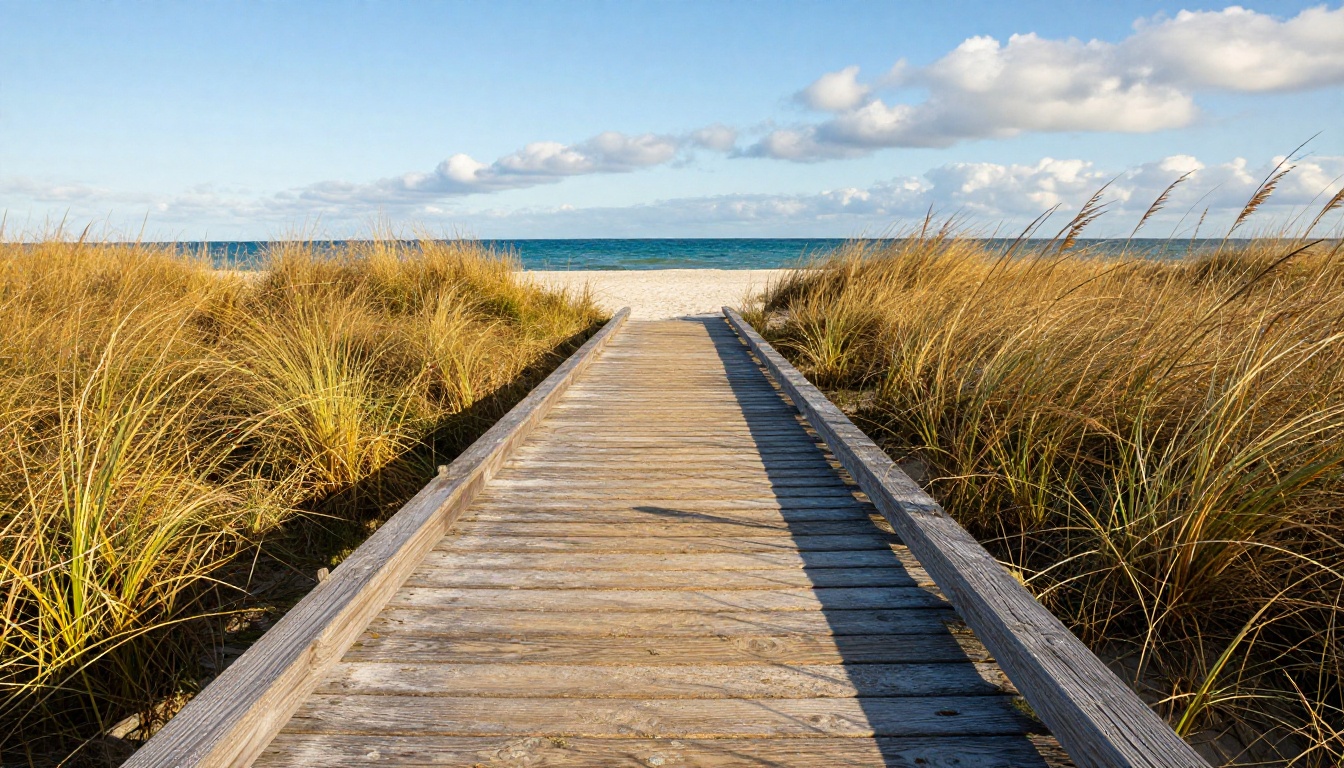
- Beach proximity: The walk from the house to the sand is one of the most powerful selling points
Amenities That Close Deals
The amenities section should be specific, not generic. "Fully equipped kitchen" tells a renter nothing. "Gas range, dishwasher, KitchenAid stand mixer, Vitamix blender, and service for ten" tells them they can cook the rehearsal dinner there.
Organize amenities into scannable groups:
- Kitchen and Dining: Appliances, cookware, dinnerware, coffee setup, specialty items
- Bedrooms: Bed sizes, bedding quality, blackout shades, USB charging ports
- Bathrooms: Towel sets, toiletries, hairdryers, any accessible features
- Outdoor: Pool type (heated or saltwater), grill, outdoor dining capacity, beach gear included
- Entertainment: TV streaming services, board games, kayaks, paddleboards, bikes
- Practical: WiFi speed, parking spaces, EV charging, washer and dryer, pack-n-play available
Pricing and Availability Pages
One underused section in a beach house flipbook is a clear pricing overview. Not every platform shows seasonal rates cleanly. A dedicated page that breaks down nightly rates by season, minimum stay requirements, and any weekly discounts helps serious renters self-qualify before they reach out.
| Season | Typical Nightly Rate | Minimum Stay | Notes |
|---|
| Peak Summer (June-Aug) | $$$$ | 7 nights | Holiday weekends require a full week |
| Spring/Fall Shoulder | $$$ | 3-4 nights | Best value for off-peak families |
| Winter Off-Peak | $$ | 2-3 nights | Discounts available for 30-day stays |
| Holiday Weeks | $$$$ | 5-7 nights | Book 6 to 12 months in advance |
⚠️ Always include your cancellation policy and house rules in the flipbook. Guests who are surprised by policies at check-in leave worse reviews, and avoidable conflicts hurt your ranking on every rental platform.
How to Create a Beach House Flipbook with Flipbooks AI
This is where the process gets straightforward. Flipbooks AI handles the conversion and presentation layer. Your job is to bring a well-designed PDF.
Step 1: Build Your PDF Property Package
Before uploading anything, assemble your content in a PDF using Canva, Adobe Express, Google Slides, or any design tool that exports to PDF. Structure the document with these sections:
- Title page: Property name, main exterior photo, and location
- About the property: Short paragraph with essential stats (bedrooms, bathrooms, guest capacity, distance to beach)
- Interior photos: One spread per room with descriptive captions
- Outdoor spaces: Deck, pool, beach access, and notable outdoor features
- Amenity checklist: Organized by category as described above
- Rates and availability: Seasonal pricing table
- House rules and local tips: Cancellation policy, nearby restaurants, and activities
- Contact and booking page: Direct booking link, platform handles, and contact info
Keep each page clean. Avoid walls of text. Let the photos breathe with white space around them.
Step 2: Upload and Convert
Head to Flipbooks AI and create your account. The Standard plan includes unlimited flipbooks with no watermarks. Once logged in:
- Click New Flipbook from your dashboard
- Drag and drop your PDF or click to browse your files
- Wait 30 to 60 seconds for the automatic conversion
- Preview the flipbook in the viewer before publishing
The conversion preserves your original design exactly. Fonts, colors, photo quality, and layout all carry over from the source PDF without any manual adjustment.

Step 3: Customize Branding and Appearance
After conversion, the editor gives you control over:
- Branded link: Share a URL like
yourbeachhouse.flipbooksai.com instead of a generic string
- Brand colors: Match your property's visual identity or your listing's coastal palette
- Page transition style: Choose from classic flip, slide, or fade effects
- Background: Set a solid color, gradient, or textured backdrop behind the flipbook pages
- Thumbnail navigation: Toggle on the bottom strip for easy jumping between sections
- Table of contents: Add a clickable index for longer, more detailed property presentations
Step 4: Share It Everywhere
Once published, your beach house flipbook gets a permanent shareable URL. Use it across every channel:
- Vacation rental platforms: Add the flipbook link in your listing description ("See the full property presentation here")
- Your website: Embed the flipbook directly on your property's booking page
- Email campaigns: Paste the link into follow-up emails or past-guest newsletters
- Social media: Use the link in bio or as a link sticker in Instagram Stories
- Direct inquiries: Respond to every message with the same polished link instead of dumping individual photos
✅ Use password protection to share a private version of your flipbook with confirmed guests, including check-in instructions, WiFi details, and a local tips section you wouldn't want public.
Flipbooks AI Plans at a Glance
Choosing the right plan depends on how many properties you manage and which features matter for your rental marketing strategy.
| Feature | Free | Standard | Professional |
|---|
| Flipbooks | 1 | Unlimited | Unlimited |
| Watermark | Yes | No | No |
| Password Protection | No | Yes | Yes |
| Custom Branding | No | Yes | Yes |
| Analytics and Lead Gen | No | No | Yes |
| Offline Downloads | No | No | Yes |
| Website Embed | Limited | Yes | Yes |
| Video and Audio in Pages | No | Yes | Yes |
For most individual property owners, the Standard plan covers everything needed to create and share a professional-quality beach house flipbook. Property managers handling multiple listings, or anyone who wants analytics showing how many people opened the flipbook and which pages held their attention longest, should look at the Professional plan.
Features That Drive More Bookings
Once your basic flipbook is live, a few additional capabilities can push it from a nice presentation into a genuine booking tool.
Tracking Who Looks at Your Listing
The Professional plan includes built-in analytics showing how many visitors opened your flipbook, how long they spent on each page, and where they dropped off. For a beach house listing, this is genuinely useful data. If most viewers spend 20 seconds on the amenities page and then close the browser, that signals the amenities section needs work. If they linger on the outdoor deck photos, that's your strongest selling point, and your main listing photo should probably be the deck, not the front exterior.
Lead Capture Without a Third-Party Tool
The Professional plan also includes lead generation forms you can add to the final page of your flipbook. Anyone who reads to the end can enter their name and email to receive your full pricing breakdown or availability calendar. This keeps interested renters in your pipeline even if they're not ready to book through a platform today.
Offline Presentations for Buyers
If you're selling rather than renting, the ability to offer an offline download of your property presentation is valuable. A buyer's agent can download the flipbook to show clients on a flight or in an area without internet. That level of preparation signals professionalism that moves decisions forward.
A flipbook is not a replacement for every tool in your stack. It's a complement. Here's where it fits alongside what you're probably already using:
| Format | Best For | Limitation | Where Flipbooks Win |
|---|
| Airbnb/VRBO Listing | Discovery and direct booking | Limited design control | Full branding freedom |
| Video Tour | Immersive property experience | Expensive to produce | Faster and cheaper to create |
| Printed Brochure | In-person showings | High cost, can't update easily | Free updates, instant sharing |
| Instagram Carousel | Social reach and awareness | No detailed info per slide | Full content on every page |
| Email PDF Attachment | Direct inquiries | Large files, no tracking | Lightweight link with analytics |
The flipbook works best in the middle of the funnel: once someone has found your property and is seriously evaluating it. That's the moment when a polished, detailed, interactive presentation moves them from "maybe" to "I'm booking this."
Real-World Use by Property Type
Different beach house setups call for different flipbook strategies:
Weekend rental cottage (2BR/1BA): Focus on charm over size. Lead with the best outdoor photo, keep the amenity list specific and honest, and include a "what to do nearby" section with recommendations for restaurants, kayak rentals, and the closest beach access point within walking distance.
Luxury beachfront property (5+ BR, private pool): This guest expects a presentation that matches the property tier. Invest in professional photography, include a detailed floor plan spread, and use the lead generation form to pre-qualify serious inquirers. Password-protect the full pricing page for qualified leads only.
For-sale beach house: Buyers need a different flow than renters. Lead with the neighborhood and location story, include a full floor plan, highlight any recent renovations, and close with a clear call to schedule a showing. The Real Estate Brochure Creator is built precisely for this use case.
Multi-property portfolio: If you manage several vacation rentals, create a portfolio flipbook with an overview of all properties and links to individual flipbooks for each one. This approach works well for direct outreach to corporate clients or travel planners booking multiple stays across a single trip.
💡 Create a "returning guest" version of your flipbook with a personalized welcome message and updates since their last stay. Password-protect it and share it exclusively with guests who've already visited once. Repeat guests who feel remembered book again and refer friends.
Your Beach House Deserves Better Than a Generic Listing
Your property already has what renters are looking for. The question is whether your listing shows it well enough to earn the booking over the dozen similar properties competing for the same summer weekends. A flipbook built on Flipbooks AI takes less than an hour to create the first time and costs a fraction of one night's rental income.
Ready to build yours? Create your account on Flipbooks AI and have your first beach house flipbook live before the end of the day. Compare pricing plans to find the right tier for your property marketing goals. Browse the full flipbook tools directory to find templates built specifically for real estate and vacation rental presentations.



