Researchers spend months crafting papers that deserve more than a stapled printout. When you make a research paper flipbook for conferences, you give your work the presentation format it actually deserves: interactive, shareable, mobile-responsive, and visually polished. Flipbooks AI makes this possible in minutes, turning your existing PDF into a page-turning digital publication that attendees can access from any device, before, during, and after your session.
Why Static PDFs Don't Work at Conferences

Academic conference culture has a persistent problem with paper. You prepare a 20-page research document, print 30 copies, and half of them end up left on a table by the end of the day. The ones that do get taken rarely survive longer than a week in someone's bag before disappearing into a recycling bin.
Even digital PDFs share the same issue. Emailing a flat PDF link to attendees feels impersonal. It doesn't display well on phones. There's no way to know if anyone actually read it, or which sections held their attention.
The Attention Problem at Poster Sessions
Conference attendees are busy. They move between sessions, manage their own presentation nerves, and network during breaks. A dense static document, whether printed or digital, competes poorly for attention in that environment.
The real problem: Static formats don't invite interaction. They sit there. A flipbook, on the other hand, has momentum. The page-turn mechanic triggers curiosity. Readers stay longer, scroll deeper, and return more often.
💡 Interactive formats consistently outperform static PDFs for time-on-content and information retention. This holds true for academic material just as much as it does for commercial publications.
What Conference Attendees Actually Want
When someone picks up your paper at a conference, they want three things fast:
- What is this about? (Abstract and title, clearly visible)
- Is this relevant to my work? (Main findings, scannable structure)
- How do I keep this? (A link they can actually access later)
A research paper flipbook addresses all three directly. The front page works as an instant visual hook. The table of contents is clickable. And the sharing link lives on their phone, not buried in their bag.
What a Research Paper Flipbook Is
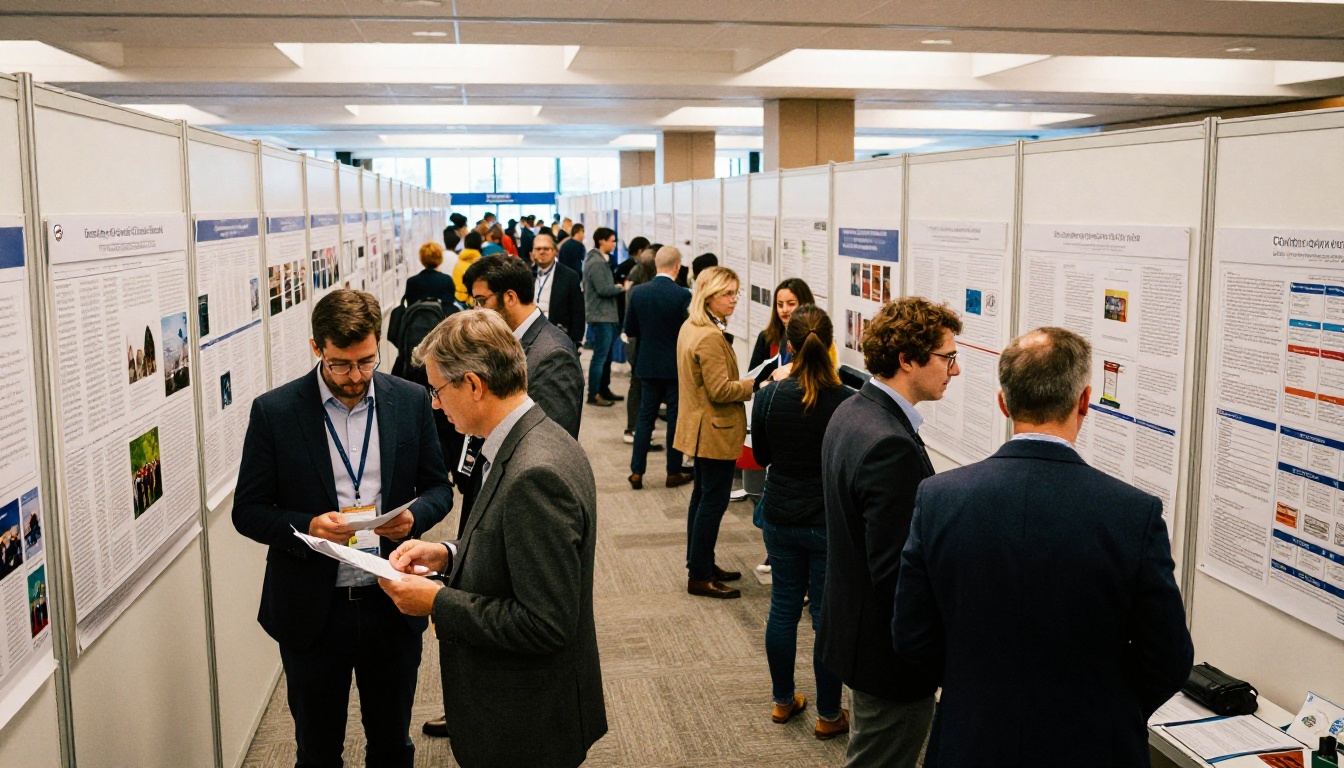
A flipbook is a digital publication format where pages turn with a realistic animation, mimicking the physical experience of reading a book or journal. Unlike a PDF viewer, it presents your content in a magazine-style layout with interactive navigation, embedded media support, and mobile-optimized rendering.
Flipbook vs. PDF: What Actually Changes
| Feature | Standard PDF | Research Paper Flipbook |
|---|
| Page-turn animation | No | Yes, realistic flip |
| Mobile-optimized | Rarely | Always |
| QR code sharing | No | Auto-generated |
| Embedded video/audio | No | Yes |
| Reader analytics | No | Yes (Professional plan) |
| Custom branding | No | Yes |
| Password protection | No | Yes |
| Offline download | No | Yes (Professional plan) |
| Website embedding | Limited | Full embed code |
The format doesn't change your content at all. Your research, data, citations, and figures stay exactly as you designed them. What changes is how readers experience them.
Interactive Features That Make a Difference
A well-built flipbook for academic conferences does more than look polished. It functions as a research communication tool:
- Clickable table of contents: Readers jump directly to methods, results, or discussion
- Embedded supplementary materials: Link videos, datasets, or extended appendices inline
- Zoom functionality: Figures and data tables are readable without pinching on mobile
- Fullscreen mode: Ideal for poster session displays running on a tablet or screen
✅ The best conference flipbooks include a clear abstract on the first spread, main figures prominently placed, and a contact page at the end with your institutional profile and follow-up links.
How to Create a Research Paper Flipbook with Flipbooks AI
Flipbooks AI is built for professionals who need a polished digital publication fast. The workflow for researchers is direct: start with a PDF, finish with a shareable flipbook. Here's how it works.
Step 1: Prepare Your Research PDF
Before uploading, spend a few minutes optimizing your document:
- Finalize all content: Figures, tables, and references should be in their correct positions
- Add a strong front page: Include your title, authors, institution, and conference name
- Include a table of contents: Essential if your paper runs longer than 10 pages
- Embed high-resolution figures: Rather than linking externally, embed them directly in the PDF
- Add a contact section at the end: Your email, institutional profile, or relevant research links
⚠️ PDFs with existing password protection or DRM restrictions may not convert properly. Remove any document passwords before uploading.
Step 2: Upload and Convert
Head to Flipbooks AI and create your account. The upload process is direct:
- Click "New Flipbook" from your dashboard
- Select your finalized PDF file
- Wait for the conversion, typically under 60 seconds for standard research papers
- Preview the result in the built-in viewer before publishing
The PDF to Flipbook Converter handles everything automatically, including page ordering, zoom levels, and mobile layout optimization.
Step 3: Customize for Your Institution
This is where your flipbook goes from functional to professional:
- Branding: Add your institution's logo and colors to the flipbook interface
- Background: Choose a style that matches your conference theme
- Page effects: Select the page-turn animation, classic flip, slide, or fade
- Thumbnail: Use your paper's front page or upload a custom conference banner
Customization takes about 5-10 minutes and makes a significant difference in perception. A flipbook with your university colors and logo reads as intentional and carefully prepared. A default-styled one reads as an afterthought.
Step 4: Set Sharing Options
Before your conference date:
- Generate a direct link: A short, clean URL you can add to business cards or poster QR codes
- Create a QR code: Print and attach to your physical poster if you're running a combined display
- Set privacy: If your paper is pre-publication, enable password protection so only authorized attendees can access it
- Embed in your conference profile: Use the Embed Flipbook on Website tool to place the flipbook directly in a conference website or institutional page
💡 Conference programs that embed flipbooks for participating papers see much higher pre-session readership from attendees who study the schedule before sessions begin.
Step 5: Publish and Share
Hit publish, and your research paper flipbook is live. Share the link via:
- Email to conference organizers for inclusion in the program
- Your presentation slides as a final "Read the Full Paper" resource
- Academic networking profiles like ResearchGate or Academia.edu
- The conference app or attendee portal if organizers accept external links
Sharing Your Flipbook at Academic Events

Getting the flipbook built is only half the work. The other half is making sure the right people actually find and read it.
QR Codes for Poster Sessions
The poster session is where flipbooks perform best. You have a physical poster on display, and dozens of researchers walking past with phones in hand.
Place a printed QR code in the corner of your poster that links directly to your flipbook. When someone scans it, they get the full paper on their phone instantly. They can read it during the coffee break, on the flight home, or pass it to colleagues who weren't at the conference.
This replaces the "email me and I'll send you the PDF" exchange that results in 80% of follow-up contacts never actually receiving the paper.
Embedding in Conference Websites
Many conferences have paper submission portals or program pages where authors can add supplementary links. A flipbook URL is far more compelling than a raw PDF download link, because visitors can preview content without committing to a download.
If the conference organizer allows it, provide your flipbook embed code for placement directly in the proceedings page. Attendees browsing the program before the event will actually read papers that open instantly in a readable format.
Password Protection for Pre-Publication Work
If your paper hasn't been formally published yet, or if it contains data you're not ready to release publicly, Flipbooks AI's password protection feature lets you share selectively.
Give the password only to registered conference attendees, peer reviewers, or close collaborators. This protects your pre-publication work while still allowing you to share in a polished, professional format that reflects well on the research.
Real-World Use Cases for Conference Flipbooks
Poster Session Materials
The classic conference poster is a single-page visual summary. Pairing it with a flipbook gives attendees a path from summary to full detail without requiring them to stand at your poster for 20 minutes asking questions.
In practice: A materials science researcher presents a poster on composite polymer structures. The QR code in the corner links to a 24-page flipbook with full experimental data, methodology, supplementary SEM images, and references. Attendees who want the detail get it instantly. Those who just want the main finding get it from the poster. Both groups are served without the researcher needing to be present.
Conference Proceedings
When an entire conference wants to distribute papers, the traditional approach is a printed proceedings book or a ZIP file of PDFs on a USB drive. Neither is particularly clean or accessible.
A flipbook-based proceedings collection lets organizers publish each paper as an individual flipbook, then link them from a central program page. Attendees get a browsable, readable experience on any device, with no printing costs, no file management, and no size limits.
The Course Material Publisher and Presentation Flipbook Designer tools are useful for researchers who want to add structured visual sections or supplement the main paper with slides and multimedia aids.
Supplementary Data and Appendices
Research papers frequently include supplementary materials that don't fit the main document: extended datasets, full statistical outputs, additional experiment results, or video demonstrations.
Embedding these within your flipbook, or linking to them from specific pages, gives reviewers and readers direct access to the material that supports your claims. It's a level of transparency that printed papers physically cannot achieve.
What Flipbooks AI Offers Researchers

Flipbooks AI includes a feature set well-suited to professional and academic publishing workflows. Here's a breakdown of what matters most for conference use.
Features for Academic Publishing
| Feature | What It Does | Academic Benefit |
|---|
| PDF conversion | Instant flipbook from any PDF | No redesign required |
| Custom branding | Logo, colors, fonts | Institutional credibility |
| Password protection | Restrict access by password | Pre-publication security |
| QR code generation | Auto-generated shareable code | Poster session ready |
| Mobile responsiveness | Works on all devices | Accessible anywhere |
| Embed codes | Place in any website | Conference program integration |
| Offline downloads | Readers save locally | Accessible without internet |
| Reader analytics | Track reads, page views, time-on-page | Measure your reach |
| No watermarks | Clean publication output | Professional appearance |
| Unlimited flipbooks | No cap on publications | Full conference season coverage |
Analytics: Who Is Reading Your Paper
The Professional plan includes detailed reader analytics: how many people viewed your flipbook, which pages they spent the most time on, where they dropped off, and how they found the link.
For researchers, this is genuinely useful data. If your methods section is where most readers stop, that signals something about presentation clarity. If your results section gets the most return visits, that validates the strength of your findings. This kind of readership data is simply not available with a static PDF, and it informs how you structure papers you submit next.
Access analytics from your Flipbooks AI dashboard and use the data to make informed decisions about how you present work at subsequent conferences.
Offline Access and Downloads

Conference venues are notoriously unreliable for WiFi. The Professional plan allows readers to download your flipbook for offline viewing, so your paper stays accessible during a session in a hotel ballroom with a saturated network.
This matters more than it sounds. A reader who can't load your flipbook in real time is a reader who moves on.
Flipbooks AI Plans for Academic Researchers

Flipbooks AI offers plans that scale from individual researchers to full institutional deployments.
Plan Comparison for Researchers
| Plan | Best For | Flipbooks | Standout Features |
|---|
| Free | Testing the platform | Limited | Basic conversion, standard sharing |
| Standard | Individual researchers | Unlimited | No watermarks, custom branding, QR codes, password protection |
| Professional | Labs, departments, conferences | Unlimited | Analytics, offline downloads, lead gen, priority support |
💡 Individual researchers presenting at a few conferences per year will find the Standard plan more than sufficient. Research groups coordinating multiple publications benefit most from the Professional tier.
The Standard plan covers the core needs: unlimited flipbooks, no watermarks, custom branding, and QR code generation. For a researcher who publishes regularly and presents at multiple events per year, this is the practical choice.
The Professional plan adds the analytics layer and offline access, which matters most for coordinated conference programs, proceedings publishers, or departments tracking dissemination across multiple papers. Compare all plans to see what fits your workflow.
Turn Your Next Conference Paper into Something People Actually Read
The difference between a paper that gets read and one that gets filed away often has nothing to do with research quality. It has to do with how the work is presented and how accessible it remains after the conference ends.
When you make a research paper flipbook for conferences, you're investing in the visibility of your work. The research doesn't change. The way it travels does.
Create your account on Flipbooks AI and convert your first paper today. The platform handles the technical side so you can focus on what matters: your research and how it reaches the people who need to read it.
Browse the full tools directory to see what else is possible, from course material publishers to presentation flipbook designers. Or check pricing plans to find the right tier for your conference season.



