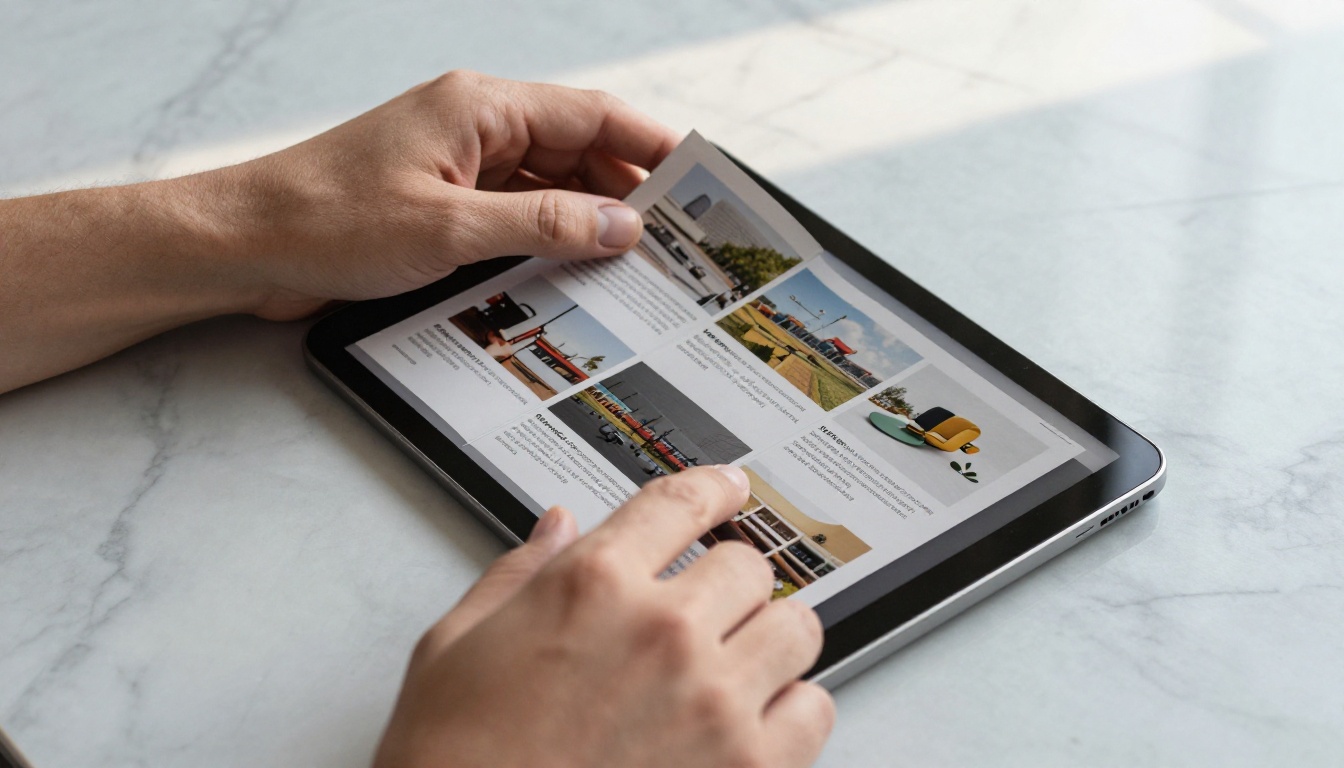
Every brochure you send as a PDF attachment gets ignored about 80% of the time. Recipients download it, maybe glance at the first page, and close it forever. The format was never designed for screens, and readers know it. Flipbooks AI solves this by turning any static brochure into a fluid, page-flipping digital experience that holds attention and drives real results.
Why Static Brochures Stop Working
Marketing teams spend weeks designing brochures. Copywriters polish every line. Designers obsess over typography and layout. Then the file gets exported as a PDF and emailed into a black hole.
The problem isn't the content. It's the format.
The PDF Problem Nobody Talks About
PDFs were built for printing, not browsing. On a phone screen, a typical brochure PDF requires pinching, zooming, and horizontal scrolling just to read the text. Most readers give up before page two. Digital documents formatted for print consistently show abandonment rates above 60% when viewed on mobile devices.
There's also the sharing problem. A PDF lives on someone's device. They can't forward a specific page, click a product name to see more, or share it with a single tap. The brochure's journey ends wherever it lands.
What Readers Actually Want
Modern readers expect interactivity. They want to click a product image and see specs. They want to turn pages like a real magazine. They want it to load fast on their phone and look polished without any extra setup. An interactive flipbook delivers all of this from a simple shareable link, with no app required.

What Makes a Flipbook Different
A flipbook isn't just a PDF with a page-turn animation. That's a common misconception. The format adds a layer of interactivity that fundamentally changes how readers move through your content.
Page-Turn Animation and Feel
The physical sensation of turning a page is something people associate with quality. Books, catalogs, and magazines feel authoritative. A flipbook replicates this in a browser with smooth curl animations that mimic actual paper thickness and weight. It signals to the reader: this is worth your time.
Embedded Media and Clickable Links
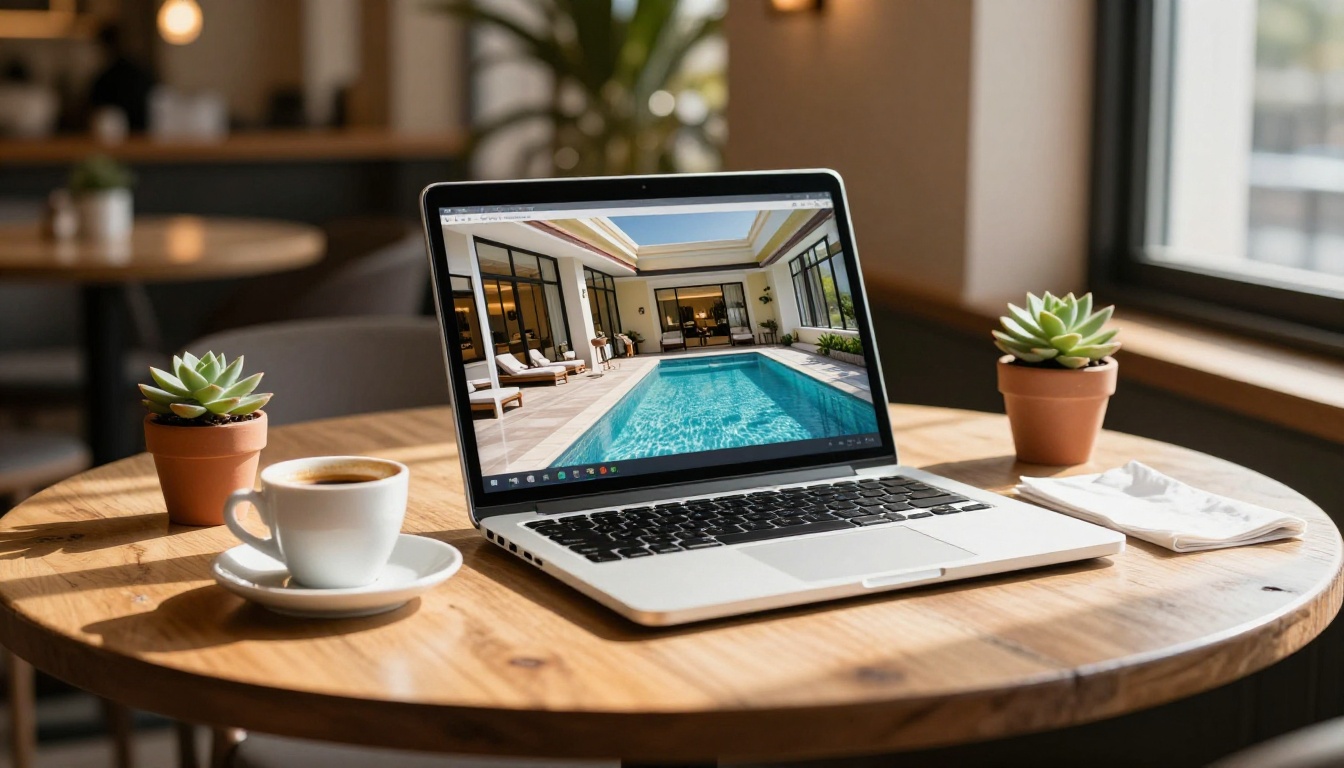
Static brochures can only describe a product. Flipbooks let readers watch it in action. You can embed videos directly into a page spread, so a reader viewing your hotel brochure can play a room tour without leaving the document. Clickable links turn every mention of a product, service, or location into an instant connection point.
Mobile-First by Default
Every flipbook created on Flipbooks AI is automatically mobile-responsive. The layout adapts cleanly from a widescreen desktop view to a single-column phone view. There's no separate mobile version to design or maintain. The same link works everywhere.
Not every brochure benefits equally from the flipbook format, but these five categories see the biggest performance lift when they make the switch.
Real estate brochures are the clearest example. A printed brochure shows photos. A flipbook brochure shows photos and lets the reader click to see a floor plan, watch a walkthrough video, and tap a phone number to call the agent, all without leaving the document.
Hotel brochures benefit because hospitality sells atmosphere. Video and audio embedded directly in the flipbook let prospects experience the property before they book.
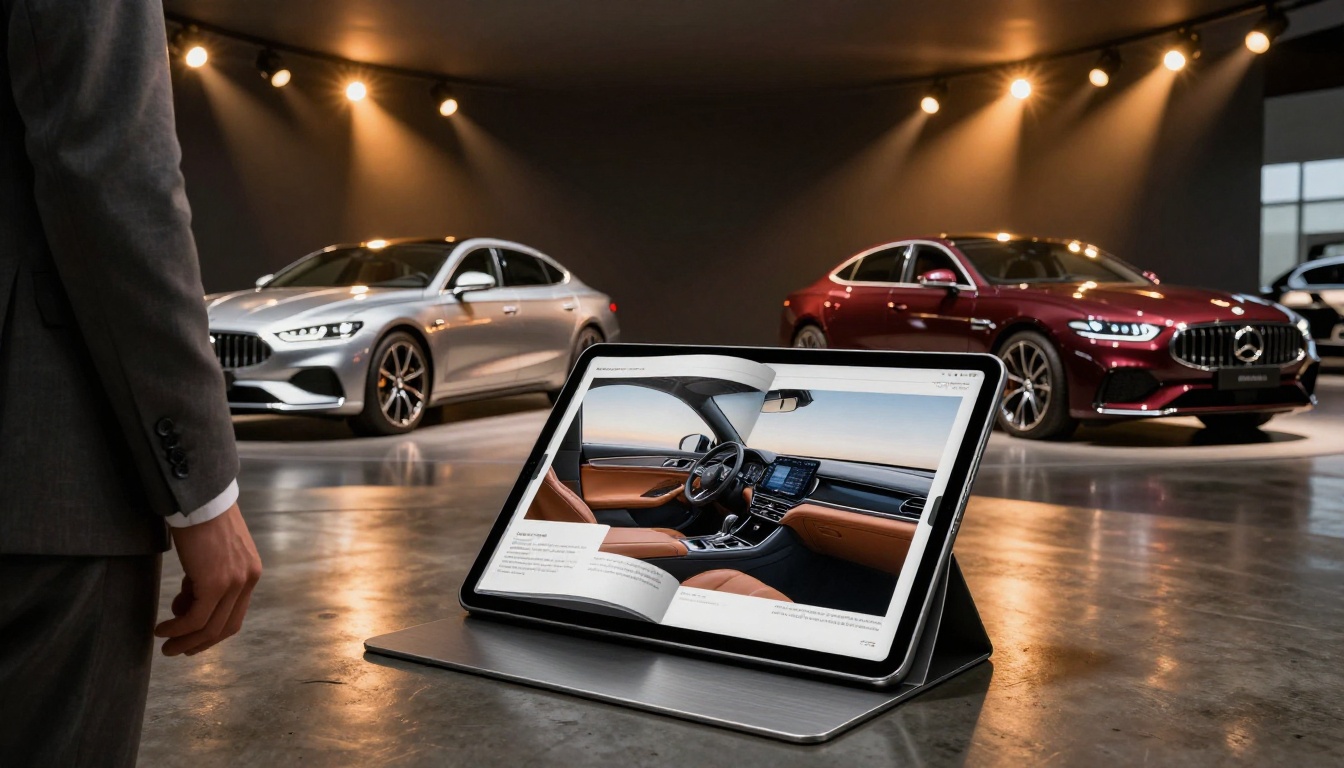
Automotive brochures carry dense technical specifications. A flipbook lets dealers organize content behind clickable sections so buyers can jump straight to the trim level or engine option they care about.
How to Make Your Brochure Interactive
Making your brochure interactive with Flipbooks AI takes about five minutes if your PDF is ready. Here's the exact process.
Step 1: Upload Your PDF
Go to Flipbooks AI and create an account or sign in. From your dashboard, click Create Flipbook and drag your PDF brochure into the upload area. The platform processes each page and renders it as a flipbook spread. Standard PDFs in A4, letter, or custom size all work with the PDF to Flipbook Converter.
💡 Pro tip: Before uploading, make sure your PDF uses embedded fonts and high-resolution images. The flipbook inherits the quality of your source file.
Step 2: Set Your Branding
Once the flipbook preview loads, open the customization panel. You can:
- Set a custom domain or subdomain for your flipbook link
- Upload your logo to replace any default branding
- Choose a background color or texture for the reader interface
- Select a page style: open flat, book with spine, or minimal reader
All plans include no watermarks, which matters when you're sharing with clients or prospects.
Step 3: Add Interactive Elements
This is where your brochure becomes genuinely interactive. The editor lets you layer elements directly onto pages:
- Clickable links: highlight a product name, service, or image and add a destination URL
- Embedded video: paste a YouTube or Vimeo link to embed video directly on any page
- Audio clips: add background music or narration to specific pages
- Lead capture forms: collect names and emails at a specific page (Professional plan)
- Password protection: lock the entire flipbook or specific sections
✅ Best practice: Add a clickable call-to-action button on the final page that links to your contact form, booking page, or product store. Readers who finish your brochure are the most likely to convert, and they need somewhere to go.
Step 4: Share or Embed
When your flipbook is ready, you have three distribution options:
- Direct link: a clean URL you can paste in emails, WhatsApp, or social posts
- Embed code: paste a snippet into any website or landing page using the Embed Flipbook on Website tool
- QR code: print it on physical materials so prospects can scan their way to the interactive version
⚠️ Note: If you embed on a WordPress or Webflow site, use the iFrame embed method. JavaScript embeds require access to the <head> tag, which some CMSs restrict.
Plan Comparison: What You Get
Flipbooks AI offers tiered plans designed for different volumes and use cases. Here's how they compare for brochure-focused work.
| Feature | Free | Standard | Professional |
|---|
| Flipbooks created | 3 | Unlimited | Unlimited |
| Watermark-free | No | Yes | Yes |
| Custom branding | No | Yes | Yes |
| Password protection | No | Yes | Yes |
| Embedded video/audio | No | Yes | Yes |
| Analytics dashboard | No | No | Yes |
| Lead capture forms | No | No | Yes |
| Offline downloads | No | No | Yes |
| Custom domain | No | No | Yes |
For most small businesses and agencies, the Standard plan covers everything needed to make brochures fully interactive and professional. The Professional plan pays off the moment you need to know which pages readers are spending time on, or when lead capture inside the document becomes a priority.
See all pricing plans to compare current rates and included features.

3 Mistakes That Kill Brochure Reach
Switching to flipbooks fixes the format problem. But there are three consistent mistakes that limit how far your brochure travels.
1. Not optimizing the PDF before upload
If your source PDF has blurry images or unembedded fonts, the flipbook inherits those issues. Always export your brochure at 300 DPI with all fonts embedded. The platform can't fix a low-quality source.
2. Skipping the call-to-action on the final page
A brochure that ends on a "thank you" or product summary page is a dead end. Every flipbook should have a clear next step on the last page, whether that's a button, a phone number, or a form. Without it, interested readers have nowhere to go.
3. Sharing the file instead of the link
Some teams upload to Flipbooks AI and then immediately export the flipbook as a PDF to share. This defeats the entire point. Share the live flipbook link. It tracks opens, works on any device, and lets you update the content without re-sending to every contact.
Industries Winning with Interactive Brochures
The shift from print-style PDFs to interactive flipbooks is happening across nearly every sector that depends on printed collateral. Here's where the results are most consistent.
Hospitality and Tourism: Hotels, resorts, and travel agencies use flipbooks to share destination booklets, property tours, and spa menus. The Hotel Brochure Designer formats these automatically for the reading experience guests expect.
Real Estate Development: Pre-sales brochures for new developments are increasingly delivered as password-protected flipbooks with embedded video walkthroughs. Agents using the Real Estate Brochure Creator report higher readership rates per send compared to PDF attachments.
Automotive Retail: Dealership groups publish model-year brochures as flipbooks embedded on vehicle landing pages. The Automotive Brochure Generator handles the spec-heavy layouts these documents typically require.
Event Marketing: Conference programs, venue packages, and event sponsorship decks perform better as flipbooks because recipients share the link, not a file. The Event Program Maker is built for this exact use case.
B2B and Corporate: Sales teams at larger companies use Flipbooks AI to create password-protected capability brochures and proposal documents with embedded video testimonials. The analytics features on the Professional plan show exactly which pages prospects reviewed before responding.
Getting the Most from Your Flipbook
Once your brochure is live as a flipbook, a few habits separate the teams that get real ROI from those who just tick a box.
Update without re-sending: One of the underused advantages of a live flipbook link is that you can swap out pages or update pricing without the link changing. Everyone who already has the link automatically sees the updated version.
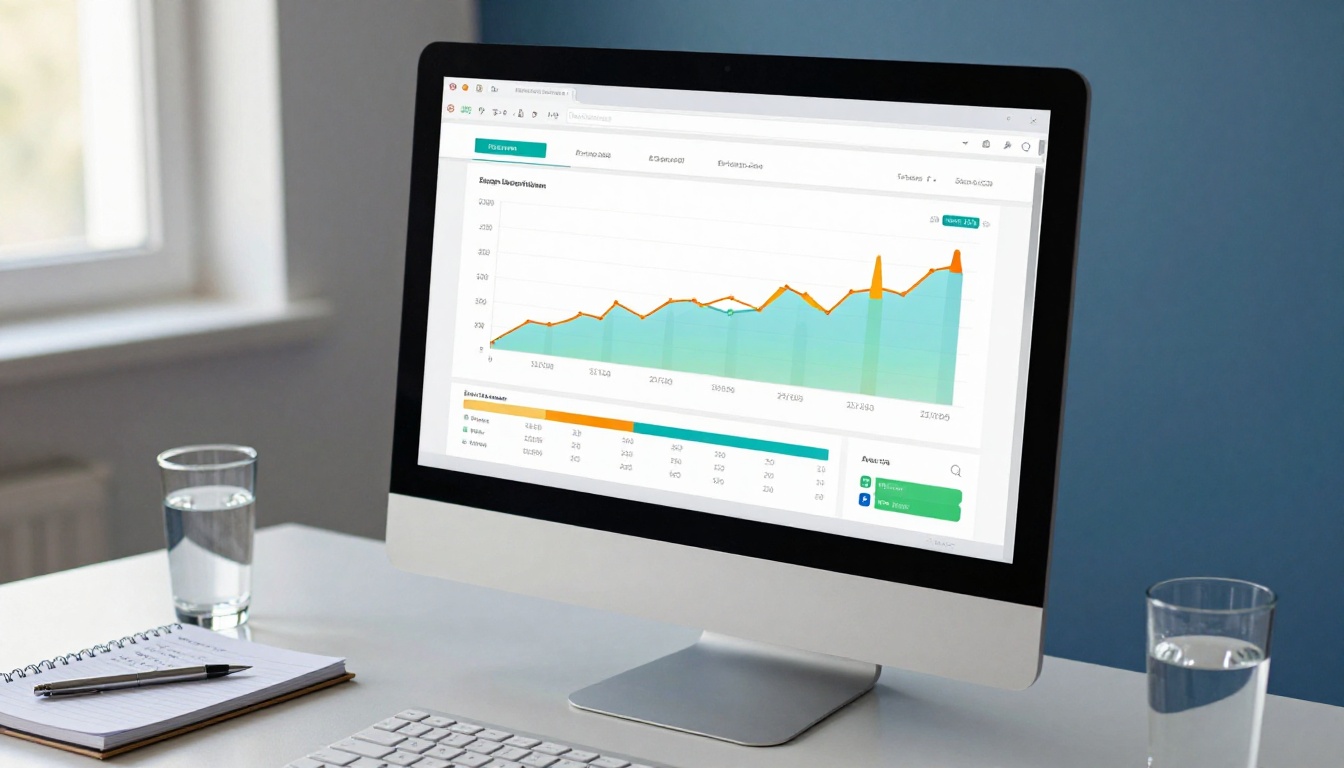
Use analytics to refine content: The Professional plan's analytics dashboard shows you exactly where readers drop off. If page 4 has a 70% exit rate, that page needs work. You'd never know this with a PDF.
Test different opening pages: The first page is the first thing a reader sees. Try two different opening designs using two separate flipbooks and track which one generates more clicks through to page two.
Embed on relevant landing pages: Use the Embed Flipbook on Website tool to place your brochure directly on the relevant product or service page. Visitors spend longer on pages with embedded flipbooks than pages with a plain PDF download link.
Add lead capture to high-value brochures: For capability statements, investment brochures, or exclusive property documents, adding a lead capture gate at page 3 or 4 (after readers are invested in the content) outperforms front-gating significantly.
Static PDFs had their moment. They served a purpose when the alternative was printing thousands of physical copies. But readers have moved on, and the businesses winning in competitive markets are the ones giving them something worth opening.
An interactive flipbook takes the design work you've already done and makes it work harder. Every click becomes a data point. Every page becomes a potential conversion point. Every share extends your reach without any extra effort on your part.
Ready to make the switch? Get started for free and upload your first brochure today. If you want to see which plan fits your volume and feature needs, compare all options before you begin. And if you're working with a specific type of brochure, browse all available tools and templates to find the one built for your industry.



