You have an email half written, a cursor blinking, and one question: do you attach a media kit or a press kit? Send the wrong one and a sponsor sees a wall of company history, or a reporter gets a rate card when they wanted a story. The two documents look alike, but they do different jobs. This article compares them side by side, so you can pick the right one in seconds, and then build it as a clean interactive document with Flipbooks AI.
Short answer: send a media kit when you want to be hired, sponsored or booked. Send a press kit when you want to be covered by a journalist or publication. The rest of this article explains why, and what goes inside each.

The Quick Answer
Think about who is reading and what they must decide.
- A brand manager decides whether your audience is worth paying for. They want numbers, rates and proof.
- A journalist decides whether you are worth writing about. They want a story, quotes, facts and good photos.
Same you, two audiences, two documents.
| Question | Media Kit | Press Kit |
|---|
| Main goal | Win paid work, sponsorships, partnerships | Win press coverage and mentions |
| Primary reader | Brands, agencies, event hosts | Journalists, editors, podcast hosts, bloggers |
| Tone | Persuasive, numbers first | Factual, story first |
| Typical length | 3 to 8 pages | 8 to 20 pages |
| Includes pricing | Yes, usually | Almost never |
| Includes press release | No | Yes |
| Updated | Monthly or quarterly | Per launch or announcement |
💡 Pro tip: If you are unsure, ask yourself whether money changes hands. If the reader will pay you, send a media kit. If the reader will write about you for free, send a press kit.
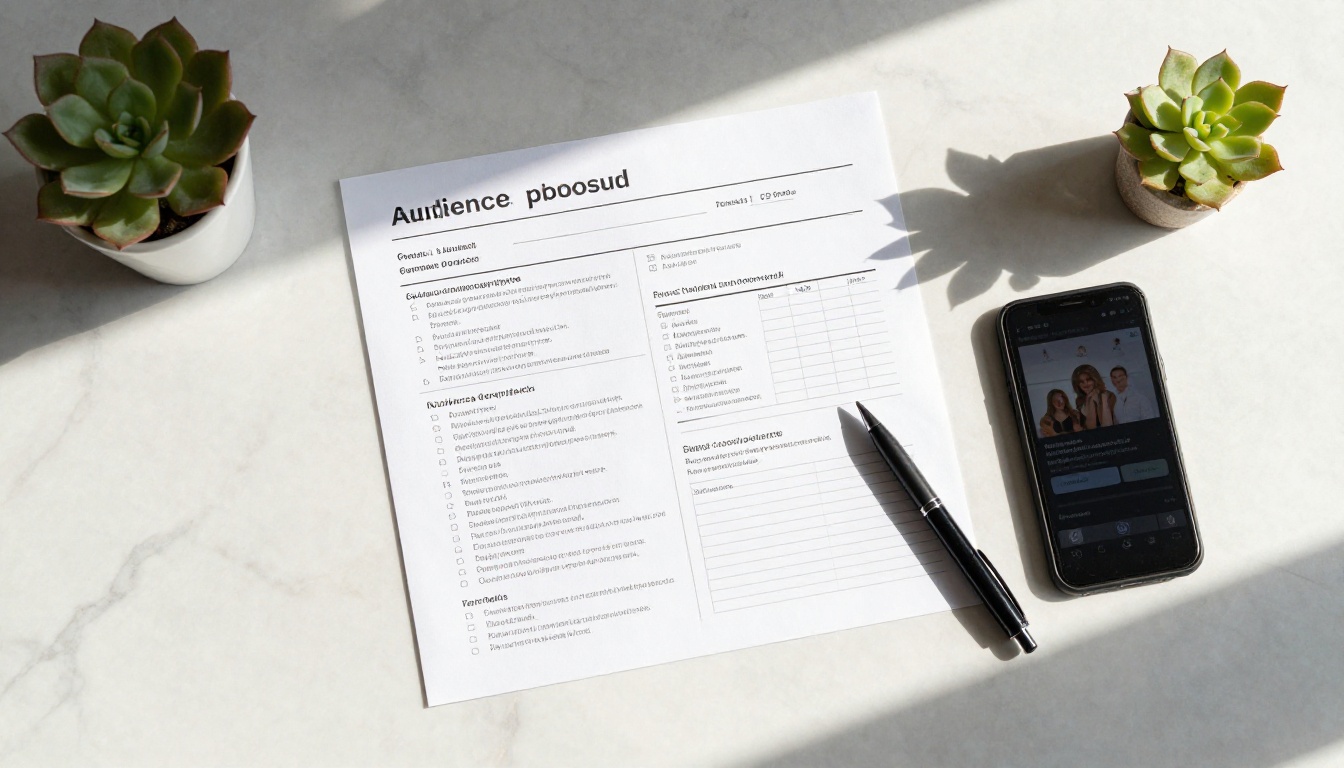
A media kit is a short, visual sales sheet. It shows a potential partner who you reach, how those people behave, and what a collaboration with you costs. Creators, influencers, podcasters, newsletter writers and small publishers rely on it every week.
What Goes Inside
A strong media kit is tight. Every page should answer a question a brand will ask anyway.
- A short bio with a clear photo, two or three sentences long.
- Audience numbers: followers, monthly views, email list size, downloads.
- Demographics: age range, top countries, gender split, interests.
- Performance proof: average reach, save rate, click rate, open rate.
- Past partners: logos and one line on the result.
- Services and rates: sponsored posts, video integrations, newsletter slots, bundles.
- Contact details and a clear next step.
Who Asks for It
Brand partnership teams, PR agencies, affiliate managers and event organizers. They often ask for it in the very first reply, sometimes before they say anything else. Having it ready speeds up every deal.
A Real Example
A travel creator with 80,000 followers pitches a hotel group. Her media kit is five pages: bio, audience map, three past campaigns with results, a rate table and a booking link. The hotel manager reads it in two minutes, replies with a date, and the conversation moves straight to scheduling.
What Is a Press Kit?
A press kit, sometimes called a press pack or media room download, is a reference bundle for journalists. It does not sell. It informs, and it makes writing about you easy. The easier you make the story, the more likely it gets written.
What Goes Inside
- Company or person overview: who you are and why you exist.
- A press release announcing the news you want covered.
- Fact sheet: founding date, team size, location, product details, milestones.
- Founder or spokesperson bios with quotable lines.
- High resolution photos: headshots, product shots, team and event images.
- Logos and brand assets with usage notes.
- Previous coverage: links or clippings that show credibility.
- Press contact: one name, one email, one phone number.
Who Asks for It
Reporters, editors, podcast producers, conference organizers, and sometimes investors or partners who want a neutral overview. They scan fast, so structure matters more than design flourishes.
A Real Example
A startup launches a new app. Its press kit holds a one-page release, a fact sheet, two founder bios, six product images and a short timeline. A tech reporter gets the email at 9 a.m., finds the quote she needs on page three, and publishes by lunch.
Key Differences in Detail
The gap shows up in three places: purpose, content and tone.
Purpose
A media kit answers "Why should we pay you?" A press kit answers "Why should we write about you?" That one difference shapes everything else.
Content
| Element | Media Kit | Press Kit |
|---|
| Audience demographics | ✅ | Optional |
| Rate card | ✅ | ❌ |
| Press release | ❌ | ✅ |
| Fact sheet | Short | ✅ |
| Founder quotes | Rare | ✅ |
| Past brand collaborations | ✅ | Optional |
| Press mentions | Optional | ✅ |
| Photo library | A few | Many |
| Brand assets and logos | Optional | ✅ |
Tone
Media kits use confident, numbers-led language: "62% of readers are aged 25 to 34." Press kits stay neutral and factual: "Founded in 2022, the company serves 14 countries." Journalists distrust hype, and brands distrust vague claims, so match your voice to the reader.
⚠️ Warning: Never put your rates in a press kit. It signals that you are selling, and it can undermine the independent feel journalists expect.
When to Send Each One
Timing and context decide the winner. Use this table as a quick filter.
| Situation | Send This |
|---|
| A brand replies to your cold pitch | Media kit |
| You are applying for an ambassador program | Media kit |
| A podcast host asks for background | Press kit |
| You are announcing a product launch | Press kit |
| A reporter asks for an interview | Press kit |
| An agency requests your rates | Media kit |
| You are invited to speak at an event | Press kit, plus a short bio |
| A sponsor wants performance proof | Media kit |
When to Send Both
Some situations need both. A newsletter writer who just launched a paid tier might send a press kit to journalists covering the launch, and a media kit to brands who want to advertise in it. Keep them as separate files, and never merge them into one long document. Readers skip anything that is not for them.
A Simple Decision Path
- Is the reader paying you? Send the media kit.
- Is the reader writing about you? Send the press kit.
- Is the reader a partner evaluating a collaboration with no clear budget yet? Start with the media kit, then offer the press kit for background.
- Still unsure? Send a short email, ask what they need, and attach nothing until they answer.
Who Needs What
Different professionals lean toward different documents.
| Role | Most Useful | Why |
|---|
| Influencer or creator | Media kit | Sells sponsored content |
| Podcaster | Both | Media kit for sponsors, press kit for guest booking |
| Startup founder | Press kit | Drives launch coverage |
| Freelance designer or photographer | Media kit style portfolio | Shows reach and past clients |
| Author | Press kit | Supports book launches and interviews |
| Small business owner | Press kit | Local press and community features |
| Agency | Both | Different clients, different goals |

Common Mistakes to Avoid
Most failed pitches share the same few errors.
- Sending a PDF that is 40 MB. Email servers bounce it, and mobile readers give up.
- Outdated numbers. A media kit with last year's follower count loses trust fast.
- No contact line. Readers should never hunt for an email address.
- Too much text. Brands and reporters scan. Use short blocks, tables and visuals.
- Mixing goals. A rate card inside a press kit, or a long company history inside a media kit, confuses the reader.
- Low quality photos. Blurry images in a visual document feel careless.
- Broken links. Always click every link before you send.
✅ Best practice: Put the date on the last page ("Updated October 2026"). It tells readers the data is fresh and gives you a reminder to refresh it.
Why PDFs Fall Short
Plain PDFs work, but they have real limits. You cannot update a file once it has been sent. You do not know whether anyone opened it. Large images make the file heavy, and phones show small, awkward pages.
An interactive flipbook solves each of these.
| Feature | Plain PDF | Flipbook |
|---|
| Page turning feel | ❌ | ✅ |
| Opens fast on mobile | Sometimes | ✅ |
| Update after sending | ❌ | ✅ (same link) |
| Password protection | Limited | ✅ |
| View analytics | ❌ | ✅ (Professional plan) |
| Embed on a website | ❌ | ✅ |
| Clickable links and video | Basic | ✅ |
| No watermark | Depends | ✅ |
A single shareable link also keeps your email light. Instead of a heavy attachment, you send one URL that always shows the latest version.
How to Build Either Kit
You can turn a finished PDF into a polished online kit in a few minutes. Here is the process using Flipbooks AI.
Step 1: Create Your Account
Open Flipbooks AI and sign up. Compare pricing plans if you want analytics or unlimited flipbooks.
Step 2: Prepare and Upload the PDF
Design your pages in any tool you like. Keep them 16:9 or portrait, and use sharp images. Then upload the file with the PDF to Flipbook Converter. Conversion takes moments, and each page becomes a turnable spread.
Step 3: Customize the Look
Add your logo, brand colors and page effects so the flipbook matches your identity. For press material, the Press Kit Designer gives you a ready structure. For creators, a Digital Portfolio Creator layout works well as a visual media kit, and the Sales Presentation format suits rate cards and partnership proposals.
Step 4: Add Multimedia
Embed a short intro video, an audio sample or clickable links to your best work. Journalists can watch a founder clip, and brands can hear a podcast excerpt without leaving the page.
Step 5: Choose Sharing Options
- Direct link for email pitches.
- Embed code to place the kit on your site via Embed Flipbook on Website.
- Password protection for rates you only want specific brands to see.
- Offline download so reporters can save the images.
Step 6: Track Results
On the Professional plan, analytics show which pages get read and for how long. If brands always drop off before the rate table, move it earlier. Lead generation fields can even collect contact details before someone opens a private kit. Review the Professional plan options to see what fits.
💡 Pro tip: Create two flipbooks with separate links, one called "Media Kit" and one called "Press Kit". Link both from your website footer and email signature, so the right one is always one click away.
A Quick Checklist Before Sending
Run through this list before you hit send.
Media kit checklist
- Audience numbers updated this month
- Demographic chart is readable on a phone
- Rates are current and clear
- Two or three past partners shown with results
- Contact email and booking link on the last page
Press kit checklist
- Press release with a clear headline and date
- Fact sheet fits on one page
- Photos are high resolution and labeled
- Quotes are ready to copy
- A single press contact listed
Ready to Send the Right One?
The rule is simple. If you want to be paid, send a media kit. If you want to be written about, send a press kit. When both apply, send two separate documents, each built for its reader.
Build yours today: create your account, turn your PDF into a shareable flipbook, and send one clean link. Browse all flipbook tools to find a template that fits your pitch, or compare plans to add analytics and password protection. Your next reply from a brand or a reporter could start with a document they actually wanted.



