If you spent years building flyers, newsletters and price lists in Publisher, the news that Microsoft ended support in October 2026 probably landed with a thud. The file format still opens, but there are no more updates and no security fixes. Picking a new tool now beats scrambling the day a file refuses to open. This article compares the strongest Microsoft Publisher alternative Adobe offers, along with Canva, Affinity and Scribus, so you can match price and skill level to your actual projects. We also show how a PDF from any of these tools can become an interactive page-turning publication on Flipbooks AI.
💡 Quick answer: Choose InDesign for professional multi-page print work, Adobe Express or Canva for fast social and flyer jobs, and Affinity or Scribus if the budget is zero.
Why Publisher Users Are Switching
What Happened to Publisher
Publisher was never the flashiest layout app, but it had a loyal following. It was simple, it shipped with Microsoft 365, and it handled newsletters, certificates, brochures and calendars without a lecture on typography. With support gone, three problems appear fast:
- No security patches for a desktop app that opens files from outside senders
- Compatibility drift as Windows and Office keep changing around it
- No cloud or collaboration, which most teams now expect
What You Actually Need
Before comparing logos, list what you produce. A bakery printing one menu a month has different needs from a school producing a 48-page yearbook. Ask yourself:
- Do I print, publish online, or both?
- How many pages is a typical project?
- Do several people edit the same file?
- Can I afford a monthly subscription?
- How much time can I spend picking up a new interface?
Your answers decide everything below.
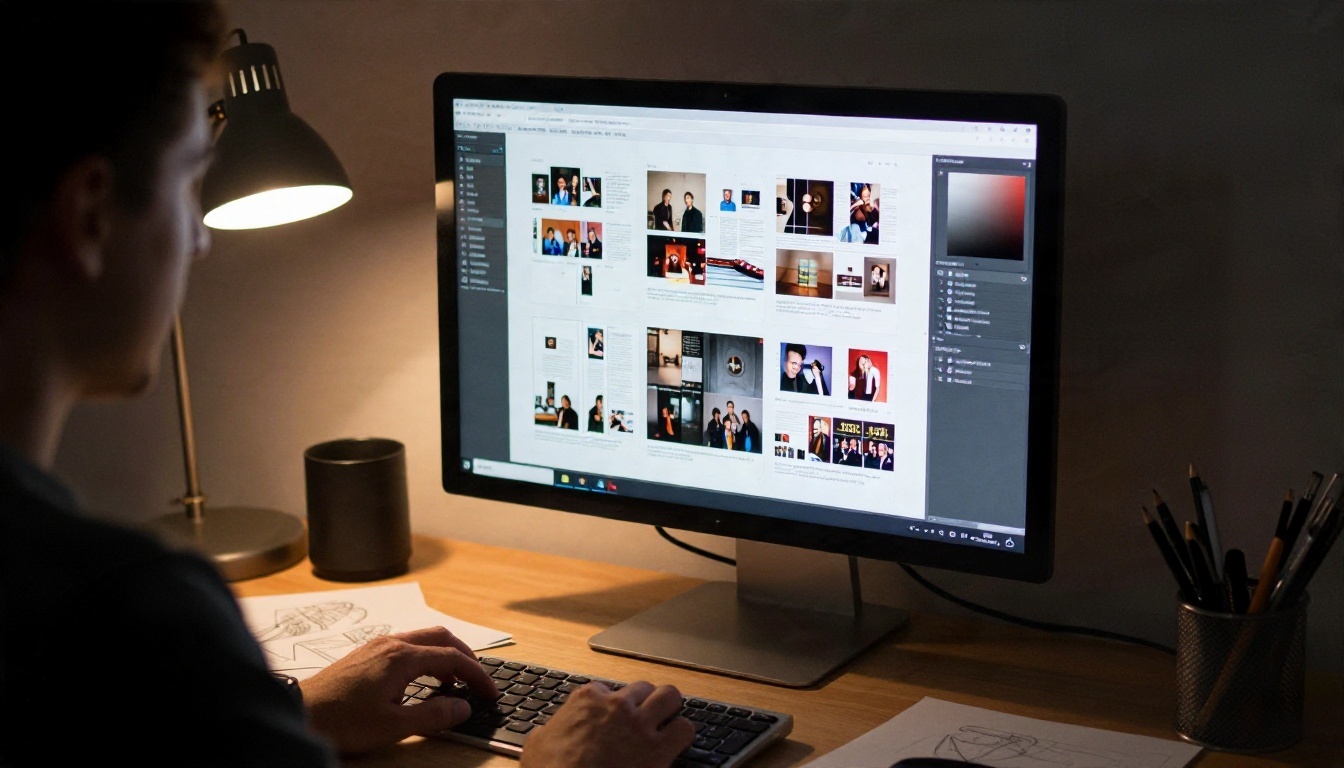
Adobe InDesign Reviewed
Where InDesign Shines
InDesign is the industry standard for page layout, and the gap between it and Publisher is real. The things you get:
- Master pages and parent templates that keep a 100-page document consistent
- Paragraph and character styles that let you restyle an entire book in seconds
- Precise typography, including optical kerning, OpenType features and baseline grids
- Print-ready export with bleeds, crop marks, CMYK and PDF/X presets
- Libraries and Creative Cloud sync with Photoshop and Illustrator assets
For a magazine, a catalog or a book, nothing in this comparison comes close. If you are moving from Publisher and already work with a print shop, your printer will almost certainly be happy to receive an InDesign-made PDF.
Where It Hurts
InDesign is not gentle. The interface has dozens of panels, and a Publisher veteran will spend a few weeks feeling slow. It also costs money every month, with no permanent license option. And for a simple one-page flyer, it is overkill, like hiring a crane to hang a picture frame.
⚠️ Watch out: Adobe plans billed monthly but sold on an annual contract carry an early cancellation fee. Read the terms before you click buy.
Adobe Express for Quick Work

What Express Does Well
Adobe Express sits at the opposite end of the Adobe family. It runs in the browser and on mobile, starts from templates, and gets a flyer done in ten minutes. You will find:
- A large template library for flyers, posters, menus and social posts
- Quick background removal, resizing and brand kits
- A free tier that is usable, with a Premium plan for the full asset library and extra tools
- Sharing links for review and light collaboration
For a Publisher user who mostly made one-page flyers and event notices, this is the gentlest landing spot.
Express Limits
Multi-page documents are where it struggles. You can add pages, but there are no true master pages, no style sheets and no fine typographic control. Long text flows badly. Print preparation is basic, so if a printer demands bleeds and CMYK profiles, you may hit a wall.
Free Options Worth Using
Canva
Canva is the most popular answer to the question "what replaces Publisher for free?" The free plan includes thousands of templates, and Canva Pro adds brand kits, resizing and more premium assets. It is excellent for flyers, presentations and social graphics, and decent for short brochures. Like Express, it is not built for long documents with complex text.
Affinity
Affinity is a serious option for people who want InDesign-style control without the subscription. Affinity Publisher offers master pages, styles, a grid system and strong PDF export. Since Canva acquired the brand, the apps have become free to download and use, with optional paid AI features. The interface looks familiar to anyone who has touched a professional layout tool, and the ramp-up time is shorter than InDesign.
Scribus
Scribus is open source, fully free and surprisingly capable on print features such as CMYK, spot colors and PDF/X. The tradeoff is an interface that feels dated and a smaller community. It suits volunteers, small clubs and anyone who likes tinkering.
✅ Best practice: Test two tools on a real project before committing. Rebuild last month's newsletter in each and time how long it takes.
Pricing Side by Side
Prices change often and vary by region, so treat the numbers below as approximate figures at the time of writing and check each vendor page before buying.
| Tool | Approx. monthly cost | Free tier | Best for |
|---|
| InDesign (single app) | about US$23 | Trial only | Books, magazines, catalogs |
| Creative Cloud All Apps | about US$60 | Trial only | Full design teams |
| Adobe Express | Free, Premium about US$10 | Yes | Flyers and social posts |
| Canva | Free, Pro about US$15 | Yes | Templates and quick graphics |
| Affinity | Free | Yes | Layout without subscription |
| Scribus | Free | Fully free | Print projects on zero budget |
Cost Over Three Years
A subscription feels small each month, but it adds up. Here is what 36 months looks like for one user:
| Tool | Approx. 3-year total |
|---|
| InDesign (single app) | about US$828 |
| Creative Cloud All Apps | about US$2,160 |
| Canva Pro | about US$540 |
| Adobe Express Premium | about US$360 |
| Affinity | US$0 |
| Scribus | US$0 |
If you only need a layout app a few times a year, a monthly plan that you cancel between projects can be cheaper than the totals above. Just be sure about the contract terms.
Feature Comparison
| Feature | InDesign | Express | Canva | Affinity | Scribus |
|---|
| Master pages | Yes | No | Limited | Yes | Yes |
| Style sheets | Yes | No | No | Yes | Yes |
| CMYK and print marks | Yes | Basic | Basic | Yes | Yes |
| Templates | Good | Excellent | Excellent | Fair | Few |
| Ramp-up time | Long | Short | Short | Medium | Medium |
| Works in browser | No | Yes | Yes | No | No |
Real-World Scenarios
A café owner printing a weekly specials flyer should pick Express or Canva. The template is ready, the brand colors are saved, and the file goes to a print shop or a social feed in minutes.
A nonprofit producing a 32-page annual report with charts and photographs will be happier in InDesign or Affinity. Master pages keep headers and page numbers consistent, and styles keep the typography tidy. If funds are tight, Affinity wins on price.
A real estate agent sending property sheets can use Canva for the one-pagers, then publish the full portfolio as an interactive book. The Real Estate Brochure Creator handles that second step.
A school office with a mixed group of volunteers should look at Canva for newsletters, because anyone can edit from a browser without installing software.
Publish Digitally with Flipbooks AI
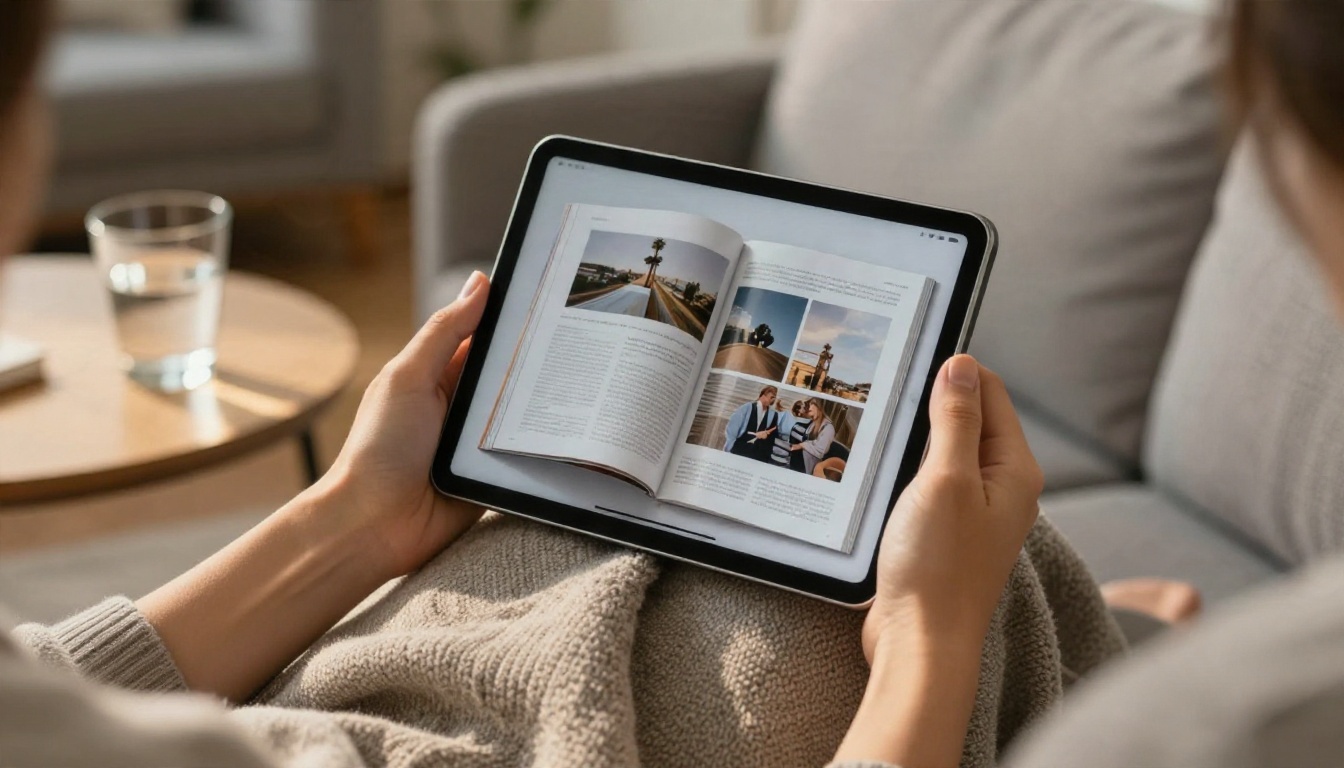
Here is something no layout tool solves on its own: a PDF is a flat file. People download it, ignore it and never open it again. Whichever Publisher replacement you pick, export a PDF and turn it into a page-turning publication that works on any phone. That is exactly what Flipbooks AI does, and it pairs well with every tool above.
How to Create a Flipbook with Flipbooks AI
- Export your layout as a PDF from InDesign, Express, Canva, Affinity or Scribus. Use the high quality setting for crisp images.
- Create an account at Flipbooks AI and open the dashboard.
- Upload the PDF. The PDF to Flipbook Converter turns each page into a turnable spread in seconds.
- Customize the look. Add your logo, pick brand colors, choose the page-turn effect and place videos, audio or links on any page.
- Set privacy. Publish openly, or lock a private catalog behind a password.
- Share it. Copy a direct link, or paste the embed code to embed the flipbook on your website.
- Allow downloads if readers want an offline copy.
💡 Pro tip: Keep the original layout file. When prices change, edit it, export a fresh PDF and replace the flipbook, so your link stays the same.
Sharing and Tracking
No watermarks appear on your publication, and the reader works smoothly on mobile. Standard plans allow unlimited flipbooks, while the Professional plan adds analytics and lead generation, so you can see which pages people read and collect email addresses before they open a private catalog. Compare the options on the pricing page.
Depending on your project, these ready-made tools save time:
Common Mistakes When Switching
- Buying the biggest plan first. Start with the cheapest option that handles your longest document.
- Ignoring fonts. Check that your brand fonts work in the new app before you rebuild everything.
- Converting old files blindly. Publisher files often lose spacing when imported. Export a PDF from Publisher first, keep it as a reference, and rebuild the layout cleanly.
- Forgetting digital distribution. A great layout that nobody opens is wasted effort.
Pick Your Replacement Today
Here is the short version. InDesign is the strongest Microsoft Publisher alternative Adobe sells, and it is worth the money for long print documents. Adobe Express and Canva win for speed. Affinity and Scribus win for zero cost. None of them is a bad choice, only a mismatched one.
Ready to give your finished PDFs a second life? Get started for free on Flipbooks AI, browse all flipbook tools, or check the pricing plans to see which one fits your workload.



