Mother's Day is the single biggest revenue week for most local florists, but the shops that win it are rarely the ones with the most flowers. They're the ones who show up with a clear, beautiful promo catalog that tells customers exactly what they're getting, what it costs, and why they should order from you over the grocery store down the street. Tools like Flipbooks AI make it possible to publish a professional, page-turning digital catalog in under an hour and share it across every channel at once.
Why Mother's Day Is Make-or-Break for Florists
Mother's Day accounts for roughly 28% of all floral purchases in the U.S. annually, according to the Society of American Florists. That's a staggering concentration of demand in a single weekend. For small, independent flower shops, this isn't just a busy weekend. It's often the difference between a profitable spring and a struggling one.
The challenge is that you're competing with:
- Supermarket floral departments offering $12 mixed bouquets
- National online retailers with aggressive paid ads
- Big-box stores with impulse-purchase displays at the checkout
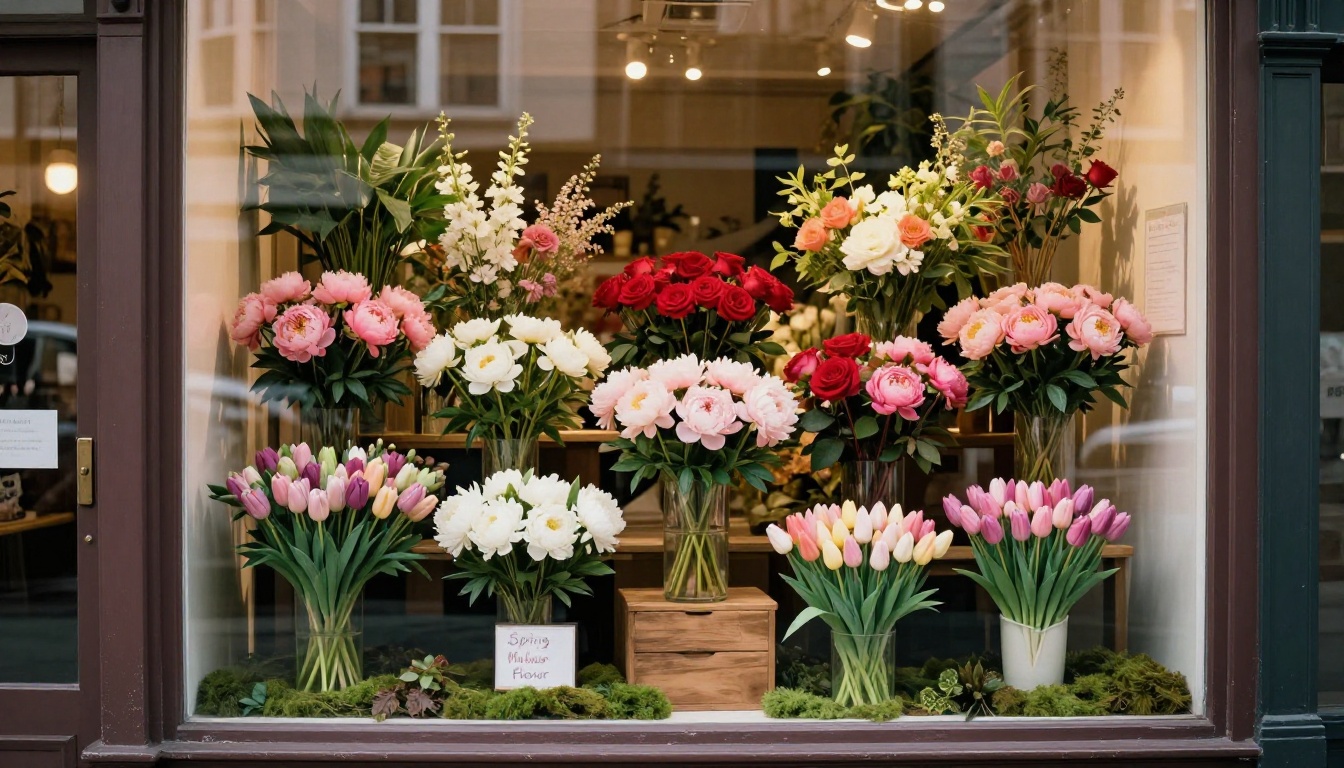
Your advantages are freshness, personalization, and local expertise. But those advantages only matter if customers can see them before they walk in. That's exactly what a well-designed Mother's Day promo catalog does.
What Shoppers Actually Look For
When someone wants to buy Mother's Day flowers, their first move is usually a quick search or a scroll through their social feed. Studies show that 72% of consumers prefer to research purchases visually before committing. A catalog, especially a digital one they can flip through on their phone, gives them the visual confidence to choose your shop.
The three things shoppers want to see immediately:
- What arrangements are available (with photos)
- What each option costs
- How to order or pick up
If your promo catalog answers all three in the first few seconds, you've already beat most of your competition.

A promotional floral catalog is not a price list printed on A4 paper. It's a curated, visual shopping experience. Here's what separates catalogs that convert from ones that get ignored.
Product Selection: Fewer Is More
The instinct is to include everything. Resist it. Mother's Day shoppers are often overwhelmed, and a catalog with 40 SKUs creates decision fatigue. A focused selection of 8-15 distinct arrangements across 3-4 price tiers performs significantly better.
Think in terms of customer personas:
- The Budget-Conscious Buyer: $25-$45 options, simple and cheerful
- The Thoughtful Giver: $50-$85, fuller arrangements with mixed blooms
- The Go-All-Out Shopper: $90-$150+, premium or designer arrangements
- The Corporate Order: Pre-arranged bundles for offices sending to multiple recipients
Add-Ons That Lift Average Order Value
Including add-ons directly in your catalog is one of the highest-leverage things you can do for revenue. Position them visually near your premium arrangements.
Popular add-ons to feature:
- Greeting cards (custom or branded)
- Chocolates or macarons
- Small potted plants or succulents
- Vase upgrades (keepsake ceramic vs. standard glass)
- Same-day or express delivery options
💡 Pro Tip: A simple "Add a Gift" sidebar next to each arrangement showing 2-3 add-ons can increase your average transaction by 20-35%.

Pricing Strategy in Your Catalog
Pricing transparency is a trust signal. Many independent florists avoid showing prices because they worry about sticker shock or flexibility, but the data says the opposite: shoppers who find pricing upfront are far more likely to convert than those who have to ask.
Prices That Don't Scare People Off
Frame pricing around value, not cost. Instead of just "$75", write:
"Blush Garden Arrangement, $75 — Fresh peonies, ranunculus, and garden roses. Same-day pickup available."
That extra context justifies the price instantly.
Here's a comparison of pricing display approaches and their effectiveness:
| Pricing Format | Customer Clarity | Conversion Impact | Recommended |
|---|
| Price only ($75) | Low | Neutral | No |
| Price + product name | Medium | Slight positive | Sometimes |
| Price + name + 1-line description | High | +15-25% | Yes |
| Price + name + description + photo | Very High | +35-50% | Best |
Tiered Package Deals
Seasonal bundles with slightly discounted pricing encourage larger orders and reduce decision complexity.
Example Mother's Day Bundle Tiers:
| Bundle Name | Included Items | Price | Savings |
|---|
| Sweet Mom | Mixed spring bouquet + card | $45 | None |
| Garden Love | Premium arrangement + chocolates + card | $85 | $8 off |
| Mother's Best | Designer arrangement + vase upgrade + gift box | $135 | $18 off |
| Family Tribute | Large centerpiece + 3 individual posies | $195 | $25 off |
⚠️ Warning: Do not discount more than 15% on premium items. Heavy discounting on high-end arrangements trains customers to wait for sales and undercuts your brand positioning.
Digital Catalogs vs. Print: The Real Numbers
For years, florists relied on printed brochures, mailers, and window cards. Those still have a role, but the digital catalog has pulled decisively ahead for most use cases, especially for Mother's Day where the shopping window is short and mobile-driven.
| Feature | Printed Catalog | Digital Flipbook Catalog |
|---|
| Cost per update | High (reprint required) | Free (instant edit) |
| Distribution reach | Local only | Unlimited, shareable link |
| Analytics (who viewed it) | None | Full page-by-page data |
| Mobile experience | Poor | Optimized |
| Video or audio embeds | Not possible | Fully supported |
| Ordering integration | Manual follow-up | Clickable links |
| Environmental impact | Paper waste | Zero |
| Turnaround time | 5-7 days | Same day |
The digital flipbook format wins on almost every dimension. The page-turning interaction feels premium, mimics a real printed catalog, and keeps customers engaged longer than a static PDF.

Design Principles That Make Floral Catalogs Convert
You don't need a graphic designer on retainer. But you do need to follow a few non-negotiable visual principles that apply specifically to floral retail.
Photography Is Everything
No catalog in the world can overcome bad product photography. For Mother's Day, every arrangement you feature needs:
- Natural or soft studio light (never harsh overhead fluorescents)
- A clean, simple background (white, kraft paper, or natural wood)
- Consistent angles across the catalog (all at 45 degrees, or all from above)
- Close-up detail shots of textures, petals, and wrapping
If you can't afford a photographer, a modern smartphone with a window behind you and a sheet of white foam board as a reflector will produce catalog-quality results.
Color Palette for Mother's Day
Mother's Day has a visual language. Lean into it:
- Soft blush pink, rose pink, dusty mauve
- Ivory, cream, warm white
- Sage green and eucalyptus tones
- Touches of gold or champagne for premium tiers
Avoid electric colors, heavy black backgrounds, or overly trendy palettes that age quickly.
Typography That Stays Readable
Use two fonts maximum. One for headings (slightly decorative, still legible), one for body text (clean sans-serif). Keep font sizes generous, especially for mobile. A customer squinting at 9pt pricing in your digital catalog will close it immediately.

Build Your Mother's Day Flipbook Catalog
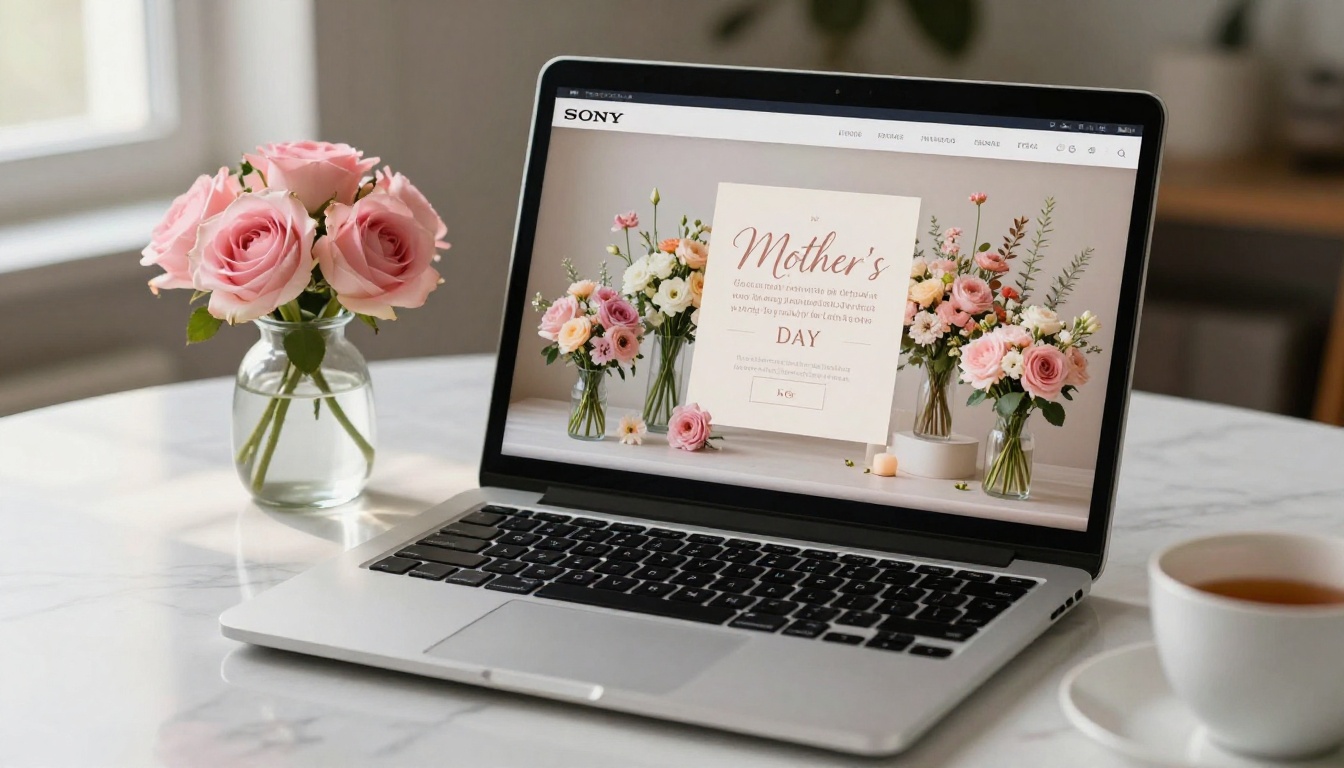
Flipbooks AI makes it straightforward for any florist to turn a standard PDF into a professional, page-turning digital catalog. Here's how to do it from start to finish.
Step 1: Build Your PDF in Canva or Adobe Express
Before you upload anything to Flipbooks AI, you need a well-designed PDF. Both Canva and Adobe Express have free floral catalog templates you can adapt. Include:
- A title page with your shop name, logo, and "Mother's Day Collection"
- One arrangement per page (or two if they're similar in price tier)
- Your shop address, phone number, website, and order deadline on the back page
- A "How to Order" page with a QR code linking to your online shop or booking form
Keep your PDF at 300 DPI for crisp visuals when the flipbook renders it.
Step 2: Upload and Convert
- Go to flipbooksai.com/account and create your free account
- Click New Flipbook and upload your Mother's Day PDF
- The platform converts each page into a high-resolution flippable spread automatically
- Review the page-turn preview to confirm images and text are sharp
💡 Flipbooks AI supports PDFs of any length, so if you have a large seasonal catalog with multiple arrangement categories, the whole thing uploads in one go.
The Digital Catalog Maker and Catalog Flipbook Creator tools are particularly well-suited to floral retail layouts.

Step 3: Brand It to Your Shop
Once the flipbook is live, customize it to match your shop's visual identity:
- Upload your logo so it appears on every page
- Set brand colors for the flipbook chrome and buttons
- Pick a page-turn animation (classic flip, slide, or fade; classic works best for floral)
- Add a background behind the open pages (a soft linen or marble texture reads as premium)
This branding step is what separates a generic PDF viewer from a catalog that feels like it belongs to your specific flower shop.
Step 4: Add Interactive Features
Here's where digital catalogs genuinely outperform print:
- Embed clickable links on each arrangement pointing to your online order form
- Add a "Call Now" button on the back page
- Link your Instagram on the front to drive social follows
- Enable password protection if you're sharing an early-access catalog with your top customers before the public launch
✅ Best Practice: Create two versions. A public catalog with standard pricing and a "VIP Early Access" version with a small discount code, password-protected. This rewards loyal customers and drives early orders before your peak rush hits.
Step 5: Share It Everywhere
Your Mother's Day flipbook catalog can be distributed through multiple channels at the same time:
- Direct link: Copy and paste the flipbook URL into emails, texts, and social bios
- Embed code: Paste the snippet directly on your website's Mother's Day landing page
- QR code: Download the QR code from your Flipbooks AI dashboard and print it on in-store signage, receipts, and packaging
- Social posts: Screenshot the first page or record a quick video of yourself flipping through it for Instagram Reels and Facebook
Distribution That Actually Drives Orders
A great catalog that nobody sees generates zero sales. Here's where to put your energy in the weeks leading up to Mother's Day.
Email Is Still Your Highest ROI Channel
If you have a customer email list, even 200 people, that is your most valuable asset for Mother's Day. Send:
- 3 weeks out: "Our Mother's Day collection is here" with the catalog link
- 10 days out: "Order by [date] to guarantee same-day pickup"
- 3 days out: Urgency email with remaining availability or a bundle promotion
- Day before: "Last chance for Mother's Day orders" with your deadline and hours
Each email should contain the catalog link prominently in the first paragraph, not buried at the bottom.
Social Media for Local Florists
Social platforms reward consistency and visual content, both of which play to your strengths as a florist.
What to post:
- Reels of bouquet-building (extremely high reach for floral content)
- Photos of your catalog pages (treat each spread as its own post)
- Behind-the-scenes prep shots as your team builds out Mother's Day inventory
- Customer reposts (always ask permission first)
Timing your posts:
| Week | Content Focus |
|---|
| 3-4 weeks before | Teaser posts, "coming soon" catalog preview |
| 2 weeks before | Full catalog reveal, link in bio |
| 1 week before | Individual arrangement spotlights with pricing |
| Day of | Urgent pickup availability, same-day options |
💡 Pin your catalog link post to the top of your Instagram and Facebook profiles from release day until Mother's Day. This single action can double the number of people who find and click through to it.
Local Partnerships and In-Store Promotion
Don't underestimate offline channels for a local business:
- Partner businesses: Share your QR-coded catalog with local coffee shops, salons, and gift boutiques. Offer them a small commission or a referral gift arrangement.
- At the register: Add a printed QR code to your counter and on packaging so customers who've already purchased share the catalog with others.
- Local Facebook groups: Post in neighborhood groups where people regularly ask for local recommendations.

Measuring What Works
Running a Mother's Day catalog without tracking its performance means you'll repeat the same guesses next year. With a digital flipbook on Flipbooks AI, you get real data.
Analytics That Matter for Florists
The Professional plan gives you page-by-page analytics so you can see exactly:
- Which arrangements got the most views (tells you what to stock more of)
- Where readers drop off (indicates a pricing or layout problem on that page)
- How many people clicked your order links (measures catalog-to-sale conversion)
- Traffic source (email vs. social vs. direct link)
This is information that a printed catalog or a static PDF can never give you.
What to Do With the Data
After Mother's Day, before moving on to the next season, spend 20 minutes reviewing your catalog analytics. Ask:
- Which arrangements appeared most often in your top-viewed pages?
- Did your premium tiers get proportionally as many views as budget tiers?
- Which distribution channel drove the most catalog opens?
The answers shape your summer and fall seasonal catalogs, making each one more effective than the last.

Features Worth Having at Every Plan Level
Not every florist needs the same set of tools. Here's how Flipbooks AI pricing tiers map to common florist use cases:
| Feature | Free | Standard | Professional |
|---|
| Flipbooks created | 1 | Unlimited | Unlimited |
| Watermark | Yes | No | No |
| Custom branding | No | Yes | Yes |
| Password protection | No | Yes | Yes |
| Analytics | No | Basic | Full page-level |
| Lead generation forms | No | No | Yes |
| Offline download | No | No | Yes |
| Embed on website | Yes | Yes | Yes |
| Mobile responsive | Yes | Yes | Yes |
For most local florists running seasonal catalogs, the Standard plan covers everything needed for a professional, branded Mother's Day catalog. Upgrade to Professional if you want full analytics or lead capture forms embedded in the flipbook itself.
✅ Best Practice: Start with the Standard plan for your first Mother's Day catalog, review your analytics after the season, then decide if the Professional plan's deeper data is worth it for your shop's volume.
Your Next Steps Before Mother's Day
The florists who have their catalog live two to three weeks before Mother's Day consistently outperform those who scramble the week of. That early window lets you capture early planners (who tend to spend more), gather pre-orders that help forecast inventory, and build word-of-mouth before peak demand hits.
Here's your action checklist:
- Photograph your arrangements this week, even using your existing spring stock as a preview before Mother's Day inventory arrives
- Build your PDF in Canva or Adobe Express using the tier structure from this article
- Upload and publish on Flipbooks AI and customize your shop branding
- Set your distribution schedule so emails and posts go out at the optimal times above
- Track and iterate after the season using your analytics dashboard
Ready to build your catalog? Get started for free on Flipbooks AI and publish your first Mother's Day flipbook today. Compare what's included at each tier on the pricing page before you begin. You can also browse the full library of catalog and marketing tools to find the exact template that fits your shop's style.



