Every few weeks another publisher announces that the print edition is "going digital," and every few months a quiet follow-up appears: subscribers dropped, advertisers confused, the design team burned out. Moving a print magazine online is not a technical problem. It is a series of decisions, and a handful of them are very easy to get wrong. If you want a fast, low-risk way to turn finished PDFs into page-turning issues, Flipbooks AI is one option, but the tool matters far less than avoiding the mistakes below.
This article collects the regrets publishers mention most often, explains why each one hurts, and gives you a concrete fix you can apply this week.
Why Publishers Rush the Move
Print costs rise every year. Paper, postage and press time all climb, while ad rates stay flat. Digital looks like the obvious escape hatch: no printing bill, instant distribution, readers in every country.
That logic is sound. The trouble is speed. Teams under budget pressure skip planning, pick the first tool they find, and publish a digital edition that nobody asked for in a format nobody enjoys.
💡 Pro tip: Before choosing any platform, write down what a successful first digital issue looks like in numbers: readers, subscribers retained, ad revenue held steady. Without a target, every format looks "fine."
The Cost Pressure Is Real
Print production for a mid-size magazine commonly eats forty to sixty percent of the budget. Cutting it frees money for editorial, design and marketing. That is the upside, and it is why the move is worth doing carefully.
Speed Without a Plan Backfires
A rushed launch creates rework. Publishers who redo their digital edition within six months usually spent more than if they had planned for an extra month at the start.
Mistake 1: Rebuilding Every Layout From Scratch
The most expensive regret is also the most common. A publisher decides the digital edition needs a "web-native" design and asks the design team to rebuild every issue as a website. Weeks of work later, the archive is still not converted and the new issue ships late.
Your print layouts already took skilled people hundreds of hours. A magazine's visual identity is part of why readers pay for it.
What Readers Actually Expect
Readers of a magazine want the experience of a magazine: large photography, deliberate pacing, pull quotes, full-page ads that feel like part of the design. Converting your finished PDF into an interactive page-turning edition keeps all of that intact.
The Faster Path
Upload the press-ready PDF to a converter such as the PDF to Flipbook Converter, review the result, and publish. The Magazine Flipbook Creator is built for exactly this workflow.
| Approach | Typical Setup Time | Layout Fidelity | Risk |
|---|
| Rebuild as a website | 4 to 12 weeks per issue | Low to medium | High |
| Export HTML articles only | 1 to 3 weeks | Low | Medium |
| Convert PDF to flipbook | Minutes to hours | Very high | Low |
| Plain PDF download | Minutes | Medium | Low, but poor reading experience |
Mistake 2: Treating a PDF as the Digital Edition
At the other extreme, some publishers simply email a PDF link and call it done. The PDF is better than nothing, but readers pay for it in friction.
Why Plain PDFs Fall Short
- They download slowly on mobile connections.
- Pinching and panning a full spread on a phone is tiring.
- There is no page-turn feel, so the issue reads like a document, not a magazine.
- You cannot see who opened it or how far they read.
- Links, audio and video are limited or broken.
What a Flipbook Adds
A flipbook keeps the spread layout, loads quickly in a browser, adds a natural page-turn animation and lets you embed video and audio. You also get a shareable link and an embed on your own website, so readers never leave your domain.
⚠️ Warning: A PDF attachment in an email can be forwarded freely. If your issues are paid content, you need access control, not just a file.
Mistake 3: Abandoning Loyal Print Subscribers
Print subscribers are your most valuable audience. They pay, they renew, and they already trust you. Dropping print overnight without a bridge is where publishers lose the most money.

Run Both Formats for a While
Keep print running for at least two to four issues while the digital edition proves itself. Let subscribers choose. Many will switch on their own once they see how easy it is to read on a tablet.
Make the Switch Painless
- Email your subscribers one month before the change.
- Offer a clear choice: stay on print, move to digital, or take both.
- Give digital readers a single link, not a login maze.
- Send a reminder with the first digital issue attached as a preview.
- Ask for feedback after the second digital issue.
✅ Best practice: Frame the move as a benefit, such as instant delivery, searchable archives and no postal delays, instead of a cost saving. Readers care about what they gain.
Mistake 4: Ignoring Mobile Readers
Roughly half of digital magazine reading now happens on phones. A digital edition that only works on a desktop is a half-product from day one.
Test on Real Devices
Open every issue on an older phone, a large tablet and a laptop before you publish. Check that text is readable, pages load in a few seconds and controls do not hide the content.
Choose Responsive Formats
A mobile-responsive viewer adapts the page layout to the screen. Single-page view on a phone and double-page spreads on a laptop is the ideal pattern.
| Device | Best View | Common Problem | Fix |
|---|
| Phone | Single page | Tiny text | Larger body font in the print layout |
| Tablet | Spread or single | Heavy images load slowly | Compress images before export |
| Laptop | Double-page spread | Wasted white space | Full-screen mode |
| Smart TV or kiosk | Full-screen spread | Navigation by remote | Simple controls, big targets |
Mistake 5: Skipping Analytics
Print is a black box. You mail the magazine and hope. Digital gives you data, but only if you pick a format that collects it.
What to Measure From the First Issue
- Total opens and unique readers
- Which pages hold attention longest
- Where readers stop reading
- Which links and ads get clicked
- Device and country breakdown
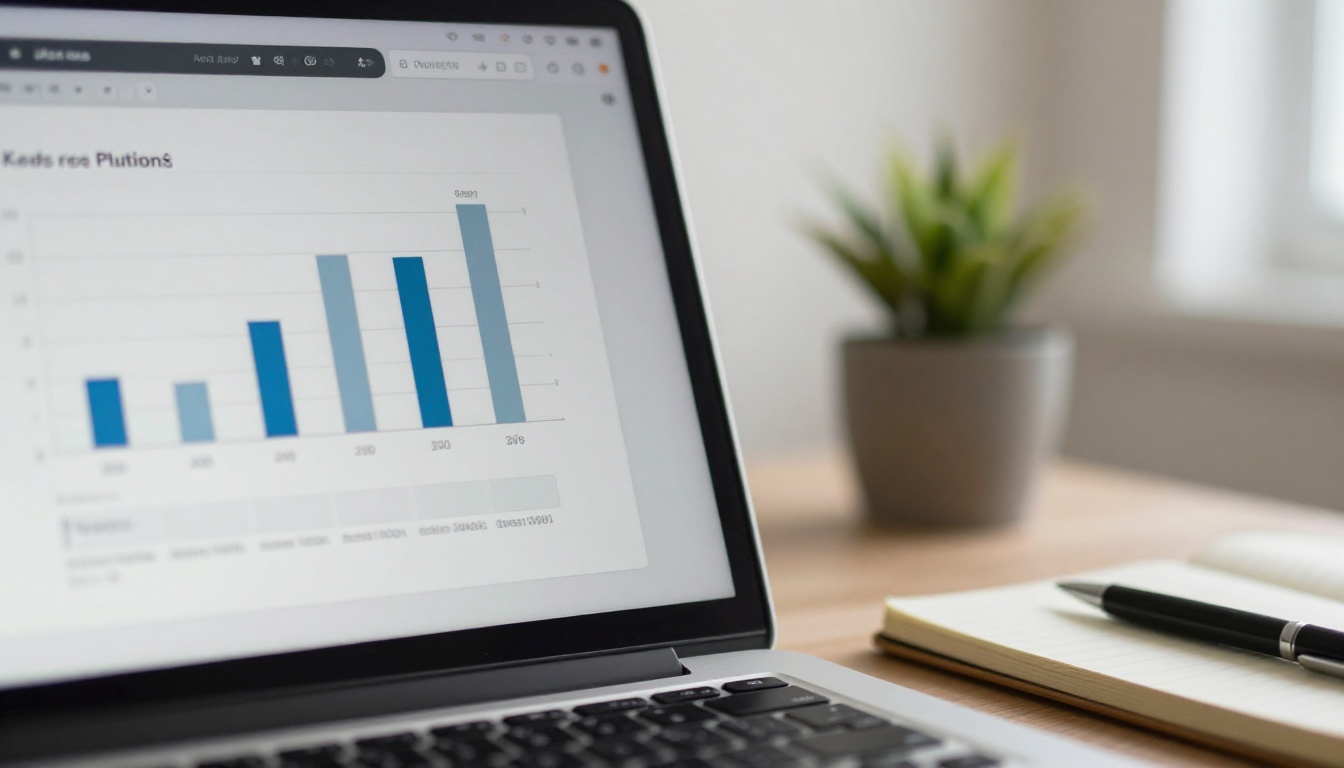
These numbers shape your editorial calendar. If a recipe feature holds readers for four minutes and the opinion column loses them in twenty seconds, you know what to commission next. Analytics and lead capture are available on the Professional plan, and you can review the pricing plans to see what each tier includes.
Show Advertisers Real Proof
Advertisers who used to accept circulation estimates now ask for click data. Page-level stats let you sell ad positions with evidence, which usually supports higher rates, not lower.
💡 Pro tip: Screenshot your top-performing pages every month and keep them in a simple media kit. A Press Kit Designer flipbook makes the kit easy to share.
Mistake 6: No Plan for Back Issues
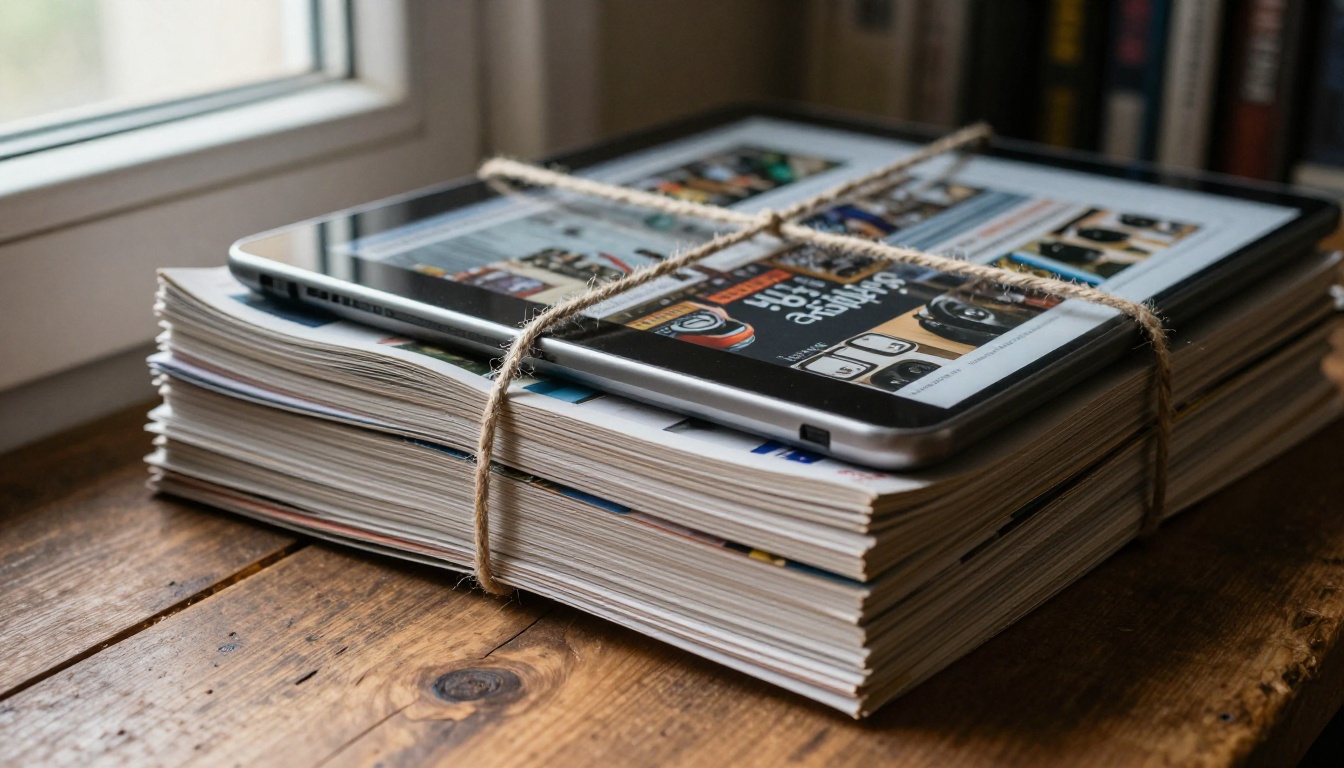
Years of archives are a quiet asset. Publishers often leave them in boxes or lose them when a hosting contract ends.
Digitize the Best Issues First
You do not need to convert everything on day one. Start with the ten best-selling or most-requested issues. If you have the original press PDFs, conversion takes minutes per issue.
Turn the Archive Into Revenue
- Offer a back-issue library as a member benefit.
- Sell single digital back issues at a low price.
- Bundle themed issues, such as "All Our Travel Features."
- Use old issues as free samples to attract new subscribers.
Mistake 7: Giving Away Everything or Locking Everything
Pricing is where emotions run highest. Some publishers make the whole digital edition free and watch revenue vanish. Others lock every page and never gain new readers.
A Balanced Model
A simple structure that works for many titles:
- A free sample issue per year to attract readers.
- A free preview of a few pages from every paid issue.
- Full issues behind a subscription or password.
- Archive access as a premium benefit.
Password protection lets you hand paying readers a private link without building a login system. That is useful for small publishers who cannot afford custom development.
| Model | Revenue Potential | Reader Growth | Best For |
|---|
| Fully free, ad supported | Medium, depends on traffic | Fast | Lifestyle and local titles |
| Fully paid | Predictable | Slow | Niche professional titles |
| Free sample plus paid issues | High | Steady | Most independent magazines |
| Membership with archive | High, recurring | Steady | Titles with strong back catalogs |
Mistake 8: Forgetting the Email List
Your email list is the only audience you truly own. Social platforms change algorithms, search rankings shift, but an inbox stays yours.

Capture Emails at the Point of Interest
Place a sign-up prompt next to the sample issue, not buried in the footer. Lead generation inside the flipbook, available on the Professional plan, asks for an email before readers continue past a chosen page.
Send Every Issue Directly
Send each new issue to your list the day it publishes, with a short teaser of the top three stories. Do not rely on social posts to deliver the news.
⚠️ Warning: Never buy email lists. They damage your sender reputation and bring readers who never wanted your content.
How to Publish Your First Digital Issue
If your layout team already produces a print-ready PDF, the digital edition takes less time than most people expect. Here is the workflow with Flipbooks AI.
Step-by-Step Tutorial
- Create an account. Sign up on Flipbooks AI and open your dashboard.
- Upload the PDF. Drag your issue into the uploader. The converter splits it into pages and builds the spreads automatically.
- Add your branding. Pick your background color, add your logo and choose the page effects that suit your title, such as a soft page curl or a flat slide.
- Embed media. Drop video interviews, audio clips or links onto the pages where they belong.
- Set access. Make it public, share by direct link, or add password protection for paying subscribers.
- Publish and share. Copy the embed code for your website or send the direct link to your list.
- Check the numbers. After a week, review which pages performed best.
Flipbooks AI does not add watermarks, and standard plans offer unlimited flipbooks, which matters for publishers with long archives. Offline downloads are also available for readers who travel.
Tools Worth Bookmarking
A Realistic 90-Day Plan
Planning removes most of the regret. Here is a schedule small teams can follow.
Days 1 to 30: Prepare
- Audit your current subscribers and ad contracts.
- Decide your access model.
- Convert one back issue as a test and share it with five trusted readers.
- Email subscribers about the coming change.
Days 31 to 60: Launch
- Publish the first digital issue alongside print.
- Embed the flipbook on your website.
- Collect reader feedback and fix small problems fast.
Days 61 to 90: Adjust
- Review analytics and compare with your targets.
- Digitize your ten best back issues.
- Decide whether print frequency should change.
✅ Best practice: Keep a short written log of what readers say. Patterns appear quickly, and they are more reliable than your own opinion.
Ready to Make the Move?
Moving a print magazine online goes well when you keep what readers already love, respect your paying subscribers, and measure what happens. Skip the rebuild, avoid the bare PDF, test on phones and keep your email list close.
Ready to publish your first digital issue? Get started for free on Flipbooks AI, browse all flipbook tools to find the right fit for your title, or compare pricing plans to choose what works for your team.



