A tourist sits down, opens a menu in a language they cannot read, and orders the one dish they can recognize. That is a lost sale, and it happens every night in restaurants that serve international guests. The usual fix is another print run, but there is a second option: publish one digital menu that speaks every language your guests do. Platforms like Flipbooks AI make that second option realistic for small venues, not just chains.
This article compares both paths with real numbers, honest trade-offs, and a checklist you can use today.
Why Language Matters at the Table
Guests who cannot read a menu behave differently. They order safe, cheap, familiar items. They skip appetizers and wine. They ask the server ten questions, which slows the whole floor.
A menu in the guest's own language does the opposite:
- Higher average check, because people try signature dishes.
- Fewer allergy mistakes, since ingredients are readable.
- Faster service, because servers answer fewer basic questions.
- Better reviews, since "they had a menu in our language" shows up in feedback constantly.
💡 Ask your servers which three languages they struggle with most. That short list beats any market report when deciding what to translate first.
The Paper Route in Detail
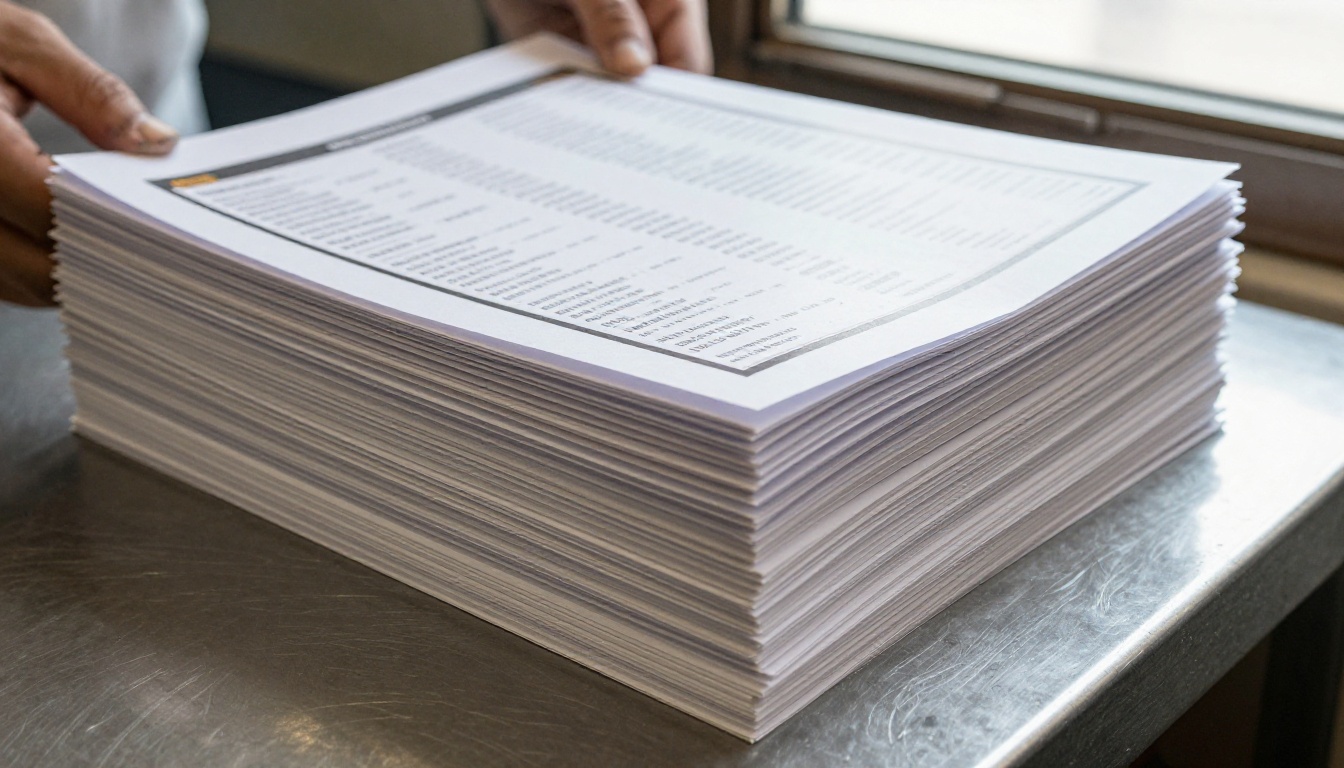
Printing multilingual menus sounds simple until you count the moving parts. Every language needs its own translation, proofreading, layout and print run. Every price change multiplies across versions.
What Reprinting Really Costs
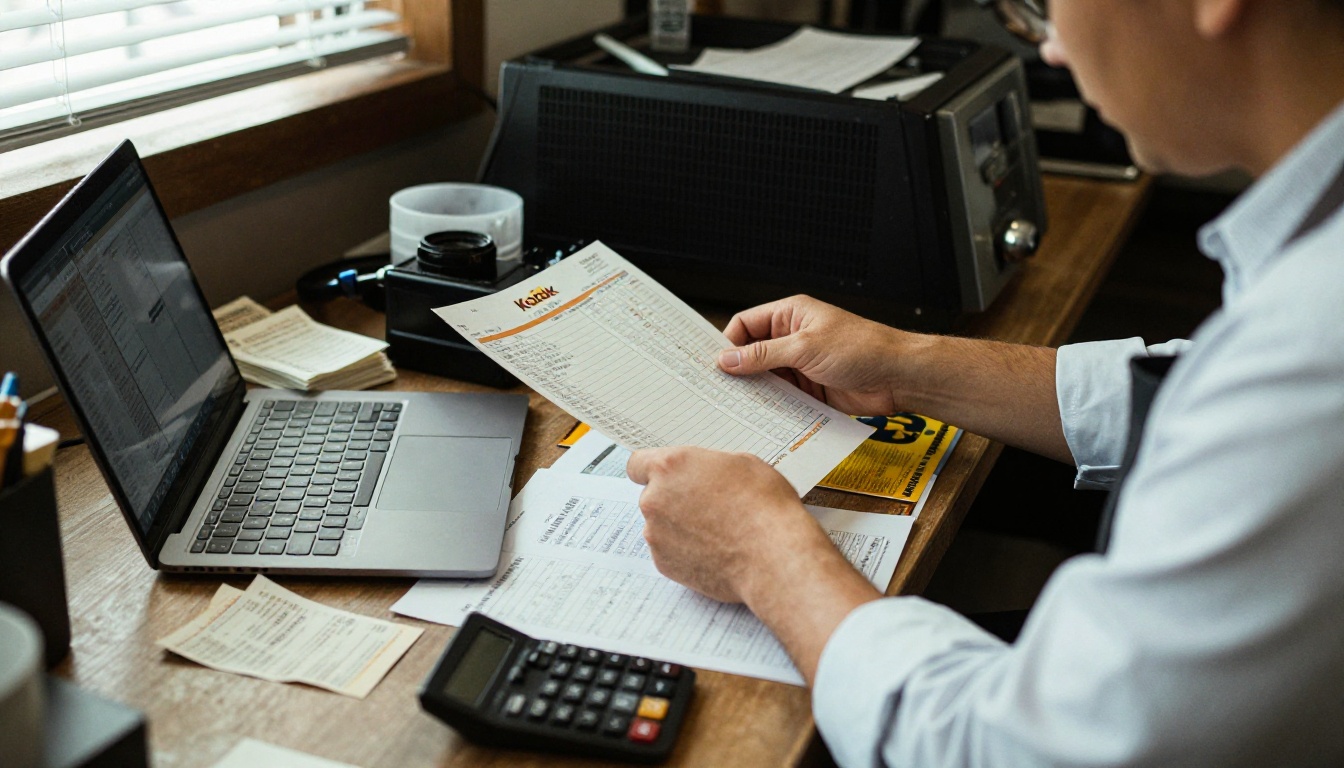
Here is an example for a 60 seat restaurant with four languages and two menu updates per year. Figures are illustrative; your local print shop will differ.
| Cost item | Per print run | Per year (2 updates) |
|---|
| Design and layout, 4 languages | $320 | $640 |
| Translation and proofreading | $240 | $480 |
| Printing, 80 laminated menus | $410 | $820 |
| Replacement of damaged copies | $90 | $180 |
| Total | $1,060 | $2,120 |
The hidden cost is time. A price correction on Friday afternoon means calling the printer, approving proofs, and waiting days. Meanwhile servers cross out prices with a pen.
Where Paper Still Wins
Paper is not the villain. It has real strengths:
- No battery, no signal, no onboarding.
- A tactile, premium feel in fine dining.
- Works for guests who dislike screens.
- Looks beautiful on a table when well designed.
Where Paper Breaks Down
- Adding a language means a whole new print run.
- Typos live on for months.
- Seasonal dishes need constant reprinting.
- Sticky, worn menus hurt the first impression.
The Digital Route in Detail
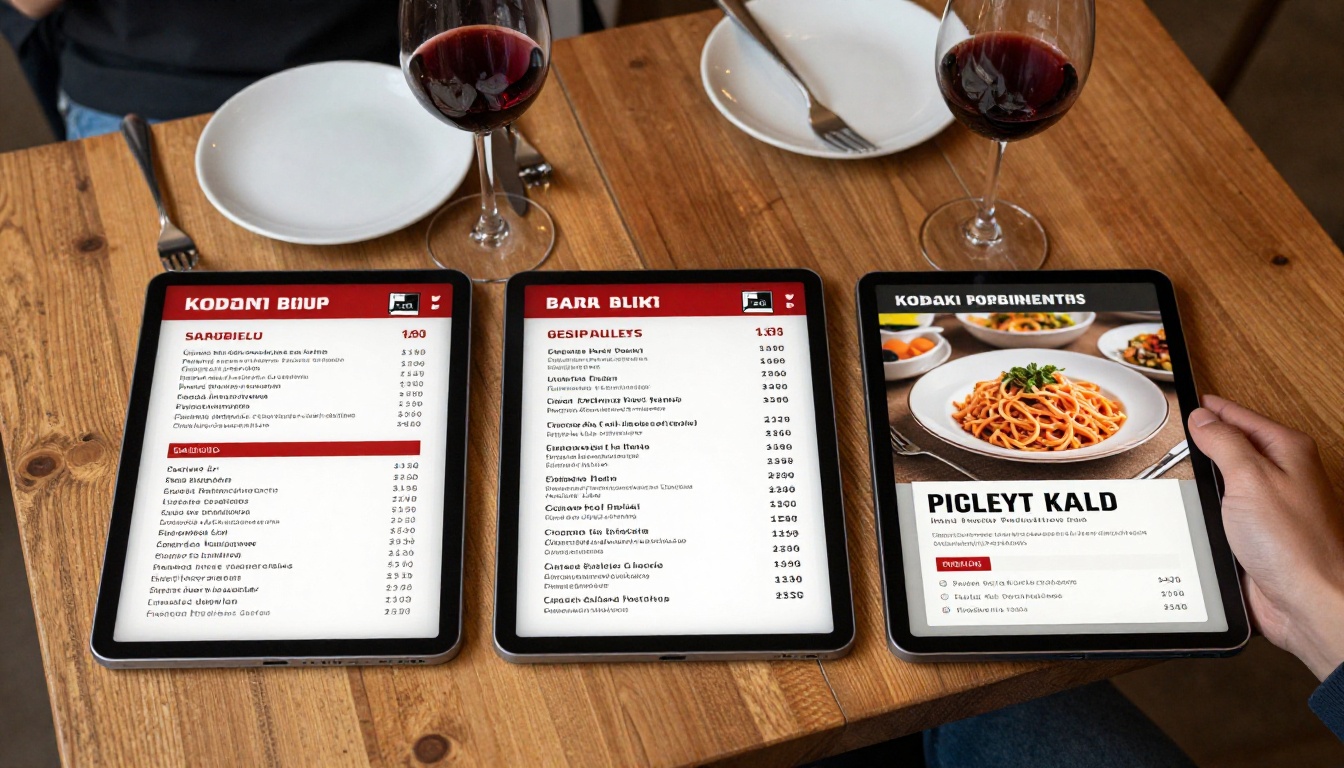
A digital menu is a single file guests open on their phone or a house tablet. With a flipbook format, it still feels like turning pages, which keeps the browsing habit people already have.
How a Flipbook Menu Behaves
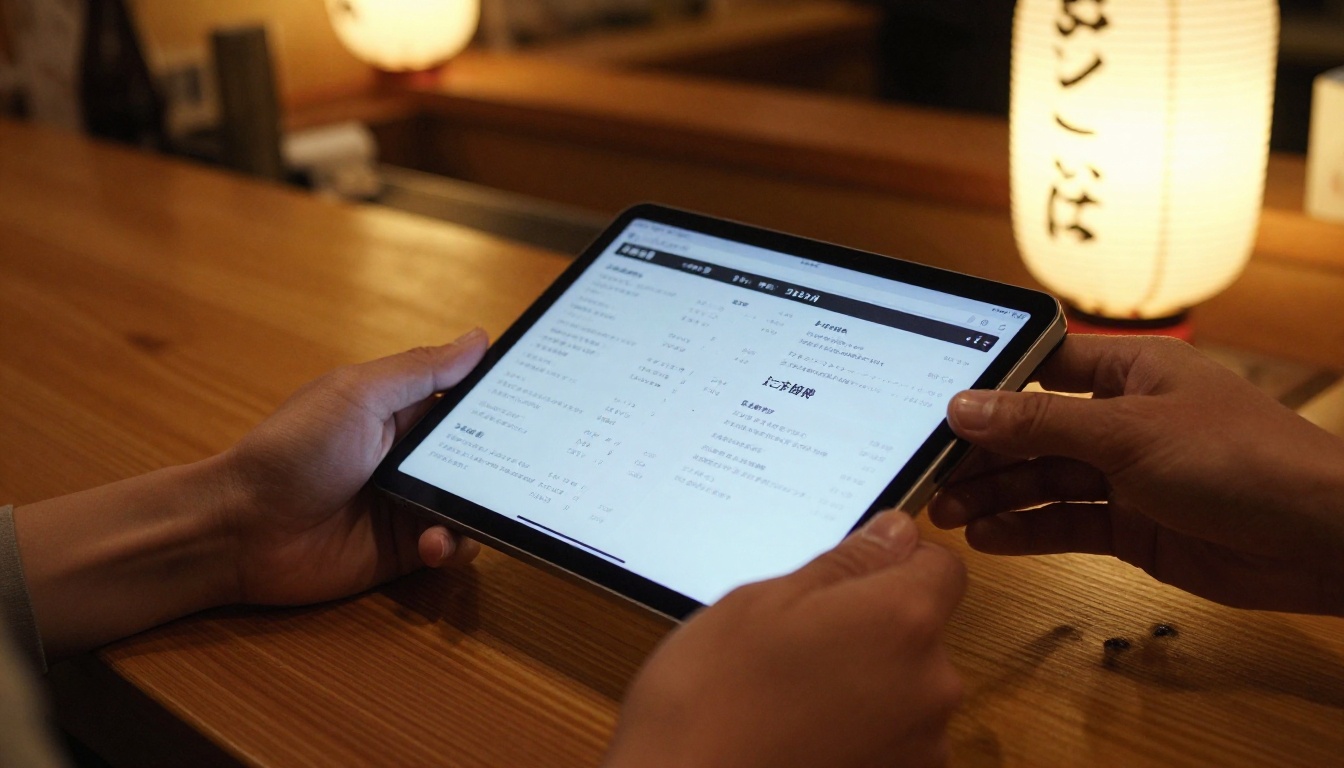
You upload a PDF, and it becomes an interactive page-turning menu with a shareable link. Because the link never changes, the QR code on your table never changes either. Update the PDF, and every guest sees the new version.
Compare that with the paper workflow:
| Task | Paper menu | Digital flipbook menu |
|---|
| Fix a price | Days and a reprint | Minutes, replace the PDF |
| Add a language | New print run | Add one more flipbook or section |
| Mark a dish sold out | Pen or sticker | Edit and republish |
| Track what guests view | Impossible | Page analytics |
| Seasonal specials | Insert cards | Add a page |
| Cost of a typo | Months of embarrassment | One quick fix |
Where Digital Wins
- Speed of change. Menus are living documents.
- Language coverage. Offer English, Spanish, French, Japanese and more without stacking paper.
- Photos and video. Show the dish before it arrives.
- Cost over time. One subscription replaces repeat print runs.
Where Digital Struggles
⚠️ A digital menu fails when the guest has no signal or a dead phone. Always keep a few printed copies and offer free Wi-Fi with a clear sign.
Older guests and some travelers may prefer paper. A hybrid approach solves this, and we cover it below.
Real Scenarios from Different Venues
A Beachfront Cafe
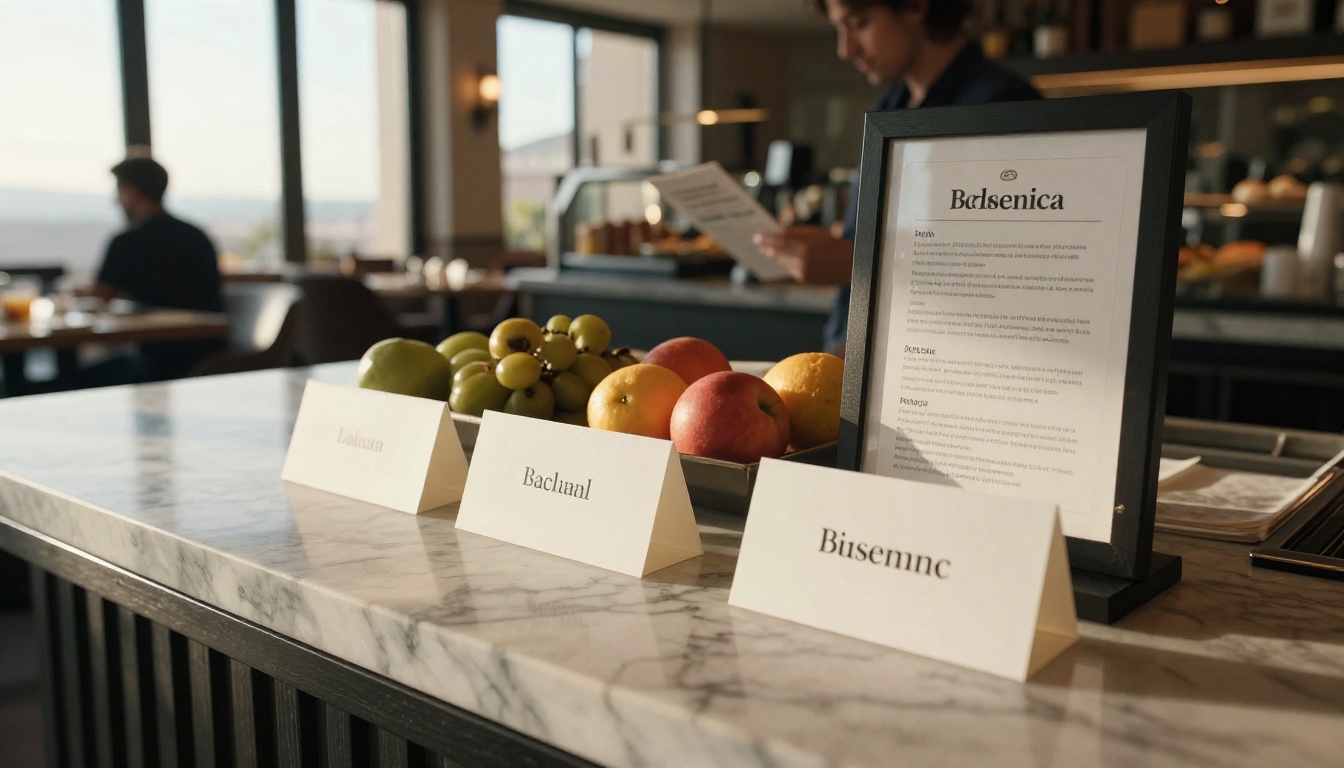
A cafe near a cruise port sees guests from six countries in one week. Printing six menus is not practical. A QR card on each table opens a flipbook with a language page at the front. Cost: one subscription. Result: no more finger pointing.
A Hotel Restaurant
Hotels change breakfast and dinner menus often. A Hotel Brochure Designer style flipbook can hold the dining room menu, room service and spa offers in one link placed in every room.
A Street Food Stall
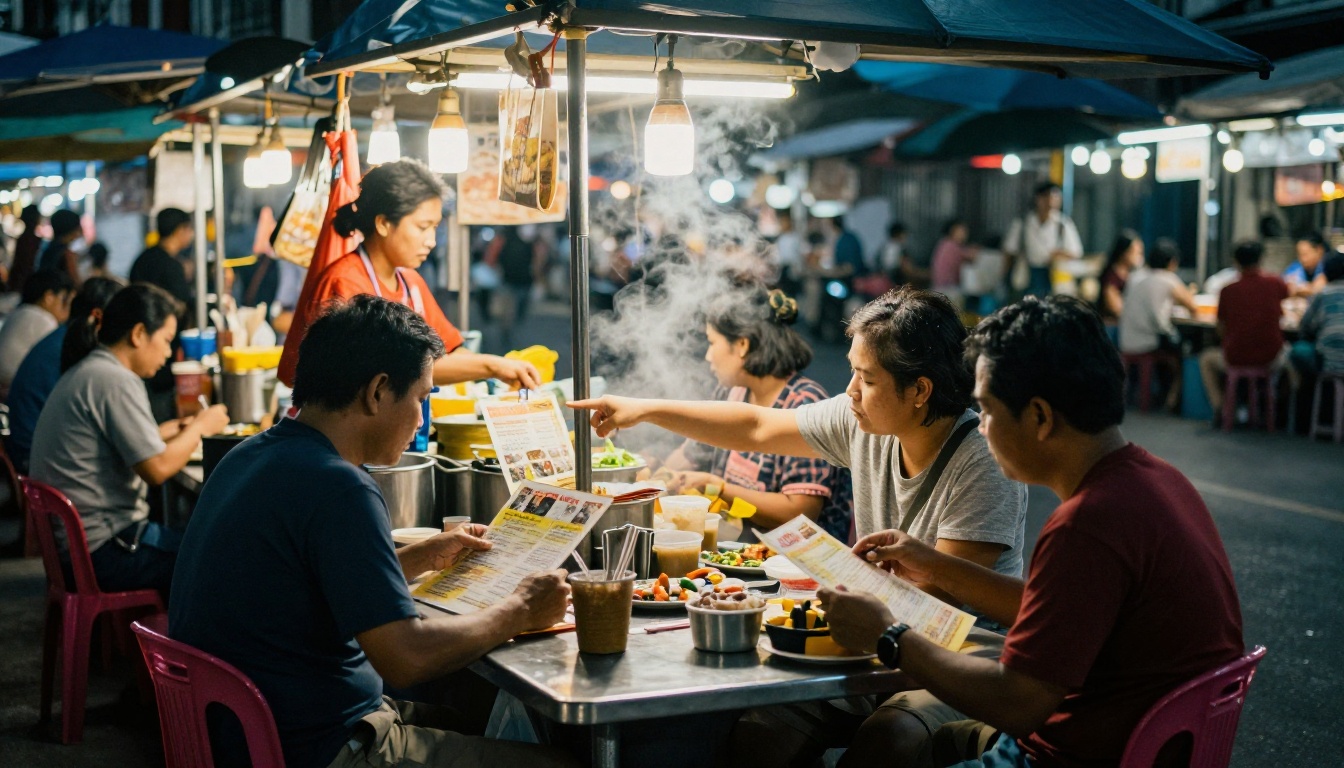
Here, paper laminated photo menus still work great. Speed and visual pointing beat language. A QR code sticker on the counter adds allergen details for those who want them.
A Mountain Lodge
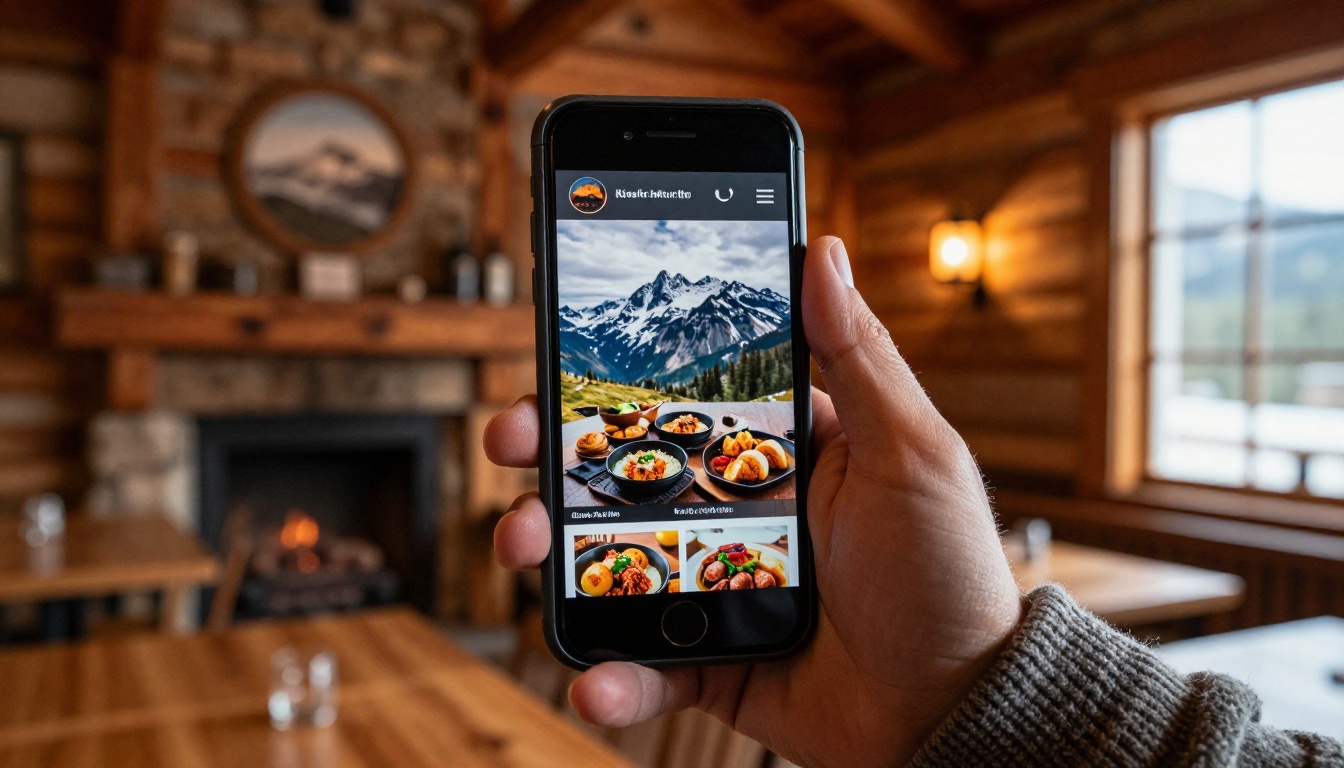
Signal can be poor. The lodge prints one master copy per table and posts the digital version for guests who book ahead and want to preview the menu before arriving. The Menu Flipbook Designer page-turn format makes the preview feel familiar.
Head to Head Decision Table
| Factor | Reprint paper | Go digital | Hybrid |
|---|
| Upfront cost | Medium | Low | Medium |
| Yearly cost | High if you change often | Low and predictable | Medium |
| Update speed | Slow | Fast | Fast for digital copy |
| Works offline | Yes | No | Yes |
| Language scalability | Poor | Excellent | Good |
| Guest comfort | High for traditional crowds | High for travelers | Highest |
| Best for | Fine dining, stable menus | Cafes, hotels, seasonal menus | Most restaurants |
✅ For most venues with international guests, the hybrid wins: one digital menu in every language, plus a small stack of paper for those who ask.
Whether paper or screen, a bad translation hurts. Machine output is a good first draft, but food terms trip it up constantly.
Five Rules for Reliable Menu Translations
- Keep dish names original and add a short description in the guest's language.
- List allergens clearly, using the same icons in every version.
- Avoid slang and regional jokes.
- Ask a native speaker to review the final text, even a regular guest.
- Use the same layout for each language so staff can compare versions quickly.
Common Mistakes
- Translating "house special" literally into something unappetizing.
- Mixing metric and imperial portions.
- Forgetting currency notes for tourists.
- Leaving the old language page online after the dish is gone.
Here is a workflow that takes about an hour for a first menu.
- Create your account. Sign up at Flipbooks AI and pick a plan on the pricing page.
- Prepare one PDF per language. Export from Canva, Word or InDesign. Keep the same page order in each.
- Upload and convert. Use the PDF to Flipbook Converter. Each PDF becomes a page-turning menu.
- Brand it. Add your logo, colors and page-turn effect so it matches your dining room. The Restaurant Menu Creator is a good starting point.
- Add media. Embed a short video of your signature dish or a soft audio loop for ambience.
- Protect what is private. Use password protection for staff training menus or private event menus.
- Share. Print the link as a QR code for tables, add it to your website with the embed option, and put the link in your Google profile.
- Track. On the Professional plan, analytics show which pages guests open most, which tells you which dishes deserve a photo.
💡 Create a small "language chooser" flipbook with flags on page one that links to each language version. Guests find theirs in two seconds.
Features Worth Using
- ✅ No watermarks, ever
- ✅ Mobile-responsive pages
- ✅ Custom branding
- ✅ Offline downloads for guests who want a copy
- ✅ Unlimited flipbooks on the Standard plan and above
A Simple Rollout Plan
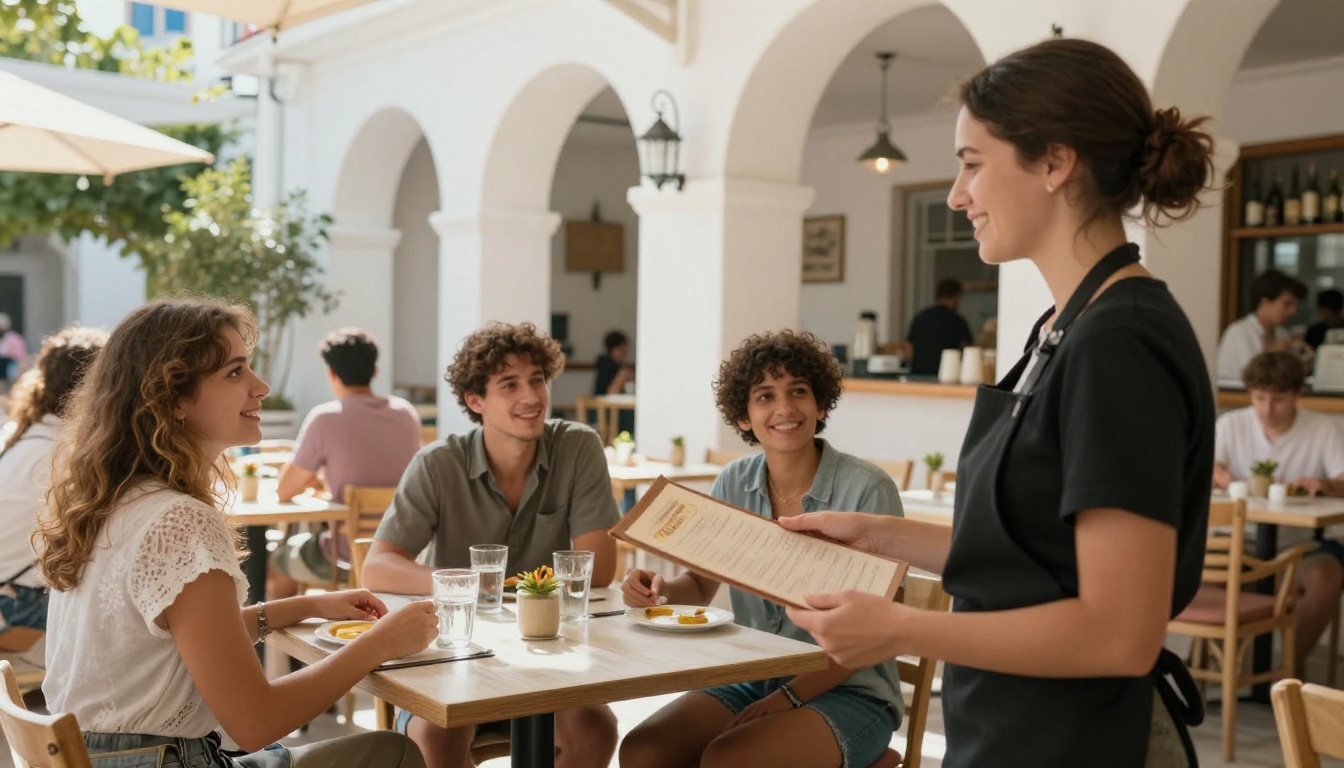
You do not have to flip a switch overnight. Try this timeline:
| Week | Action |
|---|
| 1 | Pick the top three guest languages and finalize translations |
| 2 | Build the flipbooks and test on three phone models |
| 3 | Add QR cards to half your tables, keep paper on the rest |
| 4 | Ask servers and guests for feedback, then adjust |
| 5 | Retire old paper versions for the languages you replaced |
Measuring Success
Track these simple signals:
- Average check before and after.
- Number of "what is this dish" questions per shift.
- Menu related review comments.
- Print spending per quarter.
Questions Owners Ask Most
Is a QR menu rude in a nice restaurant?
Not if it is handled well. Offer a printed copy on request and let staff present the tablet menu themselves.
What if guests have no data plan?
Offer Wi-Fi and post the password on the QR card. Tourists often rely on it.
How often should I update?
Whenever prices or dishes change. That is the whole point of digital: updating costs minutes, not money.
Can I keep a printed version in sync?
Yes. Export the same PDF to the printer when you do a small seasonal run, so both copies match.
Ready to Choose?
If your menu rarely changes and your guests are mostly local, paper is fine. If you serve travelers, change dishes seasonally, or already struggle with language gaps, a digital flipbook menu pays for itself fast, and a few paper copies cover the gaps.
Ready to publish your first menu? Get started for free on Flipbooks AI, browse all flipbook tools for menus, travel guides and price lists, or compare pricing plans to pick what fits your venue. You can also jump straight to the Digital Price List Generator if prices are your biggest headache.



