A newsletter that families cannot read is just paper. In many schools, a quarter or more of parents speak a home language other than the one used in the weekly update, and those parents miss early dismissal notices, picture day forms, and parent-teacher conference sign-ups. The fix is not complicated, but it needs a plan. This article shows how to build multilingual school newsletters that reach families in their home language, and how a tool like Flipbooks AI turns a translated PDF into a polished, mobile-friendly publication in minutes.

Why Home Language Matters
Research on family involvement keeps landing on the same point: parents support learning when they feel informed and welcome. A message in a second language can be read, but it takes effort, and most busy parents skip it. A message in the home language gets read at the kitchen table, on the bus, and in the pickup line.
Consider what a missed newsletter costs:
- Missed deadlines for enrollment, lunch applications, and field trip permissions.
- Lower attendance at conferences and school events.
- Quiet distrust, because families feel the school talks about them but not to them.
- Extra work for staff, who field the same questions by phone all week.
💡 Pro tip: Ask one question at registration: "What language do you prefer for school messages?" Store it in your student information system. Everything else in this article depends on that single data point.
Home Language vs. Language of Instruction
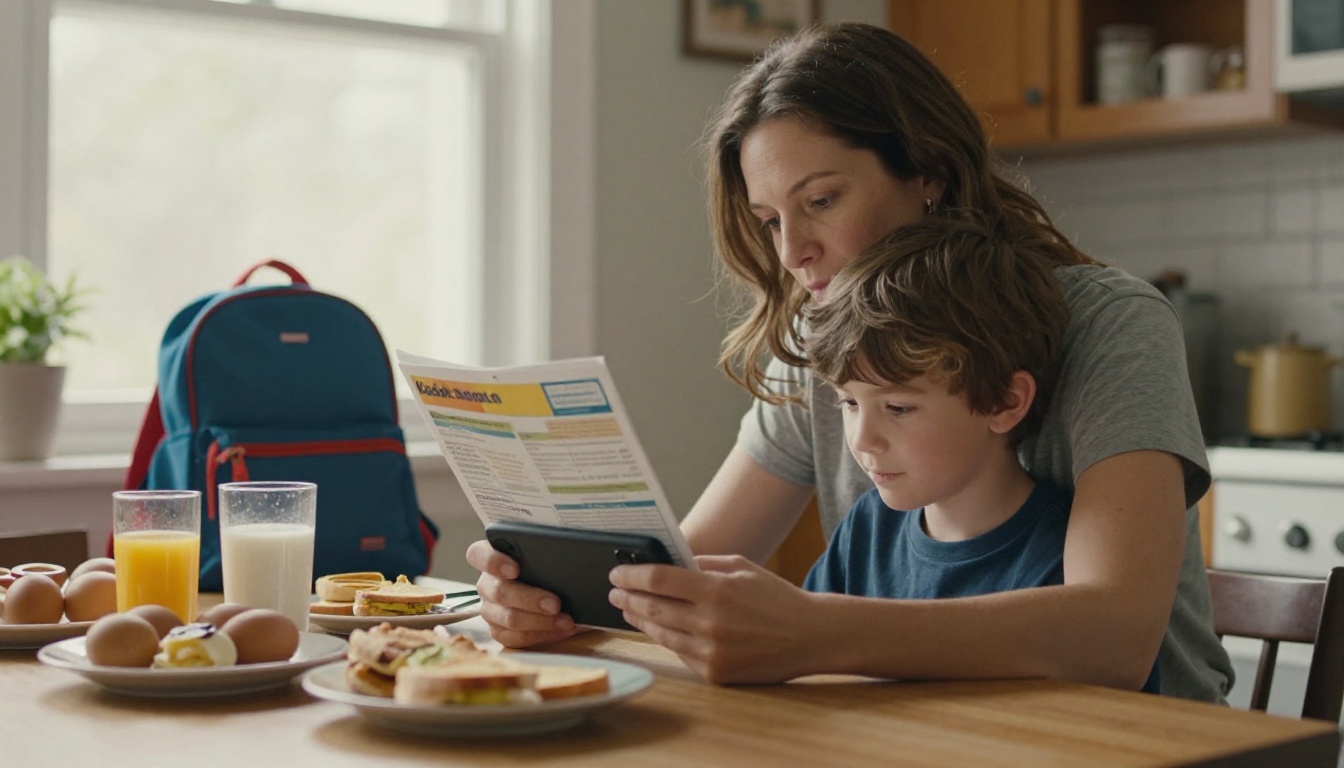
These are not the same thing. A student may speak fluent English in class while a parent at home reads only Vietnamese or Arabic. Never assume that because a child translates at home, the family is fully informed. Children should not carry the burden of interpreting report cards or disciplinary notices.
The Equity Angle
Language access is also a legal and policy matter in many regions. In the United States, for example, districts are expected to give meaningful access to important information for families with limited English proficiency. Even where no rule applies, a multilingual newsletter is one of the cheapest equity moves a school can make.
Choose Your Languages First
You cannot translate into everything, and you do not need to. Start with data.
- Pull the home-language survey results for your school.
- Rank languages by number of households, not number of students.
- Add any language where families report low confidence reading the main edition.
- Review the list every year, because communities shift.
A common starting rule is to translate into every language spoken by at least 5 percent of households or 20 families, whichever is lower. Below that, offer on-request translation and a clear note on how to ask.
| Household share | Recommended approach | Typical effort |
|---|
| 15% or more | Full edition, translated every issue | Weekly, planned workflow |
| 5% to 14% | Full edition or condensed edition | Weekly or biweekly |
| 1% to 4% | Summary of urgent items plus on-request translation | Short, as needed |
| Under 1% | Interpreter or phone contact on request | Per case |
Do Not Forget Literacy and Script
Some families speak a language they do not read. Others read a script that needs specific fonts, such as Arabic (right to left), Chinese, Hindi, or Amharic. For lower-literacy groups, pair the written edition with a short audio message or a phone line. Flipbooks that embed audio make this easy, and we will get to that below.
Build a Translation Workflow That Lasts
Many schools start with enthusiasm and stop by October because the process depends on one overworked person. Build a workflow with clear owners and a calendar.
Option 1: Professional Translators
The most accurate choice, and the best for legal notices, special education content, and discipline policies. It costs money per word, so reserve it for high-stakes material.
Option 2: Bilingual Staff and Parent Volunteers
Warm and culturally aware, but inconsistent. Always compensate staff for translation time, and never ask a volunteer to translate sensitive records. Parent volunteers are wonderful for reviewing tone.
Option 3: Machine Translation With Human Review
Modern machine translation is fast and often good for routine updates. The rule is simple: a fluent human reads it before it goes out. Machines trip on idioms such as "early release" or "spirit week," and a wrong word in a medical or safety notice can cause real harm.
| Method | Speed | Accuracy | Cost | Best for |
|---|
| Professional translator | Slow (1 to 3 days) | Highest | $$$ | Legal, medical, policy |
| Bilingual staff | Medium | High | $ (stipend) | Weekly updates |
| Parent volunteer review | Medium | Medium to high | Free | Tone and local phrasing |
| Machine plus human review | Fast | Medium to high | $ | Routine news, events |
| Machine only | Instant | Variable | Free | Not recommended alone |

⚠️ Warning: Never paste student names, grades, or health details into a free public translation tool. Translate the template text, then add private details inside your secure system.
A Weekly Calendar That Works
| Day | Task | Owner |
|---|
| Monday | Collect items from teachers and office | Communications lead |
| Tuesday | Write and edit the English master | Communications lead |
| Wednesday | Translate and review | Translators and reviewers |
| Thursday | Lay out each language edition | Office assistant |
| Friday morning | Publish and send through preferred channels | Office assistant |
Write for Translation
The best translation starts with a better source text. Before sending anything out, edit the English master so it travels well.
- Use short sentences. One idea each.
- Avoid idioms and sports metaphors. "Touch base" and "ballpark figure" confuse both people and machines.
- Spell out dates. Write "Thursday, March 12" and note whether the month or day comes first in your region.
- Define acronyms once. IEP, PTA, and MAP mean nothing in another language.
- Put the action first. "Return the form by Friday" beats a paragraph of background.
✅ Best practice: Keep a shared glossary of school terms, such as "report card," "substitute teacher," and "free and reduced lunch," with approved translations in each language. It keeps wording consistent across issues and across translators.
Layout Matters as Much as Words
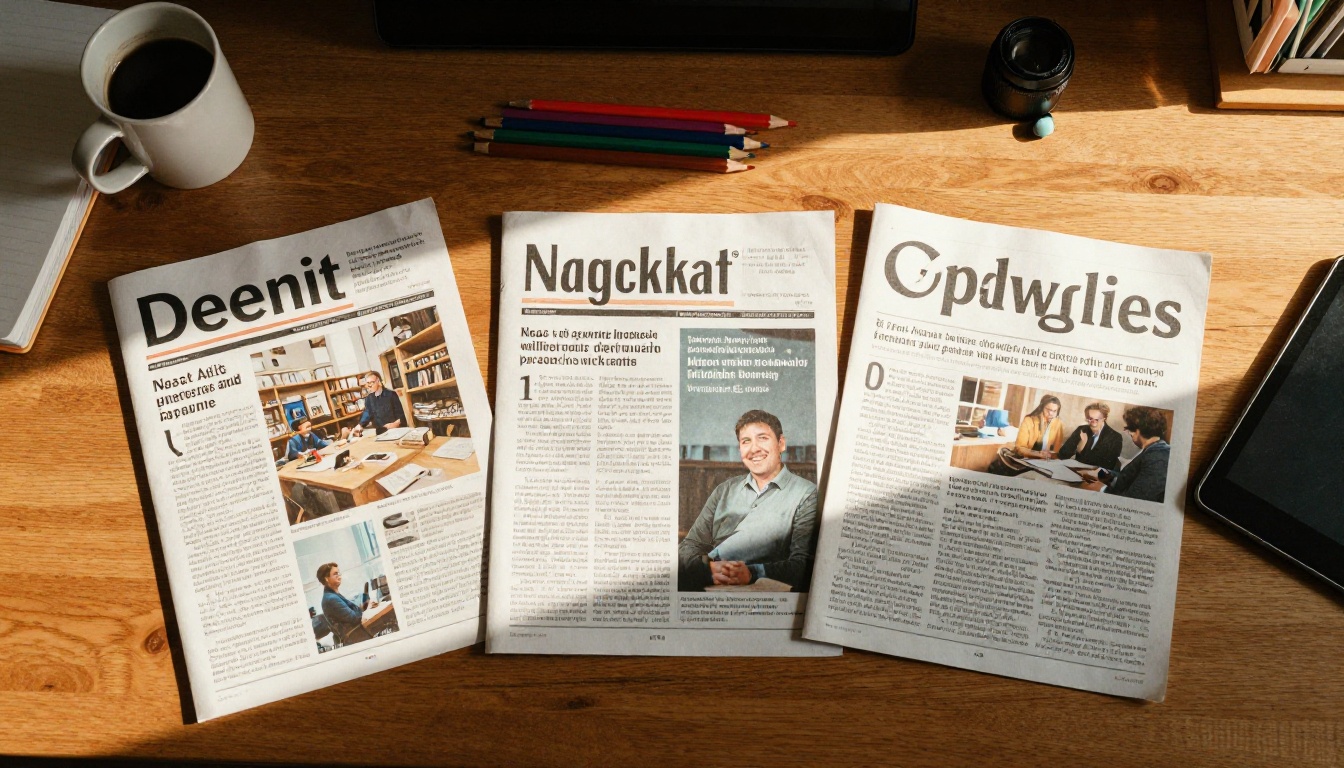
Languages do not take the same space. German and Russian often run longer than English. Chinese runs shorter. Arabic and Hebrew flow right to left, which flips the whole page. Plan for flexible columns and avoid cramming text into fixed boxes. Choose fonts that support the full character set, and test every language edition before sending.
Most families read school news on a phone. A dense PDF that needs pinching and zooming gets abandoned. A web page works, but it forces someone to maintain a site. A flipbook sits in between: it keeps the layout you designed, loads in a browser, and turns pages with a swipe.
| Format | Phone friendly | Layout control | Easy to share | Tracks reads |
|---|
| Printed paper | Not applicable | High | Low | No |
| Plain PDF attachment | Poor | High | Medium | No |
| Email body text | Good | Low | Medium | Limited |
| Web page | Good | Medium | High | Yes |
| Flipbook | Good | High | High | Yes |
Keep Paper in the Mix
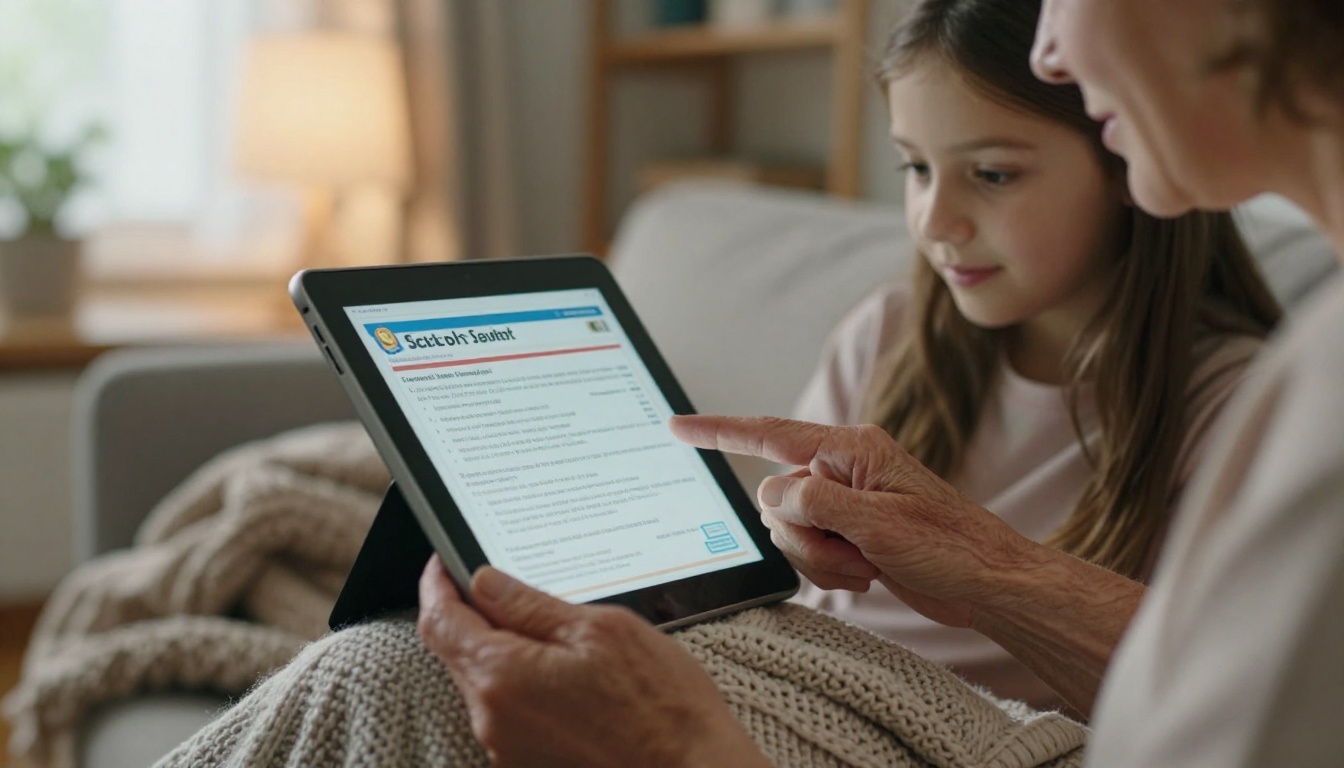
Do not drop print. Some families lack reliable internet or prefer paper. Send printed copies home in the language on file, and put a QR code on the page that opens the digital edition. Grandparents who help with school pickup will thank you.
Use More Than One Channel
Reach families where they already are. Text messages and messaging apps are often the strongest channel for many immigrant communities. Send a short message in each home language with a single link to the matching edition.
How to Build a Multilingual Flipbook Newsletter
Here is a practical walkthrough using the School Newsletter Creator and the Newsletter Flipbook Publisher.
Step 1: Create Your Account
Head to Flipbooks AI and sign up. Your first flipbook takes only a few minutes, and there are never watermarks on your pages.
Step 2: Upload Each Language Edition
Design your newsletter in your usual layout tool and export one PDF per language, for example newsletter-en.pdf, newsletter-es.pdf, and newsletter-ar.pdf. Upload each file with the PDF to Flipbook Converter. Pages convert into a flippable edition that keeps your fonts, including non-Latin scripts.
Step 3: Customize the Look
Match your school identity so families recognize it at a glance:
- Add your school logo and colors.
- Choose a page-turn effect that feels light, not flashy.
- Add a table of contents so parents jump to "Calendar" or "Lunch Menu."
- Embed a short video or audio message from the principal in each language.
Step 4: Add Links and Audio
Place clickable links on forms, sign-up sheets, and map locations. Record a one-minute audio summary for families who prefer listening. Embedded audio helps parents with lower reading confidence and works well on a phone.
Step 5: Share and Protect
Share through a direct link, a QR code, or the embed option for your website. For anything private, such as individual class updates, turn on password protection. Send each language group its own link by text or email so no one hunts through a list of flags.
Step 6: Measure What Works
Professional plan analytics show how many people opened each edition and how far they read. If the Somali edition gets half the opens of the Spanish one, you have a delivery problem to solve, not a translation problem. See the pricing plans for analytics and lead-capture options, and offline downloads for families with limited data.

💡 Pro tip: Put a language selector on the first page of every edition. A row of simple links, "English, Español, العربية, Tiếng Việt," lets any family find their edition even when they receive the wrong link.
A Real-World Example
Picture a middle school with 620 students. Survey data shows 38 percent of households speak Spanish, 9 percent speak Arabic, 6 percent speak Haitian Creole, and the rest speak English or smaller languages.
Their plan:
- Spanish and Arabic: full translated edition every week.
- Haitian Creole: a one-page edition with urgent dates and contact details.
- Smaller languages: a footer line stating how to request an interpreter, with a phone number.
- Review: a bilingual teaching assistant reviews Spanish, a parent volunteer checks Arabic, and a district translator handles Creole for important notices.
After one semester, conference attendance among Spanish-speaking families rises, phone calls asking "what did the newsletter say?" drop, and the office staff gets time back. Those are typical outcomes when families finally receive information they can read.
| Metric | Before | After one semester |
|---|
| Conference attendance, Spanish-speaking families | Low | Noticeably higher |
| Office calls about newsletter content | Frequent | Far fewer |
| Forms returned on time | Inconsistent | Steady |
| Staff time spent on repeat questions | High | Reduced |
Common Mistakes to Avoid
Mistake 1: Translating Only the Highlights
If the English edition has a lunch menu, calendar, and safety notice, the translated edition needs them too. Partial translations tell families they are second-tier.
Mistake 2: Skipping Review
A single wrong word, such as "suspension" for "pause," can cause panic. Always have a fluent reader review.
Mistake 3: Hiding the Translation
If the translated edition sits three clicks deep on the website, nobody finds it. Link it from the first page, the text message, and the printed copy.
Mistake 4: Forgetting to Ask Families
Invite feedback in each language. A two-question survey, "Was this easy to read?" and "What would help?", shows you what to fix next.
Mistake 5: Treating It as a One-Time Project
Languages shift. New families arrive midyear. Review your language list every semester and update the glossary.
A Starter Checklist
Use this list before your next issue goes out:
Send the Next Issue in Every Language
Families do not need a perfect system. They need to read what the school sends, in the language they speak at home. Start with your top two languages, build the weekly calendar, and add more as your workflow settles.
Ready to build your first edition? Create a free account on Flipbooks AI and upload your first translated PDF. Browse all flipbook tools to find templates for yearbooks, handbooks, and event programs, or try the Yearbook Flipbook Maker for end-of-year memories. When you are ready for analytics and lead capture, compare pricing plans and choose what fits your school.



