You opened a flipbook link on your iPhone and all you got was a spinning wheel, a blank white page, or an error message that tells you nothing useful. It's annoying, especially when the same link opens fine on a desktop browser. The good news: this is almost always fixable, and you don't need to be a tech expert to solve it. Flipbooks AI builds its flipbooks to be mobile-responsive from the ground up, but iPhones have specific browser behaviors and settings that can interfere with content loading. This article walks through every known cause and its fix, starting with the fastest and most likely solutions.
Why iPhones Block Flipbooks
Not all "flipbook won't open" problems are the same. The symptom matters. A completely blank white page usually points to a JavaScript issue. A spinner that never stops typically means a network or cache problem. An error message about a resource that "failed to load" often indicates a restrictive network or VPN conflict. Knowing which symptom you have cuts your troubleshooting time in half.
How iOS Handles Web Content Differently
iPhones run a sandboxed browser engine called WebKit. Even if you download Chrome or Firefox on your iPhone, those apps still use WebKit underneath because Apple requires it for all iOS browsers. This means certain browser compatibility fixes that work on Android or desktop simply don't apply here. Flipbooks rely on JavaScript, CSS animations, and sometimes WebGL for the page-turning effect. If any of those are restricted, the flipbook won't render correctly.
The Most Common Culprits
Before jumping into fixes, here is a quick reference table of causes and their likelihood:
| Cause | How Common | Typical Symptom |
|---|
| Corrupted browser cache | Very common | Blank page or partial load |
| JavaScript disabled | Common | White page, no interaction |
| Outdated iOS or browser | Common | Spinner, broken layout |
| Network or VPN conflict | Moderate | Timeout errors |
| Screen Time restrictions | Less common | Page blocked or redirected |
| Incorrect URL or expired link | Less common | 404 or access denied |
Check These Before Anything Else
Some fixes take 30 seconds and solve the problem 80% of the time. Run through this list first before going deeper.
Is Your Internet Connection Stable?
Open another website or video and confirm it loads normally. If your connection is slow or dropping packets, the flipbook's assets including images, scripts, and fonts may time out mid-load. Try switching from WiFi to mobile data, or vice versa, to see if the problem is network-specific.
Force-Quit Your Browser
On iPhone, apps stay cached in memory and can carry over broken states. Swipe up from the bottom of the screen (or double-press the Home button on older models), find your browser card, and swipe it away to force-quit. Reopen the browser and try the flipbook link again.
Try the Link From a Different Source
If someone sent you the link via iMessage, email, or social media, try copying and pasting it directly into your browser's address bar instead of tapping the embedded link. Some in-app browsers (Instagram, Gmail, Facebook) apply their own restrictions that can break flipbook rendering entirely.
⚠️ iMessage and social media apps open links in stripped-down in-app browsers that don't support all JavaScript features. Always open flipbook links in Safari or Chrome directly for the best result.
Fix #1: Clear Your Browser Cache
This is the single most effective fix for a flipbook that loads blank or freezes mid-load. Your browser stores cached files from websites, and when those cached files become corrupted or outdated, they can conflict with the current version of the flipbook's scripts and assets.
How to Clear Cache in Safari
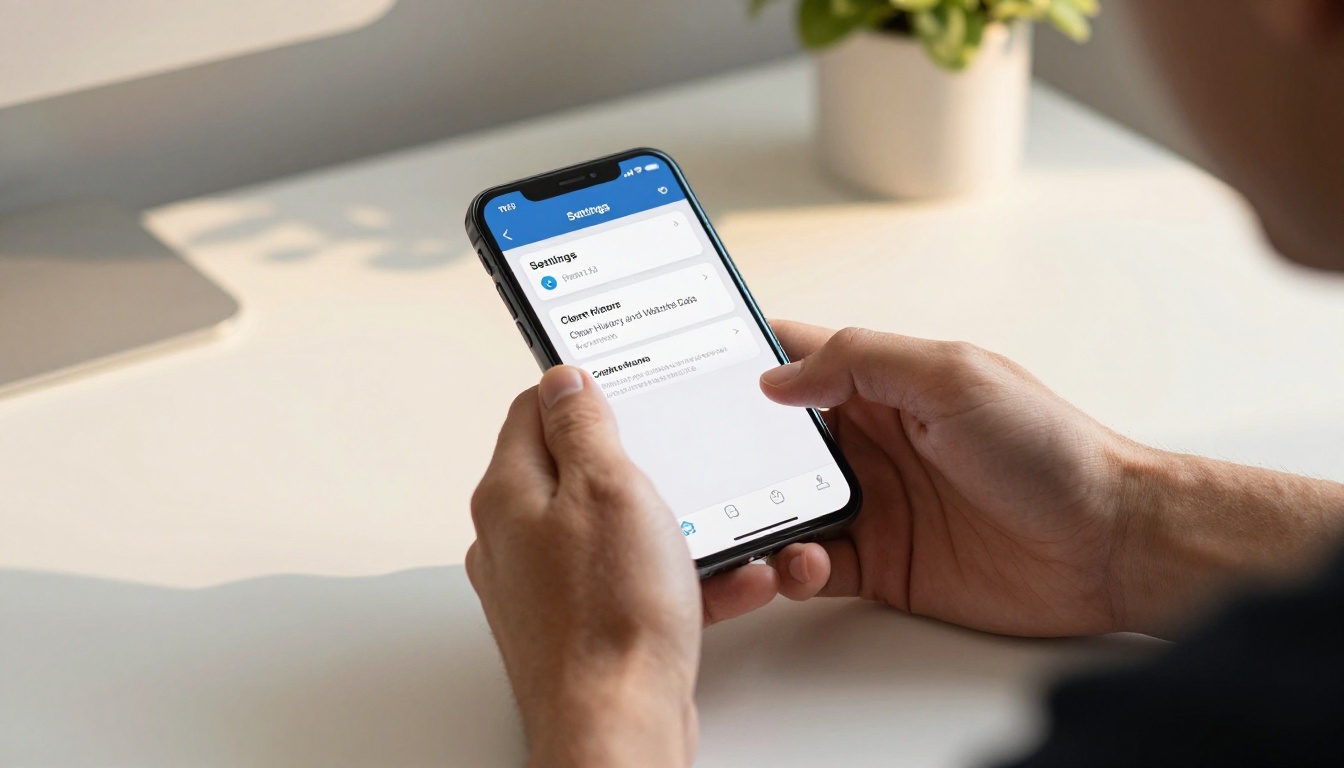
- Open the Settings app on your iPhone
- Scroll down and tap Safari
- Scroll to the bottom and tap Clear History and Website Data
- Confirm by tapping Clear History and Data in the popup
- Reopen Safari and try the flipbook link again
How to Clear Cache in Chrome for iOS
- Open the Chrome app
- Tap the three dots in the bottom right corner
- Tap Settings, then Privacy, then Clear Browsing Data
- Check Cached Images and Files and Cookies and Site Data
- Tap Clear Browsing Data and confirm
- Return to the flipbook link and reload
💡 In Chrome, you can uncheck "Browsing History" and only clear cached files, so your browsing history stays intact while fixing the loading issue.
Fix #2: Switch to a Different Browser
Since all iOS browsers use WebKit, the differences between them come down to how they handle cookies, extensions, and content blocking. If Safari is giving you trouble, Chrome often behaves differently enough to resolve the issue, and vice versa.
Browser Comparison for Flipbooks on iPhone
| Browser | Strengths for Flipbooks | Known Issues |
|---|
| Safari | Default iOS support, fast WebKit rendering | Content blockers can interfere |
| Chrome | Different cookie and cache handling | Can block third-party scripts |
| Firefox | More permissive with tracking scripts | Slightly slower rendering |
| Edge | Clean cache on first use | Less common, fewer extensions |
| Brave | Privacy-focused | Shields feature blocks flipbook scripts by default |
⚠️ Brave browser's Shields feature frequently blocks the JavaScript required for flipbook page-turning effects. If you use Brave, disable Shields for the flipbook domain before loading.
If Safari is your default browser and the flipbook won't load, download Chrome from the App Store, paste the flipbook URL into the address bar, and see if it opens. Switching browsers takes two minutes and is often the fastest fix.
Fix #3: Check iOS Restrictions and Screen Time
If you have Screen Time enabled on your iPhone, whether set by you or by a family organizer, certain websites and content categories can be blocked entirely. This is especially common on devices managed by schools, employers, or family sharing accounts.
How to Check Content Restrictions
- Open Settings and tap Screen Time
- Tap Content and Privacy Restrictions
- If restrictions are on, tap Content Restrictions
- Under Web Content, check the setting: it should be Unrestricted Access or at least Limit Adult Websites (not Allowed Websites Only)
- If set to Allowed Websites Only, the flipbook domain needs to be added to the allowed list manually
JavaScript Must Be Turned On
A commonly overlooked setting is JavaScript in Safari. It defaults to on, but some users or mobile device management (MDM) profiles turn it off. Without JavaScript, no flipbook can render, period.
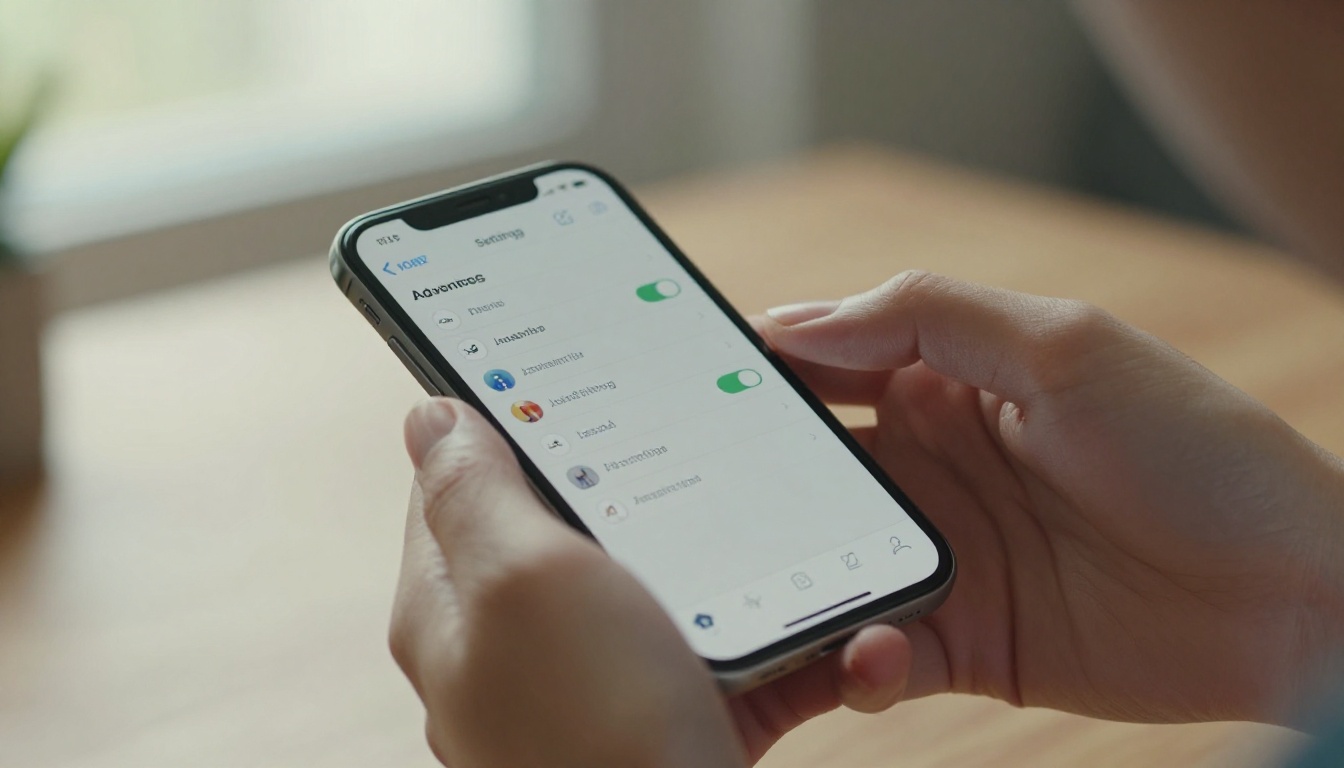
To check: Settings > Apps > Safari > Advanced > JavaScript and make sure the toggle is ON.

Fix #4: Update iOS and Your Browser
Running an outdated version of iOS can cause rendering bugs, WebKit incompatibilities, and failures with modern JavaScript features that flipbooks depend on. The same applies to your browser app.
Why Version Matters for Flipbooks
Flipbook platforms including Flipbooks AI regularly update their code to use modern web standards. If your iOS is more than one or two major versions behind, some features may not be supported. iOS 16 and 17 introduced meaningful changes to how WebKit handles animations and scripts that directly affect flipbook performance and page-turn rendering.
How to Update iOS
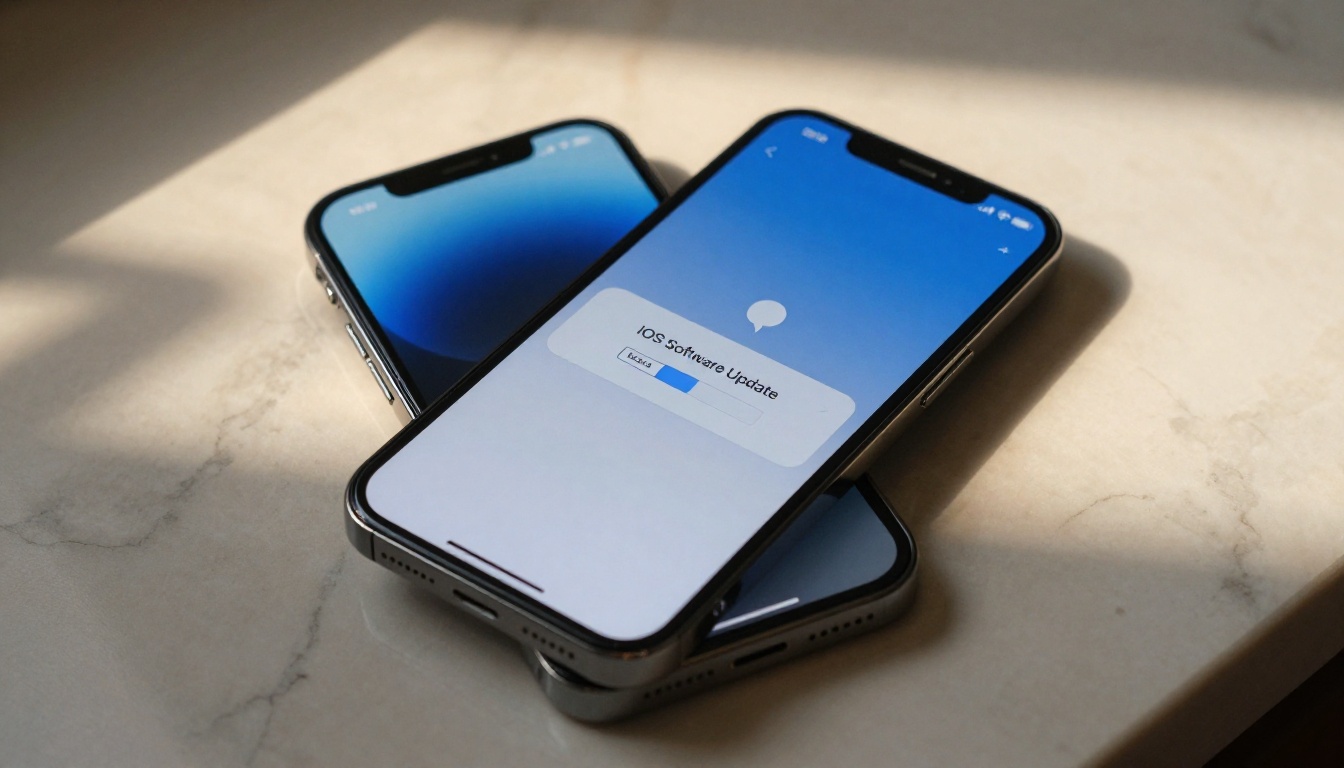
- Open Settings and tap General
- Tap Software Update
- If an update is available, tap Download and Install
- Wait for the update to complete and restart your phone
- Try the flipbook link again once restarted
How to Update Your Browser App
Open the App Store, tap your profile icon at the top right, scroll down to pending updates, and update your browser. Note that Safari updates automatically with iOS itself, so keeping iOS current covers Safari without any extra steps.
Fix #5: Network and Connection Issues
Sometimes the problem isn't your browser or phone at all. It's your network. Flipbooks load multiple assets including scripts, images, and fonts from CDN servers. If your network is blocking certain domains, throttling specific content types, or if a VPN is rerouting your traffic, some or all of those assets will fail silently.
VPN Conflicts Are a Hidden Culprit
VPNs can interfere with CDN-hosted content by rerouting requests through servers that apply different rules. If you have a VPN active on your iPhone, turn it off temporarily: Settings > VPN and toggle it off. Then try loading the flipbook again. If it loads, the VPN was the issue.
Public WiFi Restrictions
Many public WiFi networks at airports, hotels, schools, and coffee shops block JavaScript-heavy content or specific CDN domains as a security measure. If you're on public WiFi, switch to your mobile data connection to bypass those restrictions entirely.
Reset Network Settings (Last Resort)
If nothing else works and you suspect a deep network configuration issue, you can reset your network settings. This clears all saved WiFi passwords, cellular settings, and VPN configurations.
Settings > General > Transfer or Reset iPhone > Reset > Reset Network Settings
⚠️ Resetting network settings will delete all saved WiFi passwords. Make sure you have your WiFi password available before proceeding, or you won't be able to reconnect.

When the Flipbook Creator Needs to Act
If you've tried all the fixes above and the flipbook still won't load on your iPhone, the problem may be on the publisher's side. Certain older flipbook formats or platforms generate files that aren't fully mobile-optimized. When you share this feedback with the person who sent you the link, ask them to check whether their platform is truly mobile-responsive.
What a Mobile-Ready Flipbook Should Do
A properly built digital flipbook should:
- Load in under 5 seconds on a standard mobile connection
- Render the page-flip animation smoothly on an iPhone XR or newer
- Automatically adjust layout to the iPhone screen size
- Work in both portrait and landscape orientation
- Require no app download to view
- Function in Safari, Chrome, and Firefox on iOS

Create iPhone-Ready Flipbooks with Flipbooks AI
If the flipbook you're trying to view was created on an older or less capable platform, it may simply not be built for mobile. Flipbooks AI builds every flipbook to work on iOS Safari and Chrome by default, with no plugins, no app installs, and no workarounds needed from the viewer's side.
How to Convert Your PDF in Minutes
- Go to Flipbooks AI and create a free account
- Click New Flipbook and upload your PDF file
- The platform converts it automatically, preserving layout, fonts, and images
- Adjust colors, logo, and branding from the editor panel
- Set sharing options: public link, password-protected, or embedded on your website
- Share the generated link, which opens on any iPhone browser instantly
Mobile-First Features That Work Out of the Box
Every flipbook created on Flipbooks AI includes mobile responsiveness as a default, not an add-on:
- Responsive layout: scales to any iPhone screen size automatically
- Touch gestures: swipe left and right to turn pages natively
- No downloads needed: viewers open via link in any browser
- Fast CDN delivery: assets load from servers geographically close to the viewer
- Offline support: readers can download for offline viewing (Professional plan)
- No watermarks: on Standard plan and above
For businesses creating product catalogs, the Digital Catalog Maker produces mobile-optimized catalogs your customers can browse on their iPhones without friction. The PDF to Flipbook Converter is purpose-built to handle mobile rendering from the moment of conversion.
Flipbooks AI Plans at a Glance
| Feature | Free | Standard | Professional |
|---|
| Flipbooks created | 3 | Unlimited | Unlimited |
| Custom branding | No | Yes | Yes |
| Password protection | No | Yes | Yes |
| Analytics dashboard | No | No | Yes |
| Lead generation | No | No | Yes |
| Offline downloads | No | No | Yes |
| Watermark on flipbook | Yes | No | No |
See pricing plans to find the tier that fits your workflow.

What to Tell the Flipbook Sender
If you're receiving the flipbook rather than creating it, and none of the above fixes worked, here is a clear message you can send to whoever shared the link:
"I'm trying to open your flipbook on my iPhone but it's not loading. I've cleared my browser cache, tried both Safari and Chrome, and checked my connection. The issue might be with how the flipbook was built. Can you check that it's tested on mobile, or reshare it from a platform that fully supports iOS browsers?"
This gives the sender enough information to investigate without a long back-and-forth. If they're using an outdated tool, switching to a properly mobile-optimized platform like Flipbooks AI solves the problem at the source.
Quick Troubleshooting Reference
Here's the full troubleshooting sequence in order of effort so you can bookmark it and return when needed:
| Step | Action | Time Required |
|---|
| 1 | Check internet connection | 30 seconds |
| 2 | Force-quit browser and retry | 1 minute |
| 3 | Open link directly in Safari or Chrome | 1 minute |
| 4 | Clear browser cache | 2 minutes |
| 5 | Disable VPN if active | 30 seconds |
| 6 | Switch from WiFi to mobile data | 30 seconds |
| 7 | Enable JavaScript in Safari settings | 1 minute |
| 8 | Check Screen Time restrictions | 2 minutes |
| 9 | Update iOS and browser app | 5-15 minutes |
| 10 | Reset network settings | 3 minutes plus setup |
✅ Most users find that steps 1 through 4 resolve the problem. Only continue to later steps if the flipbook still refuses to load after trying the earlier ones.
Still Not Loading? Here's Your Next Move
If your flipbook still won't open after working through every step above, the issue almost certainly sits on the creator's side. Either the flipbook was built with technology that doesn't support modern iOS browsers, or the hosting service has a delivery problem that no amount of device-side troubleshooting will fix.
If you're the creator: rebuild it. Use Flipbooks AI to re-upload your PDF and get a properly mobile-optimized flipbook in minutes. If you're the viewer: contact the sender and let them know the link doesn't work on iOS so they can investigate their publishing platform.
Browse all flipbook tools to see the full range of use cases already covered, from restaurant menus to corporate reports to photography portfolios. Check pricing plans and get started free today.



