Most resident newsletters die the same way: a wall of text, a PDF buried in an email, and three opens out of two hundred units. The fix is rarely more effort. It is better topics, a predictable rhythm, and a format people actually enjoy flipping through. This post gives you 25 newsletter ideas for apartment communities and HOAs, a monthly calendar you can copy, and a simple way to publish each issue with Flipbooks AI so it looks polished on every phone.
If you manage a building, run a board, or volunteer as the neighbor who "does the newsletter," this is written for you. Every idea below is something a real community can produce in under two hours a month.
Why Resident Newsletters Work
A good newsletter does three jobs at once. It reduces repetitive questions at the leasing desk. It builds the kind of neighborly familiarity that keeps people renewing. And it gives the board or management team one trusted channel instead of scattered notices.
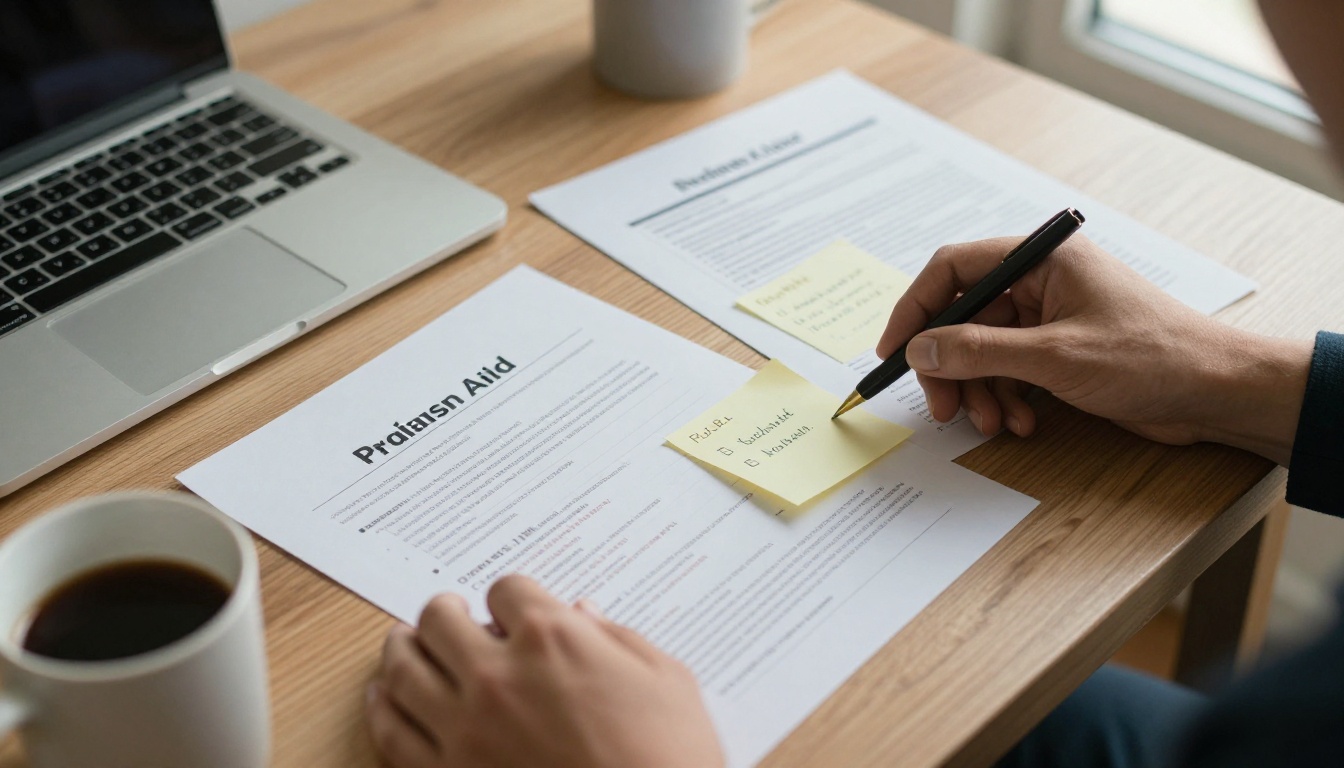
Here is what communities typically notice after a few consistent issues:
- Fewer phone calls about trash days, parking rules, and quiet hours.
- Higher event turnout, because people see photos from the last one.
- Smoother dues and renewal conversations, since residents see where money goes.
- A stronger sense of belonging, which is the real retention tool.
💡 Pro tip: Pick one send day and keep it. "First Thursday of the month" beats a perfect issue that arrives at random.
Core Sections Every Issue Needs
Before the creative ideas, lock in a backbone. Residents should know where to find the practical stuff every time.
The Quick Notices Box
A short list at the top: office hours, upcoming maintenance, payment reminders, and one emergency contact. Keep it to five lines.
A Letter From the Manager or Board
One paragraph, written in first person. Mention one thing that went well and one thing you are working on. Short and honest wins trust.
The Calendar Strip
List the next 30 days of events, deadlines, and shutoffs in a simple table.
| Date | What | Where | Action needed |
|---|
| Oct 12 | Fire alarm testing | All buildings | Secure pets |
| Oct 18 | Pumpkin painting | Lobby | RSVP at office |
| Oct 25 | Board meeting | Clubhouse | Submit questions |
| Oct 31 | Trick or treat hour | Courtyard | Volunteers welcome |
A Contact Directory
Names, roles, phone numbers, and after-hours instructions. People screenshot this page, so make it clean.
10 Ideas for Apartment Communities
Apartment residents turn over faster and share fewer common spaces, so your newsletter has to build connection quickly.

Neighbor Spotlights
Interview one resident each month: how long they have lived here, a favorite local spot, a tip for newcomers. Three questions and one photo is enough.
Event Recaps With Photos
People love finding themselves in pictures. Post a recap within a week of every gathering, even a small one.
New Resident Welcome Page
List new move-ins by first name and floor (with permission), plus a short note on how to join community channels.
Local Business Picks
Feature a coffee shop, dentist, or dog groomer within walking distance. Some will happily offer a resident discount, which becomes a reason to open the issue.
Amenity Reminders
Remind residents about the gym hours, package room rules, or the booking process for the party room. Rotate one amenity per issue.
Seasonal Safety Checklists
Space heater safety in winter, balcony rules in summer, flood prep in spring. Short checklists get saved and shared.
Maintenance Tip of the Month
Ask your maintenance team for one useful tip, such as how to reset a tripped breaker or when to replace an air filter.
Pet Corner
Photos of resident pets, vet reminders, and waste station etiquette. This page usually gets the most reactions.
Resident Recipe or Home Hack
A neighbor shares a favorite recipe or a small apartment storage trick. Cheap to produce, very personal.
Community Wins
Recycling rates, repaired fixtures, completed upgrades. Residents like seeing that their feedback led somewhere.
10 Ideas for HOAs
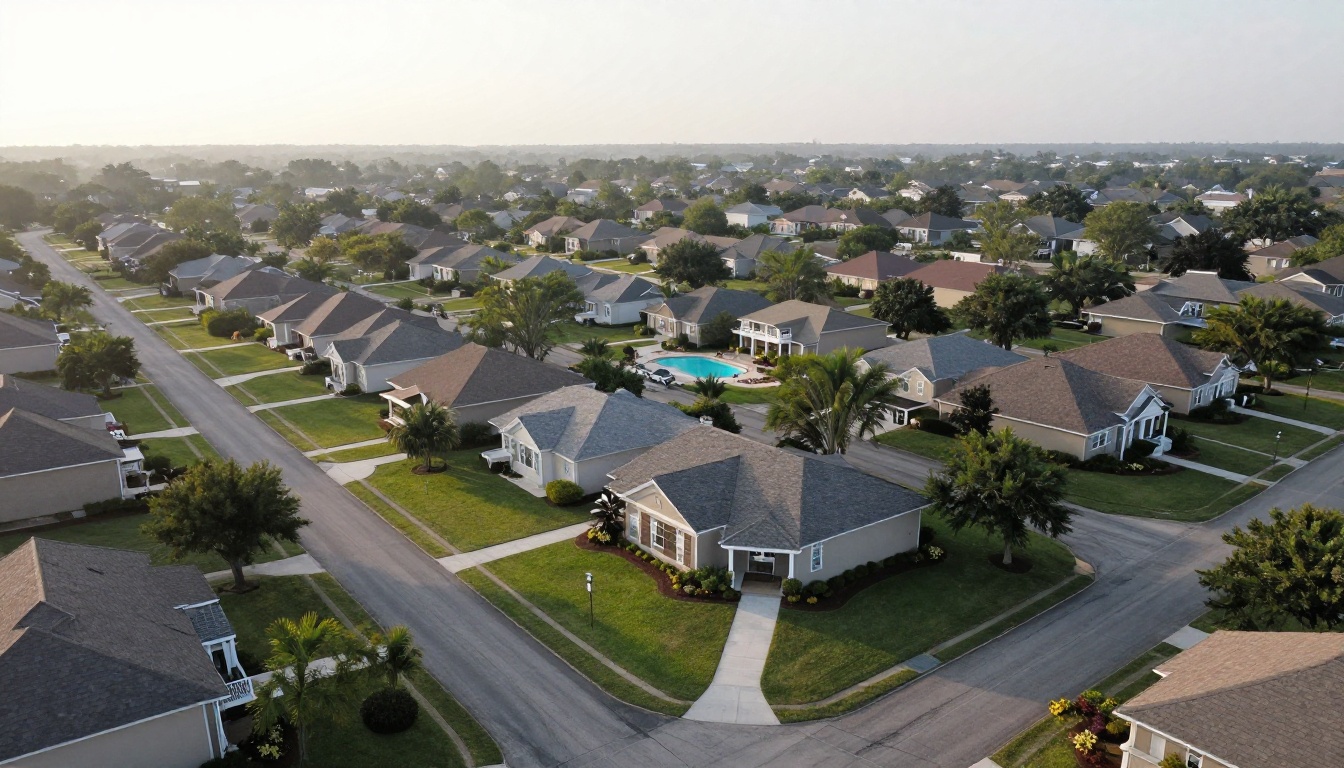
HOA newsletters carry heavier responsibilities: transparency, compliance, and neighborhood standards. The tone should stay friendly even when the content is serious.
Board Meeting Summary
Three bullet points per meeting: what was decided, what is pending, and when the next meeting happens. Link to full minutes for anyone who wants detail.
Budget in Plain Language
Break one budget line into a pie or bar chart each issue. "Where your $210 goes" is far more readable than a ledger.
Architectural Request Tracker
Show approved and pending requests, with timelines. This cuts down on the "why is my fence taking so long" emails.
Landscaping and Grounds Schedule
Mowing days, tree trimming, irrigation tests, and seasonal planting. A table works best.
Reserve Fund Updates
Explain what is being saved for, such as roof replacements or pool resurfacing, and how much progress has been made.
Rules Refresher
Each issue, highlight one rule with the reason behind it. Parking, trash bins, and holiday decorations are usual suspects.
Volunteer Opportunities
Committees, welcome crews, and clean-up days. Name the time commitment honestly, such as "two hours, once a quarter."
Vendor Spotlight
Introduce the people who maintain the pool, mow lawns, or plow snow. Residents treat them better when they know names.
Neighborhood Safety Notes
Package theft prevention, vacation house checks, and how to report suspicious activity. Keep it calm and practical.
Election and Voting Reminders
Deadlines, candidate statements, and proxy instructions belong in a dedicated page that is easy to find.
⚠️ Warning: Do not publish legal advice or name individual rule violators. Keep compliance notices general and send specifics privately.
5 Ideas That Work for Both
Some topics fit any community, regardless of structure.

- Seasonal calendar spread: a single full-page view of the quarter.
- Kids and teens corner: a coloring page, a local library event list, or a photo contest.
- Resident survey results: ask three quick questions, then publish the answers.
- Emergency preparedness page: shelter locations, contacts, and supplies checklist.
- Photo of the month: invite residents to submit a shot of the community in good light.
A Monthly Content Calendar
Stop starting from a blank page. Rotate a few themes and the newsletter practically writes itself.
| Month | Main theme | Bonus section |
|---|
| January | Fresh start, new year goals | Resident survey |
| February | Neighbor appreciation | Heating and plumbing tips |
| March | Spring maintenance | Landscaping schedule |
| April | Earth Day, recycling | Pet corner |
| May | Outdoor amenity opening | Safety checklist |
| June | Summer events | Pool rules refresher |
| July | Community picnic recap | Local business picks |
| August | Back to school | Volunteer call |
| September | Budget season preview | Board meeting summary |
| October | Fall festival | Fire safety |
| November | Gratitude and thank yous | Winter prep |
| December | Holiday events and closures | Year in photos |
How you deliver the newsletter matters as much as what you write. Here is how the common options compare.
| Format | Looks polished | Works on phones | Tracks opens | Effort |
|---|
| Printed flyer | Medium | No | No | High |
| Plain email text | Low | Yes | Partly | Low |
| Attached PDF | Medium | Poor | No | Medium |
| Flipbook link | High | Yes | Yes | Low |
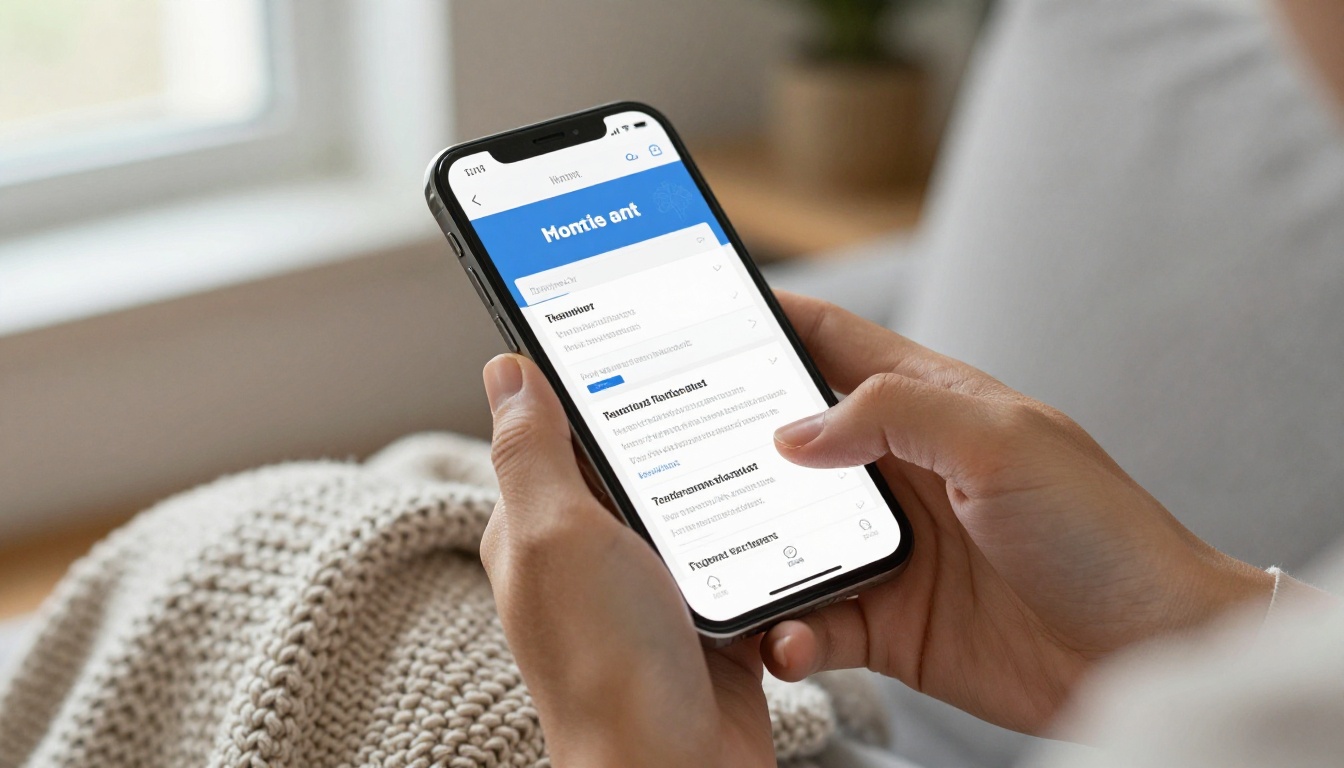
A PDF attachment is easy to ignore, and it is awkward to pinch and zoom on a small screen. A flipbook turns the same file into a page-turning experience that loads from a single link. The Newsletter Flipbook Publisher is built for exactly this, and the PDF to Flipbook Converter handles any design you already made in Canva, Word, or InDesign.
How to Publish Your Newsletter as a Flipbook
Here is a simple workflow for your next issue.
- Design the issue. Use any tool you like and export as PDF. Keep pages portrait or letter sized, with large text for mobile reading.
- Create your account. Sign up at Flipbooks AI in under a minute.
- Upload the PDF. Drag the file in and the conversion happens automatically. Pages become a smooth, turnable flipbook with no watermarks.
- Customize the look. Add your community logo, pick brand colors, choose a page flip effect, and embed a short video or audio greeting from the manager.
- Set sharing options. Copy a direct link for email and text messages, or use the embed code to place it on your resident portal.
- Protect private content. HOA financials or board notes can sit behind a password so only residents can open them.
- Review the stats. On the Professional plan, analytics show how many people opened each issue and which pages they spent time on. See the pricing plans for details.
✅ Best practice: Use the same link every month by updating the flipbook, or build a "back issues" page that lists each one by date.
What Each Plan Is Good For
| Need | Suggested fit |
|---|
| One small building, occasional issue | Starter level |
| Several buildings or monthly issues | Standard, with unlimited flipbooks |
| Lead capture, analytics, offline downloads | Professional |
Real Examples You Can Copy
A 120-unit apartment building started a one-page "This Month at Elm Court" issue. It had a manager letter, a calendar strip, one neighbor spotlight, and a maintenance tip. Package room complaints dropped because the rules were repeated in a friendly tone every issue.

A 400-home HOA replaced a dense quarterly letter with a short monthly flipbook. The board summary, budget chart, and landscaping calendar sit on separate pages, so residents jump straight to what they care about. Attendance at annual meetings rose after they began publishing a pre-meeting issue with candidate statements.
A senior living community added an audio greeting from the activities director embedded on page one. Residents who prefer listening to reading got a warmer connection, and adult children opened the link for their parents.
Make Every Issue Easier to Produce
Consistency beats brilliance. These habits keep the workload low.
- Build a template once. Reuse page layouts every month and only swap the text and photos.
- Collect photos year round. A shared folder where staff drop event pictures saves a scramble later.
- Assign sections. Maintenance writes the tip, the activities lead writes the recap, and the board secretary supplies the summary.
- Set a deadline. Content due on the 20th, publish on the 1st.
- Keep it short. Four to eight pages is plenty.
Welcome Basket Bonus
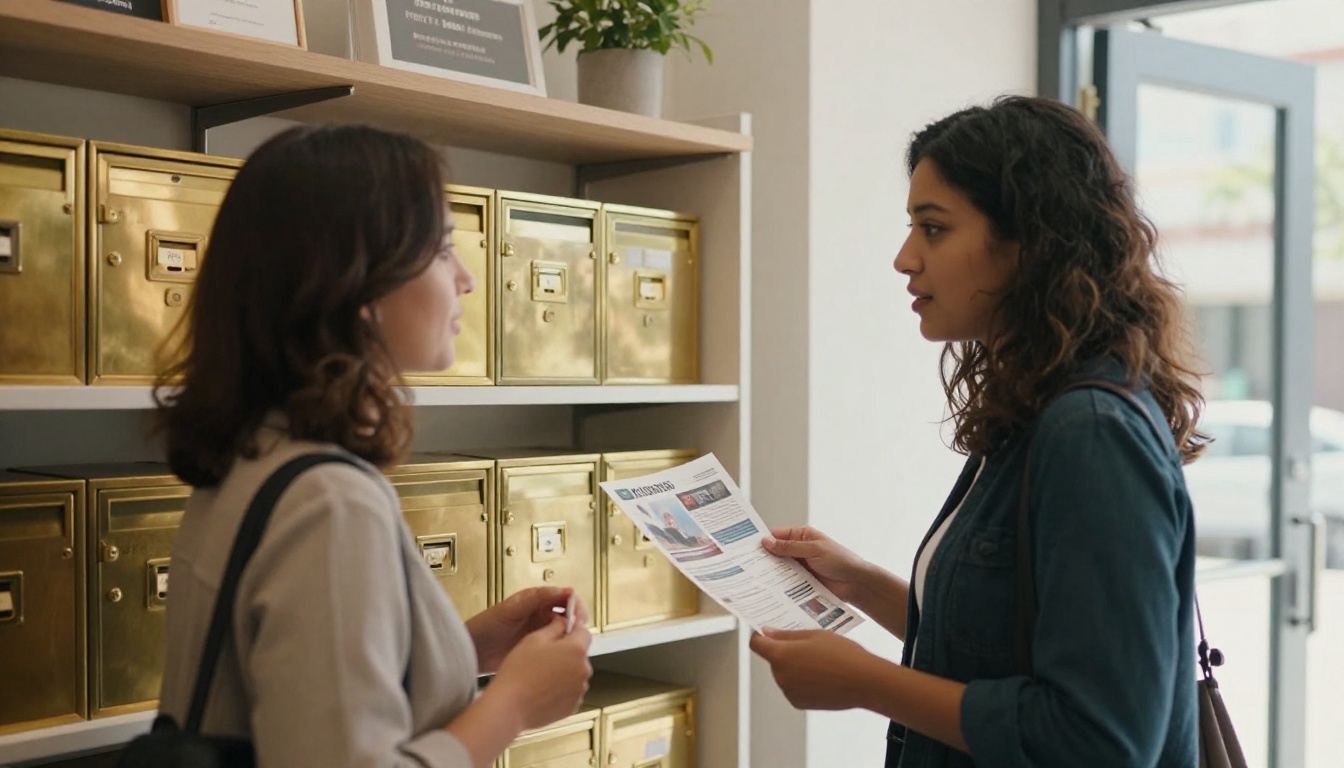
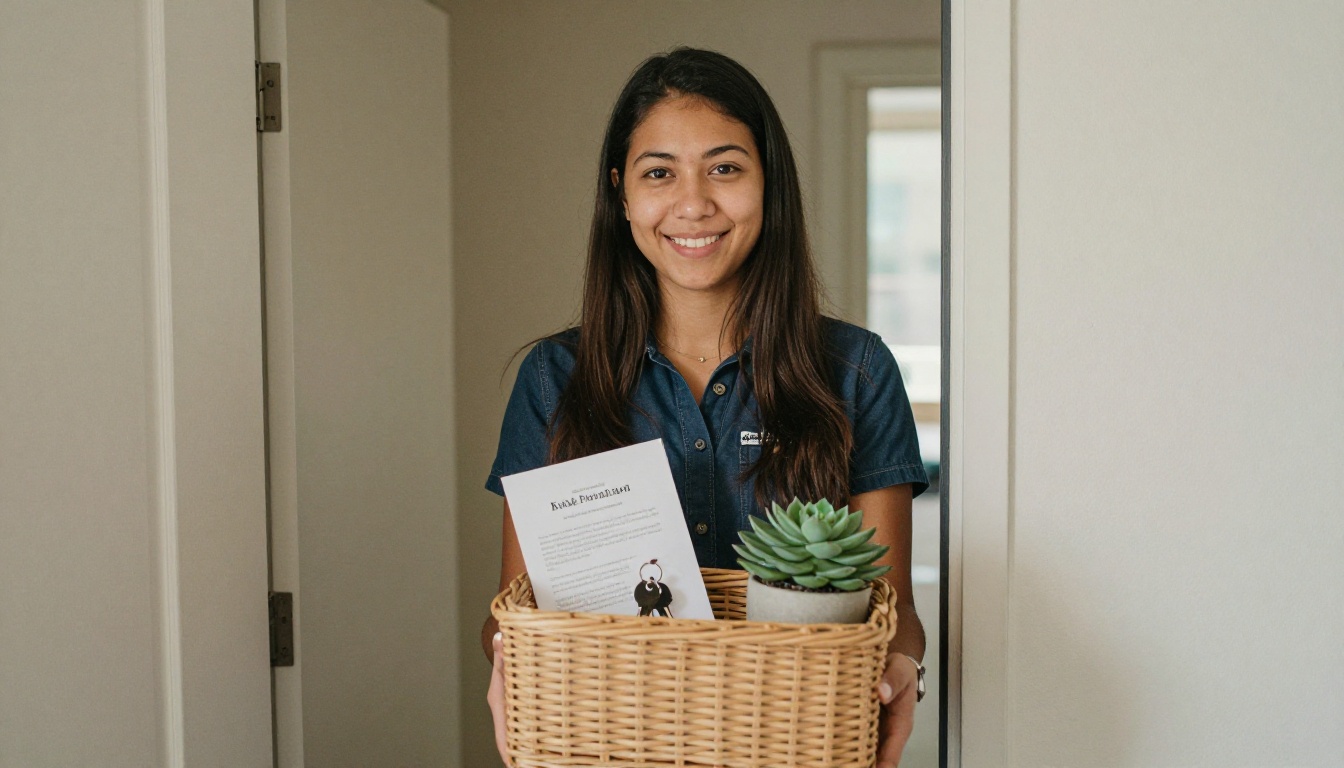
Include a printable version of the latest issue in every new resident welcome basket, with a QR code that links to the live flipbook. It sets the tone from day one.
Seasonal Event Pages
Holidays and community events give you the easiest content of the year. A full page of photos from a harvest festival will be opened and shared more than any notice.

Measure What Works
Once you publish consistently, look at the numbers each quarter and adjust.

| Signal | What it tells you | Next step |
|---|
| Opens drop after month 3 | Topics feel repetitive | Add a new rotating section |
| Last pages never viewed | Issue is too long | Cut to six pages |
| Calendar page viewed most | Residents want logistics | Move it to page two |
| Pet corner shared often | Personal content wins | Run it every month |
Start Your Next Issue Today
Pick five ideas from this list, drop them into the calendar, and set a deadline for the first of next month. When the PDF is ready, get started for free on Flipbooks AI and share one link with every resident. Browse the full set of flipbook tools for related formats like the School Newsletter Creator or Event Program Maker, and compare pricing plans when you are ready for analytics and unlimited issues.



