You printed a beautiful brochure, and now you need people to actually open the digital version on their phones. Two tiny technologies compete for that job: the NFC tag you tap and the QR code you scan. Both point to the same destination, such as an interactive flipbook built on Flipbooks AI, but they behave very differently on a trade show floor, in a hotel lobby, or on a mailed postcard.
So, NFC tag or QR code: which is better for sharing a brochure? The short answer is that QR codes win on reach and cost, NFC wins on speed and polish, and the smartest brochures use both. The rest of this article shows you exactly when to pick each one.
The Quick Answer
If you only have ten seconds, use this cheat sheet.
✅ Choose a QR code when the brochure is mass printed, mailed, or placed on a poster, and you need every phone to work.
✅ Choose an NFC tag when the brochure is handed over in person, sits in a premium setting, and you want a one-tap experience.
💡 Choose both when budget allows. A QR code is the safety net, and the NFC tag is the premium touch.
| Question | QR Code | NFC Tag |
|---|
| Cost per brochure | Almost free (printed with ink) | Roughly 20 to 80 cents per tag |
| Works on older phones | Yes, any camera | Limited, needs NFC hardware |
| User action | Open camera, aim, tap link | Tap phone on the tag |
| Works from a distance | Yes, a few feet or more | No, about 1 to 4 cm |
| Can be printed on a poster | Yes | Only with a tag attached |
| Visual design effort | Needs space and contrast | Hidden under artwork |
What Is a QR Code?
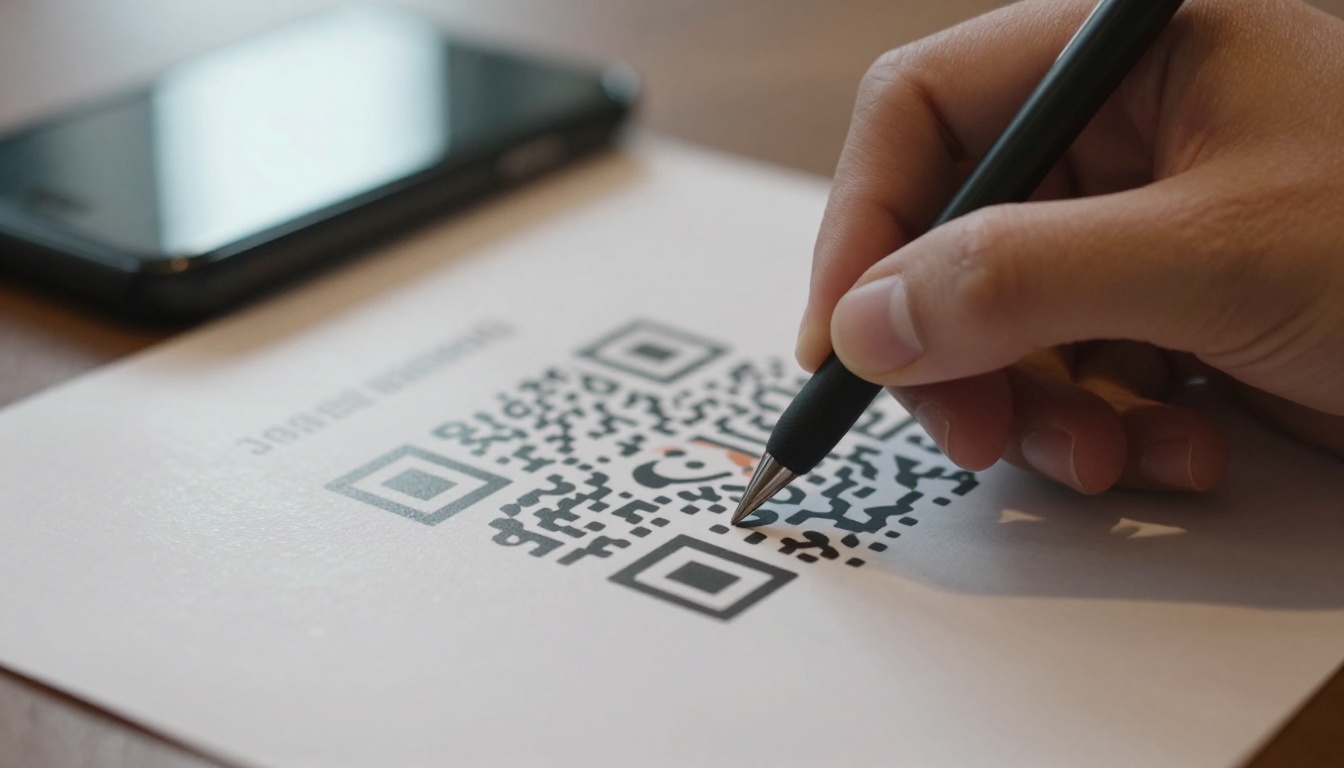
A QR code is a square pattern of black and white modules that encodes a web address. The phone camera reads the pattern, decodes the link, and offers to open it. Every modern iPhone and Android camera does this natively, with no app required.
How It Works on a Brochure
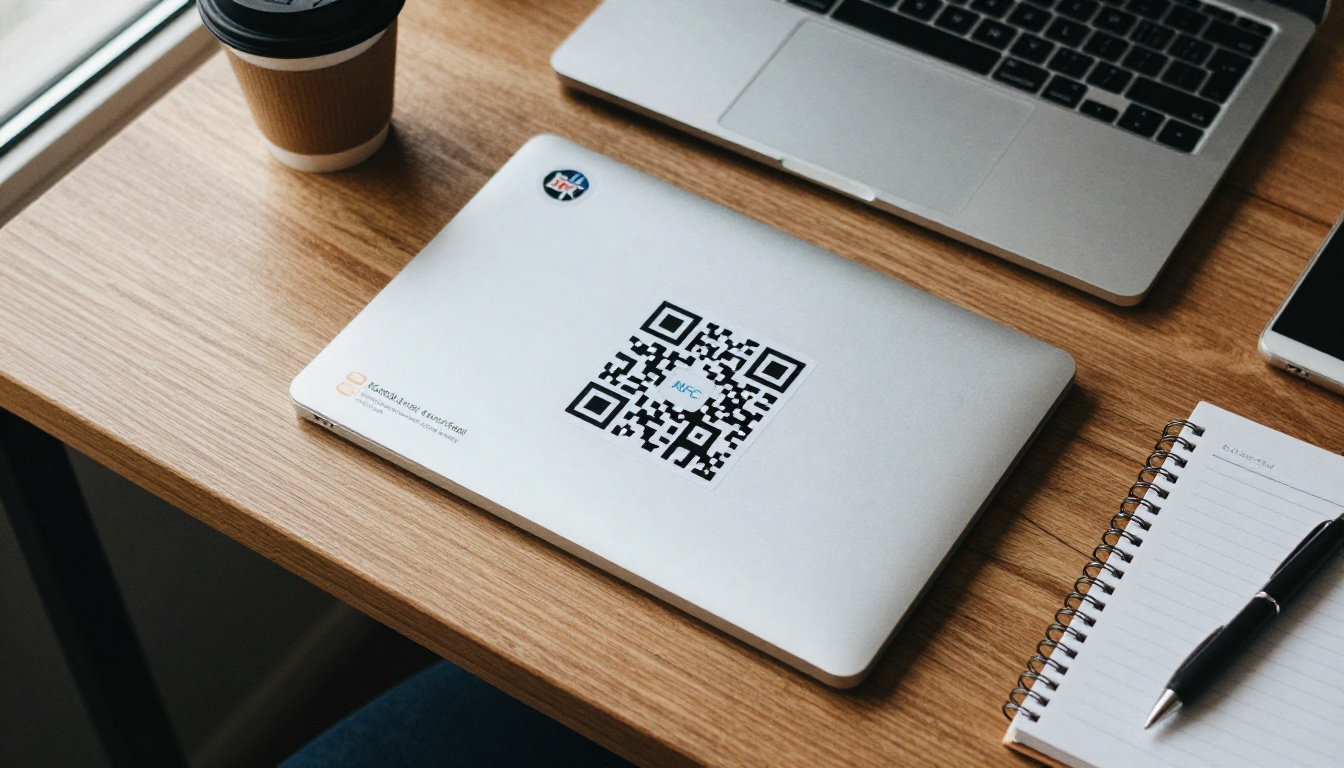
You print the code on the front panel, the back panel, or inside a call-out box. The reader points the camera at it, taps the banner that appears, and lands on your digital brochure. Because the code is only ink, it costs nothing extra to add to a print run of ten or ten thousand.
Where QR Codes Struggle
QR codes depend on the environment. Glossy paper can throw glare, dim rooms slow down focus, and a code printed too small will refuse to scan. Some people also simply do not notice them, so a clear label like "Scan to flip through the brochure" matters.
What Is an NFC Tag?
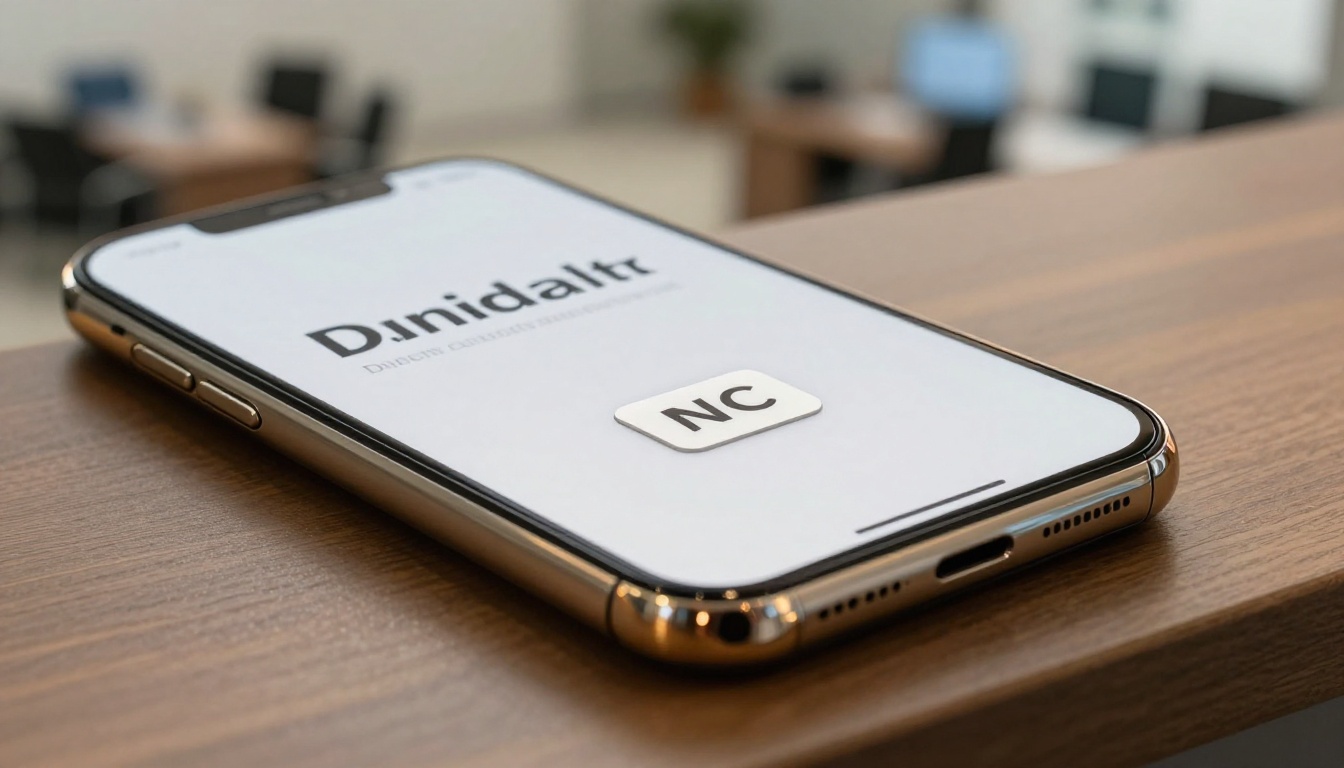
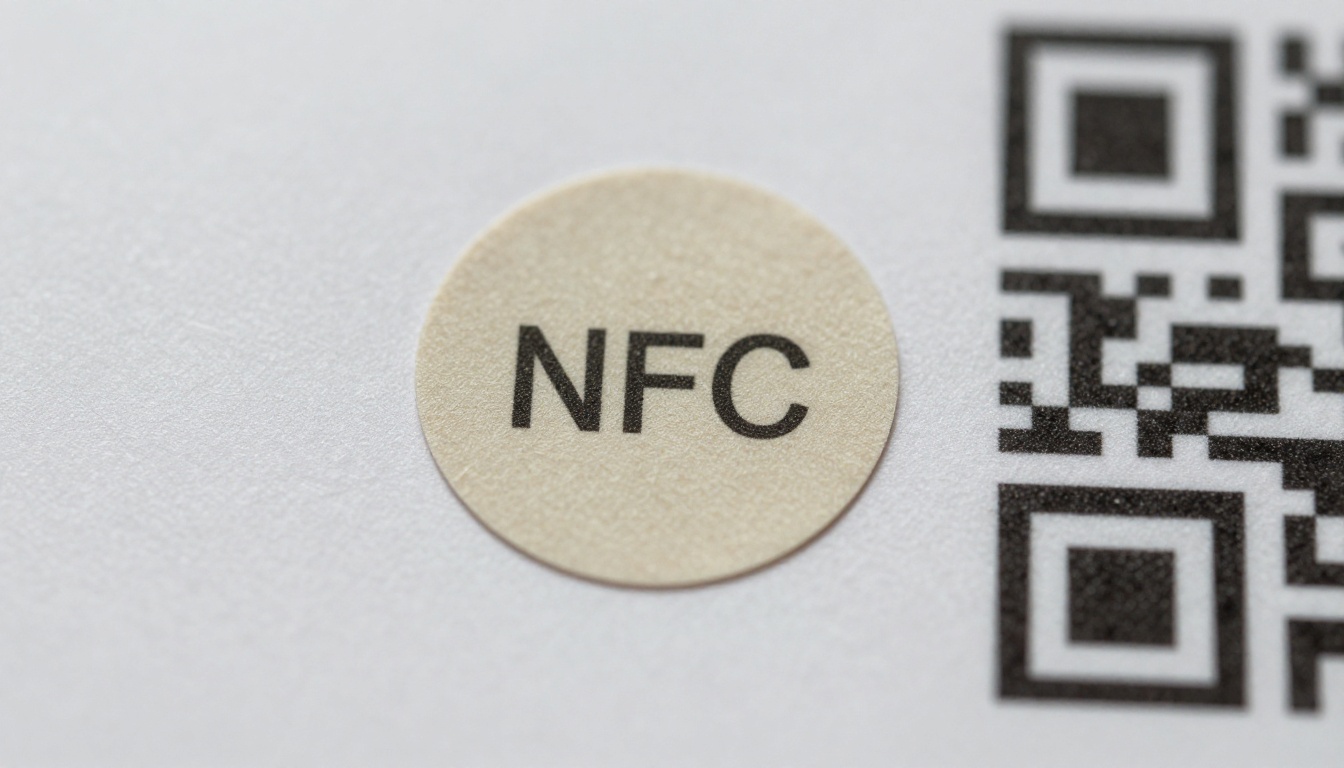
NFC stands for near field communication. An NFC tag is a thin chip with a tiny antenna, often shaped like a sticker. When a compatible phone comes within a few centimeters, the tag powers up through the phone's field and passes along a stored link.
How It Works on a Brochure
You embed or stick a tag beneath the front panel, then print a small tap symbol or the words "Tap here". The reader touches the top of their phone to that spot, and the digital brochure opens in a second. There is no camera, no focus, and no aiming.
Where NFC Tags Struggle
Each tag has a unit cost, and someone has to attach it. Metal surfaces interfere with the signal unless you buy special tags. Tap position also varies by phone model, which confuses some users until they see a clear target graphic.
Head to Head: The Real Differences
Here is where the two formats separate once you move beyond the basics.
Cost at Scale
A QR code is free to print. An NFC tag is cheap but not free, and the labor of placing it adds up. For a run of 500 brochures, tags might add a few hundred dollars. For 50,000 flyers, that cost becomes a serious line item.
| Print Run | QR Code Added Cost | NFC Added Cost (approx.) |
|---|
| 100 brochures | $0 | $20 to $80 |
| 1,000 brochures | $0 | $200 to $800 |
| 10,000 brochures | $0 | $2,000 to $8,000 |
| 50,000 brochures | $0 | $10,000 or more |
Speed and Friction
NFC is faster. A tap takes about a second, while scanning a QR code takes roughly three to six seconds once you count unlocking the phone, opening the camera, and aiming. In a busy moment, that gap decides whether a person follows through or pockets the brochure.
Phone Compatibility
Almost every smartphone sold in the last several years can scan a QR code. NFC reading is also common now, but older budget devices and some tablets lack it, and a few people keep NFC switched off. That is why NFC alone leaves some readers stranded.
Durability
Printed QR codes survive anything the paper survives, but a crease through the pattern can break them. NFC tags survive folding better, since the chip is small, yet they can peel or crack if the brochure is bent sharply at that spot.
Security and Trust
Both formats can be abused by pointing to a harmful link, so people have learned to be cautious. A QR code on a brochure printed by a trusted company is generally safe. A sticker placed over a code is a known trick, so check that the code is printed on the paper and not stuck on top. NFC tags embedded under the print are harder to swap quietly.
⚠️ Warning: Never print a short link you do not control. If the shortener service shuts down or the redirect changes, thousands of printed brochures point nowhere.
Tracking and Analytics
Neither format tracks anything by itself. Tracking comes from the destination. When the link opens a flipbook, you can measure views, time on page, and which pages hold attention. Analytics and lead capture are part of the Professional plan, and they work the same whether the visit came from a tap or a scan.
Accessibility and Habits
People with limited dexterity or vision sometimes find a tap easier than aiming a camera, while others rely on camera apps that read codes aloud. Habits matter too. Younger audiences scan codes without thinking, and many restaurant guests learned the routine in recent years. Tapping is still new for plenty of people, so a short instruction beside the tag makes a real difference.
Real-World Scenarios
Theory only goes so far. Here is how the choice plays out in everyday brochure situations.
Trade Shows and Events
Visitors collect many brochures and hold coffee in the other hand. A tap is easier than a scan, so an NFC tag on the booth brochure feels effortless. Still, a QR code on the banner behind the booth reaches people walking past who never come close enough to tap.
Real Estate Open Houses
An agent hands a printed property brochure to a couple standing in the living room. A tap puts the full digital tour in their pockets immediately. A QR code on the yard sign serves drive-by buyers. The agent can build the digital version with the Real Estate Brochure Creator.

Restaurants and Cafes
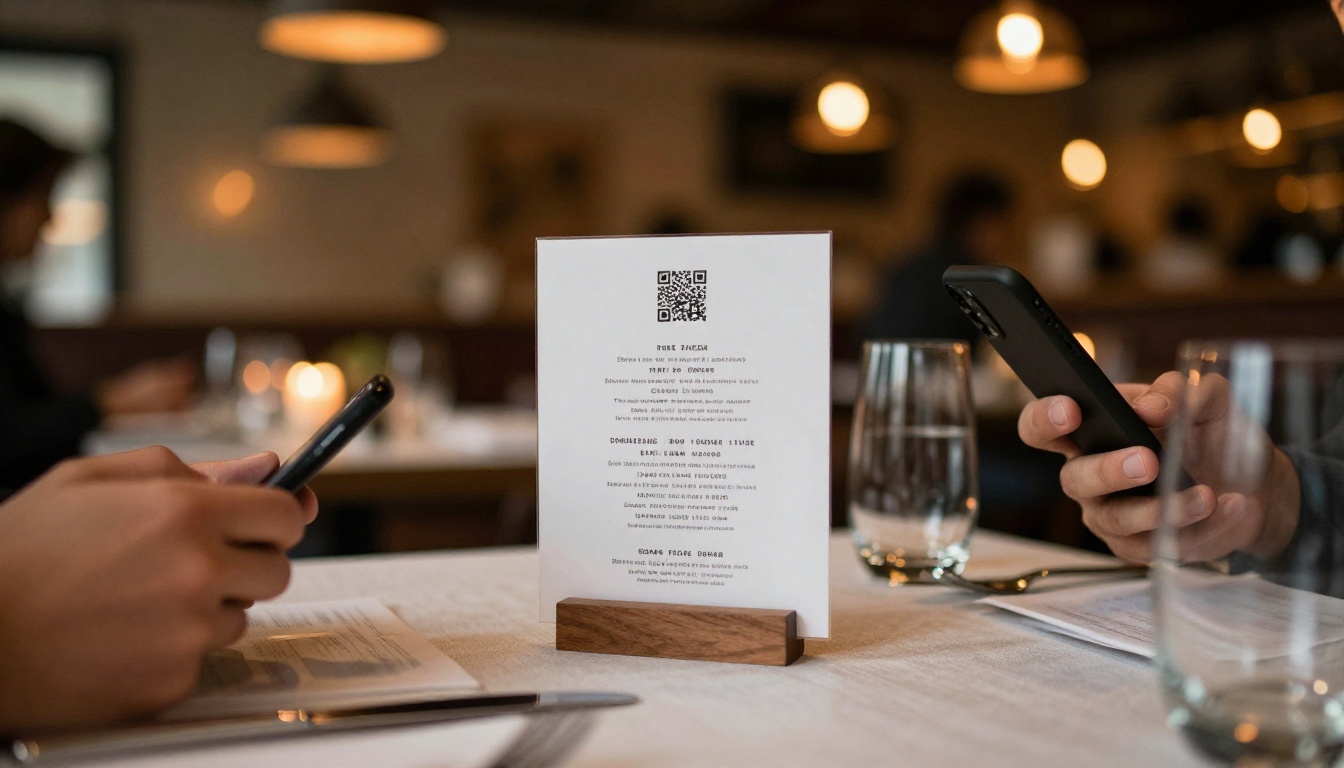
Tables see constant traffic, and menus get wiped down. A printed QR code on a table stand is cheap to replace and works for every guest. A Restaurant Menu Creator flipbook behind it keeps the menu current without reprinting anything.
Hotels and Travel
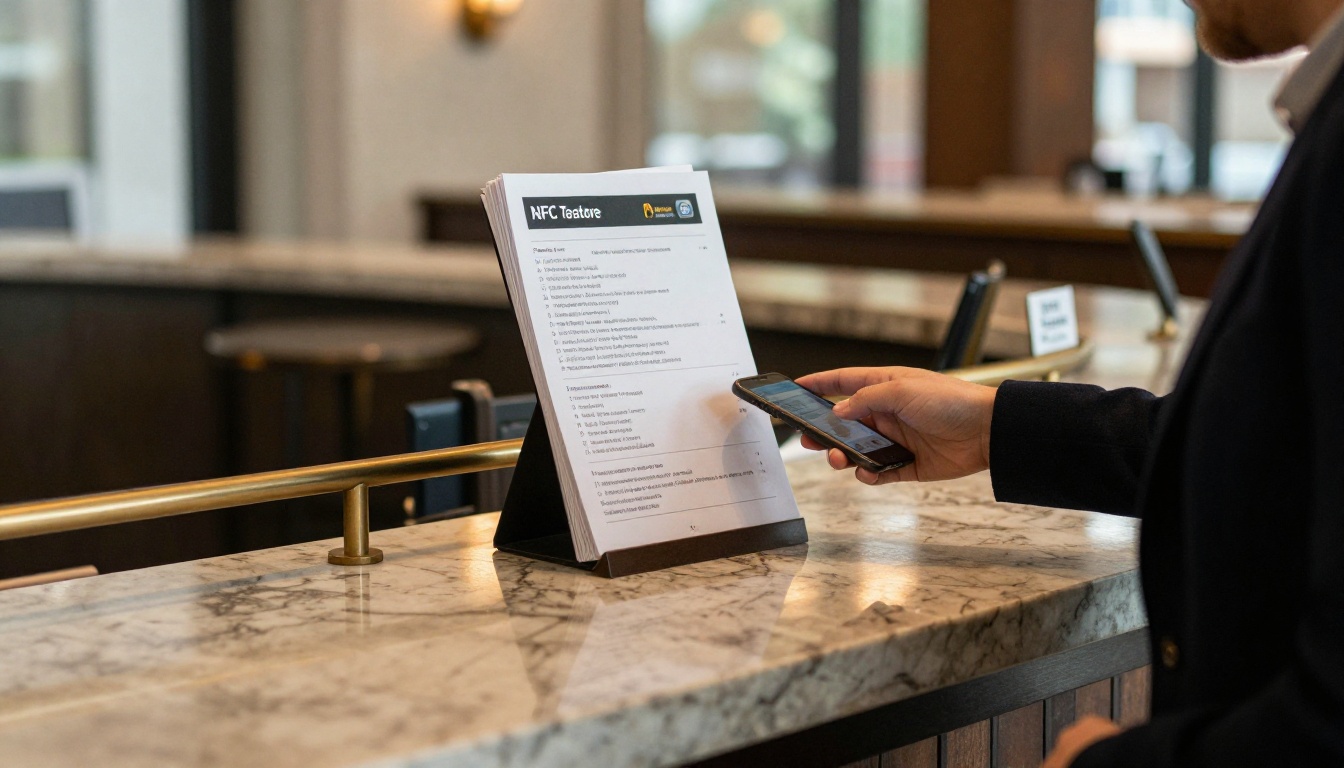
Guests in a lobby are relaxed and curious, and a premium setting suits a tap experience. A small NFC sign next to a brochure stand feels refined. Pair it with a Hotel Brochure flipbook so guests can browse rooms, spa services and local tips on their own phones.
Direct Mail and Print Ads
Postcards, magazine inserts and newspaper ads are read at home, often with no one around to explain anything. QR codes are the clear winner here. NFC would require a tag on every piece, and ads printed in bulk cannot carry one.
| Scenario | Best Pick | Why |
|---|
| Trade show booth | NFC plus QR | Tap for visitors, scan for passersby |
| Open house | NFC plus QR | Personal handoff plus yard sign |
| Restaurant tables | QR | Cheap, replaceable, universal |
| Hotel lobby | NFC | Premium feel, low volume |
| Direct mail | QR | Massive print runs |
| Magazine ad | QR | No way to attach a tag |
| Luxury product folder | NFC | Hidden tag, elegant tap |
Why the Destination Matters More
Here is the part many teams miss. Whether the reader tapped or scanned, they land on a page, and that page decides whether the brochure works. A blurry PDF that needs pinching and zooming wastes the fastest tap in the world.
The PDF Problem
Static PDFs download slowly, render poorly on small screens, and give you no data. A person who waits ten seconds for a file to open often gives up.
The Flipbook Fix
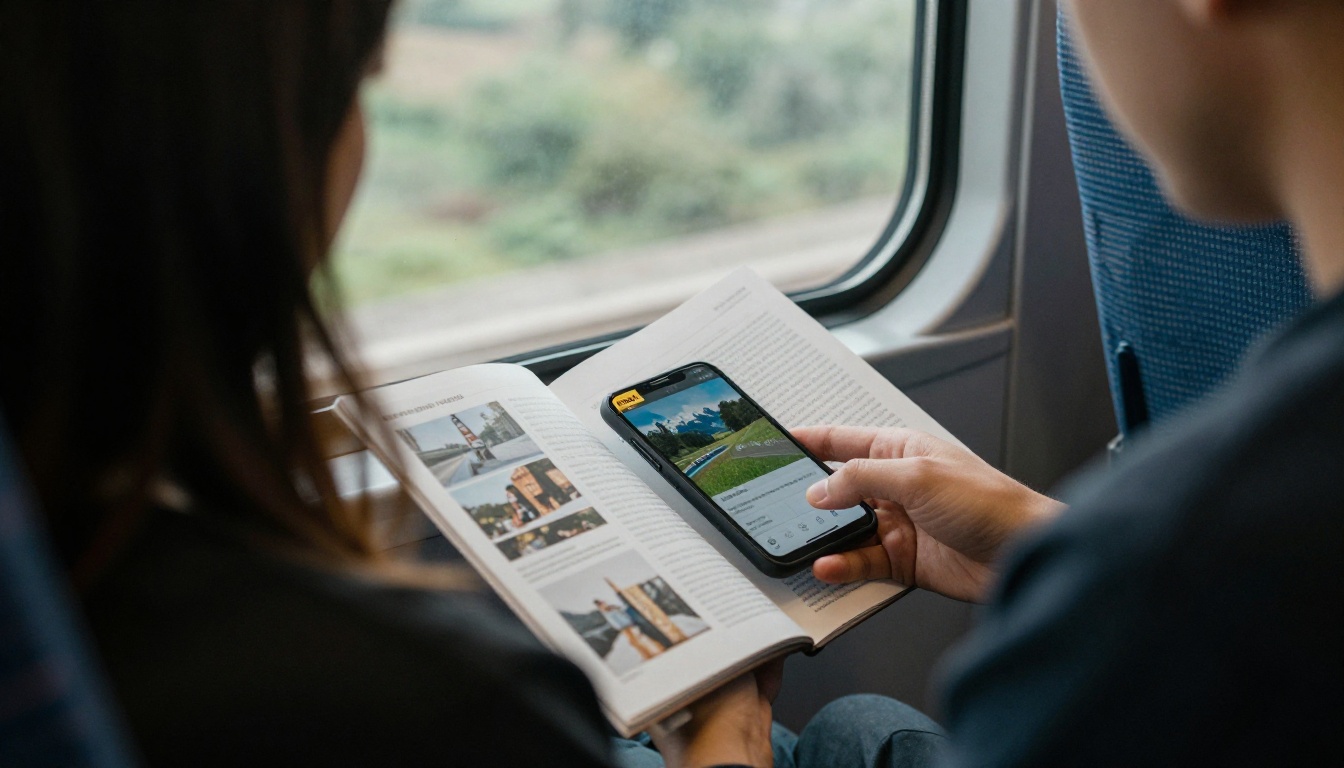
A flipbook loads fast, flips like paper, resizes for any screen, and can include embedded video and audio. It is mobile-responsive and carries no watermarks, so the experience matches the quality of your print piece.
| Destination | Load Speed on Mobile | Readability | Trackable |
|---|
| Raw PDF download | Slow | Poor, needs zoom | No |
| Plain web page | Fast | Good | Basic |
| Flipbook | Fast | Excellent | Yes (Professional plan) |
How to Connect a Flipbook to a QR Code or NFC Tag
Follow this simple process to turn your brochure PDF into a tap-ready or scan-ready experience.
- Create your account. Go to Flipbooks AI and sign up.
- Upload the PDF. Drop in your brochure file. The PDF to Flipbook Converter turns it into a page-turning flipbook in moments.
- Customize the look. Add your logo, brand colors, page effects, and optional video or audio. The Brochure Flipbook Maker keeps the layout true to your print design.
- Choose sharing options. Copy the direct link, grab an embed code, or add password protection for private brochures.
- Generate your QR code. Paste the flipbook link into any QR generator and download the code as a high-resolution file or vector.
- Write the same link to an NFC tag. Use a free NFC writing app on your phone, select "Write a URL", paste the link, and tap the tag.
- Print and test. Test on at least one iPhone and one Android phone before the full run.
💡 Pro tip: Because both the code and the tag hold the same link, you can change the flipbook content later without reprinting or rewriting anything. Update the flipbook, and every old brochure shows the new version.

Design Tips That Make Either One Work
A great technology can still fail with weak design. Keep these rules in mind.
For QR Codes
- Print the code at least 2 by 2 centimeters (about 0.8 inches), larger for posters.
- Keep strong contrast, dark modules on a light background.
- Leave a clear quiet zone, a blank border around the pattern.
- Add a short call to action next to it, such as "Scan to open the brochure".
- Avoid placing it across a fold or a staple.
For NFC Tags
- Print a tap symbol or the words "Tap here" over the tag position.
- Place tags away from metal foil or metallic ink, which blocks the signal.
- Use tags rated for paper or card stock, and test through the final paper thickness.
- Lock the tag after writing so nobody can overwrite the link.
For Both
- Always use a link you control, preferably on your own domain.
- Add UTM parameters if you want source tracking in your reports.
- Test in bright light, dim light and at the edge of a table.
Common Mistakes to Avoid
- Printing the code too small. Phones then struggle to focus, and readers give up.
- Skipping the call to action. An unlabeled square tells people nothing.
- Linking to a desktop page. More than half of scans happen on phones, so the destination must be mobile-first.
- Using NFC only. Some phones cannot read it, and you lose those readers.
- Forgetting to test. Print one proof and try it before ordering thousands.
- Using an expiring link. A temporary URL kills your brochure the day it expires.
The Hybrid Approach
You do not have to pick a side. Many brands print a QR code on the back panel and hide an NFC tag under the front panel. A reader who is comfortable with tapping gets a smooth experience, and everyone else still has a reliable fallback.
| Setup | Cost Impact | Reader Reach | Best For |
|---|
| QR only | Lowest | Very high | Mass print and ads |
| NFC only | Medium to high | Moderate | Small premium runs |
| QR plus NFC | Medium | Highest | Events, sales folders, hospitality |
A simple budget rule: put the QR code on every copy, and add NFC tags only to the copies that reach high-value people, such as clients, investors or VIP guests.
Ready to Share Your Brochure?
Both formats are only doorways. What waits on the other side is what turns a curious tap into a customer. Build the experience first, then choose the doorway that fits your audience.
Pick the QR code for reach, the NFC tag for polish, or both for the best of each, and point them at a flipbook worth opening.



