A buyer's first real look at your listing is rarely the property. It is the offering memorandum, a document that decides in about ten minutes whether an investor keeps reading or moves on to the next deal. Brokers who treat it as a formality lose offers. Brokers who treat it as a sales tool close faster, and often at a better price. In this article we open up typical offering memorandum examples, section by section, and show what commercial brokers put inside each one. We also show how to publish the final PDF as an interactive flipbook with Flipbooks AI so buyers can flip through it on any device.
What an Offering Memorandum Is
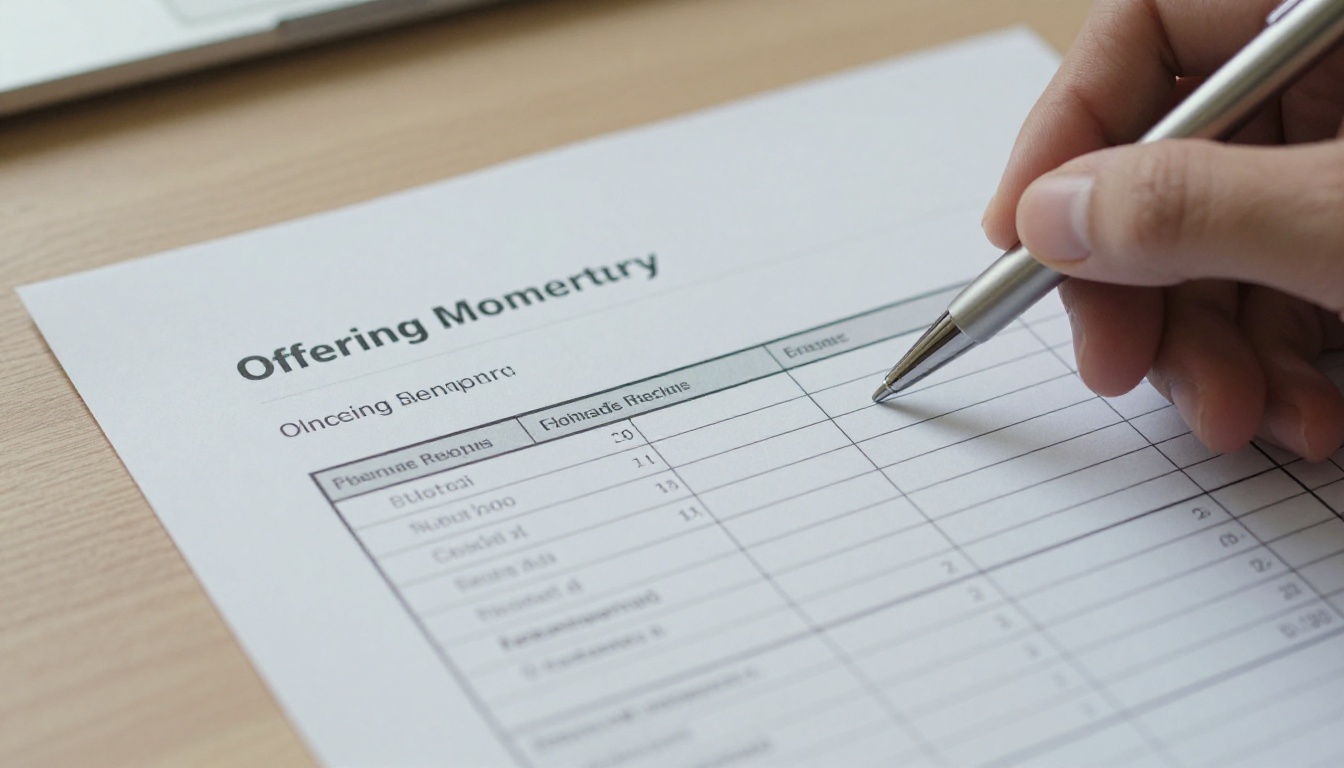
An offering memorandum (OM) is the primary marketing document for a commercial property sale. It presents the asset, the financials, the market and the investment story in one package. Think of it as a business plan for a building, written by the seller's broker and read by buyers, lenders and their advisors.
An OM differs from a simple property flyer in three ways:
- Depth: It includes income, expenses, lease terms and projections, not just photos.
- Persuasion: It frames the numbers with a narrative about why this asset is worth owning.
- Legal weight: It carries disclaimers and confidentiality language that protect the seller.
💡 Pro tip: Most buyers sign a confidentiality agreement before they receive the OM. That means the readers are already interested. Your job is to keep them interested until the call for offers.
Offering Memorandum Examples by Section
Nearly every strong OM follows the same backbone. The order shifts a little by property type, but buyers expect to find these parts.
| Section | What it contains | Typical length |
|---|
| Title page | Property photo, address, broker names, asking price or call for offers date | 1 page |
| Confidentiality notice | Legal terms and usage limits | 1 page |
| Executive summary | Deal highlights, headline numbers, investment thesis | 2 to 3 pages |
| Property overview | Physical description, site, construction, amenities | 3 to 6 pages |
| Financial summary | Rent roll, operating statement, pro forma | 4 to 8 pages |
| Market overview | Demographics, comps, employment, supply pipeline | 3 to 6 pages |
| Disclaimers | Full legal language | 1 to 2 pages |
The Executive Summary
This is the page most buyers read twice. A good executive summary opens with one paragraph that states the offer plainly: what the asset is, where it sits, and why it matters. Then it lists the numbers a buyer screens on first.
A typical multifamily example looks like this:
- Asset: 96 unit garden style apartment community, built 2004, renovated 2021
- Occupancy: 94 percent
- In place NOI: the net operating income buyers will underwrite
- Pricing guidance: an asking price or a call for offers date
- Value add angle: below market rents on 40 unclassified units that have not been renovated
Brokers keep this section tight. Five to seven bullet points beat three paragraphs of adjectives, because investors skim first and read later.
The Investment Highlights
Many OMs split highlights into their own page. These are the three to six reasons to buy, each with a proof point. Instead of writing "great location," a broker writes "four minute drive to the regional hospital, the largest employer in the county." The proof point does the persuading.
✅ Best practice: Pair every claim with a number, a distance, a date or a named neighbor. Vague praise gets ignored.
What Goes Inside the Property Overview
The property overview answers the buyer's physical questions before they ask them. It is also where photography matters most.
Site and Building Details
Brokers list the facts in a compact table so a reader can scan them in seconds:
| Detail | Example entry |
|---|
| Address | 1200 Example Parkway |
| Year built / renovated | 2004 / 2021 |
| Rentable area | 84,500 square feet |
| Lot size | 6.2 acres |
| Parking | 168 surface spaces, ratio 1.75 per unit |
| Construction | Wood frame, brick veneer, pitched roof |
| Zoning | Multifamily residential |
| Utilities | Individually metered electric, shared water |
Photography and Aerials
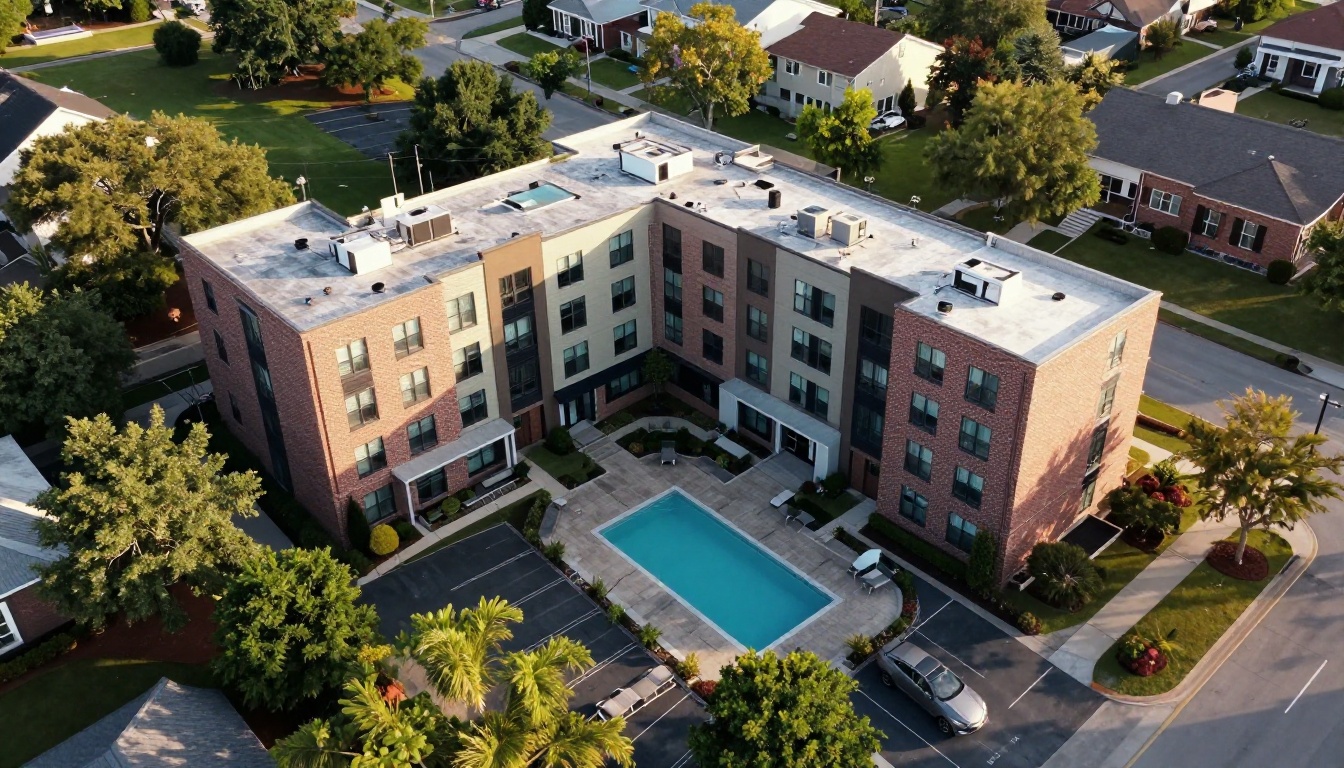
Strong OMs use three types of images: an aerial for context, exterior shots for curb appeal, and interior shots of the best and the typical unit. A buyer who sees a dated kitchen next to a renovated one understands the upside right away. Honest photos also reduce wasted tours later.
Capital Improvements
List what has been done and what remains. A short table of roof, HVAC, paving and unit upgrades, each with a date and a cost, builds trust. Buyers will find deferred maintenance in due diligence anyway, so naming it early shows control.
The Financial Section Buyers Read First
Ask any investor which page they open first, and many will say the financials. This is where the OM earns or loses credibility.

Rent Roll
The rent roll lists every unit or tenant, with lease dates, rent, square footage and deposits. For retail and office, it also shows lease expirations, renewal options and escalations. Brokers often add a lease expiration chart, since rollover risk drives price.
Operating Statement
The operating statement shows income and expenses, typically for the trailing twelve months and the prior two years. A solid example includes:
- Gross potential rent
- Vacancy and concessions
- Other income such as parking, laundry and fees
- Operating expenses, itemized
- Net operating income
Pro Forma and Returns
The pro forma projects performance under the broker's assumptions. This is where honesty pays off. If rent growth assumptions look aggressive, sophisticated buyers will discount the entire section.
| Metric | What buyers check |
|---|
| Cap rate | Is it in line with recent comparable sales? |
| Cash on cash return | Does it hold up after realistic debt terms? |
| Rent growth assumption | Does it match market data in the same OM? |
| Expense growth | Is it above or at inflation? |
| Exit assumptions | Is the exit cap rate conservative? |
⚠️ Warning: A pro forma that assumes zero vacancy or big rent jumps in year one is a red flag. Credibility lost on one page costs you on all of them.
Market and Location Data
A great building in a weak market is a hard sell, so the OM must frame the market. Brokers usually include four items.

Demographics and Employment
Population within one, three and five miles, household income, and the top employers nearby. Charts work better than paragraphs here.
Comparable Sales and Leases
Sales comps show what similar assets sold for. Lease comps show what tenants pay nearby. Brokers pick comps carefully, but buyers will check them, so every comp should be defensible.
Supply Pipeline
Buyers want to know what is being built next door. A short map and list of planned or under construction projects shows you are not hiding competition.
Location Map
Include a regional map and a close up. Mark transit, highways, retail, schools and employers. Keep labels sparse so the map stays readable.
Offering Memorandum Examples by Property Type
The skeleton stays the same, but emphasis changes with the asset.
| Property type | Lead with | Special sections |
|---|
| Multifamily | Unit mix, occupancy, renovation upside | Rent comps, amenity list |
| Office | Tenant roster, lease expirations | Floor plans, parking ratio |
| Retail | Anchor tenants, sales per square foot | Traffic counts, site plan |
| Industrial | Clear height, dock doors, truck court | Logistics access, power capacity |
| Hotel | RevPAR, ADR, occupancy trend | Franchise terms, capital plan |
| Self storage | Unit mix, climate control share | Street rates versus in place rates |

A Short Multifamily Example
A broker selling a 96 unit community might open with: "Value add opportunity in a growing submarket. 40 units remain in original condition and rent about 18 percent below renovated comps." Then the next pages prove it: a unit mix table, photos of both finishes, and the rent comp chart.
A Short Industrial Example
For a 120,000 square foot warehouse, the opening might read: "32 foot clear height, 24 dock doors, two minutes from the interstate, 100 percent leased to a credit tenant through 2031." Specs first, lease term second, location third.
Common Mistakes in Offering Memoranda
Even experienced teams repeat the same errors. Watch for these:
- Too long: Eighty pages of boilerplate bury the three pages that matter.
- Inconsistent numbers: The executive summary says 94 percent occupancy and the rent roll says 91.
- Weak photos: Dark, tilted or dated images make a good asset look tired.
- No story: A pile of data without a thesis forces the buyer to invent one, and they may invent a cheaper one.
- Hard to open: Giant PDF files that stall on mobile lose readers before page one.
💡 Pro tip: Have someone outside the deal read the OM cold. If they cannot say why the asset is attractive after the first three pages, rewrite the summary.
Content is half the job. The other half is how the document reaches the buyer. Investors read OMs on phones between meetings, on tablets at airports and on large monitors at the office. A flat 40 MB PDF is clumsy on all three.

A flipbook solves several delivery problems at once:
| Need | PDF attachment | Flipbook link |
|---|
| Fast load on mobile | Often slow | Pages stream as they are read |
| Page turning feel | None | Realistic page effects |
| Access control | Anyone with the file can forward it | Password protection |
| Read tracking | None | Analytics on views and time per page |
| Updates | Resend a new file | Update once, same link |
| Embedding | Not possible | Embed on a listing page |
How to Turn Your OM Into a Flipbook
If your OM is already a PDF, the steps are short. Use the PDF to Flipbook Converter or follow this path:
- Create a free account at Flipbooks AI.
- Upload your PDF. The platform converts every page into a flipbook automatically.
- Add your branding. Set your firm's colors and logo so the document looks like yours. There are no watermarks.
- Tune the page effects. Choose how pages turn and how the background looks.
- Add multimedia. Embed a property video or an audio walkthrough on the right page.
- Set protection. Turn on password protection for sensitive financials, and share the password only after the confidentiality agreement is signed.
- Share. Send a direct link, or use the Embed Flipbook on Website option to place it on your listing page.
For brokers who produce property brochures often, the Real Estate Brochure Creator is a useful companion. Teams building longer investor packages may prefer the Presentation Flipbook Designer or the Report Flipbook Creator.
Use Analytics to Follow Up
On the Professional plan, analytics show which pages each prospect opened and for how long. A buyer who spent six minutes on the rent roll and the pro forma is a serious candidate. A call that starts with "I saw you looked at the lease expirations, any questions?" lands much better than a generic check in. See the pricing plans for what each tier includes, and note that lead generation and offline downloads are available on Professional.

A Practical Checklist Before You Publish
Run through this list before sending the OM to a single buyer.
- Numbers match everywhere. Occupancy, NOI, square footage and unit counts must agree across pages.
- Every claim has proof. Distances, dates, names and figures.
- Photos are current. Shot in good light, with no cars or clutter that distract.
- Legal text is reviewed. Counsel should approve the confidentiality and disclaimer pages.
- File opens fast on a phone. Test it on cellular data, not office Wi-Fi.
- Contact details are on the last page. Make it effortless to reach the broker.
- Access is controlled. Decide who gets the link and how it is protected.
✅ Best practice: Keep a versioned master file. When the rent roll changes, update one number in one place, then republish so every buyer sees the same truth.

Real World Use Cases
A boutique brokerage selling small office buildings publishes each OM as a branded flipbook, embeds it on the listing page and shares a password protected version with qualified buyers. Their analytics show which buyers read the financials, so the first calls go to them.
An investment sales team handling a portfolio of retail centers builds one flipbook per asset, then links them from a single index page. Buyers can jump between assets without hunting for attachments.
A property owner selling directly without a large team uses a clean template, honest photos and a flipbook link. The result looks as polished as a large firm's package.

Ready to Publish Yours?
A strong offering memorandum is clear, honest and easy to open. Start with the executive summary, back every claim with a number, show the physical asset well, and keep the financials consistent. Then deliver it in a format buyers enjoy using.
Ready to turn your OM into an interactive flipbook? Get started for free on Flipbooks AI, browse the full list of flipbook tools, or compare pricing plans to choose what fits your deal flow.



