You open an old catalog page on your website and find a grey box where the page-turning flipbook used to be. No error, no apology, just empty space. If that sounds familiar, you are dealing with a Flash flipbook, and the good news is that your content is almost certainly not lost. With a tool like Flipbooks AI, you can rebuild the whole thing as a modern flipbook that works on every phone, tablet and browser.
This article walks through why Flash flipbooks died, how to take stock of what you still have, and the exact steps to bring each publication back online. Expect tables, checklists and a few honest warnings along the way.
Why Flash Flipbooks Went Blank
For about two decades, Adobe Flash Player powered most page-turning publications on the web. Catalogs, magazines, annual reports and menus all relied on a small browser plugin to render the page curl and the zoom. Then the plugin was retired.
The Timeline in Plain Terms
Adobe announced the end of life for Flash Player years in advance, and the major browsers followed a staged plan:
- 2017: Adobe sets a firm end date for the plugin.
- 2019 to 2020: Browsers begin asking users to click before Flash content runs, then disable it by default.
- December 31, 2020: Adobe stops supporting Flash Player.
- January 12, 2021: Adobe blocks Flash content from running in the player itself.
- Today: Current browsers ship without the plugin at all, so the content has nothing to run on.
Why You Did Not Notice Sooner
Many site owners never saw the problem arrive. Flipbooks often sat on pages that nobody had checked in years. Others kept working on an old office computer with a legacy browser, which hid the damage. Then a redesign, a new laptop or a customer complaint exposed it.
💡 Pro tip: Open your most visited catalog page on your phone. Phones never supported Flash, so if the flipbook is blank there, it has probably been blank for a long time for a large share of visitors.
What Exactly Stopped Working
Not everything inside a Flash flipbook is gone. It helps to separate the container from the content.
| Part of the old flipbook | Still usable? | What to do |
|---|
| The .swf player file | No | Retire it |
| The page images (JPG/PNG) | Often yes | Reuse or re-export |
| Original design files (InDesign, Word, PowerPoint) | Yes | Export a fresh PDF |
| Embedded text and links | Sometimes | Re-create from source |
| Page-turn sound and animations | No | Replace with modern effects |
| Analytics tied to the old host | No | Start new tracking |
The important line is the second and third rows. If you still have either the page images or the original design file, you can rebuild quickly. If you have neither, there are still paths forward, covered below.
The Hidden Costs of Leaving Them Broken
A blank box is more than an eyesore. It affects real numbers:
- Lost leads. Visitors who wanted your catalog leave without it.
- Search damage. Pages with dead embeds tend to have short visits and high exit rates.
- Trust. A broken element on a product page makes a business look abandoned.
- Security. Some sites still push visitors to install old plugin downloads, which is a real risk.
Audit What You Still Have
Before rebuilding, spend twenty minutes on an honest inventory. This saves hours later.
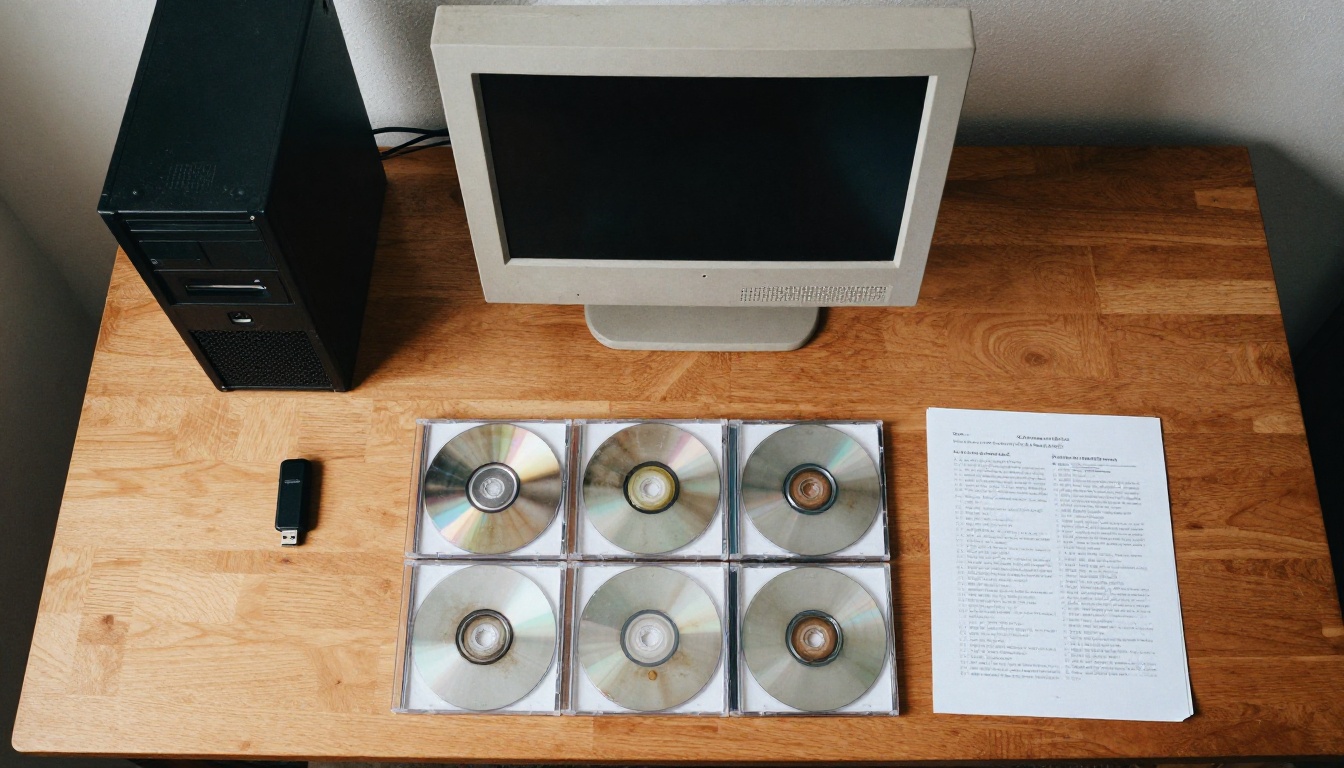
Where Old Files Hide
Check these places in order:
- Your website host. Look in the uploads or media folder for .swf, .xml and image folders named after the publication.
- Email attachments. Your designer or printer may have sent the final PDF years ago.
- Cloud storage and old laptops. Search for the publication name and for file types like .indd, .docx, .pptx and .pdf.
- The printer. Print shops usually keep the print-ready PDF of every job.
- Backups and external drives. The small labeled drive in the back of a drawer counts.
Rate Each Publication
Give every flipbook a simple priority score so you rebuild the valuable ones first.
| Publication | Still relevant? | Source file found? | Priority |
|---|
| Current product catalog | Yes | Yes | High |
| Last year's lookbook | Maybe | Yes | Medium |
| Old event program | No | No | Low, archive only |
| Training manual | Yes | Only page images | High |
| Annual report from 2015 | Reference only | Yes | Low |
⚠️ Warning: Do not delete the old .swf files until the new versions are live and tested. Keep them in an archive folder as proof of what the publication looked like.
Three Ways to Rescue a Flash Flipbook
There are three realistic routes. Which one fits depends on what you found in the audit.
| Route | You have | Effort | Quality |
|---|
| Re-export from source | InDesign, Word, PowerPoint or Canva files | Low | Best, sharp text and live links |
| Rebuild from page images | Folder of page JPG/PNG files | Medium | Good, but text is not searchable |
| Scan the printed copy | Only a physical copy | Higher | Acceptable, depends on scan |
Route One: Re-export from the Source
This is the best case. Open the original design file, check that fonts and images are intact, and export a print-quality PDF. Keep live hyperlinks switched on in the export settings so your buttons and table of contents survive.
Route Two: Rebuild from Page Images
Old Flash flipbooks usually stored every page as an image. Pull those out of the old folder, sort them by page number, and merge them into a single PDF with any free PDF tool. The text will not be selectable, but the layout will look exactly as before.
Route Three: Scan the Printed Copy
If the printed version is all that is left, a flatbed scanner at 300 DPI does the job. Scan in color, keep pages straight, and run optical character recognition if you want searchable text.

💡 Pro tip: A small bookshop or boutique can scan twenty pages in about fifteen minutes. That is far cheaper than redesigning the entire publication from nothing.
How to Rebuild with Flipbooks AI
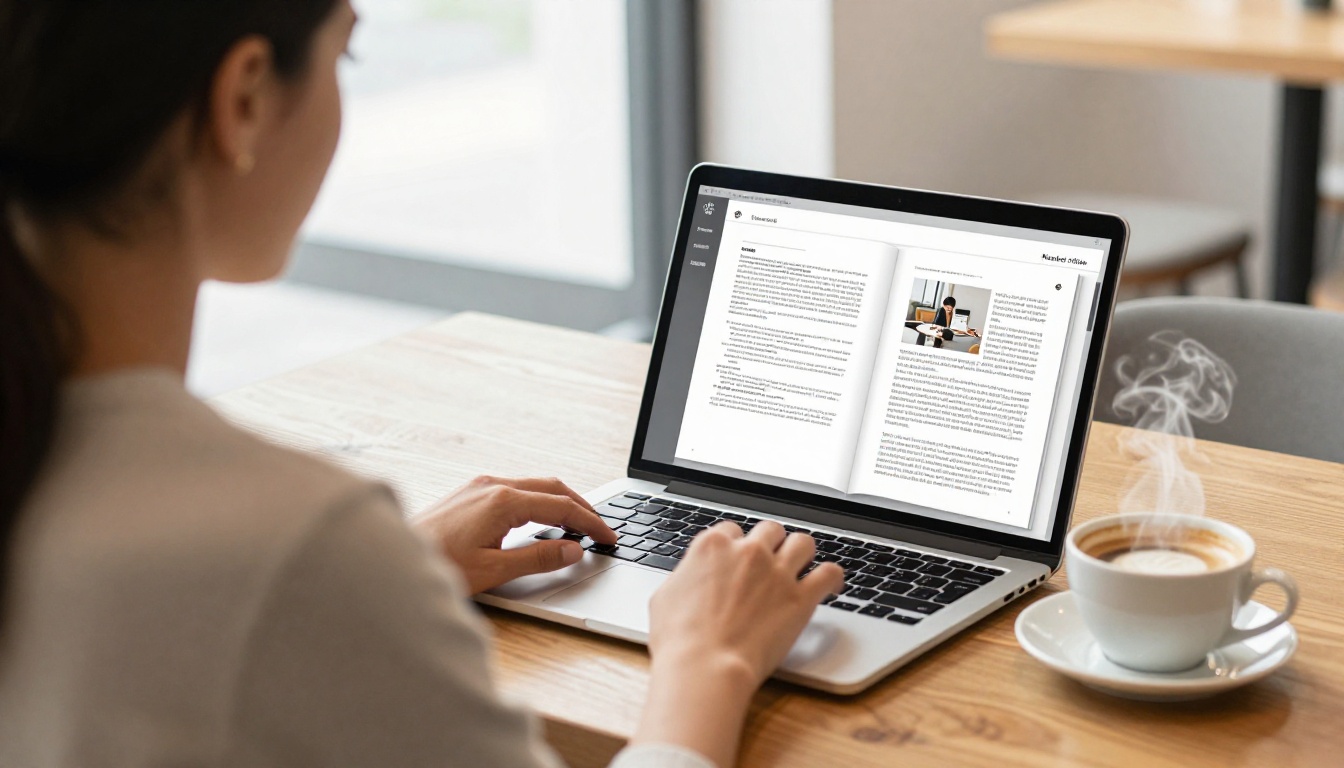
Once you have a PDF, the rebuild itself is quick. Here is the process on Flipbooks AI, which converts PDFs into responsive HTML5 flipbooks with no plugin and no watermarks.
Step by Step
- Create your account. Sign up here to open your dashboard.
- Upload the PDF. Use the PDF to Flipbook Converter and drop in your file. Conversion takes moments, and page order is preserved.
- Customize the look. Add your logo, pick brand colors, choose a background and set the page-turn effect.
- Add multimedia. Embed videos and audio where the old version had animations.
- Set privacy. Protect private publications, such as internal manuals, with a password.
- Publish and share. Copy a direct link or an embed code, covered in the next section.
Pick the Right Tool for Each Publication
Different publications benefit from different starting points. A few examples:
✅ Best practice: Rebuild your highest priority publication first, test it on three devices, and only then move on to the rest.
Flash Versus HTML5 Side by Side
Seeing the differences laid out makes the case for moving on.
| Feature | Old Flash flipbook | Modern HTML5 flipbook |
|---|
| Works on phones and tablets | No | Yes |
| Needs a browser plugin | Yes | No |
| Opens in current browsers | No | Yes |
| Searchable text | Rare | Yes, when the PDF has text |
| Password protection | Limited | Yes |
| Analytics and lead capture | Rarely | Yes, on the Professional plan |
| Offline download | No | Yes |
| Video and audio embedding | Clunky | Built in |
| Security risk | High | Low |
What You Gain Beyond a Fix
Rebuilding is also a chance to improve. A restaurant can add a tap-to-call button. A real estate agent can embed a video tour into the brochure. A training team can track who opened the manual. None of that was practical in the Flash era.
Put the New Flipbook Back on Your Site
The old flipbook lived at a specific spot on your site. Replacing it cleanly matters for visitors and for search.
Embed Options
You have two good ways to publish:
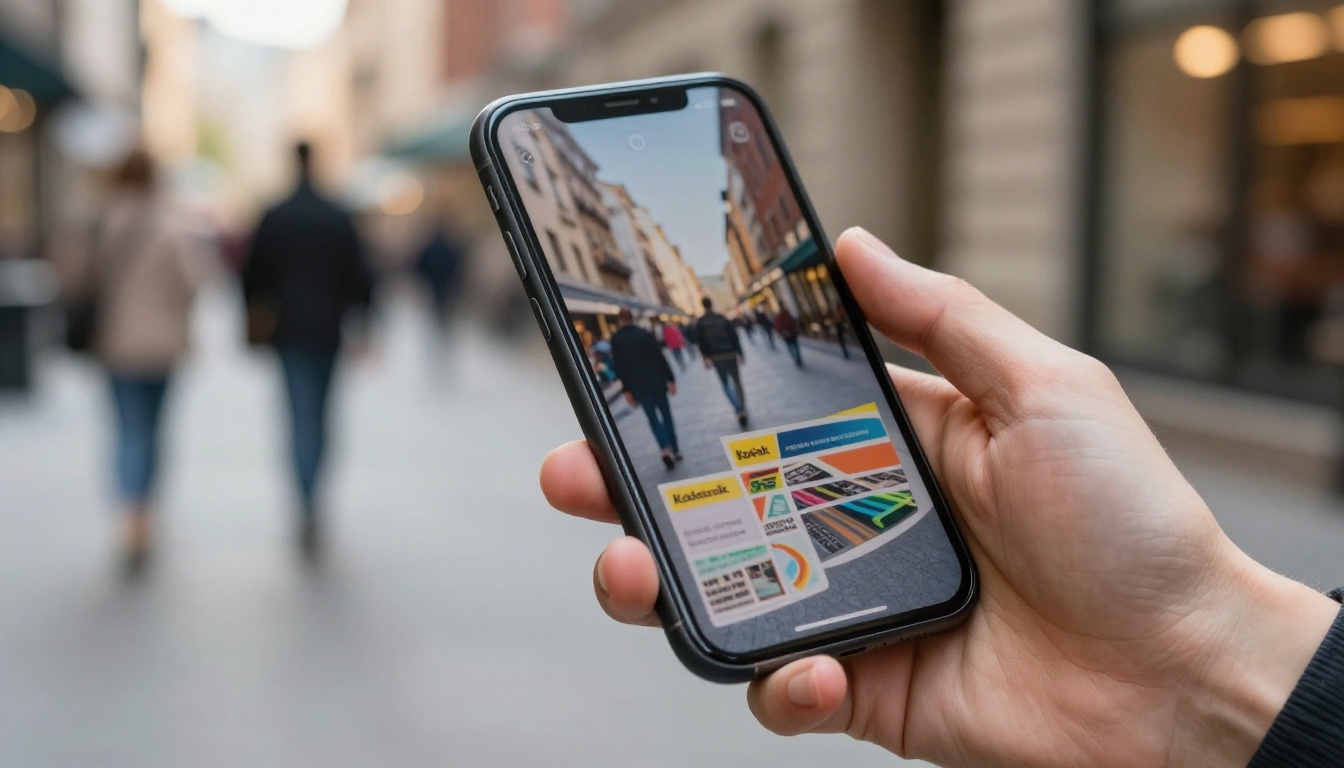
- Embed on the page. Use the Embed Flipbook on Website option and paste the code where the old object used to sit. In WordPress, Wix, Squarespace and Shopify, an HTML or custom code block works.
- Link to a hosted page. Share the direct link in emails, social posts and QR codes on printed material.
Clean Up the Old Embed
Do not leave dead code behind. Remove the old object and embed tags, delete any script that checks for a Flash plugin, and drop messages such as "Please install Flash Player to view this content." Those messages scare visitors and add nothing.
Keep Your Old URLs Alive
If the old flipbook had its own address, point it somewhere useful:
- Find the old URL in your site's traffic report or sitemap.
- Set up a redirect from the old address to the new page.
- Update links in newsletters, social profiles and printed QR codes.
- Submit the updated page to your search console so it is rechecked.
⚠️ Warning: Redirect to the matching new publication, not the homepage. Sending everything to the homepage looks like a soft error to search engines and frustrates visitors.
Common Mistakes to Avoid
Most failed rescues share the same few mistakes.
- Rebuilding everything at once. Start with the three most visited publications.
- Using low-resolution images. If you rebuild from page images, use the largest versions you have. Anything under 150 DPI looks soft on a tablet.
- Forgetting links. Test every button, menu entry and web address after conversion.
- Skipping mobile testing. The whole point is to work on phones. Test on at least one iPhone and one Android device.
- Ignoring file size. A 200 MB PDF loads slowly. Compress images before upload, while keeping text sharp.
- No plan for updates. Decide who owns each publication and how often it is refreshed.
A Quick Pre-Launch Checklist
- Page order matches the original
- Cover and back cover display properly
- Table of contents links jump to the right pages
- Videos and audio play on mobile
- Logo and brand colors are correct
- Password protection is on where needed
- Old Flash code removed from the page
- Redirects tested
Real-World Examples
A few scenarios show how this works in practice.

A Furniture Retailer
A small furniture shop had a Flash catalog from 2012. The designer had retired, but the printer still held the PDF. The owner uploaded it, matched colors to the brand, and embedded it on the product page in one afternoon. The catalog could finally be opened from customers' phones.
A Training Department
A regional company had a safety manual that new hires could not open anymore. Only page images remained on an old server. Staff merged the images into a PDF, rebuilt the manual with the Training Manual Flipbook tool, and added a password so only employees could read it.
A Hotel Group
A hotel had five property brochures, all broken. The team rebuilt them with the Online Brochure Designer and linked each to its booking page. With analytics, they could finally see which brochure was opened most.
| Business | Source found | Route used | Result |
|---|
| Furniture retailer | Printer's PDF | Re-export | Live in an afternoon |
| Training department | Page images | Rebuild from images | Private, password protected |
| Hotel group | Design files | Re-export | Five brochures with tracking |
| Local bookshop | Printed copy only | Scan | Searchable seasonal catalog |
Keeping Your Publications Safe Going Forward
The lesson from the Flash era is simple: do not depend on a format that one company controls. A few habits protect you next time.

Habits That Pay Off
- Always keep the source PDF. The PDF is the one format every tool understands.
- Name files clearly. Use the publication name and the date, such as "spring-catalog-2026.pdf".
- Back up in two places. One cloud copy and one external drive.
- Review yearly. Once a year, open each live publication on a phone and a laptop.
- Use open web standards. HTML5 runs on every current browser without any plugin.
Costs and Plans
Rebuilding does not need to be expensive. Compare the pricing plans to see which one fits. Smaller teams usually start with a Standard plan for unlimited flipbooks, while teams that want analytics and lead generation move to Professional.
Ready to Bring Yours Back?
Your old Flash flipbooks did not vanish because you did something wrong. The technology behind them was retired, and the content is waiting to be rebuilt. Find your source files, export a clean PDF, and publish a version that works for every visitor.
Ready to start? Get started for free on Flipbooks AI, browse all flipbook tools to find the right template, or compare plans to choose what works for you.



