You have a catalog that sells well in one market, and now three more countries are asking for it in their own language. The decision in front of you is simple to state and surprisingly tricky to get right: one flipbook per language, or one multilingual edition? Whichever you choose will shape your costs, your search traffic, your update workflow and how readers feel when they open the file. If you publish with Flipbooks AI, both paths are possible, so the real task is picking the one that fits your content and your team.
This article walks through the trade-offs with real examples, three comparison tables and a practical setup you can follow today. By the end you will know which approach suits a restaurant menu, a product catalog, a hotel brochure or a yearbook, and when it makes sense to mix the two.
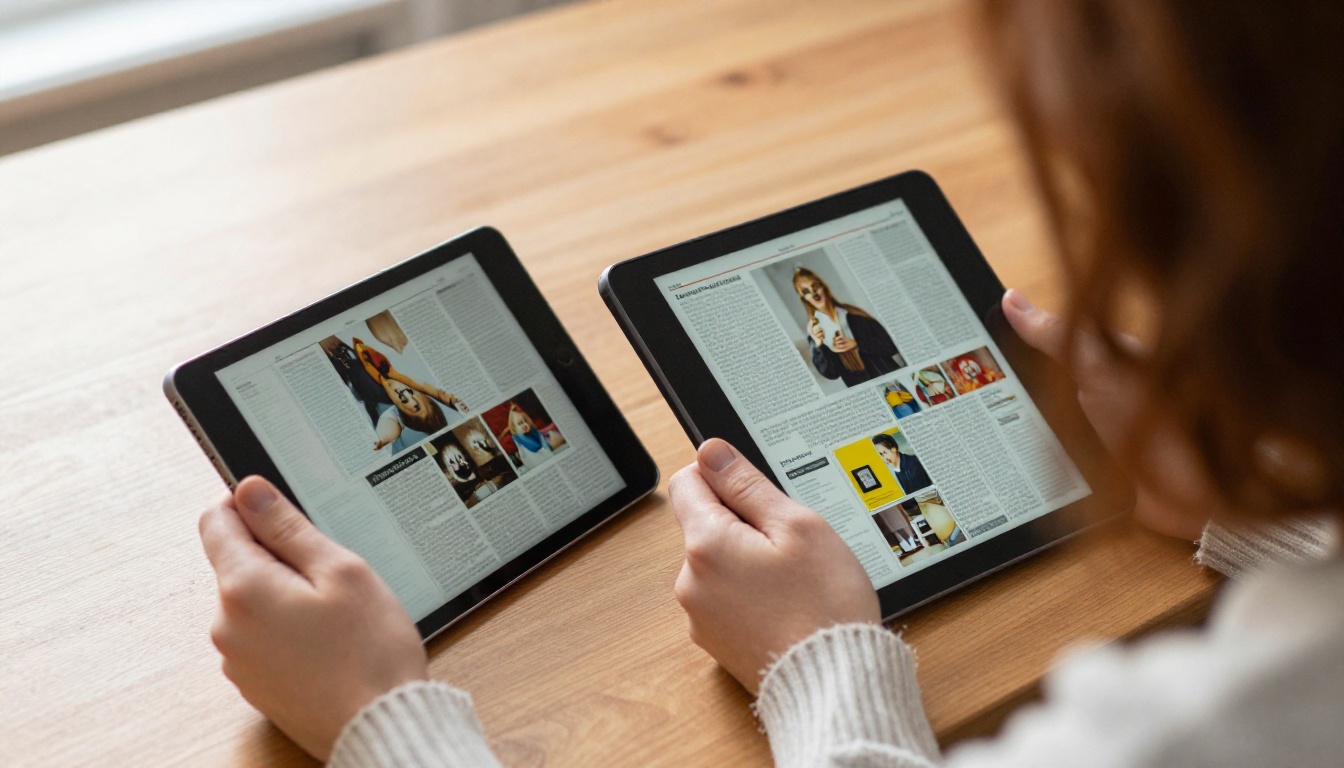
What the Two Options Really Mean
Before comparing, it helps to define the terms, because people use them loosely.
Separate flipbooks per language
You create one standalone flipbook for each language. English lives at one link, Spanish at another, German at a third. Each has its own PDF source, its own URL, its own embed code and its own analytics. Readers never see the other languages unless you point them there.
One multilingual edition
You publish a single flipbook that contains several languages. There are two common shapes:
- Stacked pages: The same document holds English pages, then Spanish pages, then German pages, usually with a clickable table of contents on page one.
- Side by side: Each page carries two languages at once, common in bilingual menus and tourist leaflets.
💡 A third shape sits between the two: separate flipbooks that share one landing page with a language switcher. Readers feel like they are in one edition, while you keep separate files behind the scenes.
The quick comparison
| Factor | One flipbook per language | One multilingual edition |
|---|
| Number of links | One per language | One total |
| File size | Small, focused | Large, grows with each language |
| Reader experience | Clean, nothing irrelevant | Needs navigation to find a language |
| Updates | Edit each file | Edit one file, but a bigger one |
| Search visibility | Strong, one page per language | Weaker, mixed language signals |
| Analytics | Split by language automatically | Mixed, needs page level reading |
Why Separate Flipbooks Often Win
For most businesses that sell in more than one country, separate flipbooks are the safer default. The reasons are practical rather than theoretical.
Readers want their language only
A French reader who opens a flipbook should see French from the first page. Stacked editions force them to scroll past pages they cannot read to find their own section. Even with a table of contents, a share of readers will leave before finding it. A dedicated flipbook removes that friction entirely.
Search engines reward clear language signals
Each separate flipbook can carry a title, description and surrounding web page written in one language. That clarity helps a page rank for searches such as "catalogo de productos 2027" or "Produktkatalog online". A mixed edition sends blurred signals, so it tends to rank for none of them well.
Load speed stays fast
A 40 page catalog in one language is lighter than a 160 page file holding four languages. On mobile networks in many regions, that difference decides whether the first page appears in two seconds or eight.

Analytics tell a cleaner story
With one flipbook per language, you see right away that the Spanish edition gets 2,400 views and a 62% read-through rate while the German edition gets 300 views. With the Professional plan on Flipbooks AI, that data comes with analytics and lead generation so you can judge each market on its own numbers.
✅ Best practice: Name each flipbook with the language in the title, such as "Spring Catalog (ES)", so your dashboard stays readable as the library grows.
When One Multilingual Edition Makes Sense
Separate files are not always better. Some situations clearly favor a single edition.
Short documents with a mixed audience
A two page price list or a one page event schedule does not justify four links. Putting English and Spanish side by side keeps everything in one place, and the file stays tiny.
Physical to digital hand-offs
A hotel might print a QR code on every room card. Guests come from many countries, and the card has space for one code. A single multilingual brochure behind that code avoids printing five cards. The Hotel Brochure Designer works well for this setup, with a language index on the first page.
Bilingual communities
In regions where two languages share equal standing, such as parts of Canada, Switzerland or Catalonia, readers expect to see both. Presenting them side by side is a signal of respect, and splitting them can feel like picking a winner.
Small teams with limited time
If you update a document every week, three separate files triple the work. A single file with side by side columns lets one person edit once. The compromise is a heavier layout, but for a small team that is often worth it.

| Situation | Better choice | Reason |
|---|
| 2 to 6 page leaflet | Multilingual edition | Low page count, easy to read both |
| 40+ page product catalog | Separate flipbooks | Heavy file, strong search value |
| Hotel room QR code | Multilingual edition | One code, many guest nationalities |
| Online magazine with ads per market | Separate flipbooks | Different advertisers and offers |
| Bilingual community notice | Side by side edition | Equal status for both languages |
| Seasonal restaurant menu | Either, see below | Depends on dish count |
The Real Cost of Each Approach
Money and hours matter more than preference, so it is worth putting numbers on this.
Translation and layout costs
Translation cost is the same in both approaches: you pay per word whether the result lives in one file or four. The difference shows up in layout. Languages expand differently. German text is often 20 to 30% longer than English, while Chinese can be 30% shorter. In separate files, each layout adapts freely. In a side by side design, the longest language dictates the space for all the others.
Maintenance over a year
Imagine a catalog updated four times a year with three languages:
| Task per update | Separate flipbooks | Multilingual edition |
|---|
| Replace the PDF | 3 uploads | 1 upload |
| Re-check layout | 3 reviews | 1 larger review |
| Update links and embeds | 0 if you replace in place | 0 if you replace in place |
| Re-check analytics | 3 dashboards | 1 mixed dashboard |
| Estimated team time | About 3 hours | About 2 hours |
The single edition saves roughly an hour per cycle, but it also carries a risk: one layout error can break every language at once.

Plan limits
Check how many flipbooks your plan allows. The Standard plan and above include unlimited flipbooks, so separate files cost nothing extra to host. You can compare the tiers on the pricing page before deciding.
⚠️ Do not choose a multilingual edition only to save on flipbook count if your plan already allows unlimited flipbooks. You would give up search and reader experience benefits for no financial gain.
How Readers Actually Behave
Reader behavior should guide the choice more than internal convenience.
The first ten seconds
Readers decide quickly. If the first page shows their language and a familiar look, they stay. If they must hunt for a language menu, a noticeable portion bounce. Tests on multilingual landing pages across industries repeatedly show that fewer clicks to the right language means longer sessions.
Where readers arrive from
Think about the entry point:
- Search results: Visitors expect the page to match the language of their query, which favors separate flipbooks.
- QR codes on print: Visitors scan once and expect to choose, which favors a single edition or a landing page.
- Email campaigns: You can segment by language and send each group a direct link, which favors separate flipbooks.
- Social sharing: A link shared in a Portuguese group should open in Portuguese, again favoring separate files.
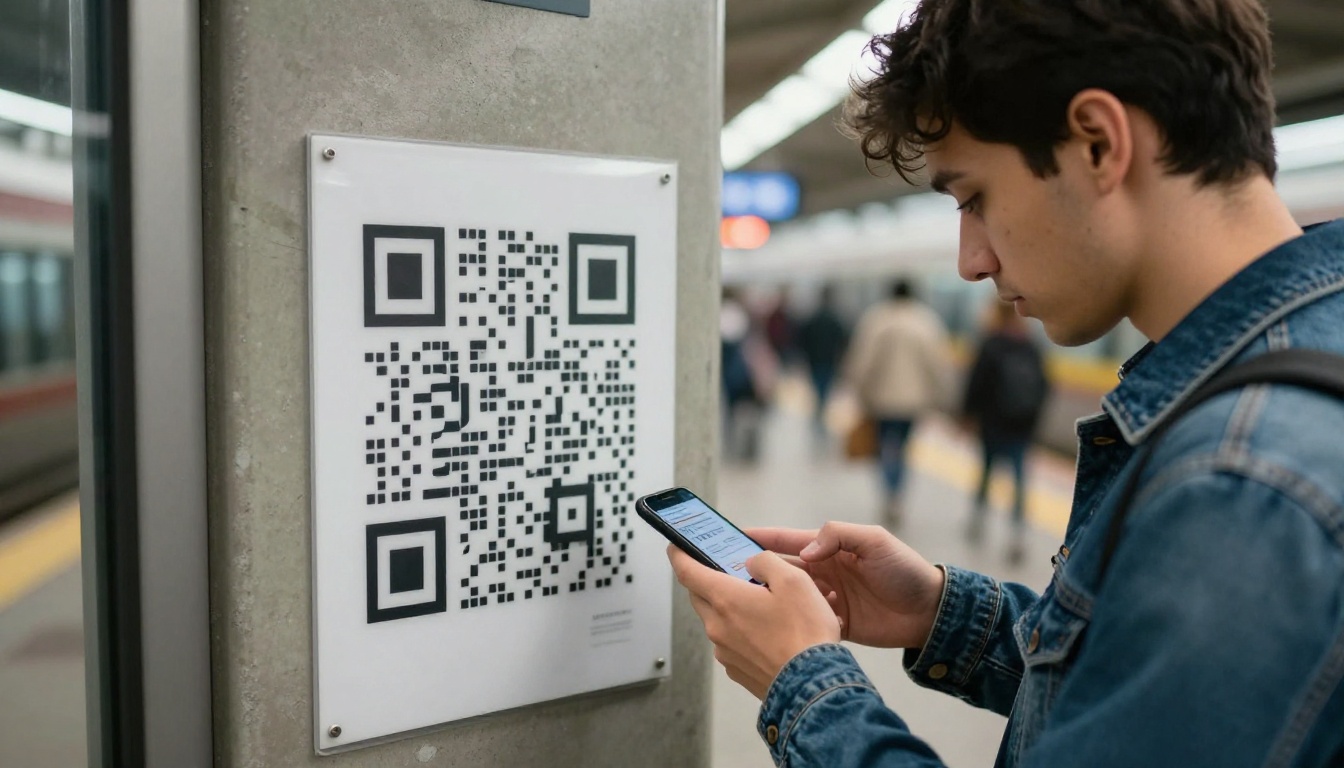
Real world example: a craft fair seller
A ceramics seller attends fairs in Lisbon, Madrid and Berlin. She prints a small card with a QR code. At first she used a single three language catalog, and visitors often closed it after a few seconds. After she switched to a landing page with three separate flipbooks, one per language, her average time on the catalog rose noticeably because each visitor saw only relevant pages. The Digital Catalog Maker makes this kind of split quick to set up.

The Hybrid Setup Most Teams Should Try
For many publishers the best answer is neither extreme. A hybrid keeps files separate and gives readers a shared front door.
How the hybrid works
- Create one flipbook per language.
- Build a simple landing page with flags or language names.
- Link each language to its flipbook.
- Use one QR code or short URL that points at the landing page.
- Link directly to language specific flipbooks in campaigns and on social channels.
Why it works
You keep clean search signals and clean analytics, yet print materials only need one code. Readers who arrive through search skip the landing page and open their language directly.
| Entry point | Where to send readers |
|---|
| Google search in Spanish | Spanish flipbook directly |
| Printed QR code on packaging | Language landing page |
| Newsletter to German list | German flipbook directly |
| Trade show handout | Language landing page |
| Partner website | Embedded flipbook in the partner's language |
💡 Embedding is simple: each flipbook has an embed code you can place on the matching language page of your website, so visitors never leave your site. See the Embed Flipbook on Website tool for the details.
How to Create Multilingual Flipbooks with Flipbooks AI
Here is a practical walkthrough for the hybrid approach. It also works if you choose pure separate flipbooks or a single edition.
Step 1: Prepare one PDF per language
Export each language from your design tool as its own PDF. Keep the same page structure so the layouts feel alike. Name the files clearly, for example catalog-en.pdf, catalog-es.pdf and catalog-de.pdf. If you want a single multilingual edition instead, merge them into one PDF with a contents page at the front.
Step 2: Upload and convert
Open your account on Flipbooks AI and upload the first PDF. The PDF to Flipbook Converter turns it into a page turning flipbook in seconds. Repeat for each language.
Step 3: Customize the look
Apply the same branding to every flipbook: logo, colors, background and page effects. Consistency matters, because readers who switch languages should feel they are in the same publication. You can also add multimedia, since the platform lets you embed videos and audio. A voiceover in each language is a strong touch for product demos.
Step 4: Set sharing options
For each flipbook, choose how it will be shared:
- Direct link: best for email and social posts.
- Embed code: best for your website's language pages.
- Password protection: useful for private price lists meant for distributors in one market only.
- Offline download: helpful for readers with unreliable connections.
Step 5: Track results
On the Professional plan, check analytics for each edition and use lead generation forms to see which markets convert. If the German edition has a high read-through but few leads, the problem may be the call to action, not the language. Compare plans and features to see what fits your team.
✅ Best practice: Add a small language switch link on the last page of every flipbook so readers can jump to another language if they landed in the wrong one.
Different content types lean in different directions. These examples show how that plays out.
Restaurant menus
A restaurant with 30 dishes in three languages can fit a side by side menu if the descriptions are short. With long descriptions, separate flipbooks read better. The Restaurant Menu Creator supports both layouts.
Product catalogs
Catalogs usually have currency, shipping terms and legal text that differ by country. Separate flipbooks let you adjust all of these without touching other markets. Try the Product Catalog Generator for each region.
Travel and tourism publications
Tourist boards often publish in six or more languages. Separate files keep the weight down and let each market see locally relevant photos. The Travel Guide Flipbook tool is a good starting point.
Education and yearbooks
Schools with international families may want a bilingual newsletter. A side by side edition works because the content is short and both languages hold equal weight. The School Newsletter Creator suits this well.

| Content type | Recommended setup | Why |
|---|
| Restaurant menu, short descriptions | Side by side edition | Compact, one QR code |
| Product catalog | Separate flipbooks | Local prices and legal text |
| Tourism publication | Separate flipbooks plus landing page | Many languages, heavy files |
| School newsletter | Side by side edition | Two languages, short content |
| Annual report | Separate flipbooks | Formal, long, region specific |
Common Mistakes to Avoid
Even good plans fail on small details. Watch for these.
3 mistakes that hurt results
- Machine translation without review. Awkward phrasing damages trust. Have a native speaker check at least headings, prices and calls to action.
- Ignoring text expansion. A layout that fits English may overflow in German or Finnish. Leave extra space in every text block.
- Forgetting alt text and page titles. Search engines read these. Write them in the language of each edition.
Smaller slips worth fixing
- Using flags to represent languages. A flag stands for a country, not a language, and Spanish readers in Mexico may not feel represented by Spain's flag. Use language names written in their own language, such as "Español" and "Deutsch".
- Leaving dates and currencies in one format. Localize them.
- Publishing without testing on mobile. Most readers will open the flipbook on a phone.
⚠️ Avoid mixing languages on the same page without clear visual separation. Use columns, background tints or labels so readers know where their language begins and ends.

A Simple Decision Checklist
Answer these questions honestly and the choice usually becomes obvious.
- Does the document run longer than 12 pages? If yes, lean toward separate flipbooks.
- Do you rely on search traffic in each language? If yes, choose separate flipbooks.
- Will most readers arrive through one printed QR code? If yes, use a landing page or a single edition.
- Do prices, laws or offers differ by country? If yes, choose separate flipbooks.
- Are there only two languages with equal standing and short content? If yes, a side by side edition is a good fit.
- Does one person maintain everything and have little time? Consider a single edition for the shortest documents.
If you answered mostly "separate", build one flipbook per language and add a landing page. If you answered mostly "single", keep it side by side and compact.
Ready to Publish in Every Language?
Both approaches work, and the right one depends on length, audience and how readers find you. For anything beyond a short leaflet, separate flipbooks with a shared landing page give the best mix of speed, search visibility and clear analytics.
Ready to build yours? Get started for free on Flipbooks AI, browse all available tools and templates to find the right layout, and compare pricing plans to choose what works for your team. Your readers are waiting in their own language.



