Every owner has lived the same Monday: a new hire pours the wrong portion, a shop opens twenty minutes late, and the second location does everything differently from the first. The cause is rarely lazy staff. It is usually a missing or buried set of instructions. A solid operations manual template for restaurants, shops and franchises fixes that by putting every routine in one place, in plain words, where people can find it in ten seconds. In this article you will get the chapter structure, sample checklists, comparison tables and a way to publish the finished manual as a page-turning digital book with Flipbooks AI.

Why Every Business Needs a Manual
An operations manual is the written version of "how we do things here." It records the routines that make your business run the same way whether you are in the building or not. Without it, knowledge lives in the heads of your best people, and it leaves when they do.
Three things happen once a manual exists:
- New hires ramp up faster. They read, watch, and practice instead of interrupting a busy manager every five minutes.
- Quality stops drifting. The soup tastes the same on Tuesday and Saturday, and the display looks the same in every shop.
- You can grow. A franchise partner or a second-location manager can open the doors with confidence because the playbook is already written.
What a Manual Is Not
It is not a legal contract, a marketing brochure or a 400-page binder that gathers dust. The best manuals are short, scannable and honest about real daily work. If a task takes two minutes, the instruction should take thirty seconds to read.
Who Reads It and When
Most readers open the manual at a moment of doubt: during a rush, at closing, or while handling a complaint. That means search, short steps and mobile access matter more than polished prose.
💡 Pro tip: Write each procedure for someone standing up with one free hand. If it cannot be followed that way, shorten it.
The Core Chapters to Include
Whether you run a bistro, a boutique or ten franchised units, the skeleton is nearly identical. Use the table below as your master outline, then trim what does not apply.
| Chapter | What It Contains | Restaurant Example | Shop Example | Franchise Example |
|---|
| Company basics | Mission, values, org chart, contacts | Owner and shift leads | Store manager chain | Brand standards, regional contacts |
| Opening and closing | Timed checklists | Prep, sanitize, lock walk-through | Cash float, lights, displays | Same list at every unit |
| Customer service | Greetings, complaints, refunds | Handling a wrong order | Returns policy | Brand voice script |
| Product standards | Specs, photos, quantities | Recipe cards and plating | Merchandising layout | Approved suppliers and specs |
| Safety and compliance | Hygiene, incidents, local rules | Temperature logs | Fire exits, lifting rules | Audit calendar |
| Staff management | Scheduling, training, reviews | Station rotation | Break rules | Onboarding track |
| Finance and cash | Tills, deposits, ordering | Daily sales close | Cash-up and safe | Royalty reporting |
| Emergency plans | Who to call, what to do | Kitchen fire, gas leak | Robbery, power cut | Escalation to head office |
Start With the Chapter That Hurts Most
You do not need to write everything at once. Pick the area causing the most mistakes this month, usually opening, closing or customer complaints, and finish that chapter first. A rough, useful chapter beats a perfect plan that never ships.
Keep Each Page to One Job
One procedure per page. A title, a purpose line, numbered steps, and a "what good looks like" line. This format also converts neatly into flipbook pages later.
A Template You Can Copy Today
Here is the page structure that works across industries. Copy it for every procedure.
Procedure title: Use a verb, such as "Open the Kitchen" or "Process a Return."
Purpose: One sentence on why this task matters.
Who does it: Role, not a name.
When: Time or trigger.
Steps: Numbered, ten maximum, each starting with an action verb.
Standard: What a correct result looks like, ideally with a photo.
If something goes wrong: Who to call and what to do first.
Sample Page: Restaurant Opening
- Arrive 90 minutes before service and disarm the alarm.
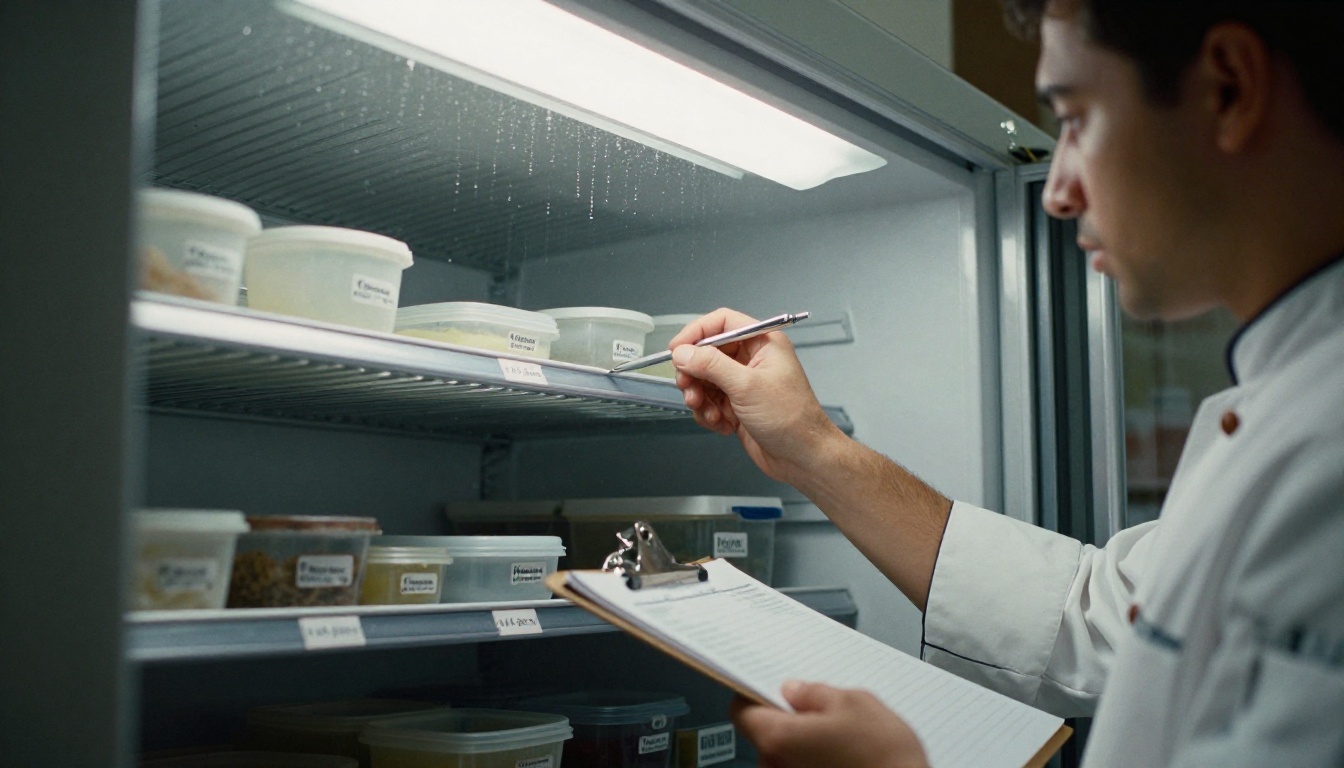
- Check the walk-in temperature and record it on the log.
- Turn on the grill, fryers and dishwasher.
- Review the prep list and assign stations.
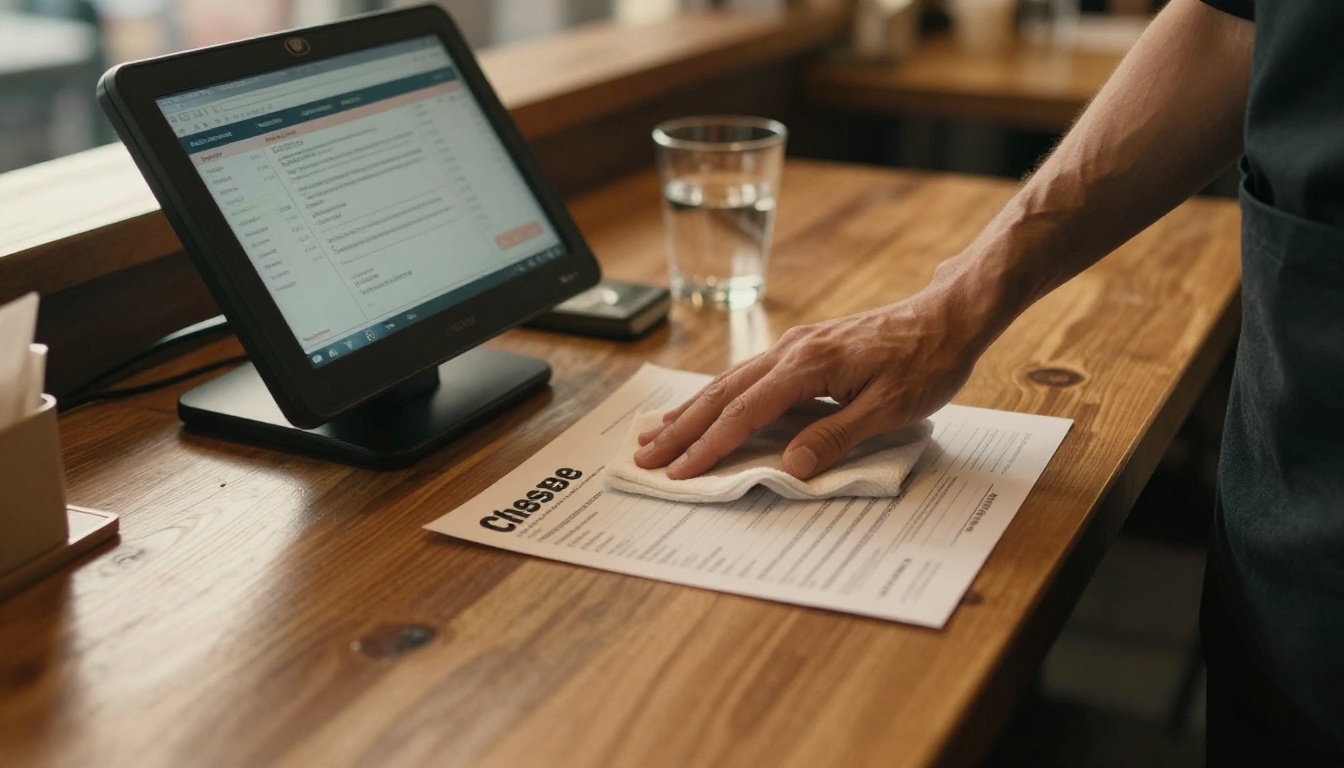
- Sanitize all surfaces and set out clean cloths.
- Taste-test the soup of the day and sauces.
- Count the float and verify the point-of-sale system works.
- Hold a two-minute team huddle: specials, reservations, allergies.
Sample Page: Shop Opening
- Disarm the alarm and switch on lights and music.
- Count the cash float and record it.
- Walk the floor and straighten displays against the planogram photo.
- Check that price tags match the system for the weekly promotions.
- Test card terminals with a small transaction.
- Unlock the door at the posted time, not before.
✅ Best practice: Attach a reference photo to every visual standard. A picture of the finished shelf removes ten lines of explanation.
Restaurants: Routines That Prevent Chaos
Kitchens run on timing, temperature and communication. The manual should capture all three without turning into a textbook.
Food Safety and Temperature Logs
Write down the exact temperatures and intervals, then give staff a place to record them. Include what to do when a reading is out of range. A log without a corrective action is just paperwork.
Recipe and Plating Cards
Each dish gets a card: ingredients by weight, steps, plating photo, allergen flags and cost per portion. Consistency here protects both your reputation and your margins. If you also publish a customer-facing menu, the Restaurant Menu Creator can turn it into a matching digital version.
Front of House Standards
Spell out greeting time, how to present the menu, when to check back, and how to handle a complaint. A simple three-step recovery script (listen, apologize, fix) works better than a long policy.
| Situation | First Action | Second Action | Escalate When |
|---|
| Wrong dish served | Apologize, take it back | Remake quickly, offer a drink | Second error in one visit |
| Long wait | Update guests with a time | Offer water or a starter | Wait exceeds 30 minutes |
| Allergy concern | Stop service of the dish | Confirm with the chef | Any reaction is reported |
| Billing dispute | Review the receipt calmly | Correct the error | Amount above your limit |
Shops: Consistency on the Floor
Retail manuals lean on visuals. Layout, signage, pricing and stock handling all benefit from photos and simple diagrams.
Merchandising and Stock Rules
Describe how products are folded, hung, faced and priced. Include a seasonal calendar that tells staff when to change windows and promotions. For product-heavy shops, a flipbook can double as an internal lookbook, and the Product Catalog Generator is a quick way to build a reference book of everything on your shelves.

Cash Handling and Loss Prevention
Define who can open the safe, how often tills are counted and what happens when numbers do not match. State it neutrally: the goal is accuracy, not suspicion.
Returns and Complaints
Return policies cause more arguments than almost any other topic. Put the rules in one table and include the exact words staff can say.
| Return Type | Time Window | Condition | Refund Method |
|---|
| Unused item with receipt | 30 days | Tags attached | Original payment |
| Item without receipt | 14 days | Tags attached | Store credit |
| Faulty product | 90 days | Proof of defect | Refund or replacement |
| Sale item | 7 days | Unused | Store credit |

Franchises: One Playbook, Many Owners
For a franchise, the manual is also the product you sell. A new owner is paying for a proven system, and the document proves it exists.
Brand Standards vs Local Freedom
Decide what is fixed and what can flex. Logos, recipes, uniforms and core pricing logic are usually fixed. Local events, community partnerships and small menu tests may be allowed. Mark each rule as Must, Should or May so owners know where they stand.
Training and Onboarding Track
Build a 30-60-90 day plan inside the manual. Each week lists chapters to read, tasks to shadow and a short sign-off. Pair it with the Training Manual Flipbook tool to keep onboarding material in one shareable book.

Audits and Updates
Include the audit checklist you actually use, so owners are never surprised. Add a version number and a change log at the front. When a rule changes, every location must see the new page the same day.

| Format | Easy to Update | Mobile Friendly | Version Control | Cost to Distribute |
|---|
| Printed binder | Low | No | Manual | High |
| PDF by email | Medium | Partly | Messy | Low |
| Shared drive folder | Medium | Partly | Moderate | Low |
| Digital flipbook | High | Yes | Single live link | Low |
How to Publish It With Flipbooks AI
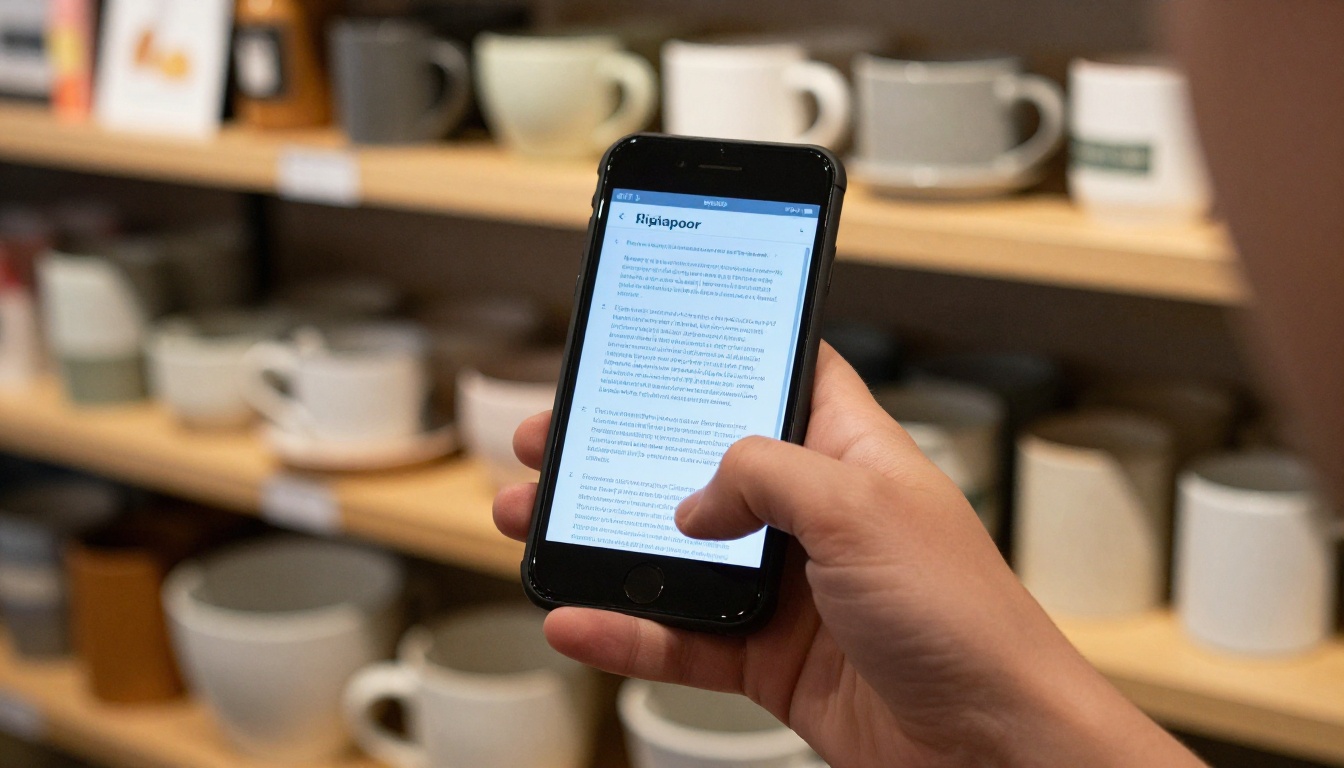
A manual only works if people open it. A flipbook gives staff a book-like experience on any phone, with no app to install and no attachment hunting. Here is the full process.
Step 1: Write and Export a PDF
Draft the manual in any word processor or design tool using the page template above. Export it as a PDF with a clickable table of contents if possible.
Step 2: Upload and Convert
Sign in or create an account, then drop your file into the PDF to Flipbook Converter. Your pages become a smooth page-turning book in moments, with no watermarks.
Step 3: Customize the Look
- Add your logo and brand colors so it feels official.
- Pick the page-turn effect and background.
- Embed short videos or audio, such as a thirty-second demo of how to clean the espresso machine.
- Add links from the contents page to each chapter.
Step 4: Share With the Right People
- Direct link: Send it in your team chat or pin it at the back office.
- Embed code: Place it on a private staff page using the embed tool.
- Password protection: Keep recipes, supplier prices and franchise terms private.
- Offline download: Handy for locations with weak signal.
Step 5: Track and Update
On the Professional plan you get analytics and lead generation, so you can see which chapters are opened and which are ignored. A page nobody reads is either useless or badly written. Compare options on the pricing page, and remember that the Standard plan and above includes unlimited flipbooks, handy when each location gets its own tailored edition.
💡 Pro tip: Keep one master manual and publish location editions only for what truly differs, such as local contacts and emergency numbers.
Mistakes That Sink Good Manuals
Most manuals fail for predictable reasons. Check your draft against this list.
- Writing it alone in an office. Ask the people who do the job to review each page. They will spot the missing step.
- Too much text. If a page needs scrolling, split it.
- No owner. Name one person responsible for updates, with a monthly review date.
- Hiding it. Put the link on the schedule board, in onboarding emails and on the back-office screen.
- Never testing it. Hand a new hire a procedure and watch them follow it. Fix whatever confuses them.
⚠️ Warning: Do not copy another company's manual word for word. Your equipment, local rules and customer expectations differ, and staff can tell when a page does not match reality.
A One-Week Plan to Finish Yours
You can have a usable first edition in a week with about an hour a day.
| Day | Task | Output |
|---|
| Monday | List every recurring task by role | Raw task list |
| Tuesday | Write opening and closing pages | Two checklists |
| Wednesday | Add customer service and returns | Scripts and policy table |
| Thursday | Add safety, cash and emergency pages | Compliance chapter |
| Friday | Take photos, assemble PDF | Draft manual |
| Saturday | Staff review and corrections | Edited draft |
| Sunday | Publish as a flipbook and share link | Live manual |
Start Your Manual Today
The difference between a business that depends on you and one that runs without you is a written, accessible system. Use the chapter list, copy the page template, and publish it where your team already looks: their phones.
Ready to build yours? Get started for free on Flipbooks AI, browse all flipbook tools for matching catalogs and menus, and compare pricing plans to pick what fits your locations.



