You found a flipbook tool that turns a PDF into a page-turning catalog with clickable products, and then the pricing page ended the romance. If you are searching for Paperturn alternatives for shoppable catalogs on a smaller budget, you are in good company. Small shops, independent brands and growing wholesalers all want the same thing: a catalog that looks polished, links straight to a cart, and does not eat the margin on the products inside it. Platforms like Flipbooks AI exist precisely because that need is so common.
This article walks through what a shoppable catalog actually needs, where money tends to leak, and how the main categories of alternatives compare. You will get tables, a short tutorial, real scenarios and a checklist you can use today.
What Makes a Catalog Shoppable
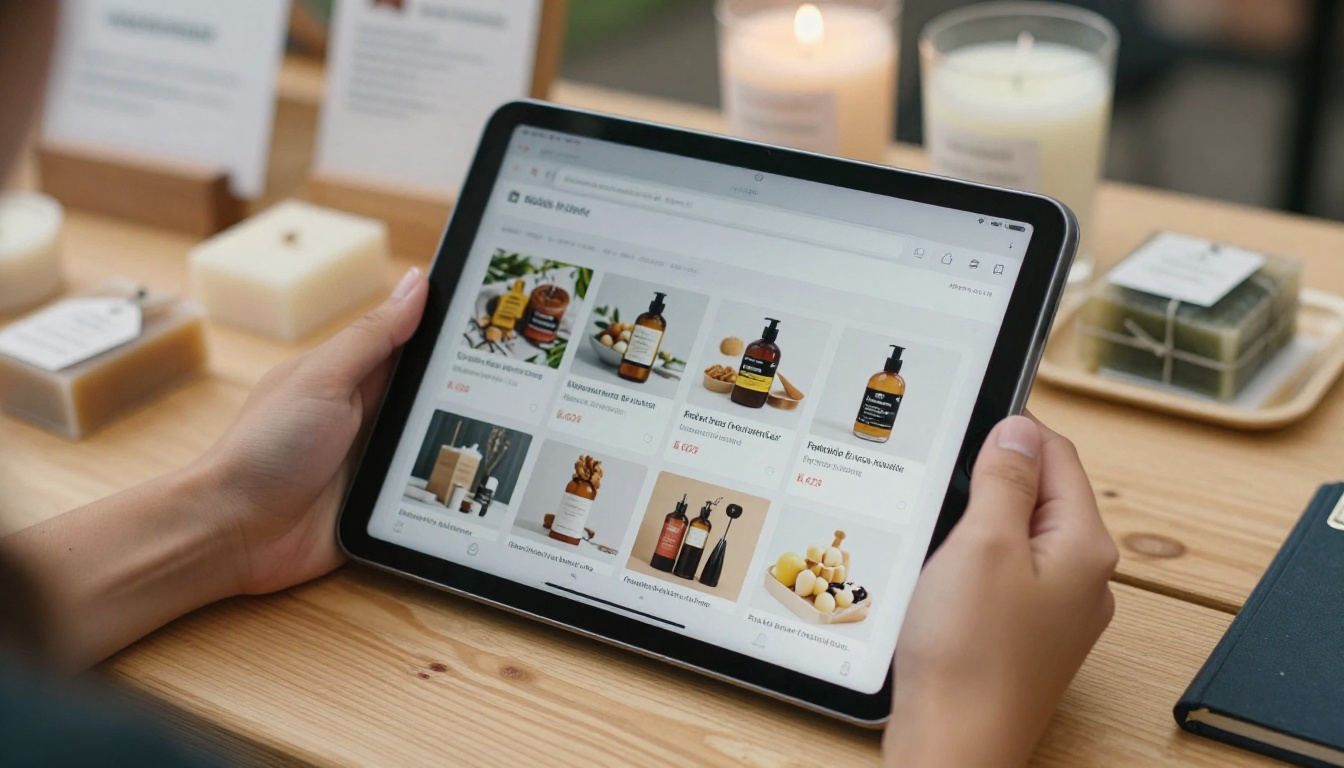
A shoppable catalog is a digital publication where products are connected to buying actions. A reader sees a lamp on page six, taps a hotspot, and lands on the product page or an order form. That small shortcut removes the "now where did I see that?" friction that kills so many sales.
The Core Features
Strip away the marketing and a shoppable catalog needs five things:
- Clickable hotspots or links on products, pointing to your store or an inquiry form
- A fast, mobile-friendly viewer that does not require an app download
- Your branding, meaning logo, colors and no third-party watermark
- Embedding, so the catalog lives on your own site and not only on a vendor page
- Basic analytics, so you know which pages get attention
Everything else is a bonus. Page-flip sound effects are charming, but they do not pay the rent.
What You Can Skip
Many tools bundle features that sound impressive and rarely get used: heavy 3D page physics, built-in checkout engines that duplicate your store, or enterprise permission systems. If you sell through Shopify, WooCommerce or a simple order form, links are enough. Paying for a second checkout is paying twice for the same job.
💡 Pro tip: Write down the three actions you want a reader to take (buy, request a quote, download a price list). Judge every tool only against those three actions.
Where the Budget Really Goes
The sticker price is only part of the cost. When people compare flipbook platforms they often miss four hidden line items.
Subscription Tiers and Limits
Many publishers cap the number of flipbooks, pages, storage or monthly views on lower plans. A catalog business that updates seasonally can hit those limits fast. Always check what happens to your older catalogs if you downgrade or if you cross a view threshold.
Watermarks and Branding Fees
Some entry plans show the vendor's logo on your catalog. For a shop trying to look professional, that is a deal breaker. Removing it can mean moving up a tier. Look for a platform that states plainly that there are no watermarks at any level.
Time Spent Rebuilding
If your catalog is designed in a layout tool and exported to PDF, you do not want to rebuild it page by page inside another editor. The cheapest tool is often the one that accepts your existing PDF and lets you add links afterward.
Add-ons for Lead Capture and Analytics
Analytics and lead forms are frequently reserved for top plans. That is fair, but you should know in advance which tier you actually need.

| Cost factor | What to ask | Why it matters |
|---|
| Flipbook limit | How many publications are included? | Seasonal catalogs pile up quickly |
| Watermark | Is branding removed on every plan? | Credibility with buyers |
| View caps | What happens at the limit? | Surprise upgrades after a good campaign |
| PDF upload | Can I reuse my existing file? | Saves hours of rebuilding |
| Analytics | Which plan unlocks page-level data? | Decide what to improve |
| Embed | Can I place it on my own domain? | Keeps traffic on your site |
The Main Types of Alternatives
Instead of chasing a long list of brand names, it helps to group alternatives by approach. Each approach has a different cost profile. Prices and plan details change often, so confirm everything on the vendor's own page before you commit.
Dedicated Flipbook Platforms
These are tools built around the PDF-to-flipbook idea. They convert, host and embed your catalog, and many offer link hotspots, video embeds and analytics. They suit shops that already have a designed PDF and want to publish quickly. Flipbooks AI sits in this group, with a PDF to Flipbook Converter and plans listed on its pricing page.
Design Tools with Publish Links
Some general design apps let you share an interactive link to a multi-page design. The price can be low or even free, and clickable links work. The tradeoff is limited page-turn presentation, fewer embed options and less analytics.
Store-Native Catalog Pages
Your e-commerce platform may already offer collection pages, lookbooks or line sheets. Zero extra subscription is attractive. The tradeoff is that you do not get a downloadable, page-by-page browsing experience, which many wholesale buyers prefer.
Plain PDF with Links
The cheapest option of all. You add links inside your PDF and host it. It works, but it loads slowly on phones, offers no analytics and feels flat next to a flipbook.

| Approach | Typical cost level | Shoppable links | Analytics | Best for |
|---|
| Dedicated flipbook platform | Low to mid | Yes | Usually | Brands with an existing PDF |
| Design tool share link | Free to low | Yes | Limited | Quick, simple lookbooks |
| Store-native pages | Included in store plan | Native | Store data | Retail without wholesale |
| Linked PDF | Free | Yes | None | Emergency or tiny catalogs |
A Fair Feature Comparison
Here is how to score any candidate, including Paperturn itself. Score each row from 0 to 2 for your own situation. A tool that scores well on the rows you care about beats a tool with a longer feature list.
| Feature | Matters if you... | Weight |
|---|
| Clickable product links | Sell online | High |
| Video and audio embeds | Show products in use | Medium |
| Password protection | Share wholesale pricing | High for B2B |
| Offline download | Meet buyers at trade shows | Medium |
| Lead capture | Run campaigns | Medium |
| Custom branding | Care about trust | High |
| Mobile layout | Get traffic from social | High |
| Team accounts | Have several editors | Low for solo owners |
⚠️ Warning: Do not pick a tool only because a demo catalog looks gorgeous. Demos are built by the vendor's designers. Upload your own PDF during the trial and judge the result.
Real Scenarios and Smart Picks
Abstract advice is easy to nod at and hard to apply. Here are four concrete situations.
The Boutique Owner
A clothing boutique publishes four lookbooks a year. Each is a 24-page PDF from a design app. She needs links to product pages and a clean mobile view. A dedicated flipbook platform with PDF upload and hotspots is the best fit, since there is nothing to rebuild. The Fashion Catalog and Interactive Lookbook Designer tools match this case.

The Furniture Showroom
A showroom has hundreds of items and customers who want to browse offline at home. Password protection for trade pricing and an offline download option matter most here. A Furniture Catalog workflow with a protected link for trade accounts keeps the public version clean.
The Handmade Seller
A jewelry maker sells through a small online store and a few craft fairs. Her catalog is short, photo-driven and updated twice a year. Even a simple design tool link could work. But if she wants a branded embed on her site and a downloadable version for fairs, a flipbook platform pays for itself quickly.

The Home-Based Wholesaler
A wholesaler packs orders from a spare room and sends a price list to retailers. The Digital Price List Generator approach, with a password and an inquiry link, replaces a clumsy email attachment. Lead data shows which retailers actually opened the file.

How to Build a Shoppable Catalog with Flipbooks AI
If a dedicated platform fits your needs, here is a short workflow. It takes less time than most people expect, because you reuse the PDF you already have.
- Create an account. Head to Flipbooks AI and sign up.
- Upload your PDF. The platform converts each page into a flipbook with page-turn effects. Check that fonts and images look sharp on the preview.
- Add your links. Place a link on each product image or price. Point them to product pages, a cart or an inquiry form.
- Apply your branding. Choose colors, add your logo and set the background. There are no watermarks on your finished flipbook.
- Add media. Embed a product video or an audio message where it helps explain an item.
- Choose sharing options. Copy the embed code for your site, share a direct link, or add password protection for wholesale pages. The Embed Flipbook on Website tool explains placement options.
- Turn on tracking. On the Professional plan you get analytics and lead generation, along with offline downloads. See the pricing plans to match features to your budget.
✅ Best practice: Test every link on a phone before sharing. One dead hotspot on your best seller costs more than any subscription.
You can also browse all flipbook tools for templates built around specific catalog types, such as the Product Catalog and Digital Catalog Maker.
Save Money Without Hurting Quality
Choosing a cheaper tool is only half the story. How you build the catalog changes what you spend, and what you earn from it.
Keep Files Light
Heavy PDFs load slowly on mobile data. Compress images before export, aim for sharp but not oversized photos, and avoid embedding full-size videos inside the PDF itself. Upload videos separately where the platform allows it.
Reuse One Master File
Maintain a single master design and export variations: a public version, a wholesale version with prices, and a trade show version. One source means fewer errors and less editing time.
Update Instead of Replacing
Where possible, update an existing flipbook rather than creating a brand new one each season. It keeps your link stable, so old social posts and QR codes still work.
Pick Plans by Real Usage
Start on the lowest plan that includes what you truly use. Upgrade when analytics or lead capture would clearly pay for themselves. Most small shops overbuy in month one.
| Money-saving move | Effort | Typical payoff |
|---|
| Compress images before export | Low | Faster load, fewer bounces |
| One master file, several exports | Medium | Fewer errors, less rework |
| Update existing flipbook | Low | Stable links and QR codes |
| Choose plan by usage | Low | Lower monthly cost |
| Test on a phone | Low | Protects sales from broken links |

A Quick Checklist Before You Switch
Moving from one platform to another is less painful when you prepare. Run through this list.
- Export your current catalog as a PDF if you do not already have one
- Note every product link so you can recreate hotspots quickly
- Save any analytics you want to keep, since history may not transfer
- Decide whether old links should redirect to the new flipbook
- Run a two-week trial using your real catalog, not a demo
- Compare the total yearly cost, not just the monthly price
Two partners deciding on a plan can also benefit from sitting down together and scoring features on paper. It takes twenty minutes and prevents months of regret.

Common Mistakes to Avoid
Even sensible buyers trip on the same few things.
- Paying for features you never open. Check the list against your three target actions.
- Ignoring mobile. Most catalog traffic from social and email arrives on phones.
- Forgetting the watermark question. Ask before you subscribe.
- Skipping a real trial. Always upload your own file.
- Never reading the numbers. If you pay for analytics, look at them monthly and adjust page order or product placement.
Ready to Build Yours
A smaller budget does not mean a weaker catalog. It means choosing deliberately: reuse your PDF, add links where buyers click, keep your branding clean and pay only for features that move sales. If you want a dedicated flipbook platform with no watermarks, password protection, embeds and optional analytics, get started for free on Flipbooks AI. You can also browse the full set of tools and templates, or compare pricing plans to see which tier fits your shop.



