A patient who goes home with a thirty page packet and no idea which page matters will not read any of it. That is the core problem with most medical handouts, and it is why a well built booklet beats a stack of loose sheets every time. Below you will find concrete patient education booklet examples for surgery, chemo and dental care, plus the layout rules behind them and a simple way to publish them as a digital flipbook with Flipbooks AI.
Why Booklets Beat Loose Handouts
Patients are stressed, tired and often medicated when they receive instructions. Research on health literacy keeps pointing to the same result: people retain a small fraction of what they hear in a consultation, and they forget even more when the paper they take home is dense or disorganized.
A booklet fixes this because it has an order. There is a first page, a last page, and a clear path between them. A caregiver at home can pick it up at 2 a.m. and find the page about fever or bleeding in seconds.
What Patients Want From Paper
Ask any nurse what patients phone about after discharge and the list is short and predictable:
- What can I eat, and when?
- Which medicines do I take, and at what time?
- What is normal, and what means I should call?
- Who do I call, and what number?
- When is my next appointment?
If your booklet answers those five questions on the first two spreads, you have already removed most of the avoidable calls.
Reading Level and Tone
Aim for a sixth to eighth grade reading level. Use short sentences, active verbs and everyday words. Write "belly" only if your patients say it; otherwise write "abdomen" and add the plain term in brackets once.
💡 Pro tip: Read every page aloud. If you stumble, a stressed patient will too. Rewrite until it flows.
Surgery Booklet Examples
Surgery booklets work best when they follow the patient's timeline: before, the day of, and the days after. Each stage gets its own colored tab or section header.

Example 1: Before the Operation
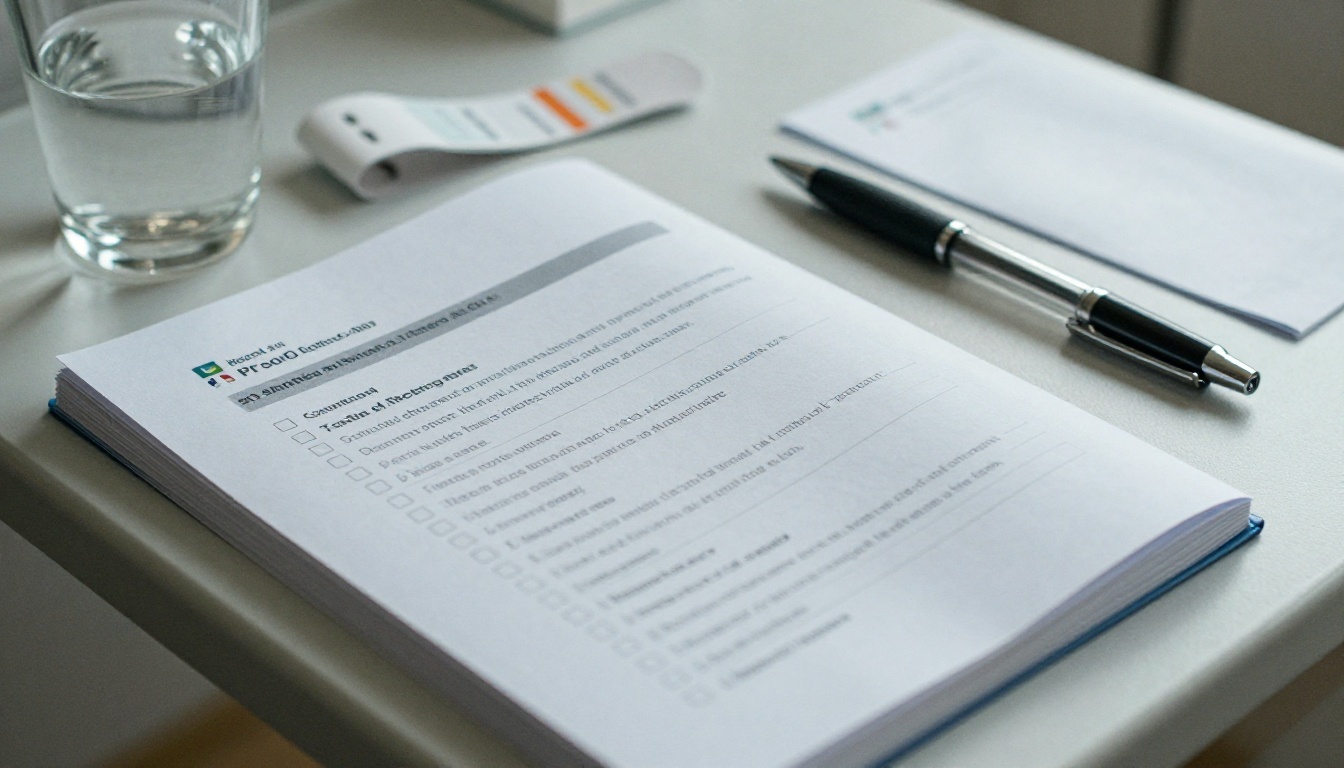
A strong pre-operative section is built from checklists, not paragraphs. A typical layout looks like this:
- One week before: stop listed medicines, arrange a ride home, confirm who will stay the first night.
- Two days before: shower with the prescribed wash, remove nail polish, pack a small bag.
- The night before: fasting start time written in bold, with the exact clock time, not "after midnight".
- Morning of surgery: what to wear, what to leave at home, where to park, which entrance to use.
Put a tick box beside each line. Patients love crossing items off, and it gives nurses a quick way to check readiness at admission.
Example 2: The Hospital Day
This spread should be mostly visual. Use a simple floor map, a photo of the admission desk, and a short timeline: arrival, pre-op bay, theatre, recovery room, ward. Add one sentence per stop describing what the patient will feel and who they will meet.
Example 3: Going Home
The discharge section is the most used part of any surgical booklet. Include:
- Wound care with photos showing a normal incision versus a worrying one
- A pain schedule table (medicine, dose, time, maximum per day)
- Activity limits, such as lifting weight and when driving is allowed
- A red box titled Call us right away if with five to seven warning signs
⚠️ Warning: Never bury emergency signs in a paragraph. Give them a colored box, a larger font and a phone number beside them.
Surgery Booklet Sections at a Glance
| Section | Best Format | Typical Length |
|---|
| Preparation | Checklist with tick boxes | 2 pages |
| Hospital day | Map plus timeline | 2 pages |
| Pain control | Dose table | 1 page |
| Wound care | Photos with captions | 2 pages |
| Warning signs | Red callout box | 1 page |
| Follow up | Appointment card | 1 page |
Chemo Booklet Examples
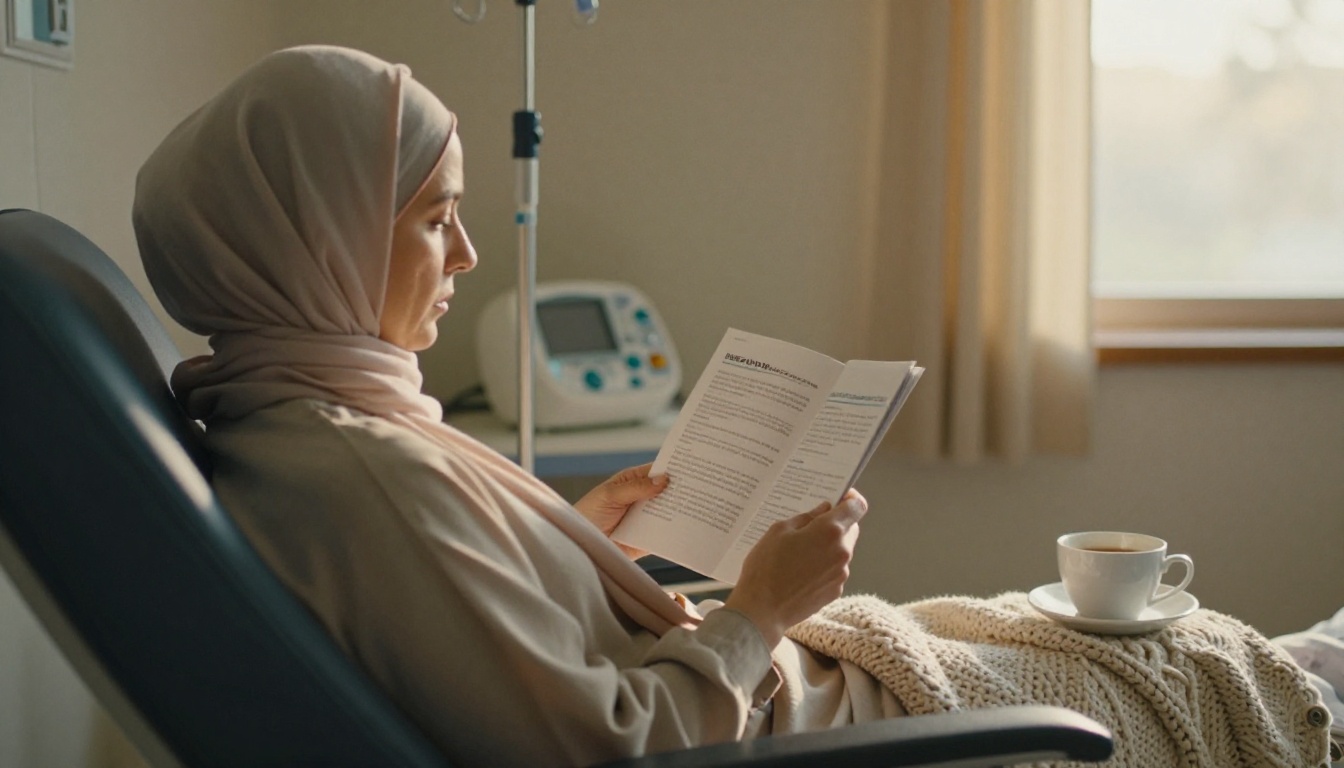
Chemotherapy patients face the biggest information load, and they face it over months. A good chemo booklet is calm, organized by cycle, and honest about side effects without being frightening.
Example 1: Your Treatment Plan Page
Open with a one page summary the care team fills in by hand or in the digital version: drug names, number of cycles, dates, and the oncology team's direct line. Patients refer to this page more than any other.
Example 2: Side Effects by Timing
Instead of listing every possible effect alphabetically, group them by when they tend to appear.
| When | What May Happen | What Helps |
|---|
| Day of infusion | Nausea, flushing, tiredness | Anti-nausea medicine, small snacks, rest |
| Days 2 to 5 | Nausea, fatigue, taste changes | Fluids, bland foods, short walks |
| Days 7 to 14 | Low blood counts, mouth sores, infection risk | Soft toothbrush, hand washing, thermometer checks |
| Between cycles | Hair thinning, numb fingers, mood dips | Scarf or wig advice, report numbness, talk to the team |
This timing view lets a patient see that tough days are expected and temporary, which lowers anxiety as much as the facts themselves.
Example 3: The Fever Rule
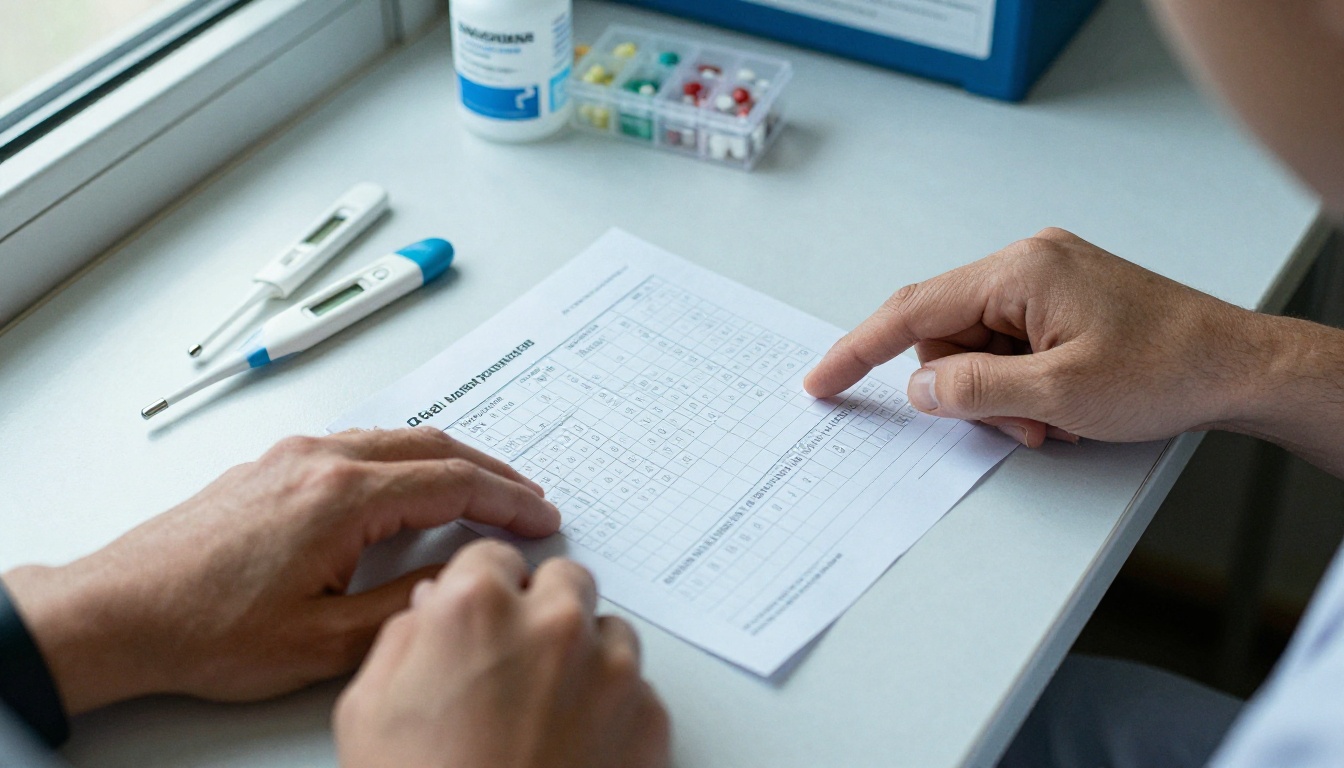
Every chemo booklet needs a single, unmistakable page about fever. Write the temperature threshold in large type, tell patients to call immediately, and give both a daytime and an after hours number. Do not wait for them to read three paragraphs first.
Example 4: Food, Energy and Caregivers
Add a short section for family members. Caregivers ask what to cook, how to help with chores, and when to step back. A page titled "For the people helping you" with a simple list works better than a separate leaflet that nobody receives.
✅ Best practice: Leave blank lines and a notes column. Patients write questions as they think of them, and they bring the booklet to the next visit.
Dental Care Booklet Examples
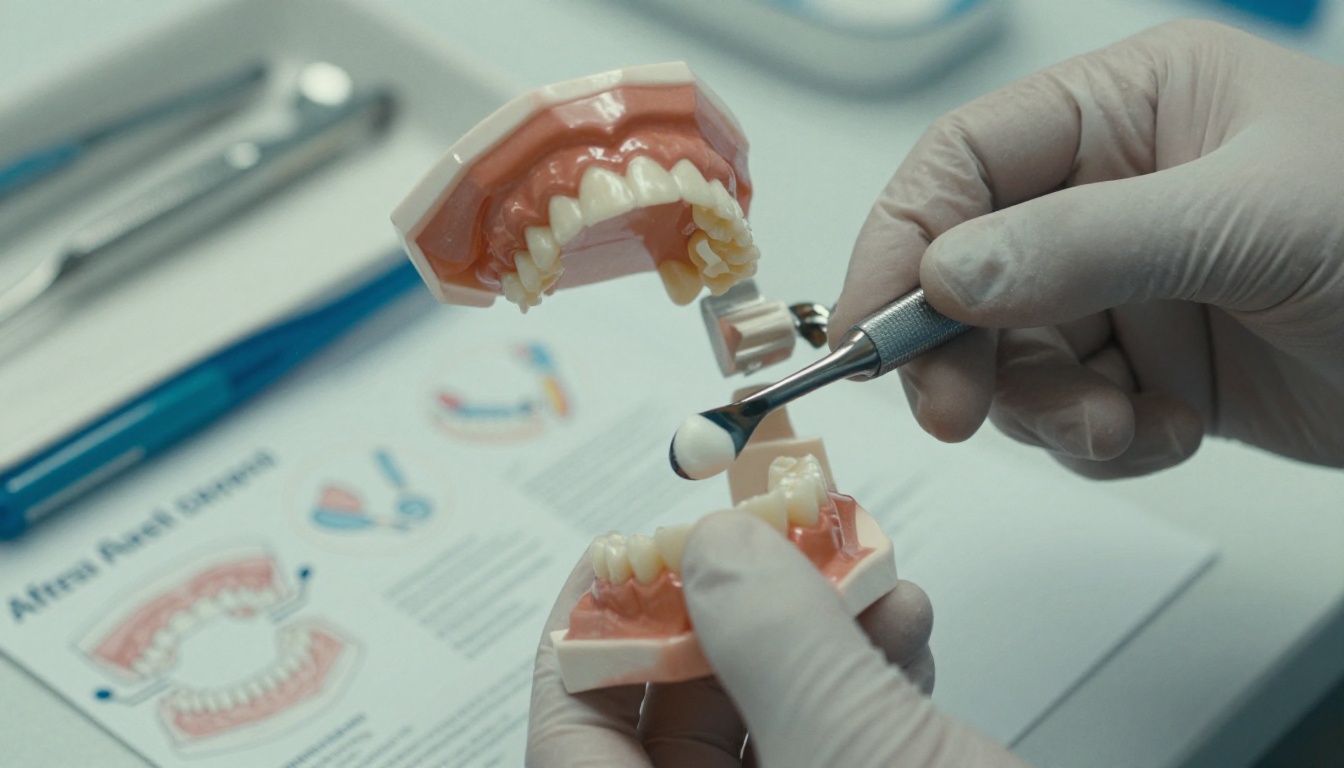
Dental booklets are shorter and more visual, which makes them ideal for digital delivery. The audience is wide: anxious adults, parents of young children and older patients with implants or dentures.

Example 1: After a Tooth Extraction
Use a numbered list because order matters:
- Bite gently on gauze for 30 to 45 minutes.
- Do not rinse or spit for the first 24 hours.
- Use a cold pack on the cheek, 15 minutes on and 15 minutes off.
- Eat soft, cool foods and avoid straws.
- Brush the other teeth as normal, but skip the extraction site that evening.
Add a photo of a normal healing socket beside a dry socket warning, with a clear instruction to phone the clinic if severe pain appears on day three or four.
Example 2: Children and First Visits
A friendly booklet for parents explains what happens in the chair, in words a six year old can hear read aloud. Include a sticker chart page on the last spread. It sounds small, but parents mention it in reviews more than anything else.
Example 3: Implants, Braces and Dentures
Make one page per treatment with the same repeating structure: what it is, how long it takes, daily care, and when to call. Repeating the structure makes pages scannable and lets patients find the answer fast.
Dental Booklet Comparison
| Booklet Type | Main Goal | Best Visual |
|---|
| Extraction aftercare | Prevent complications | Step photos |
| Pediatric visit | Reduce fear | Cartoon free, real photos and stickers |
| Implants | Set expectations | Timeline graphic |
| Braces | Daily habits | Cleaning diagram |
| Dentures | Comfort and care | Soaking routine card |
Layout Rules That Work Everywhere
Whatever the specialty, the same design habits make a booklet easier to use.
Typography and Space
- Body text at 12 to 14 points, headings at least 18
- High contrast, dark text on a white or very light background
- One idea per page when possible
- Generous margins and white space around warning boxes
Color With Purpose
Use one calm brand color for headings, and reserve red or orange only for warnings. If everything is highlighted, nothing is.
Real Photos Over Stock Clutter
Photos of your own clinic, staff and equipment build trust. A patient who has already seen the infusion room in the booklet feels less afraid walking in.

Print, PDF or Flipbook?
| Format | Strength | Weakness |
|---|
| Printed booklet | Easy for older patients, no device needed | Costly to reprint, instantly outdated |
| Plain PDF | Cheap, easy to email | Hard to read on phones, no tracking |
| Flipbook | Page turning feel, mobile friendly, link shareable, instantly updatable | Needs a link or QR code to reach patients |
Many clinics now hand out a short printed card with a QR code and keep the full booklet online. Patients get the convenience of paper and the freshness of a digital file.
How to Create a Patient Booklet With Flipbooks AI
If you already have a booklet as a PDF, you are about ten minutes from a shareable digital version. Here is the process.

- Create your account. Go to Flipbooks AI and sign up. You can try the platform before choosing a plan on the pricing page.
- Upload your PDF. Use the PDF to Flipbook Converter. Drag in the file and the pages are converted into a page turning flipbook.
- Pick the right tool. For short leaflets, the Online Brochure Designer or Brochure Flipbook Maker fit well. For longer packets, the Training Manual Flipbook tool keeps chapters easy to find.
- Apply your branding. Add your clinic logo, choose your brand colors and set the page turning effect. No watermarks appear, so the booklet looks like it belongs to your practice.
- Add media. Embed a short audio note explaining the fasting rules or a video showing how to change a dressing. Patients who dislike reading can listen instead.
- Protect private content. Turn on password protection for booklets that contain patient specific details, and share the password at the appointment.
- Share it. Copy the direct link, print it as a QR code, or use the Embed Flipbook on Website option to place it on your clinic page.
- Measure and refine. On the Professional plan, analytics show which pages are opened most, and lead generation lets you capture a contact before a download. Offline downloads help patients who have poor signal at home.
💡 Pro tip: If a page is opened far more than the others, it is probably your most important one. Move it earlier, or make it bigger.
Plan Features for Healthcare Teams
| Need | Where It Lives |
|---|
| Unlimited booklets for every department | Standard plan and above |
| Password protection | Available for private content |
| Analytics and lead capture | Professional plan |
| Offline downloads | Included |
| Mobile responsive reading | Always on |
See all the plans and pricing to match your clinic size.
Writing Tips Nurses Swear By
The best booklets are written with front line staff, not only by the marketing office.

Test With Real Patients
Hand a draft to three patients and ask them to find the fever instructions. Time how long it takes. If it takes more than ten seconds, redesign the page.
Three Common Mistakes
- Too many words per page. Cut half of them, then cut again.
- Medical jargon with no explanation. Add a small glossary at the back.
- Outdated phone numbers. A printed number that no longer works is worse than none. Digital booklets solve this because you edit once and every reader sees the fix.
Keep It Current
Protocols change, drug names change, and clinic phone lines change. Set a calendar reminder every six months to review each booklet. With a flipbook, updating takes minutes and nothing needs to be reprinted.
Putting It All Together
Here is a quick plan you can follow this week:
- Pick one procedure or treatment with the most after hours calls
- Write a one page summary, a checklist and a warning box
- Add real photos from your own clinic
- Test with three patients
- Publish it as a flipbook and share the link with a QR code
A single well built booklet can save your staff dozens of phone calls each month and give patients something they can trust at 2 a.m.
Ready to build yours? Get started for free on Flipbooks AI, browse all flipbook tools to find the right template, and compare pricing plans to choose what suits your clinic. When you are set, create your account and pick a plan to publish your first patient booklet today.



