You spent hours polishing your resume, exported it as a PDF, and attached it to an email. Then the recruiter opened it on a phone, pinched and zoomed for ten seconds, and moved on. A PDF to resume link online free workflow fixes that problem in about two minutes: you upload the file once, and you get a clean web address that opens instantly on any device. With Flipbooks AI, your existing PDF becomes a page-turning web document that you can paste into an application form, a LinkedIn bio, a text message or a QR code.
This article walks through why links beat attachments, how the conversion works, where to share your CV, and which mistakes quietly cost people interviews. Every step uses the PDF you already have, so there is nothing to redesign.
Why a PDF Resume Falls Short
PDFs are great for preserving layout. They are terrible for sharing. The format was built for printers, and it shows the moment someone opens it on a small screen or inside a locked-down corporate email client.
Attachments Get Lost
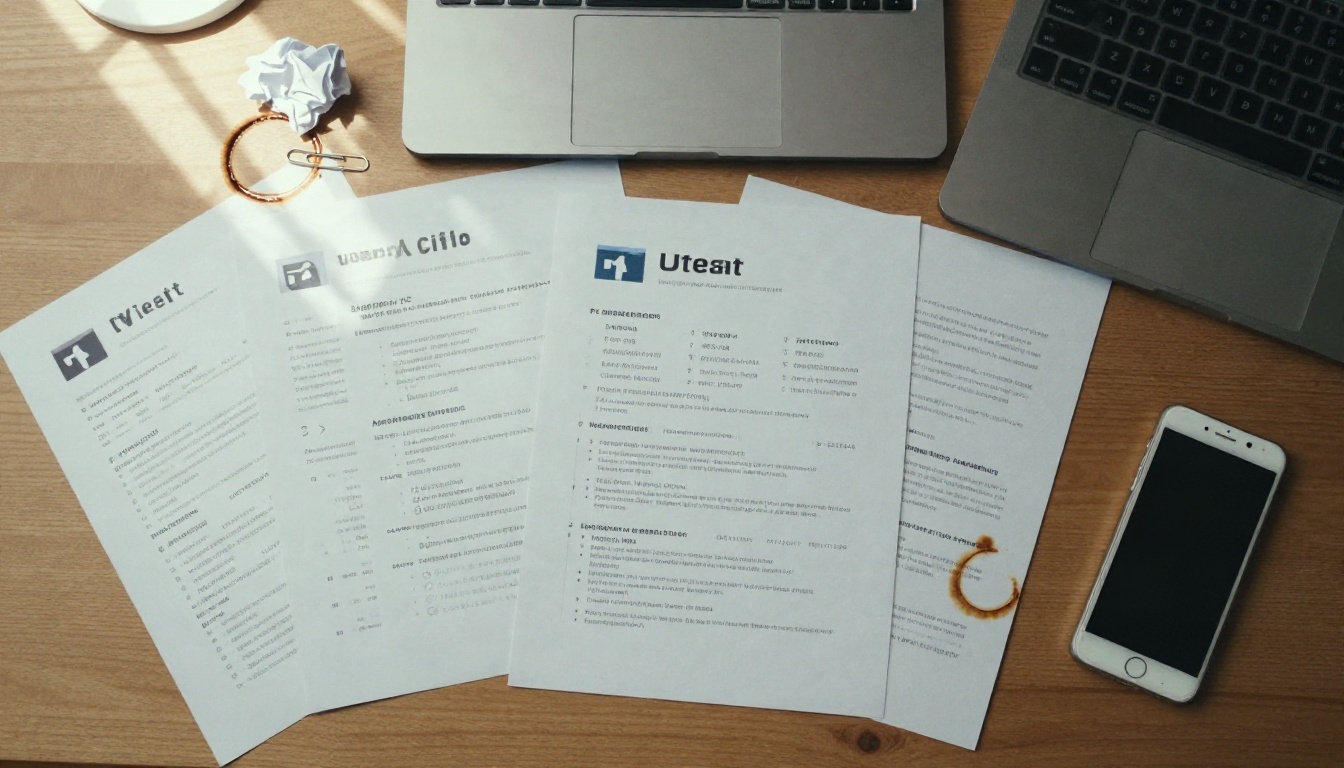
Recruiters handle hundreds of messages a day. An attachment sits inside a thread, gets renamed by the mail client, and ends up in a downloads folder called "New Folder (3)". A link, on the other hand, can be clicked from the message itself, saved as a bookmark, or forwarded to a hiring manager in one tap.
Some systems also strip or quarantine attachments. A file named Resume_final_v7.pdf may never reach the person you wrote to, and you will not get an error telling you so.
Phones Punish Static Pages
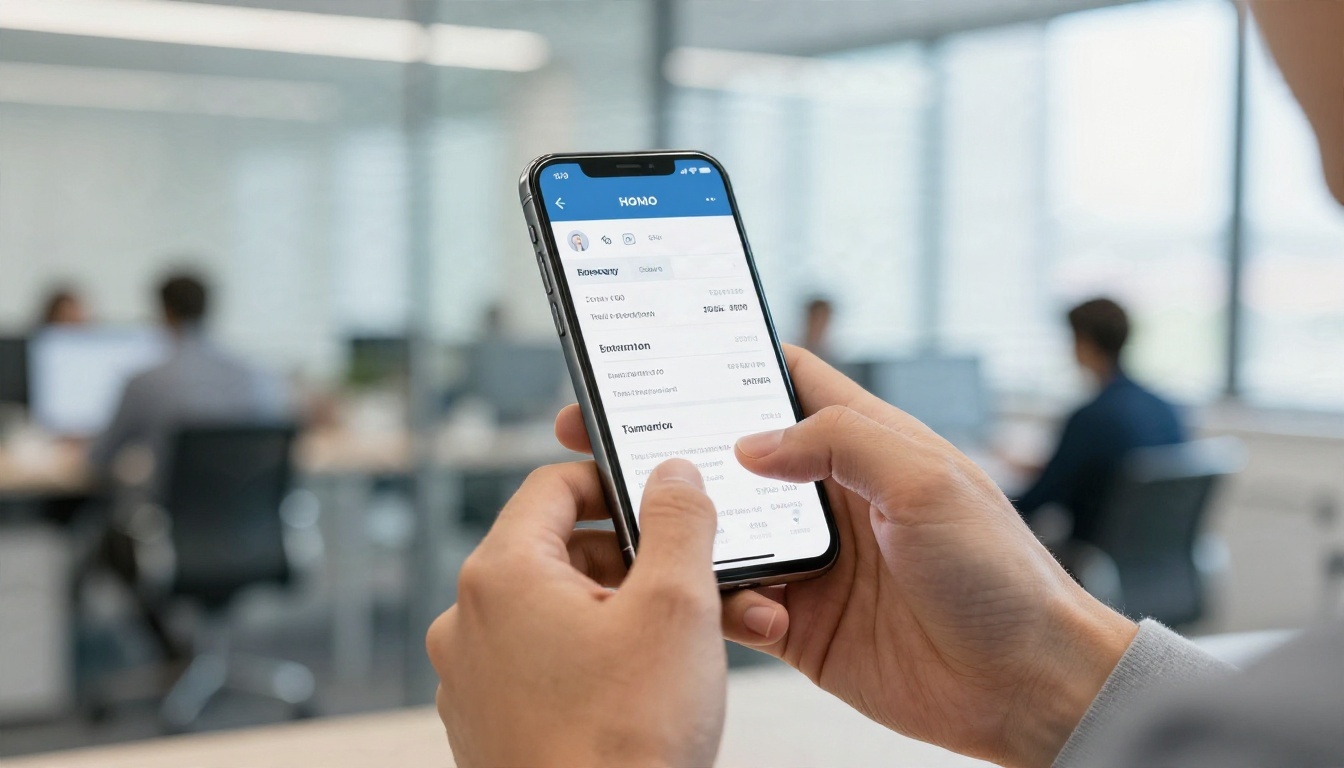
More than half of job-related browsing now happens on mobile. A fixed A4 page forces horizontal scrolling and tiny text. A responsive web view adapts to the screen, so the reader sees your experience at a comfortable size without pinching anything.
You Get Zero Feedback
When you send a PDF, you have no idea whether it was opened, forwarded or abandoned on page one. Links can come with view counts and visitor data. That information changes how you follow up.
💡 Pro tip: If you applied on Monday and the view counter on your link still reads zero by Thursday, your message probably never reached a human. That is the right moment to send a short follow-up.
What a Resume Link Actually Is
A resume link is a web address that opens your CV in a browser. Nobody has to download anything or install a viewer, and nobody has to sign in. Your PDF is converted into an online flipbook: pages that turn like paper but load like a website.
A Flipbook, Not Just a File
The PDF to Flipbook Converter keeps your fonts, spacing and colors exactly as you designed them. It then wraps the document in a viewer that works on desktop, tablet and phone. Your fonts do not shift, your bullet points do not collapse, and your two-column layout stays two columns.
Who Benefits Most
- Students and graduates applying to many roles at once
- Freelancers who send a CV and a portfolio together
- Career changers who need one polished link for several industries
- Executives who want a private, controlled version of their history
- Anyone applying through forms that only accept a URL instead of a file
Format Comparison
Here is how the common ways of sharing a CV compare in practice.
| Format | Opens on Phone Cleanly | Layout Stays Intact | Trackable Views | Easy to Update |
|---|
| Email attachment (PDF) | Often no | Yes | No | No, must resend |
| Word document (.docx) | No | Rarely | No | No, must resend |
| Google Drive share link | Sometimes | Mostly | Limited | Yes |
| Personal website | Yes | Depends | Depends | Yes, but needs upkeep |
| Flipbook resume link | Yes | Yes | Yes (Professional plan) | Yes, re-upload |
How to Turn Your PDF Into a Link
Here is the full tutorial. It takes roughly two minutes if your PDF is ready.
Step 1: Create Your Account
Head to Flipbooks AI and create an account. You only need an email address to begin. Check the pricing page for the current free options so you know exactly what is included before you upload.
Step 2: Upload Your PDF
Drag your resume file into the upload area, or pick it from your computer. The platform converts each page into a crisp flipbook page, usually within seconds. Single-page resumes work just as well as three-page academic CVs.
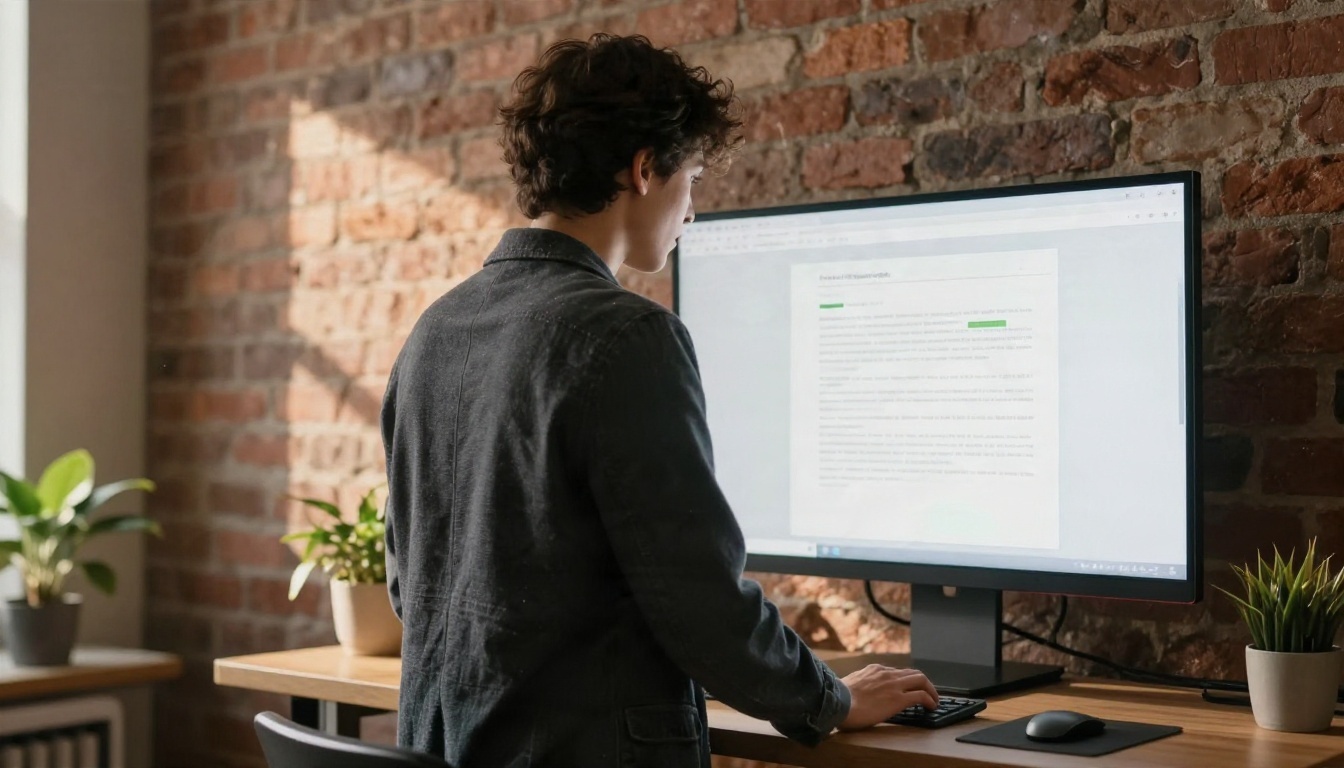
✅ Best practice: Export your PDF from your design tool at its original size and keep the text selectable. Avoid scanning a printed copy, because scanned pages look blurry and cannot be searched.
Step 3: Customize the Look
Once the conversion finishes, open the editor. This is where the plain PDF becomes a branded web page.
- Background color: pick a neutral tone that matches your resume's accent color.
- Page effects: choose a gentle page-turn animation, or switch it off for a flat reading experience.
- Branding: add your name, a small logo or your initials so the page feels like yours.
- Multimedia: embed a short intro video or an audio message if the role suits it. Creative and sales roles benefit most.
- Mobile view: preview the result on a phone-sized frame and confirm the text is readable.

There are no watermarks, ever. Your CV carries only your name and your design, which matters when a hiring manager is judging polish.
Step 4: Choose Your Privacy Settings
You decide who can see your resume. For a public job hunt, leave the link open. For senior roles or confidential searches, add a password so only the people you send it to can read it.
⚠️ Warning: Your resume contains your phone number, email and employment history. If you are currently employed and searching quietly, do not post an open link on public pages. Share a password-protected version instead and send the password in a separate message.
Step 5: Copy and Share
Hit the share button and copy your link. You can also grab an embed code if you want the CV displayed inside your own website or portfolio page. The Embed Flipbook on Website tool shows how that works.
Step 6: Track and Update
On the Professional plan, you get analytics and lead generation. See how many people opened your resume, how long they stayed, and which pages they viewed. You can also enable offline downloads so recruiters can save a copy if they need one for their applicant system.
Need to fix a typo or add a new role? Upload the updated PDF to replace the old one. The best part is that your shared link can stay the same, so nobody holds an outdated copy.
Where to Share Your CV Link
A link is only useful if it lands in front of the right person. Here are the places that work best.

Applications and Cold Emails
Paste the link into the body of your email, right under a short introduction. Skip the attachment entirely. Many hiring tools also have a "website" or "portfolio" field, which is the perfect home for a resume link.
A simple template:
Hi Maya, I'm applying for the Operations Analyst role. You can view my resume here: [link]. Happy to send a PDF if your system prefers one.
Social Profiles and Bios
Add the link to your LinkedIn "Contact info" section, your X or Instagram bio, or the featured area of your profile. People who land on your page can read your CV in one tap instead of messaging you for a copy.
QR Codes and Printed Material
Print a QR code on a business card, a conference badge or the corner of a printed portfolio. Someone scans it and your CV opens instantly.
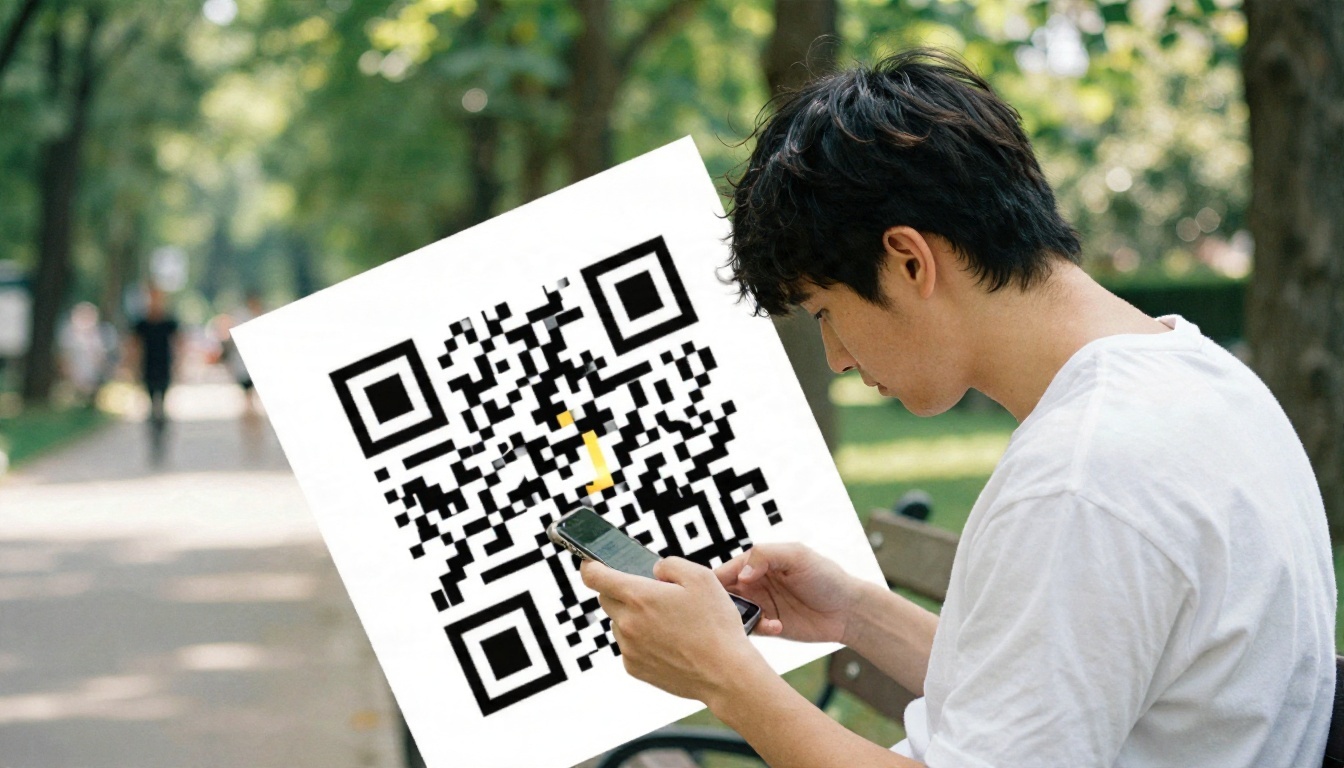
Messaging Apps
WhatsApp, Telegram and iMessage render links neatly. Sending a link to a recruiter who asked for your CV on a chat app is far smoother than trying to attach a file from a phone.
Where to Use It: Quick Reference
| Channel | Best Link Type | Privacy Tip |
|---|
| Job application form | Public link | Use a version without your home address |
| Cold email to a recruiter | Public or password-protected | Mention the password in a second email |
| LinkedIn profile | Public link | Remove phone number from the PDF |
| Business card QR code | Public link | Update the PDF, not the QR code |
| Executive search firm | Password-protected | Share the password by phone or text |
| Personal portfolio site | Embedded flipbook | Match your site's colors |
Real Examples by Career Stage
Theory is nice. Here is how different people use the same workflow.

The Recent Graduate
Priya finished her marketing degree in June and applied to thirty companies. She uploaded one PDF, copied one link, and pasted it into every form. When a company asked for a tweak, she replaced the PDF once. All thirty applications now pointed to the updated version, and she never resent a single file.
The Freelance Designer
Tom is a freelance illustrator. He built a short resume and a Digital Portfolio as two separate flipbooks, then linked them to each other in his email signature. Clients can read his background first and flip through his work second. If he wants a visual-first presentation, the Portfolio Flipbook Builder helps with that.
The Senior Executive
Elena is a director who is quietly looking for a new role. She protects her resume with a password, shares it only with two recruiters, and checks the viewing data to see whether it has been opened. If the counter stays at zero, she nudges them. If someone forwards it, she can tell.
The Career Changer
Marcus is moving from teaching to product management. He keeps two versions of his resume, each tuned for a different industry, and shares the matching link depending on who he writes to. Two links, two PDFs, no confusion.
Outcome Comparison
| Scenario | With PDF Attachment | With Resume Link |
|---|
| Recruiter opens on a phone | Pinch and zoom | Smooth, readable view |
| You fix a typo after sending | Resend and hope | Re-upload once, link updates |
| Checking if it was read | Guesswork | View data on Professional plan |
| Applying to 30 companies | 30 attachments | 1 link |
| Sharing on social media | Awkward | One tap |
Mistakes That Hurt Your Resume Link
A good tool does not fix a careless setup. These are the errors that show up most often.
Using a Vague Link Name
If your file is called document1, the page title will look amateur. Name your flipbook something clear, such as "Jordan Lee Resume", before you share it.
Leaving Personal Data Wide Open
Home addresses, birth dates and ID numbers do not belong on a public resume. Remove them from the PDF before uploading. Use a password when the content is sensitive.
Forgetting to Test on a Phone
Open your link on a real phone before you send it. Check the text size, the page order and the loading time. A thirty-second test saves you from sending a broken page to your dream employer.
Sending the Link Without Context
A bare URL looks like spam. Always write one or two sentences explaining who you are and why you are writing, then add the link. Offer a PDF too, in case their system requires it.
Never Updating the File
An old link with an outdated job title damages trust. Set a reminder every three months to refresh your PDF. Since the link stays the same, updating costs you almost nothing.
💡 Pro tip: Keep a simple naming habit for your source file, such as Name_Resume_2026.pdf. It makes version control painless when you maintain more than one CV.
Free vs Paid: What You Get
Plenty of people only need a basic link, and that is fine. Here is a straightforward view of where the free route stops and the paid plans begin. Always confirm exact limits on the pricing page, because plan details can change.
| Feature | Free Route | Standard Plan | Professional Plan |
|---|
| PDF to shareable link | Yes | Yes | Yes |
| No watermarks | Yes | Yes | Yes |
| Mobile-responsive viewer | Yes | Yes | Yes |
| Password protection | Check pricing | Yes | Yes |
| Unlimited flipbooks | No | Yes | Yes |
| Custom branding | Basic | Yes | Yes |
| Analytics and lead generation | No | No | Yes |
| Offline downloads | Check pricing | Yes | Yes |
If you are running a single job search, the free route is often enough. If you manage several versions, a portfolio and a personal brand, the Standard plan gives you unlimited flipbooks. If you want to know who is reading your CV, the Professional plan adds the data.
Pairing Your CV With Other Documents
Your resume rarely travels alone. Many candidates also upload a reference sheet, a case study or a short deck. The Presentation Flipbook Designer turns slides into a link just like a CV. Photographers and artists may prefer the Photography Portfolio tool. You can browse everything in the tools directory.
A Quick Checklist Before You Hit Send
- The PDF text is selectable, not scanned.
- Phone number and email are correct.
- Sensitive details are removed or password-protected.
- The flipbook title includes your name.
- You tested the link on a phone and a laptop.
- Your message explains who you are in two sentences.
- A backup PDF is ready in case the employer asks.
Ready to Share Your CV?
Your resume is the first impression you cannot redo. A heavy attachment makes you look like everyone else. A clean link that opens in one tap makes you look prepared, and it lets you update, protect and track your CV without sending a single extra email.
Here is what to do next:
Take the PDF you already have, turn it into a link, and send something that opens as well on a phone as it does on a desktop. Your next interviewer will notice.



