The house is quieter now. There is no jingle of a collar at the door, no weight settling at the foot of the bed, and your phone is full of photos you can't quite bring yourself to scroll through. A memorial book gives all of that love a place to land. This article walks through twelve pet memorial book ideas, what to write, which photos to choose, and how to turn everything into a digital book with Flipbooks AI that the whole family can open from anywhere.
You don't need design skills. You need a few good photos, a handful of stories, and an afternoon when you feel ready. Take it slowly, and stop whenever you need to.
Why a Memorial Book Helps
Grief for an animal is real grief. Many people feel it more sharply because the daily rituals vanish overnight: the morning walk, the evening treat, the purr on your chest. Making something with your hands, or your mouse, gives those rituals a gentle ending.
A book works for a few reasons:
- It organizes the memories. Thousands of phone photos become one story with a beginning, a middle and a last page.
- It gives you permission to feel. Writing a caption such as "she hated baths but loved the towel afterward" lets you laugh and cry in the same minute.
- It is shareable. Kids, grandparents and friends who loved your pet can add their own memories.
- It lasts. Unlike a phone gallery, a finished book has a shape you can point to.
💡 Pro tip: Don't wait until you feel "ready." Start with a single page, such as the day you brought your pet home. Momentum often arrives once the first page exists.
12 Pet Memorial Book Ideas
Pick one theme or blend several. Most people end up combining two or three.
1. The Life Timeline
Arrange photos from the first day home to the last season. Use headings like "Puppy Chaos," "The Teenage Years," and "Slowing Down." It is the easiest structure and works for almost every pet.
2. The Day in the Life Book
Capture an ordinary day: the wake-up stretch, breakfast, the window spot, the evening walk. The small routines are exactly what you will miss most, and they make surprisingly powerful pages.
3. A Letter to My Dog or Cat
Write the whole book as one long letter, addressed to your pet. Each spread holds a photo and a paragraph that starts with "Do you remember when...". This is the most emotional format, and many people find it the most healing.
4. The Favorite Places Book
Map the spots your pet loved: the park bench, the sunny patch on the rug, the beach, the vet's treat jar. Pair each location with a photo and one sentence about why it mattered.
5. The Funny Moments Collection
Not every page needs to be sad. Gather the blooper reel: the stolen sandwich, the cucumber scare, the zoomies down the hallway. Laughter is part of mourning, and your pet would approve.
6. A Family Tribute Book
Ask each person to contribute one photo and one memory. The result shows how differently one animal can matter to a grandmother, a toddler and a neighbor.
7. The Paw Print and Keepsake Book
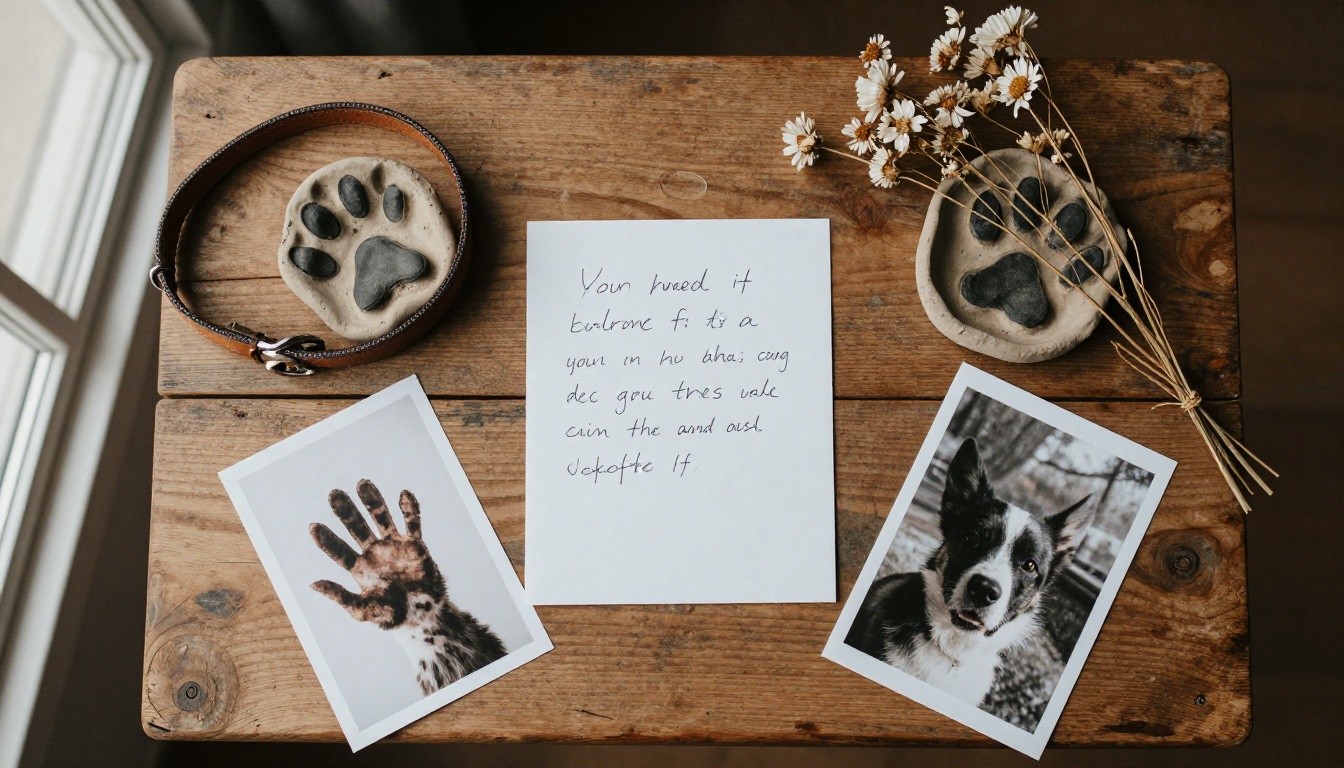
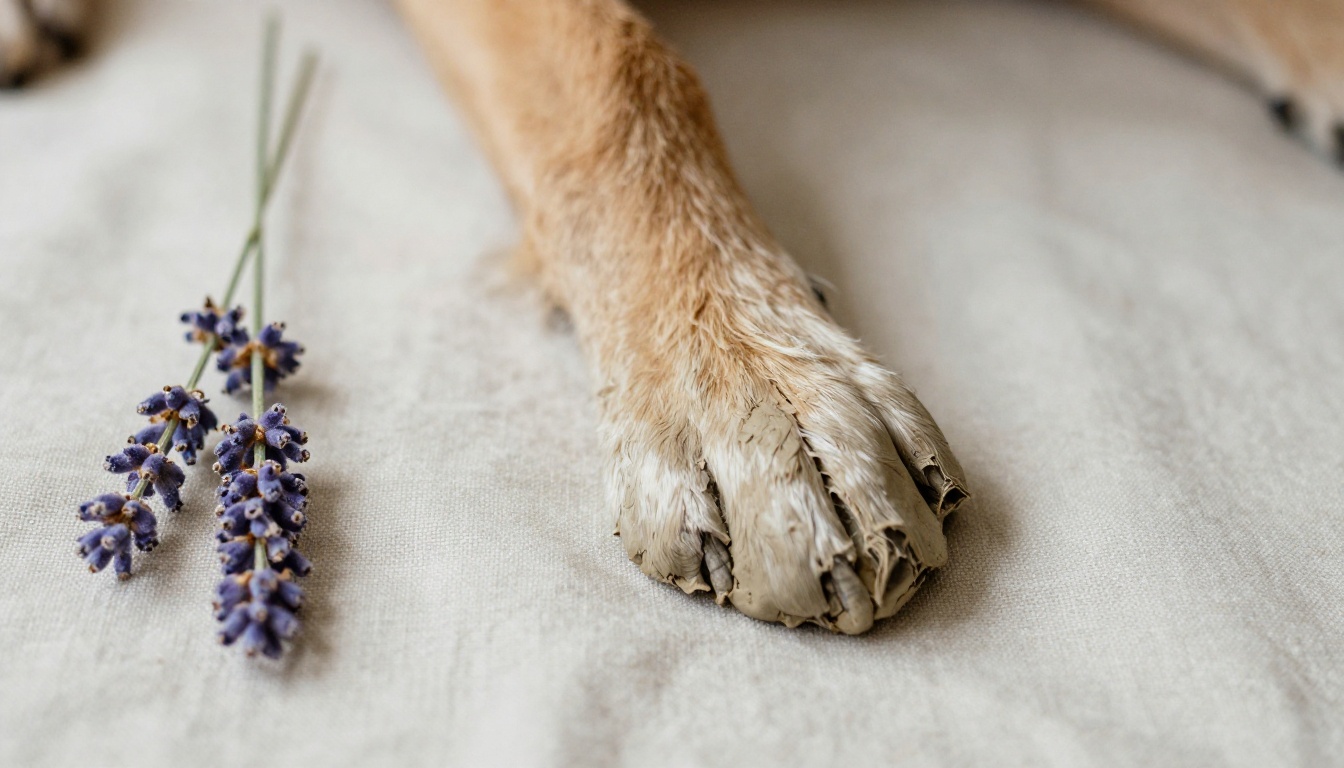
Photograph the collar, tag, favorite toy, clay paw print and a lock of fur if you kept one. Close-up object photography gives the book a tactile, museum-like feel.
8. The Adoption Story
Tell how you found each other: the shelter visit, the rescue, the litter, the unexpected stray at your door. Starting with the "how we met" story gives the book a warm opening.
9. The Seasons Book
Divide the pages into spring, summer, autumn and winter. Snow-day photos, summer swims and autumn leaf piles bring a natural rhythm that readers feel instantly.
10. The Quotes and Poems Book
Combine photos with short poems, song lyrics or your own two-line notes. Keep text brief so each photo can breathe.
11. The Memorial Photo Book for Kids
Children grieve differently. Use big photos, short sentences and a final page that says "Where we remember her." Let them draw something to scan and add.
12. The Sympathy Gift Book
If a friend lost a pet, build a short book from photos they have shared on social media and give it as a gift. It says more than a card ever could.

Compare Your Options
Each idea fits a different mood and amount of time. This table helps you choose.
| Idea | Best For | Time Needed | Emotional Tone |
|---|
| Life Timeline | Most pets, first-time makers | 3 to 5 hours | Warm, nostalgic |
| Day in the Life | Capturing routines | 2 to 3 hours | Gentle, intimate |
| Letter to My Pet | Processing grief | 3 to 6 hours | Deeply emotional |
| Funny Moments | Celebrating personality | 2 hours | Light, joyful |
| Family Tribute | Households with many people | 4 to 8 hours | Shared, communal |
| Keepsake Book | Preserving objects | 2 hours | Quiet, reflective |
| Kids' Book | Families with young children | 2 to 3 hours | Soft, reassuring |
✅ Best practice: If you feel overwhelmed, pick "Funny Moments" first. It's the easiest to start and warms you up for deeper pages.
Choosing the Right Photos
You likely have far more photos than you need. A good memorial book usually holds between 30 and 60 images.
Start With Emotion, Not Quality
A blurry photo of your cat mid-pounce is worth more than a perfect portrait that feels stiff. Choose images where the personality shows.
Gather From Everywhere
Look in these places:
- Your phone camera roll, sorted by pet name if your gallery supports it
- Cloud storage and old laptops
- Messaging apps where you sent pet photos to family
- Social media posts and tagged photos from friends
- Vet visit records and adoption paperwork
- Printed photos you can scan or photograph
A Simple Selection Checklist
| Photo Type | How Many | Why It Works |
|---|
| Portraits (close-ups of the face) | 5 to 8 | Anchors every chapter |
| Action shots | 8 to 12 | Shows energy and joy |
| Photos with people | 6 to 10 | Shows the bond |
| Sleepy or quiet shots | 4 to 6 | Brings calm pacing |
| Object or detail photos | 3 to 5 | Adds texture |
| Last-season photos | 2 to 4 | Honors the final chapter |
⚠️ Gentle warning: Photos from the final days can be painful. Include them only if they feel right, and consider placing them near the end so readers can skip ahead.
What to Write on Each Page
Blank space can be more intimidating than a blank photo. These prompts keep words flowing:
- Her name story: Why did you choose it? Did it come with a nickname?
- Quirks: The strange sleeping positions, the fear of the vacuum, the one toy she carried everywhere.
- Rituals: What did every morning look like?
- Favorite foods and enemies: The mailman, the squirrel, the cheese slice.
- What they taught you: Patience, presence, how to get outside on a rainy day.
- Thank you notes: Short lines of gratitude can end a chapter beautifully.
A Sample Page
Here is how one spread might look:
Photo: Biscuit asleep with his head on a boot.
Biscuit never met a shoe he didn't want to guard. Every evening he'd drag a boot to the sofa, sigh dramatically and fall asleep on it. We stopped hiding the boots about a year in.
Short, specific and a little funny. That is the formula.
Printed Book or Digital Flipbook?
Many families do both. A printed book sits on the shelf. A digital flipbook travels, is easy to share and can hold things paper can't: video clips of the zoomies, audio of a bark, even a recording of a purr.
| Feature | Printed Photo Book | Digital Flipbook |
|---|
| Cost per copy | Moderate to high | Free to share unlimited copies |
| Sharing with distant family | Mailed individually | One link or embed |
| Video and audio | Not possible | Supported |
| Editing after creation | Reprint required | Update anytime |
| Physical keepsake feel | Excellent | Limited |
| Privacy | Whoever holds it | Password protection available |
If you want a single physical copy for the shelf, print one. For everyone else, a flipbook is far easier. You can even convert a finished PDF from any photo book editor using the PDF to Flipbook Converter.

How to Create a Pet Memorial Flipbook
Here is the full process, from files to a shareable link, using Flipbooks AI.
Step 1: Build Your Pages as a PDF
Use any editor you like: Canva, Google Slides, PowerPoint, Pages or a photo book app. Set pages to a landscape or square layout, drop in your photos, and add captions. Export as a PDF.
Step 2: Create Your Account
Head to Flipbooks AI and sign up. The free plan is enough to try your first book, and you can look at pricing plans later if you want more.
Step 3: Upload and Convert
Upload the PDF. Within moments, it becomes a page-turning flipbook with realistic page effects. If you prefer a photography-first look, the Photography Portfolio tool suits image-heavy books, and the Interactive E-Book Publisher suits books with more text.
Step 4: Customize the Look
- Choose a soft background color, such as cream, sage or warm grey.
- Add a title page with your pet's name and years.
- Pick a page-turn sound, or switch it off for a calmer feel.
- Embed a short video or an audio clip on the pages where they matter.
💡 Pro tip: Embed a 10-second video of your pet doing something typical, like trotting toward the camera. Moving memories hit differently than still ones.
Step 5: Choose Who Sees It
Under sharing settings, you can:
- Copy a direct link to send by message or email
- Use an embed code to place the book on a family site or memorial page (see Embed Flipbook on Website)
- Add password protection so only invited people can open it
- Allow offline downloads for relatives with poor internet
Step 6: Pro Features Worth Knowing
The Professional plan adds analytics and lead capture, which most families won't need. What matters most here: there are no watermarks, ever, and the book is mobile-responsive, so it looks good on a grandparent's phone. Browse all flipbook tools if you want a different format.
Sharing the Book With Others
Sharing a memorial book is a quiet ritual of its own. A few ways people do it:
- Send it on the anniversary. A small message with a link on the one-month or one-year mark brings people together.
- Hold a viewing evening. Gather close family, open the book on a TV screen, and tell stories page by page.
- Add it to a memorial page. Embed the flipbook next to an online tribute.
- Give it to your vet. Many clinics appreciate seeing the animals they cared for remembered. Ask first.

Real-World Examples
A family with two kids. After their 13-year-old Labrador passed, the parents asked each child for three favorite memories. The nine-page "Kid Chapter" became the part everyone reread the most.
A solo owner. A woman who lost her cat after 17 years wrote the whole book as a letter. She shared it only with two friends, using a password-protected link, and kept the final page private.
A rescue volunteer. A foster coordinator created short flipbooks for adopters who lost pets, using photos the families had sent. It became a small, thoughtful service.
Design Tips That Keep It Gentle
Good design in a memorial book is mostly restraint.
Keep Colors Soft
Stick with two or three tones. Warm neutrals, muted blues and soft greens work well. Avoid loud patterns that compete with fur and faces.
Let Photos Breathe
A single large photo on a page often says more than a collage. Reserve collages for the "Funny Moments" chapter.
Use One or Two Fonts
A serif for headings and a clean sans for captions is plenty. Keep caption text around 12 to 14 points so it stays readable on a phone.
Mind the Pacing
Alternate big photo pages with text pages. Place a quiet spread, maybe just a paw print and a single line, before the final chapter.
Common Mistakes to Avoid
| Mistake | Why It Hurts | Better Approach |
|---|
| Rushing to finish in one day | Burnout and regret | Work in short sessions |
| Using only sad photos | The book feels heavy | Mix joyful and quiet moments |
| Over-explaining every picture | Captions drown the images | One or two sentences each |
| Skipping the backup | Losing the file | Save the PDF in two places |
| Including too many photos | Readers tire out | Aim for 30 to 60 |
| Sharing before you're ready | Unexpected reactions | Preview privately first |
Small Ideas for the Final Pages
The ending matters. Here are ways to close the book without forced cheer:
- A single photo of your pet walking away down a favorite path
- A short list titled "Things I'll always remember"
- A line from a poem you love
- A blank page with the words "Room for more memories," so others can send theirs
- A paw print, scanned or photographed, with the dates
Remembering the Good Years
Some of the best memorial books are built slowly, a page here and a page there, over months. There is no deadline and no wrong way. If all you make is a single page with a favorite photo and a sentence, that is already a tribute.
When you're ready to turn your pages into something you can share, create your first flipbook in a few minutes. You can try everything on the free plan, then compare pricing plans if you want unlimited books and more sharing controls. And if you'd like inspiration for other layouts, look through the tools and templates for formats that fit your photos.
Your pet gave you years of unconditional attention. A book is a small way of giving a little back.



