A physician gives a pharma rep about two to three minutes, often standing in a hallway, sometimes not at all. In that window the rep must show one clear claim, one chart and one next step. Paper sell sheets get lost and slide decks load slowly, so many teams now build their visual aids as page-turning documents with Flipbooks AI. This article shows how e-detailing works in practice, which formats fit which visit, and how to set one up without breaking compliance rules.
What E-Detailing Actually Means
E-detailing is the delivery of product information to healthcare professionals through digital channels instead of printed material alone. The "visual aid" is the core asset: a short, approved set of pages that supports a spoken message about a medicine, a device or a disease area.
There are three common settings:
- In-person with a tablet: the rep sits with the doctor and swipes through pages together.
- Remote video call: the rep shares a screen or a link while talking.
- Self-serve link: the doctor opens an approved document on their own time.
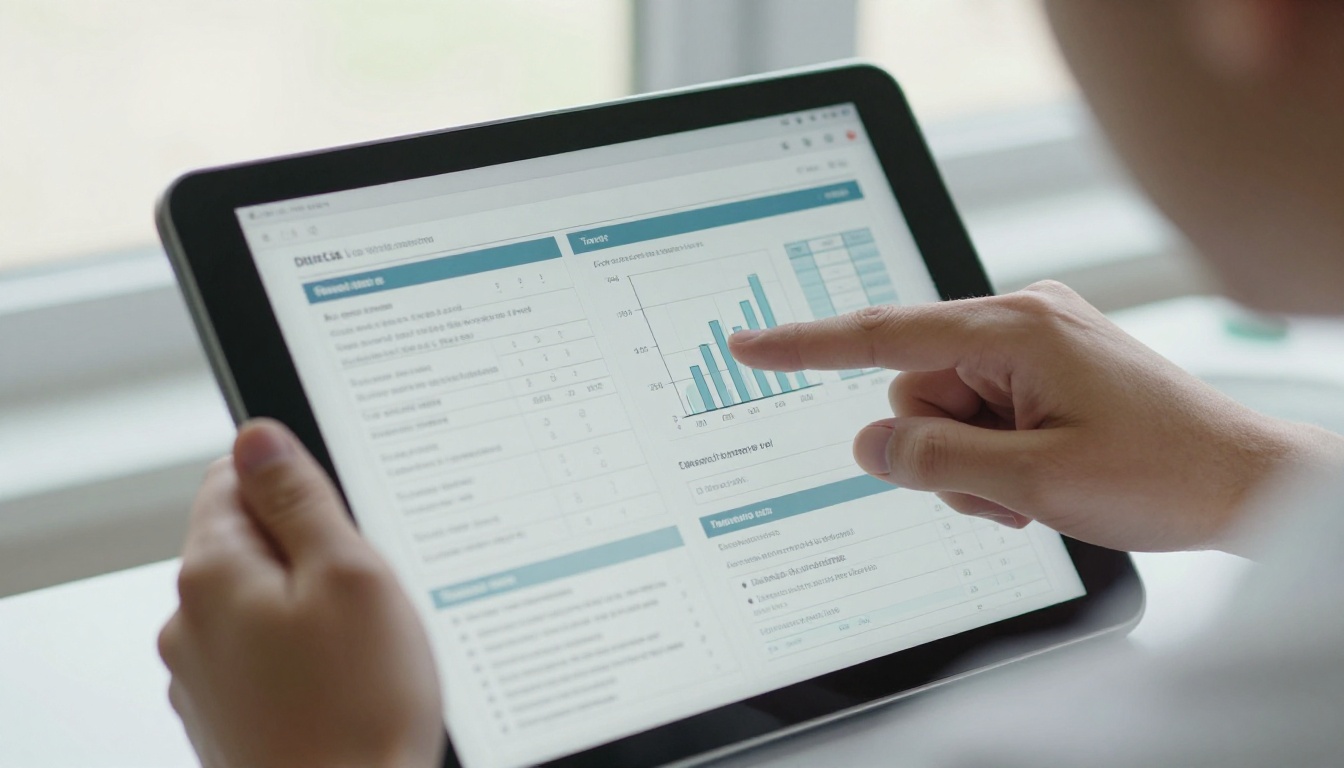
The best programs use all three and keep the same approved content behind each one. That way the message stays consistent no matter where the conversation happens.
Why Doctors Accept It
Physicians are not opposed to hearing from reps. They are opposed to wasted time. A tidy digital page that loads instantly and answers one question respects their schedule. A 40-slide deck does the opposite.
Why Reps Prefer It
Reps carry fewer printed pieces, update content without reprinting, and see which pages a doctor opened after the visit. That last point changes the follow-up call from a guess into a targeted conversation.
The Three Minute Reality
Most visits are short, and the rep rarely controls the pace. Planning around that fact is the difference between a visual aid that gets used and one that stays in a bag.
💡 Pro tip: Build every visual aid around a single decision. If a doctor can only remember one page, which page should it be?
A realistic visit often looks like this:
- Seconds 0 to 20: greeting and one question about the doctor's current patients.
- Seconds 20 to 90: one page with a single efficacy or safety message.
- Seconds 90 to 150: a second page on dosing or a patient profile.
- Seconds 150 to 180: a clear next step, such as a sample request or a follow-up link.
Short Pages Beat Dense Pages
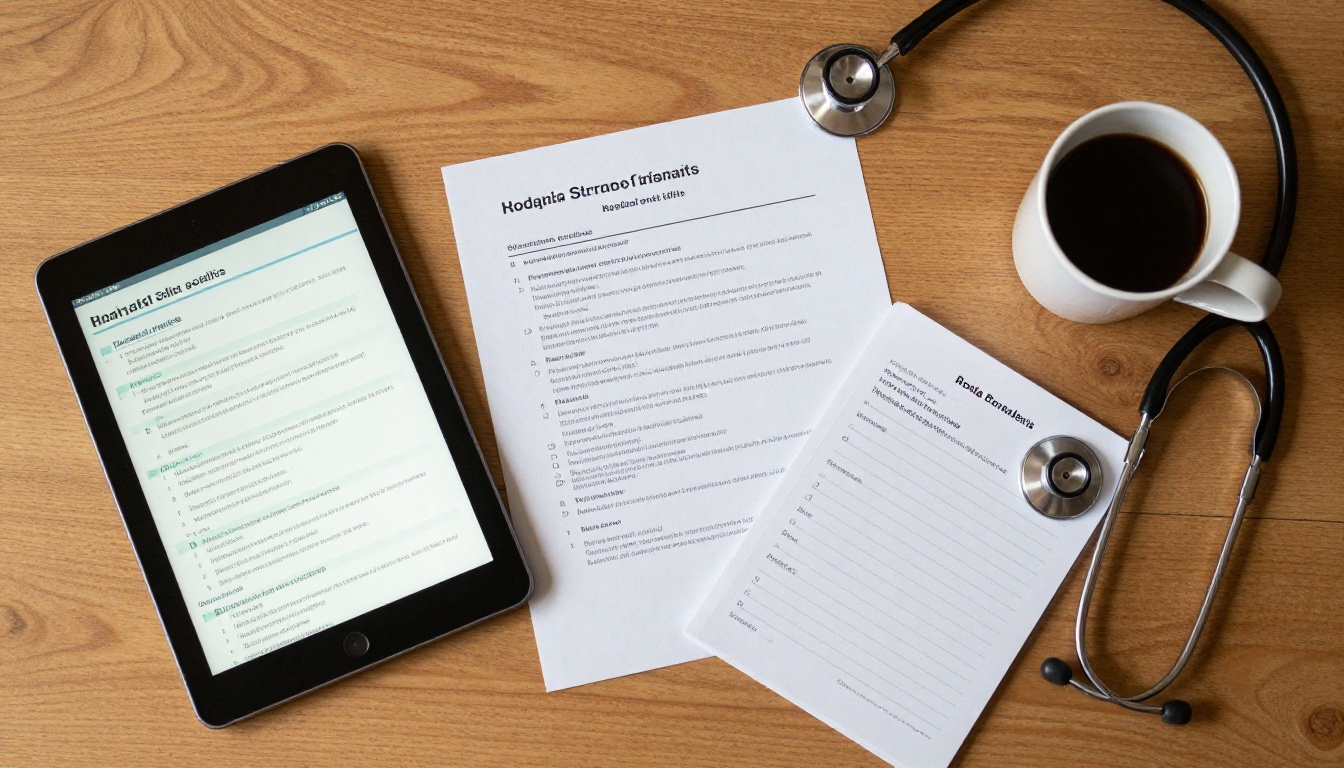
A doctor reading on a tablet in a corridor will not zoom into a footnote. Put the headline number in large type, one chart per page, and push references to the final page.
Order Matters
Lead with the patient problem, then the data, then the dosing. Doctors decide quickly whether a topic is relevant to their patients. If the first page does not speak to a real patient type, the rest goes unread.
Not every format suits every setting. This table compares the options most teams weigh.
| Format | Load speed | Works offline | Trackable | Best for |
|---|
| Printed sell sheet | Instant | Yes | No | Leave-behind after a hallway chat |
| PDF attachment | Medium | Yes | Limited | Email follow-up |
| Slide deck | Slow on weak Wi-Fi | Sometimes | Rarely | Group presentations |
| Flipbook link | Fast | With download option | Yes, per page | Tablet visits and remote calls |
| Interactive app | Varies | Often | Yes | Large teams with a dedicated IT budget |
A flipbook lands in the middle: it keeps the familiar feel of turning pages, it needs no app install, and it can be shared through a plain link. For many teams that balance matters more than a long feature list.
⚠️ Warning: Whatever format you pick, the content must still pass your medical, legal and regulatory review. A faster delivery method never replaces approval.
Real Visit Scenarios
Examples make the choice easier. Here are three situations that come up constantly.
The Hallway Handshake
A cardiology rep catches a physician between rooms. There is no time to sit. The rep holds a phone, opens one flipbook page with a single outcomes chart, and sends the link afterward. The doctor reads the remaining pages that evening.

The Scheduled Video Call
A rep for a respiratory product books a 10-minute remote slot. The rep shares the flipbook link in the chat, walks through the mechanism of action on screen, and lets the physician scroll ahead on a second device if a question arises.

The Pharmacist Conversation
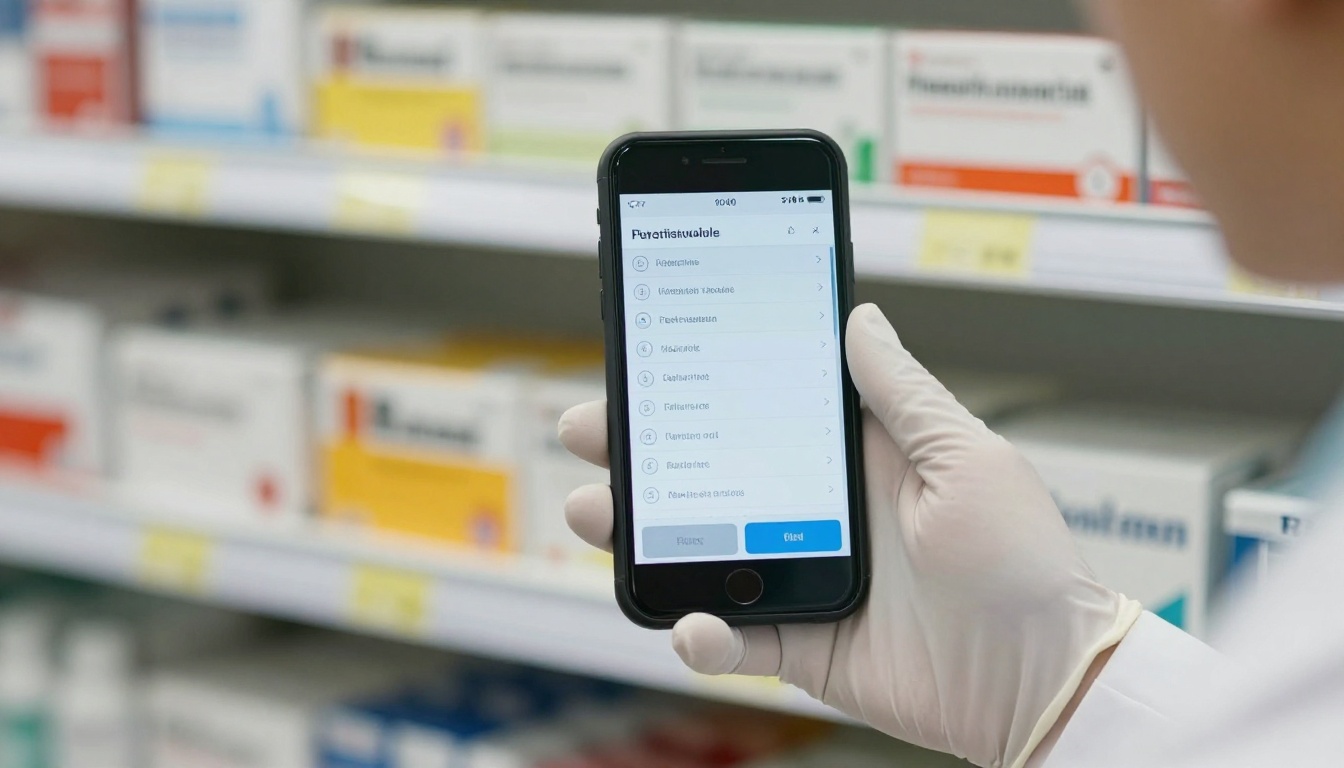
Not every decision starts with a prescriber. Pharmacists often field questions about dosing and storage. A short dosage chart on a phone answers those questions faster than a thick monograph.
Building a Visual Aid That Doctors Open
Content quality drives results more than any tool. These principles hold up across therapeutic areas.
- One message per page. If a page needs two headlines, split it.
- Use patient language alongside clinical terms. It helps when the doctor repeats the message to a patient.
- Show the chart, not a paragraph about the chart.
- Keep safety information visible and approved, never hidden in tiny text.
- End with one action. A request for a sample, a link to the full prescribing information, or a callback.
A Sample Structure
| Page | Purpose | Content |
|---|
| 1 | Hook | Patient profile and the clinical problem |
| 2 | Evidence | One primary outcomes chart |
| 3 | Practical use | Dosing and administration |
| 4 | Safety | Approved safety summary |
| 5 | Next step | Contact, sample request, full information link |
Five pages is a good ceiling for a first visit. Extra detail can live in a second flipbook that the doctor opens only if interested.
How to Create a Pharma Flipbook with Flipbooks AI
If your team already has an approved PDF, turning it into a page-turning visual aid takes only a few minutes. Here is the process.
- Get started. Go to Flipbooks AI and create an account.
- Upload your approved PDF. The PDF to Flipbook Converter turns each page into a flip-ready spread. Confirm that the converted version matches the approved file page for page.
- Customize the look. Apply your company colors and logo, choose a page-turn effect, and add multimedia such as a short mechanism-of-action animation or an audio note where your reviewers allow it.
- Choose sharing options. Copy a direct link for email and chat, or use the Embed Flipbook on Website tool for a physician portal. Use password protection when the content is meant only for verified healthcare professionals.
- Turn on advanced features. Analytics and lead generation are part of the Professional plan, so compare the pricing plans before rollout. Offline downloads help reps who visit clinics with unreliable signal.
✅ Best practice: Keep a version log. Each time a page changes after medical review, note the approval date so any shared link can be traced to a specific approved version.
The platform adds no watermarks, so your branding stays clean, and the pages adapt to phones and tablets without extra work. For sales teams, the Sales Presentation tool and the Presentation Flipbook Designer fit this kind of material well. Training managers can also use the Training Manual Flipbook tool to onboard new reps on the same content.
Compliance Without the Headaches
Healthcare marketing is regulated, and rules differ by country. The following habits reduce risk in any market.
- Share only approved material and avoid adding rep-written commentary to pages.
- Restrict access to the intended audience with a password or a gated link.
- Store the approved PDF and its flipbook version together.
- Keep personal data collection minimal and follow your privacy policy and local law.
- Ask your regulatory team before enabling any lead capture form.

Who Should Sign Off
| Role | What they check |
|---|
| Medical affairs | Scientific accuracy of claims and charts |
| Legal | Wording, trademarks, comparative statements |
| Regulatory | Safety information and local requirements |
| Sales operations | Link settings, access rules, tracking |
A short sign-off checklist shared by these four roles can turn a slow review into a predictable one.
Measuring What Works
Tracking does not mean watching individual doctors. It means seeing which pages hold attention so the next version improves.

Useful signals include:
- Opens per link: did the doctor click at all?
- Pages viewed: where do readers stop?
- Time on page: which chart earned a longer look?
- Return visits: did the doctor come back to dosing a week later?
Turning Numbers into Action
If most readers stop on page 3, shorten it or move the best chart earlier. If dosing is revisited often, give it a dedicated follow-up piece. If the safety page is skipped, that is worth discussing with your medical team, since the message must still be presented in the visit itself.
💡 Pro tip: Compare two versions of a first page across two small rep groups for a month. Even a simple A/B result tells you more than opinions in a meeting.
Tips for Reps in the Field
Good tools help, but delivery still decides the outcome.
- Open the link before walking in. Confirm the signal and the page order.
- Download for offline use when visiting rural clinics or hospital basements.
- Ask permission to send the link, then send it within the hour while the visit is fresh.
- Do not read pages aloud. Point to the chart and say the one sentence that matters.
- Close with a single question, such as which patient type they see most often.

At Congresses and Events
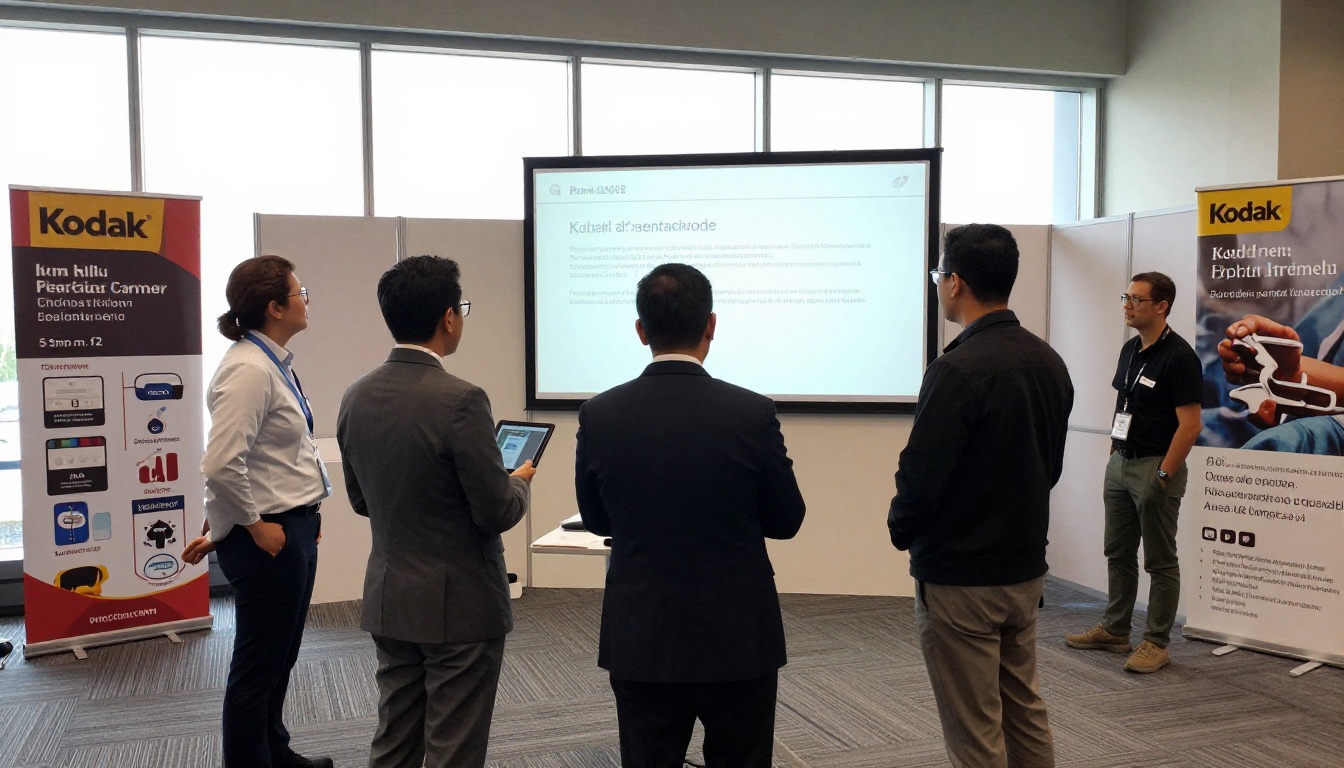
Booths and symposia are a different pace. Reps can show a flipbook on a tablet, then share a QR link so physicians read it later on their own device. This avoids carrying printed stacks and gives the team a way to follow up with those who showed interest.
Common Mistakes to Avoid
- Uploading a 60-page monograph as the visual aid. It is a reference, not a conversation tool.
- Skipping mobile testing. Many doctors open links on a phone first.
- Mixing approved and unapproved pages. Keep them in separate documents.
- Forgetting expiry dates. Outdated claims create risk. Retire old links on a schedule.
- Sending the link with no message. Add one line explaining what the page shows and why it matters to their patients.
Plan Comparison for Pharma Teams
Choose a plan based on how much tracking and control you need.
| Need | Standard plan | Professional plan |
|---|
| Unlimited flipbooks | Yes | Yes |
| Password protection | Yes | Yes |
| Custom branding | Yes | Yes |
| Analytics | Basic | Detailed |
| Lead generation | No | Yes |
| Offline downloads | Yes | Yes |
Check the current details on the pricing page before you decide, since plan contents can change.
Start With One Product
You do not need to rebuild your whole library. Pick one product, take its latest approved visual aid, and convert it. Give it to five reps for two weeks. Ask them three questions: did the link load fast, did doctors read past page two, and did follow-up calls improve?

Doctors will keep giving reps only a few minutes. The reps who earn a second visit are the ones who make those minutes count with a clear page, an approved message and a quick follow-up. Ready to build your first pharma visual aid? Get started for free on Flipbooks AI, browse all flipbook tools, or compare pricing plans to choose what works for your team.



