Build a photobook online for free as a page-turning flipbook. See which photo templates fit holidays, weddings and family albums, how sharing links and passwords work, and how to embed the album on any website.
Most "free photobook" tools let you design a beautiful draft and then ask for a credit card the second you press export. A photo flipbook skips that trap. You turn a PDF of your pictures into a page-turning album that lives online, opens on any phone and shares with a single link. This article shows how to make a photobook online free, which templates are worth starting from, how sharing links behave, and how to embed the finished album on your own site. The tutorial uses Flipbooks AI, which publishes flipbooks with no watermarks, ever.
What a Photo Flipbook Really Is
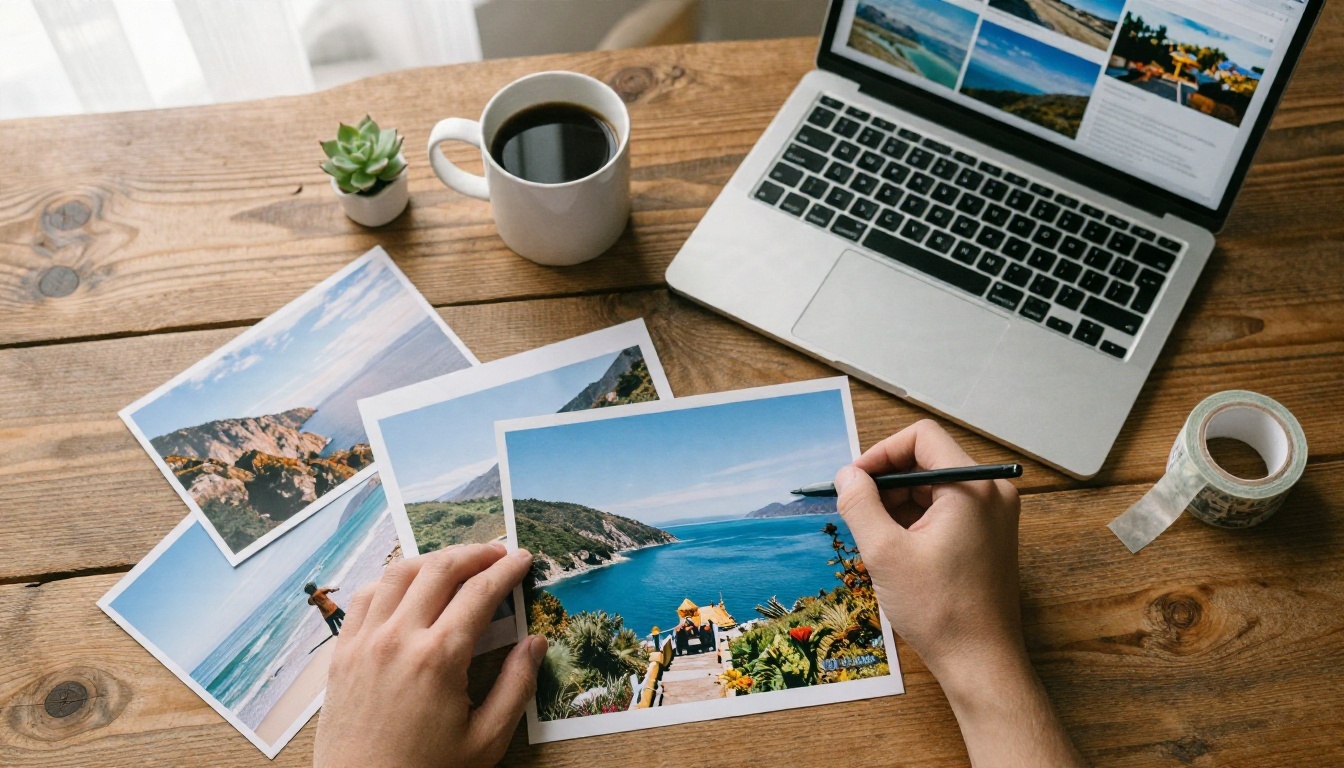
A photo flipbook is a digital photo album with a realistic page-flip effect. Instead of ordering a printed book and waiting two weeks, you publish a web version that people open in a browser. Readers swipe or click to turn pages, zoom into details and share the album with others.
Flipbook vs. Printed Photobook
Printed books feel wonderful on a coffee table. Flipbooks win on speed, reach and cost. Here is how they stack up:
Feature
Printed Photobook
Online Photo Flipbook
Cost per copy
Pay for every copy
One file, unlimited viewers
Delivery time
Days or weeks
Seconds
Sharing
Mail a physical book
Send a link or embed it
Editing after publishing
Reprint needed
Replace the PDF and republish
Video and audio
Not possible
Can be embedded
Works on phones
No
Yes, mobile-responsive
Privacy control
Whoever holds the book
Password protection
💡 Pro tip: You do not have to pick one. Many people publish the flipbook for relatives who live far away and print a single copy for the living room.
Who Benefits Most
Travelers who want a shareable trip album without uploading 300 loose pictures to a chat group.
Couples collecting wedding photos from a photographer into one tidy album.
Families digitizing old prints into a living archive.
Photographers who need a quick proof book for a client.
Students and hobbyists building a first portfolio on a zero budget.
Photo Flipbook Templates That Work
A template is simply a page layout you design once and reuse. Because the flipbook starts from a PDF, you can build the template in any tool you already like, such as a free design app, a slide deck or a word processor. The flipbook platform then adds the page-turning behavior.
Travel Album Layouts
Travel albums thrive on variety. Mix one full-bleed hero photo per spread with grids of three or four smaller shots. Add a short caption line under each grid: place, date, one sentence about the moment. A route map on the first spread gives the whole album a spine.
Wedding and Family Layouts
These layouts lean on whitespace. Use one large portrait on the right page and a short quote or names on the left. Keep fonts to two families at most. If you want a ready-made starting point, the Wedding Album Flipbook tool is built for exactly this format.
✅ Best practice: Export photos at a sensible size before placing them in the PDF. A 40-page album full of 12 MB originals loads slowly. Aim for images around 1600 to 2400 pixels on the long edge.
How to Create a Photobook with Flipbooks AI
Here is the full workflow, from loose pictures to a link you can send. It takes about fifteen minutes for a first album.
Step 1: Prepare Your Photos
Pick the best 20 to 60 pictures. Fewer, stronger photos beat a dump of everything.
Sort them in story order: arrival, highlights, quiet moments, goodbye.
Resize oversized originals so the final PDF stays light.
Step 2: Build the PDF
Create a page size that matches a book, for example square or landscape double-page spreads.
Place photos, leave generous margins and add short captions.
Upload your PDF. The PDF to Flipbook Converter turns each PDF page into a flippable page, with the page-curl effect applied automatically.
Check that every spread appears in the right order.
Step 4: Customize the Look
Open the settings for your flipbook and adjust what matters:
Branding: add your own logo or name if the album is for clients.
Colors: choose a background that complements your photos. Warm gray or soft cream flatters most pictures.
Page effects: pick the page-turn style and sound if you like it.
Multimedia: embed a short video clip or a background audio track, for example the song from the wedding dance.
💡 Pro tip: Dark backgrounds make sunsets and night shots glow. Light backgrounds make skin tones and print-style layouts feel airy. Test both before you publish.
Step 5: Publish and Share
Hit publish and you get a direct link right away. From there you can copy the link, grab an embed code or switch on password protection. The next two sections cover those options in detail.
Step 6: Pro Features Worth Knowing
On the Professional plan, you get analytics and lead generation. For a private family album this is overkill, but for a photographer sharing proofs, it shows which galleries clients opened and how long they stayed. Offline downloads are also available, which is handy when relatives have poor internet. Check the pricing page for the current plan limits.
Sharing Links That Respect Privacy
A flipbook link is the fastest way to deliver a photobook. You paste it in an email, a message thread or a social post, and anybody with the link can open the album.
Direct Link Basics
The direct link opens the flipbook in its own page, full screen if you want. It works on phones, tablets and desktops without installing anything. If you replace the PDF behind the same flipbook later, the link stays valid, so you can fix a typo or swap a photo without re-sending anything.
Password Protection
Photos of children, weddings and private trips deserve more than a hidden URL. Turn on password protection and share the password through a different channel than the link. A simple pattern: send the link by email and the password by text message.
QR Codes for Printed Cards
Paste your link into any free QR code generator and print the result on a thank-you card, a wedding table sign or a holiday postcard. Guests scan, the album opens.
Sharing Method
Setup Time
Privacy Level
Best For
Direct link
Under 1 minute
Low to medium
Friends, quick sends
Link plus password
2 minutes
High
Weddings, kids, clients
Embedded on a page
5 minutes
Depends on the page
Blogs, portfolios
QR code on a card
5 minutes
Same as link
Events, printed invites
Offline download
1 minute
Controlled by you
Poor connectivity
⚠️ Warning: Anyone who has an unprotected link can forward it. If the photos include people who did not agree to be shared, use a password or keep the album private.
Embed Options for Your Website
If you run a blog, a portfolio site or a small studio page, embedding keeps visitors on your domain instead of sending them elsewhere. The album appears inside your own page, with the page-flip effect intact.
Copy the Embed Code
Every published flipbook offers an embed snippet. It is an iframe that points to your flipbook. A typical snippet looks like this:
Paste it into an HTML block on WordPress, Wix, Squarespace, Webflow or a plain HTML file. The dedicated Embed Flipbook on Website tool explains the details for each platform.
Make It Responsive
A fixed width breaks on phones. Use width="100%" and set a height that suits your layout, or wrap the iframe in a container with a 16:9 or 4:3 aspect ratio. Always test on a real phone before you publish the page.
Keep Pages Fast
Place one flipbook per page, near the top.
Add a short text intro above it so search engines understand the page.
Skip auto-playing audio unless the visitor chooses it.
Embed Location
Typical Height
Notes
Blog post body
500 to 650 px
Add a caption above
Portfolio home page
600 to 800 px
Place under the hero
Landing page section
450 to 600 px
Pair with a button
Full-width gallery page
80 to 100 vh
Use for large albums
Free vs. Paid: What Changes
You can start free and see how your album looks before spending anything. The main difference between plans is how many flipbooks you can publish and which extras you get.
Capability
Free Start
Standard and Above
Professional
Watermark on flipbooks
None
None
None
Unlimited flipbooks
Check limits
Yes
Yes
Password protection
Check plan
Yes
Yes
Embed video and audio
Yes
Yes
Yes
Custom branding
Check plan
Yes
Yes
Analytics and lead capture
No
No
Yes
The pricing page always shows the current numbers, so check it before committing to a plan.
✅ Best practice: Make your first album on the free option. If you later need many albums, analytics or client branding, upgrade then.
Real-World Photobook Examples
A Holiday Album for Friends
Maria returns from a ten-day coastal trip with 800 photos. She picks 45, lays them out in a square 24-page PDF, uploads it and sends the link to six friends. Nobody has to download a zip or scroll through a group chat for an hour.
A Family Archive for Grandparents
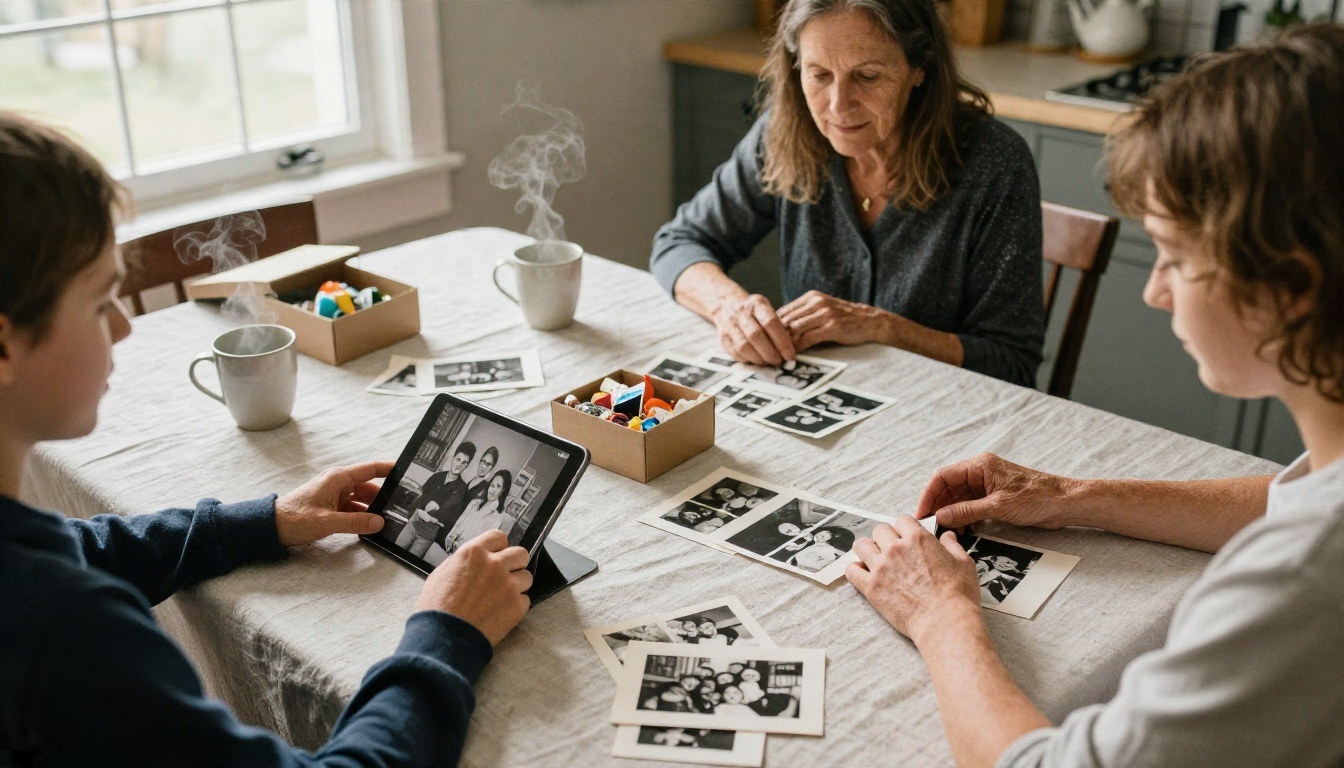
A teenager scans old prints, adds dates in the captions and publishes a password-protected flipbook. Grandparents open it on a tablet at the kitchen table, zoom into faded faces and tell the stories behind them.
A Proof Book for a Client
A portrait photographer exports a 20-page selection, adds her logo and sends a password-protected link to the client. On the Professional plan she can check which pages were opened and follow up on the favorites.
Mistakes That Spoil a Photobook
Too many photos. Forty strong images beat two hundred average ones.
Huge files. Heavy PDFs load slowly and people give up.
Tiny captions. Text under 10 pt is unreadable on a phone.
No story order. Chronological or themed sequences keep readers turning pages.
Skipping the phone test. Open the link on a real handset before you share it.
Ready to Build Yours?
A photobook no longer needs a print run, a shipping fee or a watermark. Prepare your pictures, build a PDF, upload it and share a link or an embed code in a single afternoon.