Your portfolio is only as powerful as the format it lives in. Right now, thousands of photographers are sending PDFs that never get opened, linking to websites that take too long to load, and wondering why clients go quiet after a "I'll check it out later." The format is the problem, and a photography flipbook is the fix. With Flipbooks AI, you can convert your best work into an interactive, page-turning experience that clients actually sit down and look through from start to finish.
Why Static Portfolios Are Losing Clients
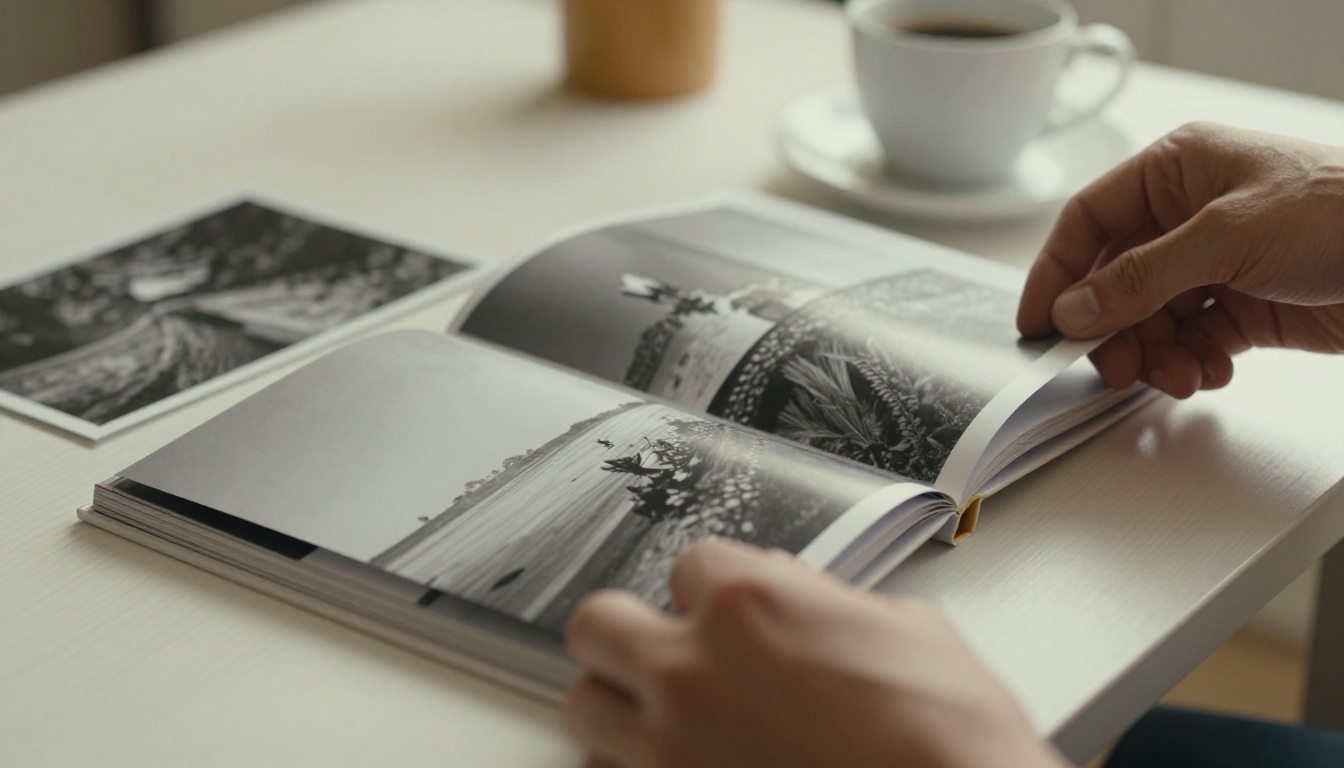
The attention problem every photographer faces
Attention is the currency of the creative industry, and static formats spend it fast. A PDF attachment gets downloaded maybe 30% of the time. A website link competes with every other tab the client has open. A printed book requires a physical meeting. None of these formats meet the client where they actually are, which is on a phone or laptop, scrolling, looking for something that stops them.
A flipbook changes that dynamic. It mimics the feel of flipping through a real printed book. Pages turn with a satisfying animation. Images fill the screen. There is a clear beginning and end, which means clients actually finish it. That completion rate matters enormously when your goal is to leave a lasting impression.
What clients want but won't say
Clients want to feel something when they look at your work. They want the experience of being shown a portfolio, not handed a document. The physical act of turning a page, even a digital one, creates a sense of deliberate browsing rather than passive scrolling. It signals that the work inside was curated and considered, not just dumped into a folder.
A photographer who sends a beautifully formatted flipbook says something before the client even sees the images: this person takes presentation seriously. That first impression shapes how every photograph inside is perceived.
💡 Photographers who share flipbook portfolios report that clients mention specific images from the book during follow-up calls. That level of retention almost never happens with PDF shares.
What a Photography Flipbook Actually Is
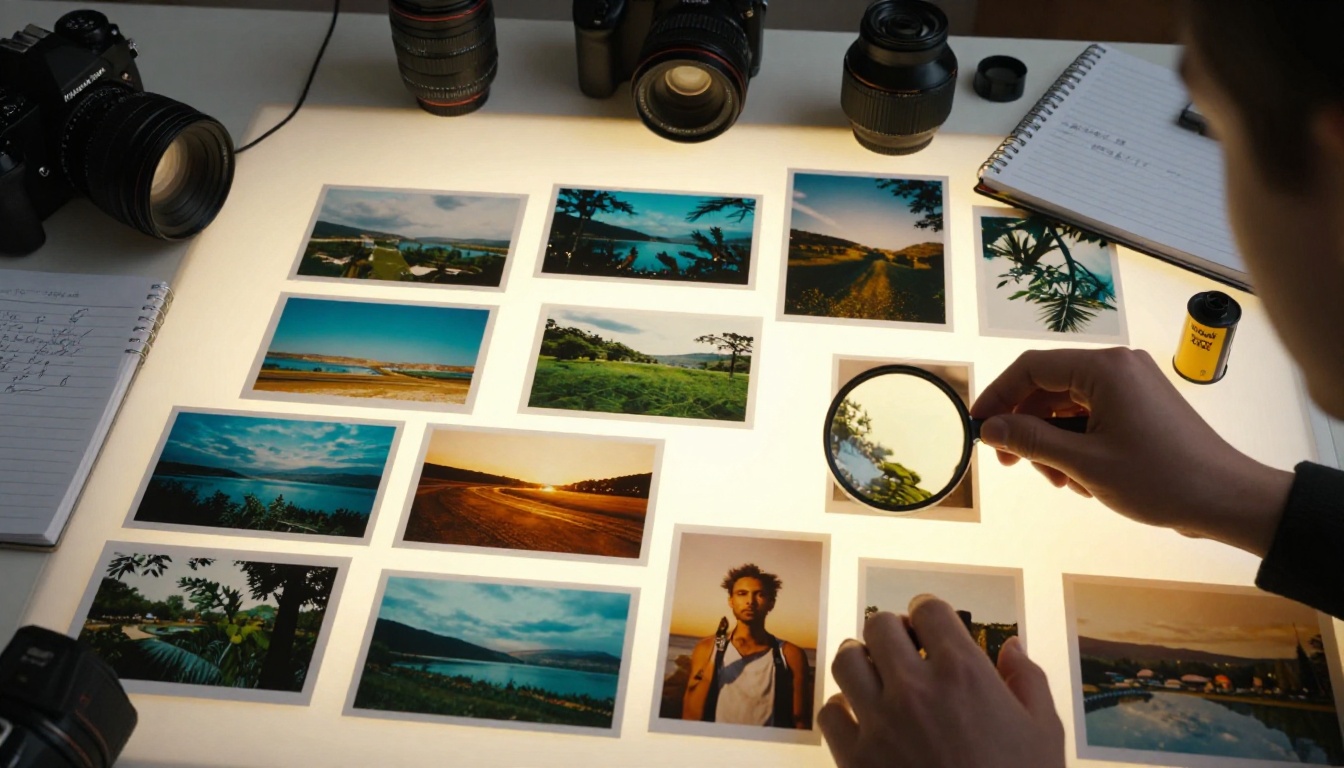
Pages that move, images that breathe
A photography flipbook is a digital publication built from your PDF portfolio. When you upload your portfolio to Flipbooks AI, the platform converts each page into a high-resolution interactive spread with smooth page-turn animations. Viewers click or drag pages to turn them, zoom in on specific details, and navigate your work the way they would a coffee table book.
The result is a hosted URL you can share anywhere: email, Instagram bio, client proposals, wedding inquiry forms, or embedded directly into your website. No downloading required, no app needed, and it works on any device without a single compatibility issue.
Not a PDF, not a slideshow
The difference between a flipbook and a PDF is not just aesthetic. PDFs require software to open, often display poorly on mobile, and offer zero engagement signals. Slideshows feel like presentations, not art. A flipbook sits in a browser, loads instantly, and behaves like a premium publication that was built specifically to showcase images.
✅ A well-built photography flipbook positions you as a premium professional before you've said a word. The format itself communicates quality and intentionality.
What makes the format work for photographers specifically
Photography is a visual medium, which means the container matters as much as the content. A flipbook presents images at full bleed across a wide landscape spread, exactly as they were meant to be seen. There is no navigation bar competing for attention, no sidebar suggesting other content, and no loading spinner interrupting the experience.
Each page is a moment of focused attention on a single image or spread, which is as close as digital gets to the experience of sitting with a printed portfolio.
The Shots That Belong in Your Flipbook
Your ten best, not your fifty
A photography flipbook is not an archive. It is a curated argument for why someone should hire you. Ten to fifteen photographs, chosen deliberately, will always outperform fifty images dumped in sequence. Clients who flip through fifteen stunning spreads feel satisfied and impressed. Clients who reach page forty of a portfolio feel tired, even if the work is excellent.
Choose images that:
- Represent the exact type of work you want more of
- Show range within a consistent style rather than range across completely different genres
- Have a clear subject and emotional moment that reads instantly on screen
- Work at full bleed across a landscape spread without critical detail at the edges
- Hold up at both small and large scale since clients view on phones and widescreen monitors alike
Organizing by story, not by date
The order of your images matters as much as the images themselves. Think of your flipbook as a short film: it needs an opening shot that grabs attention, a middle that builds context, and a final image that lingers in the mind.
A proven sequence for photography portfolios:
- Opening spread: Your single most arresting image. No text, no caption, nothing competing with it.
- Establishing spreads: Two to three images that clearly communicate your primary subject matter and style.
- Variety spreads: Images that show depth, different lighting conditions, and different emotional registers.
- Detail spreads: Close-up or intimate images that demonstrate technical skill and attention to craft.
- Closing spread: A quiet, emotional image that leaves clients in a contemplative mood.
⚠️ Do not end your flipbook with a technically strong but emotionally cold image. The last image is the one clients carry with them when they close the tab.
How to Build Your Photography Flipbook

The Photography Portfolio Flipbook tool on Flipbooks AI makes the process fast and straightforward. Here is exactly how it works:
Step 1: Build your PDF in the right format
Export your portfolio from Lightroom, InDesign, Canva, or any layout tool as a PDF. Use landscape orientation, either 16:9 or A4 landscape, for the best spread layout. Embed high-resolution images at 300 DPI or higher to ensure crisp display when clients zoom in on specific details.
Step 2: Upload your PDF and convert
Go to Flipbooks AI and create your account. Click "New Flipbook," upload your PDF, and the platform automatically converts each page into an interactive spread. Conversion typically takes under two minutes even for a 20-page portfolio.
Step 3: Customize branding and appearance
Once converted, open the editor and:
- Set your brand colors for the flipbook toolbar and background
- Add your logo to appear consistently across the publication
- Choose a page-turn animation style (realistic paper flip, crossfade, or slide)
- Add a clickable table of contents if your portfolio is organized into multiple series or projects
Step 4: Add interactive elements
Flipbooks AI lets you embed clickable links directly on pages. You can link your email address on the contact page, add a "Book a session" button that opens your scheduling tool, or connect directly to your social profiles. This turns a passive portfolio into an active lead source working for you around the clock.
Step 5: Share and embed
Click "Share" to get your unique flipbook URL. Use this link in:
- Email proposals: "Here is my portfolio for the project we discussed"
- Instagram, LinkedIn, or website bio links
- Wedding inquiry forms and commercial creative briefs
- Embedded directly on your website using the provided iframe code (see Embed Flipbook on Website)
For sensitive client presentations, enable password protection so only the intended recipient can view it.
💡 Create separate flipbooks for each photography niche you shoot. One for weddings, one for portraits, one for commercial work. Send the exact right portfolio to the exact right client every time.
Flipbook vs. Website vs. PDF

| Feature | Photography Flipbook | Portfolio Website | PDF Portfolio |
|---|
| Mobile experience | Excellent, fully responsive | Varies by site builder | Poor, requires pinch-zoom |
| Loading speed | Fast, hosted on CDN | Varies widely | Requires full download first |
| Client experience | Interactive, immersive | Passive scrolling | Static, flat |
| Shareable as a link | Yes, instant | Yes | Yes, but large file size |
| Password protection | Yes (Professional plan) | Requires paid plugin | No |
| Analytics | Yes (Professional plan) | Requires GA setup | No |
| Embeddable on website | Yes, via iframe code | N/A | No |
| Setup time | Under 5 minutes | Hours to days | Minutes to build, forever to get opened |
| Cost | From free | From $15 to $60 per month | Free but low effectiveness |
The flipbook wins on experience and practicality for most photographer use cases, especially when sharing proactively with clients who have not yet seen your work.
Who Actually Uses This
Wedding photographers

Wedding photographers live and die by first impressions. A couple reaching out for quotes contacts multiple photographers within hours. The one who sends a beautiful, instantly viewable flipbook instead of a generic website link stands out immediately, before the client has even read the accompanying message.
Wedding photography flipbooks work best when they contain:
- Full ceremony-to-reception story arcs showing complete event coverage
- Specific venue work, since couples love seeing their exact venue in your previous shoots
- Style-specific books organized by aesthetic: editorial, documentary, romantic, or moody
The Wedding Album Flipbook tool is specifically built for this workflow and handles the full-bleed double-page spreads that wedding portfolios demand.
Portrait and family photographers
Portrait studios use flipbooks to show potential clients exactly what they can expect: the session experience, the finished portraits, the framing options, and the product lineup. A well-organized portrait flipbook dramatically reduces the "what do you actually deliver?" question that slows down the booking process.
✅ Portrait photographers who add a product page to their flipbook (showing wall art, albums, and print packages) consistently report higher average order values from clients who booked after viewing the flipbook.
Landscape and travel photographers
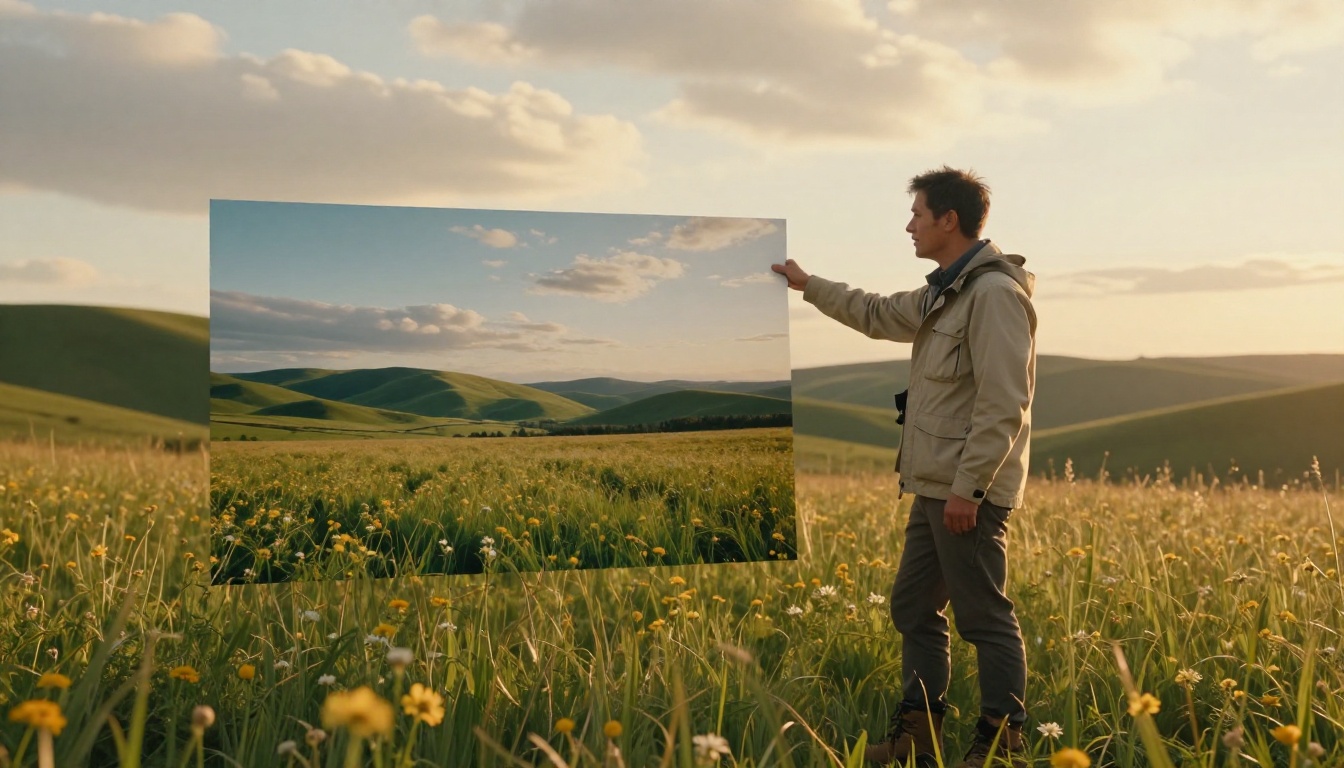
Landscape and travel photographers often pitch editorial clients, licensing agencies, and tourism boards. A flipbook portfolio reads as professional editorial material rather than a social media gallery. It is formatted like a magazine submission, which is exactly how licensing clients and editorial teams prefer to receive work for consideration.
The Digital Portfolio Creator and the Portfolio Flipbook Builder are both strong options for building geography-specific or subject-specific portfolio books for this niche.
Fashion and commercial photographers
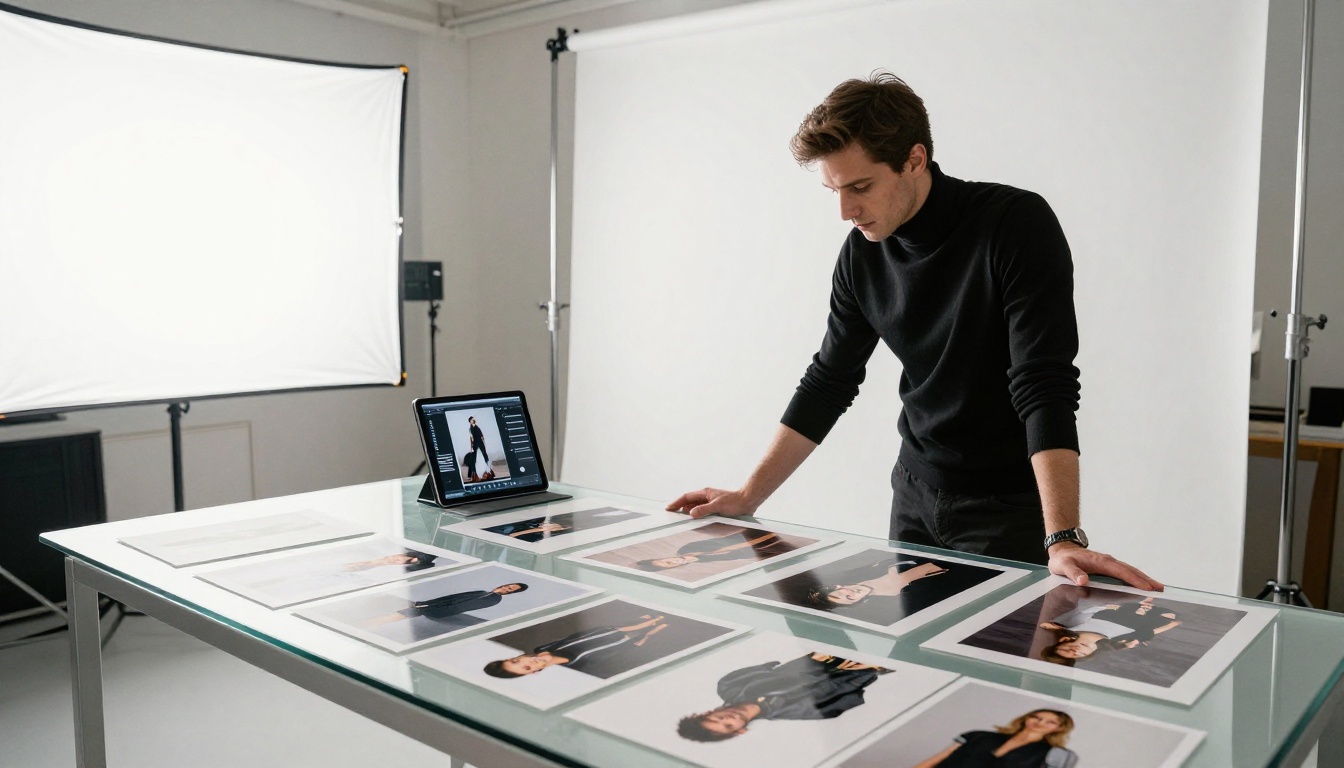
Commercial photographers pitching to brands and agencies need their portfolio to feel like a publication, because that is what creative directors and art buyers are used to reviewing. A flipbook that opens like a magazine, reads like a lookbook, and closes with a direct contact page hits that expectation precisely.
For fashion-specific portfolios, the Interactive Lookbook Designer adds the brand-level polish and layout control that editorial submissions require.
Presenting to Clients in Meetings

A flipbook is not only for remote sharing. In face-to-face client meetings, pulling up your flipbook on a laptop or tablet and handing it across the table creates a dramatically better experience than navigating through a website or swiping through Instagram on a phone screen.
The page-turn interaction is tactile and intuitive even for non-technical clients. They can flip at their own pace, pause on images they love, and zoom in on details that interest them without you having to drive the presentation. It shifts the dynamic from "let me show you my work" to "take your time with my work," which is a far more confident position to be in during a new client meeting.
⚠️ If you're presenting to clients in person, download the offline version first (available on the Professional plan at Flipbooks AI) so you're not relying on a venue WiFi connection during your meeting.
Plans That Work for Photographers
| Plan | Price | Flipbooks | Password Protection | Analytics | Offline Download |
|---|
| Free | $0 per month | 1 flipbook | No | No | No |
| Standard | From $9 per month | Unlimited | No | No | No |
| Professional | From $19 per month | Unlimited | Yes | Yes | Yes |
For most photographers starting out, the Standard plan at Flipbooks AI is enough to run unlimited portfolio flipbooks with no watermarks and no per-flipbook fees. The Professional plan becomes essential when you want analytics (seeing exactly who opened your portfolio, for how long, and which spreads they paused on) and password protection for private client presentations.
💡 Portfolio analytics are more useful than most photographers expect. Knowing that a potential client spent four minutes on your wedding galleries and skipped your portrait section tells you exactly how to tailor your follow-up message and where to direct the conversation.
What Sets This Apart from Everything Else
| Feature | What It Means for Photographers |
|---|
| No watermarks, ever | Your work shows exactly as you intended, with zero platform branding |
| Unlimited flipbooks | Build separate books for every niche, every client type, every campaign |
| Custom branding | Your logo, your colors, your link for a fully professional presentation |
| Video embeds | Add behind-the-scenes clips and testimonial videos alongside still images |
| Password protection | Share proofs, personal projects, or sensitive work privately |
| Analytics | See who viewed it, for how long, and which pages they studied most |
| Mobile-responsive | Reads perfectly on any screen, from a smartphone to a widescreen monitor |
| Embed code | Drop your flipbook directly into your photography website with one snippet |
Browse all available tools at flipbooksai.com/tools to find the right format for your specific niche, whether that is portrait, wedding, commercial, or editorial photography.
Stop Sending Portfolios Nobody Actually Sees
Your photographs deserve to be experienced the way you intended: large, in sequence, with the weight and presence of a printed portfolio book. A flipbook delivers that in a browser, on any device, in under a second, without asking clients to download anything or navigate anywhere unfamiliar.
Whether you shoot weddings in sunlit chapels, build portrait studios from a spare room, chase landscape light at dawn, or create commercial campaigns for brands, a flipbook portfolio gives every client the experience of sitting down with your work rather than glancing at a thumbnail and moving on.
Get started for free on Flipbooks AI, upload your portfolio PDF, and have your first photography flipbook live in under five minutes. When you're ready for analytics, private sharing, and offline access, see what each plan includes and choose what fits your practice. Your best work has been waiting for a format that does it justice.



