The deposit lands, the contract is signed, and your new client closes the laptop with one thought: "Now what?" That quiet gap is where doubt creeps in. The smartest move is to fill it immediately with photography client welcome magazines sent right after booking. A short, beautiful, flippable publication, delivered as a link within minutes, tells the client they chose well. You can build one in an afternoon with Flipbooks AI and reuse it for every booking afterward.
This article walks through why the timing matters, what belongs on each page, how to build the magazine, and how to automate delivery so it never depends on your memory.
Why the First Hour Matters
Clients decide whether they feel good about a purchase very quickly. Booking a photographer is emotional and expensive, and the product does not exist yet. All they have is your portfolio and a few emails. A welcome magazine turns that vague promise into something they can hold, scroll and share with a partner or parent.
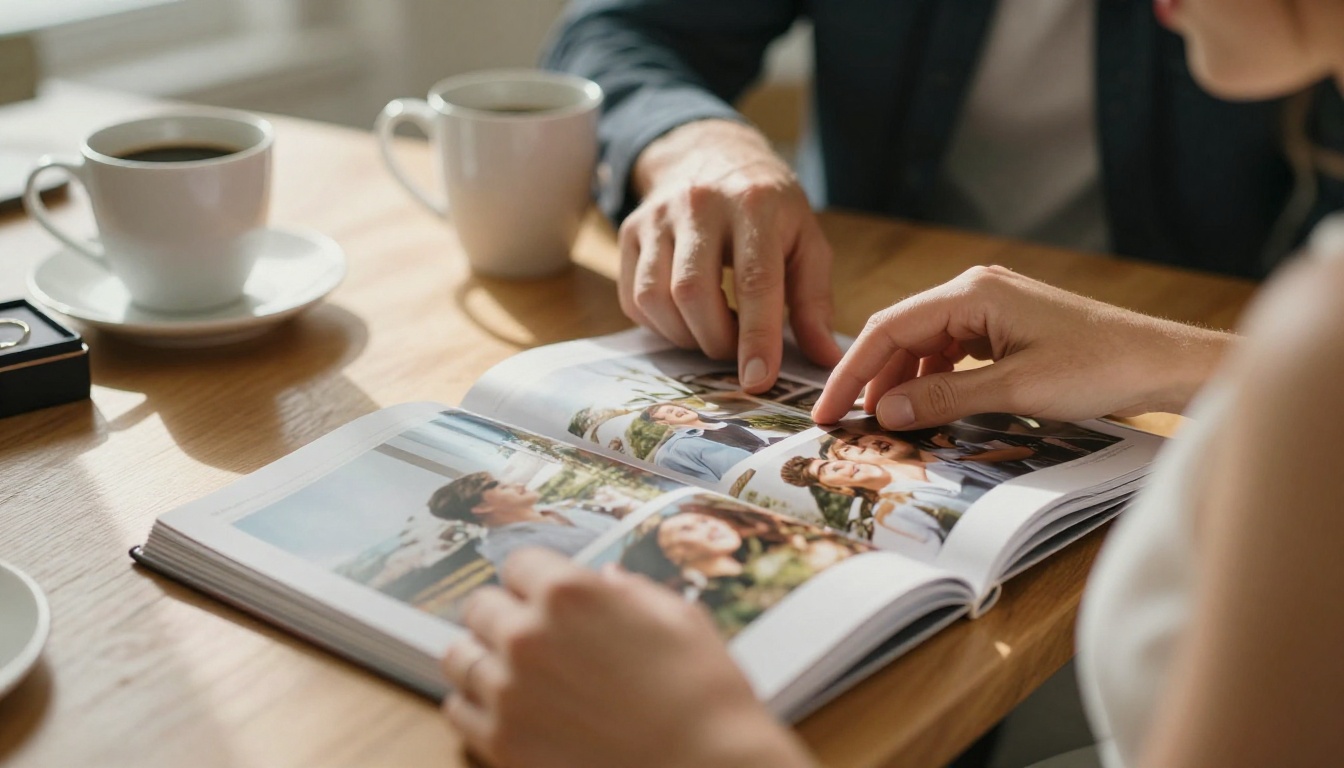
Here is what a prompt welcome magazine usually does for a studio:
- Reduces repeat questions about timing, outfits, locations and delivery dates.
- Confirms the decision at the moment buyer's remorse is strongest.
- Sets the visual direction so the session matches the portfolio they loved.
- Prepares the client to relax in front of the camera.
- Sparks referrals, because a polished magazine gets forwarded.
💡 Pro tip: Send it within an hour of the signed contract. After 24 hours, the moment of excitement has already cooled.
The Gap Between Contract and Session
For a wedding, that gap can be a year. For a family portrait, two weeks. In both cases the client has no contact with you other than a few emails. A magazine becomes your quiet ambassador during that stretch.
Print Versus Digital
A printed welcome magazine is lovely, but it needs time, shipping and cost. A digital one arrives instantly, and you can update it without reprinting. Many photographers send the digital edition at booking and mail a printed copy later as a premium touch.
| Format | Delivery speed | Cost per client | Easy to update | Best for |
|---|
| Printed magazine | 3 to 10 days | High | No | Weddings, high ticket packages |
| PDF attachment | Instant | Near zero | Yes | Simple sessions |
| Flipbook link | Instant | Near zero | Yes, live | Every client type |
The flipbook link wins on speed and flexibility. The client opens it on a phone, flips pages with a thumb and never downloads anything.
What Goes Inside the Magazine
A good welcome magazine reads like a calm conversation. Aim for 8 to 16 pages, each with one job. Short pages are easier to finish, and a finished magazine is a magazine that works.
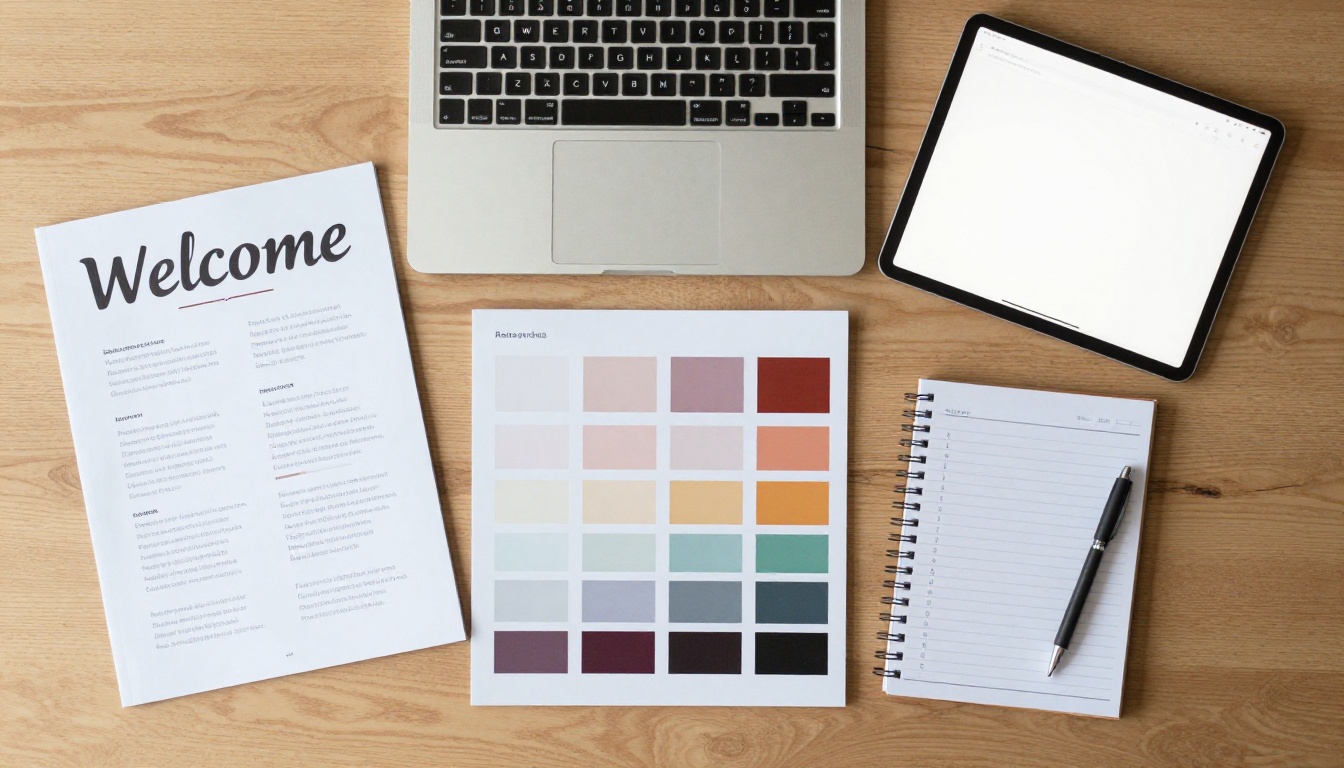
Page One: A Warm Greeting
Open with a full-bleed photo and two sentences. Thank them by name, say what happens next, and promise the next page will answer the three most common questions. Keep your tone as friendly as your emails.
Pages Two and Three: Your Process
Show a simple timeline: booking, planning call, session day, preview, final gallery. Add real dates when you know them. People relax when they can see the path.
Pages Four and Five: Style and Outfits
This is the page clients thank you for. Include color palettes, texture ideas and a short list of what to avoid, such as tiny stripes or heavy logos. Real photos from past sessions beat any written description.
Pages Six and Seven: Location and Timing
Offer a map, parking notes, best light windows and a rain plan. Give a clear arrival time and what to bring, such as water, a change of shoes or a favorite blanket.
Pages Eight and Nine: Pricing and Extras
Clients often want to add an album, prints or an extra hour. Present those options calmly, with no pressure. A table works well here.
| Add on | Typical price range | When to offer |
|---|
| Extra hour | Hourly rate | Booking or week before |
| Printed album | Mid to high | After the preview |
| Wall art set | Mid | After the preview |
| Rush delivery | Flat fee | Booking |
Pages Ten Onward: Trust and Questions
Close with three short testimonials, a short FAQ and your contact details. A single clear next step, such as "Book your planning call," keeps the client moving.
✅ Best practice: Put one clear action on the last page. Too many buttons and the client clicks none.
Matching the Magazine to Your Niche
One template rarely fits every client. A wedding couple wants reassurance about the timeline. A newborn family wants calm and safety. A corporate client wants speed and clear usage rights. Build a base magazine, then swap two or three pages per niche.

Weddings and Couples
Add a planning checklist, a sample day timeline, a short note on how you work with planners and venues, and a page on family portraits so nobody is surprised on the day.
Families and Children
Include tips for keeping kids relaxed: snacks, a favorite toy, no pressure to smile on command. Parents love reading that you expect wiggles.
Newborns
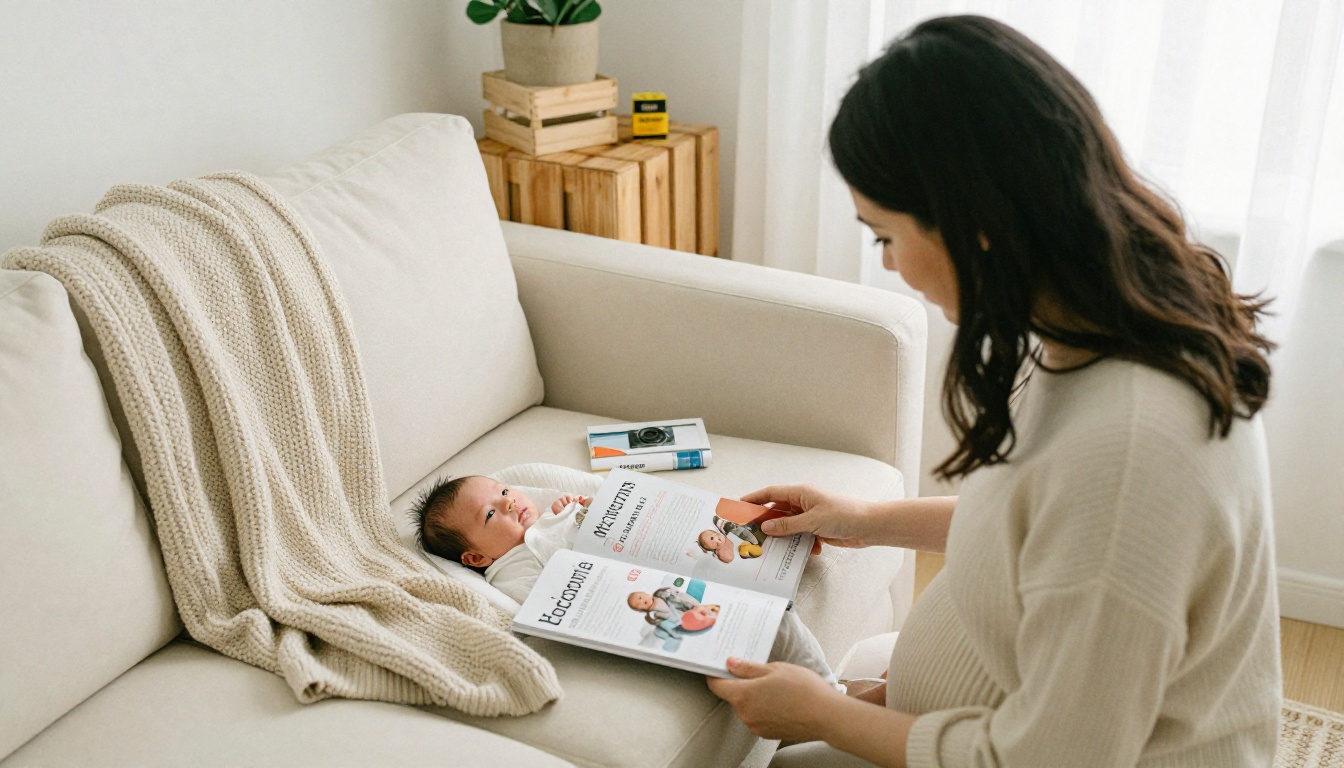
Cover safety and comfort with a page about studio warmth, feeding breaks and which props are used. Parents who feel safe book again.
Professional Headshots
Keep it brief: wardrobe suggestions, grooming notes, arrival instructions and delivery turnaround. Business clients appreciate that the magazine respects their time.
| Niche | Core pages | Tone | Ideal length |
|---|
| Wedding | Timeline, planners, family list | Reassuring | 14 to 16 pages |
| Family | Outfits, kids tips, location | Playful | 10 to 12 pages |
| Newborn | Safety, props, scheduling | Gentle | 10 pages |
| Headshots | Wardrobe, arrival, delivery | Efficient | 6 to 8 pages |
How to Create It With Flipbooks AI
If you already have a design in Canva, InDesign or even Keynote, you are halfway done. The flipbook step takes a few minutes.

Step by Step
- Design your pages at a consistent size, such as A5 landscape or square, and export them as one PDF.
- Sign in by creating an account on Flipbooks AI.
- Upload the PDF. The PDF to Flipbook Converter turns each page into a flippable spread with realistic page effects.
- Brand it. Add your logo, pick your background color and choose the page-turn style that suits your studio.
- Add media. Drop in a short video greeting or a soft audio track. Flipbooks AI supports embedded videos and audio.
- Choose sharing. Copy a direct link, grab an embed code for your client portal, or add a password for private sessions such as boudoir or family work.
- Test on your phone. The design is mobile responsive, and most clients will open it from their messages app.
The Magazine Flipbook Creator is a good starting point for layout, and the Photography Portfolio tool fits if you want to mix sample galleries into the same publication. For weddings, look at the Wedding Album Flipbook option for the delivery stage later.
💡 Pro tip: Keep your PDF in a "welcome template" folder. When your offer changes, replace the file, and every future client gets the updated version.
Features Worth Using
- ✅ No watermarks, so the magazine looks like yours alone.
- ✅ Password protection for private portraits.
- ✅ Analytics on the Professional plan, so you can see whether the client opened it and which pages held attention.
- ✅ Offline download for clients on a flight or without signal.
- ✅ Custom branding with your own colors and logo.
Pick the Right Plan
Most solo photographers only need the plan that allows unlimited flipbooks, since each client can receive a personalized copy if they like. Studios that want to track opens and capture leads from referrals should look at the Professional tier.
| Need | Plan feature to check |
|---|
| One shared welcome magazine | Basic publishing |
| A personalized copy per client | Unlimited flipbooks |
| Seeing who opened it | Analytics |
| Capturing referral contacts | Lead generation |
Compare options on the pricing page.
Automate the Delivery
A welcome magazine only works if it goes out every time. People forget when they are busy shooting. Automation fixes that.
Connect It to Your Booking Flow
Most studio tools, from simple booking forms to full client management systems, can send an email when a contract is signed. Paste your flipbook link into that automatic message. If you want a different magazine for each niche, set up one email per service type.
Write the Email
Keep it short, since the magazine does the talking:
- A warm subject line, such as "Welcome, we are so glad you booked."
- Two sentences of thanks.
- The flipbook link as a clear button.
- One line about the next step, with a date.
⚠️ Warning: Avoid attaching a heavy PDF to the email. Large attachments often land in spam, and a link opens faster on a phone.
Add Your Face and Voice
A 30 second video greeting embedded on the first page makes the magazine feel personal without extra effort. Record it once and reuse it, or record a new one for premium bookings.

Common Mistakes to Avoid
Even a well designed magazine can fall flat. Watch for these:
- Too long. Anything past 16 pages gets skimmed.
- Too much text. Photos should lead, words should support.
- No clear next step. Always end with one action.
- Outdated pricing. A flipbook link lets you fix this quickly, so do it.
- Stock photos. Clients booked you for your work, so use your own images.
- Sending it late. The impact fades by the next day.
A Quick Self Check
Before you send your first one, ask whether a stranger could answer these from the magazine alone: When is the session? What should I wear? Where do I park? When will I see photos? If the answer is yes to all four, the magazine is ready.
Real Examples That Work
A wedding photographer sends a 14 page magazine with a sample timeline and a video from the lead shooter. Clients arrive at the planning call with their questions already organized, and calls drop from 60 minutes to 30.
A family photographer shares a 10 page flipbook with outfit palettes and a rain plan. Cancellations from last minute nerves fall, because families feel prepared.
A headshot studio sends a 6 page version with wardrobe and arrival notes. No-show rates drop, and fewer clients arrive in the wrong clothes.
How to Measure Results
Track simple numbers for a few months:
| Metric | What to compare | Good sign |
|---|
| Questions per client | Before vs after | Fewer emails |
| Planning call length | Before vs after | Shorter, calmer calls |
| Add on sales | Before vs after | Higher |
| Referrals | Source on inquiry form | More mentions of the magazine |
If your plan includes analytics, open rates and time on page show which sections get attention. Move the best performing content earlier and trim pages nobody reads.
Start Sending Yours Today
You already have what you need: your best photos, your process and a few lines of friendly writing. Turn them into a short magazine, upload the PDF, and send the link at the moment a client says yes.
Ready to build yours? Get started for free on Flipbooks AI, browse all flipbook tools to find the right template, or compare pricing plans to pick what suits your studio. Your next client is about to book, and the first hour is yours to use.



