You have the downloads, the loyal listeners and a great show, yet your sponsor emails go unanswered. Nine times out of ten, the problem is not your podcast. It is your media kit. The best podcast media kit examples share one trait: a busy brand manager can understand the show, the audience and the price in under a minute. This article breaks down what those kits contain, shows examples for shows of different sizes, and walks you through building an interactive version with Flipbooks AI that sponsors actually open.
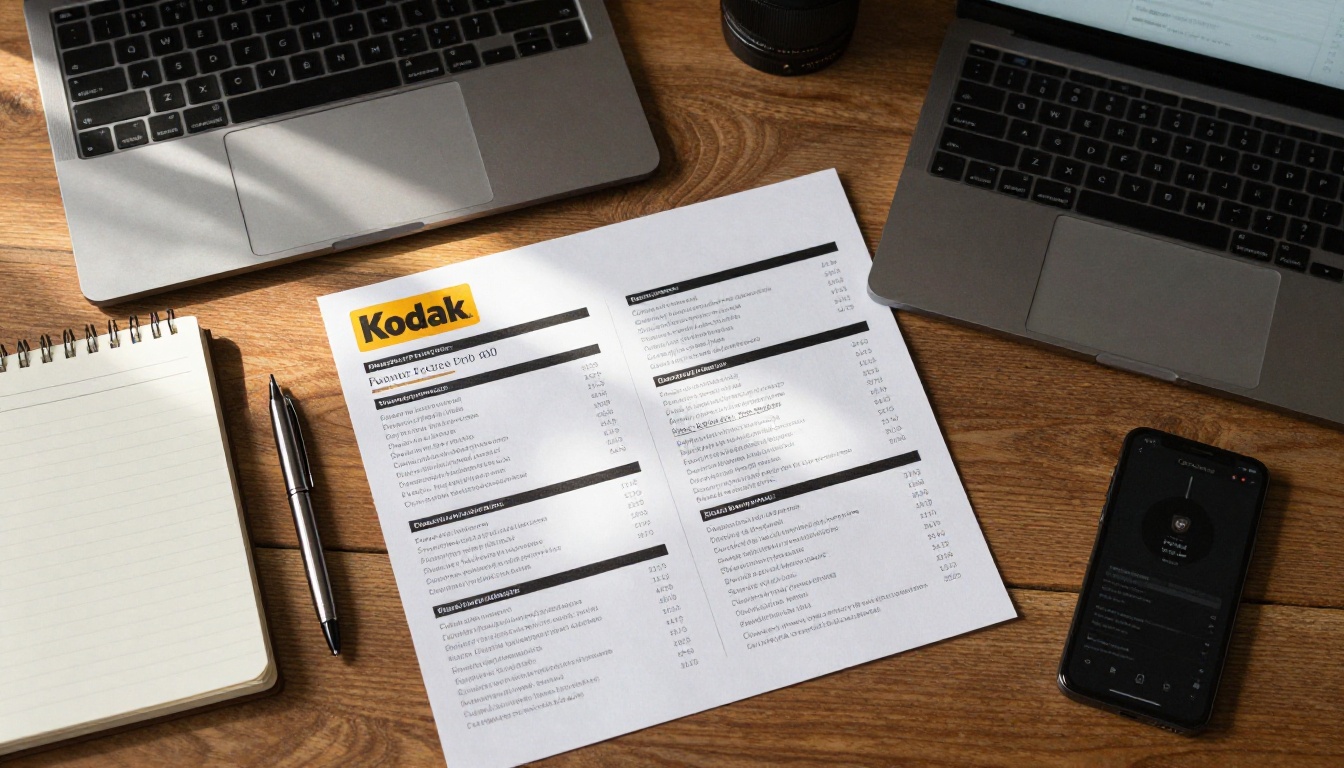
A media kit is a short document that sells your show to advertisers. Think of it as a résumé for your podcast. It answers three questions: who listens, how many listen, and what a sponsor gets for their money.
Most kits are PDFs of 4 to 8 pages. The strongest ones feel like a small magazine: clean layout, real photos, a few big numbers and a clear next step.
Who reads it
Your reader is rarely a podcast fan. It is usually a brand partnership manager, an agency buyer, or a founder doing marketing on the side. They compare your kit with ten others in the same inbox. They want facts, not adjectives.
What it is not
A media kit is not a bio dump, a screenshot of your analytics dashboard, or a link to your Spotify page. Those make the sponsor do the work, and they will not.
💡 Pro tip: Write every page so it could stand alone. Sponsors often forward a single page to a colleague, and that page has to make sense without context.
The Pages Every Kit Needs
Across the strongest examples, the same building blocks appear again and again. You can reorder them, but do not skip them.
1. A cover that states the pitch
Show name, your photo or the host duo, one sentence about the show, and your contact email. Skip the clip art. A real photo beats a logo wall.
2. About the show
Three to five sentences. Name the format, the typical guest, the episode length and the release schedule. Add one line on why your show exists.
3. Audience numbers
Use specific figures: monthly downloads, average downloads per episode in the first 30 days, email list size, social followers. Round numbers feel invented, so use real ones.
4. Listener profile
Age range, location, job titles, income bracket and platforms. If you do not have survey data, run a two-minute listener poll and report the result with the sample size.
5. Sponsorship options and rates
Spell out each placement and its price. Sponsors cannot say yes to a number they cannot see.
6. Past partners and proof
Logos, short quotes, and one result. "Promo code drove 214 signups in 30 days" beats any adjective.
7. A clear next step
One email address, one calendar link. Not five.
| Page | Purpose | Common mistake |
|---|
| Cover | Instant first impression | Logo only, no human face |
| About | Context in 10 seconds | Three paragraphs of backstory |
| Numbers | Prove reach | Vague "thousands of listeners" |
| Audience | Prove fit | Generic "people who like business" |
| Rates | Make saying yes easy | "Contact me for pricing" |
| Proof | Reduce risk | No results, only logos |
| Contact | Trigger a reply | Links to every social account |
The right kit depends on where you are today. A show with 500 downloads per episode should not imitate a show with 50,000. Here are three examples, described the way you would build them.
Example 1: The new niche show
Profile: A weekly show about home bread baking, 600 downloads per episode, 1,800 email subscribers.
What the kit does well:
- Leads with the email list, because a 1,800-person list of bakers is a tight audience for flour, ovens and kitchen tools.
- Includes a listener poll: 72% bake at least weekly, 41% spent over $200 on gear last year.
- Offers a single package: one host-read ad plus one newsletter mention, priced as a bundle.
- Uses warm kitchen photography rather than stock graphics.
Small shows win on fit, not reach. Say exactly who the audience is and what they buy.
Example 2: The growing interview show
Profile: A career-change podcast, 7,500 downloads per episode, 22,000 social followers across platforms.
What the kit does well:
- A single "at a glance" page with five numbers in large type.
- Three sponsor packages with a clear difference between them.
- Two short case studies from past sponsors, each with one measurable result.
- A "what we will not do" line: no more than two ads per episode, which builds trust with buyers who care about listener experience.
Example 3: The established network show
Profile: A business podcast, 60,000 downloads per episode, a research-backed audience survey.
What the kit does well:
- Opens with the demographic data, since big-budget buyers care about verified audience quality.
- Shows seasonal availability so sponsors can book quarters ahead.
- Lists add-ons such as live reads, newsletter inclusion and social clips as separate line items.
- Closes with a short process: brief, script approval, recording, report.
| Show size | Lead with | Typical offer | Proof to include |
|---|
| Under 1,000 per episode | Niche fit and email list | One bundle | Listener poll results |
| 1,000 to 10,000 | Audience profile and reach | Three tiers | Case study with a result |
| Over 10,000 | Verified demographics | Menu of placements | Survey data and renewals |
✅ Best practice: Match your claims to your size. A small, focused show with honest numbers beats an inflated kit that falls apart on the first sponsor call.
Pricing is where most hosts freeze. The industry shorthand is CPM, the cost per thousand downloads. Rates vary by niche, but the arithmetic is simple.

The simple formula
Price per ad = (average downloads per episode ÷ 1,000) × CPM.
A show with 7,500 downloads per episode and a $25 CPM would charge about $187 for one mid-roll. Niche, professional audiences can justify a higher CPM because the buyer is paying for a precise reader.
| Placement | Typical position | Pricing note |
|---|
| Pre-roll (15 sec) | Start of episode | Lowest rate, high attention |
| Mid-roll (60 sec) | Middle of episode | Highest rate, host-read performs best |
| Post-roll (30 sec) | End of episode | Budget option |
| Newsletter mention | Email send | Priced per send or per list size |
| Social clip | Short video | Flat fee per post |
Bundles beat single slots
Sponsors prefer a package they can say yes to in one email. A bundle of three episodes with a newsletter mention gives you recurring revenue and gives the brand time to see results.
⚠️ Warning: Do not list your rate as "negotiable." Publish a firm starting price, then give discounts to long-term partners. It makes you look established.
Design Choices That Win Replies
Content is half the story. The other half is how the kit feels when it opens.
Keep the layout light
One idea per page. Large numbers, short sentences and plenty of white space. If a page needs more than 80 words, split it.
Use real photos
Sponsors buy people. Photos of you recording, laughing with a guest or holding a mic make the show feel real. Avoid stock images of headphones on a blue background.
Pick two colors and one font family
A consistent look tells buyers you are professional. Match the colors to your cover art and use them for numbers and headings only.
Make it easy to open on a phone
Many partnership managers read email on mobile. A static PDF forces pinching and zooming, while a mobile-responsive flipbook reflows to fit the screen.
Static PDF vs Interactive Flipbook
A plain PDF still works, but it has limits. You cannot tell if it was opened, and links often break when files are re-saved. An interactive flipbook solves both.
| Feature | Static PDF | Flipbook on Flipbooks AI |
|---|
| Page-turn feel | None | Realistic page effects |
| Works on mobile | Pinch and zoom | Mobile-responsive |
| Open tracking | No | Yes, with analytics (Professional plan) |
| Embedded audio sample | No | Yes |
| Password protection | Hard to manage | Built in |
| Update after sending | Resend the file | Update the same link |
| Branding | Fixed | Custom branding and colors |
The update row matters more than it looks. When your downloads jump or a new sponsor signs, you edit once and every link you already sent shows the new version.
💡 Pro tip: Embed a 30-second audio sample of a host-read ad. A sponsor can hear how their message would sound before they ever reply.
If you already have your kit as a PDF, you can turn it into a shareable flipbook in a few minutes. Here is the process.

- Create your account. Go to Flipbooks AI and sign up. No watermarks are added to your flipbooks.
- Upload your PDF. Drag your media kit into the dashboard. The PDF to Flipbook Converter turns each page into a turnable spread.
- Customize the look. Add your logo, set your brand colors, choose a page-turn effect and pick a background that matches your cover art.
- Add multimedia. Embed an audio clip of a sponsor read or a short video intro. Audio and video play right inside the page.
- Set sharing options. Copy the direct link for emails, use the embed code for your own site, or add a password for a kit meant for one buyer. The Embed Flipbook on Website tool shows how.
- Turn on pro features. On the Professional plan you get analytics, offline downloads and lead generation. Analytics show which pages sponsors read, so you can see whether they reached your rates page. See pricing plans for the full list.
If you want to build the media kit from scratch, the Press Kit Designer gives you a starting layout. You can also browse all flipbook tools to find templates for rate cards and sales decks.
✅ Best practice: Create one private, password-protected version per major prospect, with their logo on the cover page. It takes five extra minutes and shows serious effort.
Where to Send the Kit
A great kit sitting in a folder earns nothing. Put it where sponsors already look.
Your website and social profiles
Add a "Sponsor this show" page and link it from your social bios. Embed the flipbook directly so visitors do not need to download anything.
Cold and warm emails
Keep the email under 120 words. Name the brand, say why their customers match your listeners, and link the kit. Do not attach it, because attachments get blocked and cannot be tracked.
A simple structure works well:
- One line on why you chose them.
- One line with your strongest number.
- One line describing the offer.
- The link and a single question: "Want me to hold a slot for next month?"
Sponsor marketplaces
Ad networks and creator marketplaces ask for a kit too. A link to your flipbook keeps one source of truth across all platforms.
Common Mistakes to Avoid
Even good kits fall apart on small details. Check yours against this list before you send it.

- Outdated numbers. A kit showing last year's downloads signals a dormant show. Update it every quarter.
- No pricing. "Rates on request" makes buyers move on to the next kit.
- Too many pages. Past eight pages, you are writing a report. Cut ruthlessly.
- Vanity metrics. Followers do not pay invoices. Lead with downloads and listener data.
- No proof of results. One small win from a past partner is worth more than ten adjectives.
- Weak contact details. If a sponsor has to hunt for your email, they will not.
| Mistake | Quick fix |
|---|
| Old stats | Set a quarterly reminder |
| Hidden rates | Add a one-page rate card |
| Wall of text | Max 80 words per page |
| Cluttered contact page | One email, one calendar link |
| PDF only | Share a trackable flipbook link |
Before you hit send, run through this list:
Ready to build yours? Create a free account on Flipbooks AI, upload your PDF and send your first trackable media kit today. Browse the full set of tools and templates, or compare pricing plans to pick the one that fits your show.