A patient nods through a ten-minute pre-surgery appointment, walks out with a stapled stack of paper, and by the next morning cannot remember whether the last sip of water was allowed at midnight or at six. That gap between what clinicians say and what patients retain is where cancellations, rescheduled procedures and anxious late-night phone calls come from. A well-built pre-op instruction booklet that patients can reread at home on their own phone closes that gap, and a tool like Flipbooks AI lets any clinic publish one from a simple PDF in minutes.
This article walks through why rereading matters, what a good booklet contains, how to design it for a phone screen, and exactly how to build and share one. You will also find comparison tables, a timeline template and a checklist you can adapt today.
Why Patients Forget Instructions
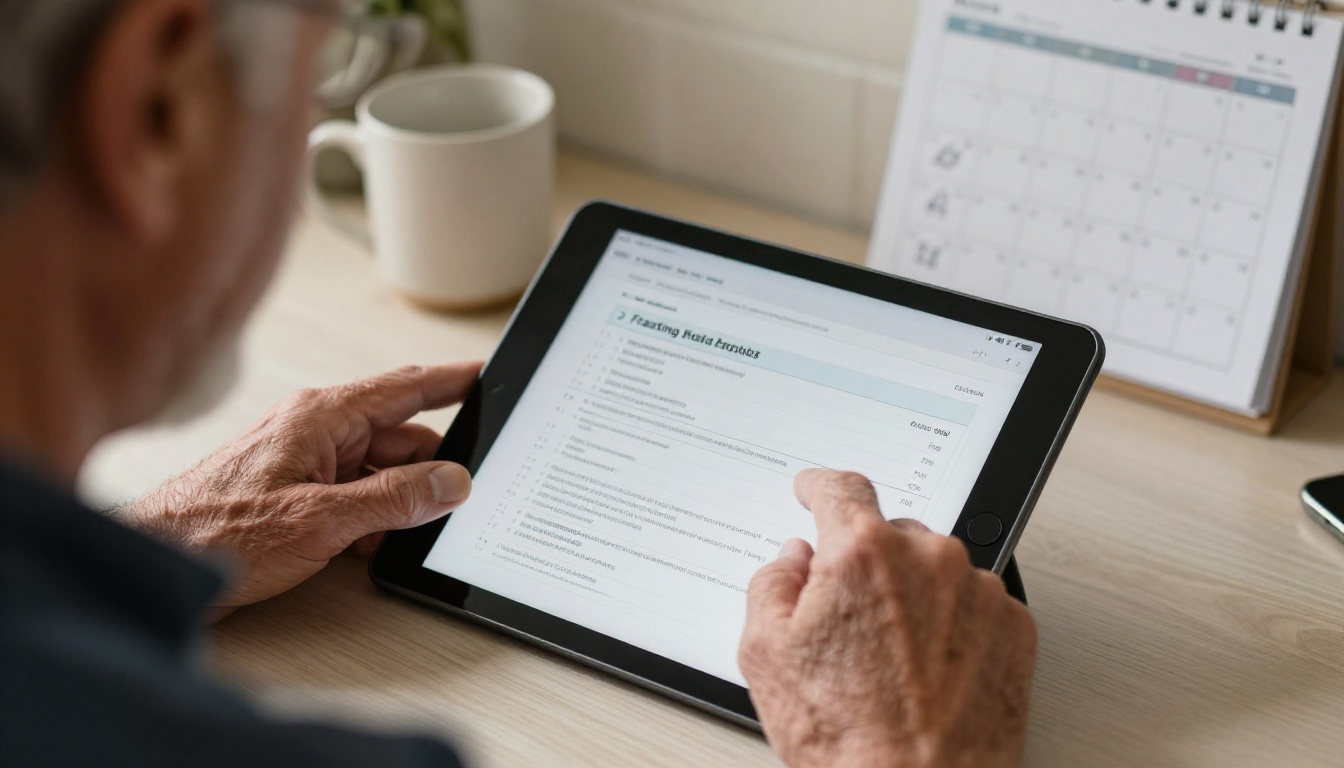
Medical visits are stressful. People who are worried about a procedure absorb far less than they believe they do, and a verbal explanation fades within hours. Written material helps, but a loose sheet of paper has its own problems: it gets lost, stained, left in a car, or never opened.
The Memory Problem
Instructions given in a clinic compete with fear, new vocabulary and a lot of numbers: times, doses, phone numbers. Patients typically recall the first and last things they heard and lose the middle, which is often the medication detail that matters most.
The Paper Problem
A printed handout is a one-time object. It cannot be searched, it cannot be updated if the surgery date moves, and a spouse in another city never sees it. If the surgeon changes a protocol, every old copy stays wrong.
The Phone Advantage
Almost every patient carries a phone and checks it dozens of times a day. A booklet that opens with one tap from a text message or email sits exactly where the patient already looks. They can reread it on the bus, at the kitchen table or the night before, without calling the front desk.
💡 Pro tip: Send the booklet link at scheduling time, not at the pre-op visit. Patients who see the instructions a week early arrive with better questions.
What a Good Booklet Contains
Clarity beats volume. The best booklets are short, sequenced by time and written at a plain reading level. Think of them as a calendar the patient walks through, not a reference manual.

Core Sections
- A one-page summary with the surgery date, arrival time, location and a phone number for questions.
- A countdown timeline from one week before to the morning of the procedure.
- Fasting rules written as exact clock times, not vague phrases.
- Medication instructions, including which regular medicines to continue or pause as directed by the surgeon.
- Hygiene and skin preparation steps.
- What to bring and what to leave at home.
- Transport and caregiver arrangements.
- Warning signs that mean the patient should call the clinic before arriving.
- A short list of frequently asked questions.
Sample Timeline Table
| When | What the patient does | Format that works best |
|---|
| 7 days before | Review the booklet, arrange a ride, confirm medication list | Checklist page |
| 3 days before | Stop any items the surgeon listed, prepare the home | Short numbered steps |
| 1 day before | Final shopping, pack the bag, set alarms | Checklist with times |
| Night before | Begin fasting at the stated time, shower as directed | Large-type single page |
| Morning of | Follow the arrival plan, bring ID and medication list | One-screen summary |
⚠️ Important: Every booklet should state clearly that the patient's own surgeon or anesthesia team has the final say. If personal instructions differ from the booklet, the personal instructions win.
Designing for a Phone Screen
A booklet designed for A4 paper often fails on a five-inch display. Tiny fonts, wide tables and dense paragraphs force pinching and zooming, which tired, nervous patients simply will not do.

Keep Pages Short
One idea per page. A page that says "Fasting" and shows three times beats a page that mixes fasting, medication and parking.
Use Large, Plain Type
Aim for body text that stays readable without zooming. Bold the single most important sentence on each page. Avoid decorative fonts.
Show Times, Not Hours Before
"Stop eating at 10 p.m. on Tuesday" is safer than "stop eight hours before." Patients should never need to do arithmetic while nervous.
Add Contrast and Icons
Simple icons for food, water, medicine and car help patients who read in a second language or who have low vision. Strong contrast between text and background matters just as much.
Paper PDF Versus Digital Flipbook
| Feature | Plain PDF attachment | Flipbook booklet |
|---|
| Opens in a browser from a link | Often downloads first | Yes, opens instantly |
| Page-turning feel on mobile | Scroll and pinch | Swipe page by page |
| Can be updated after sending | No, resend required | Yes, same link updates |
| Password protection | Limited | Available |
| Embedded video or audio | No | Yes |
| Usage analytics | None | Available on Professional plan |
| Offline copy for poor signal | Manual save | Offline download option |
How Rereading Changes the Day of Surgery
When patients can return to the booklet as often as they like, the benefits show up in practical ways on the day itself.
Fewer Last-Minute Surprises
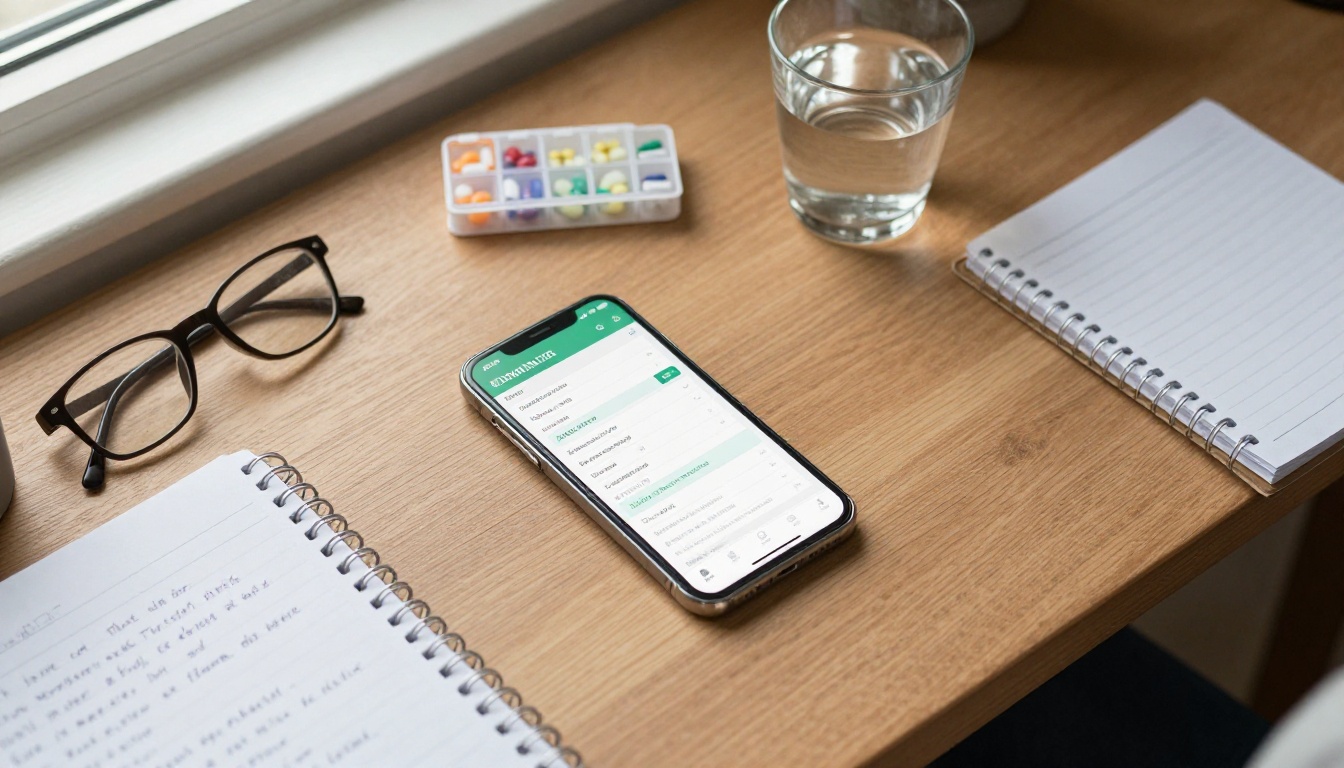
Patients who reread the fasting and medication pages are less likely to arrive having eaten breakfast or having taken a pill they were told to skip. Fewer postponed cases means smoother operating room schedules.
Fewer Repetitive Phone Calls
Front desk staff spend an enormous amount of time answering the same five questions. A searchable, clearly sequenced booklet answers them at 11 p.m., when no one is at the desk.
Calmer Patients
Knowing exactly what happens next lowers anxiety. A short "What to expect at the hospital" page with a photo of the entrance, the check-in desk and the waiting area removes uncertainty.
Real-World Scenarios
- Orthopedic clinic: A knee replacement patient rereads the home safety page after returning from the hospital and sets up a chair, a rail and a nightlight before the first night.
- Day surgery center: A parent rereads the child fasting page, which uses a different schedule from adult patients, and avoids a canceled case.
- Dental surgery practice: A patient living abroad reads the sedation instructions in the evening, translated into a second booklet version.
Sharing With Family and Caregivers
Many patients are not the only ones who need the instructions. A spouse drives, a daughter handles medicines, a neighbor feeds the dog. Digital sharing puts all of them on the same page, literally.

Ways to Share
| Method | Best for | Notes |
|---|
| Text message link | Most patients | Fastest and opens on any phone |
| Email with link | Older patients who prefer email | Include the surgery date in the subject |
| QR code on the appointment card | In-clinic handoff | Patient scans on the way out |
| Embedded on clinic site | Public general preparation pages | Use the embed flipbook on website option |
| Password-protected link | Pages with personal details | Share the password by phone |
✅ Best practice: Never place names, dates of birth or diagnoses inside a shared booklet. Keep the booklet generic and procedure-specific, and give personal details verbally or through your secure patient portal.
Privacy Basics
Booklets that explain a procedure are educational material, not medical records. Keep them free of personal health data, use password protection when a clinic prefers, and follow your own regulations about patient communication.
How to Create a Pre-Op Booklet With Flipbooks AI
If your clinic already has a Word or PDF instruction sheet, you are most of the way there. Here is the full process using the PDF to Flipbook Converter.

Step-by-Step Tutorial
- Prepare your PDF. Export your instructions at one idea per page. Use large type and keep margins generous. A4 or letter in portrait works well on phones.
- Create your account. Go to Flipbooks AI and sign up. You can compare plans on the pricing page.
- Upload the PDF. Drag the file into the converter. Pages are converted into a swipeable flipbook automatically, and no watermark is added.
- Customize the look. Add your clinic logo, pick brand colors, choose a page-turn effect and set a clean background so text stays readable.
- Add multimedia. Embed a short video of a nurse explaining check-in, or an audio clip reading the fasting page aloud for patients who prefer listening.
- Set sharing options. Copy the direct link, generate the embed code for your website, or add a password if you want privacy.
- Test on a real phone. Open the link on a small and a large device. Check that every page is readable without zooming.
- Send it. Add the link to your appointment confirmation text, email and printed card.
Features Worth Switching On
| Feature | Why it helps in a pre-op setting | Plan |
|---|
| Mobile-responsive design | Readable on any phone | All plans |
| Password protection | Keeps clinic material private | Standard and above |
| Unlimited flipbooks | One booklet per procedure type | Standard and above |
| Embedded video and audio | Spoken instructions and walkthroughs | All plans |
| Offline download | Works when hospital signal is poor | All plans |
| Analytics and lead generation | See which pages are opened most | Professional |
💡 Pro tip: Use analytics to spot the pages patients reread the most. If the fasting page gets the most views, rewrite it in plainer words or add a short video.
Writing Instructions Patients Actually Follow
Even the best design cannot rescue confusing text. A few habits make a big difference.
Use Verbs First
"Stop eating solid food at 10 p.m." is stronger than "Solid food should not be consumed after 10 p.m." Start steps with an action.
Replace Jargon
Write "no food or drink" instead of "nil per os." If a medical term must appear, explain it in brackets the first time.
Give Reasons
A short reason improves compliance. "Skip the aspirin on Thursday because it can increase bleeding" is easier to follow than a bare order.
Offer a Printable Checklist Page
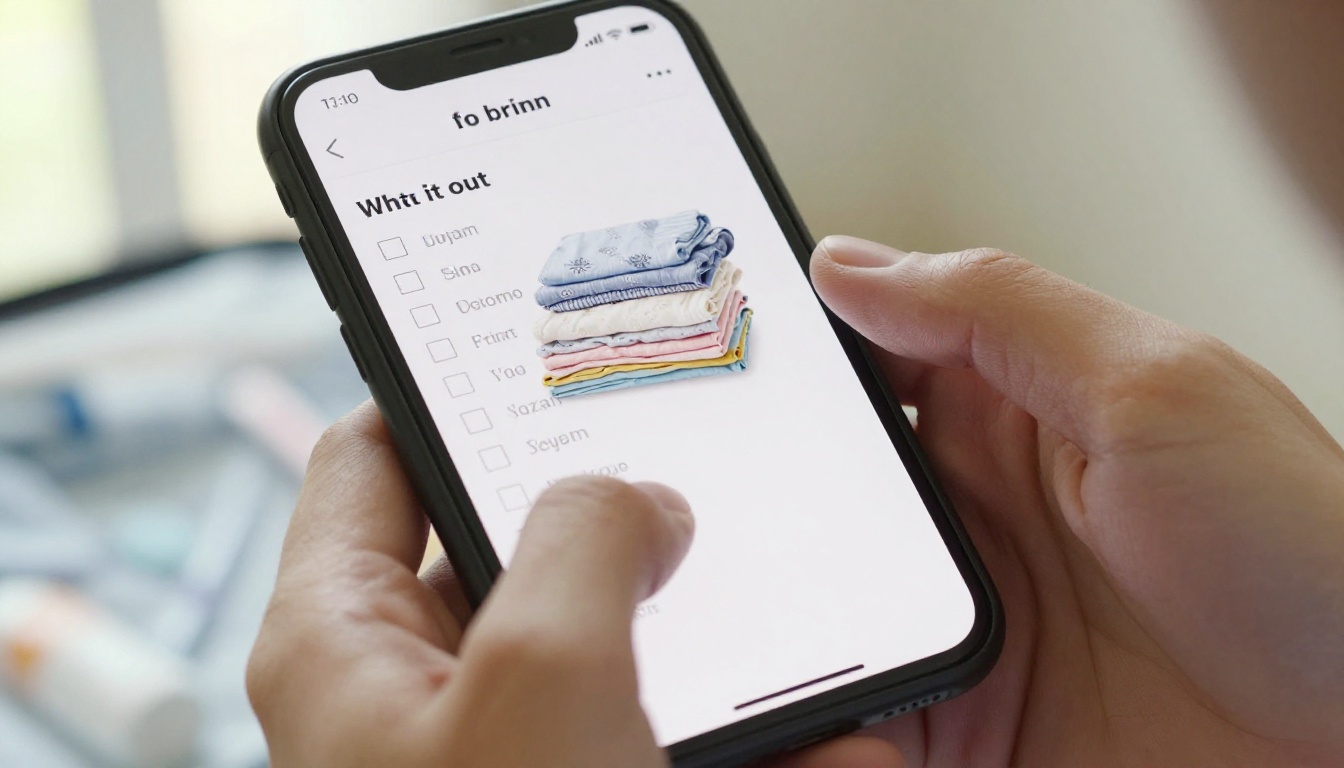
Some patients love ticking boxes. Add a final page with checkboxes for the day before: ride arranged, bag packed, alarm set, medication list ready.
Three Common Mistakes
- Too many pages: A twenty-page booklet will not be reread. Aim for eight to twelve.
- No contact number on every page: Put the clinic phone in the footer.
- Out-of-date information: Review the booklet each quarter and when protocols change. With a flipbook, the shared link stays the same after you update it.
Sample Pre-Surgery Checklist
| Item | Done? |
|---|
| Ride home arranged with an adult | ☐ |
| Medication list written down | ☐ |
| Fasting start time set on phone alarm | ☐ |
| Photo ID and insurance card packed | ☐ |
| Comfortable loose clothing packed | ☐ |
| Home prepared for the first night | ☐ |
The Night Before and Beyond
The hours before sleep are when rereading matters most. A patient lying on the sofa with a lamp on, scrolling through a calm, clear booklet, is a patient who will wake up prepared.

Make the Last Page Reassuring
End with a short, friendly note: where to park, who will greet them, and a reminder that the team does this every day. Reassurance is not fluff; it lowers stress at the exact moment patients need it.
Link Forward to Aftercare
The same booklet link can lead to a second flipbook about healing at home: wound care, pain control, activity limits and warning signs. Patients then keep a single, familiar place to return to.

Related Tools Worth Linking
Measuring Whether It Works
A booklet is only useful if patients open it. Track a few simple numbers over three months.
| Metric | Before booklet | Goal after booklet |
|---|
| Same-day cancellations from missed instructions | Baseline count | Noticeably lower |
| Pre-op calls to the front desk | Baseline count | Lower and more specific |
| Booklet opens per scheduled patient | Not measured | At least one per patient, ideally two |
| Patient comfort rating on the day | Baseline survey | Higher |
Pair the numbers with a quick question at check-in: "Did you read the booklet?" Staff will learn fast which pages need work.
Build Yours Today
Patients deserve instructions they can return to as often as they need, in the place they already spend their day. Turn your existing pre-op handout into a swipeable booklet in one afternoon: create your free account on Flipbooks AI, browse all flipbook tools, and compare pricing plans to pick the option that fits your clinic. Upgrade through account to pricing when you are ready for analytics and password protection.



