Every few years someone declares the printed catalog dead, and every few years a buyer pulls one out of a drawer and places an order from page 47. The truth is less dramatic than either camp admits. Paper and pixels do different jobs, and the businesses that sell the most tend to know exactly which job belongs to which format. If you already have a PDF and want a quick digital version, Flipbooks AI turns it into a page-turning online catalog in minutes, but first let's work out whether you need one, the other, or both.
This comparison looks at cost, speed, buyer psychology, tracking, and the situations where paper still wins. No hype, just the trade-offs.
The Short Answer
Print wins when the buyer needs to touch, linger, and decide slowly. Digital wins when the buyer needs to search, share, and decide fast. Most sellers need both, in different proportions.
| Factor | Print Catalog | Digital Catalog |
|---|
| Cost per copy | $2 to $15 | Near zero after creation |
| Update speed | Weeks (reprint) | Minutes |
| Tracking | Almost none | Page views, clicks, time spent |
| Reach | Limited by mailing list | Global, shareable by link |
| Tactile appeal | Excellent | None |
| Shelf life | Months to years | Always current |
| Best for | Showrooms, trade shows, VIP buyers | Online sales, distributors, fast launches |
💡 Pro tip: Stop asking "which format is better?" and start asking "which format fits this buyer at this moment?" That one change fixes most catalog strategy arguments.

Why Paper Still Wins Sales
Paper has a few advantages that no screen has managed to copy, and they matter more than most marketing teams admit.
It Holds Attention Longer
A printed catalog sits on a desk. It has no notifications, no tabs, and no inbox pulling the reader away. A buyer who opens a physical catalog is usually in a browsing mood, which is exactly the mindset you want for upselling and cross-selling. Readers flip back and forth, circle items with a pen, and fold corners. Those small actions are early buying signals.
It Signals Quality
A well-printed catalog with heavy stock and sharp photography tells the buyer something about your product before they read a word. For furniture, fashion, jewelry, interior materials, and premium food and drink, the catalog itself is part of the brand experience.
It Lives Where Your Buyer Lives
A catalog left in a waiting room, a design studio, or a purchasing office keeps selling for months. It gets passed between colleagues. It does not need a password, an app, or a good wifi connection.
It Cuts Through Digital Noise
Inboxes are crowded. Mailboxes are not. A catalog that arrives in the post often gets more attention than the fifth marketing email of the week. For B2B sellers targeting a short list of high-value accounts, that attention gap is real.

Where Digital Catalogs Win
Digital is not simply "print on a screen." It brings strengths that paper cannot match.
Updates Take Minutes
A price change, a discontinued item, a new colour option: in print, these wait for the next run. In a digital catalog, you fix the file and everyone sees the change. For businesses with seasonal stock or volatile pricing, that alone can justify the switch.
You Can See What Buyers Care About
This is the biggest gap. With print, you mail 5,000 catalogs and guess. With a digital catalog, you see which pages were opened, how long people stayed, and where they dropped off. Analytics and lead capture are available on the Professional plan, so you can follow up with the people who spent four minutes on your bestselling category.
Sharing Is Instant
A sales rep can send a link in a text message while still standing in a customer's shop. Distributors can embed your catalog on their own website. Nobody waits for a parcel.
The Cost Curve Is Flat
Print costs rise with every copy. A digital catalog costs the same whether ten people or ten thousand open it. That changes the economics for small businesses that cannot afford a large print run.

The Real Cost Comparison
Let's put numbers on a mid-sized catalog: 48 pages, full colour, targeting 2,000 buyers.
| Cost Item | Print | Digital |
|---|
| Design and layout | $1,200 | $1,200 |
| Printing (2,000 copies) | $6,000 | $0 |
| Shipping and postage | $3,200 | $0 |
| Reprint after price change | $6,000 | $0 |
| Hosting or platform fee | $0 | Low monthly fee |
| Total (first year, one update) | $16,400 | About $1,500 |
The gap is obvious, but it is not the whole story. If those 2,000 print copies land in the hands of your 2,000 best prospects and lift the close rate by even a few points, the extra spend can pay for itself. The question is not "which is cheaper?" but "which gets a better return per buyer?"
⚠️ Warning: Do not compare print cost per copy with digital cost per view. Compare cost per closed order. A $9 catalog that wins a $20,000 contract is cheap. A free PDF nobody opens is expensive.
A Simple Formula
- Estimate how many orders each format influences.
- Multiply by your average order value.
- Subtract total cost of the format.
- Compare the result, not the cost alone.

When Print Is the Smarter Choice
Paper tends to win in these situations:
- Showrooms and retail counters. Customers want something to hold while they decide. A catalog on a table invites browsing.
- Trade shows. Visitors collect, compare, and take home. A printed piece survives the flight home; a QR code often does not get scanned.
- High-ticket B2B sales. Architects, interior designers, and procurement teams still mark up printed catalogs and keep them on shelves.
- Luxury and design-led products. Texture, paper weight, and photography reproduction are part of the pitch.
- Older buyer segments. Some buyers simply prefer paper, and ignoring them costs sales.
- Direct mail to a short, high-value list. Smaller runs, better targeting, strong response.
A furniture maker, for example, might print 300 premium catalogs for interior designers and keep a digital version for everyone else. A fashion brand might print a seasonal lookbook for buyers while sending a digital one to retail partners.
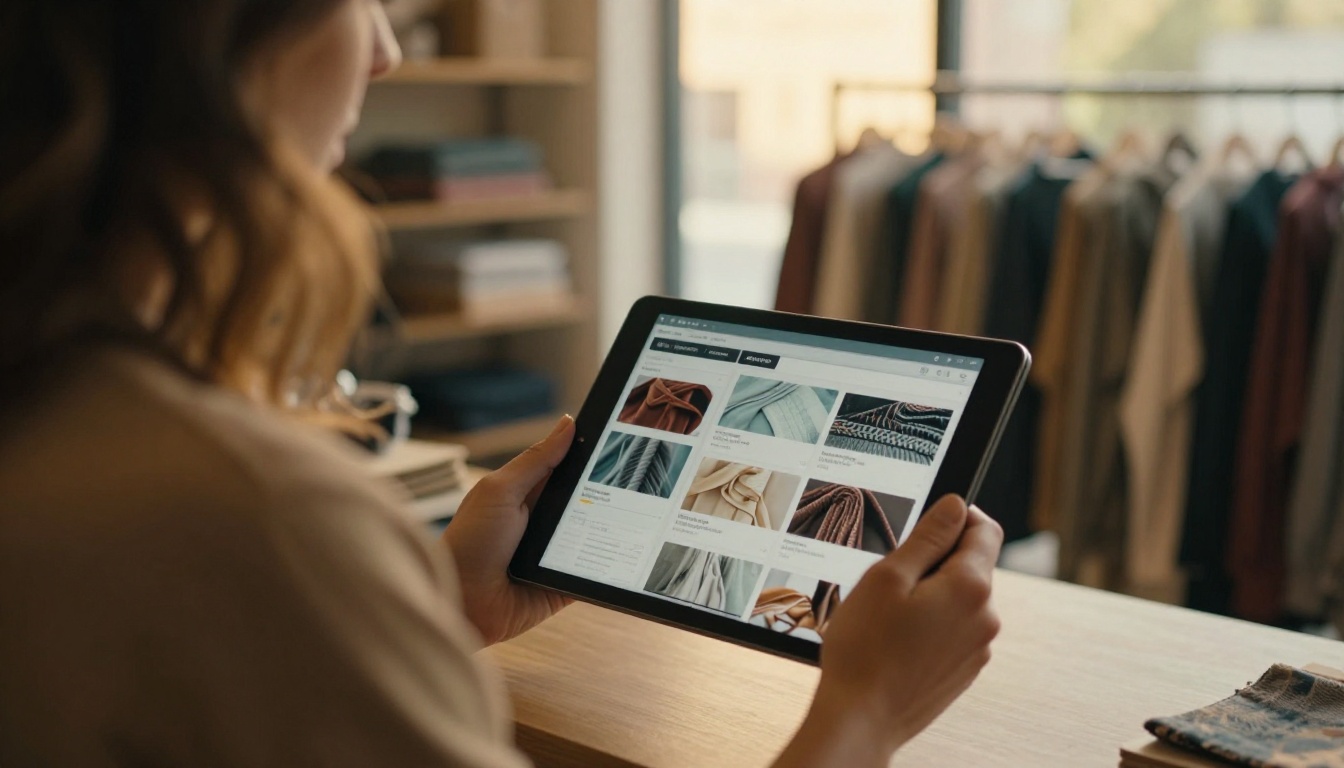
When Digital Is the Smarter Choice
Digital takes the lead here:
- Large or frequently changing product ranges. Hundreds of SKUs with changing prices are painful in print.
- Online-first businesses. Your buyers are already on screens.
- Distributor and reseller networks. One link, always current, no shipping.
- Fast launches. A new line can go live the same day.
- Tight budgets. Small teams can look professional without a print run.
- International sales. No customs, no courier delays.
If you sell products across a catalog category, tools such as the Digital Catalog Maker, Product Catalog generator, or Fashion Catalog creator give you a starting point built for that format.
The Hybrid Approach That Works
Most strong catalog strategies are not either/or. They use each format where it is strongest.
Print for Relationship, Digital for Reach
Send a printed catalog to your top 10 to 20 percent of accounts. Send a digital catalog link to everyone else. The printed piece builds the relationship; the digital version keeps coverage wide and costs low.
Link Paper to Pixels
Add a short URL or QR code to every printed page that points to the matching digital page. Readers who like an item on paper can check live pricing, stock, or video on their phone. You also get a signal about which printed pages drive action.
Use One Source File
Design once, then produce both. Export the print-ready PDF for the printer and upload the same file to the PDF to Flipbook Converter for the digital edition. That keeps pricing and images consistent across both.
| Buyer Type | Best Format | Why |
|---|
| Top 20 accounts | Print plus digital | Premium touch and instant access |
| Distributors | Digital | Always current, embeddable |
| Walk-in customers | Print | Browse in the showroom |
| Online leads | Digital | Fast, trackable, shareable |
| Trade show visitors | Print plus QR | Take-home piece with a link |
| New markets | Digital | No shipping, quick test |
✅ Best practice: Keep a "print edition" and a "live edition" of the same catalog, and put the date of the print edition on the back cover so buyers know when to check the digital one for updates.

How to Create a Digital Catalog Fast
If your print catalog already exists as a PDF, you are most of the way there. Here is the process with Flipbooks AI.
- Create an account. Sign up at Flipbooks AI and open your dashboard.
- Upload your PDF. Drag in the print-ready file. The platform converts it into a flipbook with realistic page turns.
- Customize the look. Add your logo, brand colours, and background. Pick the page effects that suit your style.
- Add multimedia. Embed product videos or audio where a short demo does the selling better than a paragraph.
- Choose how to share it. Copy a direct link, grab an embed code for your website, or turn on password protection for private price lists.
- Turn on analytics. On the Professional plan, track views and capture leads. Offline downloads let customers keep a copy.
There are no watermarks, and the result works on phones as well as desktops. For a quick start, try the Catalog Flipbook Creator or the Embed Flipbook on Website tool.
💡 Pro tip: Use password protection for wholesale catalogs. Distributors get a private, always current price list, and retail customers only see the public version.
Common Mistakes to Avoid
Printing Without a Plan
A pallet of catalogs with no distribution list ends up in a storeroom. Decide who gets each copy before you order.
Treating a PDF as a Digital Catalog
A raw PDF download is clunky on phones, impossible to track, and easy to forward without you knowing. A proper online flipbook loads quickly, looks polished, and gives you data.
Ignoring the Buyer's Habits
If your top clients say they prefer paper, send paper. If your distributors never open attachments, send links. Ask, then act.
Letting Print Go Stale
Prices change, products retire. Always point printed pieces to a live digital page so nobody orders from outdated information.
Measuring the Wrong Thing
Page views are not sales. Tie each format to orders, quotes, or sample requests wherever possible. Use unique codes on printed pieces and track link clicks on digital ones.

A Quick Decision Checklist
Answer these five questions about your business:
- Do buyers need to touch or feel the product quality before ordering?
- Does your pricing or range change more than twice a year?
- Do you sell mostly through in-person meetings or online?
- Can you identify your top accounts by name?
- Do you need to know which products buyers look at?
If you answered yes to questions 1 and 4, lean toward print for those accounts. If you answered yes to 2, 3 (online), and 5, digital should be your default. Mixed answers point to the hybrid model.
| Your Situation | Recommended Setup |
|---|
| Boutique with premium goods | Small print run plus digital edition |
| Online store with fast-changing stock | Digital only, with analytics |
| Manufacturer selling to distributors | Digital with password protection, print for top buyers |
| Event-driven business | Print for the booth, digital for follow-up |
| Startup testing a market | Digital first, print later |
Make the Next Catalog Work Harder
The winners here are not the ones who pick a side. They print where touch persuades, publish online where speed and data matter, and keep both versions fed from the same source file.
Ready to build the digital half? Get started for free on Flipbooks AI and convert your catalog PDF today. Browse the full list of flipbook tools and templates to find the right fit for your product line, and compare pricing plans when you are ready to add analytics and lead capture.



