You have a magazine idea, a rough budget, and one question that decides everything: ink or pixels? The honest answer is a number, and the numbers are far apart. A first print issue can swallow $4,000 to $15,000 before a single reader sees it, while an online magazine built on Flipbooks AI can go live for under $100 a month. This article lays out both budgets line by line so you can pick with your eyes open.
The Short Answer on Cost
Print is a capital-heavy business. You pay for paper, ink and freight up front, then hope copies sell. Online publishing is operating-cost-heavy: small monthly fees, more of your own time, and almost no inventory risk.
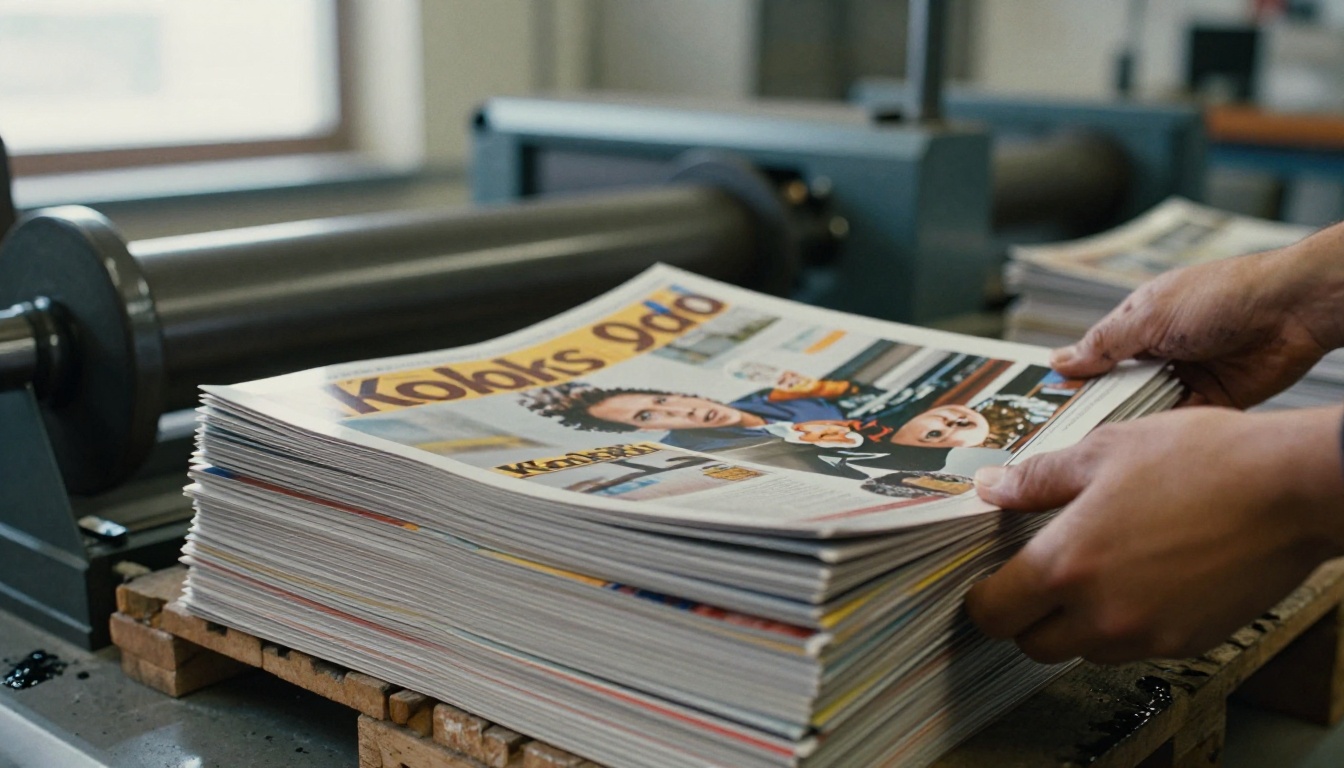
| Cost Area | Print Magazine (first issue) | Online Magazine (first issue) |
|---|
| Design and layout | $800 to $3,000 | $0 to $1,500 |
| Printing (1,000 copies, 48 pages) | $2,500 to $6,000 | $0 |
| Distribution and postage | $800 to $4,000 | $0 |
| Software and hosting | $0 to $300 | $20 to $100 per month |
| Photography and writers | $1,000 to $5,000 | $1,000 to $5,000 |
| Marketing | $500 to $2,000 | $300 to $1,500 |
| Typical total | $5,600 to $20,300 | $1,320 to $8,100 |
💡 The editorial line (writers and photographers) costs about the same in both formats. The gap comes from printing, shipping and storage.
What a Print Magazine Really Costs
Printing Is the Biggest Line
Printing price depends on page count, paper weight, finish and quantity. A 48-page, saddle-stitched magazine on 100gsm coated stock with a 250gsm front page runs roughly $2.50 to $6.00 per copy at 1,000 units. At 500 copies, the per-copy price climbs sharply because setup costs are spread across fewer units.
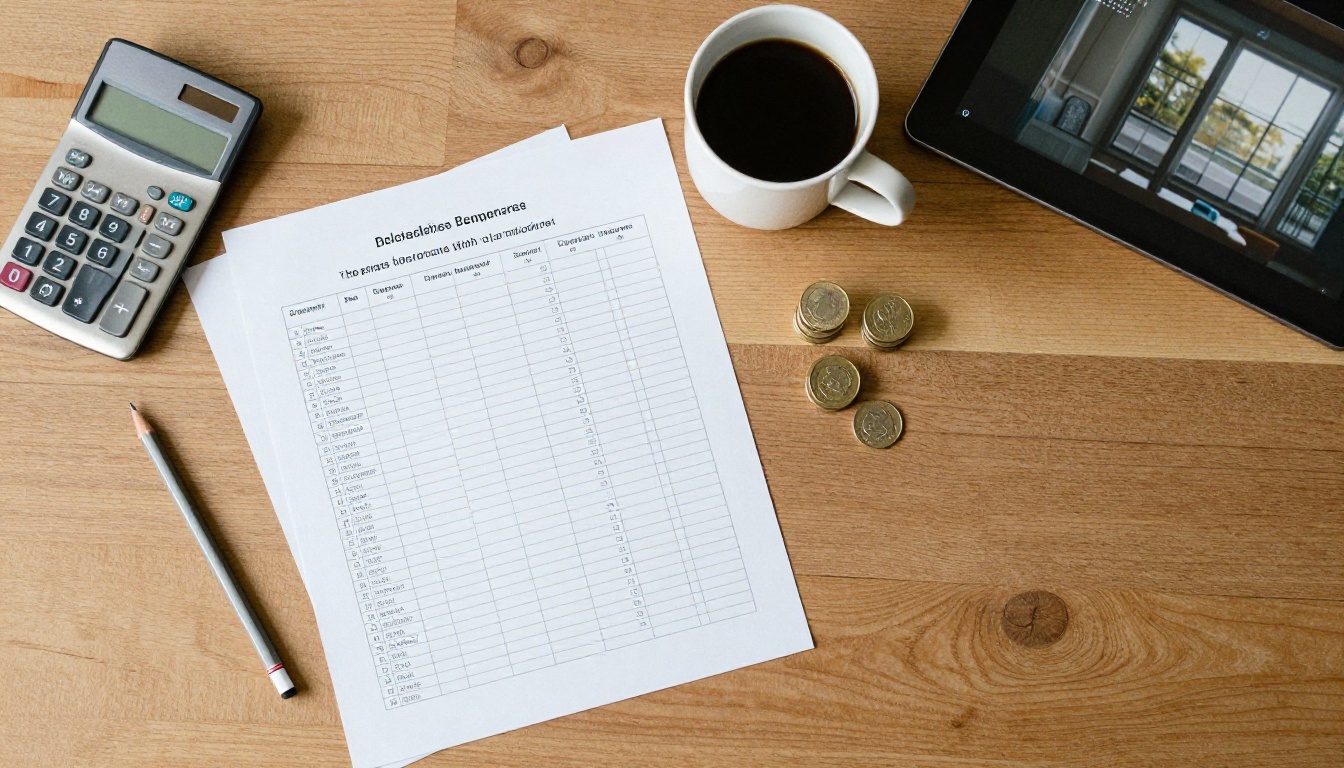
Here is how quantity changes the math for a 48-page issue:
| Print Run | Cost per Copy | Total Print Bill |
|---|
| 250 copies (digital press) | $6.00 to $9.00 | $1,500 to $2,250 |
| 500 copies | $3.80 to $5.50 | $1,900 to $2,750 |
| 1,000 copies | $2.50 to $4.00 | $2,500 to $4,000 |
| 5,000 copies | $1.20 to $2.20 | $6,000 to $11,000 |
Design, Proofs and Paper Choices
Layout is the second surprise. A freelance designer typically charges $25 to $60 per page for a launch issue, because the template system is built from scratch. Add a physical proof (about $80 to $200) and one round of color corrections. Skipping the proof is the classic way to burn an entire print run on a muddy photo.
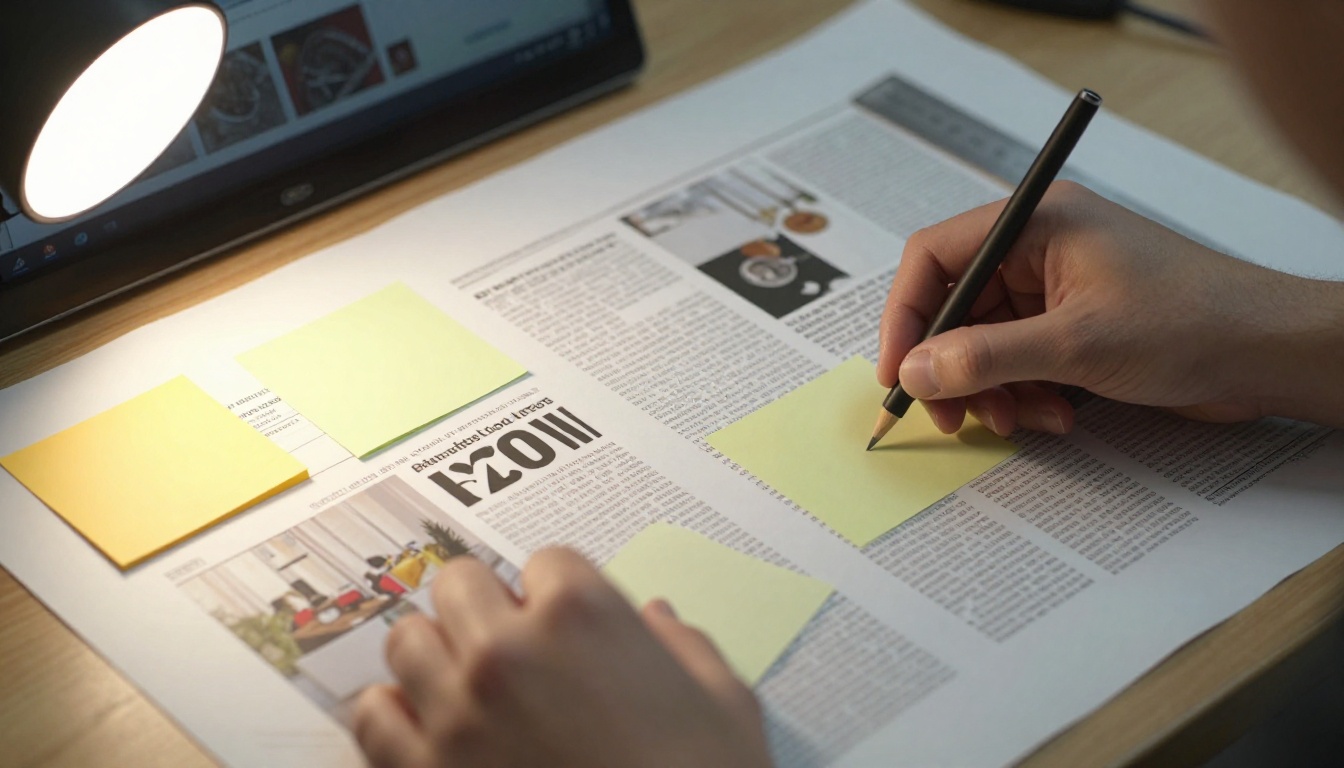
Paper is where small publishers make or break the budget:
- Uncoated stock feels literary and costs 10% to 20% less.
- Gloss coated stock makes photography pop but shows fingerprints.
- Heavier front page stock adds about $0.30 per copy and signals quality.
- Perfect binding (a flat spine) looks premium but costs 25% to 40% more than staples.
Distribution Eats the Margin
Printing is only half the bill. Shipping 1,000 magazines costs real money, and storing them costs more. Newsstand distributors usually keep 40% to 60% of the retail price and return unsold copies, which you pay for twice: once to print, once to pulp.
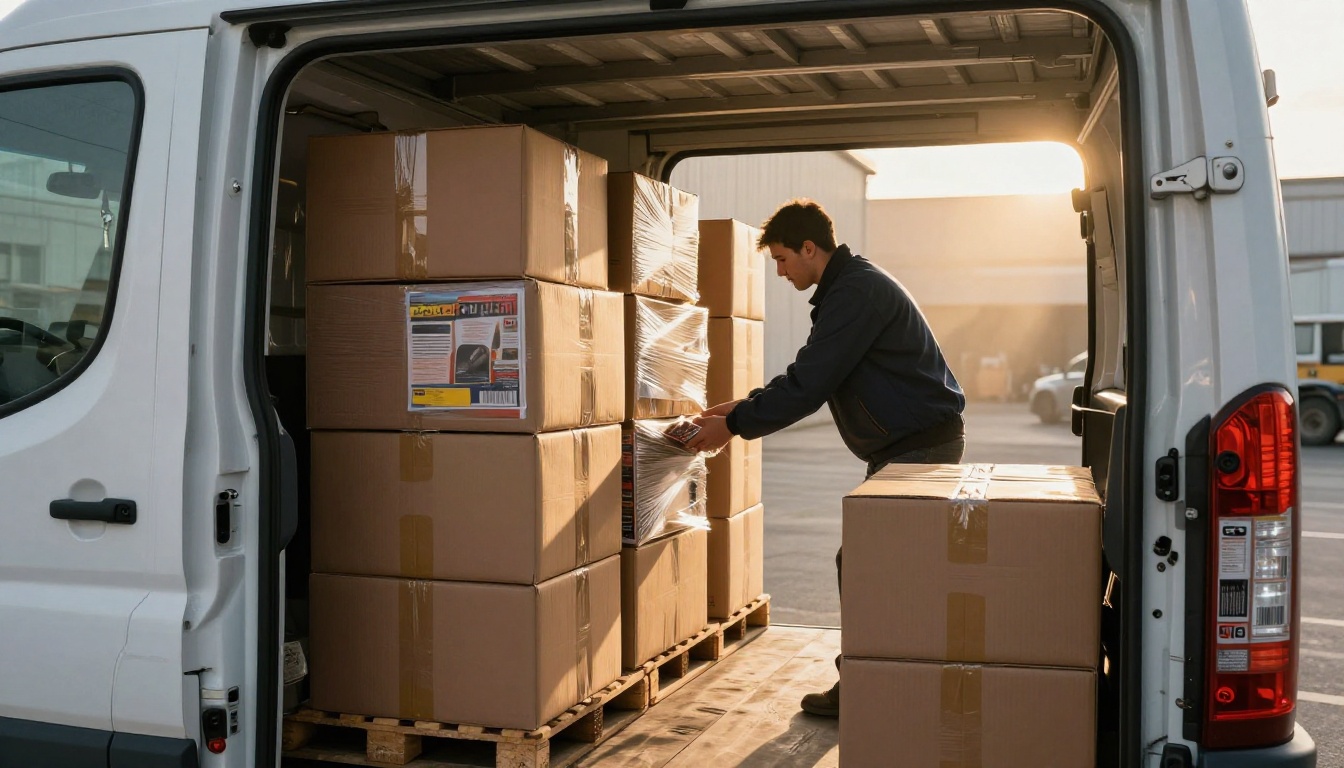
⚠️ Retail returns can erase a whole issue's profit. Many new publishers sell through subscriptions and independent shops first, where sales are firm and nothing comes back.
What an Online Magazine Really Costs
Software and Hosting
An online magazine does not need a custom website with a six-figure budget. A flipbook publishing platform turns a PDF into a page-turning reader that works on phones, tablets and desktops. Plans on Flipbooks AI pricing are priced monthly, with unlimited flipbooks on the Standard tier and above and no watermarks, ever.

Typical monthly costs for a small digital magazine:
- Publishing platform: $20 to $100
- Domain name and email: $2 to $15
- Stock photo or font licenses: $0 to $60
- Newsletter service for issue launches: $0 to $50
No Inventory, No Freight
When issue three has a typo, you fix the file and re-upload it. Nothing sits in a garage. A reader on another continent opens your magazine in seconds, and you pay nothing for shipping. That alone removes the single most unpredictable line item in the print budget.
What You Pay in Time Instead
Online is cheaper in dollars but not always in hours. You become your own distributor: building an email list, posting on social platforms, and chasing backlinks. Budget at least 6 to 10 hours per issue for promotion if you have no marketing help.

Revenue and Break-Even Timing
Cost is half of the decision. The other half is how fast each format earns money back.
| Revenue Source | Print | Online |
|---|
| Single-copy sales | Strong, but newsstands take 40% to 60% | Possible via paywall or gated link |
| Subscriptions | Works, with postage on every issue | Works, no postage |
| Advertising | Premium rates for glossy placements | Lower rates but trackable results |
| Lead generation | Hard to measure | Easy with analytics and lead capture on the Professional plan |
| Sponsored content | Needs a sales deck and print deadlines | Can be added or swapped any week |
A Worked Example
A regional food magazine prints 1,000 copies of a 48-page issue for $4,000 and spends another $1,500 on shipping and $2,500 on content. Total: $8,000. At a $12 retail price with 60% of copies sold through retail at a 50% split, plus 150 direct subscribers at $12, revenue lands near $5,400. The first issue loses about $2,600, and break-even arrives around issue three.
The same team publishes online. Content stays at $2,500, platform and promotion add $600 for the quarter, and 800 readers open the issue. With three sponsors paying $350 each plus 80 paid digital subscribers at $9, revenue reaches about $1,770 in the first quarter. The loss is about $1,330, and break-even arrives around issue two.
✅ Neither format is magic. Online wins on risk, print wins on price per ad page once a loyal audience exists.
Hidden Costs Both Sides Forget
A few line items regularly surprise new publishers:
- Copyright and image licensing. Budget $200 to $1,500 per issue if you do not shoot your own photos.
- Legal and business setup. A registered business, ISSN registration and basic insurance run $300 to $1,200.
- Proofreading. A professional copyeditor charges $0.02 to $0.05 per word.
- Payment processing. Expect 3% plus a fixed fee on every subscription sale.
- Time. An owner working 25 unpaid hours a week for six months is an expense even if it never hits a bank statement.

Why a Hybrid Launch Works
You do not have to choose only one. Many successful independent titles start digital to test the audience, then print a small limited edition once demand is proven.

A staged plan keeps risk low:
- Months 1 to 3: publish two online issues and measure opens, reading time and email signups.
- Months 4 to 6: offer a pre-order for a print edition. Print only the number of copies already sold, plus 15%.
- Months 7 to 12: keep the online edition as your free reach tool and sell print as a premium collector's item.
| Stage | Format | Typical Spend | Goal |
|---|
| Test | Online only | $1,000 to $3,000 | Prove readers exist |
| Validate | Online plus pre-order print | $3,000 to $6,000 | Confirm people pay |
| Scale | Print and online | $6,000 and up | Grow ad revenue |
How to Build an Online Magazine on Flipbooks AI
If the digital route fits your budget, here is the fastest path. The Magazine Flipbook Creator and the E-Magazine Publishing Tool are built for this exact job.
- Create your account. Sign up on Flipbooks AI in about a minute.
- Upload your PDF. Export your layout from InDesign, Canva or Affinity, then use the PDF to Flipbook Converter. Pages become a real page-turning reader automatically.
- Customize the look. Add your logo, brand colors, page effects and background. Insert video and audio on pages where motion adds value.
- Share it. Copy a direct link, or use the Embed Flipbook on Website option to place it in your own site. Add a password for subscriber-only issues.
- Track results. On the Professional plan, analytics show which pages readers linger on, and lead generation captures emails for your next issue. Offline downloads let subscribers read on a flight.
💡 Reuse the same PDF for both formats. Export once, send the print-ready version to the printer and the web version to your flipbook. You pay for design only once.

Quick Decision Checklist
Choose print first if:
- Your audience is local, older or loves collecting physical objects
- You already have advertisers waiting to buy full-page placements
- You can afford to lose the first run without risking your savings
Choose online first if:
- Your budget is under $5,000
- Your readers live across many cities or countries
- You want to test topics fast and change course with no waste
- You need data on what readers actually open
Start With the Budget You Can Afford
The cost gap is real: roughly $1,300 to $8,000 to launch online versus $5,600 to $20,000 for print. Start with the format that lets you publish, measure and adjust without betting your savings on a pallet of paper.
Ready to publish your first issue? Get started for free on Flipbooks AI, browse all flipbook tools to find the right template, or compare pricing plans to see which tier fits your launch.



