A seventeen year old opens your viewbook for about ninety seconds. If it is a glossy printed book, it might sit on a kitchen counter for a week. If it is a link in a text message, it gets opened on a bus, skimmed, and forwarded to a friend before lunch. Which one actually moves that student toward an application? That is the question admissions teams keep asking, and the honest answer depends on data, not nostalgia. Tools like Flipbooks AI have made the digital side far more appealing than a plain PDF ever was, so this comparison is worth a fresh look.
Below you will find costs, habits, tracking, accessibility, and a hybrid plan that borrows the best of both formats.
Why This Debate Matters Now
Gen Z applicants grew up with a phone in hand. They research schools on TikTok, Reddit, and Google long before they ever request a brochure. Yet parents, counselors, and grandparents still love paper. Your viewbook has to satisfy both audiences, and it has to do it on a budget that keeps shrinking.

Three pressures drive the conversation:
- Rising print and postage costs that eat into recruitment budgets.
- Shorter attention spans and a preference for mobile first content.
- Pressure to prove ROI on every recruitment dollar spent.
💡 Pro tip: Before choosing a format, write down the single action you want after a student opens your viewbook. Visit, inquire, or apply. Every design choice should serve that action.
What Gen Z Actually Does With a Viewbook
Gen Z is often described as "digital only," but that is too simple. Many teens say a physical piece feels more real and trustworthy, especially when it arrives in the mail with their name on it. At the same time, they expect to find the same content on their phone within seconds.
The Mobile First Habit
Most first touches with a school now happen on a smartphone. If your viewbook is a heavy PDF that needs pinching and zooming, students leave. A responsive page-flip format loads fast, resizes to the screen, and feels familiar because the page turn mimics a real book.

The Tactile Pull of Paper
Paper still wins on memory. A printed book gets pinned to a bulletin board, annotated with a highlighter, and left on a desk where siblings and parents see it. That passive visibility is something no link can replicate.
The Sharing Reflex
Gen Z shares by sending links. A printed book cannot be forwarded to a best friend or a counselor in another city. A digital viewbook can, and each share is a free referral.
Printed vs Digital: Head to Head
Here is how the two formats compare across the factors admissions teams care about most.
| Factor | Printed Viewbook | Digital Viewbook |
|---|
| Cost per piece | High (printing plus postage) | Near zero after creation |
| Production time | Weeks | Hours or days |
| Updates after launch | Impossible without reprint | Instant |
| Tracking | Almost none | Opens, time per page, clicks |
| Shareability | Low | Very high |
| Tactile appeal | Very high | Low |
| Reach beyond mailing list | Limited | Unlimited |
| Environmental footprint | Heavy | Light |
| Accessibility features | Limited (large print only) | Screen readers, zoom, translation |
The table makes the trade off clear. Print wins on feel. Digital wins on nearly everything you can measure.
Budgets decide most of these debates, so let us put numbers on it. The figures below are illustrative for a mid sized school mailing 10,000 pieces.
| Cost Item | Printed (10,000 copies) | Digital (unlimited views) |
|---|
| Design and layout | $3,000 | $3,000 |
| Printing (40 pages, glossy) | $18,000 | $0 |
| Postage | $7,500 | $0 |
| Platform subscription | $0 | Low monthly fee |
| Reprint for corrections | $6,000+ | $0 |
| Approximate total | $34,500+ | $3,000 plus plan |
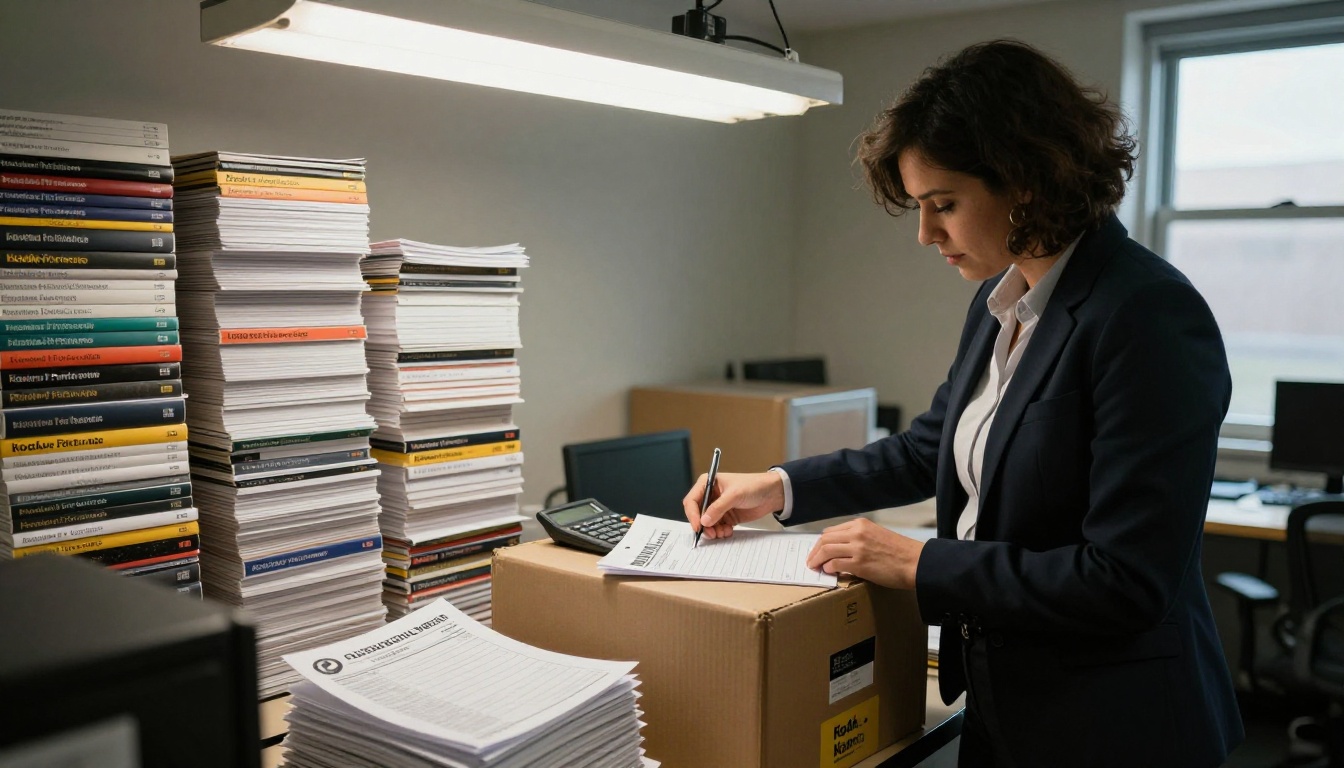
Even if you cut the print run in half, the gap stays wide. Many schools find that the money saved on a full print run can fund a smaller, premium printed piece for top prospects while the digital edition serves everyone else. You can compare current pricing plans to see how little a digital edition costs by comparison.
Hidden Costs of Print
- Storage space for leftover inventory
- Outdated tuition or program details in books already mailed
- Staff hours spent boxing and shipping for events
- Waste when the book lands in a recycling bin unopened
Hidden Costs of Digital
- Time to produce engaging multimedia
- A learning curve for new tools
- The risk of looking generic if you only upload a flat PDF
What the Data Can Tell You
This is where digital pulls ahead decisively. With a printed book you only know how many you mailed. With a digital viewbook you can see how many people opened it, which pages they lingered on, where they dropped off, and which links they clicked.

Useful signals include:
- Page level attention. If students spend two minutes on the scholarships page, lead with scholarships in your next email.
- Drop off points. A sharp exit at page 14 usually means a weak or confusing spread.
- Device mix. If 80 percent of views come from phones, design for thumbs first.
- Traffic source. See whether Instagram, email, or a QR code on a postcard drives the most opens.
Detailed analytics and lead capture are part of the Professional plan, listed on the pricing page.
✅ Best practice: Review your viewbook analytics every two weeks during peak recruitment season and adjust the page order or calls to action based on what the numbers show.
Where Print Still Wins
It would be dishonest to declare digital the champion in every situation. Printed viewbooks still shine in specific moments.
- Campus tours and open days. A physical book is a keepsake and a conversation starter.
- Parent and family audiences. Many parents prefer paper for big decisions.
- Low connectivity regions. Rural applicants may not load rich media easily.
- High touch outreach. A personalized book to a top recruit feels special.
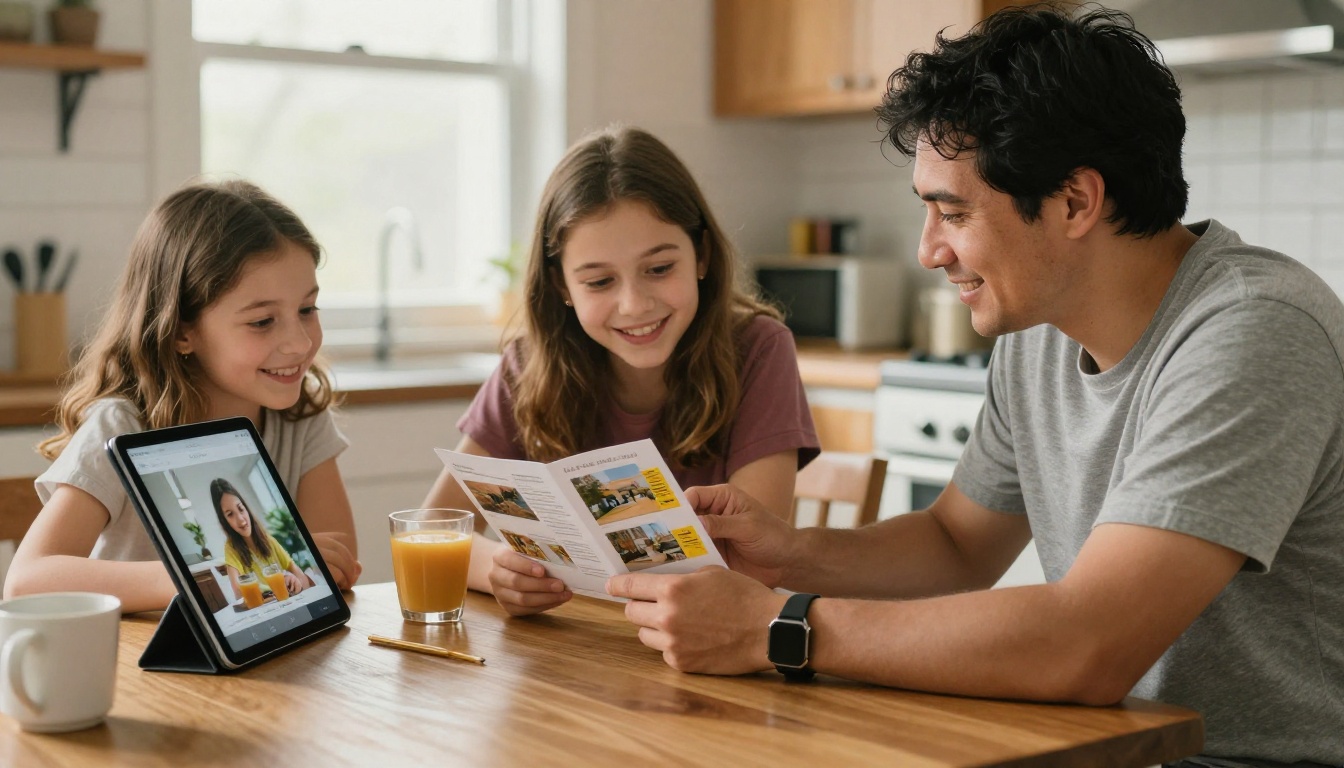
⚠️ Warning: Do not assume every Gen Z applicant wants screens only. Surveys of high school students regularly show a majority still value something physical from schools they are seriously considering.
The Hybrid Plan That Works
The strongest recruitment programs stop treating this as a contest. They use print as the invitation and digital as the engine.
Step One: Print a Slim Teaser
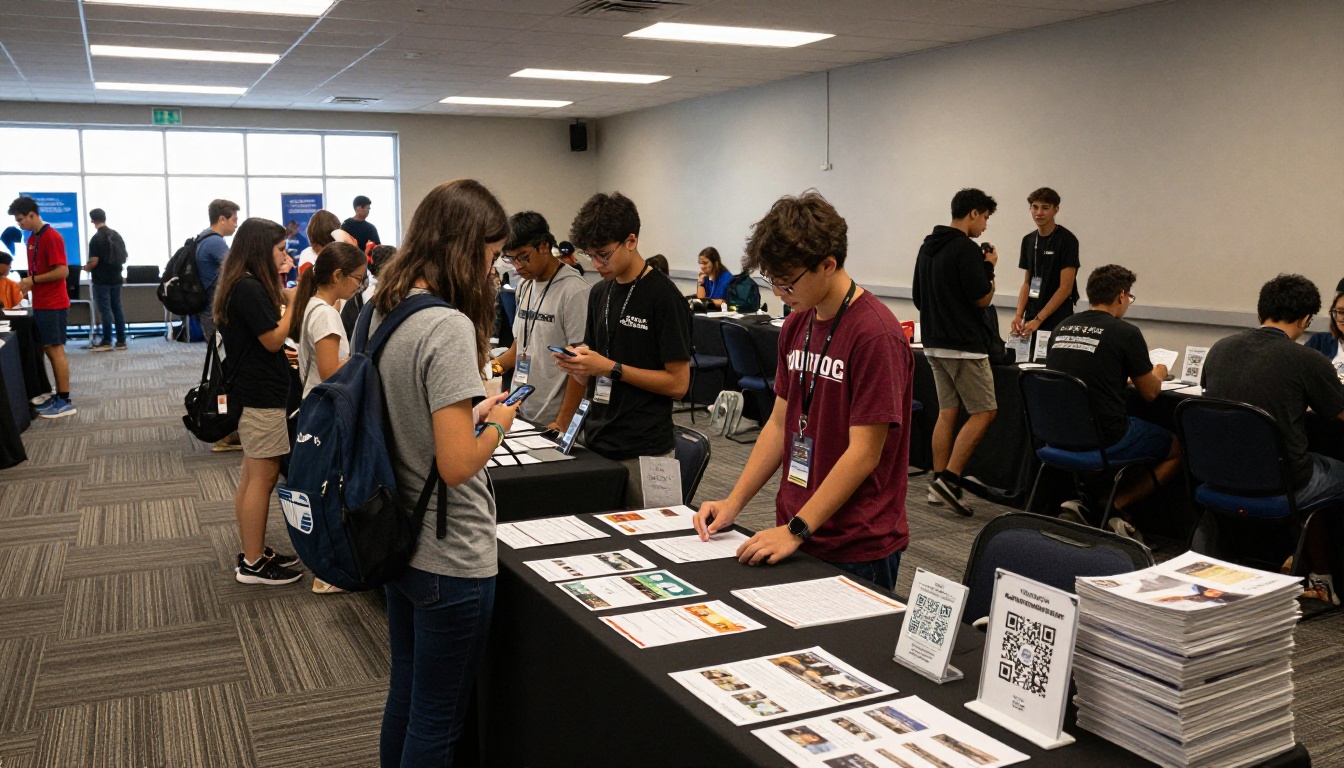
Create a short 8 to 12 page printed piece with striking photography, a bold message, and a QR code. It costs a fraction of a full viewbook and is meant to spark curiosity, not to hold every detail.
Step Two: Send the QR to the Full Digital Edition
The QR code leads to a full page-flip viewbook with video tours, program pages, scholarship details, and an inquiry form. A student who scans it is telling you they are interested, and you can see it.
Step Three: Follow Up by Behavior
If a student spent time on engineering pages, send a short email with an engineering faculty video. If they lingered on housing, send a dorm tour. This is personalization that print can never deliver.
| Audience | Best Format | Why |
|---|
| Top 200 prospects | Premium printed plus digital | Personal touch with tracking |
| General inquiry pool | Digital viewbook | Low cost, fast updates |
| Parents and counselors | Digital with downloadable copy | Easy to share and save |
| Event attendees | Slim printed teaser with QR | Keepsake plus link |
| International applicants | Digital only | No shipping delays |
How to Build a Digital Viewbook With Flipbooks AI
If your team already has a designed PDF, you are closer than you think. The process takes less than an hour for a first version.
Step by Step
- Create your account. Go to Flipbooks AI and sign up. You can try it before committing to a plan.
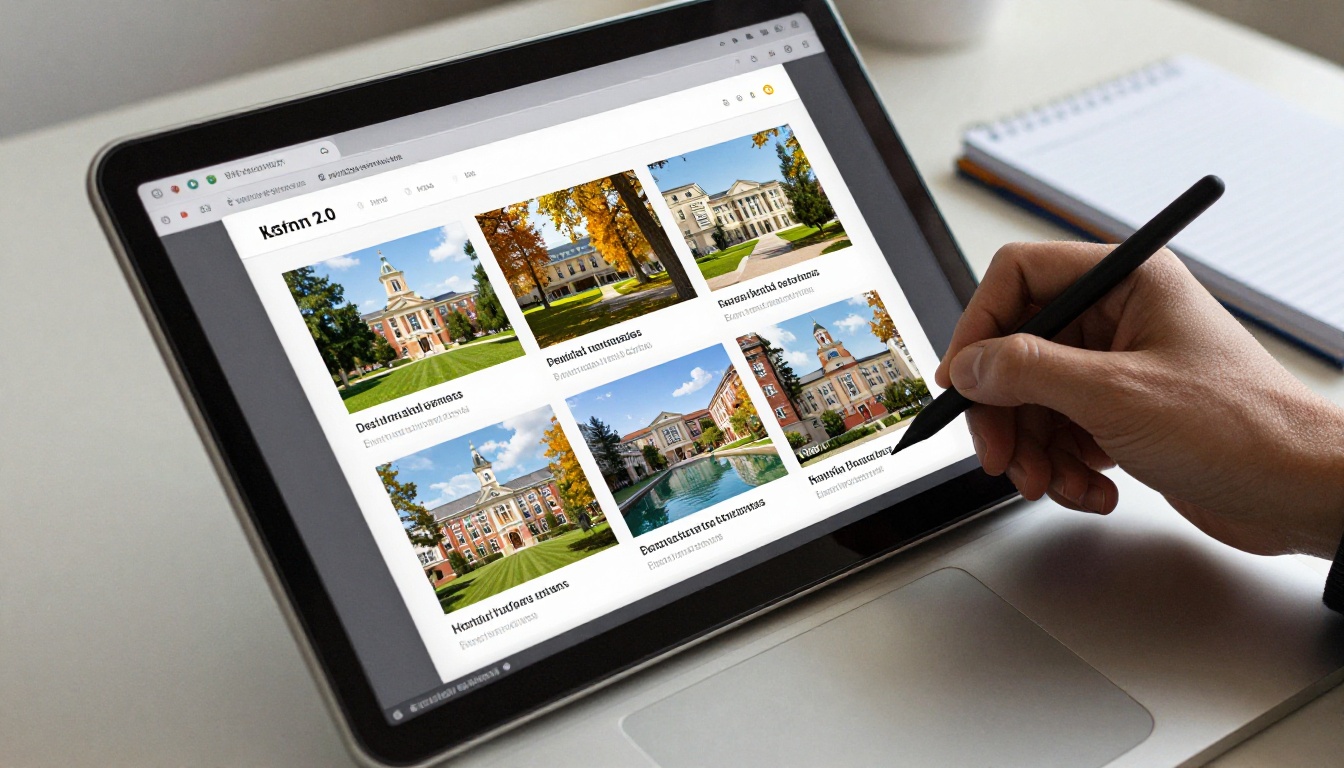
- Upload your PDF. Drag in your viewbook file. The PDF to Flipbook Converter turns each page into a smooth page-turning spread.
- Customize the look. Add your school colors, logo, background, and page effects. Everything stays on brand, and there are no watermarks, ever.
- Add multimedia. Embed campus tour videos, student testimonials, and audio clips so the book feels alive on a phone.
- Set sharing options. Copy a direct link, grab an embed code for your admissions page, or protect a version with a password for admitted students. The Embed Flipbook on Website tool shows how.
- Turn on analytics and lead capture. On the Professional plan, track opens and collect contact details before a student reads on.
- Offer an offline download. Let families save a copy for slow connections or a long car ride.
💡 Pro tip: Put your inquiry form on page three, not at the very end. Most readers never reach the last page.
For education teams, the Yearbook Flipbook Maker, School Newsletter Creator, and Course Material Publisher use the same engine, so one platform can serve admissions, alumni, and current students. You can also browse all flipbook tools to see what else fits your program.
Features Worth Using
| Feature | Benefit for Admissions |
|---|
| Mobile responsive design | Reads well on any phone |
| Custom branding | Matches your school identity |
| Password protection | Safe sharing of admitted student material |
| Embedded video and audio | Brings campus life to the page |
| Unlimited flipbooks (Standard plan and above) | One book per program or region |
| Analytics and lead generation (Professional plan) | Know who is interested and why |
| Offline downloads | Access without strong signal |
Design Tips That Win Gen Z Attention
A digital format is not a magic fix. A dull book in a flashy wrapper still gets ignored. These habits help in both print and screen.
- Lead with people, not buildings. Real students in real moments beat empty quads.
- Keep text short. Two sentence blocks, bold highlights, and clear subheads.
- Show the cost honestly. Gen Z distrusts vague pricing. Give clear tuition and aid examples.
- Use authentic photography. Overly polished stock images feel fake to this audience.
- Write like a person. Skip jargon and brochure speak.
- Put a clear next step on every spread. Visit, ask a question, or apply.

A Quick Real World Scenario
Picture a small liberal arts college that mails 6,000 printed viewbooks each fall and gets a 2 percent inquiry rate. The next year it mails a slim 12 page teaser to the same list, adds a QR code, and hosts the full viewbook as a page-flip edition. Printing costs drop by more than half. The team can finally see that most readers open the financial aid pages first, so they move those pages to the front and add a short video from a student on scholarship. Inquiries rise because the book now answers the question families care about most. Numbers will vary, but the pattern is realistic: lower cost, better data, faster improvement.
So, Which One Wins?
For reach, cost, speed, and measurement, digital wins clearly. For emotional weight and parent appeal, print holds its ground. Gen Z applicants respond best when both appear at the right moment, with print opening the door and digital doing the heavy lifting afterward.
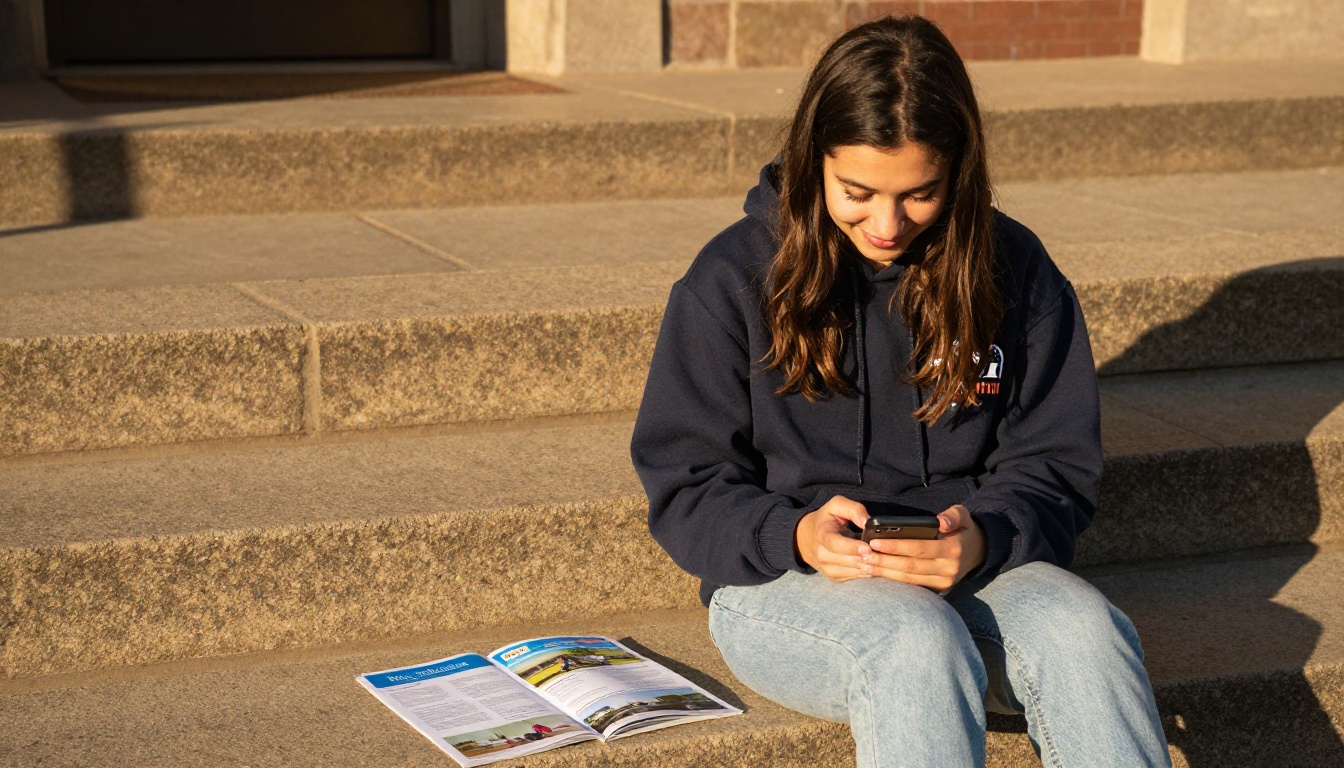
If you only have budget for one, choose digital and make it excellent. If you can afford both, shrink the print run, make it beautiful, and let it point to the full digital edition.
Your Next Move
You do not need a redesign to start. Take the PDF you already have and test it as a page-flip viewbook this week.
Send the link to a few current students first and ask what they would skip. Their answers will shape your next edition better than any report.



