You paid a photographer, a florist, a caterer and a band. Now the photos are back, and one question is left: do you put them in a heavy printed album, or in a digital flipbook you can open from any phone? The honest answer depends on money, on who needs to see the pictures, and on what "keepsake" means to you. Platforms like Flipbooks AI have made the digital route far more polished than a folder of JPEGs, so this is no longer a simple "paper wins" debate.
This article puts both options on the table. You will see real price ranges, a lifespan comparison, a hidden cost checklist, and a decision framework you can finish in five minutes.
The Short Answer First
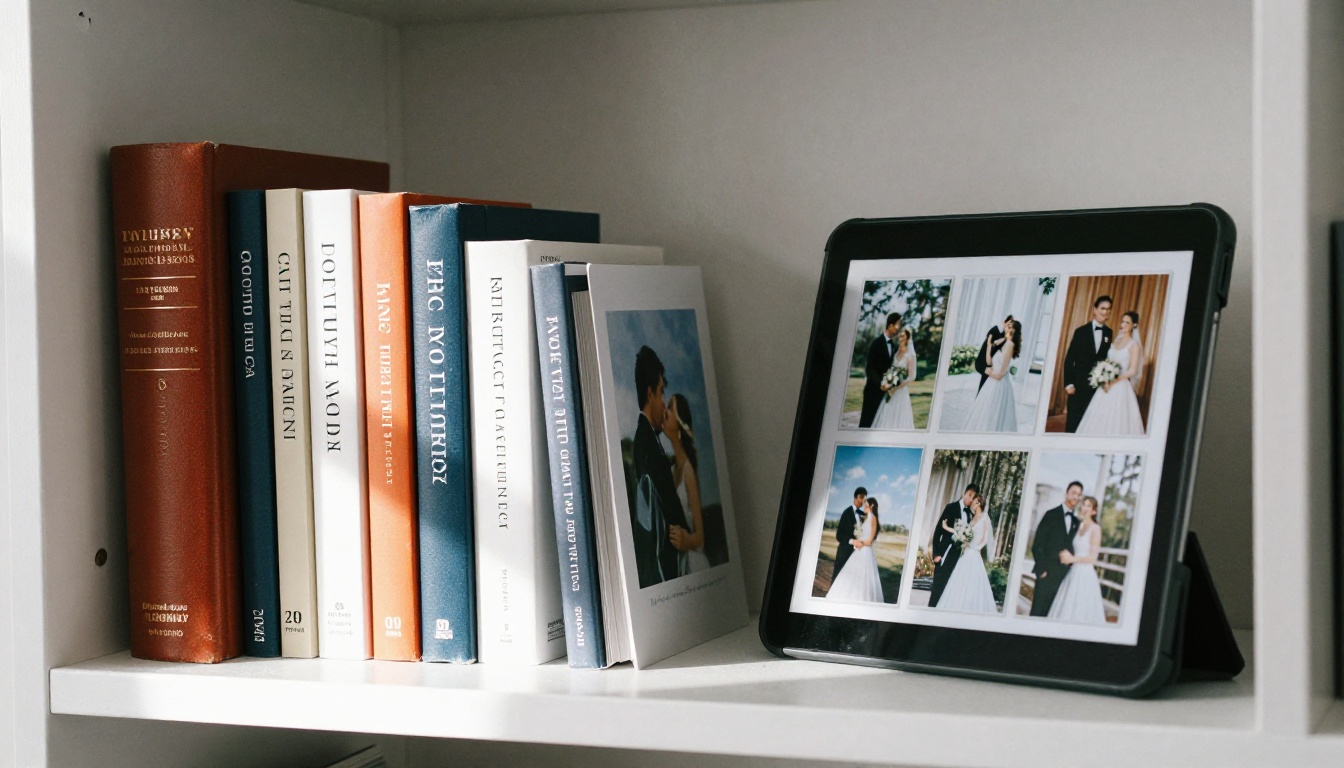
If you want one object that sits on a shelf and gets passed down, a printed album is hard to beat. If you want every guest, relative and far away friend to see your day this week, at almost no cost, a digital flipbook wins easily. Many couples now choose both: one small printed album plus a flipbook for everyone else.

💡 Pro tip: You do not have to decide today. Build the flipbook first, because it is nearly free, then order a printed album from your favourite 40 images once the dust settles.
Who Each Option Suits
- Printed album: couples who value tactile objects, plan to hand the album to children, or want a showpiece for the living room.
- Digital flipbook: couples with family abroad, tight budgets, or a large photo set of 400+ images.
- Both: couples who want a formal heirloom and a shareable link for everyone else.
What a Printed Album Really Costs
Sticker prices for printed albums vary wildly, and the photographer's quote is rarely the full story. Here are typical ranges you will meet in 2026.
| Printed album type | Typical price range | Page count | Notes |
|---|
| Online lab photo book | $40 to $150 | 20 to 40 pages | Self designed, softcover or hardcover |
| Layflat hardcover book | $150 to $400 | 30 to 60 pages | Thicker pages, seamless spreads |
| Photographer designed album | $400 to $1,200 | 30 to 50 spreads | Design time included |
| Luxury leather or linen album | $1,200 to $3,500+ | 30 to 60 spreads | Custom box, archival paper |
| Duplicate parent albums | $150 to $600 each | Matches the original | Often an unplanned extra |
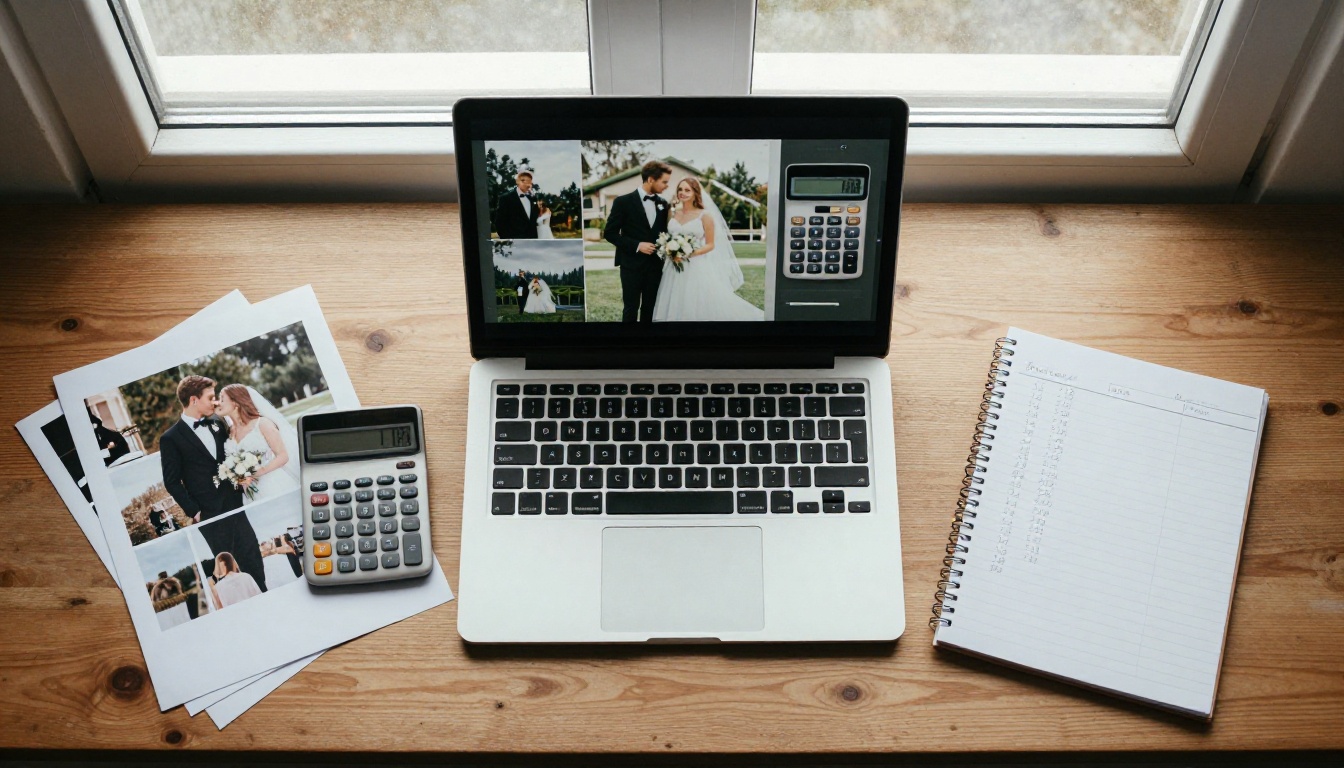
The Costs Nobody Mentions
Printing is rarely a single payment. Watch for these extras:
- Design fees: some photographers charge $150 to $500 to lay out the spreads.
- Revision rounds: after two free rounds of edits, each change can cost extra.
- Shipping and insurance: a heavy album shipped across a country is not cheap.
- Copies for parents: grandparents almost always ask. Each copy is a fresh bill.
- Replacement: if the album is damaged in a flood or a house move, a reprint means paying again.
⚠️ Warning: Always ask whether the album price includes design, one set of revisions and delivery. A low headline price often leaves out all three.
What a Digital Flipbook Costs
A digital flipbook is a page turning, book style viewer built from a PDF or set of images. Because there is no paper, ink or postage, the cost structure is completely different.
| Cost item | Typical amount | Comment |
|---|
| Building the PDF in a design tool | $0 to $30 | Free templates exist, or ask your photographer |
| Flipbook hosting plan | $0 to roughly $20 per month | Check pricing plans for current tiers |
| Unlimited viewers | $0 extra | No per copy fee |
| Updating a page | $0 | Re-upload and the link stays the same |
| Backup storage | $0 to $10 per year | Cloud drive plus an external disk |
The pattern is clear. A flipbook is cheap at the start and almost flat afterwards. You can share one link with 200 guests and pay the same as for one.
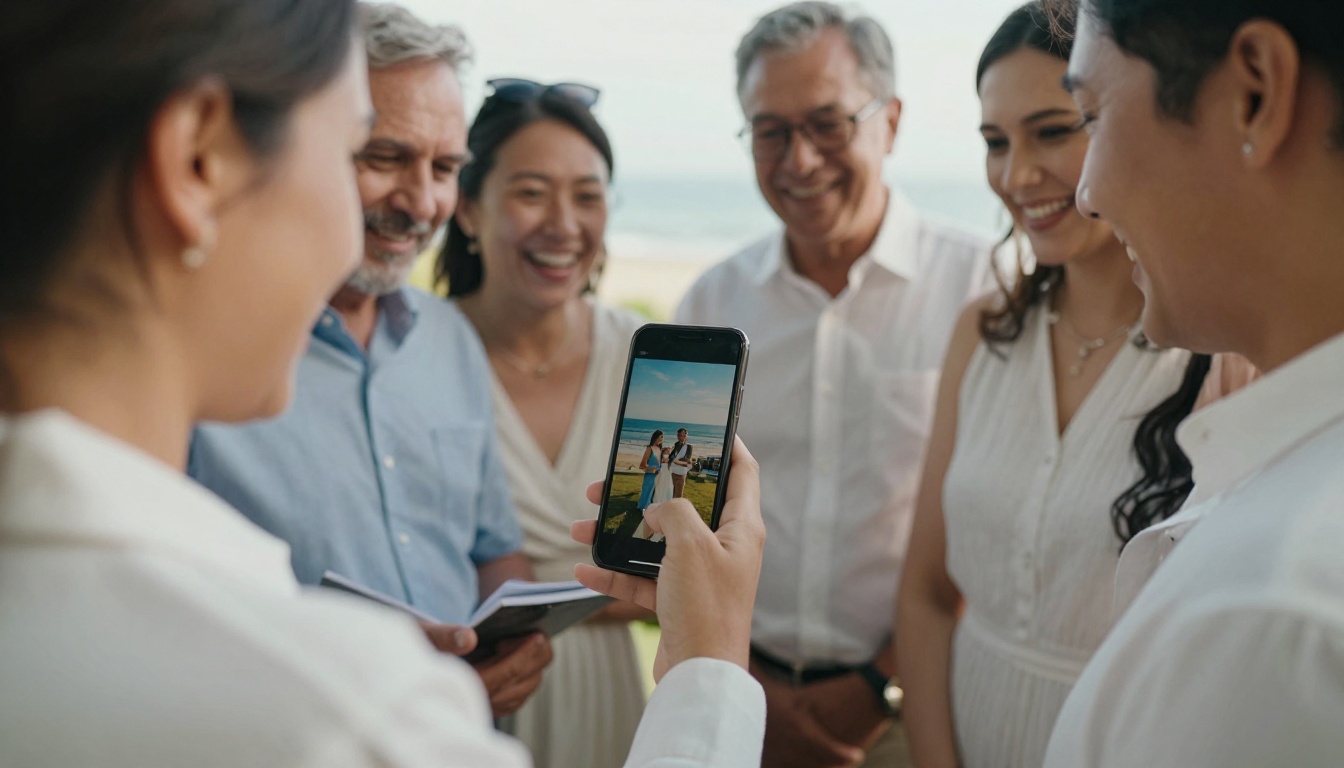
A Worked Example
Consider a couple with 350 edited photos and three sets of grandparents who live in different countries.
- Printed only: one $600 designed album plus three parent copies at $250 each, plus roughly $90 shipping. Total about $1,440.
- Flipbook only: one PDF layout and one month of hosting. Total about $25 to $45.
- Hybrid: one $400 layflat album for the couple plus a flipbook for everyone else. Total about $430 to $450.
The hybrid route keeps the physical object and still reaches all three households.
Keepsake Value: The Emotional Side
Money is the easy part. The harder question is which format feels like a keepsake in ten, thirty or fifty years.
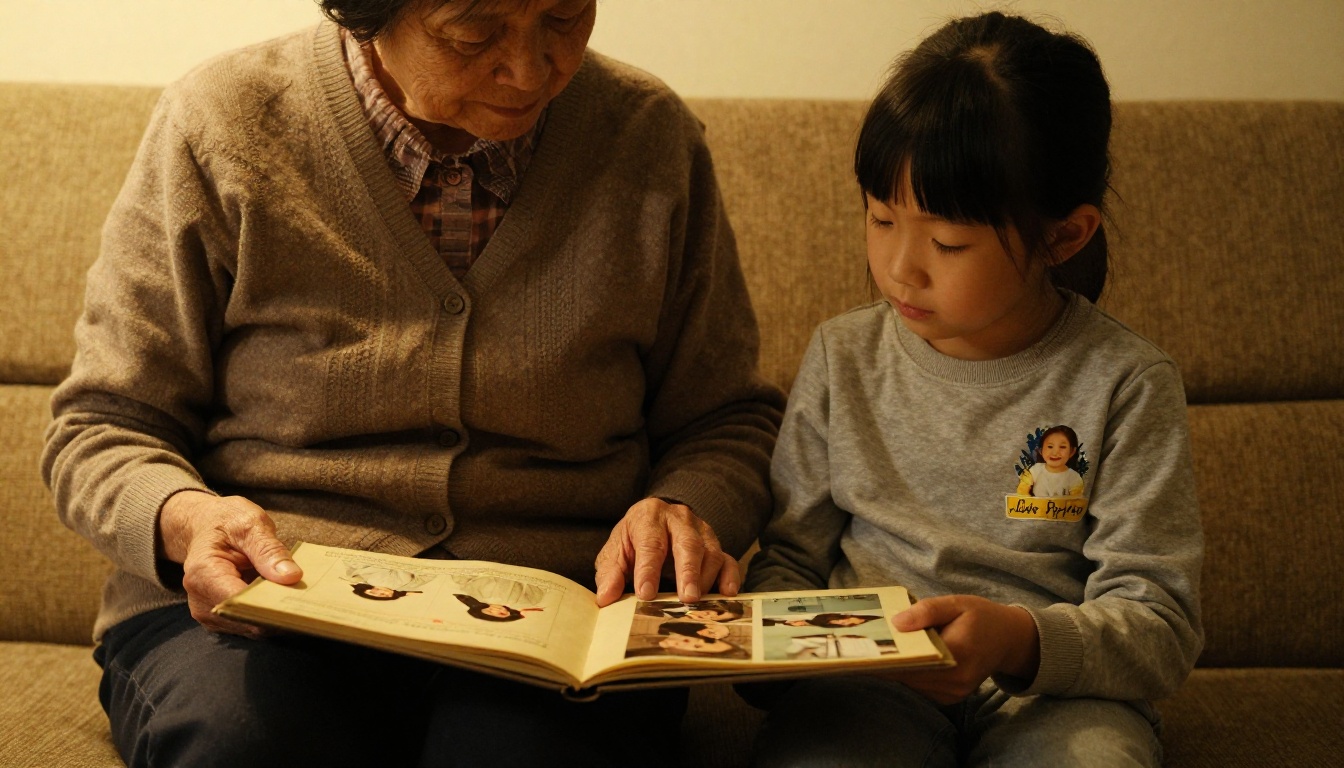
Why Paper Feels Permanent
A printed album gives you something screens cannot: weight, smell, and a sense of ritual. You sit down, you open it, you turn pages slowly. Children remember the album on the coffee table. A grandmother's wedding album, even faded and yellowed, is a family object with its own history, including the fingerprints on the corners.
Paper also needs no battery, no password and no software update. If it survives, anyone can open it.
Why Digital Feels Alive
A flipbook offers things paper cannot:
- Sound and video: embed your vows, a first dance clip or a toast from the best man.
- Reach: a relative in another time zone can open the album at breakfast.
- Zoom: guests can enlarge a face in a crowd shot.
- Searchable links: you can send one URL in a thank you message.
- Easy updates: add the late photos your uncle finally sends.
✅ Best practice: Treat the printed album as the formal "story" and the flipbook as the "everything" archive. The first is curated, the second is generous.
Keepsake Value Compared
| Factor | Printed album | Digital flipbook |
|---|
| Physical touch and ritual | Excellent | None |
| Easy to share with many people | Poor | Excellent |
| Video and audio | Not possible | Supported |
| Survives without technology | Yes | No |
| Ability to add photos later | No | Yes |
| Risk of fire or water damage | High | Low if backed up |
| Handing down to children | Natural | Needs a plan |
Durability and Risk
Both formats can be lost. They just fail in different ways.
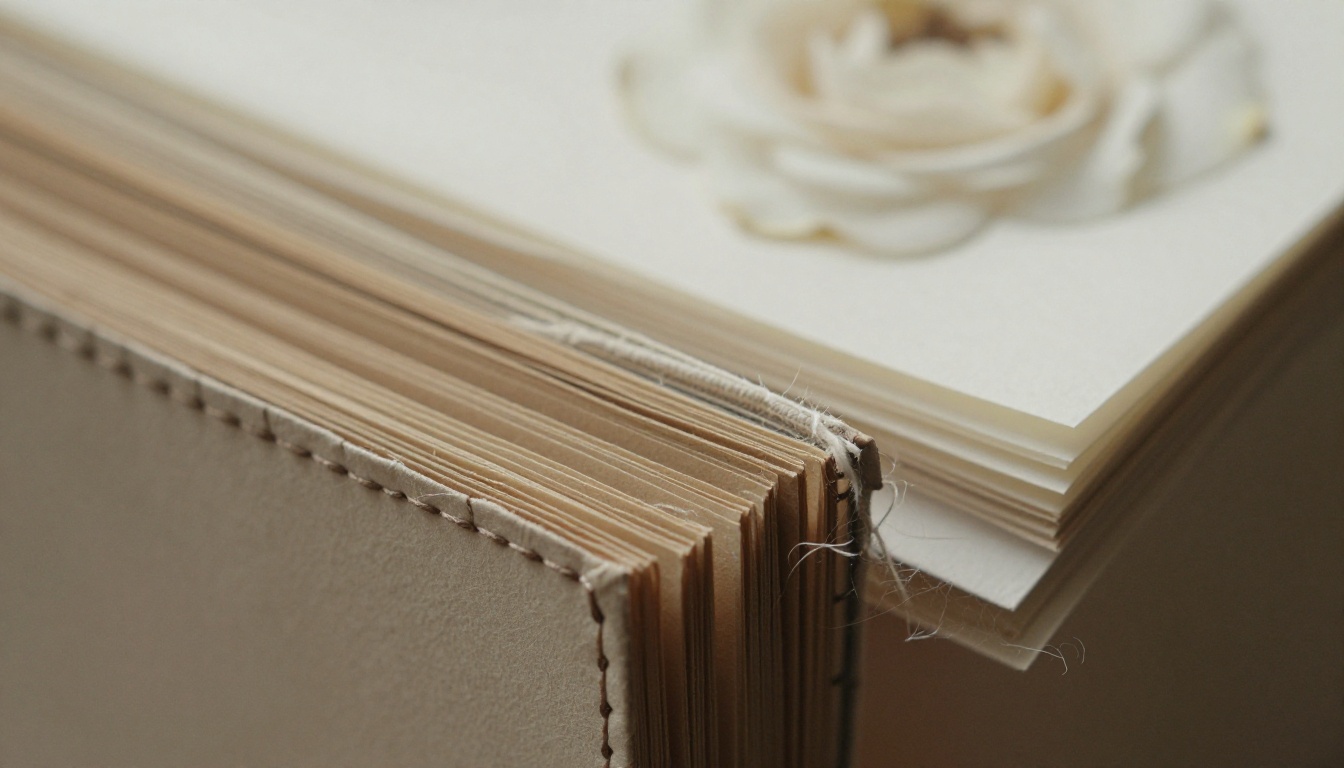
How Printed Albums Age
Good archival paper and pigment inks can last 75 years or more when kept dry and out of direct sun. Cheap prints can fade or curl within a decade. Heat, humidity, sunlight and pests are the usual enemies. Fire and floods can destroy the only copy in minutes.
To protect a printed album:
- Store it upright or flat in a cool, dry room, away from windows.
- Use an acid free box for long term storage.
- Avoid basements and attics, where humidity swings are worst.
- Keep a scanned copy of every page elsewhere.
How Digital Albums Age
Digital files do not fade, but they can vanish. Hard drives fail, accounts get closed, and file formats change. A flipbook link also depends on the hosting service remaining available, so never rely on it alone.
To protect a digital album:
- Follow the 3-2-1 rule: three copies, on two kinds of media, with one off site.
- Download the original PDF and keep it with your master photo folder.
- Pick a platform that lets you download your flipbook for offline use.
- Check the backups once a year, and copy to new media every five to seven years.
| Risk | Printed album | Digital flipbook |
|---|
| Fire or flood | Can be total loss | Safe with off site copy |
| Fading | Slow, depends on paper | None |
| Lost or stolen | Possible | Backups prevent loss |
| Format becoming obsolete | Not applicable | Possible, needs migration |
| Platform shutting down | Not applicable | Possible, keep the PDF |
How to Build a Wedding Flipbook
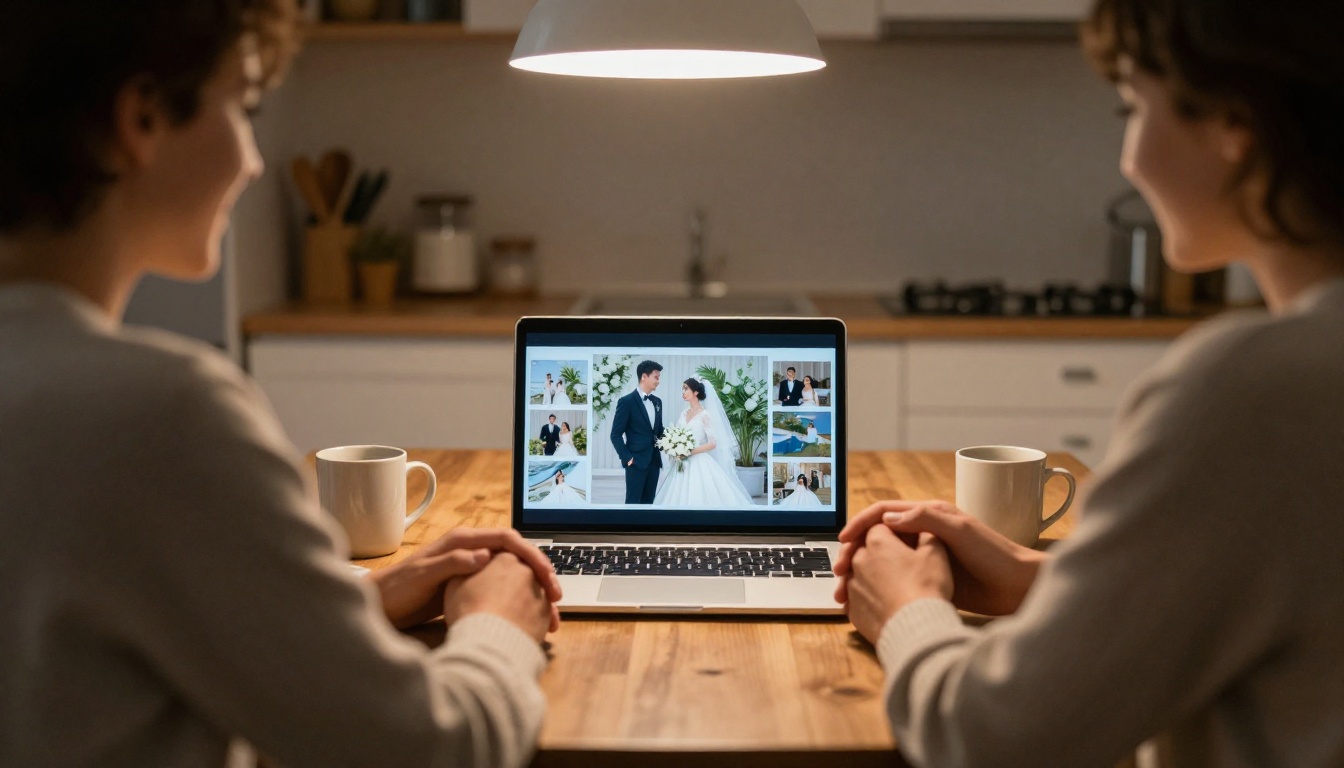
If the digital route appeals, the process is quick. The Wedding Album Flipbook tool on Flipbooks AI is built for exactly this.
Step by Step
- Choose your photos. Pick 60 to 120 of your best images. Fewer, stronger pictures beat a dump of 500.
- Lay out a PDF. Use any design tool, or ask your photographer for a ready made album PDF. Aim for a double page spread feel.
- Create an account. Sign up on Flipbooks AI and open the PDF converter.
- Upload the PDF. The PDF to Flipbook Converter turns each page into a realistic page turn.
- Customise the look. Pick a background colour that matches your wedding palette, adjust the page effect, and add your names on the first page. There are no watermarks on your finished book.
- Add media. Embed a video of your first dance or an audio clip of your vows.
- Set privacy. Turn on password protection so only invited people can view it.
- Share. Copy the direct link, or use the embed option to place the album on your wedding website.
- Track views (optional). On the Professional plan, analytics show which pages guests open most.
💡 Pro tip: Put a QR code on your thank you cards. Guests scan it and the album opens on their phone, no typing needed.
Photographers Can Use This Too
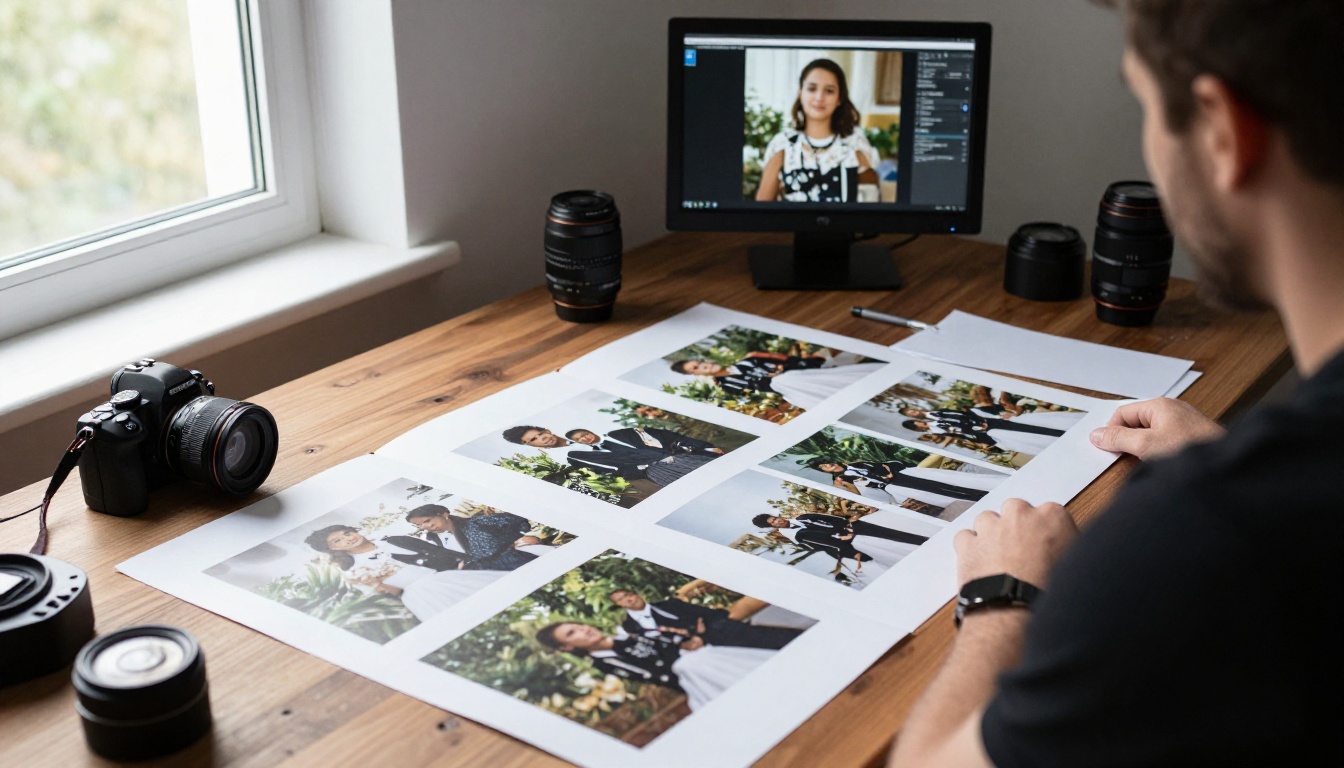
A studio can send each client a flipbook proof before ordering any print. Clients pick favourites faster, and the photographer avoids sending dozens of loose files. The same flipbook can later become the base for an upsell to a printed album. Photographers who want a showcase can look at the Photography Portfolio tool.
Side by Side Verdict
| Question | Better choice |
|---|
| Lowest total cost | Digital flipbook |
| Best heirloom object | Printed album |
| Sharing with many people | Digital flipbook |
| Works with no power or internet | Printed album |
| Adding video and audio | Digital flipbook |
| Gift for parents | Printed album, or a QR card to the flipbook |
| Fast delivery | Digital flipbook |
| Best long term plan | Both |
Pick Your Path in Three Questions
- Is your budget under $300? Start with a flipbook and add one small printed album.
- Does your family live far apart? Make the flipbook the main album and print only a few copies.
- Will you hand this down? Invest in archival printing and keep the digital copy as insurance.
Mistakes to Avoid
- Ordering several printed copies before checking who really wants one.
- Keeping the only digital copy on a single laptop.
- Choosing a flipbook host that does not let you export your files.
- Cramming 300 photos into a printed album, which dilutes the story.
- Waiting more than a year, when memories of who is in each shot start to fade.
A Plan You Can Start Tonight
Here is a simple path that works for most couples.
- This week: back up all photos to two places.
- Next week: select your best 100 images and build the flipbook.
- Within a month: share the link with family and collect feedback on favourite shots.
- Within three months: order a printed album using the 30 to 40 most loved images.
- Every year: check your backups and enjoy a page-through on your anniversary.
Ready to build the digital half? Get started for free on Flipbooks AI, browse all the flipbook tools, or compare pricing plans to pick what fits your budget. When you are ready to share your day with everyone you love, create your wedding flipbook today.



