Someone emailed you a .pub file, you have no Microsoft Publisher, and you need to change one phone number before lunch. So you search for a pub file editor online, hoping a browser tab will fix it. The honest answer is more complicated than any "free editor" landing page admits. In this article you will see what really exists, where the free options break, and why turning the file into a PDF is usually the smarter move. Once you have a PDF, a tool like Flipbooks AI can publish it as a page-turning flipbook that anyone can open on a phone.
💡 Short version: there is no reliable, free, full-fidelity online editor for Publisher files. There are converters, partial importers and rebuild-from-scratch workflows. Pick based on whether you need to edit the layout or just share it.
What a PUB File Really Is
Publisher's Format in Brief
A .pub file is the native format of Microsoft Publisher, a desktop layout program used for flyers, newsletters, brochures, greeting cards and price lists. Unlike a Word document, a Publisher file stores text boxes, linked frames, embedded fonts references, vector shapes and placed images at fixed positions. That precision is exactly why it is hard to open anywhere else.
Microsoft has also announced that Publisher reaches end of support in October 2026, so many people are now holding files from a program that no longer receives updates. Check Microsoft's current notice for the exact terms that apply to your license.
Why Online Editing Is Rare
Microsoft 365 for the web lets you edit Word, Excel and PowerPoint files in a browser. Publisher was never part of that list. The format is proprietary and complex, so very few web tools attempt a true edit. What you find instead are three different things wearing the same label:
- Converters that read the file and output a PDF, DOCX or image.
- Viewers that display pages without letting you change anything.
- Design tools where you rebuild the layout using the old file as a reference.

Free Online Options You Can Try
Converters Posing as Editors
Most search results for "edit pub file online" are file converters. You upload the .pub, the server processes it, and you download a PDF, a Word file or a set of images. Some then suggest you "edit" the result in another program. That is a two-step workaround, not an editor.
What you get depends on how well the converter handles fonts and linked text frames. Simple one-page flyers often survive. Multi-page newsletters with wrapped text and layered images often do not.
Desktop Apps That Open PUB Files
If you can install software, these are the realistic free paths:
- LibreOffice Draw can import many Publisher files through its import filter. Expect shifted text and substituted fonts, but it is a genuine way to open and alter a file without paying anything.
- Scribus, a free desktop publishing program, has also offered Publisher import in some builds. Support varies by version, so test on a copy.
- Microsoft Publisher itself, if a colleague, library or school computer still has it installed.
Rebuilding in a Design Tool
When the layout is simple, rebuilding in a browser-based design tool can be faster than fighting an import. You copy the text, re-place the photos and match the colors. For a single flyer this takes twenty minutes. For a 24-page catalog it takes days.
Option Comparison
| Option | Works in browser | Can edit layout | Fidelity to original | Cost |
|---|
| Online PUB to PDF converter | Yes | No | Medium to high | Free tier with caps |
| Online PUB viewer | Yes | No | Medium | Usually free |
| LibreOffice Draw import | No (desktop) | Yes | Low to medium | Free |
| Scribus import | No (desktop) | Yes | Low to medium | Free |
| Rebuild in a web design tool | Yes | Yes | Depends on you | Free tier available |
| Microsoft Publisher | No (desktop) | Yes | Native | Paid or existing license |
The Limits Nobody Mentions
Layout Drift and Missing Fonts
Publisher files reference fonts by name. If the converter or editor does not have that font, it silently swaps in another one. Letter widths change, lines wrap differently, and a headline that fit on one line now spills onto a second and pushes everything down. This is the single most common reason a converted file looks "off."
Upload Caps and Privacy
Free tiers usually set a maximum file size and a limit on conversions per day. Limits change often, so check the page before you commit a deadline to it. There is a second concern that gets less attention: you are uploading your document to someone else's server. For a church bulletin that is fine. For a client price list, an internal memo or anything with personal data, read the privacy policy and the deletion terms first.
⚠️ Never upload a Publisher file containing customer names, addresses, pricing agreements or unreleased product details to a random free converter. Convert locally if you can.
Quotas and Watermarks
Some free converters add a watermark to output, cap the number of pages, or lock the download behind a signup. Others work fine but throttle you to a few files per day. Here is how the limits tend to show up:
| Limit type | What it looks like | Who it hurts most |
|---|
| File size cap | Upload rejected above a set size | Photo-heavy brochures |
| Daily conversions | "Limit reached, try tomorrow" | People batch-converting archives |
| Page cap | Only first pages converted | Newsletters and catalogs |
| Watermark | Branding stamped on output | Anything client-facing |
| Missing fonts | Text reflows, lines break | Designed layouts |
| Data retention | Files stored for a period | Confidential documents |
Convert PUB to PDF Instead
Here is the reframe that saves most people hours. Ask what you actually need. If the goal is to edit the design, you need Publisher or a rebuild. If the goal is to send, print, post or present the design, you do not need an editor at all. You need a PDF. A PDF locks fonts, images and spacing into one portable file that looks identical on every device.
Export From Publisher Itself
If you have access to Publisher, even briefly, this is the cleanest route:
- Open the .pub file.
- Go to File, then Export, then Create PDF/XPS Document.
- Choose Standard (publishing online and printing) for the best balance of quality and size, or a smaller option for email.
- Open the Options dialog and confirm that fonts are embedded.
- Save, then open the PDF in a different viewer to check every page.
This route preserves linked text frames, bleed settings and image quality better than any third-party converter.
Converting Without Publisher Installed
No Publisher? You have three fallbacks:
- Ask the sender to export a PDF. It takes them thirty seconds, and it is almost always the quickest fix. Mention that you only need to read, print or share it.
- Use a reputable online converter for non-sensitive files, then inspect each page for font and spacing problems.
- Open the file in LibreOffice Draw and use its PDF export, then compare to any preview the sender gave you.
✅ Best practice: keep the original .pub file as your source and treat the PDF as the deliverable. If something needs editing later, you still have the editable master.
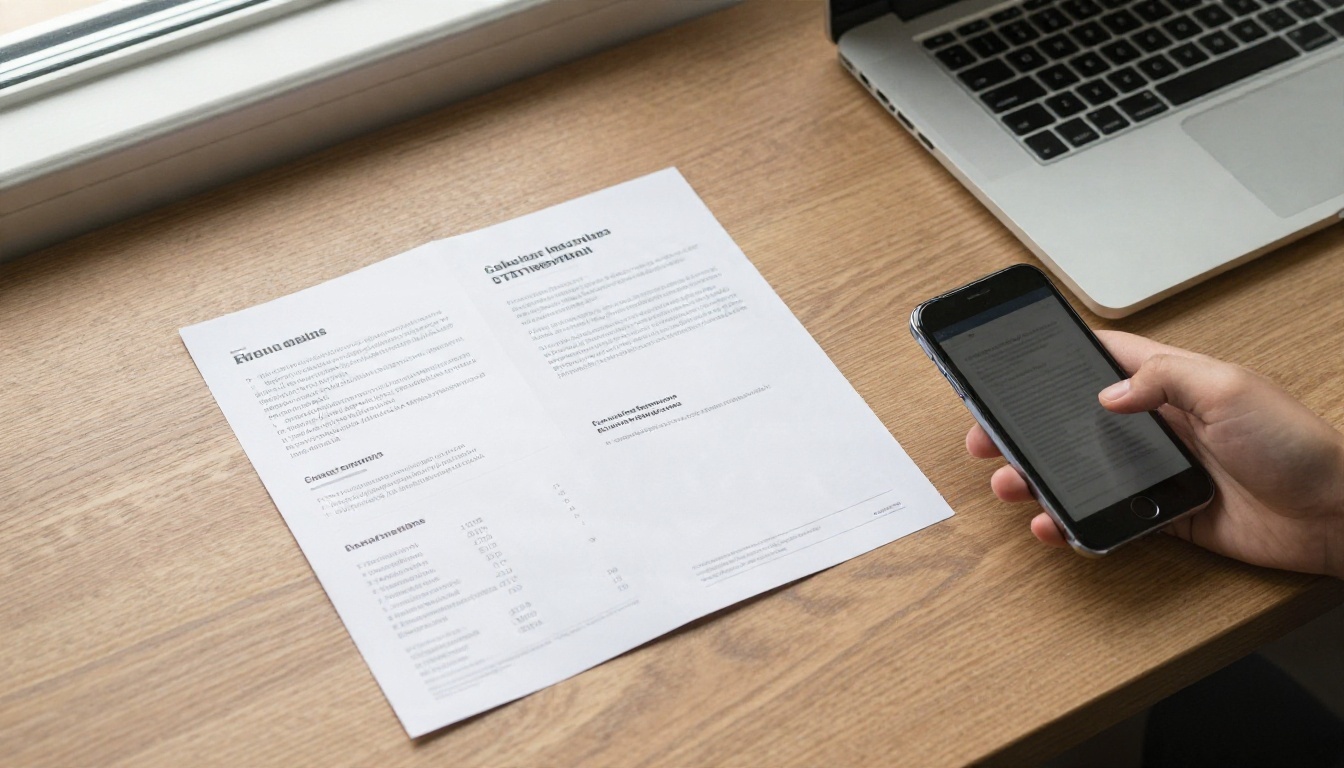
Turn the PDF Into a Flipbook
A PDF is portable, but it is not exactly pleasant to read. Visitors download a file, wait for it to open, pinch and zoom on a phone, and often give up. A flipbook fixes that by presenting the same pages in a browser with page-turn motion, fast loading and a shareable link. It also keeps your Publisher layout exactly as designed, since the pages come from the PDF rather than a re-flow.
How to Create a Flipbook with Flipbooks AI
The PDF to Flipbook Converter takes the PDF you just made and publishes it online. Here is the process:
- Open the platform. Go to Flipbooks AI and create an account. The free plan lets you test the workflow before deciding on anything.
- Upload your PDF. Drag the exported file into the uploader. Pages are converted automatically, and you will see a preview of the first spread within moments. The screen shows a thumbnail strip on the left and the flipbook viewer in the center.
- Customize the look. Set your brand colors, choose a background, add your logo and pick page effects such as a soft curl or a flat slide. You can also embed video and audio on specific pages.
- Check the pages. Flip through every spread on desktop and on a phone. Since the source is a PDF, the layout should match your original Publisher design.
- Choose sharing options. Copy the direct link, grab the embed code for your website, or turn on password protection for private material. The Embed Flipbook on Website page explains how the embed works.
- Publish and monitor. Share the link. On the Professional plan you also get analytics, lead generation forms and offline downloads. See the pricing plans for what each tier includes.
Flipbooks AI never adds watermarks, and the output is mobile-responsive, which matters because most readers will open it on a phone.
Features Worth Using
| Feature | Why it helps with converted PUB files | Plan |
|---|
| No watermarks | Client-facing documents stay clean | All plans |
| Password protection | Protects price lists and internal files | See pricing |
| Embedded video and audio | Brings a flat flyer to life | See pricing |
| Custom branding | Matches your colors and logo | See pricing |
| Analytics and lead generation | Shows who reads and captures emails | Professional |
| Offline downloads | Lets readers keep a copy | Professional |
| Unlimited flipbooks | Handles a whole archive of old newsletters | Standard and above |

Which Route Fits Your Situation
The right answer depends on what the file is for. Here are some real-world scenarios.
A Small Shop With an Old Price List
A florist has a 2-page Publisher price list from 2018 and a new phone number to add. Best route: ask the original designer for a PDF, or rebuild the two pages in a web design tool in under an hour, then publish with the Digital Price List Generator.
A School With Years of Newsletters
A school office has dozens of .pub newsletters. Nobody needs to edit the old ones. Convert each to PDF once, then use the School Newsletter Creator to publish a searchable archive parents can open on their phones.
A Real Estate Agent Sending Brochures
An agent receives a property brochure in Publisher format from a previous assistant. The agent only needs to share it. Export to PDF, then publish through the Real Estate Brochure tool with password protection for pre-market listings.
A Nonprofit Updating an Annual Report
If the report needs real edits, the file should be moved into a modern tool or edited in Publisher once, then exported. For the final version, the Non-Profit Annual Report page shows how to publish it as a flipbook.
Decision Table
| Your goal | Best approach | Tool type |
|---|
| Change text or images | Publisher, LibreOffice Draw, or rebuild | Desktop or design app |
| Read or print only | Convert to PDF | Converter or Publisher export |
| Share online with readers | PDF, then flipbook | Flipbooks AI |
| Keep an archive | Batch export to PDF | Publisher or converter |
| Confidential document | Local export only | Offline software |
| Move away from Publisher entirely | Rebuild in a modern design tool | Web design app |

Common Mistakes to Avoid
Trusting the First Converted Page
The first page often looks fine. Problems hide on page four, where a text frame overflowed or a photo shifted. Always scroll through every page before you send the file.
Deleting the Original File
The .pub file is your only editable source. Keep it in a labeled folder with the fonts used, even if you plan to move away from Publisher. Fonts are easy to forget and hard to find again.
Choosing File Size Over Readability
Over-compressing a PDF to fit an email limit turns photos into blurry blocks and small text into smudges. Use a reasonable quality setting, and share the file as a link instead. A flipbook link avoids email attachment limits completely.
Uploading Sensitive Files Casually
A free converter is a third-party service. Treat it like one. Remove personal details first, or convert on your own machine.
FAQ: Quick Answers
Is there a truly free online editor for .pub files?
Not one that preserves layout reliably. Free converters and partial importers exist, but expect to fix spacing and fonts afterward.
Can I open a .pub file on a Mac or phone?
Publisher has no native Mac version. On a phone, the easiest path is a PDF exported by someone with Publisher.
Will converting to PDF keep my design?
Exporting from Publisher itself does, as long as fonts are embedded. Third-party converters vary.
Can I edit the PDF afterward?
Light edits are possible in PDF editors, but heavy layout changes are painful. Edit the source, then export again.
Is a flipbook better than sending a PDF?
For readers, usually yes. It loads in a browser, works on phones, and can be tracked, protected and embedded in a page.
Publish Your Layout Without the Hassle
Hunting for a pub file editor online mostly ends in the same place: a converter, a partial import, or a rebuild. The fastest way to protect your design is to export a PDF while you still have access to the original, then publish that PDF where readers can actually enjoy it.
Ready to try it? Create your free account on Flipbooks AI and upload your first PDF. Browse the full list of flipbook tools to find the format that suits a catalog, newsletter, brochure or report, or compare pricing plans when you are ready for analytics, lead capture and unlimited flipbooks. You can also go straight to sign up and see pricing in one step.



