You open two browser tabs, one for PubHTML5 and one for FlipHTML5, and for a moment you wonder if you loaded the same site twice. Same page curl, same upload box, same promise of turning a PDF into something readers can flip through. That similarity is real, and it is exactly why so many people get stuck choosing between them. This article walks through where the two tools overlap, where they genuinely differ, and how to pick one without wasting an afternoon. If you also want a third option that skips watermarks entirely, we will look at Flipbooks AI along the way.
💡 Quick note on accuracy: Both platforms update plans, limits, and prices often. Treat the numbers and plan names here as a starting frame, and confirm the current details on each vendor's pricing page before you pay for anything.
Why These Two Look Identical
Both tools belong to the same broad family of PDF to flipbook converters. You upload a file, the platform renders each page as an image or HTML layer, and readers get a realistic page turning effect in the browser. The two are widely described as sister products with a shared heritage, which explains the overlap in interface, template styles, and publishing flow.
That shared DNA shows up in a few places:
- The upload flow: drag a PDF, wait for conversion, tweak settings, publish.
- The reader: a 3D page curl with zoom, thumbnails, and a share bar.
- The editor: a dashboard where you add links, videos, and branding.
- The pricing model: a free tier with limits, then paid tiers that remove branding.
So the real question is not "which one is better in general." It is "which small differences matter for my project."

Same Idea, Different Positioning
PubHTML5 tends to be presented as the publishing and distribution side of the pair, with a focus on hosting a public bookshelf and sharing publications. FlipHTML5 leans more toward the creator toolset, with heavier emphasis on templates, animation, and the conversion editor. In practice the line is blurry, and you will find most features on both.
What Readers Actually See
Readers rarely care which tool built the flipbook. They care about load speed, readability on a phone, and whether a watermark or ad interrupts them. That is why branding rules and mobile behavior deserve more attention than a long feature checklist.
Side by Side Feature Table
Here is a working comparison of the areas people ask about most. Use it as a checklist, then verify each row against the live product.
| Area | PubHTML5 | FlipHTML5 |
|---|
| Core conversion | PDF and images to flipbook | PDF and images to flipbook |
| Page effect | 3D page curl | 3D page curl |
| Free plan | Yes, with branding and limits | Yes, with branding and limits |
| Template library | Moderate | Larger, more design focused |
| Public bookshelf | Strong emphasis | Available |
| Embedding | iframe and link | iframe and link |
| Multimedia | Video, audio, links | Video, audio, links, animation tools |
| Offline output | Paid tiers | Paid tiers |
| Branding removal | Paid tiers | Paid tiers |
⚠️ If a feature matters to you, such as offline download or custom domain, check which plan unlocks it. The cheapest tier often leaves it out.
Pricing and Plan Differences
Pricing is where most buyers feel the difference. Both vendors use tiered subscriptions, usually billed monthly or yearly, and both discount yearly billing. The names and numbers shift, so look at the structure instead of memorizing prices.
| Plan level | What you usually get | Who it fits |
|---|
| Free | A few flipbooks, vendor branding, public listing | Testing and hobby use |
| Entry paid | Branding removed, more storage, basic stats | Freelancers, small shops |
| Mid tier | Custom domain, password protection, more books | Agencies, growing teams |
| Top tier | Higher limits, white label options, priority help | Larger organizations |
What to compare when you read each pricing page:
- Number of flipbooks included per plan.
- Storage and monthly view limits.
- Whether branding removal is in the entry tier or hidden higher up.
- Whether offline downloads cost extra.
- Whether password protection needs a premium level.

The Real Cost of Free Plans
Free tiers are fine for a quick test. They get awkward when you send a client a link that carries vendor branding or a public listing you did not ask for. For anything customer facing, count the paid tier in your budget from day one.
Yearly vs Monthly Billing
Yearly billing usually brings a visible discount. If you are unsure about the tool, pay monthly for one cycle, publish a real project, and only then commit to the longer term.
Editor and Template Differences
The editor is where you spend your time, so small design choices add up. FlipHTML5 is commonly associated with a bigger template library and more visual extras, while PubHTML5 keeps its editor simpler and closer to a publishing dashboard.
- Templates: browse both libraries with your own content in mind. A template that looks great with a fashion lookbook may feel wrong for a technical manual.
- Animation and effects: FlipHTML5 tends to push more of these. Useful for marketing pieces, distracting for reports.
- Link and media tools: both let you add clickable links, embedded video, and audio on top of pages.
- Page editing: neither tool replaces a proper layout app. Edit your design in the source file, then convert.

A Practical Test
Take one real PDF, ideally a 20 page catalog or brochure with links and images. Upload it to both. Then compare three things: conversion speed, text sharpness when zoomed, and how it looks on your own phone. Ten minutes of testing beats an hour of reading reviews.
Who Should Pick Which
Instead of declaring a winner, match the tool to the job.
| Use case | Better starting point | Reason |
|---|
| Public bookshelf of many titles | PubHTML5 | Publishing and discovery focus |
| Marketing brochure with flair | FlipHTML5 | Templates and effects |
| Internal training manual | Either | Both handle plain PDFs well |
| Client catalog without any branding | Test both paid tiers | Branding rules differ by plan |
| School or course material | Either | Compare view limits |
A restaurant can upload a seasonal menu and share a short link or QR code. A real estate agent can turn a listing brochure into a flipbook and embed it on a property page. A teacher can publish a course workbook that students open on any device.

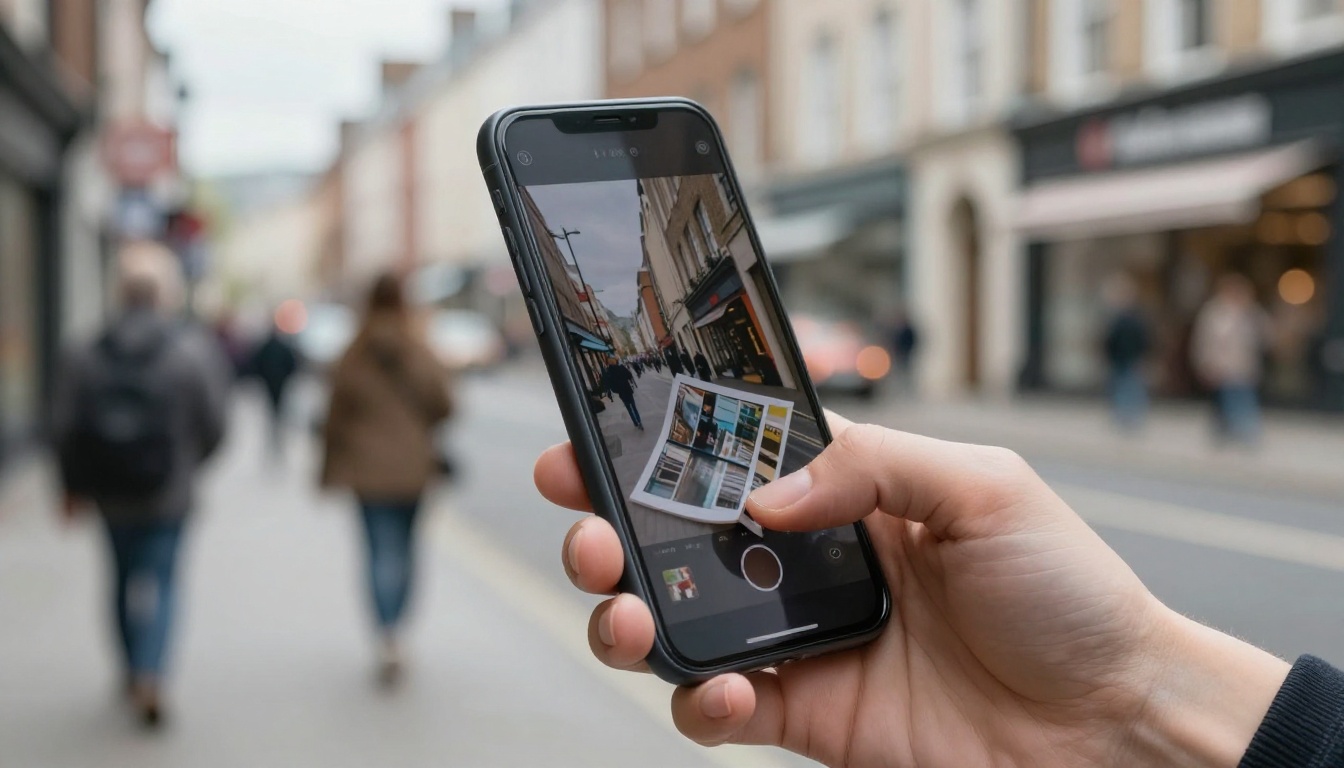
Most flipbook views now happen on phones. Whichever tool you choose, open your finished flipbook on a mid range Android and an iPhone before sharing it.
Check these points:
- Does the first page load in a couple of seconds on mobile data?
- Can you pinch to zoom without the page jumping?
- Do links and embedded videos work with a single tap?
- Is the share bar small enough to stay out of the way?
✅ Best practice: compress images in your PDF before upload. A 60 MB file converts slower and loads slower for every reader, no matter which platform hosts it.
Sharing, Embedding, and Privacy
Both tools give you a public link and an embed code. The difference is how much control you get over who sees the flipbook.
- Public link: easy to share, indexed on a bookshelf in some setups.
- Embed code: place the flipbook inside your own site with an iframe.
- Password protection: usually a paid feature, so verify it for the plan you want.
- Domain control: custom domains often sit on mid or top tiers.
If privacy matters, such as for pricing sheets sent to wholesale partners, do not rely on an unlisted link alone. Use password protection and confirm the setting actually applies to the embedded version too. You can also read about embedding a flipbook on your website for a general walkthrough that applies to any platform.

Stats, Leads, and Tracking
Reader statistics are where free and entry plans often get thin. Views and basic traffic numbers are common. Detailed page by page behavior or lead capture forms usually need a higher plan.
| Tracking feature | Typical availability |
|---|
| Total views | Most plans |
| Page level stats | Mid tier and up |
| Lead capture form | Mid or top tier |
| Export of data | Top tier or none |

Do You Actually Need Lead Capture?
If you send flipbooks to existing customers, probably not. If you publish a public lookbook or a gated ebook, yes. Decide this before you choose a plan, because lead tools are one of the most common reasons people upgrade a few weeks after signing up.
A Third Option: Flipbooks AI
If your priority is a clean result with no watermark, you can try a different route. Flipbooks AI converts PDFs into interactive flipbooks with no watermarks, ever, and offers unlimited flipbooks on its Standard plan and above. It also supports password protection, offline downloads, embedded video and audio, and custom branding, with analytics and lead generation on the Professional plan.
How to Create a Flipbook With Flipbooks AI
Here is the short version of the process, which also works as a template for testing any platform.
- Create an account. Open Flipbooks AI and sign up.
- Upload your PDF. Use the PDF to Flipbook Converter. Drop in the file and wait for the conversion to finish.
- Customize. Set your logo, colors, page effects, and add any video or audio you want inside pages.
- Choose sharing settings. Pick a direct link, an embed code, or add a password for private content.
- Publish and test. Open it on desktop and phone, then share.
- Review results. On the Professional plan, check analytics and lead data to see how readers behave.

Tools for Specific Jobs
Instead of one generic converter, you can start from a tool that matches your content:
💡 Pro tip: whichever platform you test, use the same PDF every time. Only then do differences in sharpness, speed, and branding become obvious.
Three Common Mistakes
- Choosing on the free plan alone. The free plan hides the limits that matter later, like branding and view caps.
- Skipping the phone test. A flipbook that feels smooth on a laptop can be slow on mobile data.
- Uploading huge files. Compress images first, or every reader pays for it.
Another quiet mistake is forgetting what happens after you cancel. Ask whether your flipbooks stay online, get hidden, or are deleted when a subscription ends. For published catalogs and menus that live on customer facing pages, that answer can matter more than any feature.
A Simple Decision Checklist
Run through these questions in order:
- Do you need zero vendor branding? Compare entry paid tiers, or consider a no watermark option.
- Do you need a public bookshelf? Lean toward the platform with the stronger bookshelf focus.
- Do you need lots of design extras? Test the larger template library first.
- Do you need private sharing? Confirm password protection on the exact plan.
- Do you need stats or leads? Check the tier that includes them before you commit.

Pick One and Publish
PubHTML5 and FlipHTML5 are close enough that your own PDF, budget, and branding rules will decide the choice, not a feature list. Run the same file through both, check it on a phone, read the plan limits, and go with the one that feels right for your readers.
Ready to see a third result next to those two? Get started for free on Flipbooks AI, browse all flipbook tools and templates, or compare pricing plans to see what works for your project. When you are set to upgrade, the account to pricing link takes you straight to the plans.



