Q4 is the most competitive quarter in any sales year. Budgets are closing, decision timelines are compressed, and every prospect on your list has already sat through a dozen pitch decks that look exactly like yours. The difference between a deal that closes before December 31 and a deck that gets buried in someone's Downloads folder rarely comes down to your product. It almost always comes down to how you present it. Flipbooks AI was built for moments like this, when a static PDF simply will not hold attention and you need your sales story to actually land.
The ideas below are not about adding more slides or making your colors bolder. They are about structure, format, psychology, and delivery choices that turn a passively-skimmed file into a document prospects bookmark, share internally, and pull up during the buying conversation.

Why Most Q4 Sales Decks Get Ignored
The 8-Second Problem
Research from Nielsen Norman Group puts the average time spent on a new digital document at under 10 seconds before a decision is made to keep reading or move on. In Q4, that window shrinks further. Your prospect is fielding proposals from multiple vendors simultaneously, managing their own Q4 deliverables, and dealing with year-end budget chaos. Their attention is not available on request.
Most sales decks fail the 8-second test because they open with your story. Company history. Team bios. Product awards. The prospect does not care yet. They are scanning for one thing: "Is this relevant to my problem, right now?"
💡 Pro Tip: Your first slide has one job. It must state the prospect's specific problem in their language. If they recognize themselves in slide one, they will read slide two.
Static PDFs Are a Dead End
The format problem is real. A flat PDF attached to an email asks the prospect to download a file, open it in a separate application, manually scroll through it, and remember where they were if they come back to it. Each of those steps is friction. Friction kills deals.
Beyond usability, a static PDF gives you zero visibility. You never know if it was opened, which slides held attention, or whether it was forwarded to another decision-maker. In Q4, when every touchpoint matters, flying blind on your sales collateral is a costly habit.

The Anatomy of a Q4 Sales Deck That Works
Slide Count and Pacing
The sweet spot for a Q4 sales deck sent via email or link is 12 to 16 slides. Here is the breakdown that works:
| Section | Slides | Purpose |
|---|
| Problem Statement | 1-2 | Immediate relevance, hook |
| Current Cost of the Problem | 1 | Quantify the pain |
| Your Solution (high level) | 2-3 | Position, not features |
| Proof and Social Evidence | 2 | Trust building |
| ROI and Business Case | 2 | Justify the budget |
| Q4 Timing and Urgency | 1 | Year-end specificity |
| Pricing and Options | 1-2 | Clear next step |
| Call to Action | 1 | One ask, no ambiguity |
Every slide that does not serve one of these functions belongs in a leave-behind, not in your core deck.
What to Put on Slide One
Slide one is not your logo. It is not your tagline. It is a single, bold, specific statement of the problem your prospect is experiencing right now in Q4. The more specific, the better.
Weak opening slide: "Driving Revenue Growth Through Innovation"
Strong opening slide: "Your Q4 pipeline is full. Your close rate is not. Here is why."
The prospect reads slide one and either feels seen or feels nothing. Only one of those outcomes gets you to slide two.

7 Q4 Sales Deck Ideas That Actually Get Read
1. The Budget Already Allocated Opener
This technique reframes your deck immediately. Instead of asking a prospect to allocate budget they do not have, you help them see that the budget already exists. It is just currently being spent on the wrong thing.
Open with a slide that quantifies what they are currently spending on the problem your product solves. Wasted hours. Inefficient tools. Missed revenue opportunities with dollar values attached. When prospects see money already leaving their organization, your pricing stops looking like a cost and starts looking like a redirect.
2. The ROI-First Narrative
Most decks bury the ROI slide near the end, as if it is a reward for reading through. Flip this completely. Put your strongest ROI case study or projection on slide three, immediately after establishing the problem. Prospects need to know the trip is worth taking before they commit to the journey.
⚠️ Warning: ROI claims without proof destroy credibility. Back every figure with a real customer name, industry benchmark, or methodology note. Vague percentages ("up to 300% ROI") are worse than no figure at all.
3. The Side-by-Side Comparison Table
One of the highest-performing slides in any Q4 deck is a clean, honest comparison table that shows your solution against the status quo and a named competitor. Decision-makers in Q4 are often presenting options to a buying committee. You are essentially building their internal presentation for them.
| Criteria | Current Process | Competitor X | Our Solution |
|---|
| Setup Time | 4-6 weeks | 2-3 weeks | 3 days |
| Q4 ROI Timeline | None (too slow) | Partial | Full quarter impact |
| Contract Flexibility | N/A | Annual lock-in | Month-to-month |
| Onboarding Support | N/A | Email only | Dedicated rep |
| Price | Sunk cost | $$$ | $$ |
Keep this table honest. If a competitor beats you on something, acknowledge it and explain why your advantage elsewhere is more valuable for this specific prospect.
4. The Social Proof Wall
Dedicate one full slide to logos and micro-quotes from companies that look like your prospect. Not Fortune 500 names if your prospect is a mid-market company. Not tech startups if your prospect runs a traditional business. Relevance is everything.
Below each logo, include a single stat or one-line quote: "Closed $2.1M in Q4 with this process" or "Cut proposal time from 3 days to 45 minutes." These are not testimonials. They are fast-moving proof points that a decision-maker absorbs in seconds.
5. The Cost of Inaction Slide
This is Q4's most powerful psychological lever. Instead of asking what it costs to buy your product, show what it costs to wait until Q1. Include:
- Revenue at risk if Q4 closes without a solution in place
- Competitor advantage gained during the gap period
- Team hours lost to the current workaround each month
- Regulatory or compliance deadlines if applicable
💡 Pro Tip: Express the cost of inaction in monthly terms, not annual. "Waiting costs you $47,000 per month" lands harder than "half a million per year" because it feels immediate and personal.
6. The Interactive Digital Format
This is where format becomes a strategy, not just a design choice. Sending a PDF link is passive. Sharing an interactive digital presentation is an experience. A prospect who clicks through a beautifully formatted digital deck with embedded data, clickable sections, and a realistic page-turn effect spends more time with your content and retains more of it.
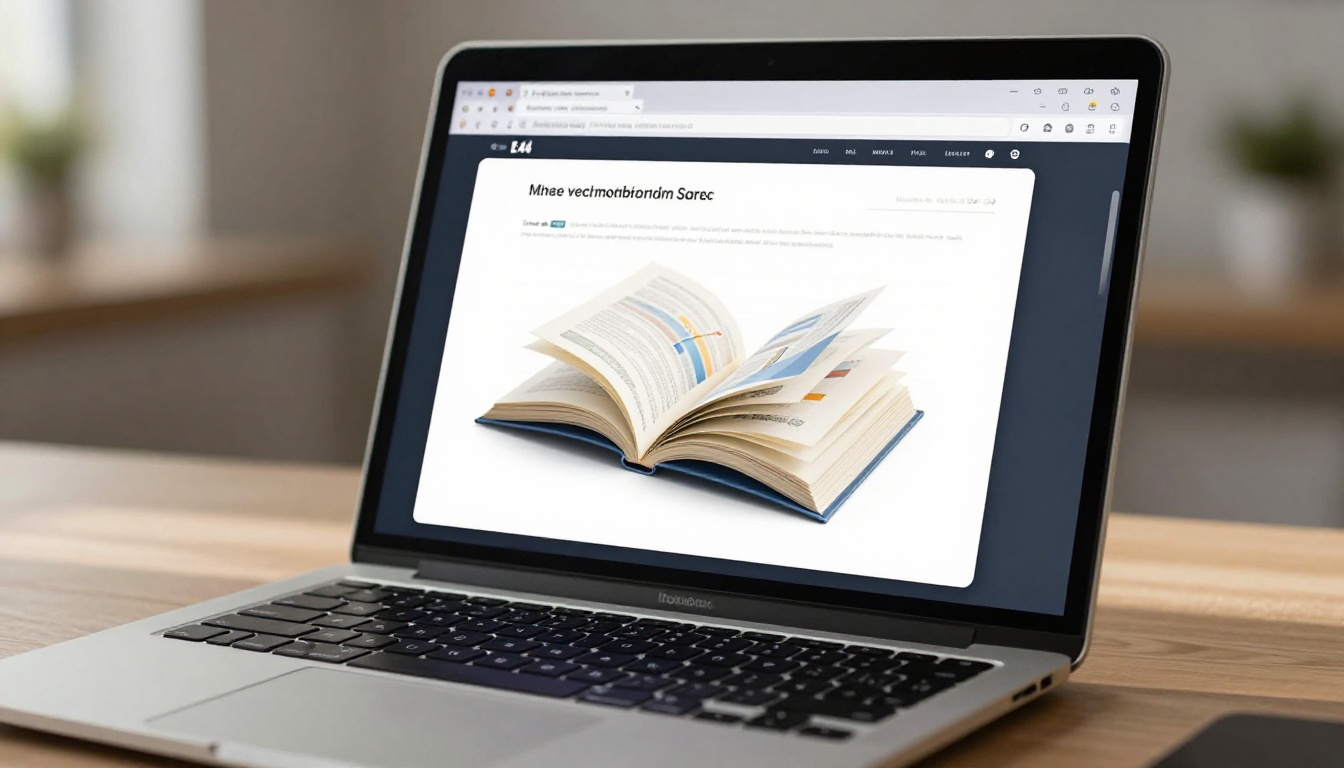
With the Sales Presentation Flipbook tool, you can convert your existing PDF deck into a fully interactive digital experience in minutes, no design skills required.
7. The One-Page Leave-Behind
After every meeting, every email touchpoint, every discovery call: send a single-page visual summary that fits on one screen without scrolling. This is not a replacement for your deck. It is a memory aid designed to be forwarded.
It should include: the prospect's primary pain point in their own words from your conversation, your one-line solution, a single ROI number, and one clear next step. Nothing else.

PDF vs. Interactive Flipbook vs. PowerPoint
The container your content lives in affects how seriously it is taken, how long it holds attention, and whether it gets shared. Here is an honest breakdown:
| Format | Shareability | Analytics | Mobile Experience | Perceived Value | Editability |
|---|
| PDF (email attachment) | Low | None | Poor (pinch/zoom) | Medium | Difficult after send |
| PowerPoint / Keynote | Low | None | Very poor | Medium | High before send |
| Hosted Interactive Flipbook | High (link) | Full tracking | Excellent | High | Update anytime |
| Google Slides (link) | Medium | Basic view count | Acceptable | Low to Medium | High |
For Q4 specifically, the analytics advantage of a hosted interactive format is significant. When you can see that a prospect opened your deck on a Tuesday evening, spent four minutes on your pricing slide, and forwarded it to two colleagues, your follow-up conversation changes entirely. You are not guessing. You are responding to actual behavior.
✅ Best Practice: Use an interactive format for the first send. Attach a PDF only if the prospect explicitly requests something to print for an in-person committee meeting.

Q4-Specific Design Principles
Color Psychology for Year-End Decks
Q4 has its own emotional texture in the business world. There is urgency, there is scarcity of time, and there is the pressure of annual targets. Your deck's color palette should reflect the weight of the moment without feeling alarmist.
Colors that work in Q4:
- Deep navy blue: authority, trust, stability
- Warm amber or burnt orange: urgency without aggression, autumn energy
- Clean white space: clarity, confidence, professionalism
- Dark forest green: financial growth, results, forward motion
Colors to avoid:
- Neon or ultra-saturated palettes: read as unserious in corporate contexts
- All-grey presentations: feel safe but forgettable
- Heavy black backgrounds: hard to read and feel dated in most sectors
💡 Pro Tip: Use your prospect's brand colors as an accent in their personalized deck. It signals you built this for them, not from a template.
Data Visualization That Sticks
Numbers in a table are processed. Numbers in a chart are felt. The goal in your Q4 deck is not to inform your prospect, it is to move them. Every data point living as a raw number inside a sentence should be reconsidered as a visual.
A bar chart showing their industry's average deal velocity versus yours. A simple line graph with "status quo" trending flat and "with solution" trending sharply upward through Q4 and into Q1. A single large number on a slide with nothing else surrounding it. These are the visuals prospects screenshot to share in Slack with their team.

How to Turn Your Q4 Deck Into a Flipbook
Flipbooks AI is purpose-built for exactly this use case. Your PDF deck becomes an interactive digital experience in a few straightforward steps. Here is how it works:
Step 1: Create your account
Head to Flipbooks AI and sign up. No credit card is required to start.
Step 2: Upload your PDF
From your dashboard, click "New Flipbook" and upload your Q4 sales deck PDF. The platform handles conversion automatically, preserving your layouts, fonts, and imagery exactly as designed.
Step 3: Customize branding
Add your company colors, logo, and a title page image. For prospect-specific decks, you can create variations without rebuilding from scratch each time. This is particularly useful when personalizing decks across different verticals or company sizes.
Step 4: Set sharing preferences
Generate a shareable link in seconds. For decks containing sensitive pricing, activate password protection so only your intended recipient can view it. You can also set expiration dates on links for time-limited Q4 offers.
Step 5: Share or embed
Send the link via email, drop it into your CRM follow-up template, or add it to your LinkedIn outreach sequence. The Embed Flipbook on Website tool also lets you host it on your company site for inbound prospects.
Step 6: Track every interaction
With Professional plan analytics, you see exactly who opened your deck, which slides held their attention longest, and whether it was shared further. Use this data to prioritize and personalize follow-up calls with precision.
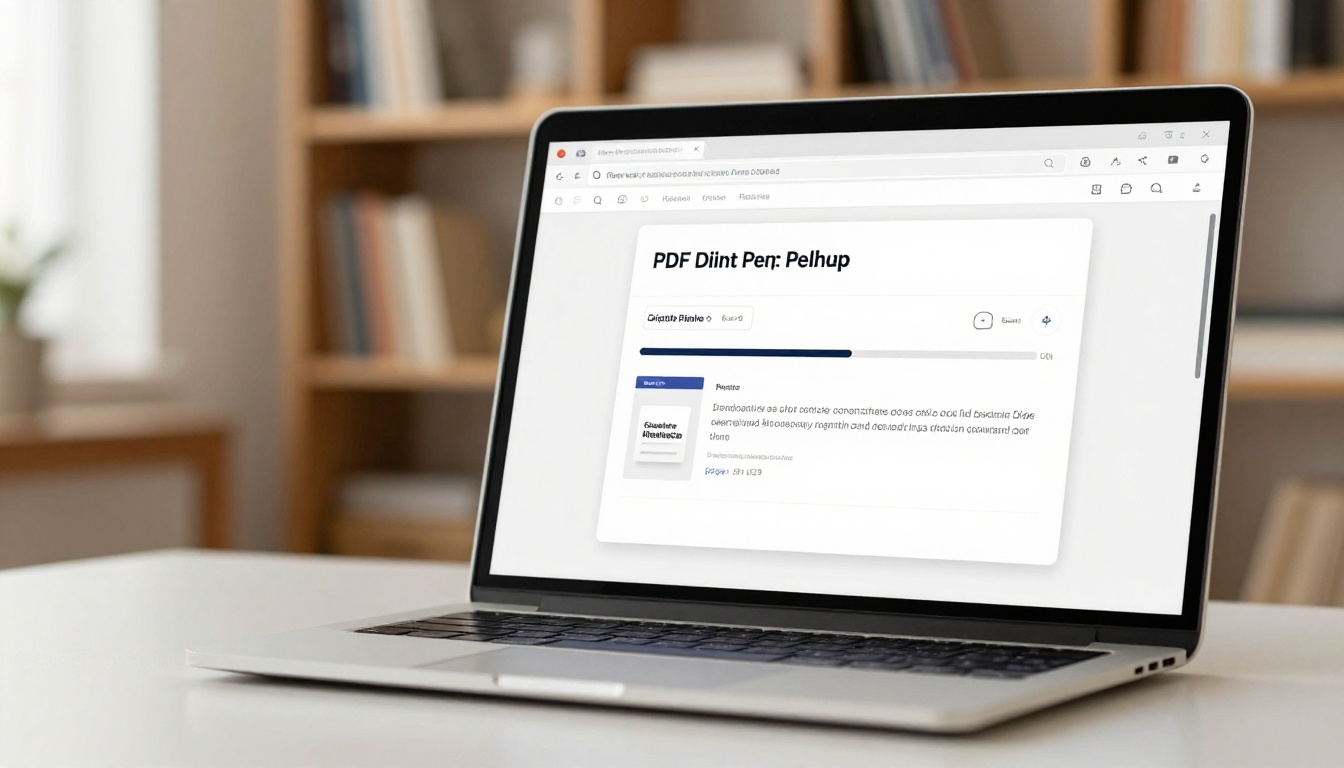
Flipbooks AI features that matter for Q4 sales decks:
- No watermarks on any plan
- Unlimited flipbooks on Standard plan and above
- Password protection for confidential pricing decks
- Offline download option for prospects in low-connectivity environments
- Mobile-responsive design that works on any device
- Embedded video and audio for product demos within the deck itself
- Presentation Flipbook Designer for building fully custom decks from scratch
Q4 Sales Deck Pre-Send Checklist
Before you hit send on any Q4 deck, run through this list. One missed item can cost you a deal.
Content:
Personalization:
Format:
Follow-up:
Stop Sending Decks That Get Ignored
The reps who close Q4 deals are not always the ones with the best product. They are the ones whose decks actually get read, shared internally, and referenced when a buying committee meets. Every idea in this article is actionable today with the formats and tools that already exist.
Flipbooks AI gives you the format advantage without adding hours to your workflow. Upload your existing deck, convert it in minutes, and send a link that tracks every interaction. When your prospect opens the deck at 9pm on a Tuesday and spends seven minutes on your pricing slide, you will know exactly how to follow up the next morning.
Ready to make your Q4 deck one that actually gets read? Create your free account on Flipbooks AI and convert your first deck today. Browse the full Sales Presentation Flipbook tool, or check all available tools to find the right format for your sales cycle. See which pricing plan fits your team's volume and start Q4 with a format advantage.
Your Q4 window is closing. Make every deck count.



