Every time a price changes or a dish leaves the kitchen, a restaurant owner faces the same quiet question: do we reprint, or do we go digital? The honest answer depends on numbers most people never write down. This article puts a QR code menu and a paper menu side by side, line by line, so you can see the real yearly cost before you spend another dollar. If you decide digital is worth testing, a tool like Flipbooks AI can turn your existing PDF into a page-turning menu in minutes.
A quick note on the figures: they are realistic estimates for a small independent restaurant with about 40 seats. Your prices will differ, so treat the tables as a template and swap in your own invoices.
Why This Comparison Matters
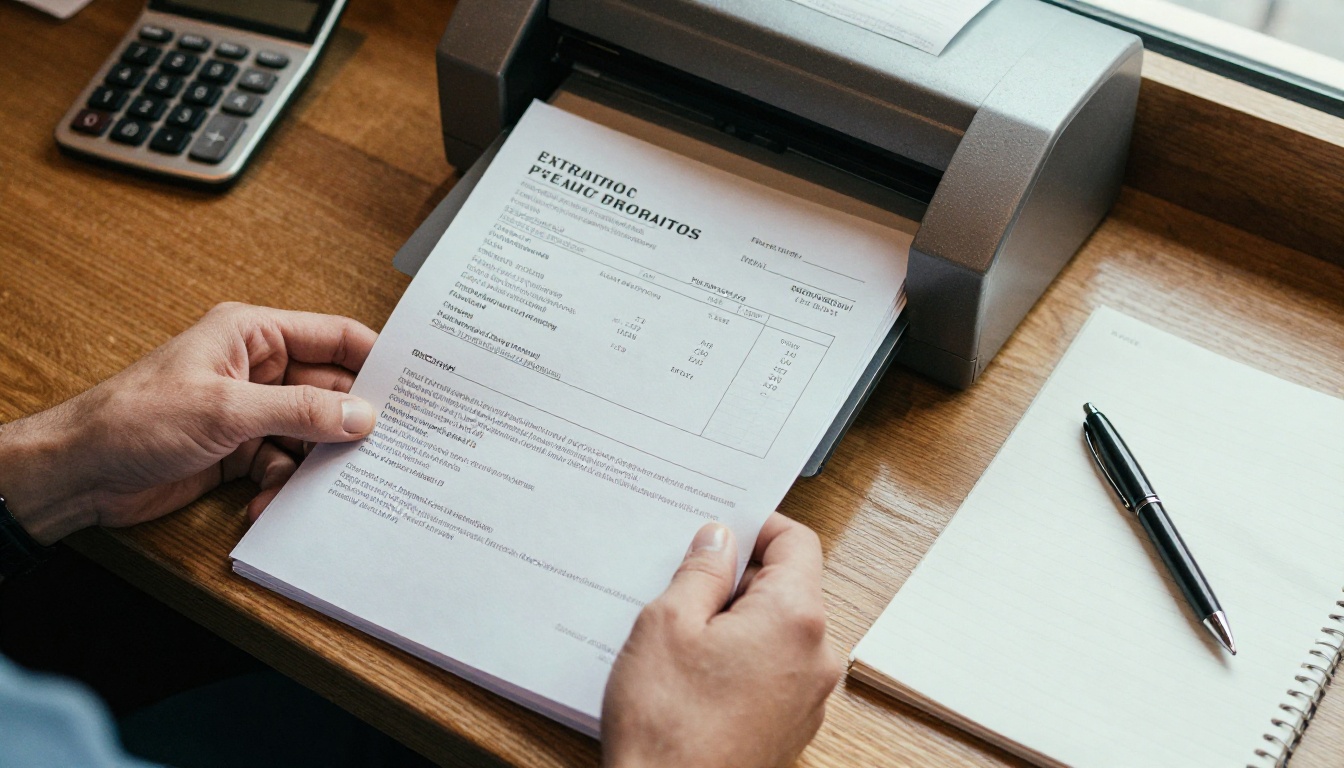
Menus look like a small expense. A single printed menu costs a few dollars, so nobody loses sleep over it. The trouble is repetition. Menus get stained, bent, torn and outdated, and each of those events becomes a small purchase. Over twelve months, that trickle of purchases often beats the cost of a subscription.
QR code menus have the opposite profile. They look cheap and effortless, but they carry hidden costs of their own: software fees, replacement stands, staff time spent helping guests, and the occasional lost customer who simply refuses to scan anything.
So the real question is not "which is cheaper in theory" but "which is cheaper in my dining room, with my guests, over a full year."
What Counts as a Menu Cost
Before comparing, list every expense in each category. Most owners only count the printing invoice and miss the rest.
- Design time: your own hours or a freelancer's fee for each update
- Printing: paper, ink, cardstock, binding or professional print runs
- Protection: lamination, plastic sleeves, leather covers
- Replacements: menus that get stained, sticky or lost
- Cleaning: wiping or sanitizing menus between guests
- Software: hosting, subscriptions or QR code generators
- Hardware: table stands, stickers, acrylic holders
- Staff time: explaining how to scan, or handing out paper backups
Fixed Costs and Variable Costs
Paper menus are mostly variable: the more guests and the more updates, the more you spend. QR menus are mostly fixed: a flat monthly fee no matter how many people scan. That difference matters most for busy restaurants, because a high-volume venue wears out paper faster while paying the same flat digital fee.
Let's build the paper side first. Assume 150 menus in circulation (including spares), four menu updates per year for seasonal changes and price adjustments, and a mid-quality cardstock menu with lamination.
| Paper menu expense | Calculation | Yearly cost |
|---|
| Full reprints | 150 menus x $3.00 x 4 updates | $1,800 |
| Design updates | $50 x 4 updates | $200 |
| Lamination and sleeves | 150 x $0.80 x 2 times | $240 |
| Damaged menu replacements | About 60 menus x $3.00 | $180 |
| Sanitizing supplies | Wipes and spray, $15 per month | $180 |
| Staff time wiping menus | 15 min per day x $15 per hour x 365 | $1,369 |
| Estimated total | | $3,969 |
The staff time line surprises most owners. Fifteen minutes a day does not sound like much, but it adds up to more than $1,300 per year in wages. Even if you cut it in half, paper still costs well over $3,000.
💡 Pro tip: Count your actual reprint frequency. Many restaurants think they update menus twice a year, then discover three or four small corrections (a price here, a sold-out dish there) that each triggered a new print run.
The Waste Nobody Tracks
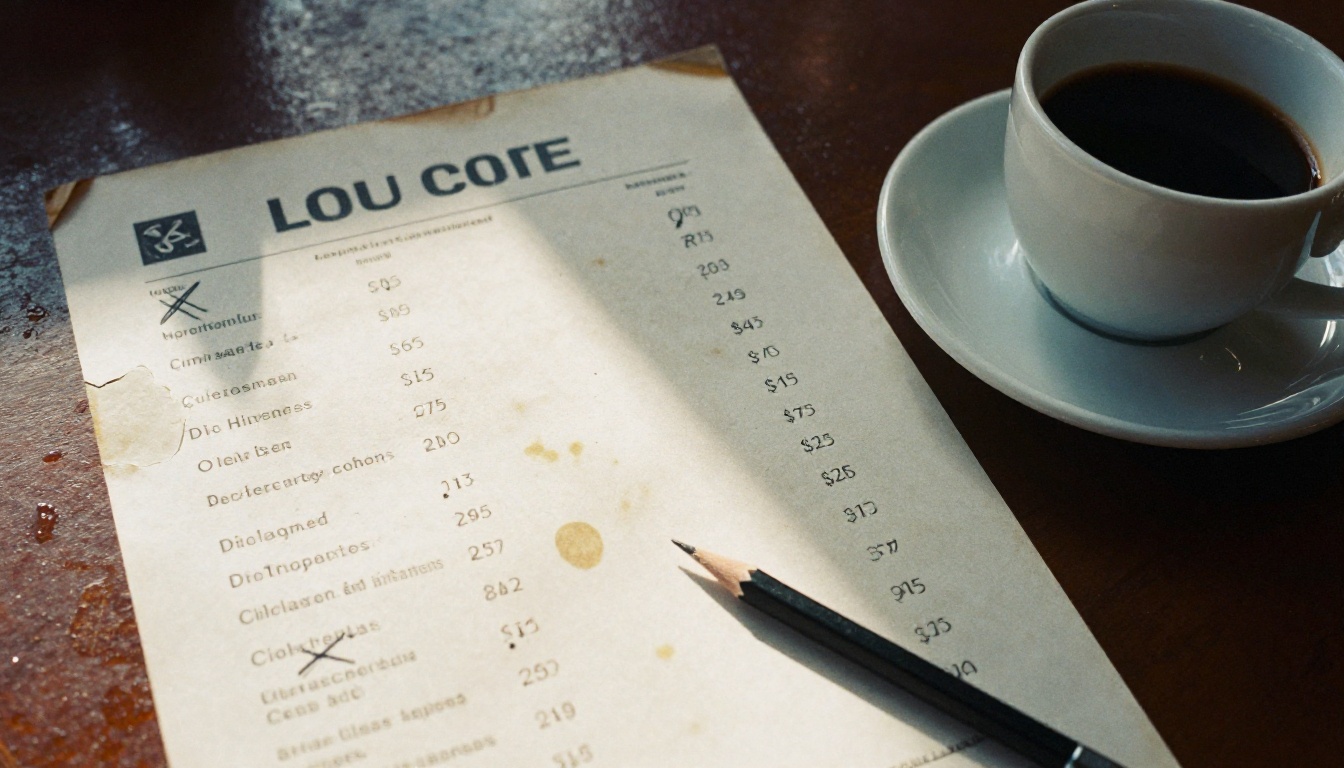
When you change one price, you usually reprint the whole menu. The old stack goes in the bin. If you hold 150 menus and change a single price, you have just thrown away $450 of printed material to fix one number. Restaurants that update prices often (because of ingredient costs) feel this most.
There is also the mistake risk. A printed typo stays on the table until the next reprint. A wrong price or a missing allergen note can cost money or, worse, trust.
When Paper Still Wins
Paper is not the villain. It has real strengths:
- No device, battery or Wi-Fi needed
- Familiar to guests of every age
- Feels premium when well made
- Works in dead zones, cellars and outdoor patios
- Adds a tactile brand moment
A fine dining room with a fixed tasting menu that changes twice a year may spend far less than the table above, and the paper itself may be part of the experience.
Now the digital side. Assume 20 tables, one QR stand per table, a simple hosted menu with a monthly plan, and a few staff minutes per week helping guests.
| QR menu expense | Calculation | Yearly cost |
|---|
| Table stands or stickers | 20 x $6.00 | $120 |
| Replacement stands | 8 per year x $6.00 | $48 |
| Menu hosting or software | $25 per month | $300 |
| Design updates | Done in-house, about 1 hour x 12 | $180 |
| Backup paper menus (small set) | 15 menus x $3.00 x 2 | $90 |
| Staff time helping guests scan | 10 min per week x $15 per hour | $130 |
| Estimated total | | $868 |
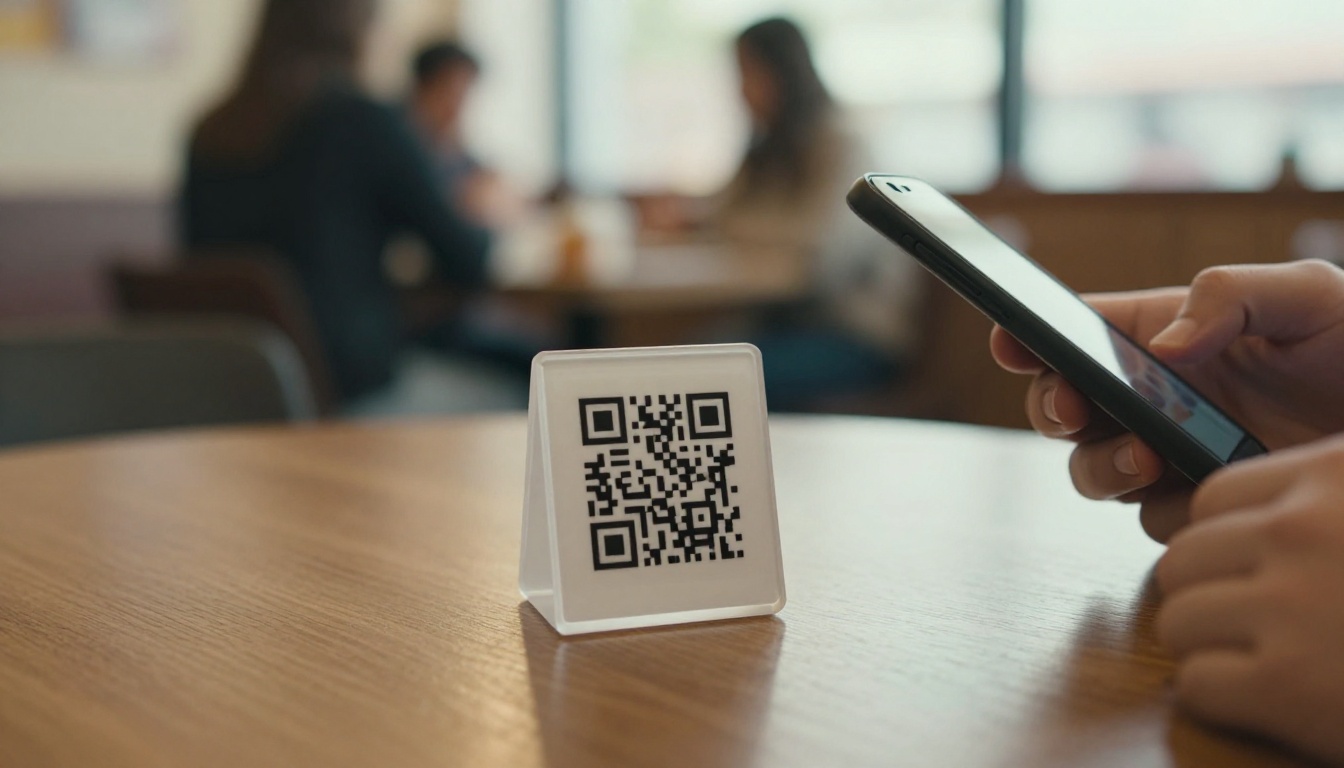
On these assumptions, the QR menu costs roughly $3,100 less per year than paper. That is about a 78% saving. Even if you double every digital line item to be cautious, QR still comes out ahead.
Costs That Hide Inside QR Menus
Digital is not free of surprises. Watch for these:
- Plan limits. Cheap plans may cap pages, languages or monthly views.
- Branding fees. Some tools add their watermark unless you pay more.
- Lock-in. If your menu lives only inside one app, switching later means rebuilding it.
- Slow loading. A heavy PDF on weak mobile data frustrates guests and kills orders.
- Dead QR codes. If the link breaks, every table loses its menu at once.
⚠️ Warning: Never print a QR code that points to a temporary or unmanaged link. Use a stable web address you control, so you can change the destination without reprinting stands.
The Lost Guest Question
Some guests will not scan. Older customers, people with low phone battery, and visitors with no data plan may leave a table or order less. This is the one cost that is hard to measure, and it is why many owners keep a small paper backup set. The table above already includes 15 spare menus for exactly this reason.
Side by Side: Yearly Totals
Here is the direct comparison using the numbers above.
| Category | Paper menu | QR code menu |
|---|
| Printing and materials | $2,220 | $210 |
| Design and updates | $200 | $180 |
| Software or hosting | $0 | $300 |
| Cleaning and sanitizing | $1,549 | $0 |
| Staff help for guests | $0 | $130 |
| Replacements | $180 | $48 |
| Yearly total | $3,969 | $868 |
| Cost per table (20 tables) | $198 | $43 |
The gap comes almost entirely from three things: reprints, cleaning labor and replacements. Software fees look small next to them.
Break-Even Point
A QR setup pays for itself fast. If your total setup (stands and the first month of software) is around $145, you recover that cost with a single avoided reprint. For most small restaurants, break-even arrives within the first one to two months.
Price changes are where digital pulls furthest ahead. Ingredient costs move constantly, and a menu that cannot change quickly is a menu that loses margin.
Paper: Slow and Expensive Edits
A paper menu update has a fixed chain of steps: edit the design, proof it, send it to print, wait for delivery, then replace every copy. That is days of delay and a fresh invoice each time. If you only change one dish, you still pay for the entire run.
Digital: Instant and Cheap Edits
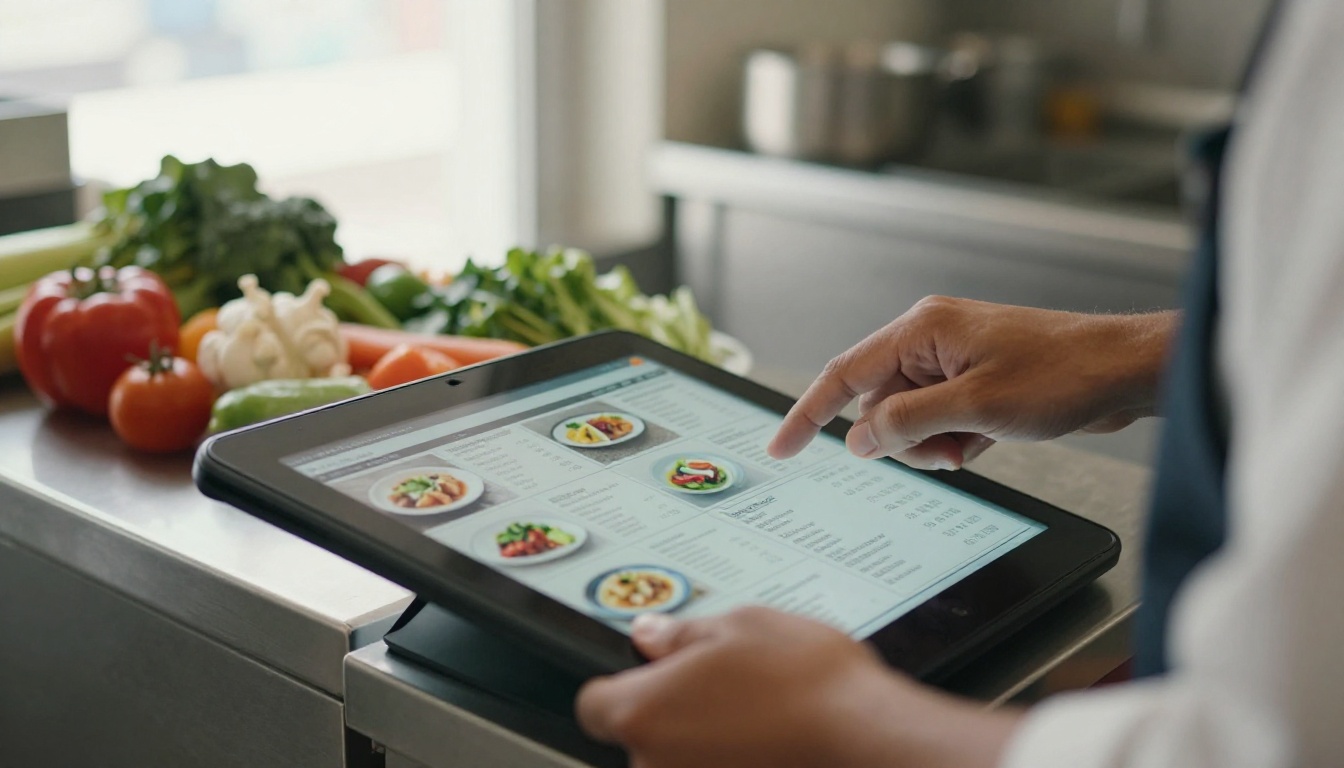
With a digital menu, you change the line, save, and every table sees the new version immediately. No reprint, no waste, no waiting. Sold-out specials disappear before a guest orders them, which also protects your reviews.
Here is a simple scenario. A restaurant raises 12 dish prices by 6% because of supplier increases. On paper, that is a full reprint, around $450 plus design time. On a digital menu, it is a 20-minute edit.
✅ Best practice: Keep a one-page changelog of menu edits with dates. It helps you spot how often you really update, and it shows how much paper would have cost.
Plain PDFs on a phone are often hard to read. Tiny text, pinch-to-zoom and sideways scrolling push guests back toward paper. A flipbook menu fixes this by keeping the familiar feel of turning pages while loading fast on any device.
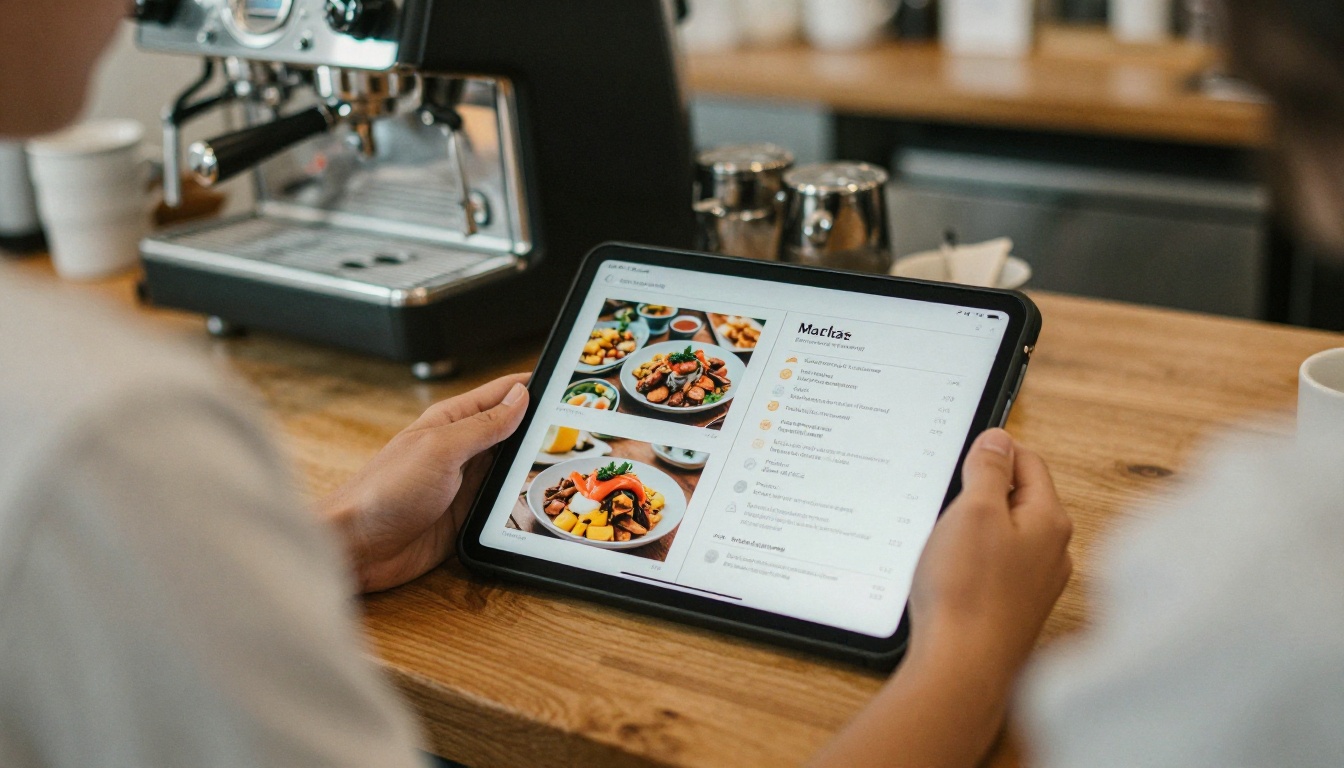
With the Restaurant Menu Creator you can upload the menu you already have and publish it as an interactive digital menu. The Menu Flipbook Designer adds branding, page effects and photos that make dishes look as good online as they do on the plate.
How to Create a QR Menu With Flipbooks AI
- Prepare your PDF. Export your current menu as a PDF. Keep text large and readable on a phone screen.
- Sign up. Create an account on Flipbooks AI.
- Upload. Drop your PDF into the PDF to Flipbook Converter. Pages convert automatically into a flipbook.
- Customize. Add your logo, brand colors and page-turn effects. You can also embed photos, video or audio for signature dishes.
- Choose your sharing options. Copy the direct link, grab an embed code for your website, or set a password if you want a private staff or catering menu. See the embed guide tool for website placement.
- Generate your QR code. Point it at the flipbook link and print it on a table stand or sticker.
- Review analytics. On the Professional plan, track views and collect leads, so you can see which pages guests actually open.
A few features worth noting for restaurant owners:
- ✅ No watermarks, ever
- ✅ Mobile-responsive layout
- ✅ Custom branding
- ✅ Password protection for private menus
- ✅ Offline downloads
- ✅ Unlimited flipbooks on Standard and above
Check the current pricing plans to see which tier fits your venue. A single restaurant with one menu usually needs far less than a multi-location group.
The right answer changes with the type of business. Use this table as a starting point.
| Business type | Best fit | Reason |
|---|
| Fast casual with frequent price changes | QR code menu | Instant edits, high table turnover |
| Fine dining with a fixed tasting menu | Paper menu, QR for wine list | Premium feel, few updates |
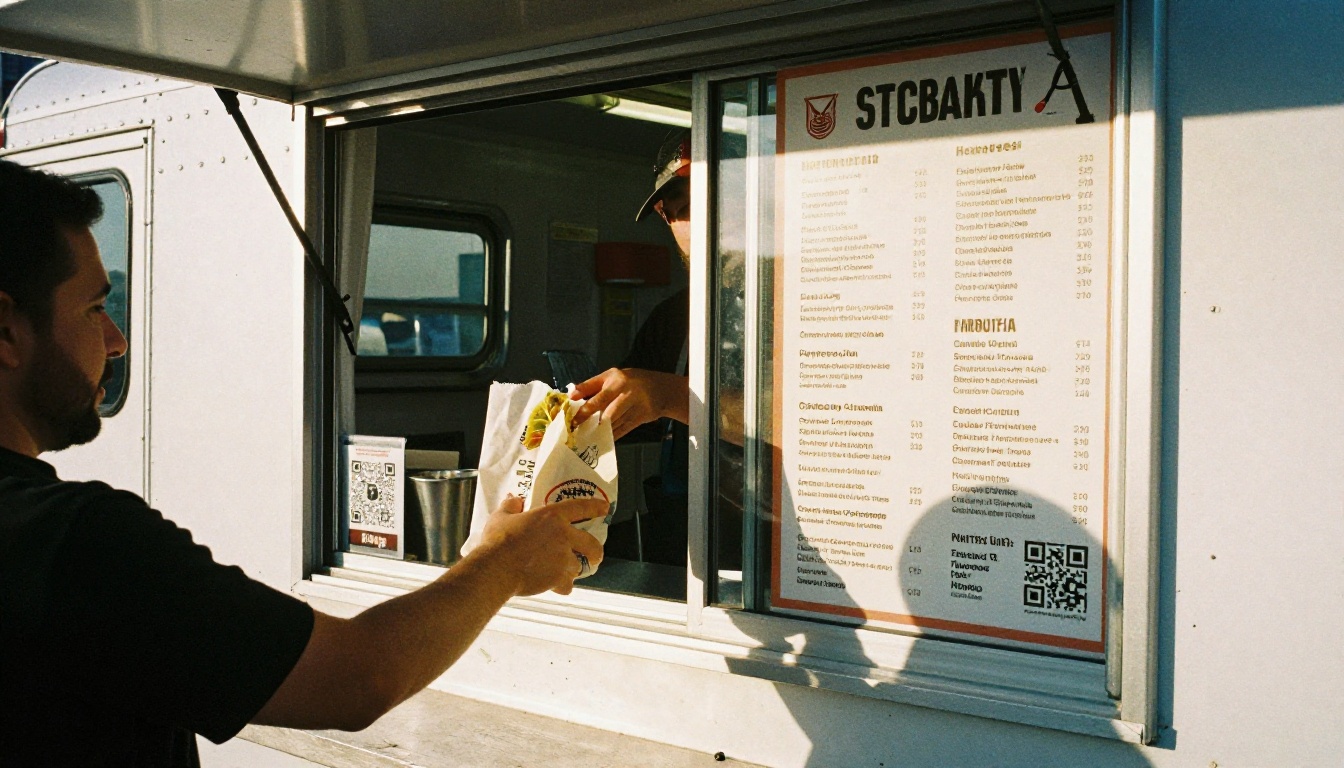
| Food truck or pop-up | QR code menu plus board | No printing, link in social bios |
| Hotel restaurant | Hybrid | Mixed guest ages and international visitors |
| Cafe with daily specials | QR code menu | Specials change faster than print can follow |
| Spa or wellness cafe | QR code menu | Easy to update services and seasonal items |
The Hybrid Approach
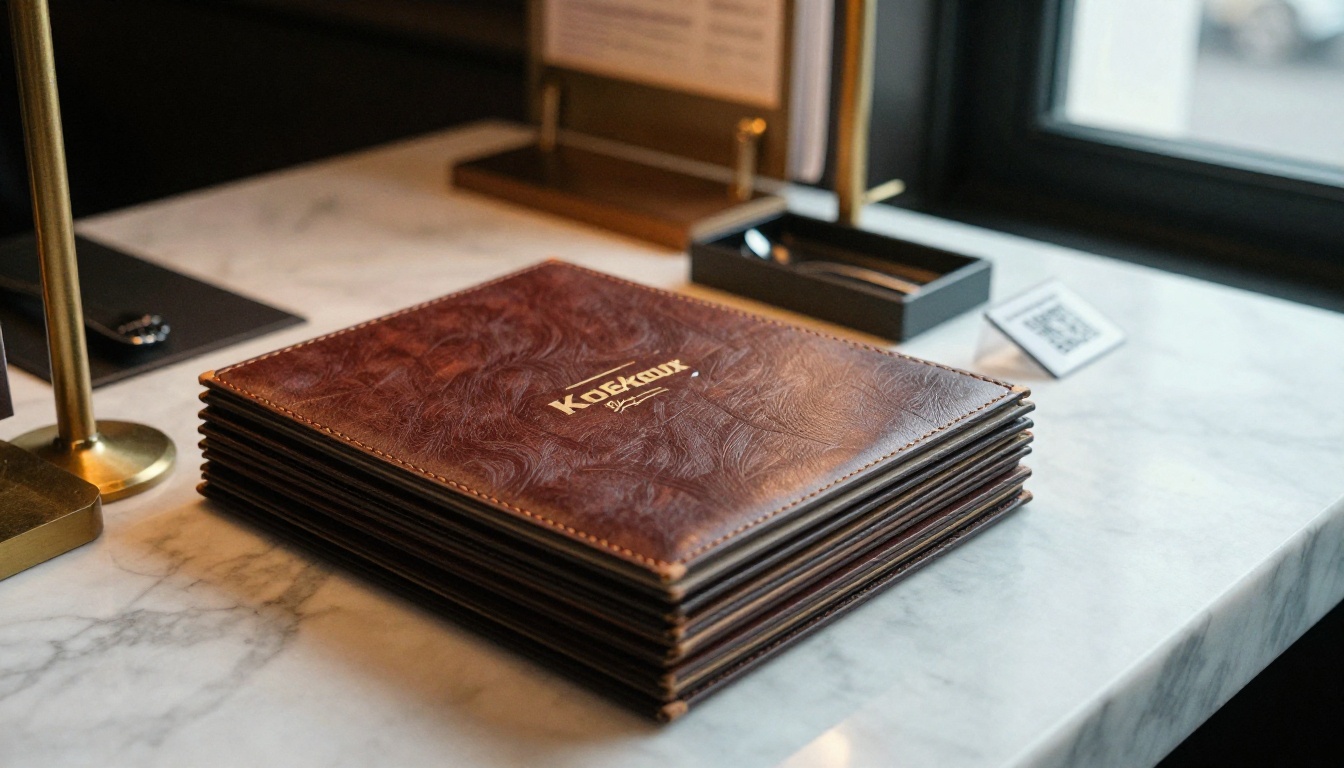
For many venues, the cheapest smart option is not either/or. Keep a short, durable printed menu for the signature dishes that rarely change, and use a QR code for everything else: specials, drinks, desserts, allergens and seasonal items. You cut reprints sharply while keeping paper for guests who want it.
Hotels especially benefit. A single digital menu can hold several languages, which is far cheaper than printing a separate booklet for each. If you run a spa or wellness venue, the Spa & Wellness Menu tool follows the same idea.
Three Common Mistakes to Avoid
Owners who switch to QR often repeat the same errors. Avoid these and the savings in this article hold up in practice.
- Uploading a poorly formatted PDF. If guests must zoom and scroll sideways, they will ask for paper. Test on an old phone before launch.
- Removing paper entirely on day one. Keep a small backup set for the first few months. You can reduce it as guests adapt.
- Printing a QR code to a link you do not control. Use a stable link so the stand never needs replacing.
💡 Pro tip: Put a short line of text on each stand, such as "Scan for menu", so first-time guests are never confused about what the code does.
Your Own Yearly Calculation
Use this quick method to get your own numbers in about ten minutes.
- Pull your last 12 months of printing invoices.
- Add lamination, sleeves and replacement orders.
- Estimate daily cleaning minutes and multiply by your hourly wage.
- Count your real number of menu updates, including tiny ones.
- Price QR stands, a monthly software plan and a small paper backup set.
- Compare the two totals and divide by tables for a cost per table.
If your paper total is under about $1,000 per year, the savings from switching may be too small to matter. If it is above $2,500, as in our example, going digital will probably pay off inside a quarter.
Ready to Stop Paying for Reprints?
The numbers are clear for most small restaurants: a QR menu costs a fraction of paper once you count reprints, cleaning time and replacements, and a hybrid setup protects guests who still want something printed.
Ready to try it? Get started for free on Flipbooks AI and turn your current PDF into a mobile-friendly menu. Browse all flipbook tools to find the right template for your venue, or compare pricing plans to choose what works for your budget.



