Every restaurant owner hits the same fork sooner or later: do guests simply read the menu on their phone, or do they order and pay from it too? The choice between a QR ordering menu and a view-only digital menu changes your staffing, your software bill, your table turn times and even how your guests feel about the evening. This article lays out both options side by side, with real numbers, honest trade-offs and a fast path to publishing a beautiful menu with Flipbooks AI.
Before comparing, let's pin down the terms, because vendors blur them constantly.
The QR ordering menu
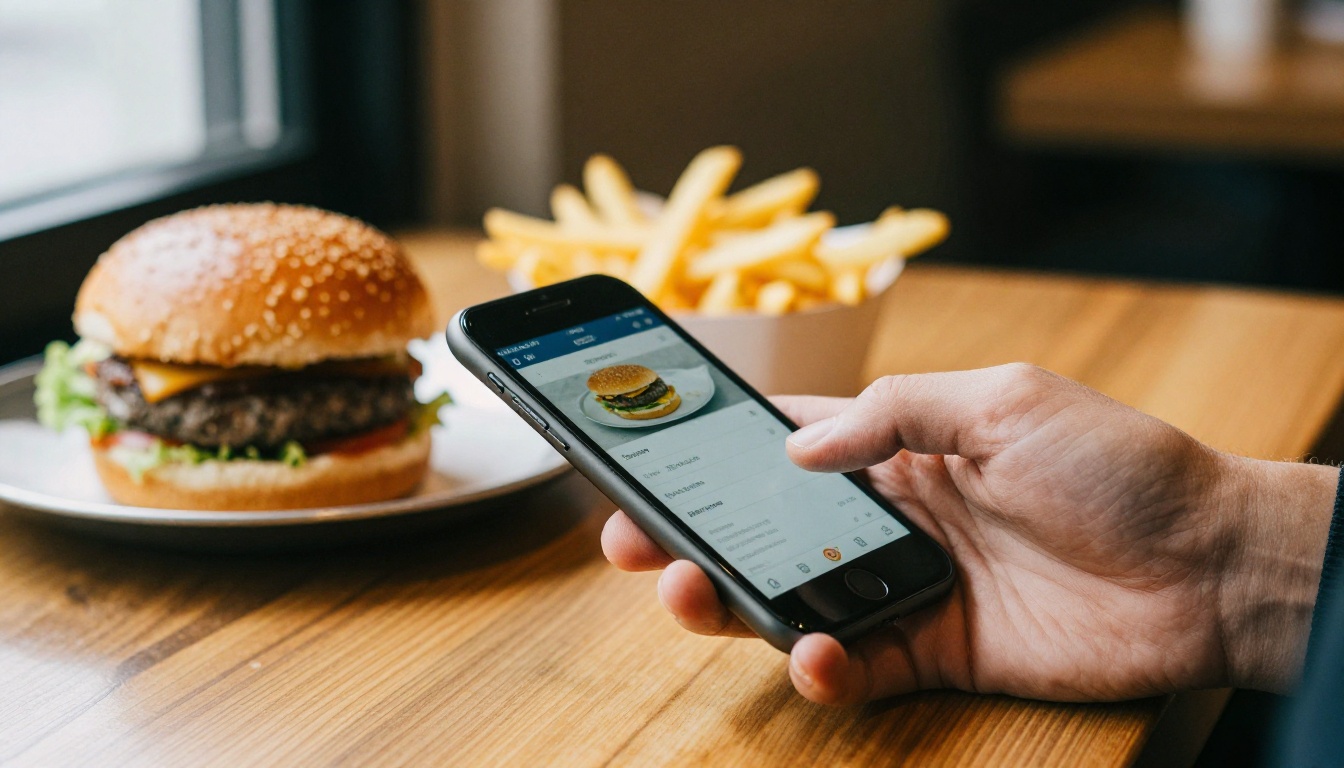
A QR ordering menu is a scannable code that opens a web app where guests browse dishes, customize items, add them to a cart and send the order straight to the kitchen. Many systems also take payment and tips. It is a point-of-sale system that happens to live on the guest's phone.
The view-only digital menu
A view-only digital menu displays your offering and nothing more. Guests scan a code (or tap a link), read, and then call a server as usual. There is no cart, no checkout and no integration with the kitchen. It is a menu, just a better one than a laminated card.
Quick comparison at a glance
| Feature | QR Ordering Menu | View-Only Digital Menu |
|---|
| Guest can order from phone | Yes | No |
| Payment at the table | Usually | No |
| Kitchen integration | Required | None |
| Typical monthly cost | $50 to $300+ plus fees | $0 to $30 |
| Setup time | Days to weeks | Minutes to hours |
| Menu updates | Through POS or dashboard | Edit and republish |
| Staff training needed | Significant | Minimal |
| Works with printed backup | Awkward | Easy |
💡 Pro tip: If a vendor calls their product a "digital menu" but charges per order, you are buying ordering software. Ask directly what happens when a guest taps a dish.
The Case for QR Ordering
Ordering from the table is not a gimmick. In the right venue it removes real friction.
Faster tables, fewer errors
When guests type their own order, the kitchen receives exactly what was chosen. No misheard "no onions," no handwritten tickets someone cannot read. Order accuracy usually improves, and servers spend less time standing at a table with a notepad.
Bigger checks on average
Software never forgets to suggest the side dish. Photos, add-on prompts and one-tap upgrades tend to lift the average ticket by a noticeable margin. Operators commonly report increases in the range of 8 to 20 percent, particularly on drinks and desserts, though results depend heavily on the venue.
Where it shines
- Counter service and food halls: no waiter is coming anyway.
- High volume bars and breweries: guests order again without waving at anyone.
- Large patios and beer gardens: table service is stretched thin.
- Stadiums, theme parks and events: speed matters more than ceremony.
The downsides nobody puts in the brochure
QR ordering has real costs beyond the subscription. Transaction fees stack up, often 2 to 3 percent plus a fixed amount per order. The system has to talk to your point of sale, so a bad integration means tickets that never arrive. Some guests, especially older ones, simply refuse to order from a phone. And a dead Wi-Fi network or a dying phone battery becomes your problem.
⚠️ Warning: A QR ordering system that fails during a Saturday rush is worse than no system. Always keep a manual fallback and brief your team on it.
The view-only option is quieter, cheaper and far less risky. It solves the problems that matter most to many restaurants without rewiring the operation.
Hospitality stays human
For a restaurant where the server is part of the product, handing the order to a phone can feel cold. A view-only menu keeps the conversation: "What's good tonight?" "Can the chef adjust this?" That exchange is where loyalty is built, and where wine pairings and specials get sold.
Almost no risk
Nothing connects to your kitchen, so nothing can break service. If the link is down, a printed copy still works. There are no transaction fees, no integration to maintain and no per-seat licensing.
Instant updates, zero reprinting
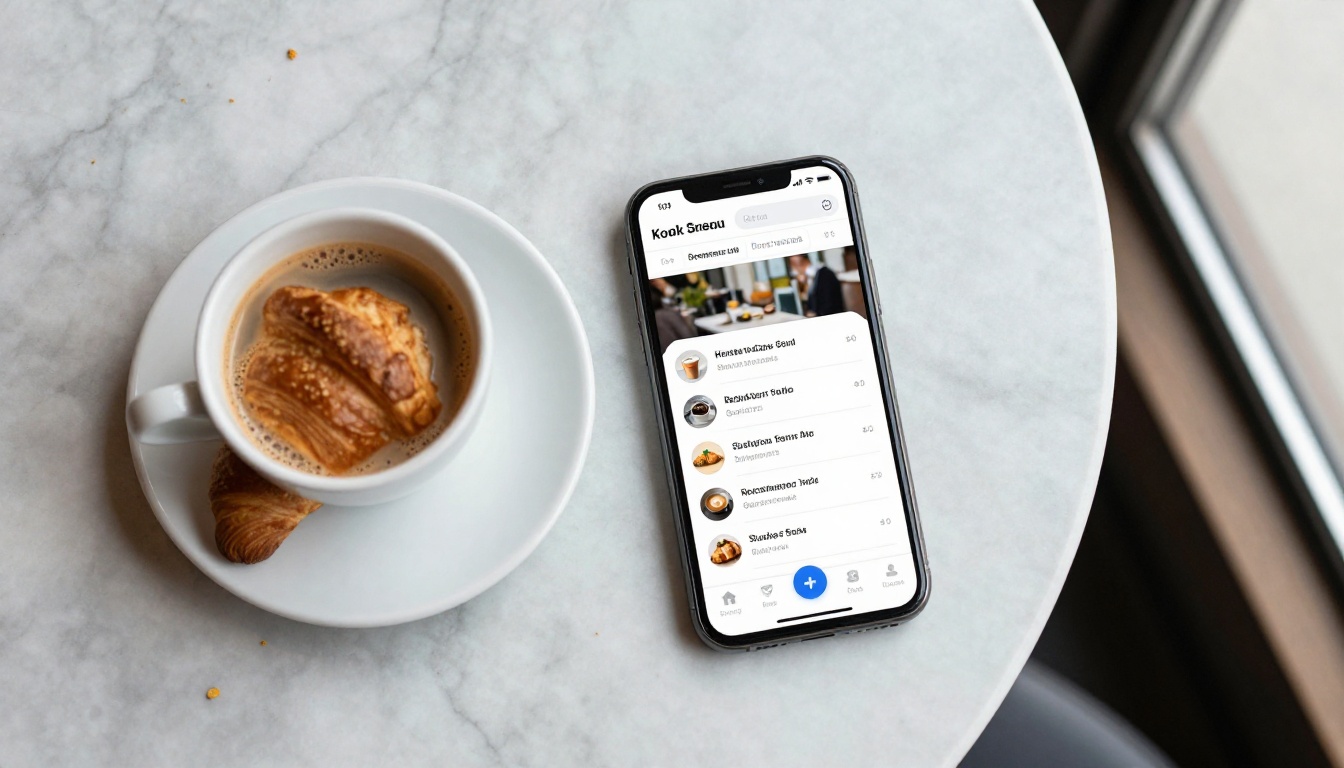
Ran out of salmon? Changed a price? Edit once and the menu is current for every table. Seasonal menus, holiday specials and allergen notes can be revised in minutes rather than sent to a print shop.
Where it shines
- Fine dining and tasting menus: service is the experience.
- Cafés and bakeries: guests order at the counter anyway.
- Hotel restaurants and room service cards: guests expect personal service.
- Small family restaurants: simplicity beats software.
- Pop-ups and food trucks: no time for integrations.
Cost and Setup, Side by Side
Money decides a lot of these choices, so here is a realistic picture for a single 60 seat restaurant doing about $40,000 per month.
| Cost Item | QR Ordering | View-Only |
|---|
| Software subscription | $100 to $300 per month | $0 to $30 per month |
| Payment processing share | 2% to 3% of QR orders | None |
| POS integration | $0 to $1,500 one time | None |
| Table stands and QR printing | $50 to $200 | $50 to $200 |
| Staff training | 4 to 8 hours | Under 1 hour |
| Menu photography and design | Same | Same |
| Typical launch time | 1 to 4 weeks | 1 afternoon |
If 40 percent of that restaurant's sales go through QR ordering with a 2.5 percent fee, that is about $400 a month in processing on top of the subscription. It may well pay for itself through bigger checks and fewer staff hours, but you should run the math before signing.

✅ Best practice: Calculate break-even before you buy. Divide the monthly cost by your average check lift. If you need more than a 10 percent lift to break even, think twice.
What Guests and Staff Really Think
Technology decisions land on people, so weigh their reactions too.
Guest comfort varies by generation
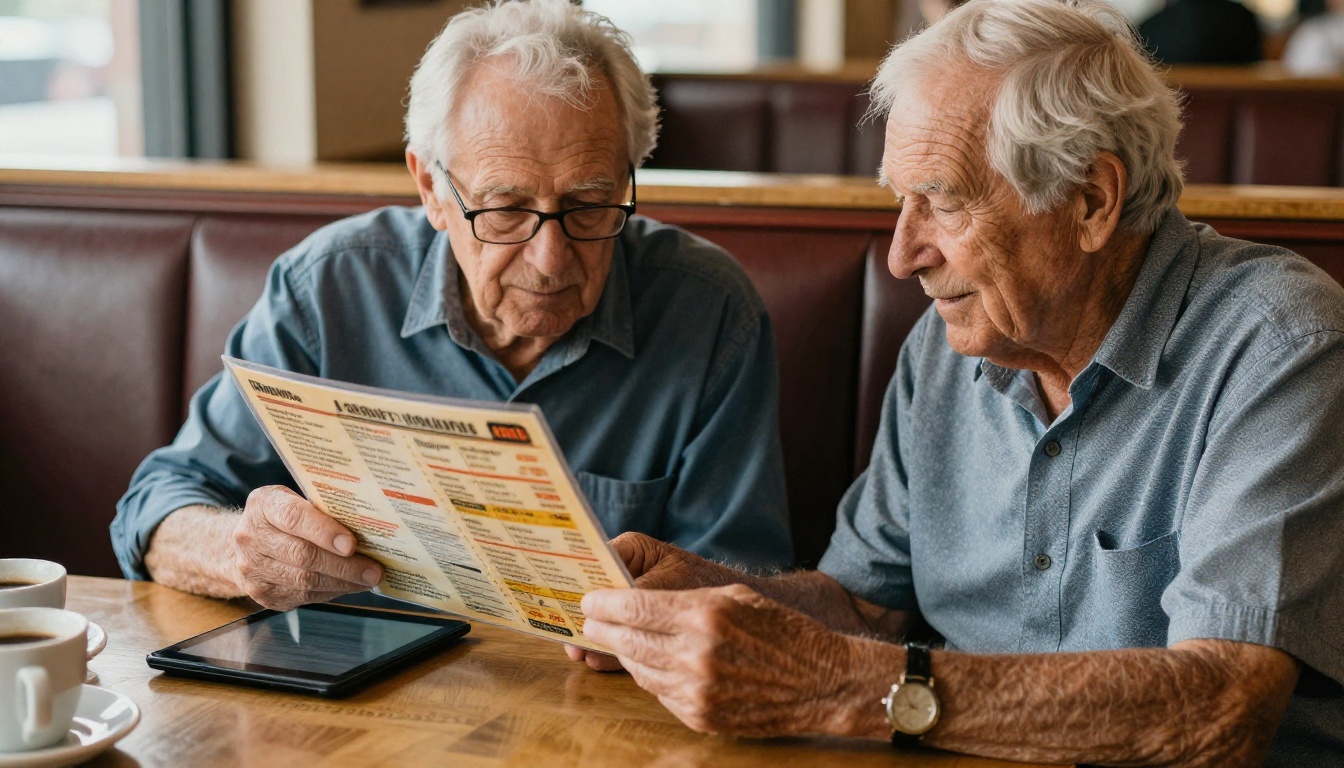
Younger guests often prefer ordering themselves. Older guests, families with small children and anyone dining at a celebratory occasion often want a person. A mixed room means a mixed reaction, and nobody enjoys being told that the only way to eat is to download something.
Servers and tips
Servers worry, rightly, about tips when ordering moves to a phone. If the system prompts guests for a tip at checkout, pay can drift in unexpected ways. Be transparent with your team about how gratuities will be shared and how their role changes. A view-only menu largely avoids this conversation.
The kitchen's view
Chefs generally like clean digital tickets, but dislike surprise volume. When QR ordering makes it easy to fire a dozen dishes in five minutes, the pass can get buried. Pace controls and course timing matter.
Picking by Venue Type
Here is a shortcut for deciding based on how your restaurant actually operates.
| Venue Type | Better Fit | Why |
|---|
| Fast casual and counter service | QR ordering | Removes queues |
| Brewery or beer garden | QR ordering | Repeat rounds without flagging staff |
| Fine dining | View-only | Service is the product |
| Neighborhood café | View-only | Simple, low cost |
| Hotel restaurant | View-only | Guests expect personal attention |
| Casual full-service | Either | Test with a few tables first |
| Food truck | View-only | Speed and zero setup |
| Event or stadium concession | QR ordering | Volume and speed |
Three questions to settle it
- Does a server visit every table anyway? If yes, ordering software replaces little.
- Is your POS ready for integration? If not, expect delays and fees.
- Do your guests linger or rush? Rushing crowds benefit most from self ordering.
The Middle Path That Works
You do not have to pick one forever. A smart approach for many restaurants is to launch a polished view-only menu first, watch what guests do, and add ordering later only if the data supports it.
Start simple, measure, then decide
A view-only menu costs little, takes an afternoon to publish and gives you a baseline. Track how often guests scan, which pages they spend time on and how often servers get repeat questions. Those answers tell you whether ordering would solve a real problem or just add another bill.
A hybrid for busy periods
Some venues keep table service as the default and enable QR ordering only for the patio, the bar or happy hour. Others use a view-only menu for dinner and ordering for lunch. Mixed models are normal and often best.
💡 Pro tip: Whichever route you take, the menu itself still carries the sale. Great photography, clear descriptions and sensible grouping matter more than whether the order button exists.
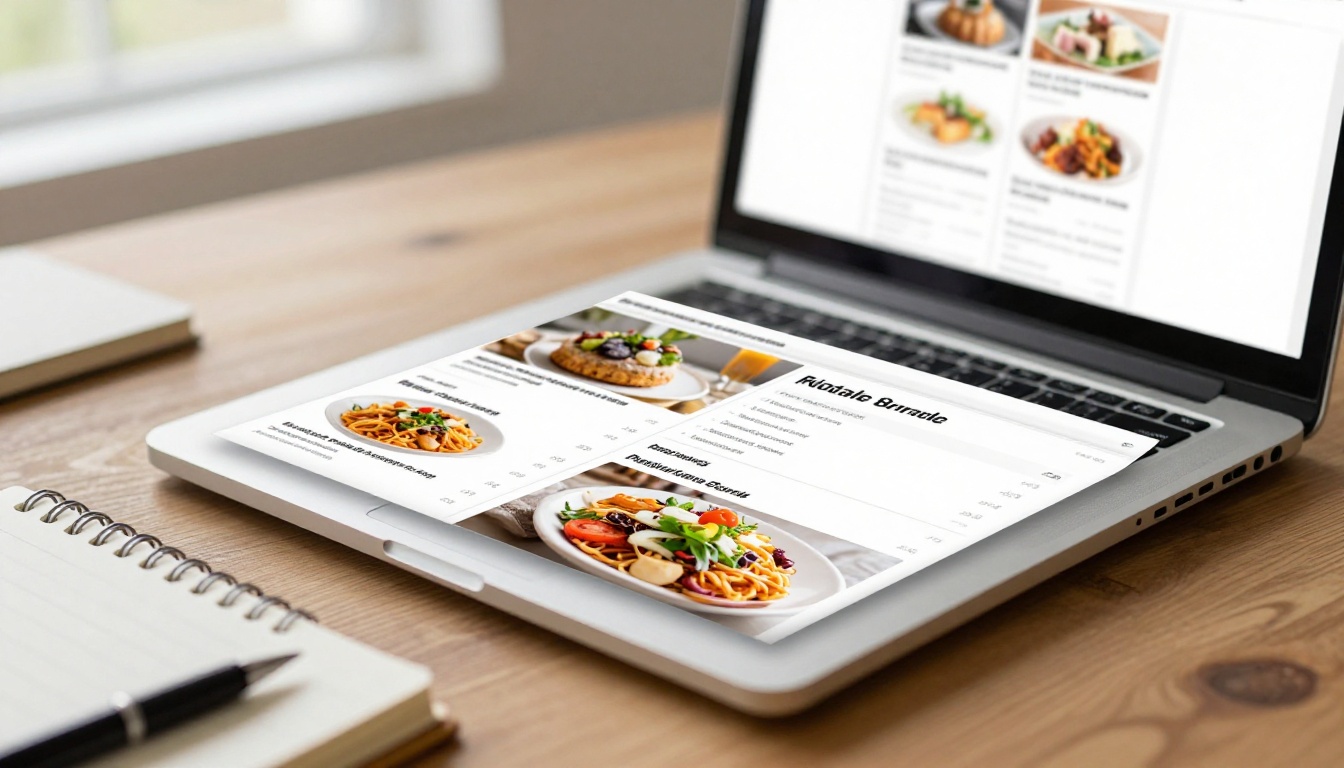
If you decide a view-only menu fits, a page-turning flipbook is an elegant way to publish it. It looks like a real menu, loads on any phone, and updates without a reprint. Here is how to build one with the Restaurant Menu Creator.
Step-by-step tutorial
- Open your account. Head to Flipbooks AI and create a free account.
- Upload your PDF. Export your menu from any design tool or word processor and upload the PDF. The PDF to Flipbook Converter turns it into a page-turning flipbook automatically, keeping your fonts and layout intact.
- Customize the look. Add your logo, pick brand colors, choose a page-turn effect and set a background that suits your dining room. The Menu Flipbook Designer offers layouts made for food and drink.
- Add media. Embed a short video of the kitchen, a wine pairing audio note or links to reservations. Nothing gets a watermark; Flipbooks AI never adds one.
- Share it. Copy the direct link for your table QR codes, or use the Embed Flipbook on Website tool to place the menu on your homepage. Need a private tasting menu or staff-only specials? Turn on password protection.
- Track and refine. On the Professional plan, analytics show which pages guests read, and lead generation can capture emails for your newsletter. Compare pricing plans to see what fits.
- Print the QR stands. Place one at each table and keep a few printed menus as backup.
What you get
| Capability | Included |
|---|
| No watermarks | Yes |
| Mobile-responsive design | Yes |
| Custom branding | Yes |
| Embed video and audio | Yes |
| Password protection | Yes |
| Offline downloads | Yes |
| Analytics and lead generation | Professional plan |
| Unlimited flipbooks | Standard plan and above |
A seasonal menu, a wine list, a kids menu and a brunch card can all live as separate flipbooks, each with its own link. If you also run a spa, hotel or event space, the same platform handles a Hotel Brochure or Digital Price List.
Mistakes to Avoid With Either Option
A few errors show up again and again, whichever route you pick.
- Tiny QR codes. Print them at least 3 cm wide and test under dim lighting.
- Menus that need a download. If guests must install an app, many will walk away.
- Slow pages. Compress photos so the menu opens in under three seconds on mobile data.
- No printed fallback. Keep a handful of paper menus for guests who prefer them.
- Ignoring allergens. Label them clearly in both formats.
- Forgetting staff. Brief the team so they can answer "how do I use this?" confidently.
⚠️ Warning: Do not force every guest to use their phone. A restaurant that makes someone feel excluded loses more than the price of a printed menu.
A realistic rollout plan
Week one: publish the view-only flipbook and put QR stands on every table. Week two: collect feedback from servers and regulars. Weeks three and four: review the analytics, then decide whether ordering would genuinely help.
Make the Call
If your restaurant lives on personal service, a low budget or a simple operation, a view-only digital menu is the safer and cheaper choice, and you can have one live today. If your venue runs on volume, speed and self service, a QR ordering menu can pay for itself, as long as your POS integration is solid and your team is ready.
Ready to publish a menu your guests will actually enjoy flipping through? Get started for free on Flipbooks AI, browse all flipbook tools, or compare pricing plans to choose what works for you.



