You finished the manuscript, the images are placed, and now one question blocks the launch: should the ebook flow like a novel on a phone, or stay frozen like a printed magazine page? That single choice shapes how readers feel, how much design control you keep, and which tools you need. If you already have a polished PDF, a platform like Flipbooks AI can turn it into a page-turning experience in minutes, but the format decision still comes first.
This comparison walks through both formats in plain language, with tables, real examples and a short decision checklist.
Before comparing, let's define the terms. People mix them up constantly, and the confusion leads to ebooks that look broken on half the devices.
Reflowable Ebooks in Plain Terms
A reflowable ebook treats text as a stream. The reader's device decides where lines and pages break based on screen size, font choice, font size and margins. Change the font from small to large and the words simply reshuffle across new pages. Formats such as EPUB are built this way.
Think of it like water poured into a container. The container changes shape, and the water adapts.
Fixed Layout Ebooks in Plain Terms
A fixed layout ebook locks every element in position. Text boxes, photos and captions sit exactly where the designer put them, much like a PDF or a printed spread. The page scales up or down as a whole, but nothing reflows.
Think of a framed painting. You can step closer or farther away, but the picture inside never rearranges itself.
💡 Quick test: if your book still makes sense when someone doubles the font size, it belongs in the reflowable camp. If doubling the font would wreck the design, you need fixed layout.
Side by Side Comparison
Here is the fast overview before we dig into each factor.
| Factor | Reflowable | Fixed Layout |
|---|
| Text behavior | Adapts to screen and reader settings | Stays exactly where placed |
| Best content | Novels, nonfiction, long essays | Cookbooks, picture books, catalogs, magazines |
| Design control | Limited, the device has the final say | Total, pixel by pixel |
| Font resizing | Yes, by the reader | No, only zoom |
| File size | Small | Often large |
| Small screens | Comfortable | Can feel cramped without zoom |
| Production effort | Lower | Higher |
| Accessibility | Strong by default | Needs extra work |
Neither format wins everywhere. The better question is which one protects what matters most in your specific book.
When Reflowable Wins
Reflowable ebooks dominate the bestseller lists for a reason. Most readers just want to read.
Long Text and Reading Comfort
A 90,000 word novel is a poor candidate for a frozen page. On a six inch e-reader, a fixed page forces constant pinching and zooming. A reflowable file fits the screen automatically, so the reader forgets the device and stays inside the story.

Personal Control for the Reader
Readers vary wildly. Some need large type, some prefer a dyslexia friendly font, others read at night with a dark background. Reflowable files respect all of those choices without any work from you.
Typical wins for reflowable:
- Novels, memoirs and short story collections
- Business and self-help titles with mostly text
- Academic or technical books where search and highlighting matter
- Any title read mostly on phones and e-readers
Smaller Files and Faster Delivery
Because the text is lightweight, a reflowable ebook might weigh one or two megabytes. That means fast downloads, lower delivery costs on stores that charge per megabyte, and no trouble on slow mobile connections.
When Fixed Layout Wins
Some books are visual objects first and text second. Forcing them to reflow breaks the whole point.
Design Heavy Content
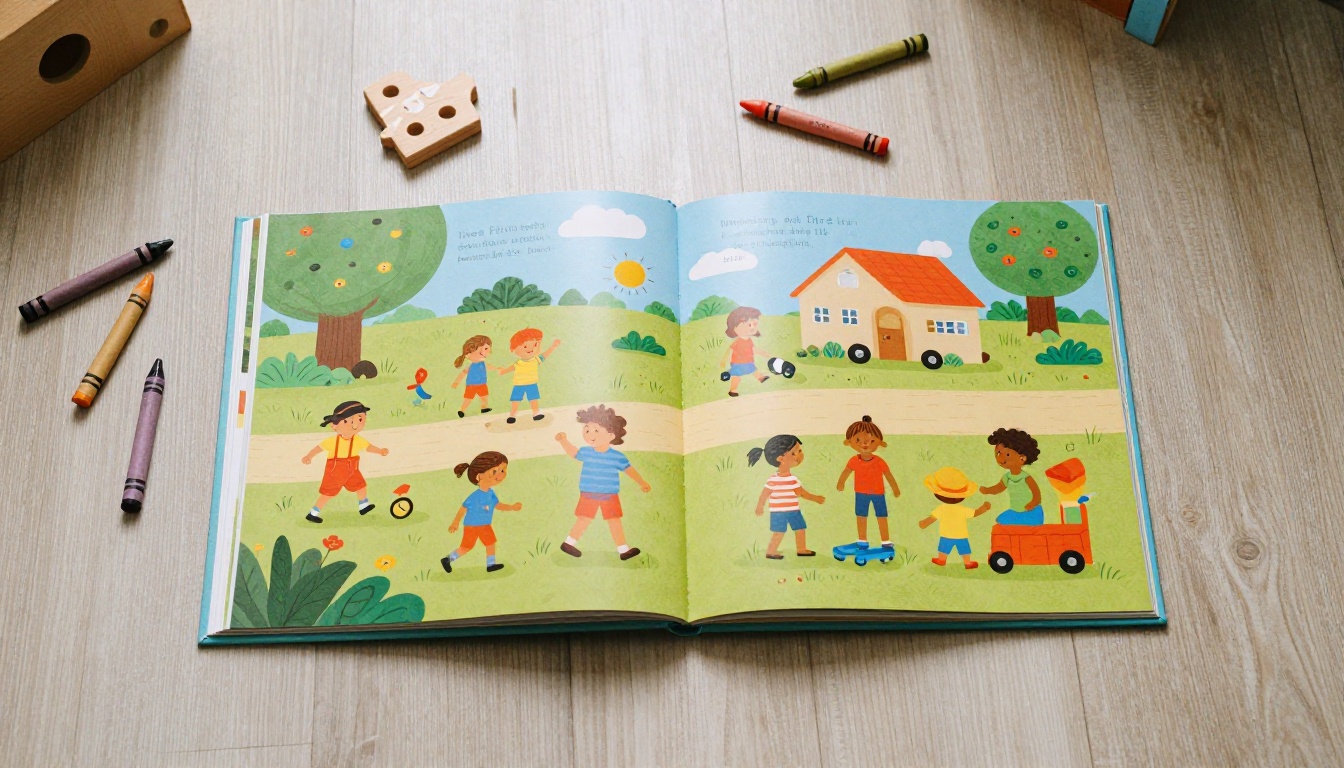
Cookbooks pair photography with ingredient tables and method steps in carefully balanced spreads. Picture books depend on text sitting exactly beside the illustration it describes. Fashion lookbooks, travel books and interior design portfolios all rely on composition.
Brand Consistency
If a company publishes a catalog, an annual report or a sales brochure, the layout is part of the brand. Colors, margins and image crops cannot shift because a reader's tablet is a different size. Fixed layout guarantees the page looks exactly as approved.

Print Parity
Authors who also sell a printed edition often want the digital version to match it. A fixed layout file built from the same design files keeps the two editions identical, which simplifies marketing and customer support.
⚠️ Warning: fixed layout on a phone can be painful for text heavy pages. If most of your readers use phones, test the experience before you commit.
Reading Experience Across Devices
Device mix decides more projects than designers like to admit.
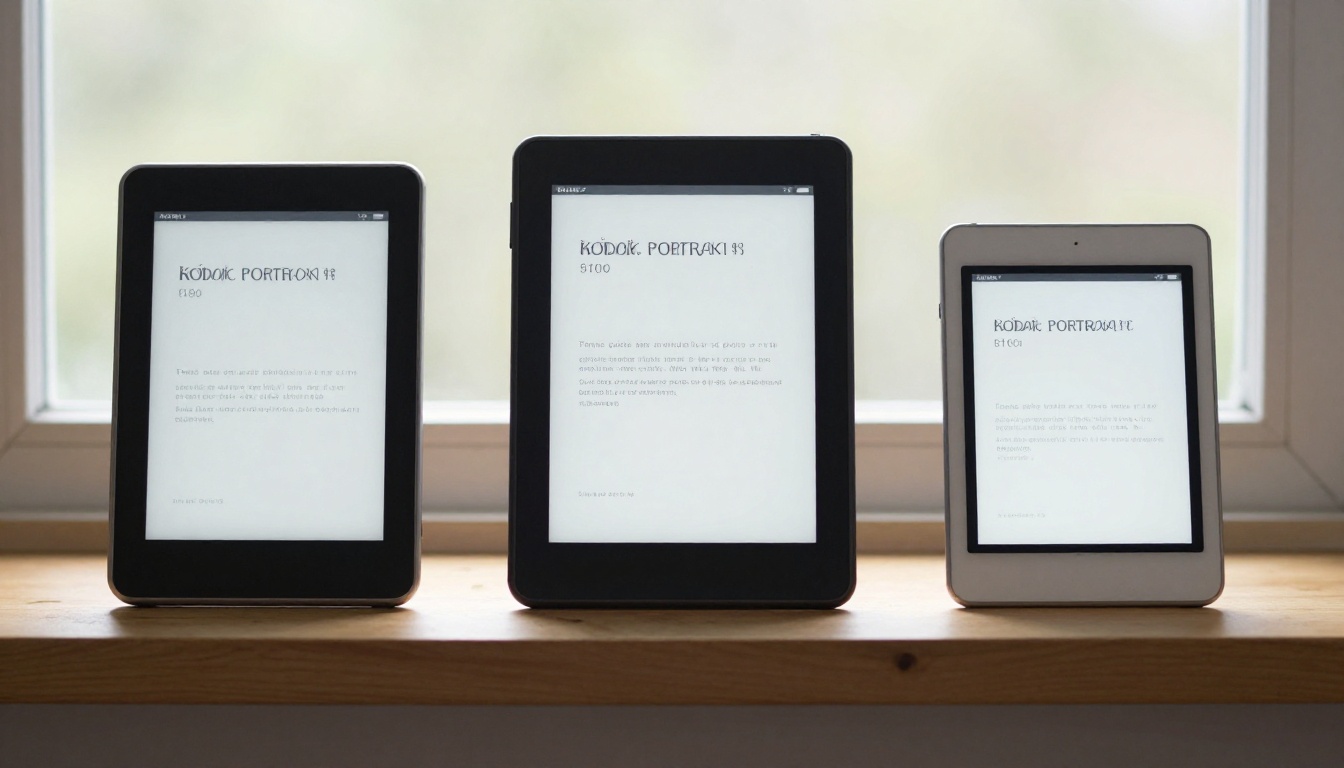
| Device | Reflowable Experience | Fixed Layout Experience |
|---|
| Phone (5 to 6.5 inch) | Excellent, text fits the screen | Small text, zoom needed |
| E-reader (6 to 8 inch) | Excellent, ideal use case | Workable for illustrated pages with zoom |
| Tablet (8 to 12 inch) | Very good | Excellent, close to a printed page |
| Laptop or desktop | Good | Excellent, especially for spreads |
| Large touchscreen | Good | Excellent, shows full spreads |
What Readers Notice First
On a phone, readers notice whether they can read without effort. On a tablet or laptop, they notice whether the design looks polished. Match your format to the device where most of your audience will open the book.
Format affects your budget as much as your readers.
Production Effort
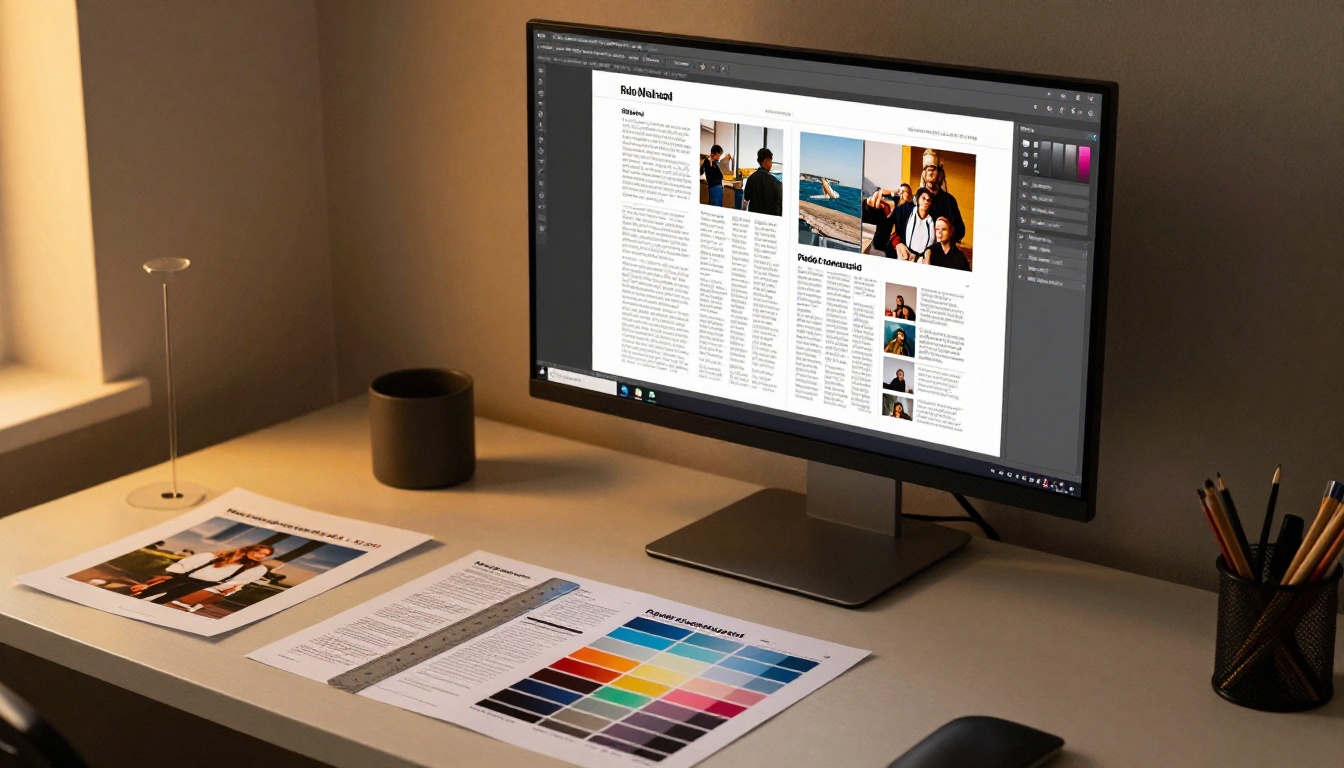
Reflowable ebooks usually start from a word processor file and a clean style sheet. Fixed layout books start in a design program such as InDesign or Affinity Publisher, where every page is arranged by hand. Expect more hours, and often a freelance designer, for the second route.
Distribution Rules
Stores have their own requirements. Some marketplaces accept only reflowable EPUB for certain categories, while others handle fixed layout for children's and illustrated titles but restrict file size. Always read the current submission rules for each store before you design.
| Cost Area | Reflowable | Fixed Layout |
|---|
| Design time | Hours | Days or weeks |
| Typical designer cost | Low | Moderate to high |
| Revisions | Easy, edit text and re-export | Slower, each page may need rework |
| File hosting | Minimal | Higher bandwidth |
| Translation | Straightforward | Layout often needs adjusting per language |
Accessibility and Search
Both formats can be accessible, but they start from different places.
Reflowable Is Accessible by Default
Screen readers follow the text order, readers can increase contrast, and navigation menus are generated from headings. Little extra work is needed.
Fixed Layout Needs Care
For fixed layout, add alternative text to every image, set a logical reading order and include real text rather than flattened images of text. Skipping these steps makes the book invisible to screen readers and to search engines.
✅ Best practice: whichever format you choose, keep text as real text, write alt descriptions for images and use proper headings so the structure survives conversion.
Real World Examples
Abstract advice only goes so far. Here is how different publishers might decide.

- A first time novelist publishes a thriller. Readers will mostly use phones and e-readers. Reflowable is the obvious choice.
- A chef releases a cookbook with 120 recipes and full page photos. Fixed layout protects the visual rhythm, and tablets or laptops serve the kitchen well.
- A consultant compiles a 40 page industry report with charts and callouts. Fixed layout keeps charts readable, and an interactive flipbook adds sharing and tracking.
- A school distributes a yearbook. Fixed layout preserves the photo grids, and a yearbook flipbook maker makes sharing simple.
- A nonfiction author writes a how-to book with a few diagrams. Reflowable works, with diagrams sized to scale on narrow screens.
The Hybrid Approach
Many authors publish both. A reflowable EPUB goes to major stores for casual readers, while a fixed layout flipbook lives on their website for readers who want the designed experience. That way each audience gets the format that serves them.
Use this checklist when you are stuck.
- List your content. Mostly paragraphs points to reflowable. Mostly images, columns and tables points to fixed layout.
- Check your audience devices. Look at analytics or survey your list. Phones favor reflowable.
- Decide how much control you need. If a shifted caption would ruin a page, choose fixed layout.
- Review store rules. Confirm what each marketplace accepts for your category.
- Set a budget and timeline. Fixed layout costs more time. Make sure the schedule allows it.
| Your Book | Recommended Format |
|---|
| Novel or memoir | Reflowable |
| Text heavy business book | Reflowable |
| Cookbook | Fixed layout |
| Children's picture book | Fixed layout |
| Catalog or lookbook | Fixed layout |
| Annual report | Fixed layout |
| Textbook with many figures | Depends, test both |
Publish a Fixed Layout Flipbook
If your answer is fixed layout, you do not need a complicated pipeline. A flipbook keeps your design intact and adds a page-turning feel readers enjoy.
Step by Step Tutorial
- Export your design as a PDF. Use the highest quality setting so images stay sharp.
- Sign up. Create an account on Flipbooks AI.
- Upload the file. The PDF to Flipbook Converter turns each page into a flippable spread while keeping the layout exact.
- Customize the look. Add your logo, pick background colors, choose page effects and embed video or audio where it helps the story.
- Share it. Copy a direct link, use the embed option for your website, or add password protection for private content.
- Track results. Analytics and lead generation arrive with the Professional plan, and offline downloads let readers keep a copy.
Flipbooks AI never adds watermarks, and the output is mobile responsive, so the phone problem described earlier is softened with smooth zooming. The Interactive E-Book Publisher and the E-Book Flipbook Generator are good starting points for books, while the Catalog Flipbook Creator suits product collections.
💡 Pro tip: publish your reflowable EPUB to stores and link to the flipbook version from the book's last page. Readers who want visuals get a better experience, and you get shareable analytics.
Ready to Publish Your Book?
The right format is the one that protects what makes your book valuable. Text-first stories belong in reflowable files. Design-first books belong in fixed layout. When both audiences matter, ship both.
Ready to put your fixed layout design in readers' hands? Get started for free on Flipbooks AI, browse all flipbook tools to find the closest fit, or compare pricing plans to choose what works for you.



