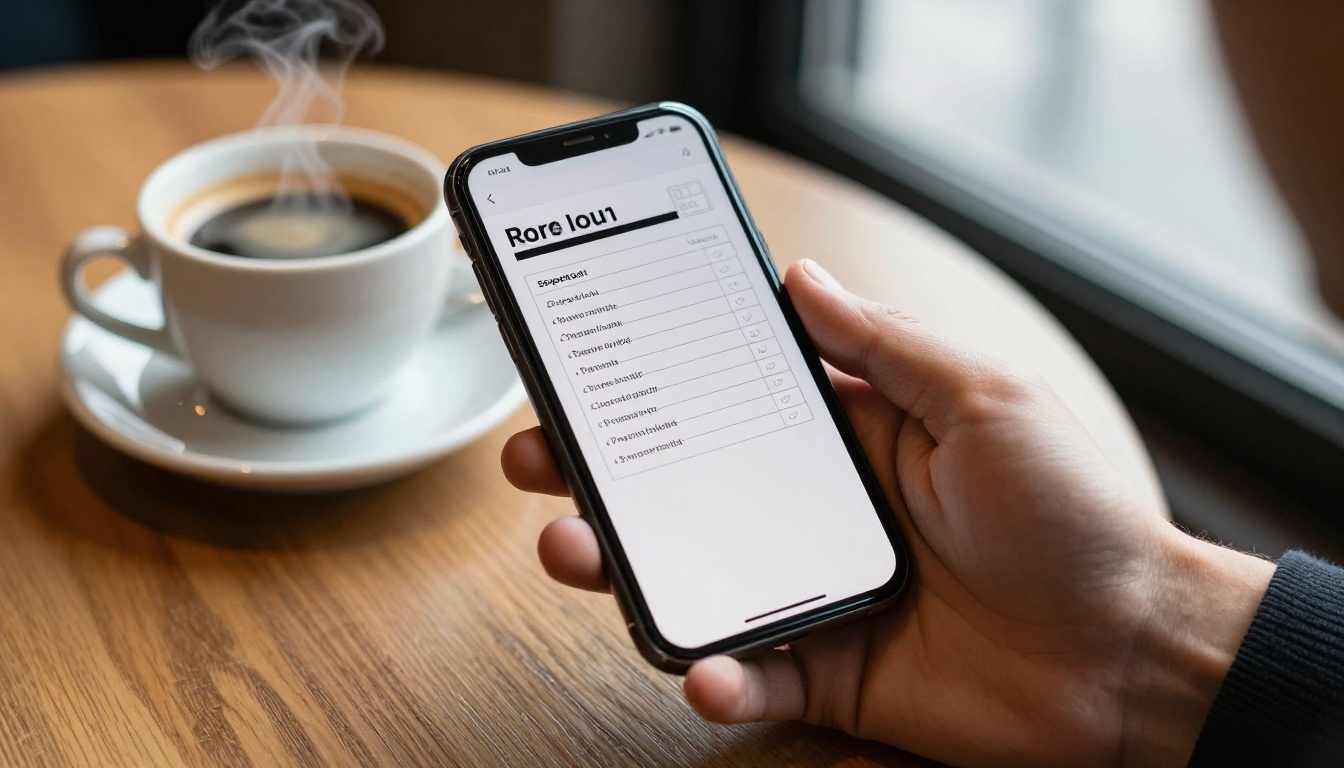
A rep has six minutes between a discovery call and a demo. The pricing objection from the last call is still ringing in their ears, and the next prospect just asked about a competitor. Where do they look? If the answer is a 90 page PDF buried in a shared drive, the answer is nowhere. That is why the best sales playbooks reps can open between calls are short, mobile friendly and one tap away. With Flipbooks AI you can turn an existing playbook into a page-turning, phone-ready flipbook that loads in seconds and never needs an app install.
Why Most Playbooks Fail
Sales leaders spend weeks writing a playbook, launch it with a kickoff meeting, and watch usage fall to nearly zero by the third week. The content is rarely the problem. The access is.
Reps work in motion. They sit in cars, airport lounges, coffee shops and hallways. They hold a phone, not a laptop. A playbook that demands pinch-zooming a landscape PDF on a 6 inch screen is a playbook that loses to guessing.
The Five Minute Reality
Think about what a rep really has between calls:
- Two to six minutes of usable time.
- One hand free, often the thumb.
- A weak signal in parking garages and elevators.
- High stakes, because the next call may be the one that closes the quarter.
Every design choice should serve that moment. If a page cannot be scanned in ten seconds, it does not belong in a between-calls playbook.
Where Reps Look Instead
When the playbook is hard to open, reps fall back on habits. They ask a colleague on chat, search old emails, or wing it. Each of those costs time and produces inconsistent messaging. A fast playbook protects both the rep and the brand.

What Belongs in a Pocket Playbook
A pocket playbook is not your full sales methodology. It is the lookup layer that sits on top of it. Keep the long training material elsewhere and put only the high-frequency answers here.
The Six Essential Sections
| Section | What it answers | Ideal length |
|---|
| Opening lines | How do I start this type of call? | 1 page |
| Discovery questions | What should I ask next? | 2 pages |
| Battle cards | How do I respond to this competitor? | 1 page per rival |
| Objection replies | What do I say when they push back on price? | 3 to 5 pages |
| Pricing and packaging | What is included, and what can I discount? | 2 pages |
| Next step templates | How do I ask for the close or the follow up? | 1 page |
That is roughly 15 to 25 pages. Anything longer should be split into a second flipbook so each file stays fast and focused.
What to Leave Out
Resist the urge to include company history, org charts, long case study narratives or compliance manuals. Link to them from a single resources page instead. A good test: would a rep need this within the next ten minutes of a live deal? If not, cut it.
💡 Pro tip: Interview three top performers and ask which five questions they get asked most. Build your first draft around those answers alone, then add sections only when reps request them.

Layout decides whether a rep reads or abandons. These rules come from watching how people use phones in the field.
One Idea Per Page
Give each page a single job. A page titled "Price too high" should contain the reframe, one proof point and one question to ask back. Not three paragraphs of theory.
Use Big Type and Real Whitespace
Body text should read comfortably without zooming. Aim for short lines of 6 to 10 words, bold the first phrase of each bullet, and leave generous margins. Tables should have three columns at most.
Lead With the Answer
Place the sentence a rep can say out loud at the top of the page, in bold. Supporting context goes below it. Reps skim top down and stop when they have what they need.
Add a Clickable Contents Page
Page two should be a contents list where every line jumps to a section. This turns your playbook into an app-like menu. A rep taps "Competitor B" and lands exactly there.
✅ Best practice: Color code section edges (for example, blue for discovery, orange for objections) so a rep can recognize where they are with a quick glance.

PDF, Wiki or Flipbook?
Teams usually store playbooks in one of three places. Each has trade-offs for mobile use.
| Format | Mobile reading | Load speed | Offline use | Analytics | Branding control |
|---|
| Static PDF | Poor, needs zoom | Slow if large | Only if downloaded | None | Limited |
| Internal wiki | Fair, depends on theme | Medium | Rarely | Basic page views | Low |
| Flipbook | Strong, responsive | Fast | Download option | Per page insights | Full |
A wiki is great for editing but clumsy for glancing. A PDF is familiar but hostile to small screens. A flipbook keeps the polish of a designed document while behaving well on a phone. If you already have a PDF, the PDF to Flipbook Converter is the quickest bridge.

How to Build It on Flipbooks AI
Here is a practical build you can finish in an afternoon. The same flow works for a Sales Presentation or a full Training Manual Flipbook.
Step 1: Prepare the Source File
- Write or edit your playbook in any tool you like, such as a document editor or design app.
- Set the page size to a portrait or square format that reads well on a phone.
- Export to PDF with embedded fonts.
- Add bookmarks for each section so the flipbook can inherit the structure.
Step 2: Upload and Convert
Create an account, choose to add a new flipbook, and upload the PDF. Conversion usually takes under a minute. Each page becomes a crisp, zoomable page with realistic turning.
Step 3: Customize the Look
- Apply your brand colors and logo.
- Pick a page effect, but keep it subtle. Fast flips suit users in a hurry.
- Add links inside pages so a mention of a pricing sheet opens it directly.
- Embed a short audio or video clip where a top rep demonstrates a response. Tone is hard to convey in text.
Step 4: Protect Sensitive Content
Competitive intelligence and discount rules should not reach customers. Turn on password protection so only your team can open the flipbook. You can rotate the password each quarter or when someone leaves.
Step 5: Share It Where Reps Already Are
| Channel | How to use it | Best for |
|---|
| Direct link | Pin it in the team chat channel | Fast access |
| QR code | Print on badges or desk cards | In-office reminders |
| CRM link field | Add to account record templates | Deal-time lookups |
| Embedded page | Place on the intranet via Embed Flipbook on Website | Onboarding hubs |
| Home screen shortcut | Save the link as an icon on the phone | One tap launch |
The home screen shortcut matters more than it sounds. Ask every rep to add the link to their phone during the kickoff, while you are watching. It takes 20 seconds and moves the playbook from "somewhere" to "right there."
Step 6: Measure What Gets Read
On the Professional plan, analytics show which pages get opened most and where readers drop off. If the objection page for a rival gets 400 views and your pricing page gets 12, you have learned what reps truly need. Use that signal to rewrite weak pages and expand popular ones.
⚠️ Warning: Do not judge success by total opens in week one. Curiosity inflates the number. Compare week four with week eight to see real habit.

Real Examples You Can Copy
Concrete scenarios make the structure easier to picture. Here are four.
Example 1: The SaaS Account Executive
An account executive selling project software keeps a flipbook with one page per competitor. Each page has a 20 word positioning line, three honest strengths of the rival, three counters, and one question that moves the conversation. Before a call she opens the page, reads the line aloud once, and walks in prepared.
Example 2: The Field Rep in Industrial Supply
A rep who visits warehouses stores a product comparison table in a flipbook. When a buyer asks the difference between two grades of fastener, he opens the page on his phone, turns the screen toward the buyer and points at the row. The table does the persuading. See how a Product Catalog can sit beside the playbook for specs.
Example 3: The Real Estate Agent
An agent needs consistent answers about commissions, timelines and staging. Her flipbook includes scripts for the six most common seller questions plus a link to a Real Estate Brochure she can send immediately afterward.
Example 4: The New Hire in Week Two
A new rep is nervous and forgets steps. The onboarding team gives them a one page "first call flow" at the top of the playbook. By week four they no longer need it, and the page quietly moves to the back.

Page Templates That Work
You do not need to design from scratch. These repeatable layouts keep pages scannable.
The Objection Reply Page
Use this skeleton for every objection:
- Heading: the exact words buyers use, such as "We already have a vendor."
- Say this: one sentence in bold.
- Why it works: one short line in italics.
- Ask this: a follow up question.
- Proof: a stat or customer name.
The Battle Card Page
| Field | Content |
|---|
| Where they win | Two honest points |
| Where we win | Three specific points |
| Landmine question | One question that exposes a gap |
| Proof | Link to a case study |
Honesty matters. Reps lose trust in battle cards that pretend the rival has no strengths. When a buyer mentions a real advantage and the card ignored it, the rep looks unprepared.
The Pricing Reference Page
List packages in a compact table, with discount limits and who must approve exceptions. Add a one line reminder of the value anchor to say before quoting.
Keeping It Fresh
A stale playbook is worse than none, because reps follow outdated advice with confidence.
Set a Review Rhythm
- Monthly: update competitor pages and pricing.
- Quarterly: retire pages with low views and add new objections.
- After every lost deal review: capture one lesson and add it.
Flipbooks AI lets you replace the underlying PDF while keeping the same link, so reps never need a new URL. Post a one line changelog in chat when you update.

Collect Feedback Cheaply
Add a final page with a short form link asking, "What was missing today?" Even three responses a month give you a backlog worth acting on.
Common Mistakes to Avoid
- Too long. If it takes more than ten seconds to find an answer, trim.
- No ownership. Assign one named editor, not a committee.
- Desktop only layout. Always test on a real phone before launch.
- Hiding the link. If reps cannot recall where it lives, it will not be used.
- Skipping examples. Scripts without sample wording leave reps guessing.
- Ignoring feedback. Reps notice when their requests vanish.

Rolling It Out Without Resistance
Even a brilliant playbook needs a launch. A short plan avoids the usual slump.
The First Week
Present the playbook live, in a ten minute session, using a real deal as the example. Have every rep open it on their phone and save the shortcut. Nothing teaches like doing it in the room.
The First Month
Ask managers to reference a playbook page in every pipeline review or coaching session. When leaders cite it, reps open it. Recognize reps who share a better response, and add it to the next version with their name.
Support Different Roles
| Role | Priority pages | Extra content |
|---|
| SDR | Opening lines, qualifying questions | Voicemail and email snippets |
| Account executive | Battle cards, pricing, next steps | Proposal templates |
| Customer success | Renewal talk tracks | Expansion plays |
| Manager | Coaching prompts | Pipeline review checklist |
Creating a version per role keeps each flipbook short. Use the same design so switching feels natural.

Build Yours Today
The goal is simple: when a rep has six minutes and a phone, the right answer is one tap away. Start with the six sections, keep every page to a single idea, convert it with Flipbooks AI, and lock it with a password.
Ready to try it? Get started for free on Flipbooks AI and upload your first playbook. Browse all flipbook tools for templates that fit sales decks, catalogs and training material, or compare pricing plans to see when analytics and lead tracking make sense for your team. When you are ready to roll out across the whole department, choose a plan and give every rep a playbook that actually opens.



