Most parents never read a school board packet. That is not because they do not care. It is because the packet arrives as a 300 page PDF, buried three clicks deep on a district website, with no way to tell where the budget vote begins. If your district wants real public participation, the fix starts with how the packet is published. Tools like Flipbooks AI turn that heavy PDF into a readable, page-turning document that opens on any phone, and that one change often decides whether the public follows along or gives up.
This article walks through what a good online board packet contains, how to build an agenda people can actually follow, and how to publish it without fighting your website.
What a Board Packet Really Is
A board packet is the bundle of documents trustees receive before a meeting so they can vote with full information. It usually includes the agenda, the minutes from the last meeting, financial reports, policy drafts, contracts, staff recommendations, and any supporting attachments.
For the public, the packet is the closest thing to a window into the decision. Seeing the actual contract, the actual budget line, or the actual policy wording changes the conversation at the podium from rumor to specifics.
Packet vs. Agenda
People mix these up, so be clear on the difference:
- Agenda: the short list of items and the order in which the board will take them up.
- Packet: the agenda plus every supporting document behind each item.
- Minutes: the official record of what happened, published after the meeting.
An agenda alone tells residents what will be discussed. The packet tells them why and what it costs.
Why Publishing Early Matters
Many states have open meeting laws that require agendas to be posted ahead of time, often 24 to 72 hours. Packets are not always required in full, but districts that post them early see fewer surprise crowds, fewer public records requests, and calmer meetings.
💡 Pro tip: Check your state open meetings statute and your district policy for exact posting windows. Treat the legal minimum as a floor, not a target.
Why Plain PDFs Fall Short
Posting a PDF feels like transparency. In practice it often fails the reader. Here is what goes wrong:
- File size: Packets with scanned contracts can reach 100 MB, which is painful on mobile data.
- No navigation: A reader cannot jump straight to item 7.
- Tiny text: Pinch and zoom on a phone is tiring, so people quit.
- No context: Attachments appear without any note about why they matter.
- Broken links: Links to old agendas rot when the website is redesigned.

Think about the parent who has twenty minutes after dinner. If the packet takes five minutes to load and ten to find the right page, the meeting is already lost to them.
Building an Agenda People Can Follow
A readable agenda is a design problem, not only a legal one. Small choices make a large difference.
Use Plain Language for Item Titles
Compare these two entries for the same item:
- Hard to follow: "Consideration and possible action regarding Resolution 24-117 re: ESSER III reallocation."
- Easy to follow: "Vote: Move $480,000 of leftover federal pandemic funds to math tutoring."
The second version tells a parent the action, the amount, and the purpose in one line. You can keep the formal resolution number in parentheses for the record.
Label Every Item With Its Type
Tag each line so the reader knows what to expect:
- Information: The board will hear a report. No vote.
- Discussion: The board will talk, but not vote yet.
- Action: The board will vote tonight.
- Consent: Routine items voted on together.
Add Time Estimates and Page References
Tell people roughly when their topic arrives, and where to find it. A line such as "Item 6: Bus route changes, about 7:40 PM, packet page 58" saves a lot of scrolling.
✅ Best practice: Put the three items most likely to draw public comment at the top of the agenda or flag them in a short "Tonight at a Glance" box on page one.
| Format | Ease on Mobile | Navigation | Update Speed | Best For |
|---|
| Scanned PDF | Poor | None | Slow | Archive only |
| Text PDF with bookmarks | Fair | Good on desktop | Medium | Staff and trustees |
| Web page agenda | Good | Good | Fast | Short agendas |
| Flipbook packet | Excellent | Page thumbnails, search | Fast | Full public packets |
| Portal software only | Varies | Item based | Fast | Districts with a budget for it |
The takeaway is simple. No single format wins everywhere, but a flipbook gives the best reading experience for long documents without requiring a new vendor contract.
What to Put Inside the Packet
A packet that earns public trust is organized and consistent. Use the same order every month so regular readers know where to look.
A Suggested Packet Order
- Cover page: Meeting date, time, location, and how to watch online.
- Tonight at a Glance: A half page summary of votes and big topics.
- Agenda: Full item list with type labels and page references.
- Prior minutes: For approval.
- Superintendent report: Short and written in plain language.
- Financial reports: Monthly budget status, bills list, and any amendments.
- Action items: Each with a one paragraph staff summary, the recommendation, and the attachment.
- Policy drafts: Show proposed changes with additions and deletions marked.
- Public comment rules: How to sign up, time limits, and written comment options.
Redaction and Privacy
Not everything belongs online. Student records, personnel matters discussed in closed session, and personal contact details need to be removed or kept out of the public version. Build a short checklist and have a second person review it before posting.
⚠️ Warning: A black box drawn over text in some PDF editors only hides it visually. The text underneath can still be copied. Flatten or properly redact every file before publishing.
Packet Items and Who Reads Them
| Packet Item | Typical Reader | What They Want to Know | Format Tip |
|---|
| Budget summary | Taxpayers, staff | Where the money goes | One page chart first, detail after |
| Policy changes | Parents, teachers | What is different now | Show tracked changes |
| Contracts | Vendors, press | Cost and term length | Summary box on top |
| Facilities plans | Neighbors | Noise, traffic, timeline | Maps and photos |
| Curriculum adoption | Parents | What my child will use | Sample pages and cost |
| Personnel actions | Staff | Hiring and transfers | Names only where permitted |

How to Publish a Packet as a Flipbook
A flipbook keeps your original PDF but wraps it in a viewer that loads quickly, flips like a real document, and fits any screen. If you already export packets to PDF, the process takes only a few minutes. For the underlying conversion, see the PDF to Flipbook Converter.
Step by Step
- Finalize the PDF. Merge the agenda and attachments in meeting order and flatten any redactions.
- Create an account. Sign up on Flipbooks AI and open the dashboard.
- Upload the file. Drag the PDF into the upload area. Pages are converted automatically and appear as a flipbook.
- Apply district branding. Add your logo, school colors, and a clean cover so residents recognize it as official.
- Add helpful touches. Link agenda items to the right pages and embed a video or audio message from the superintendent when it helps.
- Set the sharing options. Choose a public link, or use password protection for a trustee-only draft you want to preview first.
- Publish and embed. Copy the link or paste the embed code on your meetings page. The Embed Flipbook on Website tool shows exactly how.
- Replace, do not duplicate. When a late addendum arrives, update the flipbook so the same link always shows the latest version.
💡 Pro tip: Use one stable link per meeting, such as a QR code printed on the agenda at the door. Residents in the room can scan it and follow along on their phones.
Features Worth Using
- ✅ No watermarks, ever, so the packet looks official.
- ✅ Mobile responsive pages that reflow on small screens.
- ✅ Password protection for closed session materials meant only for trustees.
- ✅ Offline downloads for residents with weak internet.
- ✅ Analytics on the Professional plan, so you can see which pages people actually read.

Real Examples From Districts
The Rural District With Slow Internet
A small district with limited broadband used to post a 120 MB PDF. Residents could not open it at home. After splitting each packet into a lightweight flipbook with an offline download option, the clerk reported fewer phone calls asking for paper copies and more written comments before meetings.
The Mid Size District With Budget Tension
During budget season, a district posted the proposal with a one page "What Changes" summary at the front and linked every line item to its supporting pages. Parents arrived at the meeting already knowing the numbers. The public comment period shifted from general frustration to specific questions the board could answer.
The Charter School Board
A charter school board used a password protected flipbook for drafts and flipped it to public the day the agenda posted. Trustees reviewed in a private link, then the same document went public without rebuilding anything.
Packet Publishing Workflow Compared
| Step | Old Way | Flipbook Way |
|---|
| Assemble | Merge files by hand each time | Merge once, upload once |
| Share | Email PDF, post on site | One link and one embed |
| Late changes | Repost and notify everyone | Update in place, link stays the same |
| Mobile reading | Zoom and scroll | Responsive pages |
| Tracking readership | Guess from page views | Page level analytics on paid plans |
| Cost | Staff hours and print runs | Predictable monthly plan |
Helping Everyone Follow Along
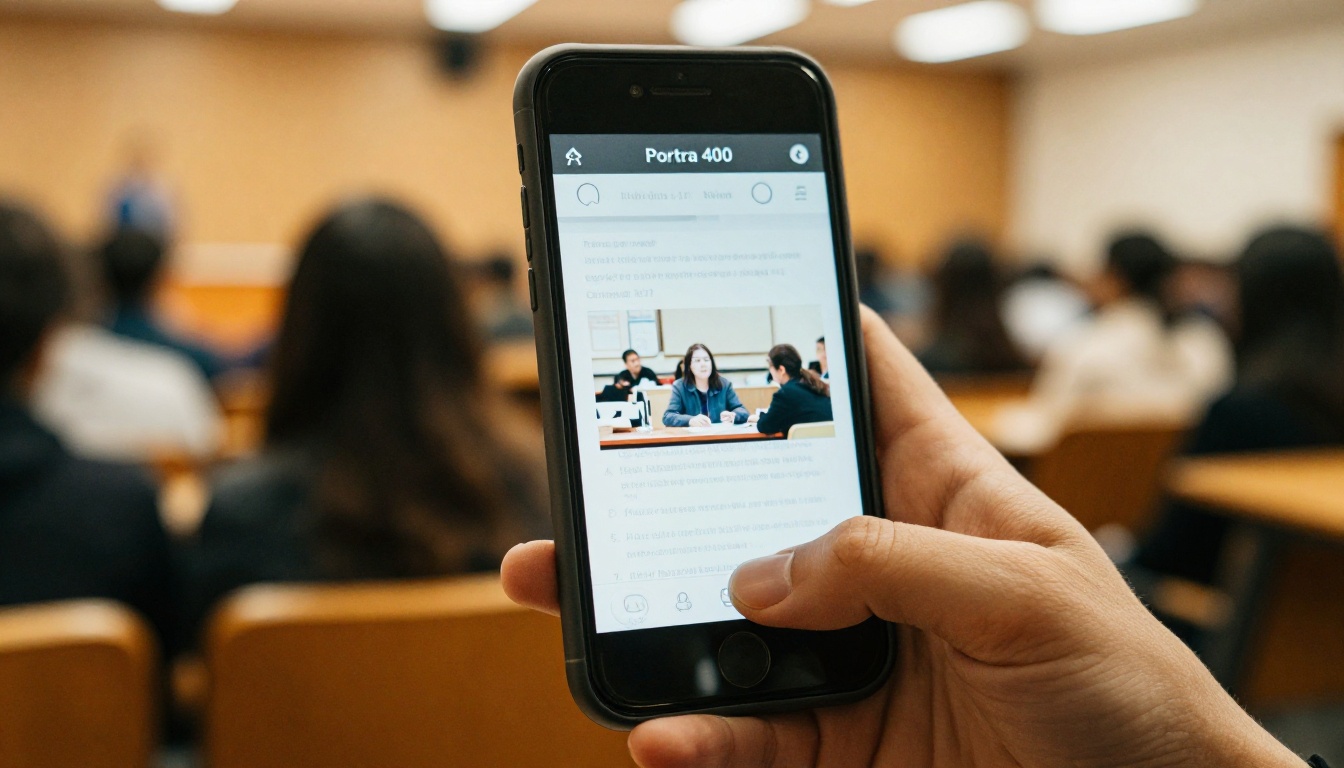
Publishing online should widen access, not narrow it. Residents without home internet, older adults, and families who speak another language still have a right to understand what the board is deciding.
Practical Steps
- Keep paper copies at the front desk and the public library.
- Offer a plain text summary for screen readers and quick reading.
- Translate the summary page into the main languages spoken in your community.
- Post the livestream link on the first page of the packet.
- Include a contact line for people who need a document in another format.

✅ Best practice: Ask a few parents and one older resident to test the packet on their own devices before you roll out a new format. Ten minutes of feedback beats months of guessing.
Mistakes That Hurt Trust
Even well meaning districts trip over the same problems:
- Posting at the last minute. A packet that appears an hour before the meeting feels like an afterthought.
- Changing links. If last month's link no longer works, people stop trusting the archive.
- Hiding the hard items. Burying a controversial vote on page 240 invites suspicion.
- Skipping the summary. Without a short plain language note, readers fill the gap with guesses.
- Forgetting the archive. Keep past packets in one searchable meetings page, sorted by date.

A Simple Monthly Routine
Consistency matters more than any tool. A routine that fits a small staff might look like this:
| Days Before Meeting | Task | Owner |
|---|
| 7 | Staff submit agenda items and attachments | Department leads |
| 5 | Clerk drafts the agenda and Tonight at a Glance | Board clerk |
| 4 | Redaction and privacy review | Second reviewer |
| 3 | Trustees receive the packet | Board clerk |
| 3 | Public flipbook published with QR code | Communications |
| 1 | Late addenda replaced in place | Board clerk |
| After | Minutes and archive updated | Board clerk |
Ready to Publish Your Next Packet?
You do not need a new portal or a large budget to make board packets easier to read. Start with the next meeting. Convert one packet, share one link, and ask residents what helped.
Open meetings work best when the public can actually open the documents. Give residents a packet they can read in two minutes on a phone, and more of them will show up informed.



