Most school newsletters end up in the same place: a crumpled sheet at the bottom of a backpack or an email buried under forty others. The fix is rarely more content. It is better content, written for the person who will read it, and published in a format that is pleasant to open. If you are looking for school newsletter ideas for teachers, nurses and counselors, this article gives you ready-to-use sections, sample schedules and layout tips, plus a simple way to publish everything as a digital page-turning edition with Flipbooks AI.
Each role has a different voice and a different job. Teachers share learning moments and classroom routines. Nurses protect health and answer worried questions. Counselors support feelings, friendships and big transitions. A newsletter that respects those differences gets opened far more often than a generic notice.
Why Most Newsletters Fail
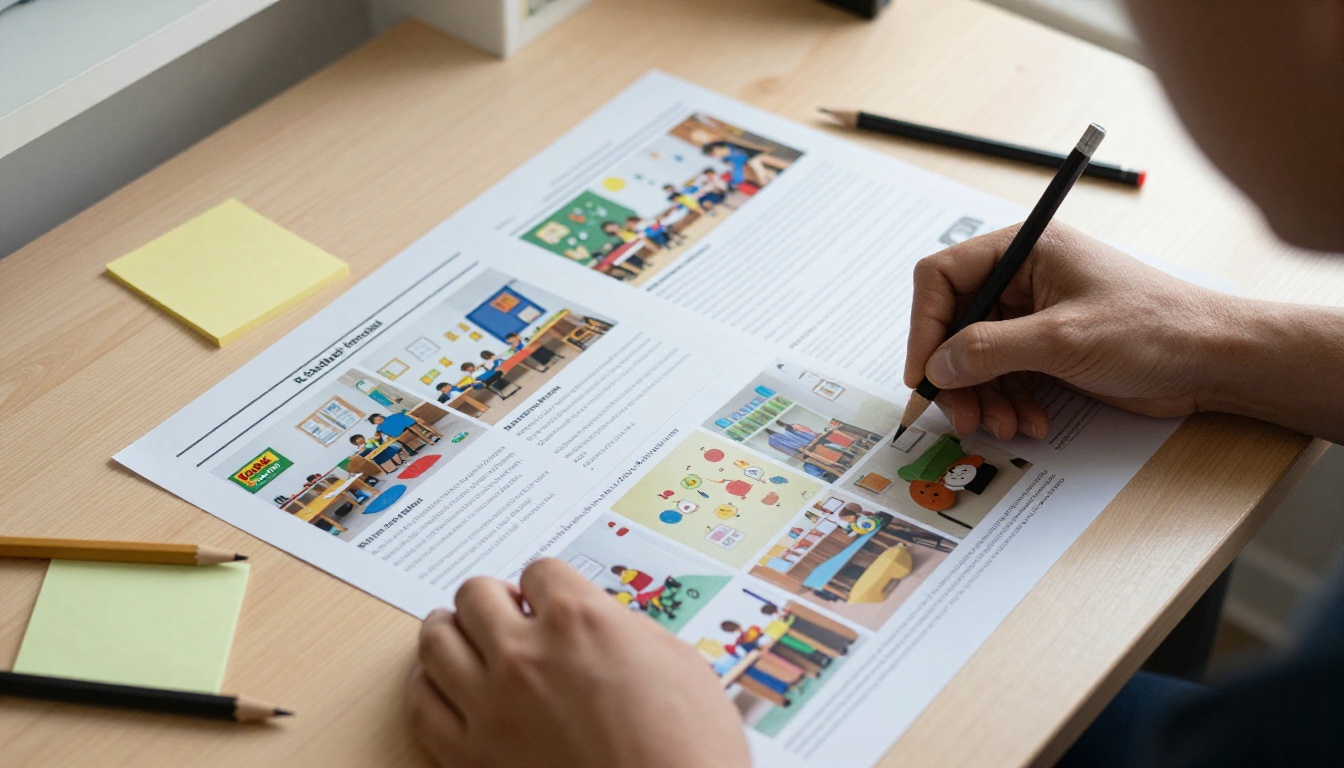
Before choosing topics, it helps to see why families skip newsletters in the first place. The reasons are surprisingly consistent across schools.
- Too long. Parents scan for two seconds. A wall of text loses them.
- Too vague. "Important updates this month" tells nobody anything.
- No visuals. Photos of real classrooms and real children make a page feel alive.
- Hard to open. Attachments that need downloading, or PDFs that zoom badly on a phone, get ignored.
- No reason to return. If every issue looks and sounds the same, readers stop expecting anything new.
💡 Pro tip: Put the single most useful item in the first three lines. If a parent reads nothing else, they should still leave with one thing they can act on.
Write for a Busy Parent
Picture a parent standing in a pickup line with one thumb free. Short paragraphs, bold dates and one clear call to action per section will serve that person better than any clever design.
Pick One Voice
Decide whether your newsletter sounds warm, playful or calm, then stay there. Consistency builds trust faster than polish.
Newsletter Ideas for Teachers
Teachers hold the most visible slot in a school newsletter, and families want to feel inside the classroom. These sections work across grade levels.
- This Week in Our Room. Three bullet points of what students did, with one photo.
- Student Spotlight. A rotating shout-out, with a short quote from the child.
- Ask Me About. Give parents a question to ask at dinner, such as "What did you build with magnets today?"
- Homework Helper. One tip for supporting reading, math facts or study habits at home.
- Upcoming Dates. A small calendar box with tests, trips and no-school days.
- Wish List. Specific, small requests such as glue sticks, board games or a volunteer reader.
- Book Corner. Two recommended titles with a one-line reason each.
A Simple Weekly Rhythm
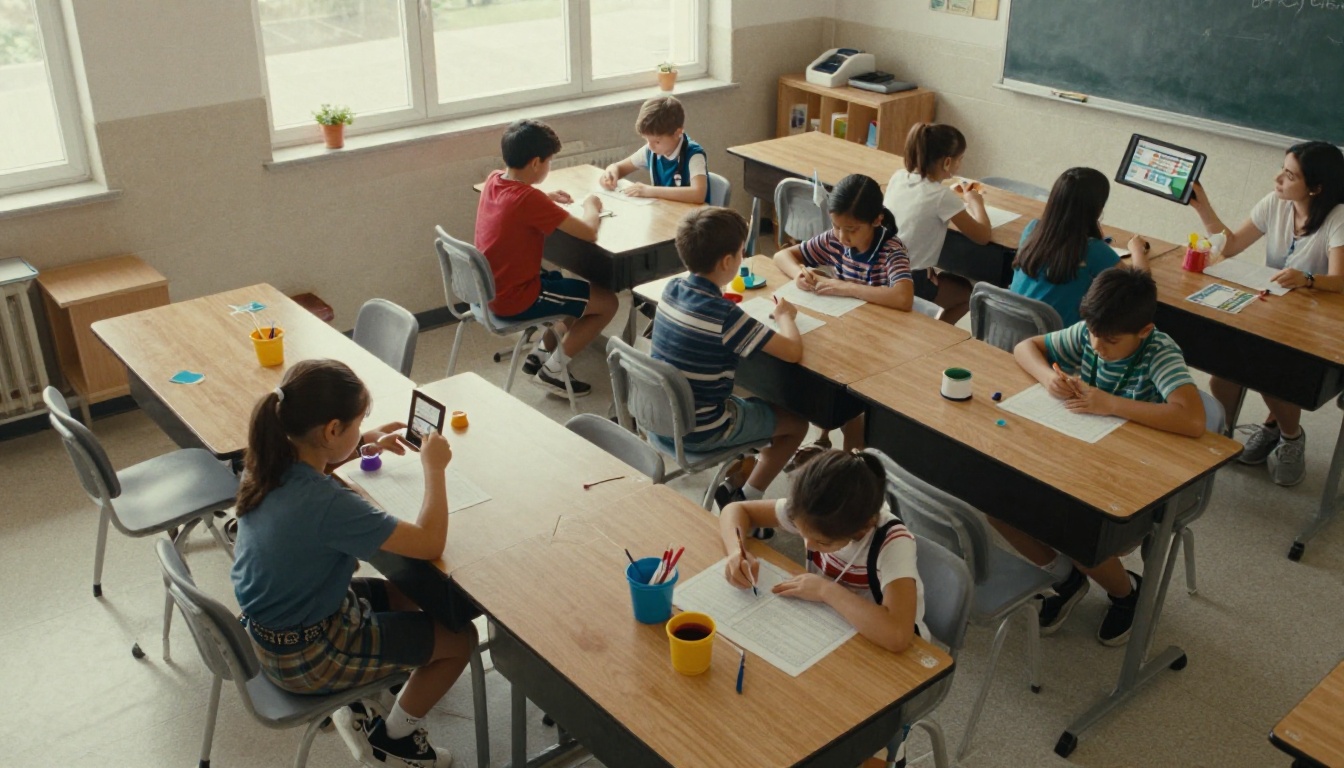
Teachers rarely have spare hours, so build a routine. Snap photos during the week, drop them into a shared folder, and spend fifteen minutes on Friday assembling the issue. A fixed template removes the blank-page problem.
Photo Permission Matters
Check your school's media consent list before publishing any child's image. When in doubt, photograph hands, artwork and finished projects instead of faces.
Newsletter Ideas for School Nurses
A nurse's newsletter has a different tone. Parents read it to feel reassured and to know exactly what to do. Clear, calm and practical wins every time.
- Season Watch. Flu, colds, allergies or head lice, with plain instructions on when to keep a child home.
- Medication Reminders. How to submit forms, what the school can and cannot give, and deadlines.
- Hand Washing Challenge. A classroom contest that turns hygiene into a game.
- Sleep, Water and Breakfast. One small habit per issue, backed by simple numbers.
- Vaccine and Screening Dates. Vision, hearing and immunization schedules in a short table.
- Ask the Nurse. Answer one real question from a parent each month, anonymously.
- Backpack Safety. How heavy is too heavy, and how to pack it.

⚠️ Warning: Never share medical details about an individual student. Keep every example general and always follow your district's privacy rules.
When to Stay Home: A Quick Reference Table
| Symptom | Stay Home? | Return When |
|---|
| Fever of 100.4°F or higher | Yes | Fever-free for 24 hours without medicine |
| Vomiting or diarrhea | Yes | 24 hours symptom-free |
| Mild runny nose, no fever | Usually no | Child feels well enough to participate |
| Pink eye with discharge | Yes | After treatment starts, per school policy |
| Head lice | Check policy | After treatment, per school policy |
A table like this gets saved, screenshotted and stuck to refrigerators. It is one of the most shared items a nurse can publish.
Newsletter Ideas for Counselors
Counselors write about topics that families often hesitate to raise. A newsletter lets them open the door gently, in a format parents can read privately.
- Feelings Check-In. Name one emotion each month and offer three ways to talk about it at home.
- Friendship Corner. Scripts for kids who feel left out, and for those who want to include others.
- Big Transitions. Moving up to middle school, changing schools or starting kindergarten.
- Calm Toolbox. A breathing exercise, a grounding game and a quiet-corner idea.
- Kindness Tracker. Celebrate small acts students notice in each other.
- Career Peek. For older grades, spotlight a local worker and what their day looks like.
- How to Reach Me. Office hours, referral steps and a reminder that asking for help is normal.

Keep the Language Gentle
Avoid labels and clinical vocabulary. Say "some children find mornings hard" rather than naming a condition. Parents should feel supported, never diagnosed.
Offer a Next Step
Every counselor article should end with one small action: a conversation starter, a book title or a link to book a meeting.
Compare the Three Voices
Seeing the roles side by side makes it easier to plan a shared newsletter or three separate ones.
| Role | Main Goal | Best Tone | Best Format | Ideal Frequency |
|---|
| Teacher | Show classroom life | Warm and upbeat | Photos plus short bullets | Weekly or biweekly |
| Nurse | Prevent illness and worry | Calm and clear | Tables and checklists | Monthly, plus alerts |
| Counselor | Support wellbeing | Gentle and encouraging | Short stories and scripts | Monthly |
Combine Them Into One Issue
Many schools prefer a single monthly edition with three columns: Classroom, Health and Wellbeing. Each staff member owns one page, which keeps the workload light and the variety high.

A Sample Yearly Calendar
Planning topics in advance protects you from the Sunday-night scramble. Here is a rhythm that fits most school calendars.
| Month | Teacher Focus | Nurse Focus | Counselor Focus |
|---|
| September | Meet the class, routines | Medication forms, hand washing | Making new friends |
| October | Reading challenge | Flu season prep | Kindness week |
| November | Gratitude projects | Cold and allergy tips | Managing stress before breaks |
| December | Winter showcase | Sleep and screen time | Coping with busy holidays |
| January | Goal setting | Staying active indoors | Fresh starts and habits |
| February | Class celebrations | Vision and hearing screenings | Friendship and respect |
| March | Testing tips | Spring allergies | Test calm and confidence |
| April | Science fair | Sun safety | Bullying prevention |
| May | Year in photos | Summer health checklist | Moving up and saying goodbye |
✅ Best practice: Keep two blank slots each year for surprises. A school play, a weather event or a student achievement deserves room.
Make It Look Good Without Design Skills
You do not need a design degree. A few simple choices produce a polished result.
- Use one font family and two sizes: headings and body.
- Stick to three brand colors at most.
- Leave generous white space around photos.
- Place one photo per section, and always add a short caption.
- Add a boxed callout for dates, so they are easy to find.
Think Like a Bulletin Board
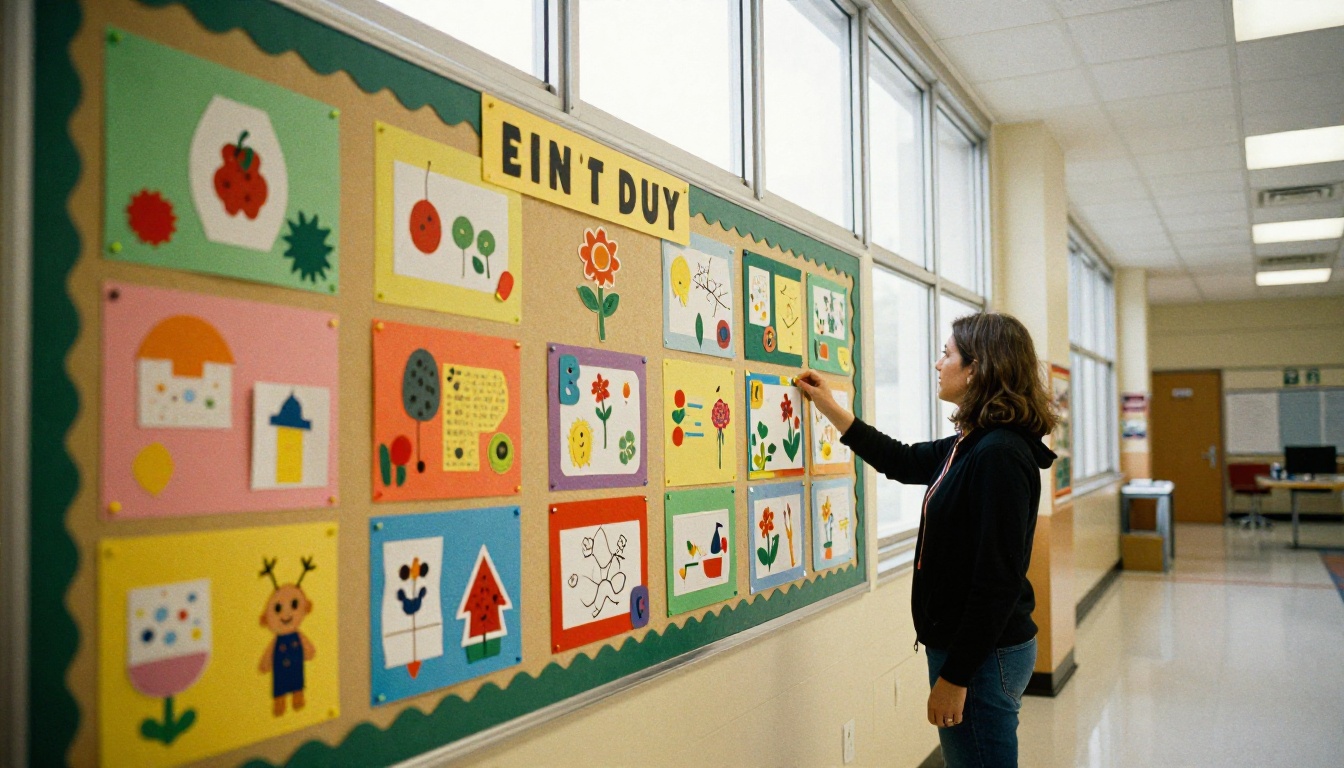
A good bulletin board has a clear title, bright accents and small bites of information. Use the same logic on a newsletter page: a bold header, a visual hook and short text blocks.
Test on a Phone
Most parents read on a phone. Open your draft on one before sending. If you need to pinch and zoom, simplify the layout.
Turn Your Newsletter Into a Flipbook
A page-turning digital edition feels closer to a real magazine than a plain PDF, and it opens instantly in any browser. Here is how to build one with the School Newsletter Creator.
- Design your pages. Use any tool you like, such as a word processor or slide software, and export to PDF.
- Create an account. Sign up on Flipbooks AI and open your dashboard.
- Upload the PDF. The PDF to Flipbook Converter turns each page into a turnable spread in seconds.
- Customize the look. Add your school logo, pick brand colors, choose page-turn effects and insert links, audio or video, such as a welcome message from the principal.
- Set privacy. For class-only issues, switch on password protection so only enrolled families can view.
- Share it. Copy the direct link into an email or text message, or use the Embed Flipbook on Website option to place it on your school page.
- Check results. Professional plan users can see which pages were opened and where readers stopped.

Features Worth Using
- ✅ No watermarks, so your school branding stays clean
- ✅ Mobile-responsive pages that fit any screen
- ✅ Password protection for private class updates
- ✅ Offline downloads for families with limited data
- ✅ Embedded video and audio for greetings and read-alouds
- ✅ Analytics and lead capture on the Professional plan
💡 Pro tip: Link the newsletter's table of contents to each section. Parents can jump straight to the nurse's page or the counselor's corner.
Compare Delivery Options
| Method | Mobile Friendly | Trackable | Feels Polished | Effort |
|---|
| Paper copy | N/A | No | Medium | High |
| Email attachment PDF | Poor | Limited | Low | Low |
| Plain web post | Good | Yes | Medium | Medium |
| Page-turning flipbook | Excellent | Yes (Professional) | High | Low |
You can check pricing plans to see which tier suits your school, and browse the full set of flipbook tools for yearbooks, course materials and event programs.
Get Families to Respond
A newsletter should start conversations, not end them. Build in small invitations for readers to participate.
- Run a one-question poll. Ask something simple, such as "Which topic should the nurse cover next?"
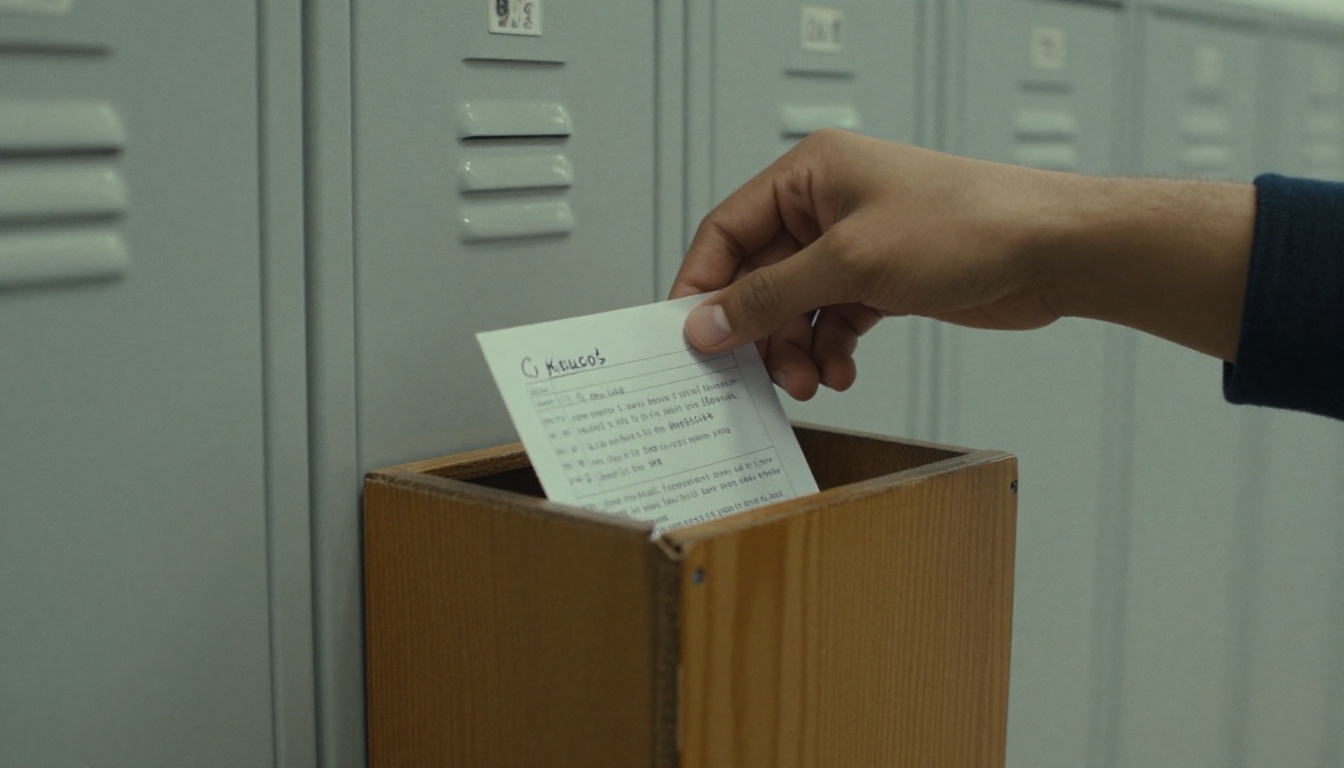
- Add a suggestion box. A physical box at school or a short online form both work.
- Feature reader questions. When a parent sees their question answered, they tell friends.
- Share student work. Drawings, poems and project photos guarantee that proud families open every issue.
- Send a reminder. A short text the morning after sending lifts open rates noticeably.
Measure What Works
Track a few simple signals: how many people opened the link, which sections they read longest and which questions came back. Keep what works, drop what does not, and adjust each month.
Real-World Example
An elementary school team tried a shared monthly edition. The teacher wrote a "This Week in Our Room" page, the nurse added a one-page seasonal checklist, and the counselor shared a calm-down exercise with a short audio clip. After two issues, the office reported fewer repeated phone questions about illness policy, and parents began replying with topic requests. The workload stayed low because each person wrote only one page.
Common Mistakes to Avoid
- Overpacking issues. Five strong items beat fifteen weak ones.
- Using jargon. Write the way you would speak to a neighbor.
- Forgetting translations. If many families speak another language, add a translated page.
- Sending at random times. Pick a day and keep it, such as Thursday afternoon.
- Ignoring accessibility. Use readable font sizes, strong contrast and alt text for images.
Ready to Publish Your First Issue?
Start small. Pick three sections from this article, gather two photos and write one clear call to action. Then create a free account on Flipbooks AI, upload your PDF and share the link with your families this week.
Need layout ideas for other school projects? Browse the Course Material Publisher, the Yearbook Flipbook Maker or the Newsletter Flipbook Publisher. When you are ready to add analytics and private sharing, compare the plans and choose what fits your school.



