A buyer gives your sell sheet about eight seconds. In that window they decide whether it goes into a folder, the trash, or onto the pile of "call these people." Most sheets lose because they describe the seller instead of solving the buyer's problem. This article breaks down sell sheet examples that earn callbacks, shows the structure behind them, and gives you templates you can copy today. If you want to publish the finished page as an interactive document, Flipbooks AI turns a PDF into a shareable page-turning flipbook in minutes.
What a Sell Sheet Actually Does
A sell sheet is a one-page (sometimes two-sided) sales document. It sits between a business card and a full catalog. Its only job is to make a qualified buyer take the next step, usually a call, a reply, or a quote request.
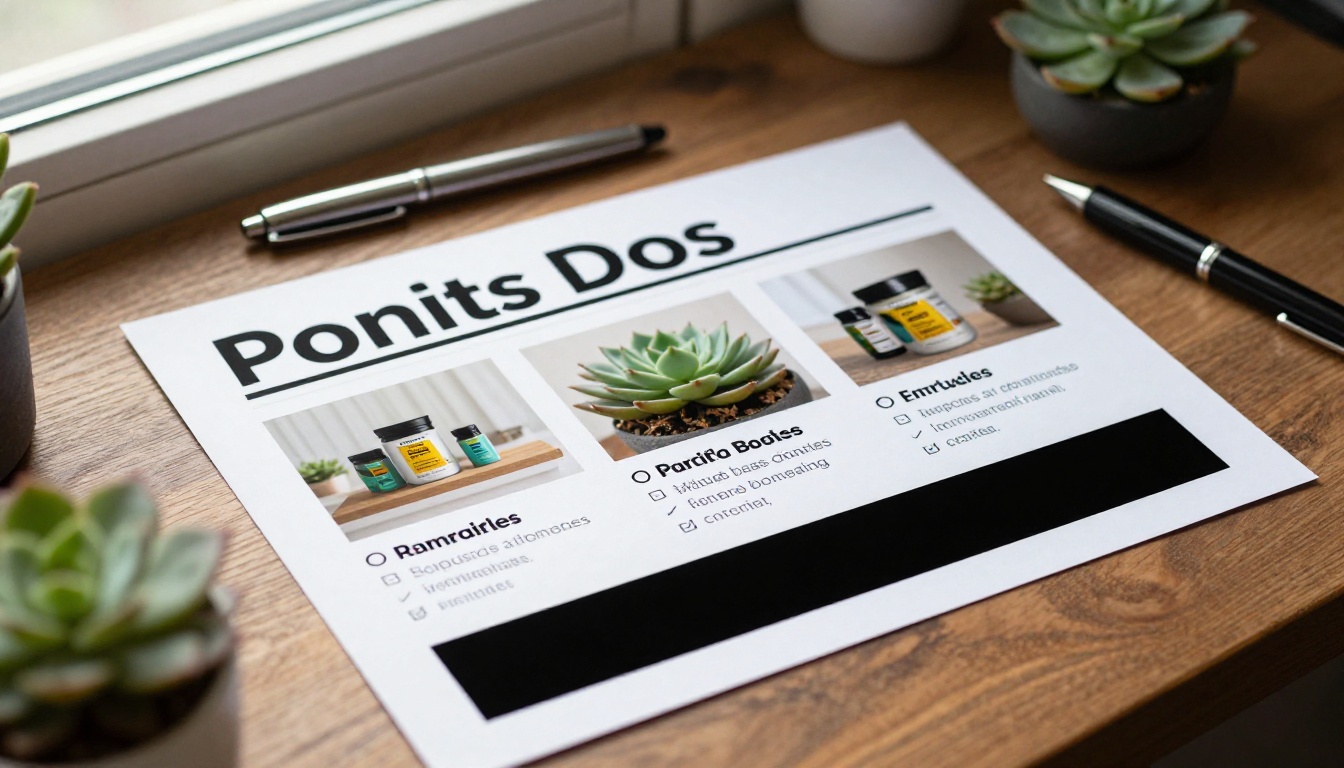
That means it is not a brochure. A brochure educates. A sell sheet filters and prompts. It tells the right buyer "this is for you" and gives them one easy move to make.
Who Reads It
Three types of people open your sheet, and each wants something different:
- The decision maker wants price range, results, and risk level.
- The influencer (a team lead or specialist) wants specs and proof it works.
- The gatekeeper (procurement, assistant) wants to know if you are a legitimate, easy vendor.
A strong sheet answers all three in one glance without clutter.
Where It Gets Used
| Situation | Format | Buyer mindset |
|---|
| Cold email attachment | PDF or link | Skimming, low trust |
| Trade show handout | Printed | Curious, short on time |
| Follow-up after a meeting | PDF or flipbook | Comparing vendors |
| Retail buyer pitch | Printed plus digital | Checking margins and fit |
| Inside the proposal | Appendix | Verifying claims |
💡 Pro tip: Build your sell sheet for the follow-up moment first. That is when a buyer is deciding between you and two competitors, and the sheet does the talking after you leave.
The 5 Parts of a Sheet That Gets Calls
Every high-performing example shares the same skeleton. The visual style changes, the structure does not.

1. A Headline About the Buyer's Result
Weak headlines name the product. Strong headlines name the outcome. Compare:
- Weak: "Premium Commercial Cleaning Services"
- Strong: "Cut Your Office Cleaning Complaints to Zero in 30 Days"
The strong version has a number, a timeframe, and a payoff. It also repels people who are not a fit, which is a feature.
2. One Hero Image
Use a single, real photograph that shows the product in use, ideally with a person. Stock-looking images signal a generic vendor. A clear photo of your product on a real shelf, desk, or job site signals competence.
3. Three Benefit Bullets
Buyers scan, so three bullets beat ten. Each bullet should follow this formula: feature + proof + payoff.
Example: "Self-sealing cartons (tested to 40 lb) mean fewer damaged returns."
4. Proof Close to the Offer
Proof can be a customer logo strip, a short quote with a name and company, a number ("1,200 stores stock us"), or a certification. Place it next to the call to action, not buried at the bottom.
5. One Clear Next Step
Pick a single action. A phone number, a QR code, or a booking link. Two options is the maximum. Three or more and buyers do nothing.
Sell Sheet Examples by Industry
The formats below are patterns, not rigid templates. Adapt the wording to your own offer.
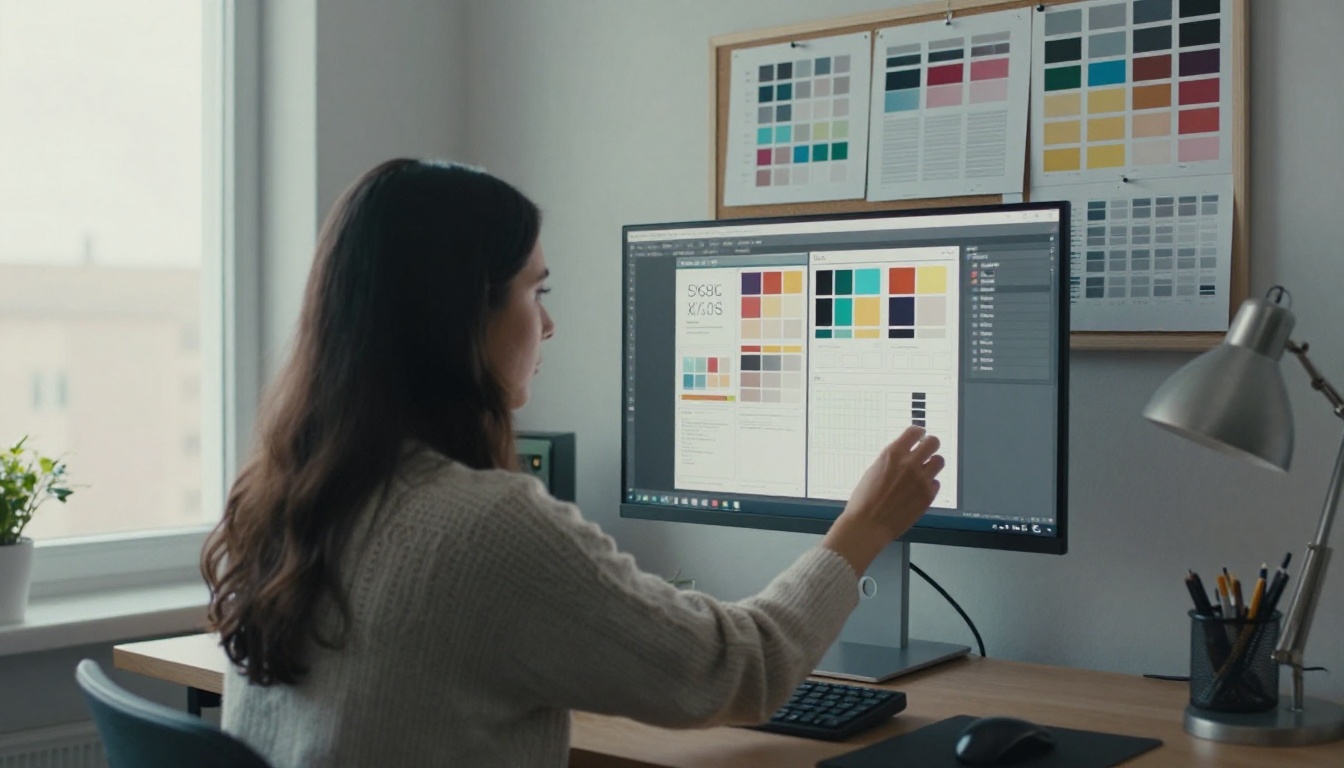
Example 1: Wholesale Product Sheet
A food brand selling to grocery buyers puts the margin and velocity data first, because that is what a category buyer cares about.
- Headline: "The Snack Bar That Turns Over Twice a Week"
- Hero: the product on a store shelf
- Bullets: wholesale price and suggested retail, case pack and shelf life, sell-through numbers from pilot stores
- Proof: three retailer logos
- Call to action: "Request a free sample case" with a phone number
Why it works: the buyer sees profit potential before they see a single adjective.
Example 2: B2B Software or Service Sheet
Software sheets fail by listing features. The winning pattern is problem, result, proof.
- Headline: "Close Your Books Four Days Faster"
- A small before and after table showing the old process and the new one
- A quote from a finance director at a named company
- Call to action: "Book a 15-minute walkthrough"
Example 3: Real Estate or Property Sheet
An agent's listing sheet works the same way. Lead with the buyer's lifestyle outcome, then the specs.
- Headline: "Walk to Work From a Quiet Garden Home"
- Three bullets: square footage, recent upgrades, school or transit access
- Call to action: private showing link and agent phone number
Example 4: Manufacturing and Industrial Sheet
Engineers want specs but their managers want savings. Put a spec table in the middle and the cost savings number at the top.
| Element | Where it goes | Why |
|---|
| Savings headline | Top | Gets the manager's attention |
| Spec table | Middle | Lets the engineer verify |
| Certifications | Beside the table | Removes risk |
| Contact box | Bottom right | Natural eye landing spot |
Layout Rules That Keep Eyes Moving
Layout decides whether a buyer reads your words at all. Follow a simple reading path.
Use the Z Pattern
Eyes travel from the top left, across to the top right, diagonally down to the bottom left, then across to the bottom right. Put your logo and headline along the top, your hero image and bullets on the diagonal, and your call to action at the bottom right.
Respect White Space
Crowded sheets look cheap. Leave at least 15 percent of the page empty. Buyers read calm pages faster and trust them more.
Limit Fonts and Colors
- Two fonts maximum, one for headings and one for body text.
- One brand color plus one accent color for the call to action.
- Body text no smaller than 10 points if printed.
⚠️ Warning: Do not paste five paragraphs of company history onto a sell sheet. Nobody reads them, and they push the real offer below the fold.
Good copy is mostly structure. These three formulas cover most situations.
The Result Headline
Use: [Outcome] in [Timeframe] without [Pain].
- "Restock Your Shelves in 48 Hours Without Minimum Orders"
- "Launch Your Online Store in a Week Without Hiring a Developer"
The Proof Line
Use: [Number] [type of customer] trust us for [result].
- "340 independent pharmacies trust us for same-day delivery"
The Soft Call to Action
Hard asks ("Buy now") feel pushy on a first touch. Try a low-risk request instead:
- "Call for a 10-minute fit check"
- "Request a sample and decide later"
- "Text us your SKU list for a same-day quote"
Callback rates tend to rise when the action feels small and reversible.
Before and After: A Quick Rewrite
Here is how one weak sheet becomes a strong one.
| Element | Before | After |
|---|
| Headline | "Quality Packaging Solutions" | "Ship 30% Fewer Damaged Orders" |
| Image | Generic warehouse stock photo | Real photo of your box at a customer site |
| Bullets | 9 features in tiny text | 3 bullets with proof and payoff |
| Proof | Missing | Two logos and a one-line quote |
| Call to action | Website, email, phone, fax, social links | One phone number and one QR code |
The "after" version is shorter, yet it does far more work.
Print Versus Digital Sell Sheets
Most sellers now send sheets by email more often than they hand them out. A flat PDF works, but it has weak points: no tracking, no live links that look polished, and awkward viewing on phones.
| Feature | Printed sheet | Plain PDF | Digital flipbook |
|---|
| Works at trade shows | Yes | Limited | Yes, via QR code |
| Clickable links and video | No | Basic | Yes |
| View tracking | No | No | Yes (Professional plan) |
| Mobile friendly | No | Often clumsy | Yes |
| Update after sending | No | No, resend needed | Yes, same link |
| Password protection | No | Sometimes | Yes |
A digital version also lets you add a second page, such as a price list or spec sheet, without bloating the first page. If you sell from a catalog, try the Product Catalog Generator for the longer version and keep the sell sheet as the short front door.
How to Create a Sell Sheet Flipbook With Flipbooks AI
Once your design is ready, here is how to publish it as an interactive piece.
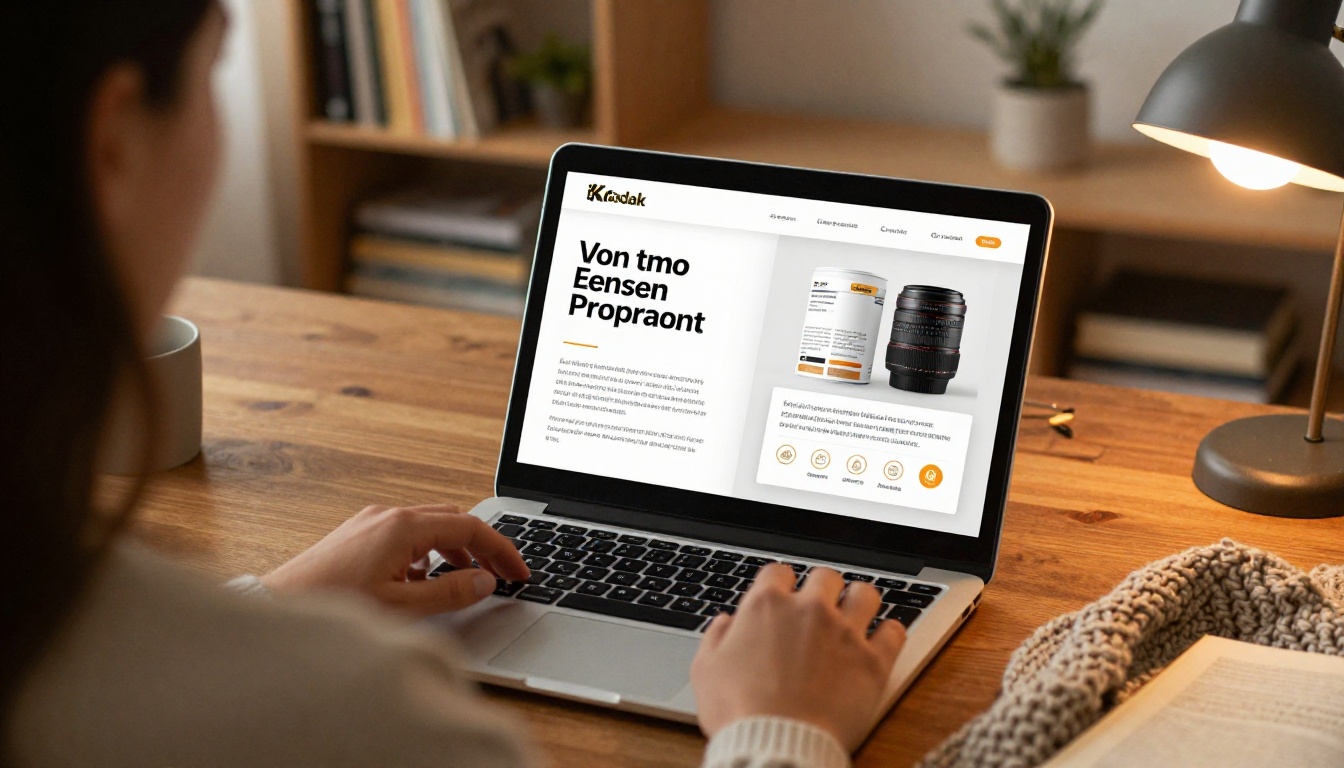
Step-by-Step
- Export your design as a PDF from Canva, InDesign, Word, or any tool you like.
- Create a free account on Flipbooks AI and open the dashboard.
- Upload the PDF. The PDF to Flipbook Converter transforms pages into a flipbook with realistic page effects.
- Add branding. Set your logo, colors, and background so the page matches your company look. There are no watermarks, ever.
- Add multimedia. Embed a 30-second product video or audio note directly on the page.
- Choose sharing options. Copy a direct link, grab an embed code for your website with the Embed Flipbook on Website tool, or protect it with a password for private buyers.
- Track it. On the Professional plan, analytics show who opened the sheet, how long they stayed, and which pages they read. Compare pricing plans to choose the one that fits.
Features Worth Using
- Lead generation forms (Professional plan) so you capture contact details before showing pricing.
- Offline downloads for buyers who want a copy on a plane or in a warehouse.
- Mobile-responsive design so the sheet reads well on a phone screen.
- Unlimited flipbooks on the Standard plan and above, handy for one sheet per product line.
If your pitch is bigger than one page, the Sales Presentation tool lets you build a deck-style flipbook. Browse all flipbook tools for more formats.
✅ Best practice: Send the flipbook link in the email body, not as an attachment. Links load faster, avoid spam filters, and give you view data.
Trade Shows and In-Person Follow-Up
A printed sheet still earns its place at events. Pair it with a QR code that opens the digital version so buyers can keep it on their phone.

The 24-Hour Rule
Follow up within a day while the conversation is fresh. A simple sequence:
- Same day: send a short thank-you with the flipbook link.
- Day three: send a second touch with one relevant proof point.
- Day seven: offer a quick call or a sample.
What to Say on the Call
Reference the page, not your life story. "I saw you spent a few minutes on the pricing page, so I wanted to check if the volume tiers fit your orders." That line works because it is specific and helpful, not pushy.
Mistakes That Kill Callbacks

6 Common Errors
- Selling to everyone. A sheet for "all businesses" speaks to none. Make one sheet per audience.
- Burying the contact info. If a buyer must hunt for your number, they will not.
- No proof. Claims without evidence read as marketing noise.
- Tiny, dense text. If you need a magnifying glass, you have too many words.
- Outdated details. Old prices or discontinued items damage trust instantly. Digital links solve this because you can update the page behind the same URL.
- Several competing actions. Pick one next step.
⚠️ Warning: Never publish unverified numbers. One exaggerated claim that a buyer checks and finds false can end the relationship before it starts.
Your Sell Sheet Checklist
Run any draft through this list before you send it.
| Check | Pass condition |
|---|
| Headline | States a buyer result, ideally with a number |
| Image | Real, relevant, high resolution |
| Bullets | Three, each with proof and payoff |
| Proof | Logos, quote, or hard number near the call to action |
| Call to action | One primary action, easy to complete in under a minute |
| Readability | Skimmable in eight seconds |
| Format | Print ready and digital ready |
| Tracking | Link or QR code that shows opens |
Quick Test
Hand the sheet to a colleague outside your team for eight seconds, then take it back. Ask three questions: what is being sold, who is it for, and what should they do next. If they hesitate on any answer, rewrite that section.
Turn One Page Into Booked Calls
Great sell sheet examples share a pattern: a buyer-focused headline, one real image, three proof-backed bullets, and a single low-friction next step. Build that structure once, tailor it to each audience, and publish it in a format you can track and update.

Ready to put it into practice? Get started for free on Flipbooks AI and publish your first sell sheet flipbook today. Browse the full library of tools and templates to find the right format, or compare pricing plans when you want view analytics and lead capture on every sheet you send.



