Most photographers spend months - sometimes years - capturing, editing, and curating a photography book. Then reality hits: printing costs thousands, distribution eats the margin, and most copies sit in a garage. There is a better path, and more photographers are taking it every day. Selling your photography book as a flipbook means zero printing overhead, instant global delivery, and a reading experience that makes your images look even better than on paper. Flipbooks AI makes this conversion effortless, and the economics are dramatically better than anything print can offer.
Why Print Is Losing Ground Fast
The romance of a printed photography book is real. The weight of it, the smell of the paper, the tactile pleasure of turning pages. But romance does not pay the bills, and for most working photographers, print-on-demand or offset printing creates financial risk that wipes out profit margins entirely.
The cost problem nobody talks about
A standard 120-page photography book from a quality print-on-demand service costs between $35 and $60 per copy to produce. Add shipping, platform fees, and the retailer cut, and you are selling at $80 to $120 just to break even. Most photographers sell fewer than 100 copies. The math is brutal.
| Cost Element | Print Edition | Digital Flipbook |
|---|
| Per-unit production | $35 to $60 | $0 |
| Shipping per order | $8 to $25 | $0 |
| Platform commission | 10 to 40% | 0 to 5% |
| Geographic reach | Limited | Global |
| Delivery time | 5 to 14 days | Instant |
| Inventory risk | High | None |
| Update cost | Reprint everything | Free |
The update cost row matters more than people realize. Print locks you in. If you want to replace a photo, fix a caption, or add a new section after the first run, you are starting over entirely. A digital flipbook can be updated at any time at no additional cost.
Buyers want digital access now
The photography book audience has shifted. Today's collector, fine art buyer, or photography student wants to view your work on their iPad during a commute, on their desktop in a creative meeting, or on their phone while waiting for a shoot. A PDF is functional but forgettable. A flipbook is an experience, and experience is what buyers pay a premium for.
There is also the shareability factor. A buyer who receives your flipbook link is far more likely to share it with another potential buyer than someone who got a physical copy in the mail. Digital spreads virally. Print does not.
What a Photography Flipbook Actually Does
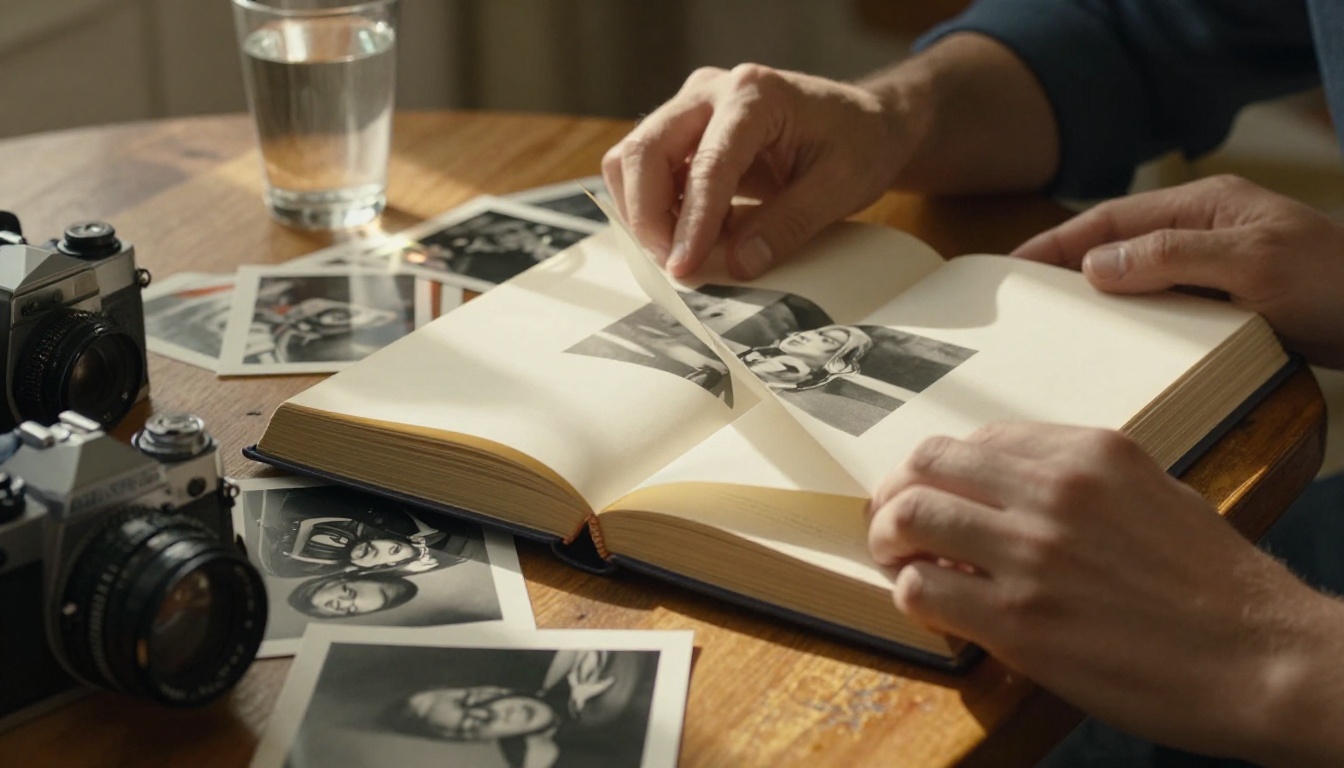
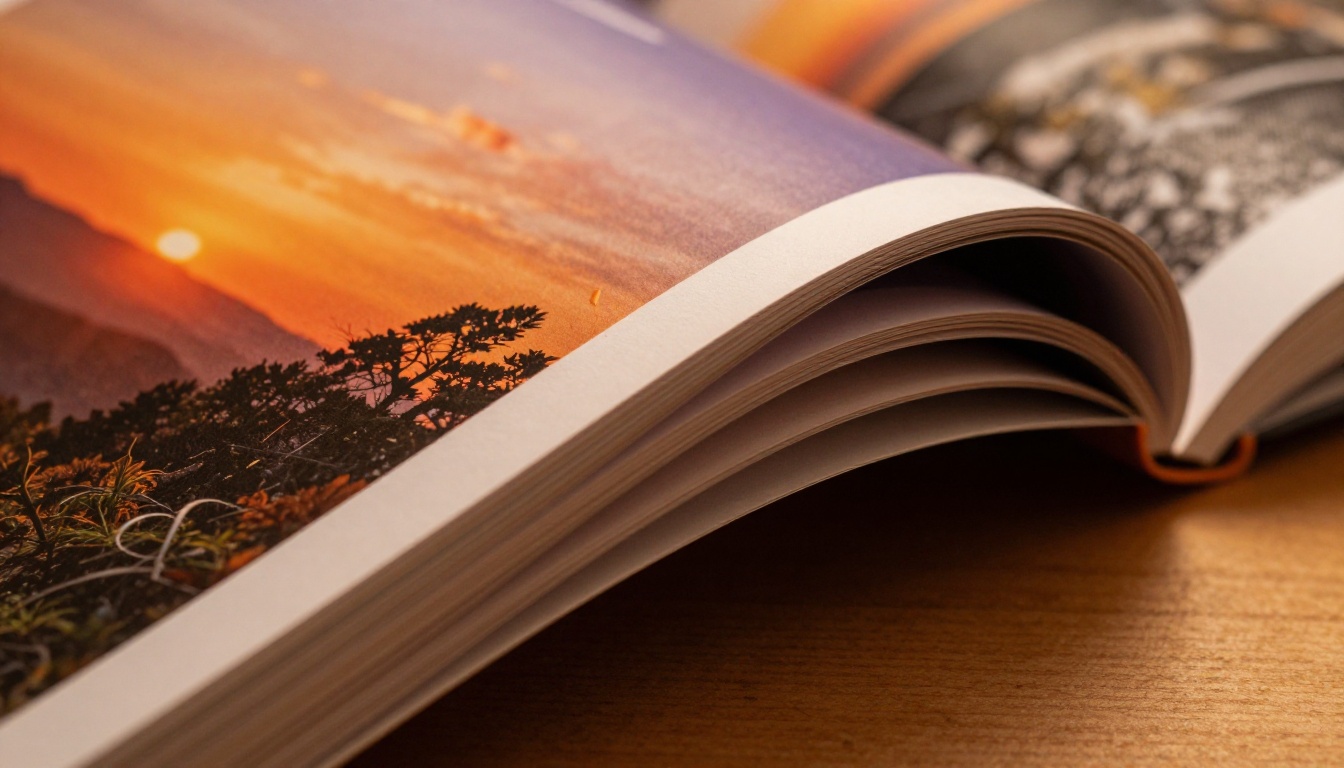
A flipbook is not a PDF with a fancier icon. When someone opens your photography book as a flipbook, they see a realistic page-turn animation, they can zoom into individual photographs at full resolution, and they can click through at their own pace with the same physical intuition as a real book. The format was built for visual content, which means photography benefits from it more than almost any other type of book.
The page-turn effect and why it matters
Buyers who encounter a photography flipbook report significantly longer viewing sessions than those who scroll through a PDF. The page-turn creates a rhythm. Each page becomes a moment, a reveal, a pause. That deliberate pacing is exactly how photography books are meant to be read, and it directly increases the perceived value of your work.
The animation quality matters too. Cheap flipbook tools produce jerky, unnatural page turns that feel low-quality. The page-turn on Flipbooks AI is smooth, physically accurate, and matches the weight and curl behavior of real paper. Buyers who see it for the first time often spend the first few seconds just watching the pages turn, which is exactly the kind of first impression that builds purchasing intent.
💡 Pro tip: A flipbook presentation often lets photographers charge a 20 to 30% premium over a standard PDF download because buyers perceive it as a more polished, finished product.
Zoom in and see every detail
The Photography Portfolio Flipbook tool gives readers the ability to zoom into any photograph at full resolution, which matters enormously for detail-oriented buyers. Portrait work, macro photography, landscape fine art - these all reward exploration at the pixel level. A reader who zooms in and sees the clarity of your work is far more likely to purchase a large print or commission additional work.
This is something print cannot do. A reader cannot zoom into a printed book. A high-resolution flipbook with zoom capability lets your technical mastery speak for itself in ways that the physical format simply cannot match.
Converting Your Book in Minutes
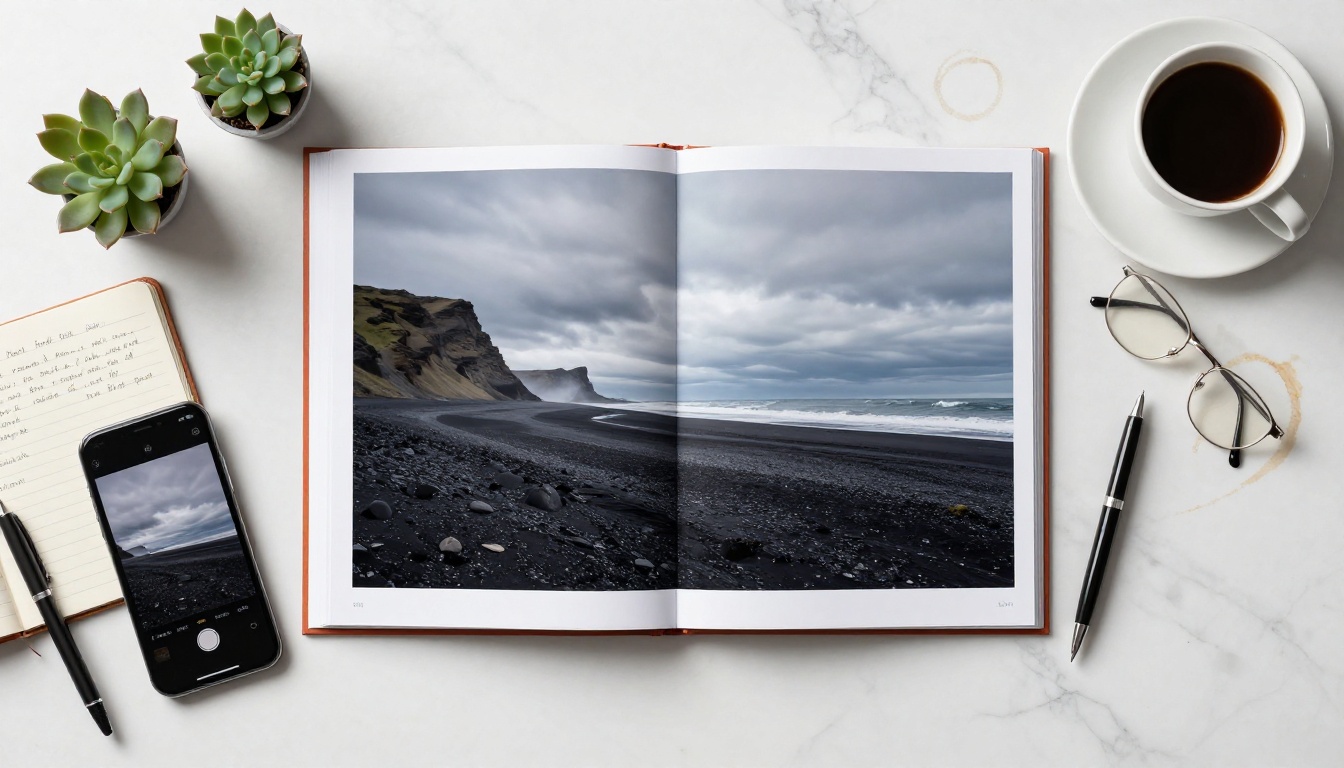
The technical barrier here is lower than most photographers expect. You do not need design skills, coding knowledge, or a developer. If you have a PDF of your photography book, you are already 90% of the way there.
Preparing your PDF
Before uploading, make sure your PDF is export-quality. Use your layout software (Adobe InDesign, Affinity Publisher, or even Canva) to export at 300 DPI. If your photography book is already designed and printed, request the print-ready PDF from your designer. That file works perfectly.
A few things to check before upload:
- Page size: Standard 8x10 or 10x10 works best for photography flipbooks
- Bleed and margins: Trim safely to avoid cropped edges on spreads
- Embedded fonts: Ensure all text elements are embedded or converted to outlines
- Image resolution: Minimum 150 DPI for acceptable quality, 300 DPI for print-equivalent sharpness
- Color profile: Use sRGB for best screen rendering, not CMYK which is print-only
- File size: Compress large PDFs to under 300MB for faster upload without visible quality loss
Uploading and converting on Flipbooks AI
Here is the full step-by-step on Flipbooks AI:
- Create your account at flipbooksai.com. Free accounts let you test the conversion immediately with no credit card required.
- Upload your PDF from your computer or cloud storage. Files of several hundred pages upload in seconds on most connections.
- Watch the conversion happen in real time. The engine processes each page, generating the flip-ready version automatically within moments.
- Preview your flipbook immediately. Click through every spread to verify your photographs look exactly as intended at full zoom.
- Set your sharing options: public link, password-protected for paid buyers, or embeddable code for your own site.
- Customize the viewer: add your logo, set brand colors, choose your background, and configure the experience your buyers will see.
Customizing the experience
Once converted, the real differentiation happens in customization. On Flipbooks AI, you can:
- Add your logo and custom brand colors to the viewer interface
- Set a custom background color (dark backgrounds make photography look spectacular)
- Enable or disable the download button depending on your sales model
- Add your website link, social handles, or contact info as a clickable element within the viewer
- Set up password protection so only paying customers can access the full book
- Embed audio on specific pages for multimedia photography books with narration or ambient sound
✅ Best practice: Use a dark charcoal or near-black background for the flipbook viewer. Photography images pop dramatically harder against dark backgrounds, and the reading experience feels far more cinematic.

Pricing Your Photography Flipbook
This is where most photographers leave money on the table, either by underpricing because "it's just digital" or by overpricing relative to market expectations. Digital photography books follow their own pricing logic, and the numbers are more favorable than most people assume.
What photographers actually charge
The range is wide, but clear clusters emerge across different photography niches:
| Book Type | Typical Print Price | Digital Flipbook Range | Recommended Price |
|---|
| Fine art landscape | $80 to $150 | $25 to $60 | $35 to $45 |
| Portrait / fashion portfolio | $60 to $120 | $20 to $50 | $29 to $39 |
| Street / documentary | $40 to $80 | $15 to $35 | $18 to $25 |
| Wedding photography book | $100 to $200 | $30 to $75 | $45 to $65 |
| Wildlife / nature | $70 to $130 | $22 to $55 | $35 to $49 |
| Behind the scenes / process | $30 to $60 | $10 to $30 | $15 to $22 |
The digital price typically sits at 30 to 50% of the print equivalent, but because your cost per sale is zero, that translates into a higher profit margin on every single transaction.
Free preview, paid full access
One of the most effective approaches is the split model. Make the first 20 to 30 pages of your photography book freely accessible as a public flipbook, then gate the rest behind a paid download or password-protected link. Readers who fall in love with the first chapter almost always pay to see the rest.
The preview works as your sales page. Instead of writing marketing copy about how beautiful your photography is, you let the photography speak for itself in an interactive, immersive format that static website images simply cannot replicate.
💡 Pro tip: Use Flipbooks AI's password protection feature to give buyers an instant access code immediately after payment. No waiting, no email delays, just immediate delivery that feels professional and premium.
Where to Sell Your Photography Flipbook
Having a beautiful flipbook is only half the equation. Distribution is where most photographers under-invest, and it is also where the digital format gives you the biggest advantage over print.
Your own website
The cleanest approach is direct. Embed the flipbook on your website using the Embed Flipbook on Website tool, then pair it with a purchase button from your existing payment processor (Gumroad, Payhip, Stripe, or your e-commerce platform). Buyers see the preview, fall in love, pay, and get the access code instantly.
This approach means:
- You keep 95 to 100% of revenue (minus payment processing fees)
- Your buyers stay on your own site, building your brand
- You collect email addresses and can promote additional books over time
- No algorithm or platform policy can interrupt your sales
Social sharing and direct links
Flipbooks AI generates a permanent shareable link for every flipbook. That link works everywhere: Instagram bio, LinkedIn articles, Pinterest pins, or WhatsApp messages to existing clients. Wherever your audience lives, you can send them directly to a beautiful, mobile-responsive flipbook experience without any app download required.
⚠️ Important: Set your preview flipbook link to public so social media users can browse without friction. Gate only the download or full-access version behind a password or payment wall.
Email list sales
If you have an email list of photography enthusiasts, previous clients, or fellow photographers, your first flipbook launch should go to that list first. An exclusive early-access window at a slightly reduced price builds goodwill, generates initial revenue, and validates your pricing before you open to the public. The people who already trust your work are the easiest first buyers.
Not all digital publishing platforms handle photography equally. Here is how the main options compare for photographers specifically:
| Platform | Photo Quality | Page-Turn | Password Gate | Analytics | Starting Price |
|---|
| Flipbooks AI | Excellent (full zoom) | Yes, smooth | Yes | Yes (Pro) | Free |
| Raw PDF only | Low (no zoom UX) | No | No | No | Free |
| Issuu | Good | Yes | Paid plans | Basic | $19 per month |
| Flipsnack | Good | Yes | Yes | Yes | $14 per month |
| Yumpu | Average | Yes | Paid | Limited | $16 per month |
| Canva flipbook | Basic | Limited | No | No | Canva cost |
Flipbooks AI stands out for photography work specifically because of high-fidelity zoom (critical for fine art and wildlife), no watermarks on any paid plan, and unlimited flipbooks on Standard and above. You are not penalized for having multiple books or collections, which matters if you plan to release ongoing series or seasonal work.
Flipbooks AI plan details
| Feature | Free | Standard | Professional |
|---|
| Number of flipbooks | 1 | Unlimited | Unlimited |
| Watermarks | None | None | None |
| Password protection | No | Yes | Yes |
| Analytics and lead generation | No | No | Yes |
| Offline downloads | No | Yes | Yes |
| Custom branding | Limited | Yes | Yes |
| Embed on website | Yes | Yes | Yes |
| Mobile responsive | Yes | Yes | Yes |
See pricing options to find the tier that matches your publishing volume.
Real Photographers, Real Use Cases
The photographers seeing the most success with digital flipbook sales share a few common approaches worth copying.
Portrait and wedding photographers
Portrait photographers are selling behind-the-scenes books, sample portfolio collections, and client presentation flipbooks. Wedding photographers are offering digital versions of their wedding albums as a premium add-on to physical packages. The digital version removes geographic limitations entirely: a photographer in London can sell to a client in New York with no shipping costs, customs delays, or damage risk during transit.
The Wedding Album Flipbook and Digital Portfolio Creator tools are well-suited to this workflow, giving photographers a polished starting point they can customize to their own brand colors and style.
Travel and landscape photographers
Travel photographers are packaging destination-specific books instead of one massive collection. Region-by-region flipbooks at $20 to $35 each let buyers choose what resonates with them rather than committing to a $90 volume. Buyers who love one location buy more. The lower price point reduces friction on the first purchase, and the format is perfect for sharing in travel communities where visual impact drives click-through behavior.
Wildlife and nature photographers
Wildlife photographers are finding that the zoom feature is their strongest selling point. Buyers who can zoom into the eye detail of a golden eagle or the feather texture of an owl are far more likely to purchase a large print afterward. The flipbook becomes both a product and a marketing tool simultaneously, showcasing technical capability in a way that no social media thumbnail can replicate.

Using Analytics to Sell More
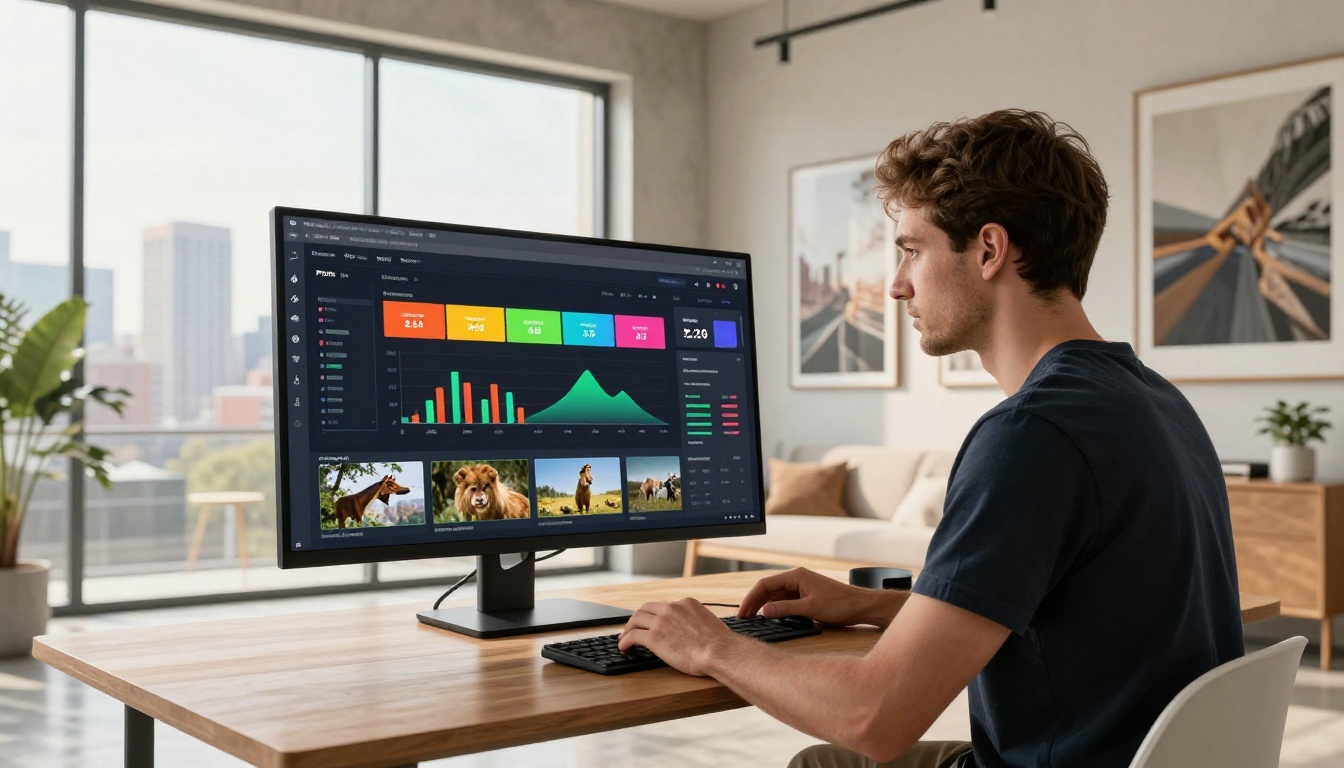
One of the most overlooked advantages of going digital is data. When you sell a print book, you know how many copies sold. That is all. With a digital flipbook on the Professional plan, you see which pages readers spend the most time on, how far they read before closing, and how many views your preview receives each day.
This data tells you what is working. If readers consistently close on page 15, something in that section is losing their interest. If a specific spread gets maximum zoom activity, that photograph belongs on your print sales page and in your portfolio header. Analytics turns your photography book from a passive product into an active feedback loop for everything else you sell.
💡 Pro tip: Use the lead generation feature on the Professional plan to capture email addresses from readers who viewed your preview but did not purchase. A targeted follow-up email to warm leads converts at a much higher rate than reaching cold traffic.
3 Common Mistakes That Hurt Sales
Even photographers with strong photography books make avoidable mistakes when they go digital for the first time.
Mistake 1: Using a low-resolution PDF. A flipbook is only as good as the source file. If your PDF was exported at 72 DPI for web or compressed for email, the photographs will look soft when buyers zoom in. Always use the print-ready, high-resolution version of your PDF.
Mistake 2: Skipping the free preview. Many photographers gate their entire book from page one. This eliminates the most powerful sales tool you have: the photography itself. Give people 20 to 30 pages for free. If your work is strong, the preview sells the rest.
Mistake 3: No call to action inside the flipbook. A buyer finishes your photography book and closes the tab. You have lost them. Add a final page with your website URL, your print shop link, and a short message inviting contact for commissions or licensing. The last page of your flipbook is valuable real estate.
Start Selling Your Photography Work Today
You have already done the hardest part: creating the photographs and putting the book together. The gap between "I have a photography book" and "I am actively selling a photography book" is now a PDF upload and a few minutes of setup.
Create your free account on Flipbooks AI and run your first conversion today. See how your work looks as an interactive flipbook before committing to any paid tier. When you are ready to add password protection, analytics, and unlimited publishing capacity, view the full plan options to choose what fits your volume.
The print world makes you wait weeks for copies, months for sales data, and years to recoup printing costs. The digital flipbook world is ready when you are. Browse all photography and creative portfolio tools to find the format that matches your specific photographic niche, and start reaching buyers who are ready to pay for the work you have already made.



